Professional advice available Monday to Friday, 8.30am-5.30pm
Mon. to Fri. 8:30 a.m. – 6:30 p.m.
0333 123 3050
Call us!
Revolutionise your hybrid meetings with a 360 conference camera that captures every angle of the room. Designed for inclusive collaboration, these smart devices ensure all participants are seen and heard clearly—wherever they are.
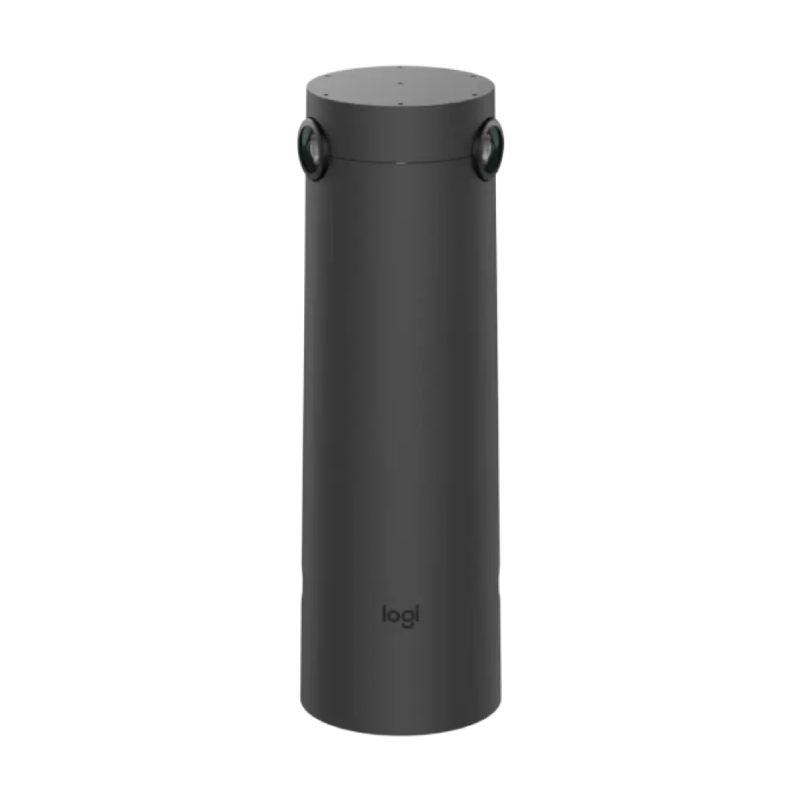
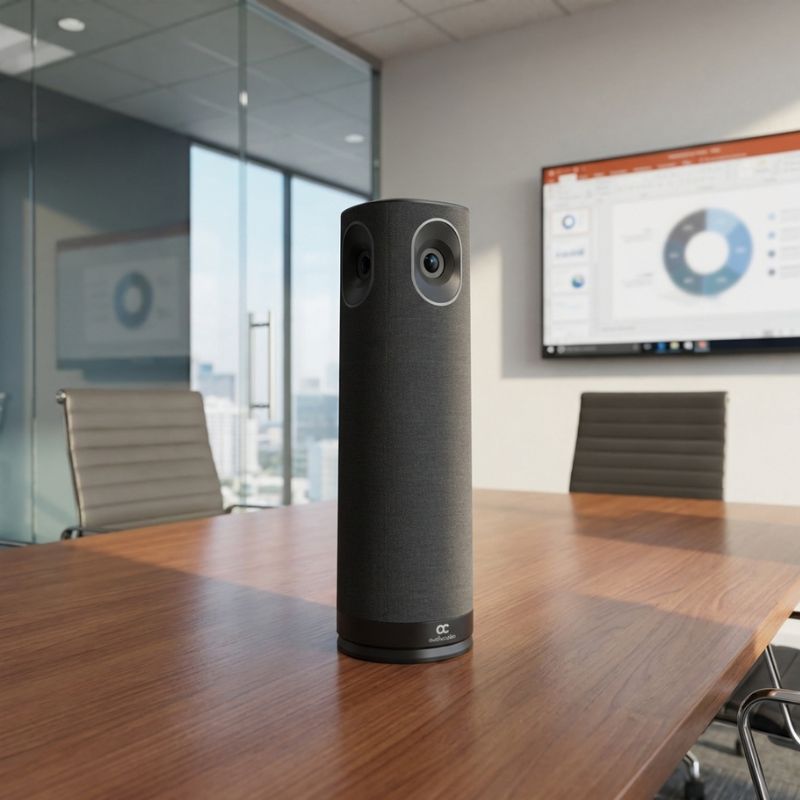
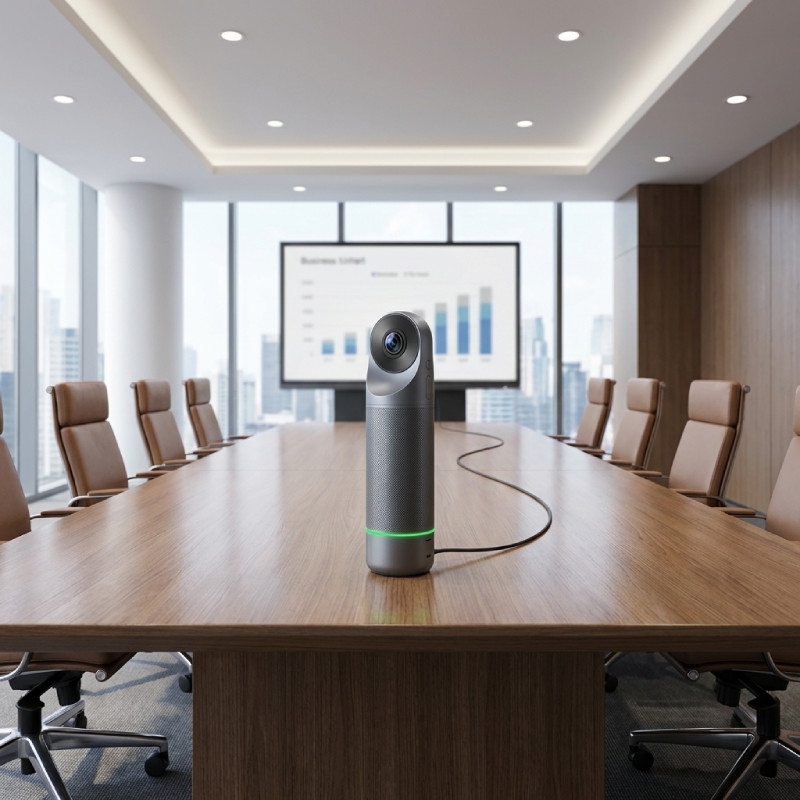
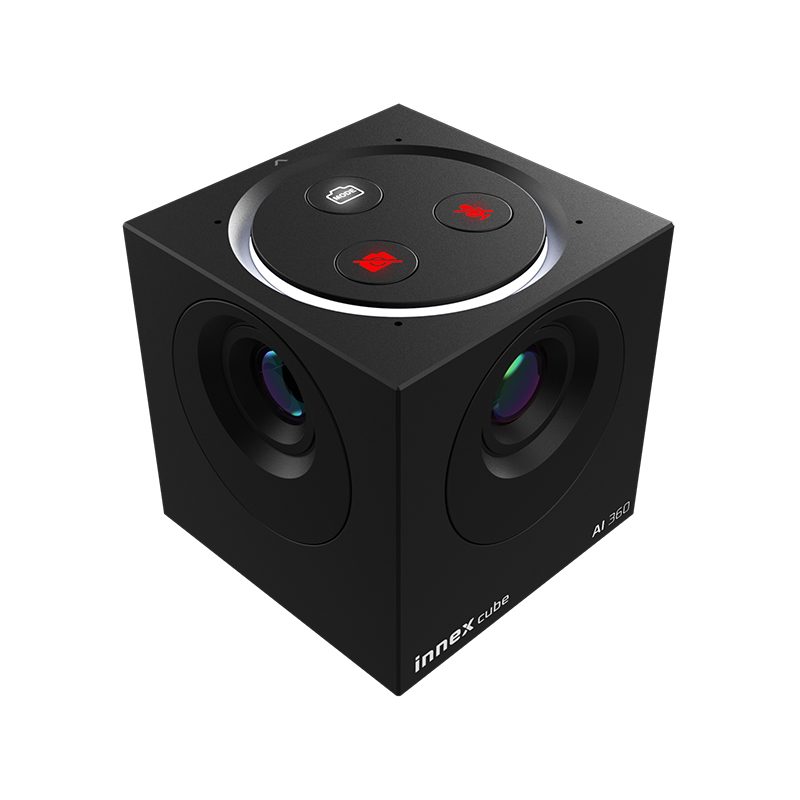
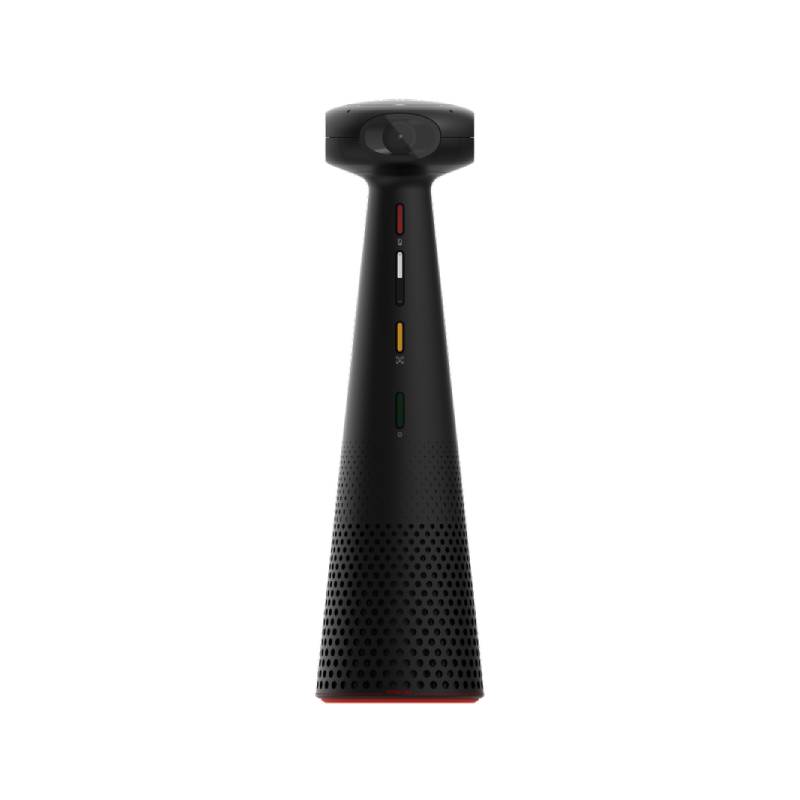
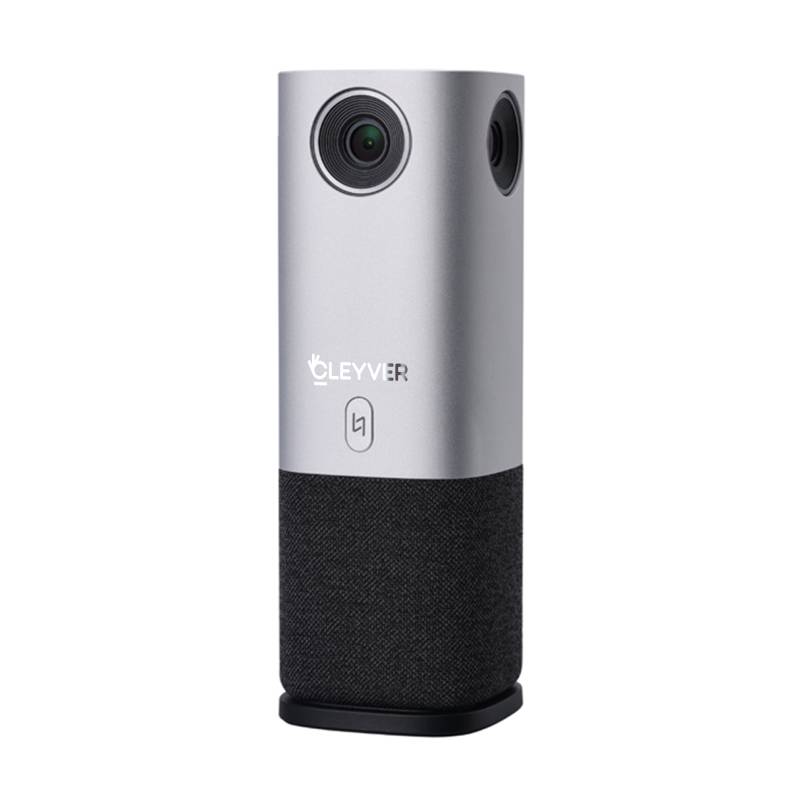
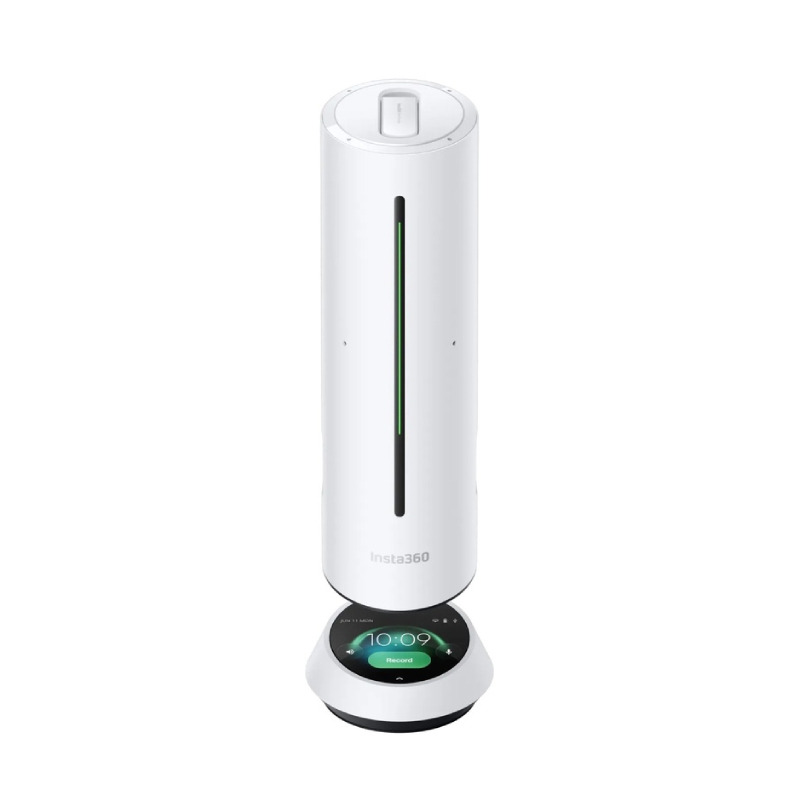
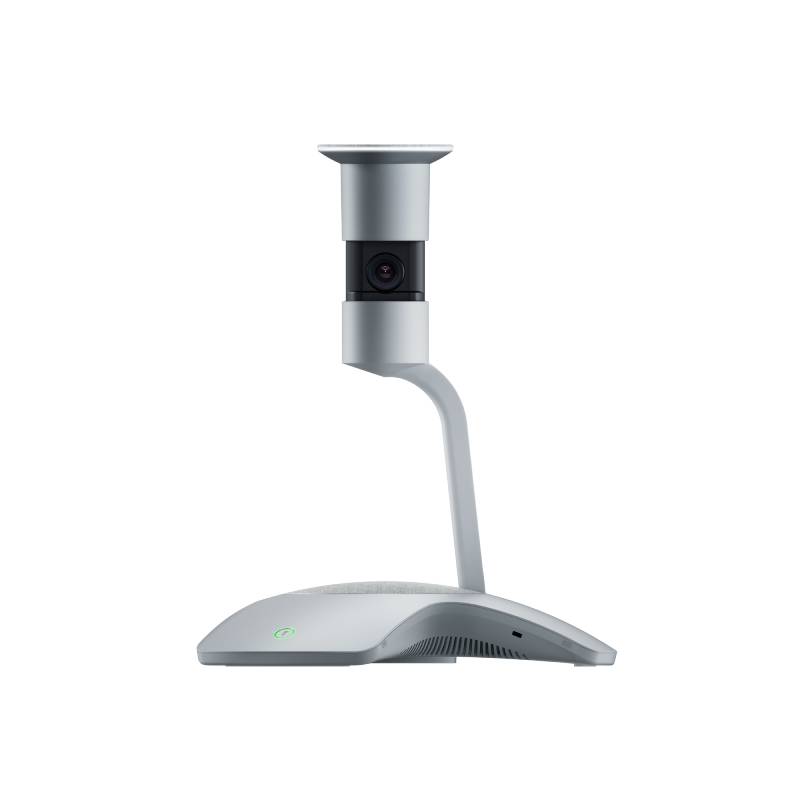
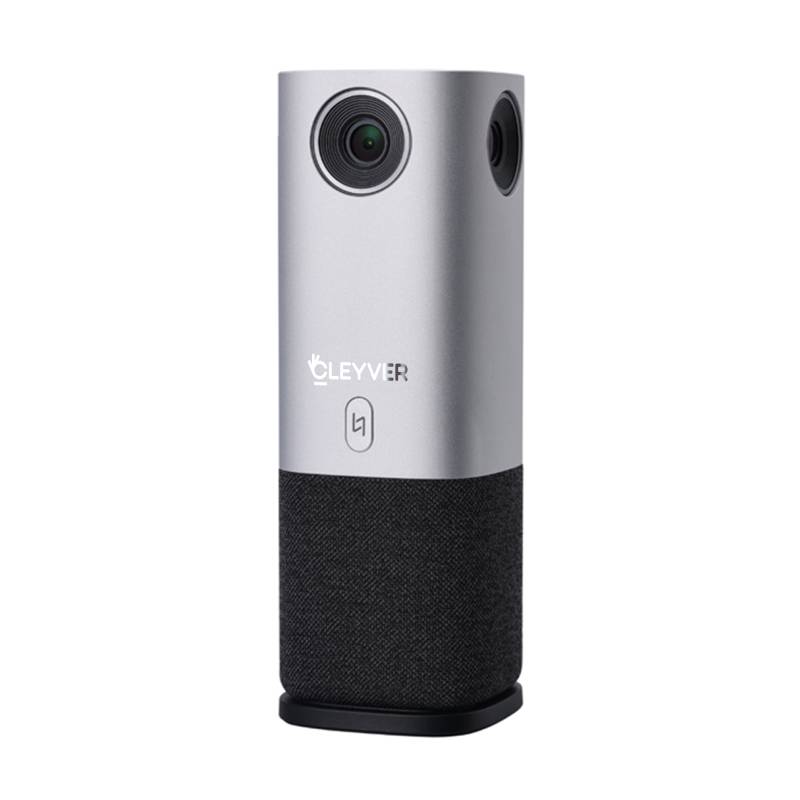
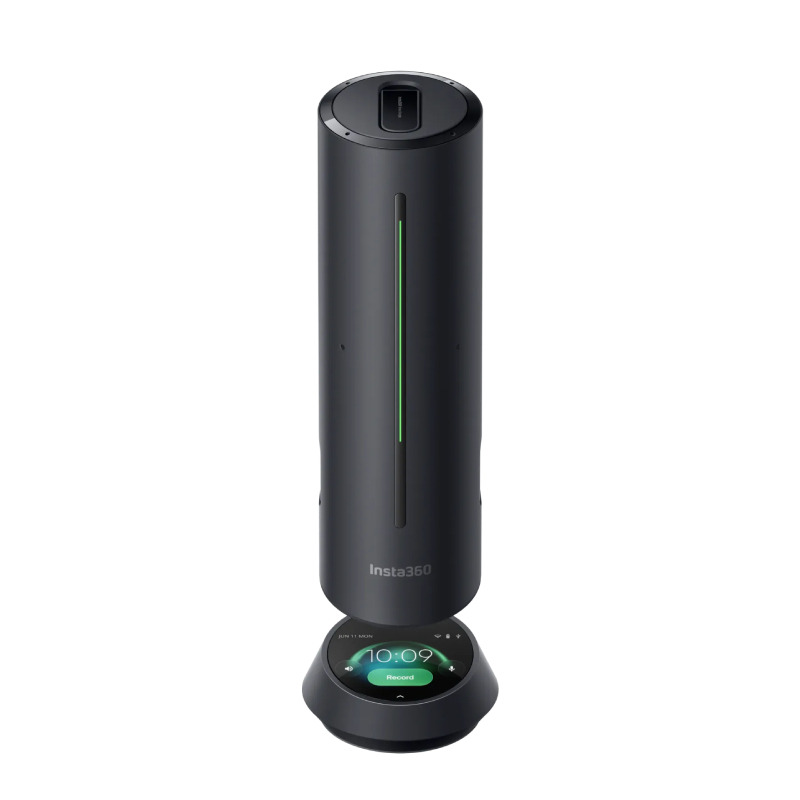
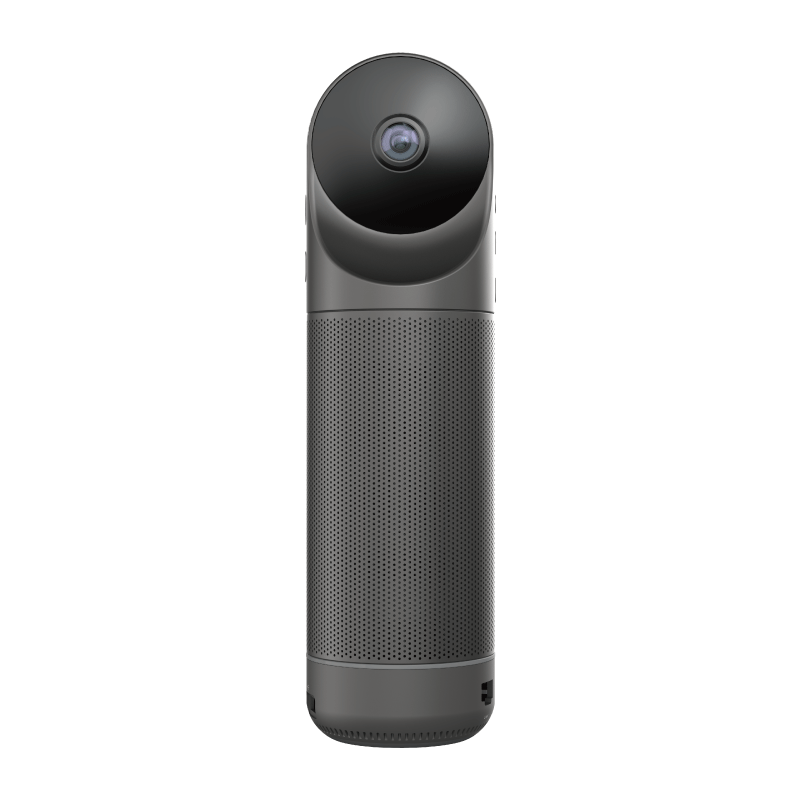
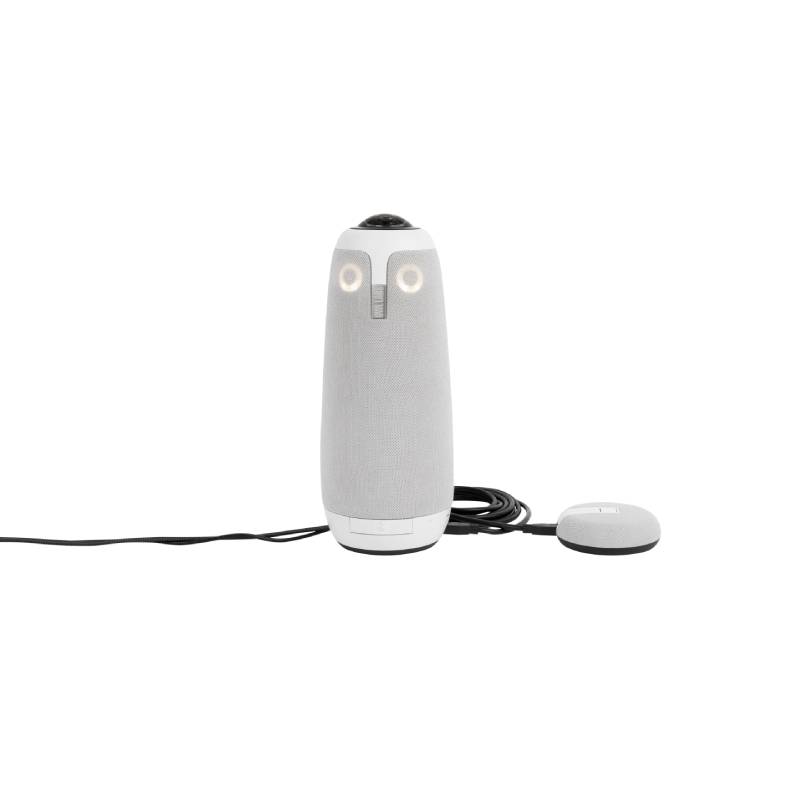
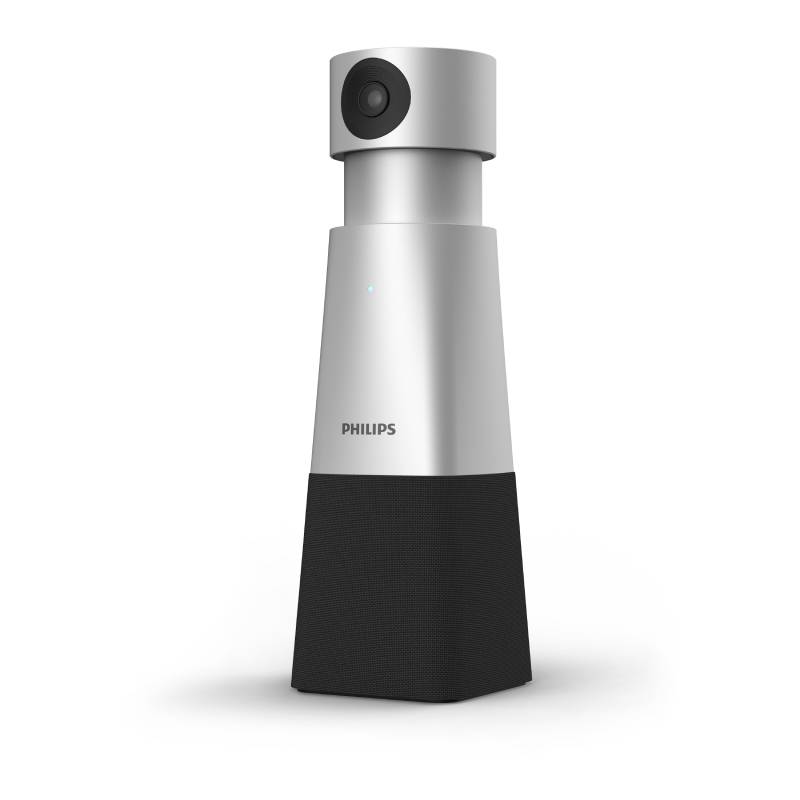
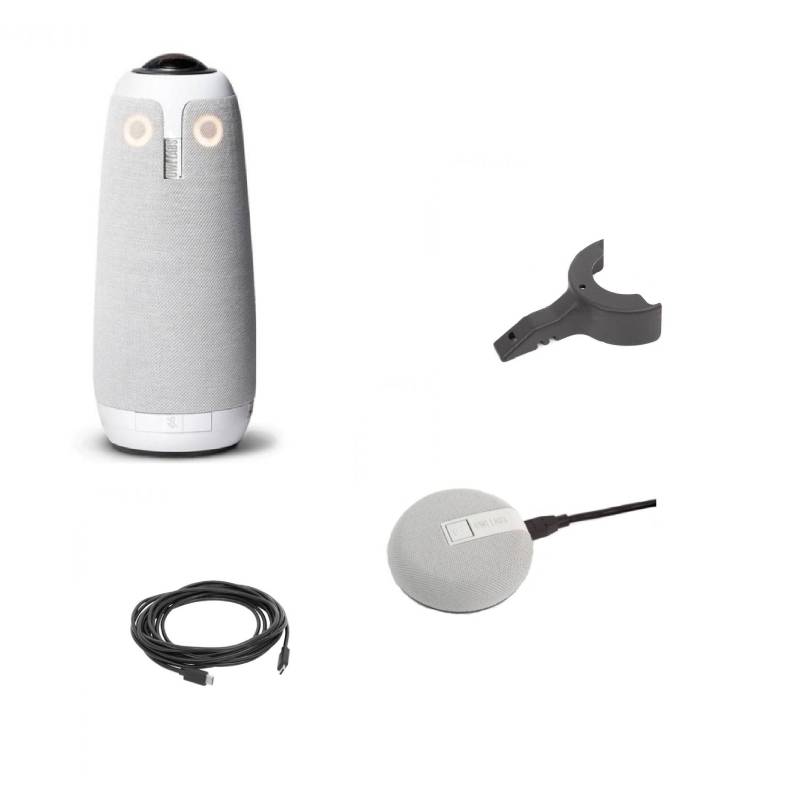
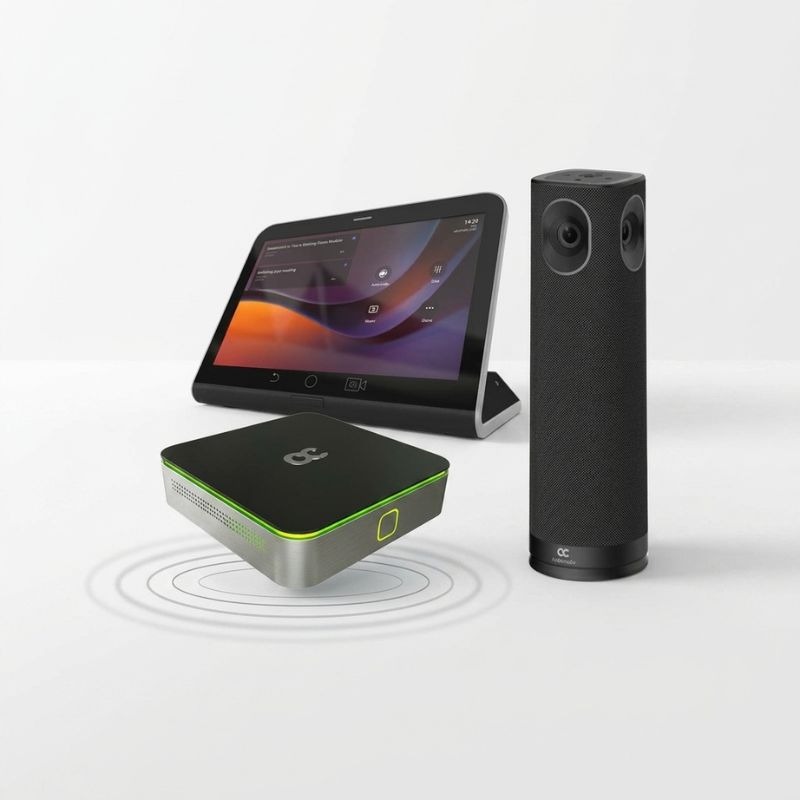
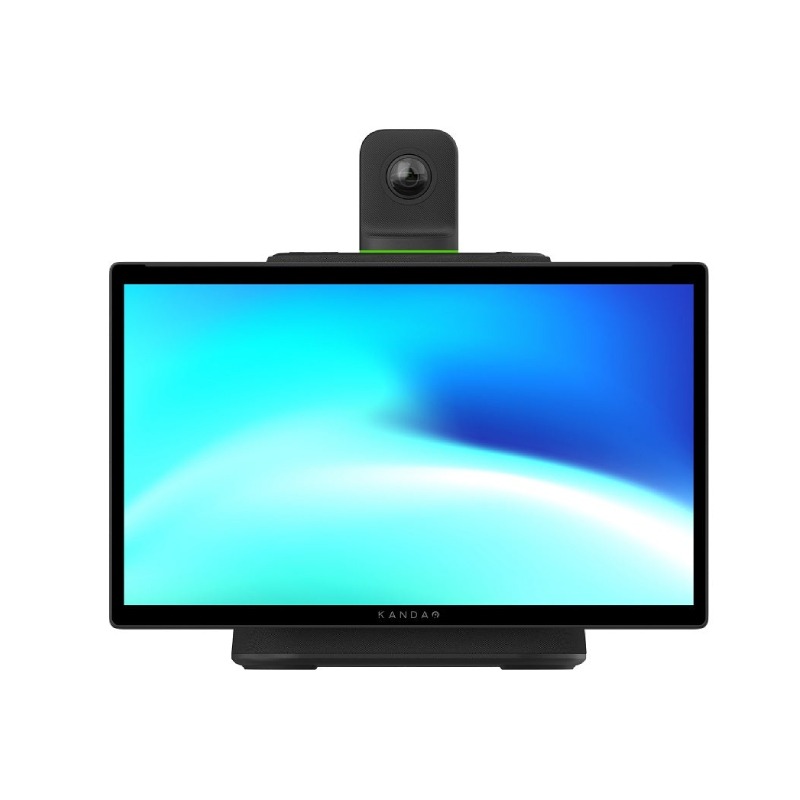
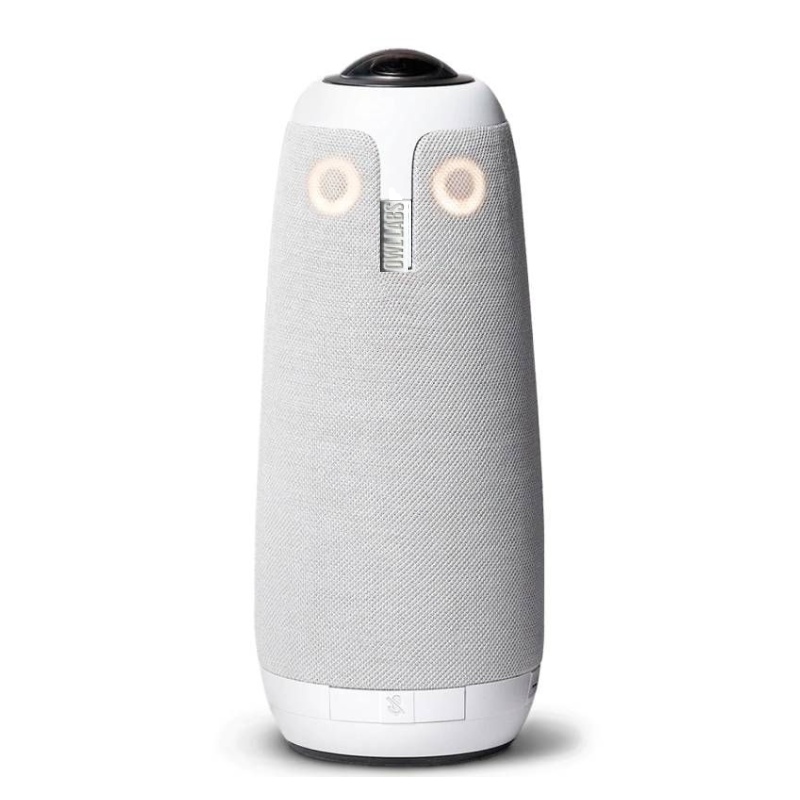

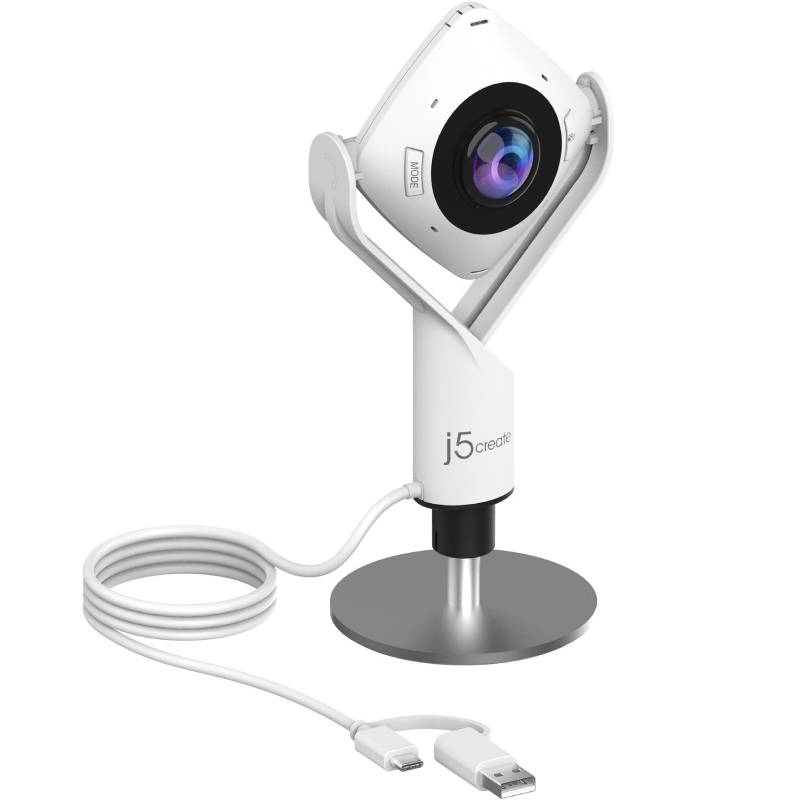
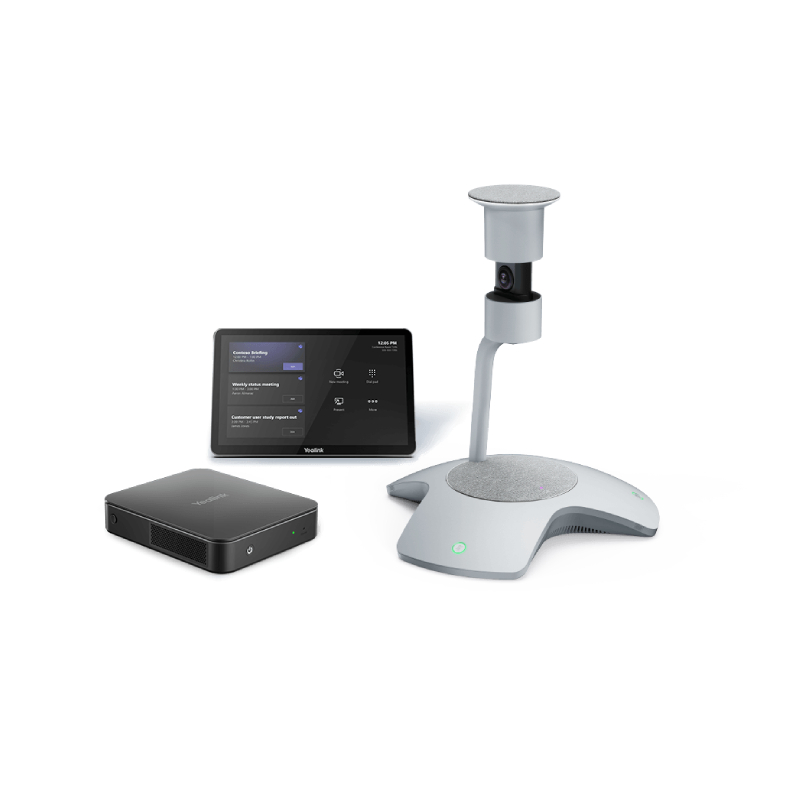
360 conference cameras are designed to transform the way teams connect in hybrid meeting environments. By capturing every angle of the room, these devices create an immersive experience that ensures remote participants feel fully engaged and included.
In the following sections, we’ll explore the key advantages of 360° cameras, share tips to optimise their use, and answer common questions to help you choose the best solution for your workspace or meeting room.
To get the best performance from your 360 conference camera, place it at the centre of the meeting table or a location where it can evenly capture all participants. Avoid placing it too close to walls or obstructions, as this can interfere with the panoramic view and distort audio pickup. Make sure the firmware is up to date to benefit from the latest AI enhancements and security improvements. If your camera comes with a mobile app or control software, take time to explore its features—such as adjusting video modes, enabling auto framing, or muting the microphone remotely.
Consider using a high-speed USB or HDMI connection for maximum resolution output, especially if you’re using the camera in larger rooms with 4K capabilities. Test audio settings in advance to find the right balance of volume and sensitivity. For teams that regularly switch rooms, opt for models with integrated carry cases and wireless capabilities for quick deployment. Finally, train your staff on how to use the device efficiently—this ensures smoother meetings and maximises the value of your investment.
What is a 360 conference camera?
A 360 conference camera captures video in every direction around the device, offering a complete panoramic view of the meeting room. Unlike standard webcams, it ensures that everyone is seen equally—ideal for hybrid meetings with remote participants.
Who should use a 360° camera for meetings?
These cameras are particularly useful for small to medium-sized teams, hybrid workforces, or businesses that hold frequent remote meetings. They’re also valuable in education, legal, and consulting environments where collaboration and visibility are key.
Is setup complicated?
Not at all. Most 360 cameras are plug-and-play via USB and compatible with all major video conferencing platforms. Some advanced models include mobile apps or software for additional customisation, but no technical expertise is required to start using them.
Do these cameras support 4K video?
Yes, many premium 360 conference cameras offer 4K resolution, delivering sharp and professional video quality. This is especially useful in high-impact presentations or when clarity is critical for remote collaboration.
Are there wireless 360° camera options?
Some models offer wireless connectivity via Bluetooth or Wi-Fi, allowing even greater flexibility in placement and use. These are ideal for mobile workforces or for use in rooms without easy cable access.
A 360 conference camera is the perfect solution for inclusive, dynamic, and professional virtual meetings.
Browse our complete selection and choose the model that fits your collaboration needs.