Professional advice available Monday to Friday, 8.30am-5.30pm
Mon. to Fri. 8:30 a.m. – 6:30 p.m.
0333 123 3050
Call us!
Empower your business with a Yealink Teams Room system built for next-level video collaboration. Designed for seamless integration with Microsoft Teams, these solutions deliver unmatched productivity and ease of use.
Browse our range of Yealink Teams Room solutions and upgrade your workspace today.
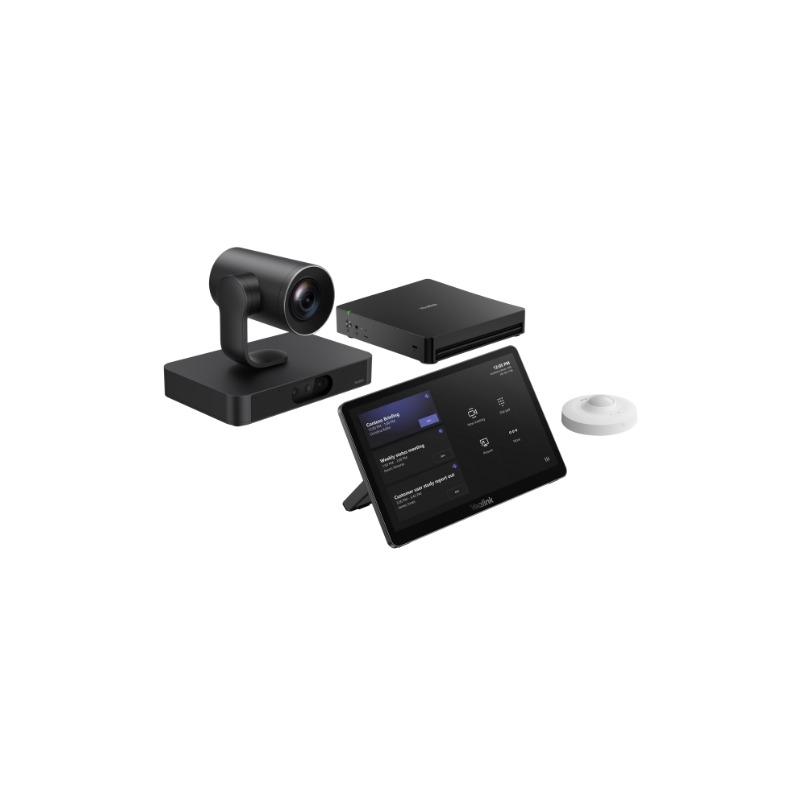
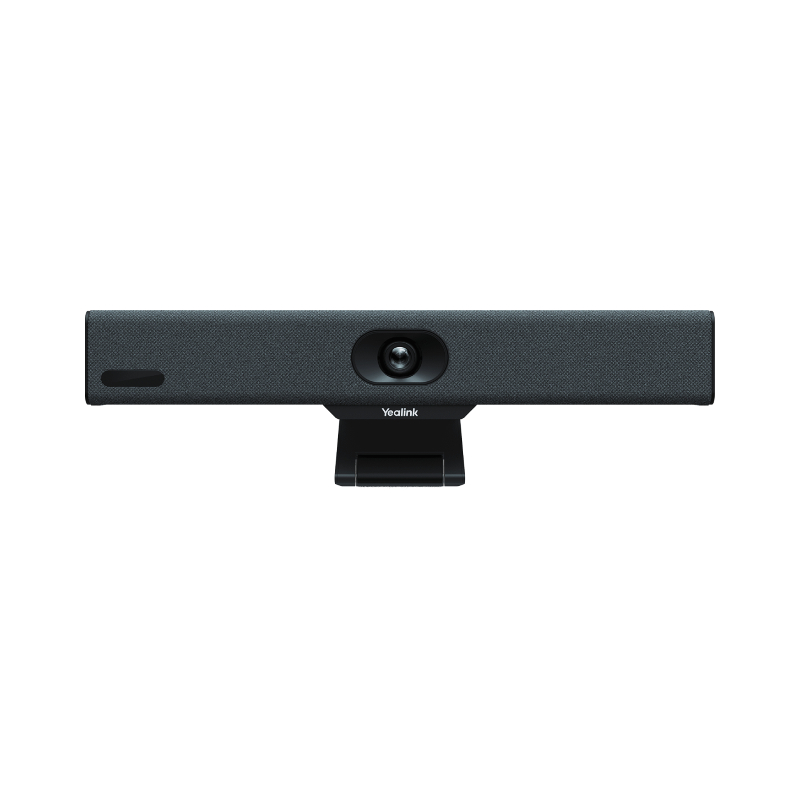
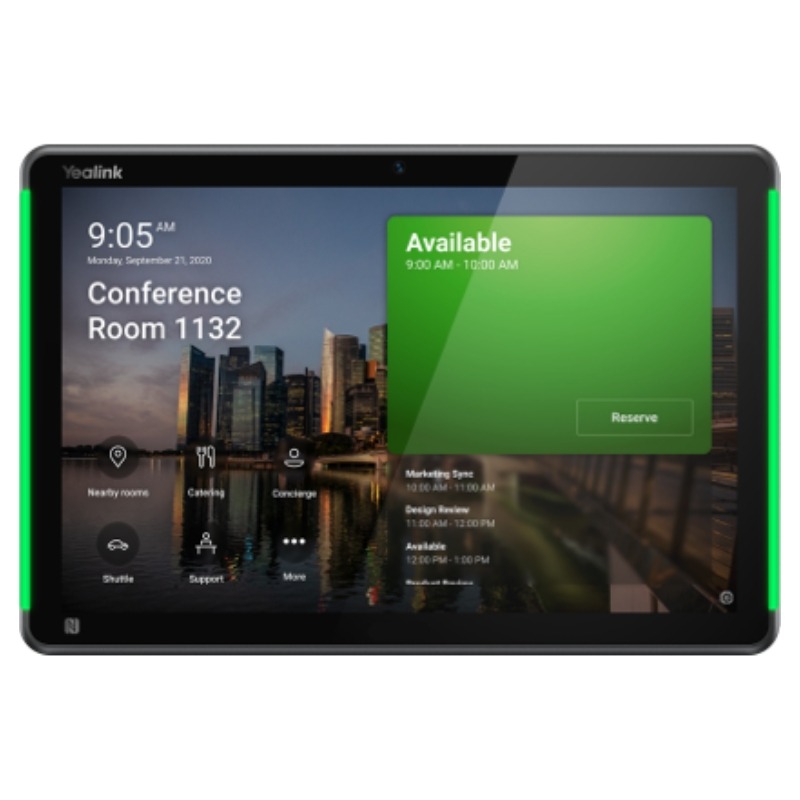
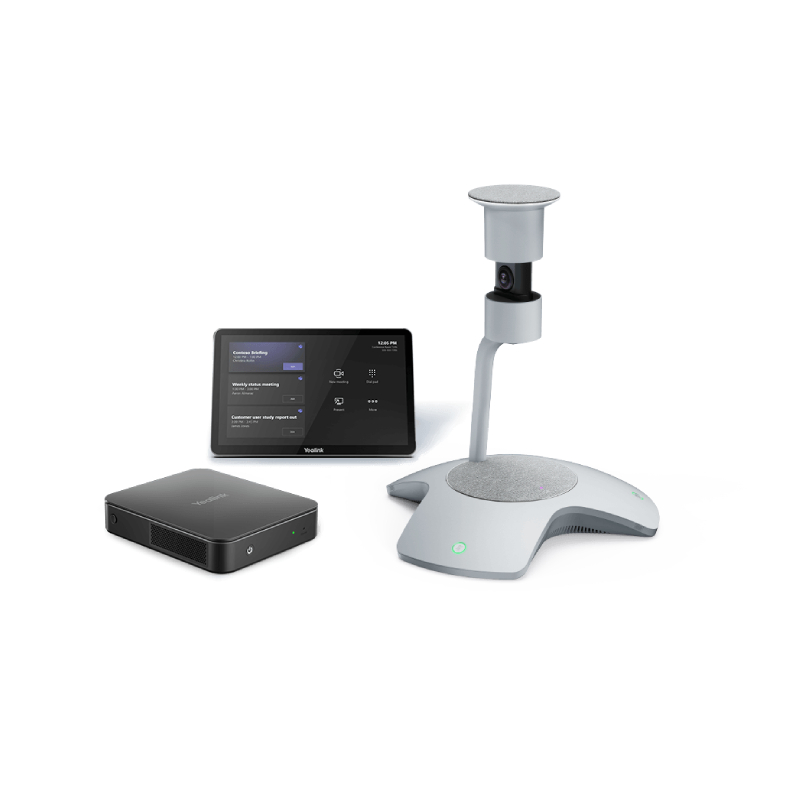
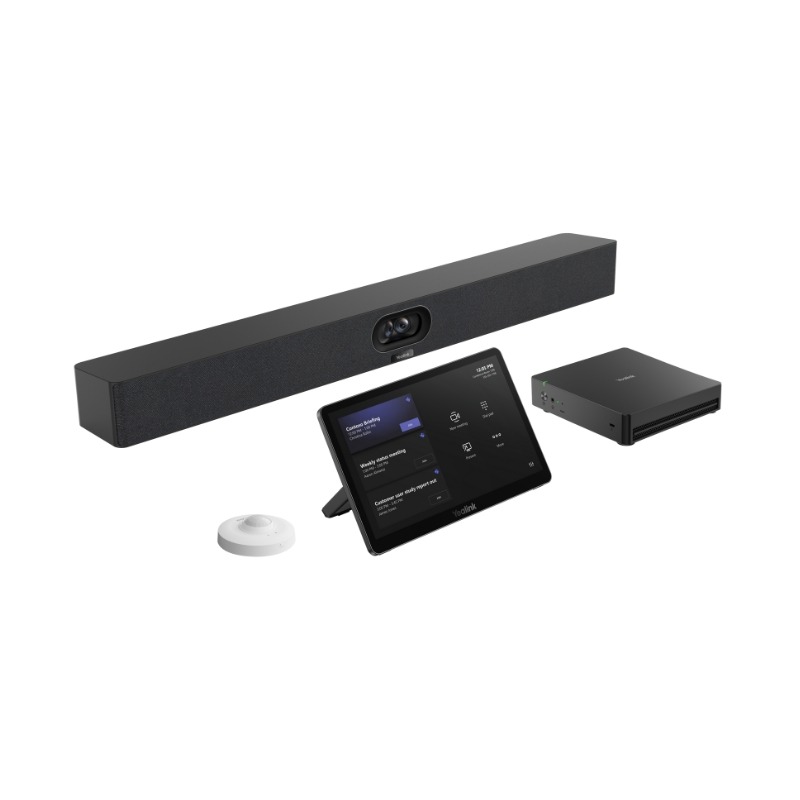
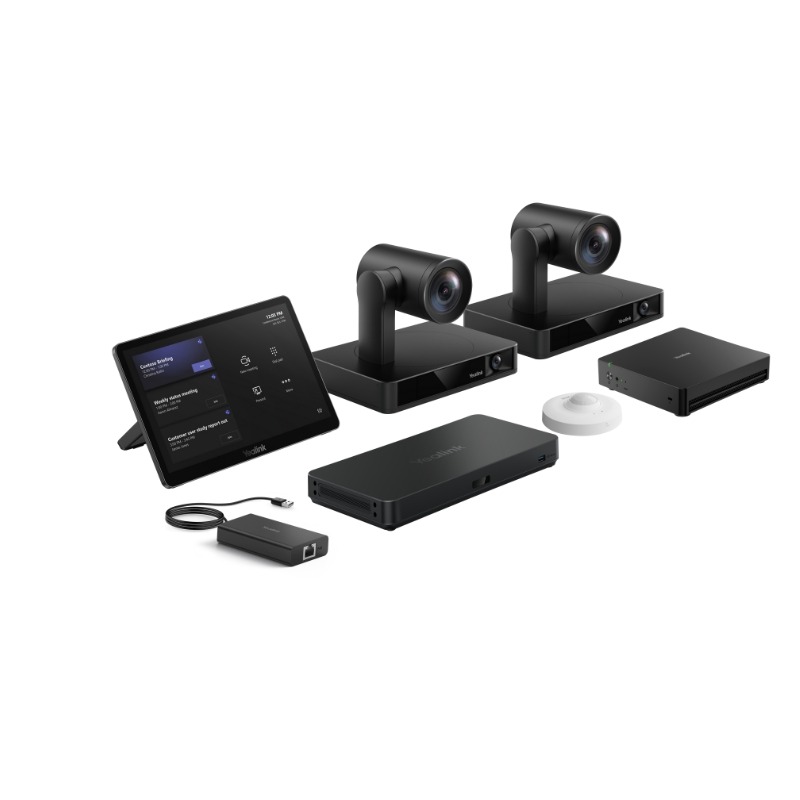
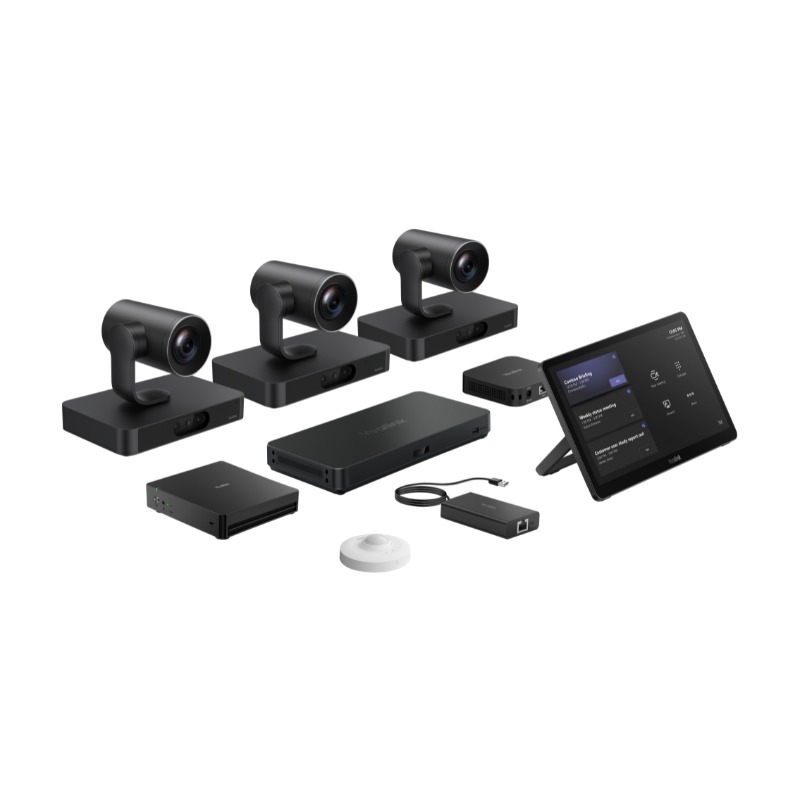
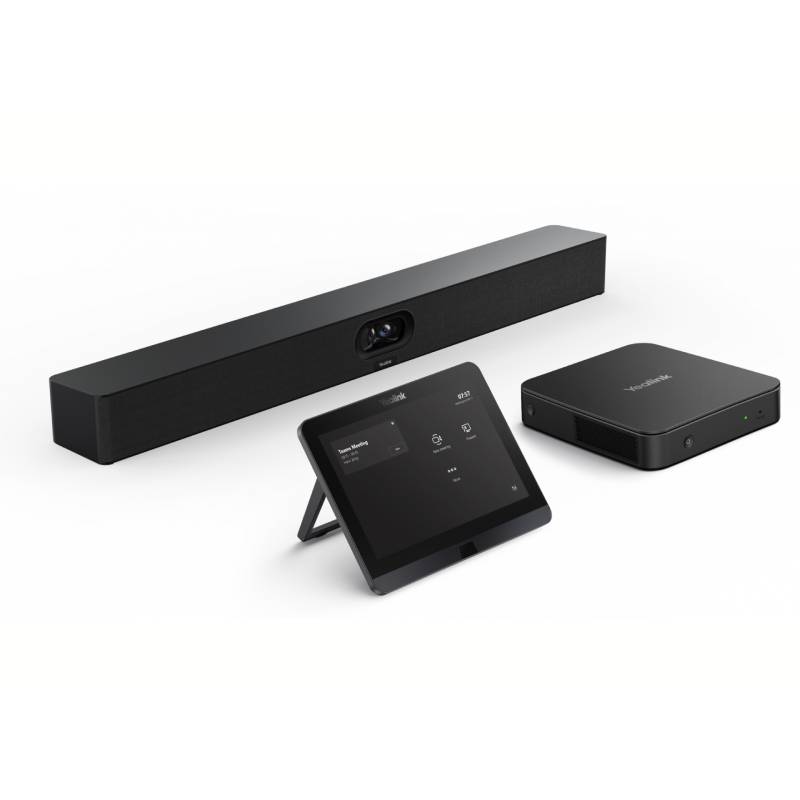
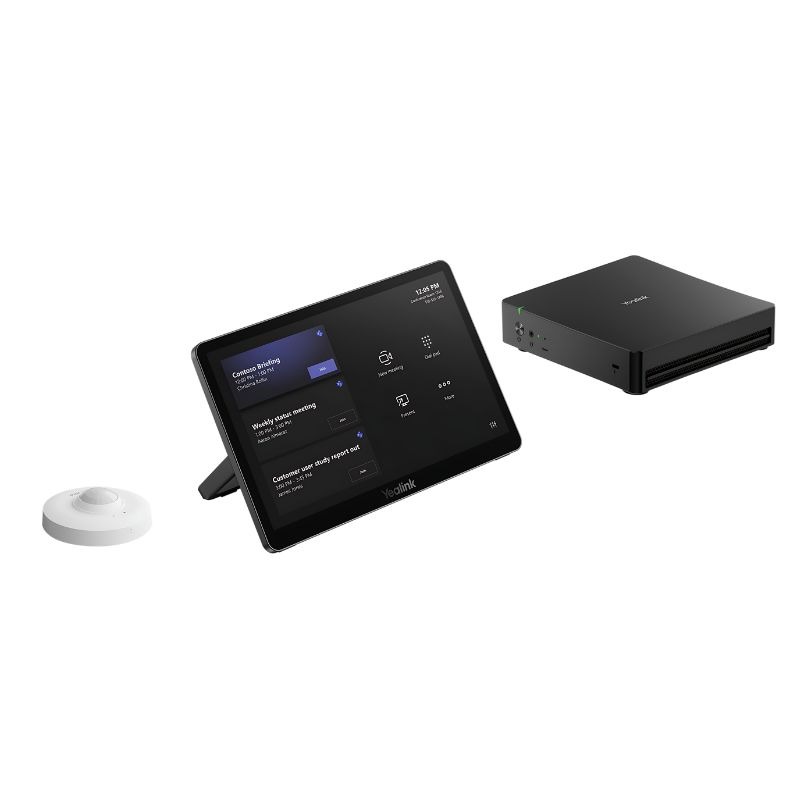
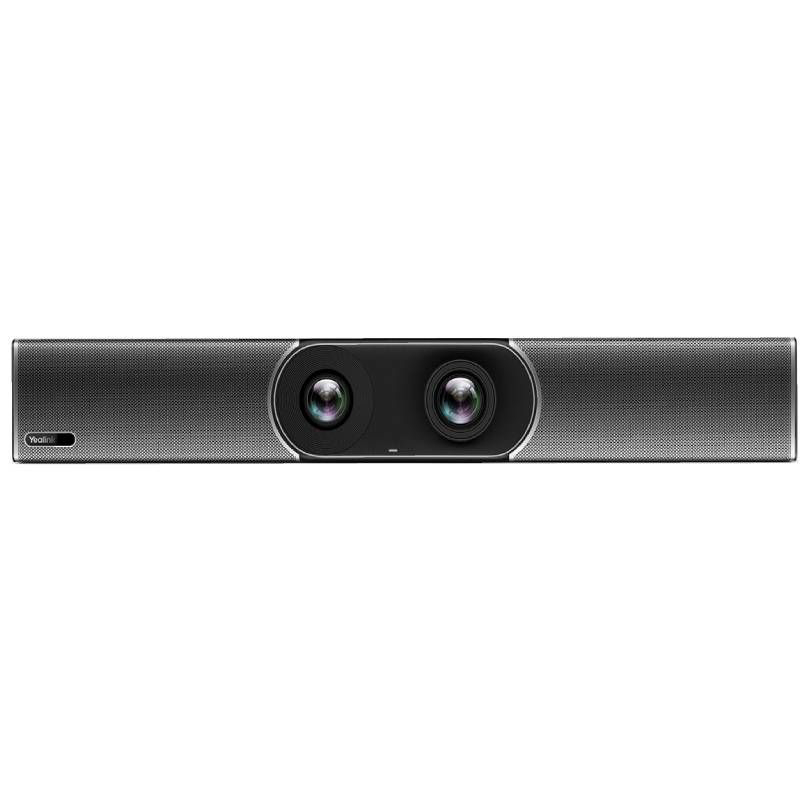
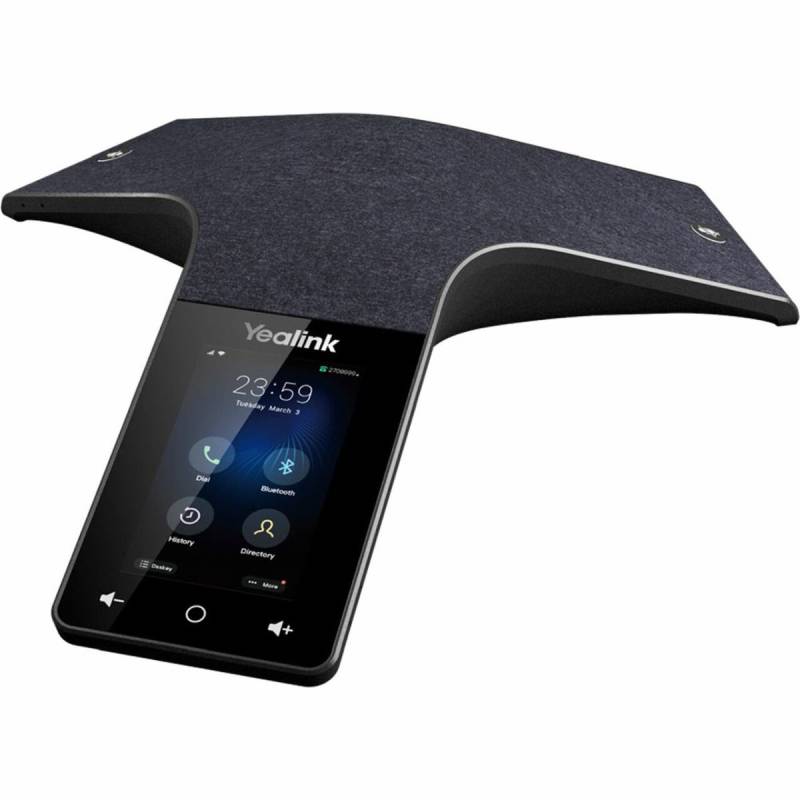
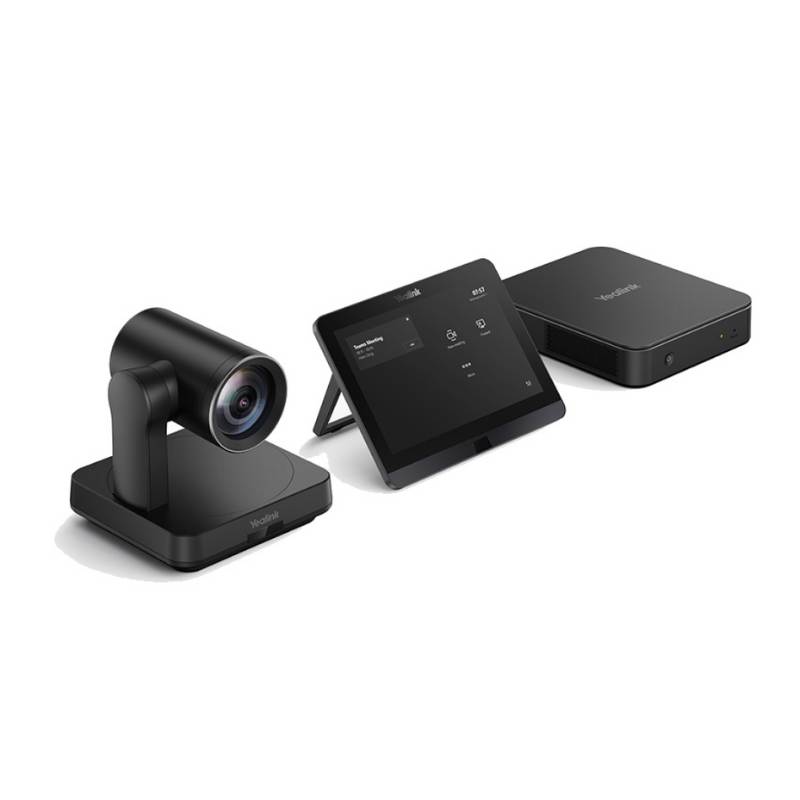
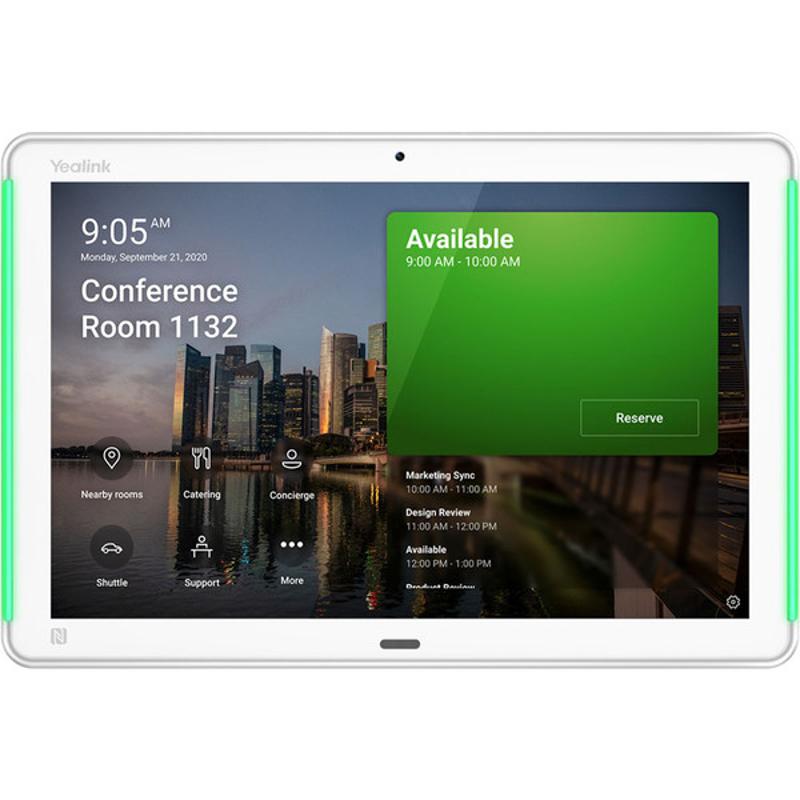
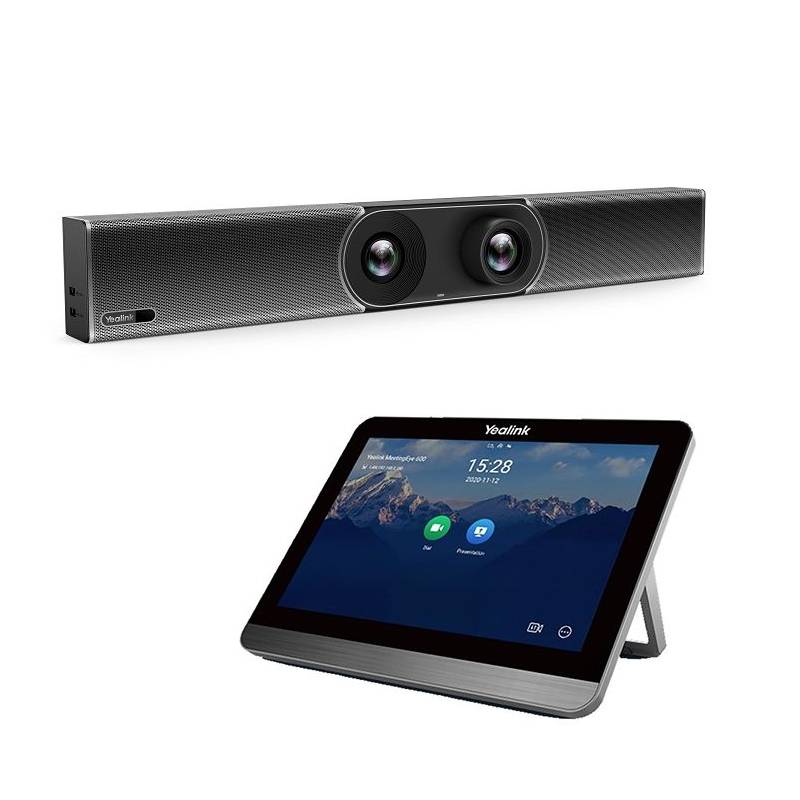
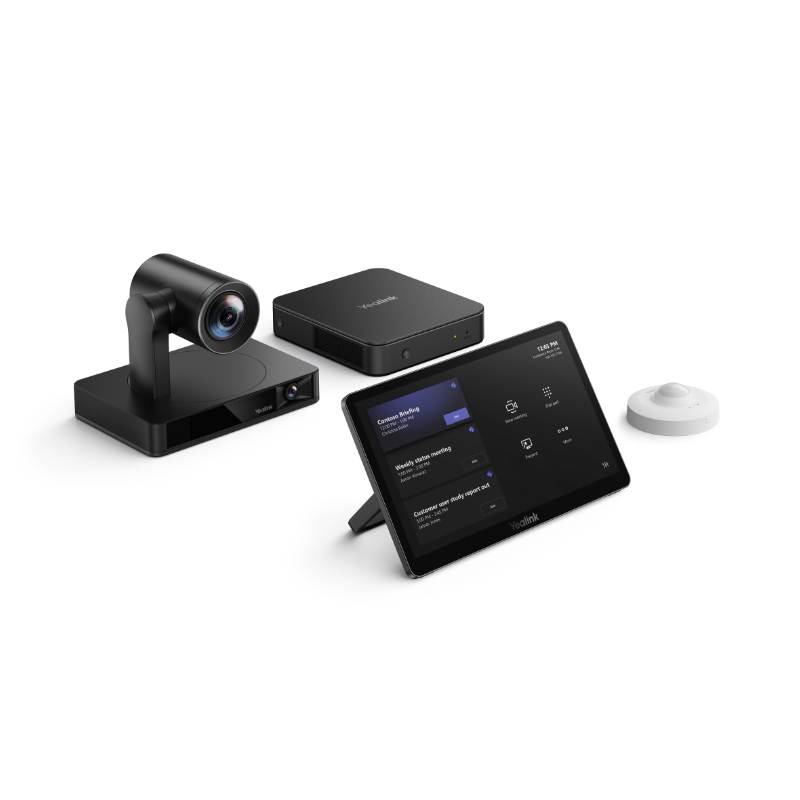

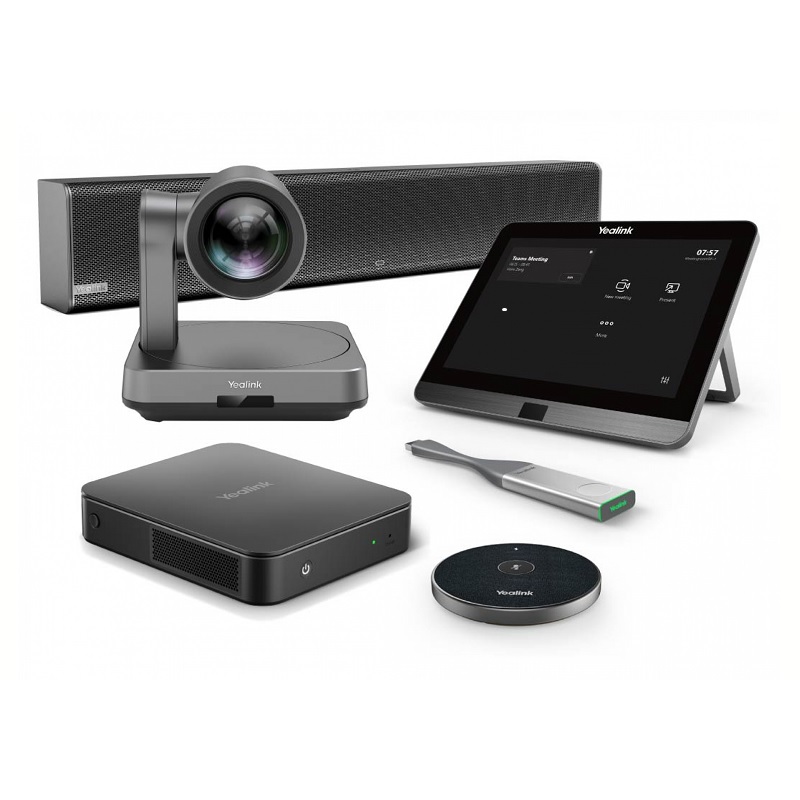
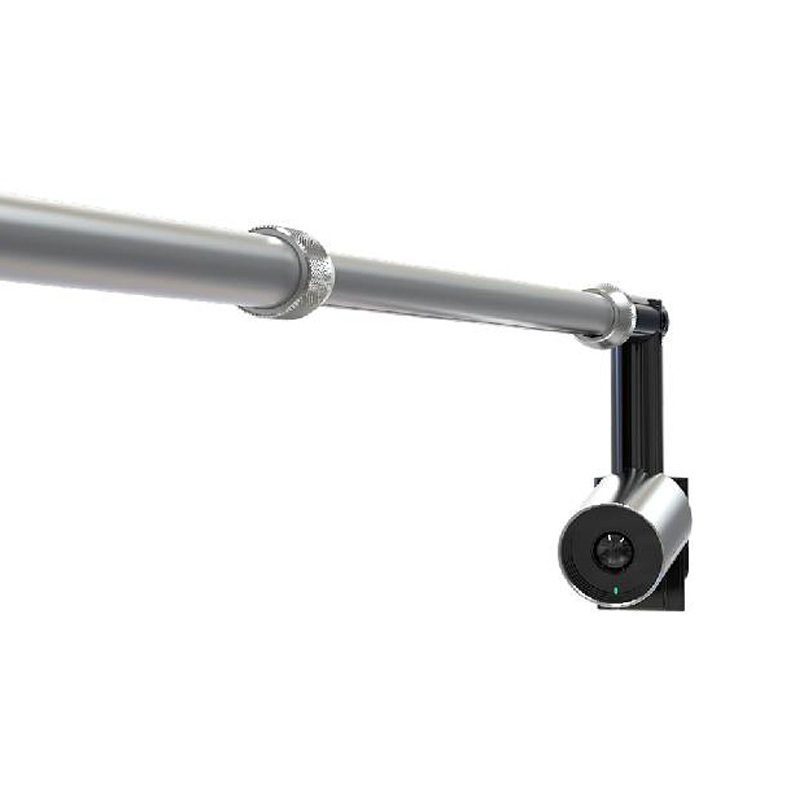
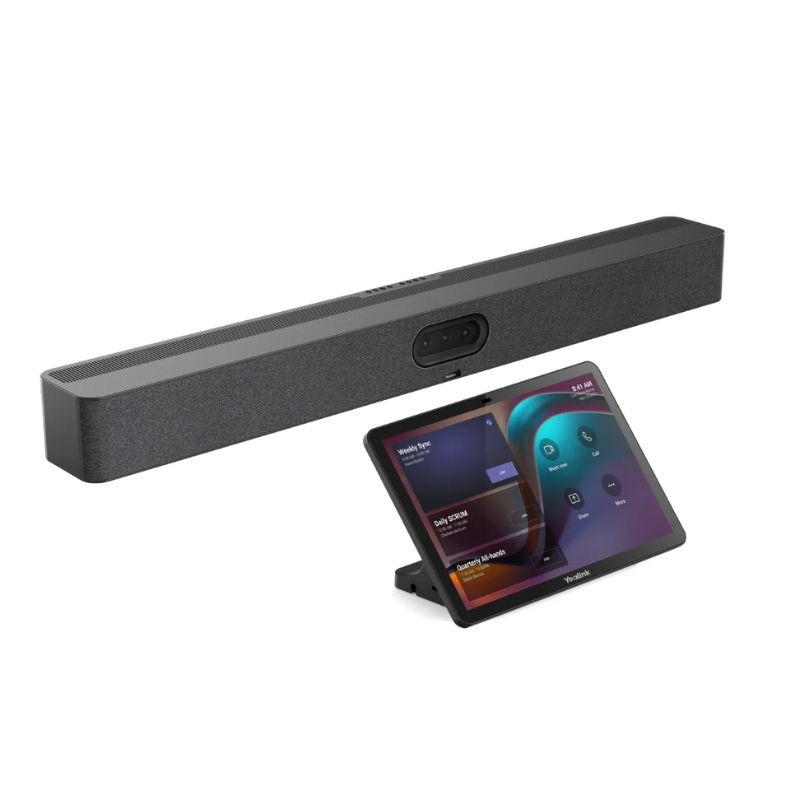
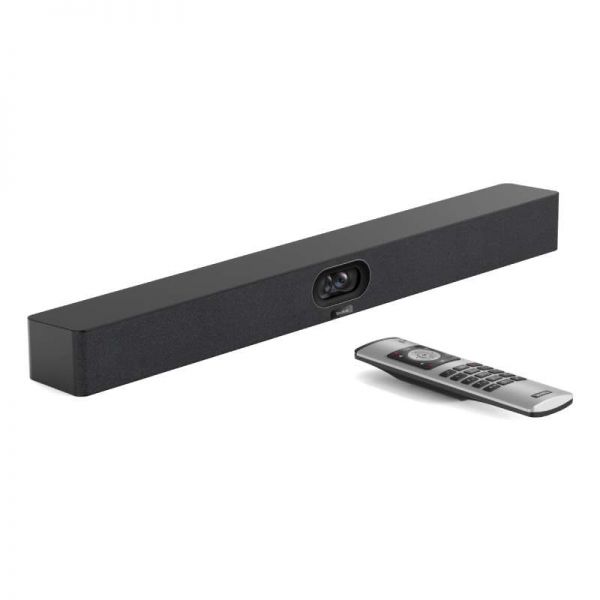
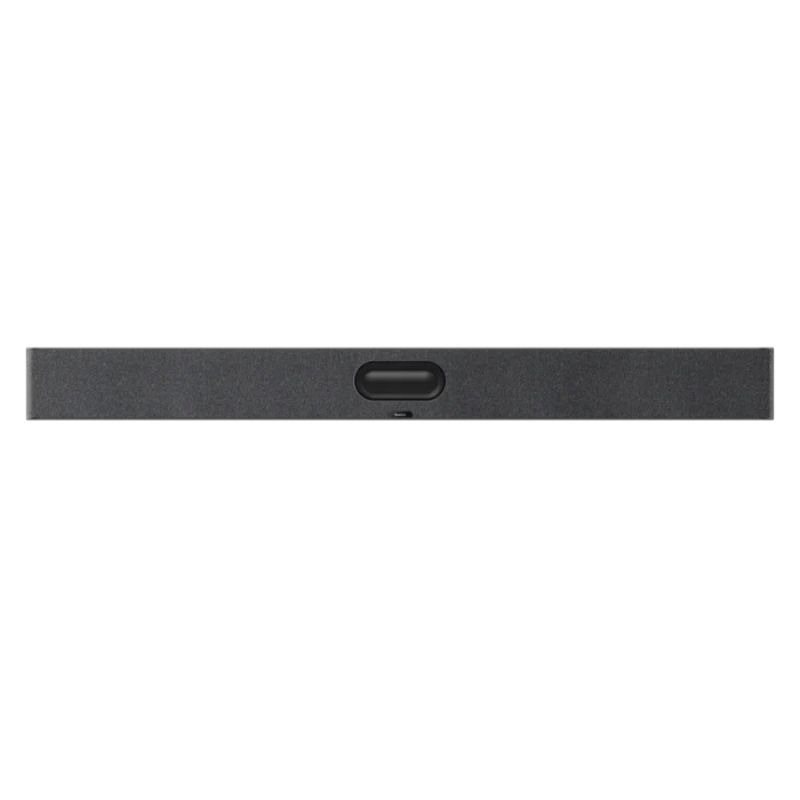
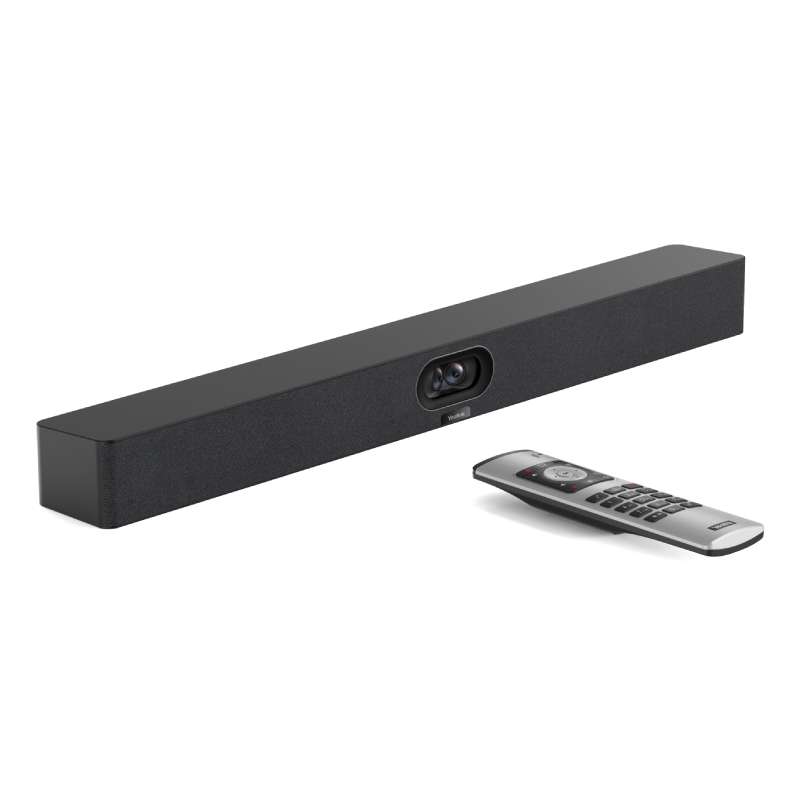

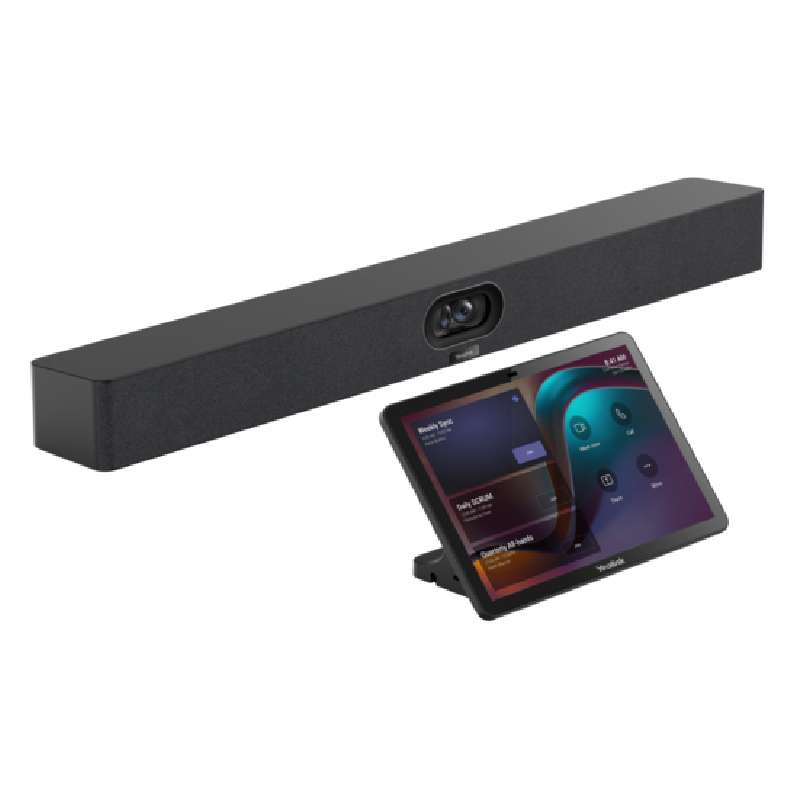
The Yealink Teams Room system is designed to enhance collaboration by integrating cutting-edge hardware with Microsoft Teams. Whether for small huddle rooms or large conference spaces, Yealink’s range of certified devices provides an all-in-one communication experience. In this section, we’ll explore the key benefits of Yealink Teams Rooms, offer practical usage tips, and answer some of the most common questions so you can make the right choice for your meeting environment.
To get the most out of your Yealink Teams Room setup, it's essential to tailor the configuration to the specific size and layout of your meeting space. For example, make sure the camera field of view suits the room’s width and install microphones strategically to cover all participants equally. This not only improves the quality of meetings but also enhances user satisfaction and avoids the need for frequent adjustments.
Regular firmware updates are critical to maintaining peak performance and security. Take advantage of Yealink’s remote management tools to schedule updates, monitor system health, and troubleshoot issues proactively. It's also beneficial to provide quick training sessions to end-users on how to join or schedule a Teams meeting from the touch panel—this helps reduce IT support requests and increases meeting productivity.
1. What’s included in a typical Yealink Teams Room bundle?
Most kits include a mini-PC, camera, speakerphone or microphone array, and a Teams-certified touch panel controller. Higher-end bundles may also include soundbars or additional accessories like presentation dongles.
2. Can Yealink Teams Rooms be used with other platforms like Zoom?
Yealink devices are primarily optimized for Microsoft Teams, but many models support Zoom, Google Meet, or SIP/H.323 protocols if licensed appropriately. Make sure to check compatibility before purchase.
3. Do I need a Microsoft Teams Room license to use these devices?
Yes, a Microsoft Teams Room Standard or Premium license is required to activate and manage a Yealink Teams Room system. This ensures full access to meeting scheduling, call controls, and updates via Microsoft’s ecosystem.
4. Are these systems easy to install?
Absolutely. Yealink’s plug-and-play architecture ensures straightforward deployment. Pre-labeled cables and mounting kits make physical installation efficient, and the Teams setup wizard streamlines software configuration.
5. Is technical support available for Yealink Teams Room systems?
Yes. Onedirect provides post-sales support including configuration help, warranty services, and guidance on room setup. Yealink also offers firmware updates and remote diagnostics through its management platform.
Yealink Teams Room solutions are a smart investment for businesses seeking professional-grade, Teams-certified meeting technology. Explore our selection to find the ideal configuration for your collaboration needs.