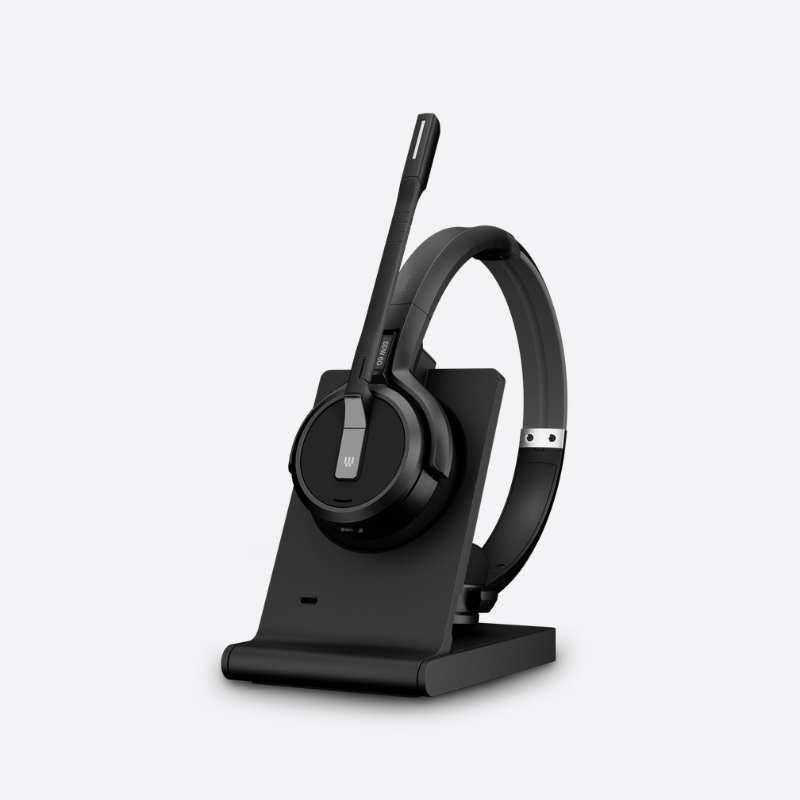
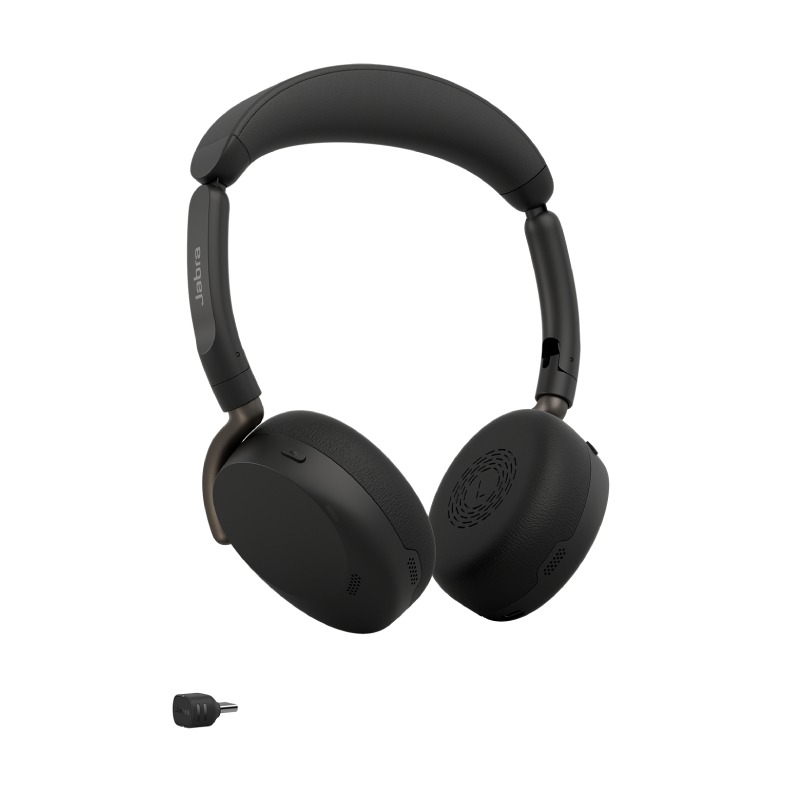
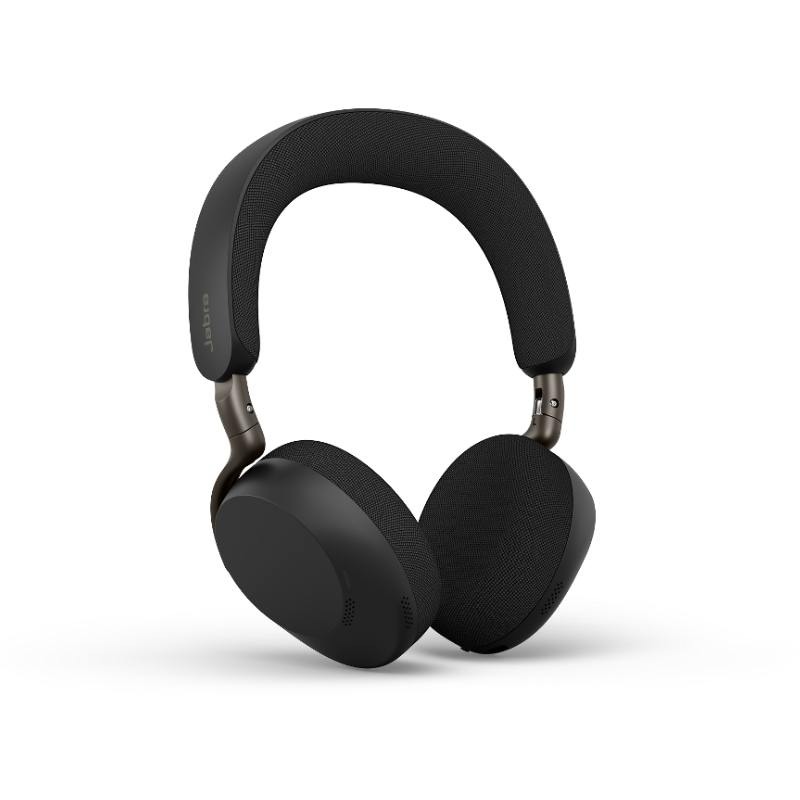
Wireless Dongle for Reliable Business Operations
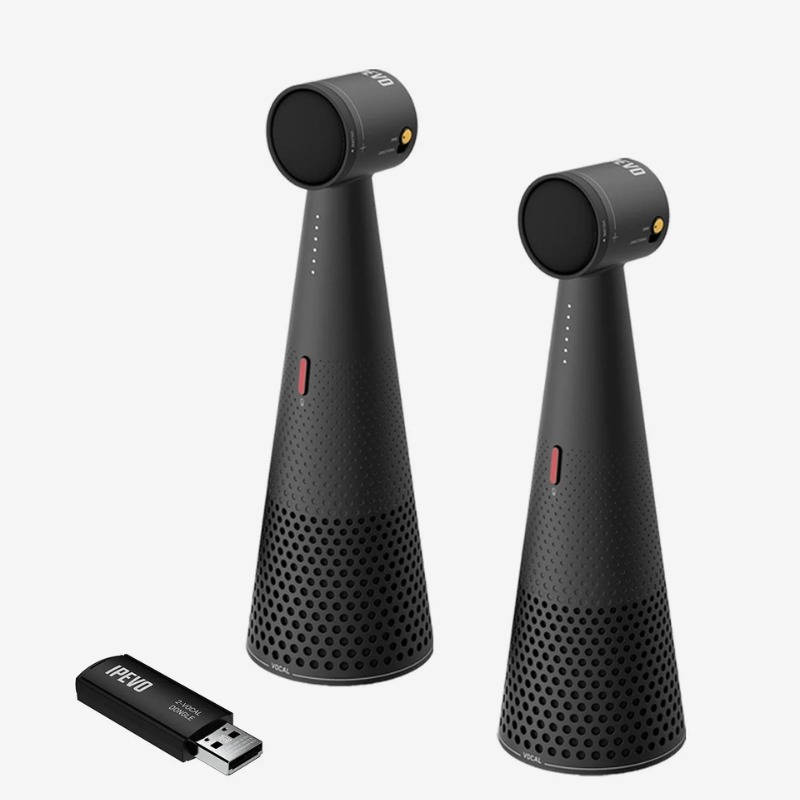
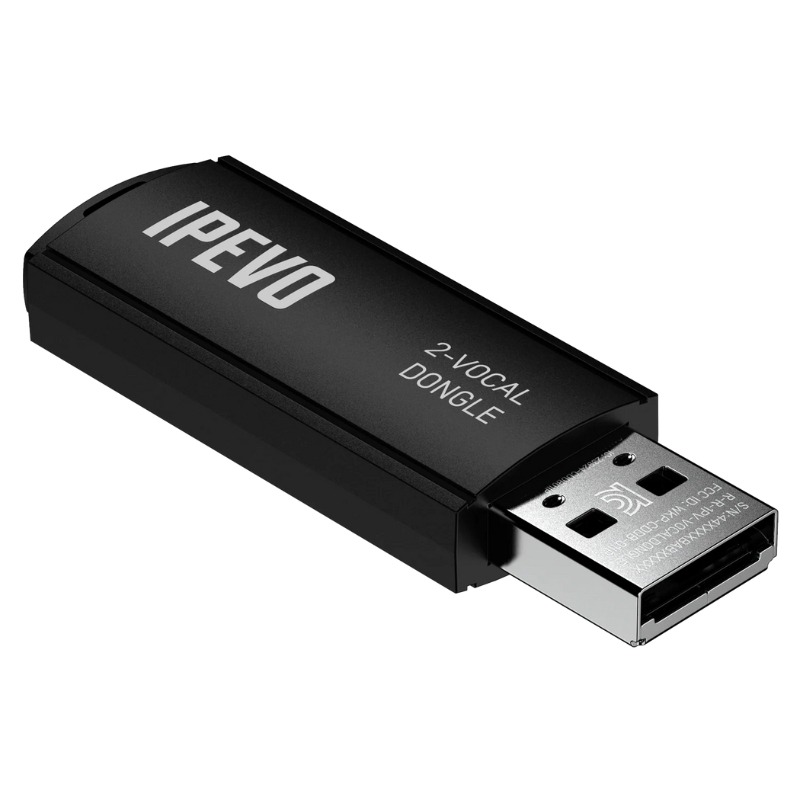
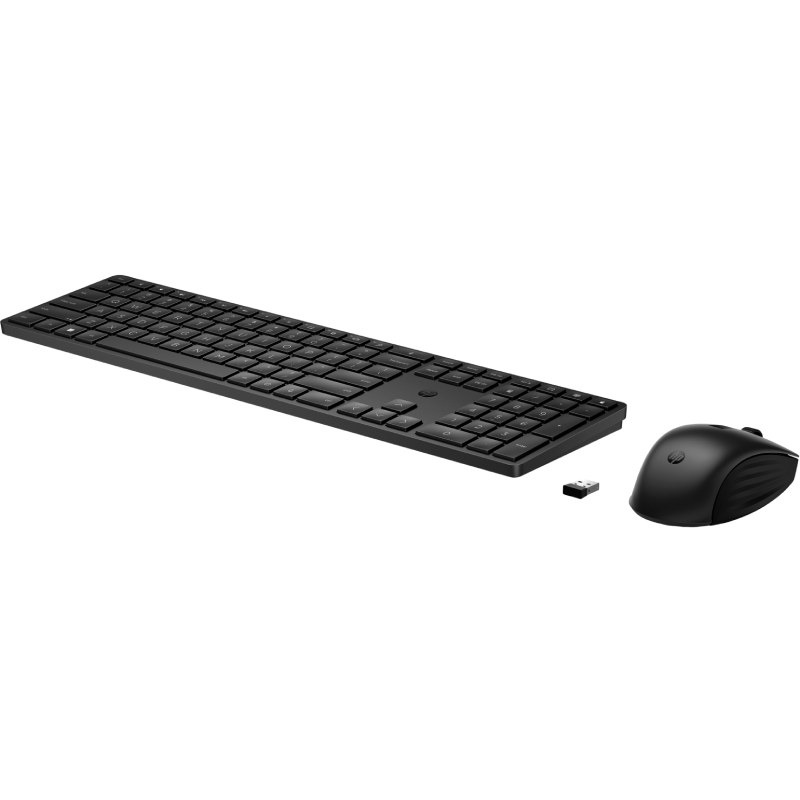
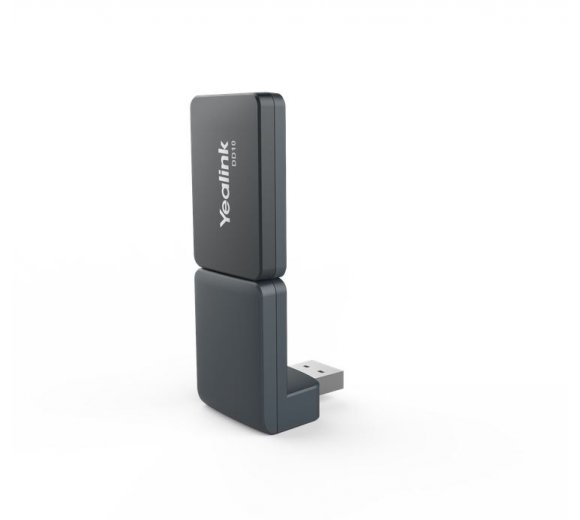
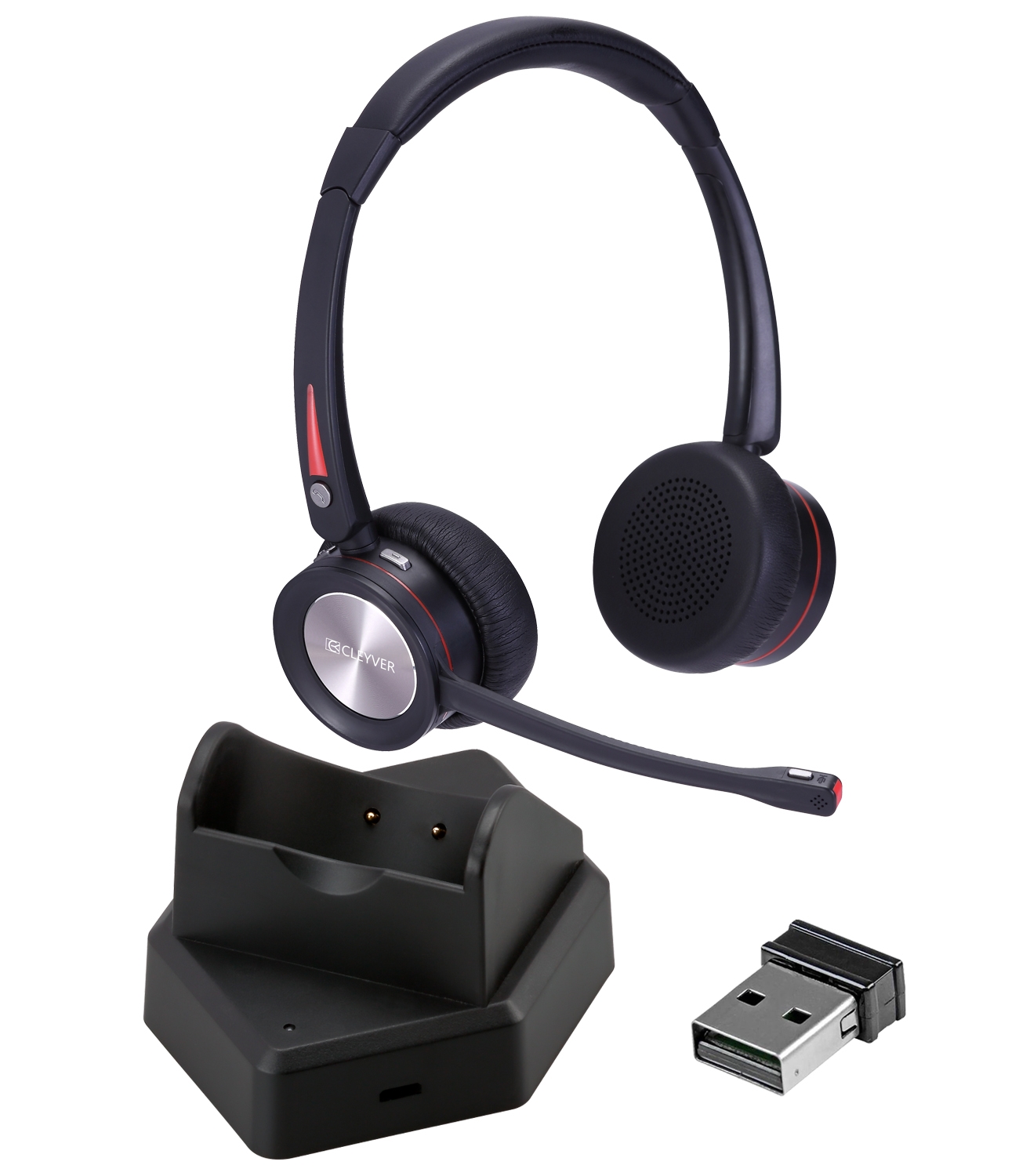
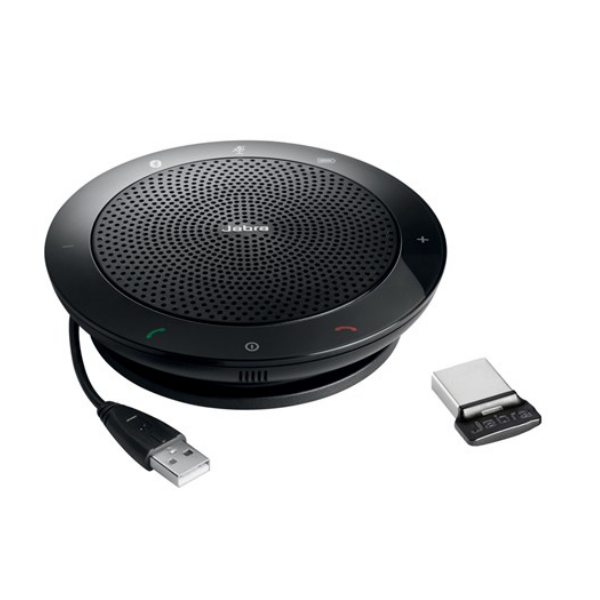
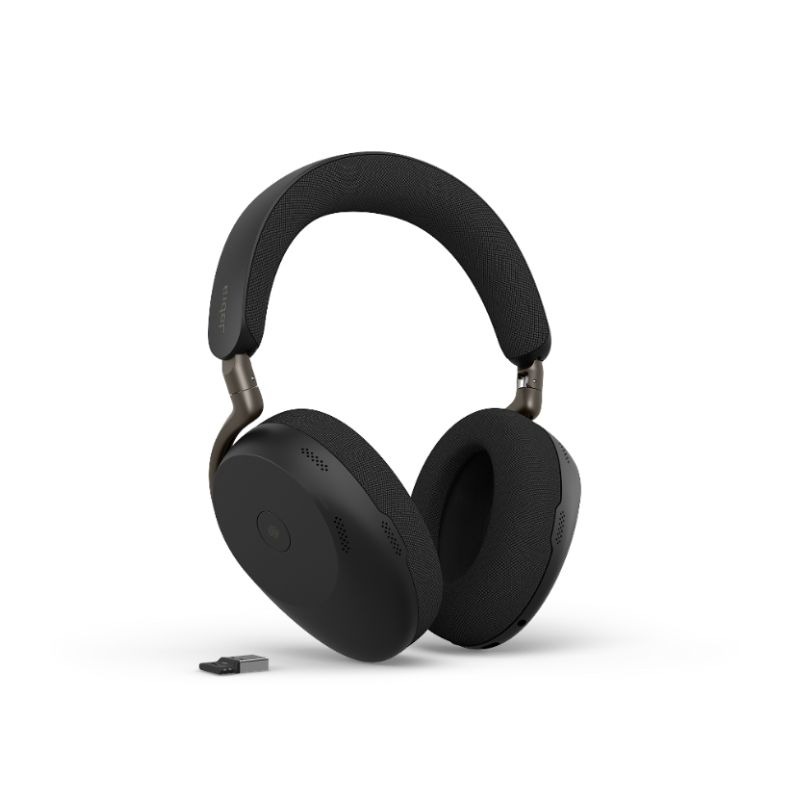
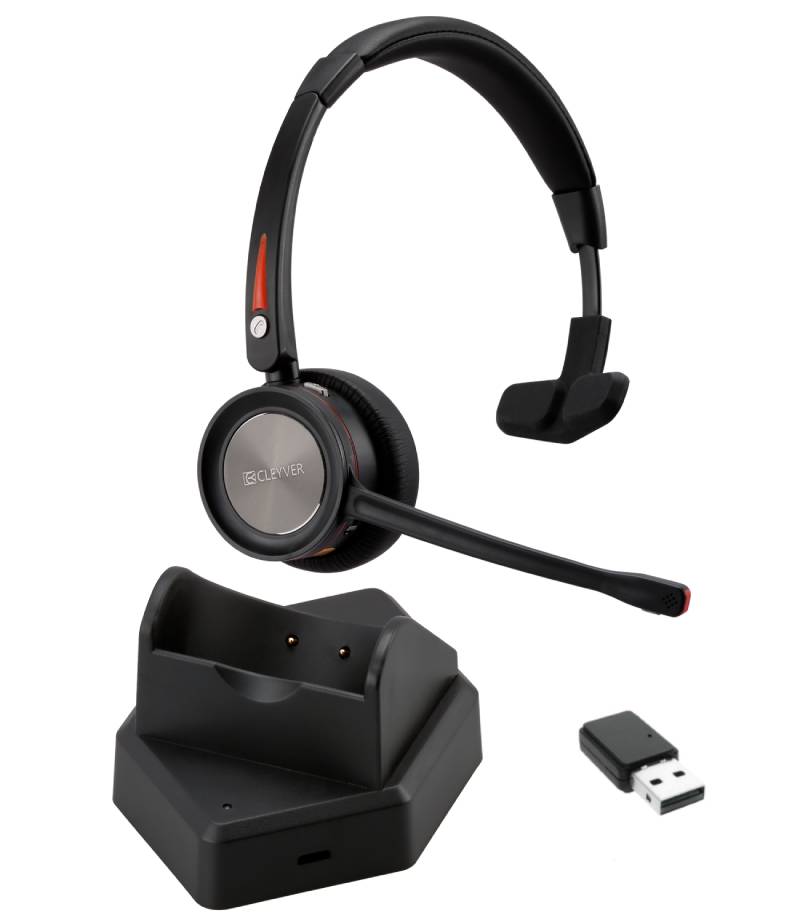
A wireless dongle, typically a USB device, enables wireless communication between your computer and other peripherals or networks. Ideal for businesses looking to enhance their connectivity solutions, this guide covers the benefits, usage tips, and frequently asked questions regarding wireless dongles.
Benefits of Using Wireless Dongle
- Diverse Compatibility: Many wireless dongles are compatible with multiple operating systems including Windows and Mac. This ensures that users can connect various devices without compatibility concerns.
- Simplified Deployment: Wireless dongles can be easily deployed across multiple workstations. This is particularly beneficial for businesses scaling up their operations or transitioning to hybrid work settings.
- Cable Management: By removing physical cables from your workspace, wireless dongles contribute to a cleaner, more organised environment which can help reduce distractions and improve focus among employees.
- User-Friendly Setup:The plug-and-play nature of most wireless dongles allows easy installation for users without extensive technical expertise. This can save time during setup and minimise downtime during transitions.
- Cohesive Collaboration Tools:If you use collaboration software like Zoom or Teams, certain wireless dongles come certified for optimal performance with these applications. This ensures reliable audio and video quality during business communications.
- Total Cost Efficiency:The long-term savings associated with reduced hardware costs (like fewer cables) and increased productivity make investing in high-quality wireless dongles a smart financial decision for any business.
Usage Tips
When setting up your wireless dongle, first ensure it is compatible with your device's operating system. Position the dongle so that it has clear line-of-sight to connected devices; this minimizes signal interference from walls or other obstacles. For optimal performance, consider using USB extension cables if distance from the host device becomes necessary.
Regular maintenance is key to ensuring longevity and functionality of your wireless dongle. Keep software updated via the manufacturer's website to benefit from improved features or security enhancements. User training sessions on best practices for connecting devices wirelessly can also foster proficient usage among staff members.
1. What’s included with a typical wireless dongle?
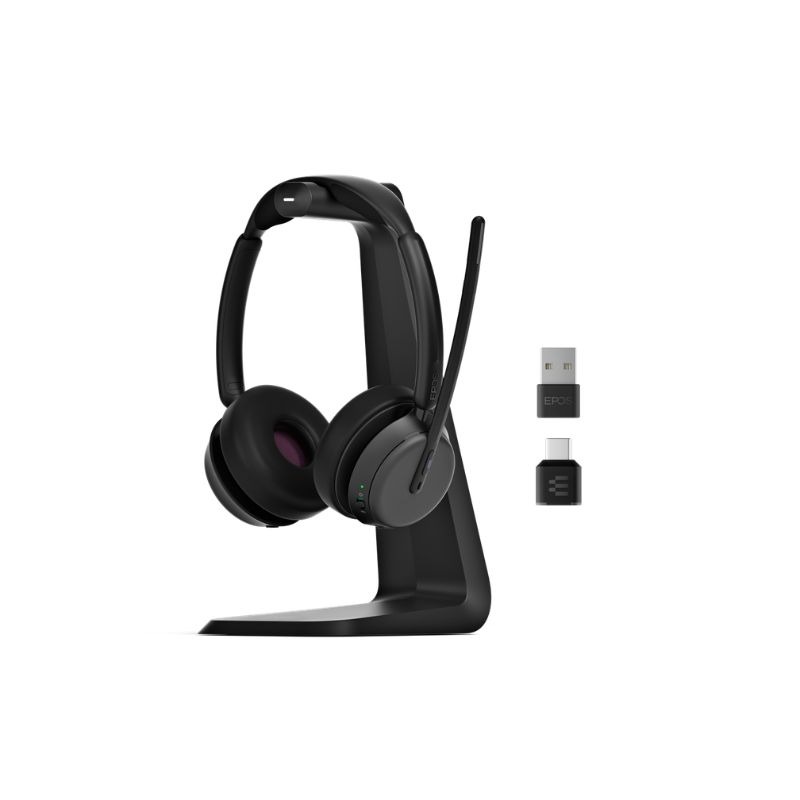
A standard package usually includes the wireless dongle itself along with installation instructions but may vary by manufacturer; some may offer additional software drivers if required.
2. Are there licensing requirements?
No specific licensing is typically needed for basic operation; however, certain advanced features might require additional software that could be subject to licensing fees depending on vendor policies.
3. How do I know if my equipment is compatible?
Please check the specifications provided by manufacturers; most list compatibility details clearly on their product pages which will include supported operating systems such as Windows or Mac OS versions.
4. Is installation straightforward?
The majority of modern wireless dongles are designed for easy installation—most operate on a plug-and-play basis that does not require technical proficiency beyond connecting it into the appropriate port on your device.
5. Can I use it effectively in hybrid work environments?
Certain models are well-suited for hybrid working scenarios where mobility is essential; ensure you select a high-performance model designed for frequent connection changes between different locations within an office or home space environment.
A wireless dongle provides excellent connectivity options suitable for today’s flexible workspaces while simplifying deployment across various devices. Explore our range today to find one tailored specifically to meet your business requirements!