Professional advice available Monday to Friday, 8.30am-5.30pm
Mon. to Fri. 8:30 a.m. – 6:30 p.m.
0333 123 3050
Call us!
Upgrade your calls and meetings with a premium Jabra headset—engineered for comfort, clarity, and productivity. Whether you’re working from home, in a call centre, or managing hybrid teams, Jabra offers cutting-edge audio performance tailored to professional needs. Enjoy the benefits of advanced headset technology:
Browse our full selection of Jabra headsets and find the perfect model for your work environment.
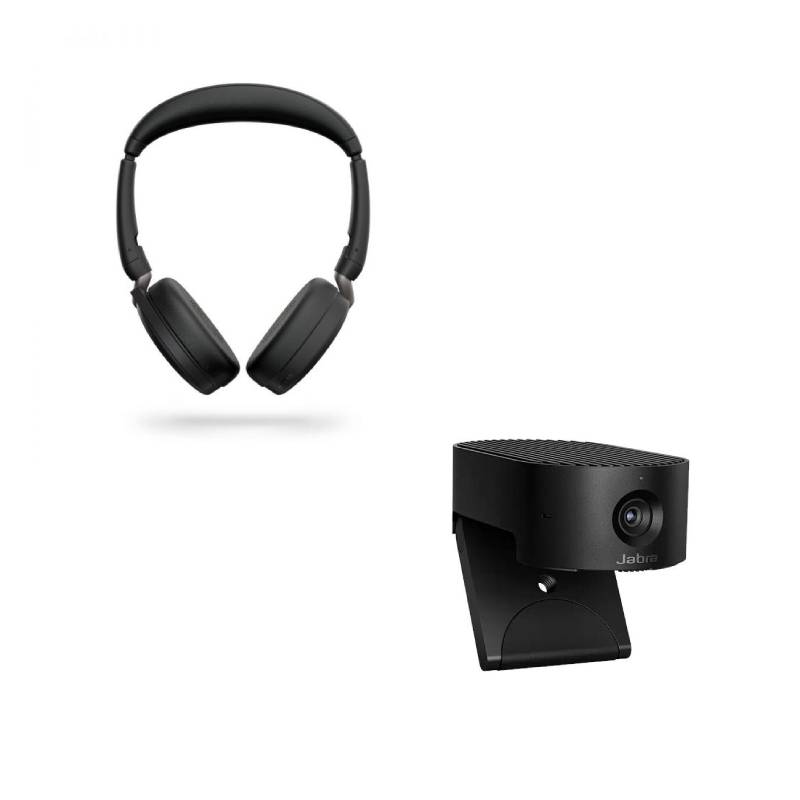

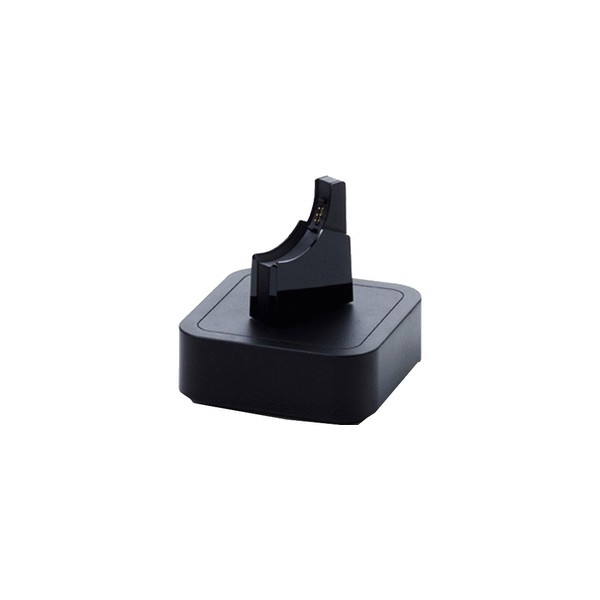
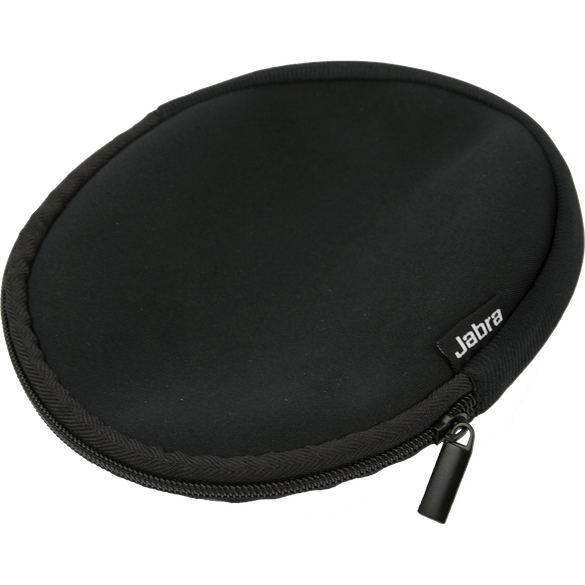
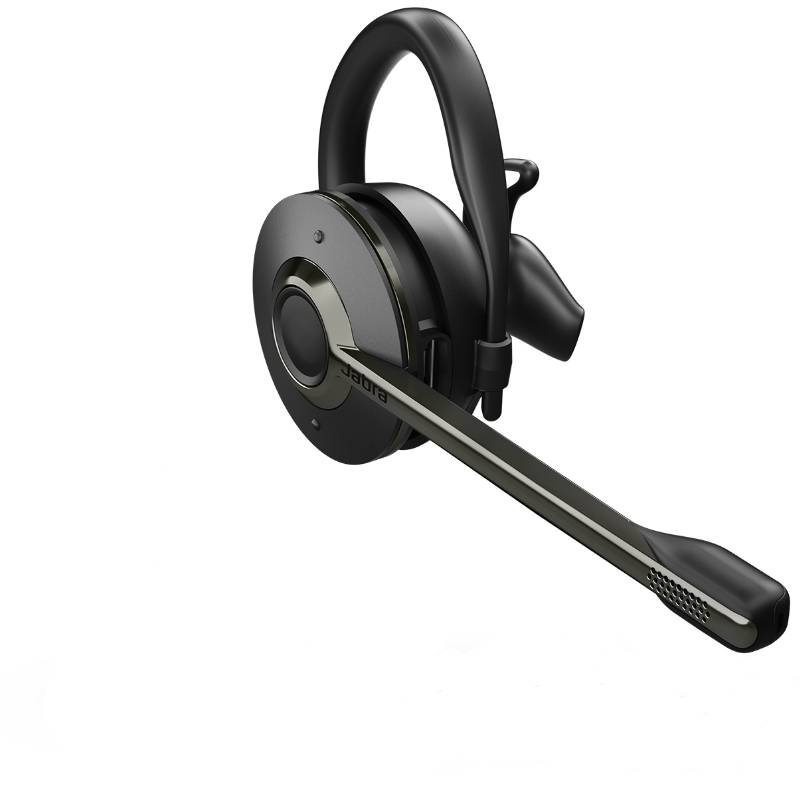
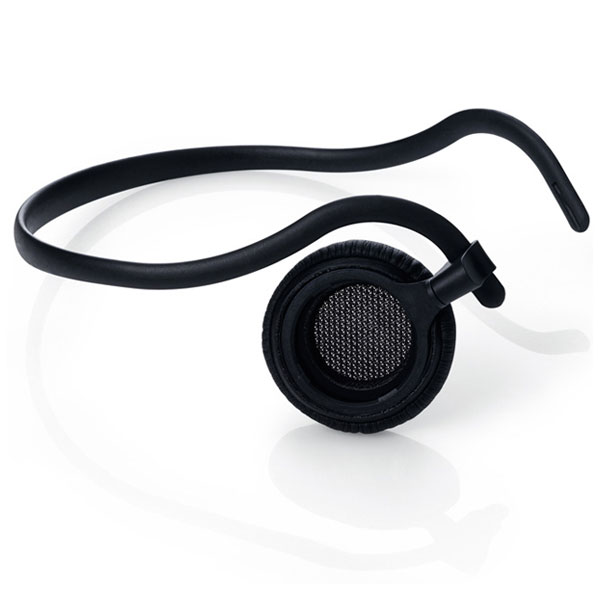
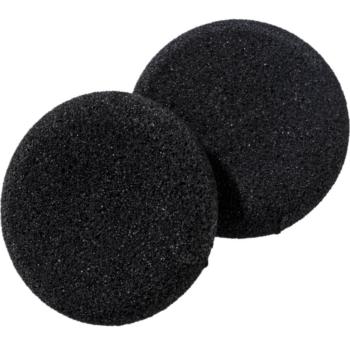
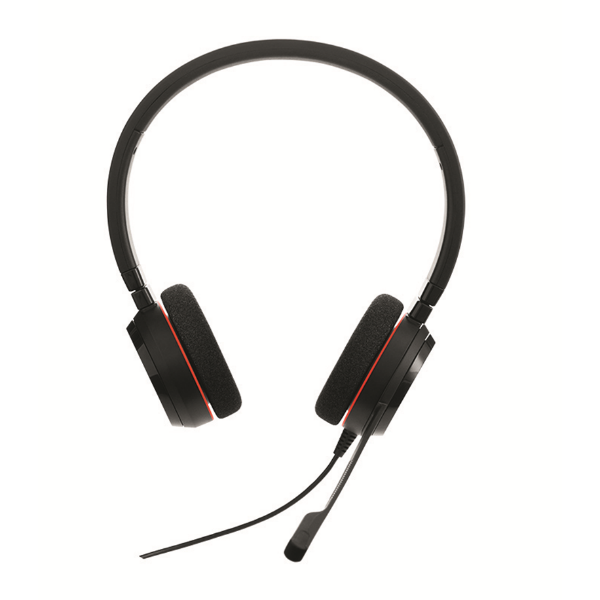
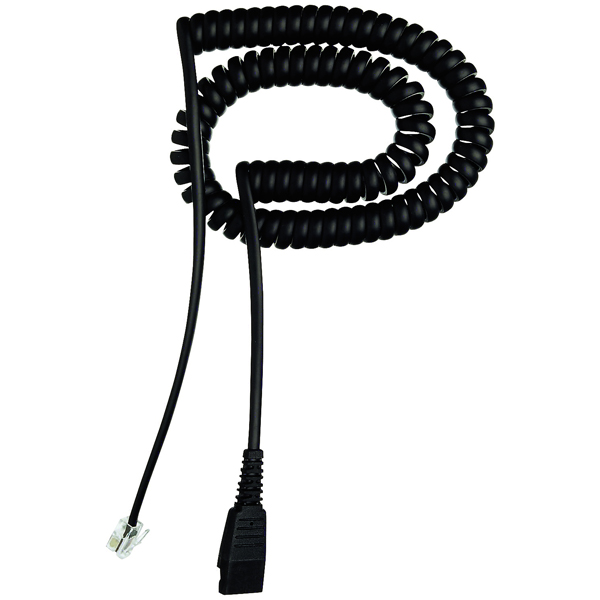
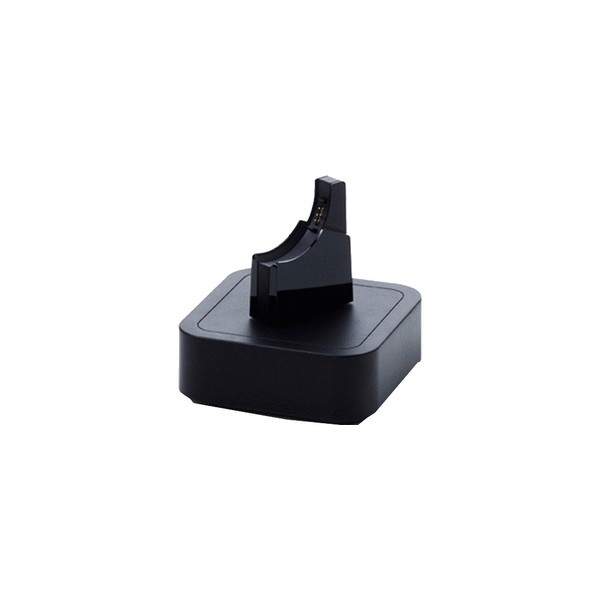
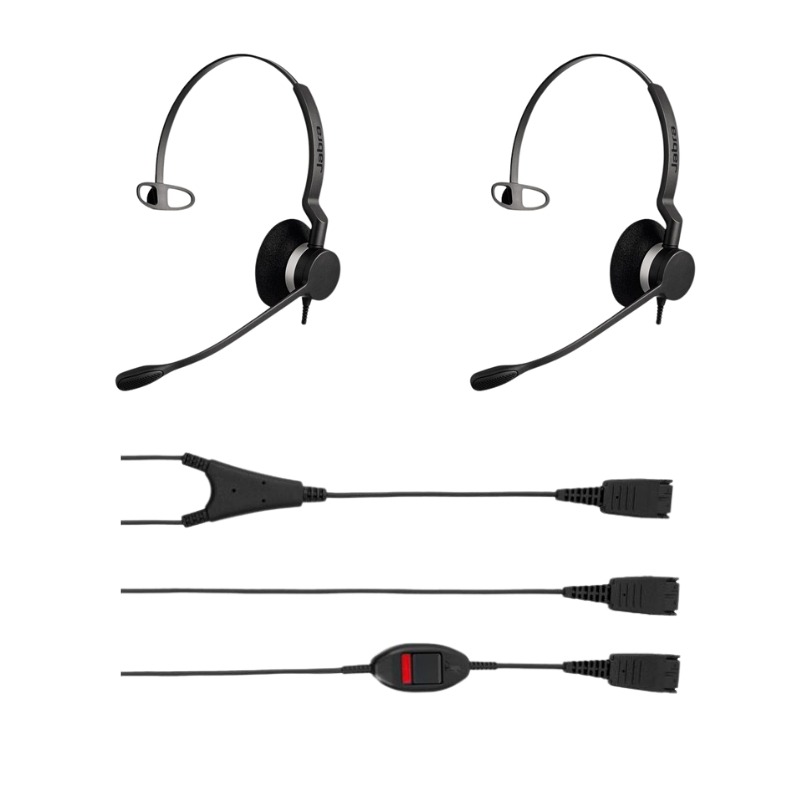
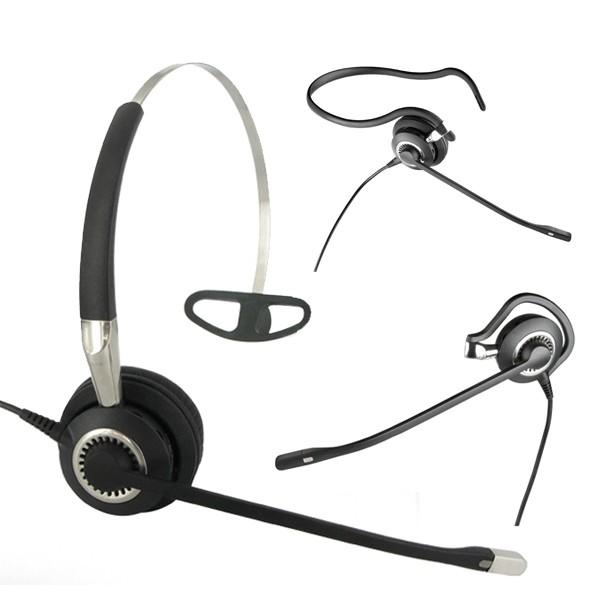
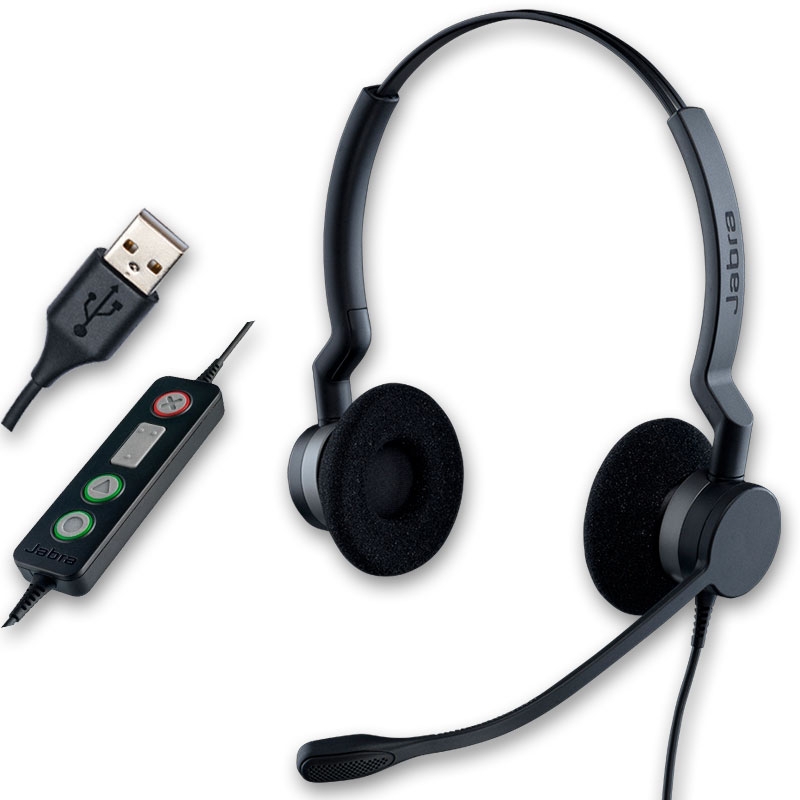
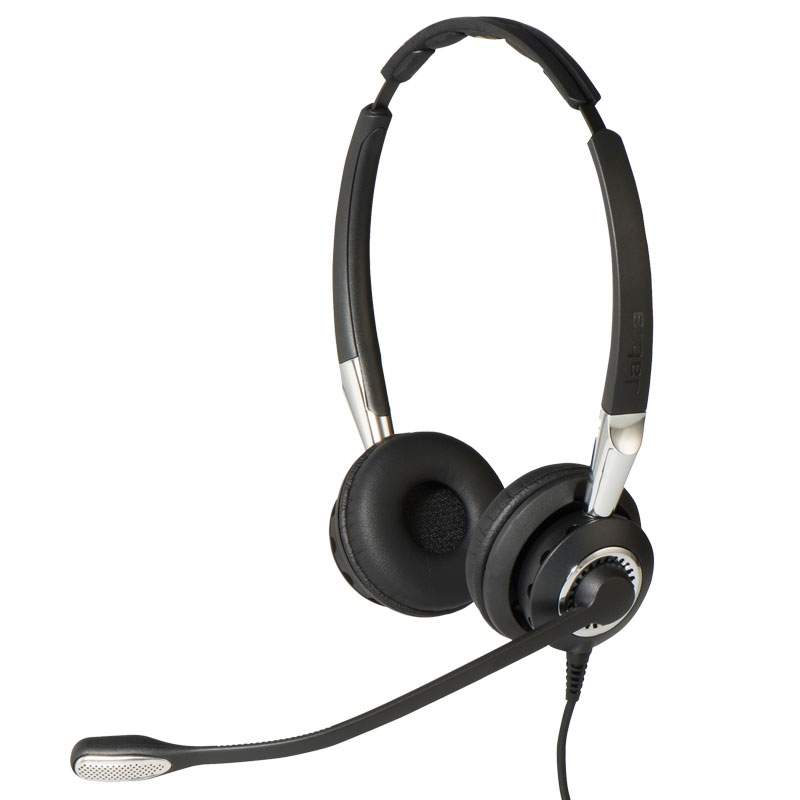
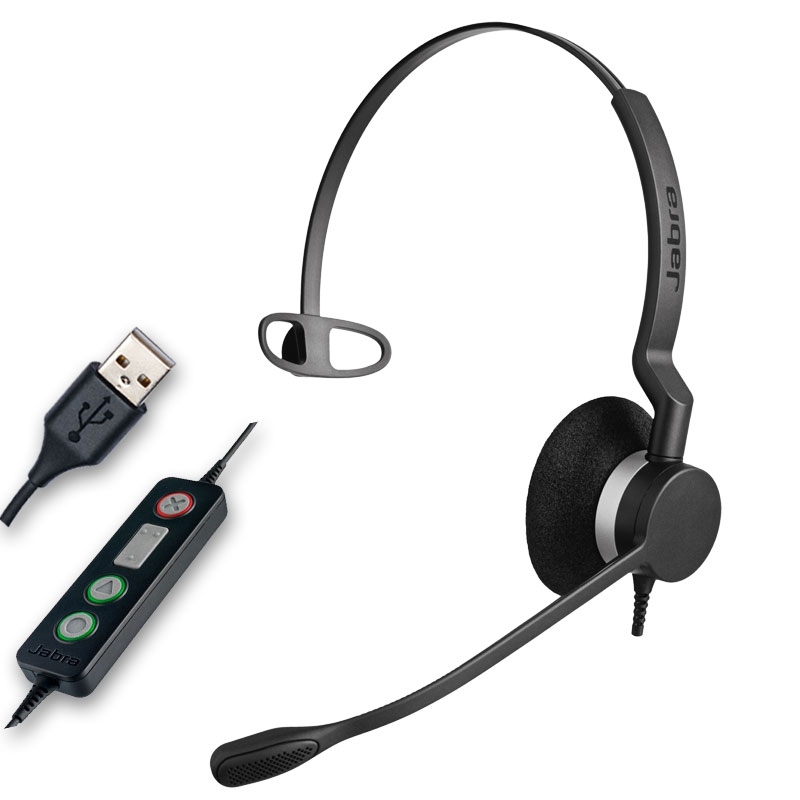
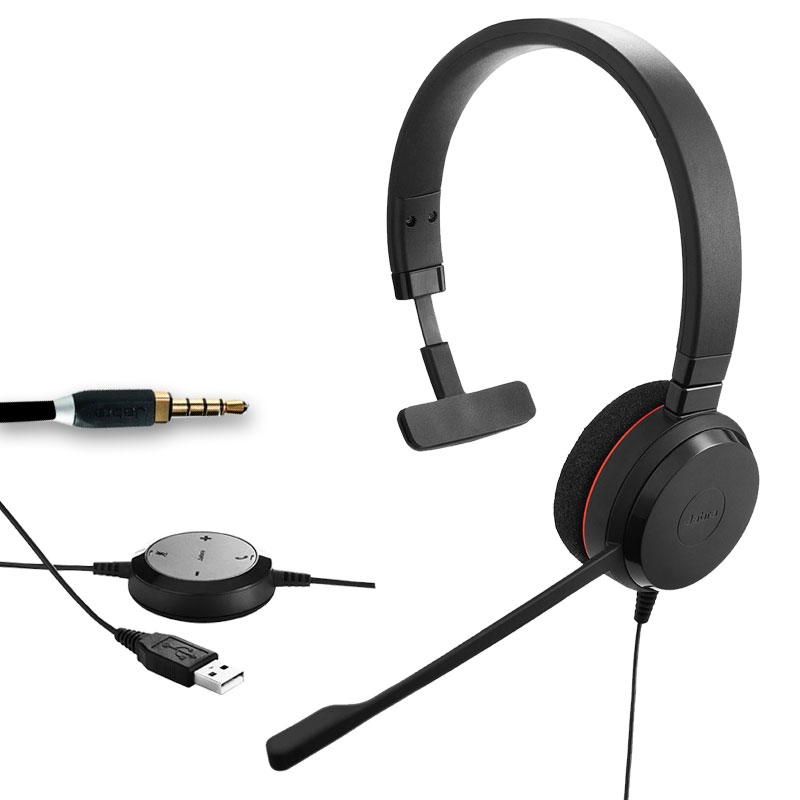
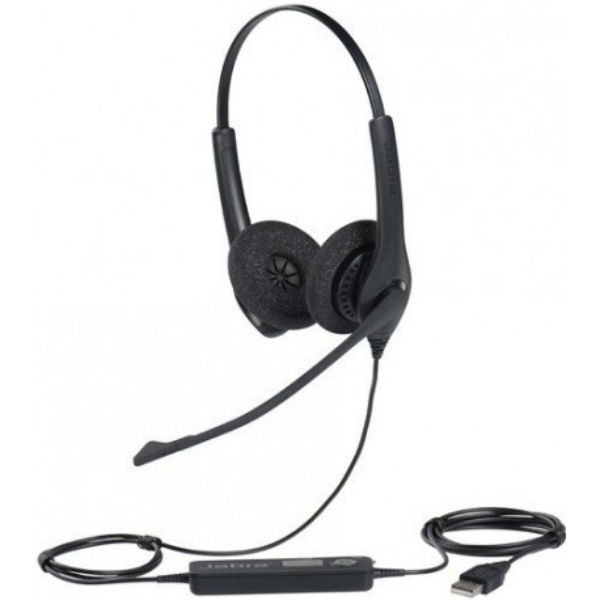
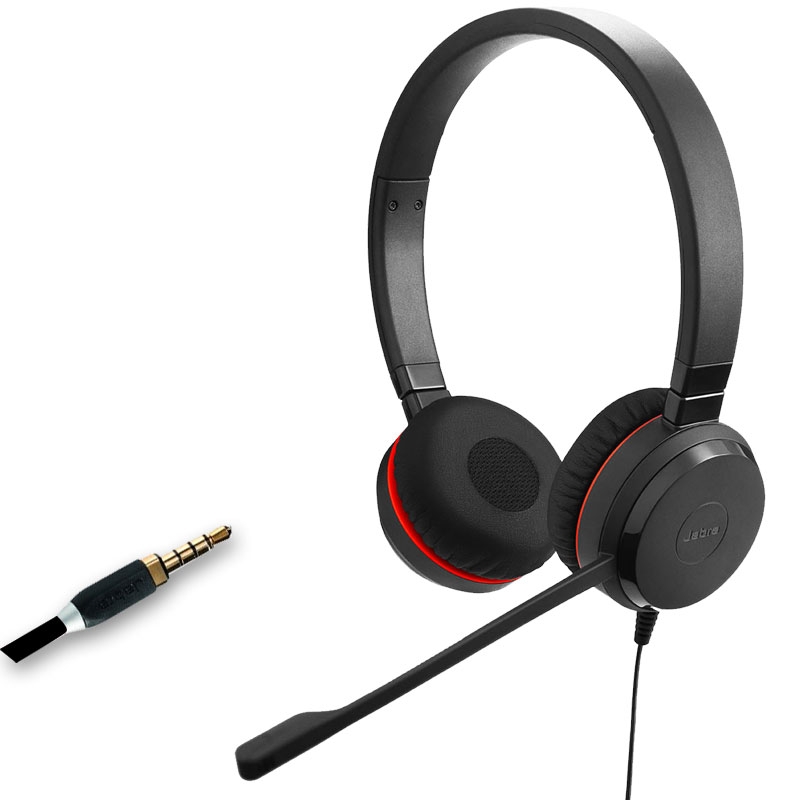

Jabra headsets are trusted by professionals around the world for their outstanding audio performance, comfort, and seamless integration with modern workplace tools. Whether you're working remotely, in a busy call centre, or leading virtual meetings, Jabra offers a wide range of wired and wireless solutions tailored to every work style. In the following sections, we’ll explore the key benefits of Jabra headsets, share practical usage tips, answer frequently asked questions, and help you choose the best model to elevate your productivity and communication experience.
Exceptional Sound Quality: Jabra headsets deliver crystal-clear audio with advanced speakers and noise-cancelling microphones. This makes them perfect for voice calls, video meetings, and listening to music during the workday. Whether you're in a quiet office or a noisy environment, you'll enjoy clear and natural conversations.
Comfortable for All-Day Wear: With lightweight frames, memory foam ear cushions, and adjustable headbands, Jabra headsets are built for long-term use. Many models, such as the Evolve2 and Engage series, are designed to reduce pressure and heat, helping users stay focused and comfortable throughout the day.
Multiple Connectivity Options: Jabra offers flexible connectivity across USB-A, USB-C, Bluetooth, and 3.5mm jack options. You can switch seamlessly between your PC, smartphone, or tablet, making them ideal for hybrid work and unified communications platforms like Microsoft Teams or Zoom.
Smart Features and Controls: Many Jabra headsets feature intuitive on-ear controls, voice assistant support, busy light indicators, and motion sensors for automatic call management. These intelligent features simplify your workflow and enhance efficiency during your working hours.
Wide Product Range for Every Role: Whether you need a mono headset for quick calls or a stereo headset for immersive focus, Jabra has options for every user. From entry-level wired headsets to high-end wireless solutions with noise isolation, there’s a model to match your budget and business needs.
Certified for UC and Microsoft Teams: Jabra devices are certified for leading communication platforms, ensuring plug-and-play compatibility and optimised performance. With dedicated Teams buttons and integration, switching between meetings and tasks is quick and effortless.
To get the best out of your Jabra headset, make sure it’s correctly set up with your preferred device. For Bluetooth models, use the Jabra Direct software or Sound+ app to update firmware, customise sound profiles, and manage connected devices. When using a USB headset, confirm that your computer’s audio settings are set to use the Jabra device as the default input and output. For unified communications, install the necessary plugins for Teams, Zoom, or Cisco Webex to take full advantage of integrated features like call answering or mute control directly from the headset.
Maintaining your Jabra headset is just as important for long-term performance. Store it in its case or on a stand when not in use, and avoid placing it near heat or moisture. Clean the ear cushions and microphone boom regularly with a soft, dry cloth. If you’re using a headset for long shifts, rotate between mono and stereo models to avoid fatigue. Finally, for busy environments, opt for models with an integrated busy light or active noise cancellation to minimise distractions and signal your availability to colleagues.
What’s the difference between Jabra Evolve and Jabra Engage headsets?
Jabra Evolve headsets are designed primarily for office and remote work, offering great sound quality and comfort for calls and music. The Engage series, on the other hand, is tailored for high-performance call centre environments, with superior wireless range, DECT technology, and multi-device connectivity for more demanding setups.
Can I use a Jabra headset with Microsoft Teams?
Yes, many Jabra headsets are certified for Microsoft Teams and include dedicated Teams buttons for quick access to meetings, notifications, and status controls. This ensures seamless integration with Teams environments and boosts productivity for hybrid workers.
Do Jabra headsets support multiple device connections?
Absolutely. Most wireless models support multi-point connectivity, allowing you to connect your headset to both a computer and a smartphone simultaneously. This is ideal for switching between work calls and mobile communication without needing to re-pair devices.
Are Jabra headsets suitable for noisy environments?
Yes, especially models with active noise cancellation (ANC) and noise-cancelling microphones. The Jabra Evolve2 75 and Engage 75, for example, are excellent for blocking out background noise and ensuring you’re clearly heard on calls, even in open-plan offices.
How do I update or customise my Jabra headset?
Use Jabra Direct (for desktop) or the Sound+ mobile app to update firmware, adjust audio settings, and personalise your device. These tools also help troubleshoot connection issues and manage headset performance over time.
Jabra headsets combine comfort, performance, and smart features to support professionals in any work environment. Explore our full range today to find the perfect model for your communication needs.