Need help?
Professional advice available Monday to Friday, 8.30am-5.30pm Mon. to Fri. 8:30 a.m. – 6:30 p.m. 0333 123 3050 Call us!
PRICE
  • 0
    ,00 
    5 999
    ,00 

32 inch size

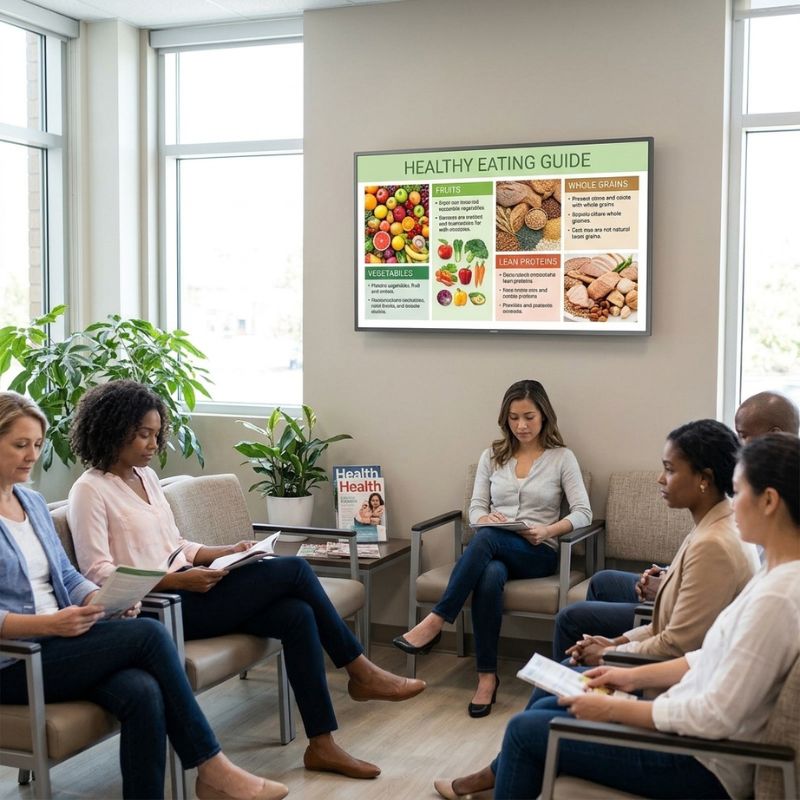
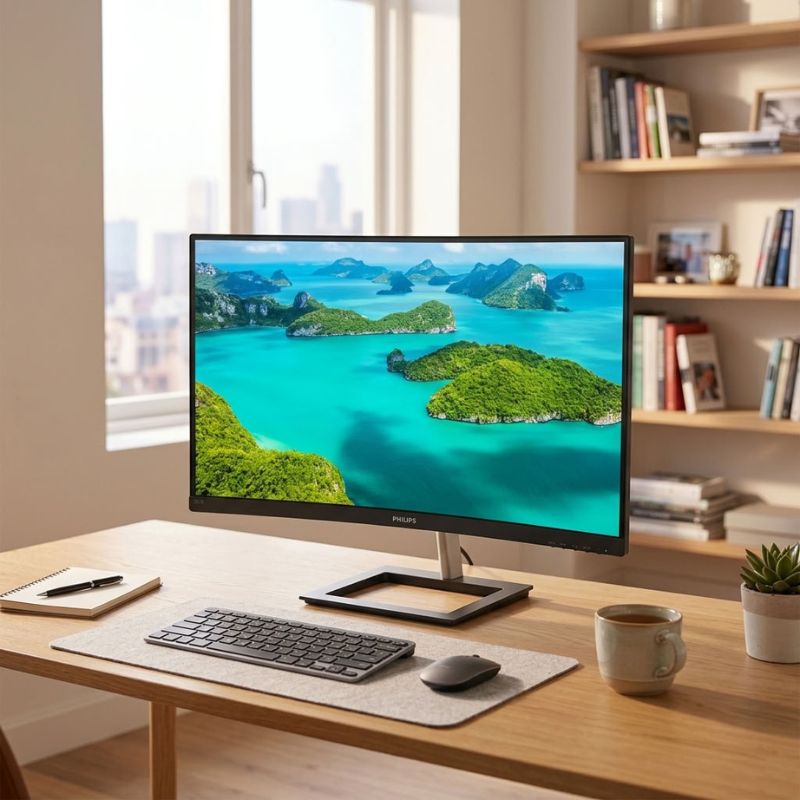
32 Inch Size for Enhanced Productivity

The 32 inch size in professional hardware provides expansive display real estate for improved workflow and visibility. This guide focuses on the advantages of integrating large-format displays into your business environment.

  • Increased visibility: Larger screens allow for more information to be viewed simultaneously, reducing the need to switch between windows.
  • Improved collaboration: Ideal for team settings, a 32 inch display facilitates group discussions and presentations with clarity.
  • Versatile use cases: Perfect for various applications, including data analysis, design work, and video conferencing.

Explore our full range of products in the 32 inch size category to find the right fit for your business needs.

1  - 3 of 3 results found

32 Inch Size for Business Efficiency

The 32 inch size is particularly suited for businesses looking to optimise their workspace with larger displays that enhance productivity and collaboration. This guide will cover the essential benefits of incorporating 32-inch monitors into your office environment, along with practical usage tips and common queries from potential buyers.

Benefits of Using 32 Inch Size

  • Larger workspace: A significant screen size provides ample room to arrange multiple applications side by side, making multitasking easier than ever.
  • User comfort: The expansive viewing area allows users to maintain a comfortable distance while still accessing all information easily, reducing eye strain during long working hours.
  • Diverse compatibility: Many models are compatible with both Windows and Mac systems, ensuring flexibility across different platforms within your organisation.
  • Sleek design: Modern 32 inch monitors often feature slim bezels and elegant designs that complement any professional space while saving desk space.
  • Easier management: Some models offer built-in smart features or compatibility with centralised management software, simplifying deployment in larger settings or hybrid workplaces.
  • Lifting productivity levels: Research shows that larger displays can lead to higher employee satisfaction and increased output due to reduced clutter and enhanced focus on tasks at hand.

Usage Tips

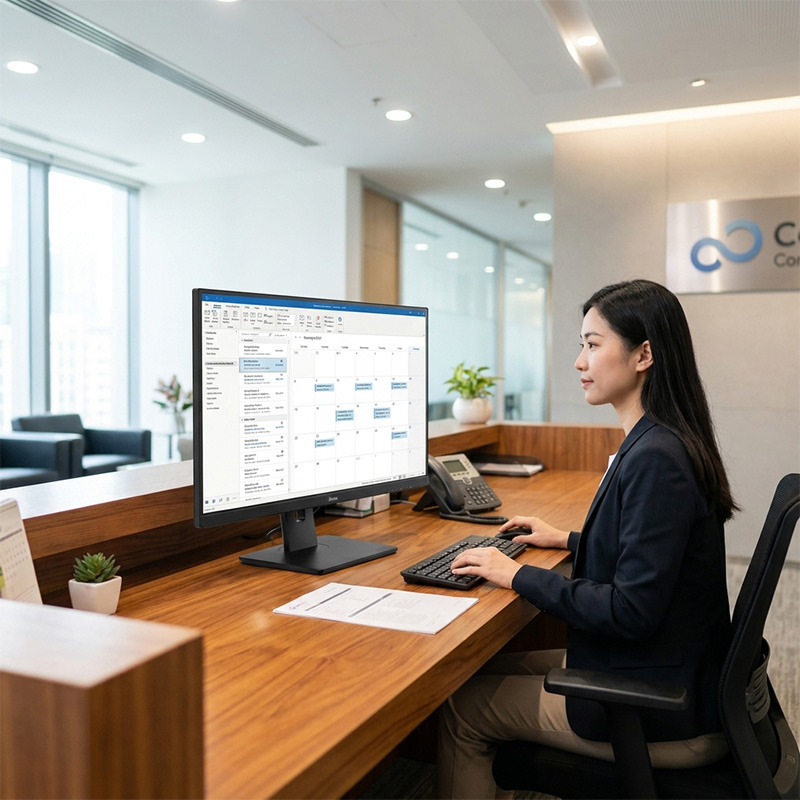
When setting up a 32 inch monitor, consider its positioning relative to your workstation. Ideally, the top of the screen should be at or slightly below eye level while being approximately an arm's length away. This ergonomic setup promotes better posture and reduces neck strain during extended use. Additionally, ensure there’s adequate desk space not only for the monitor but also for other peripherals like keyboards or laptops. Maintaining your 32 inch monitor involves regular cleaning of the screen with appropriate materials to avoid damage. Keep an eye on firmware updates from manufacturers which can improve functionality over time. Additionally, providing user training can help maximise utilisation; consider best practices like adjusting brightness settings based on ambient light conditions or utilising split-screen features effectively.

Q&A

1. What is included in my purchase?

Your purchase typically includes the monitor itself along with a power cable and necessary cables (HDMI/DisplayPort) as per model specifications; however, additional accessories may need to be purchased separately depending on your setup requirements.

2. Are there any specific software requirements?

No specific software is universally required; however, compatibility with certain applications may vary by manufacturer—it's advisable to check any licensing agreements if utilizing advanced features or smart capabilities associated with particular brands.

3. Can I connect this monitor across different platforms?

The majority of modern 32 inch monitors are designed for cross-platform compatibility; however, some advanced features may work optimally within specific ecosystems such as Apple or Microsoft environments where additional drivers might be needed.

4. How easy is it to install a 32 inch monitor?

The installation process is generally straightforward—most monitors come equipped with user-friendly guides detailing step-by-step instructions; all you typically need is a suitable mount or stand according to your office layout preferences.

5. Are these monitors suitable for hybrid work environments?

A large-format display supports multiple users effectively during meetings conducted via video conferencing tools like Zoom or Teams due partly to their visibility from various angles—a great choice for hybrid working setups where collaboration remains essential even outside traditional office spaces.

Summary

The investment in a robust display solution like a 32 inch size, which enhances productivity through improved visibility and ease of use across various applications will serve as beneficial in any business setting. Consider exploring our diverse range today!

`

You may also be interested in
Philips 32HFL5114 32-inch Android Professional TV

Philips 32HFL5114 32-inch Android Professional TV

£565.99
£369.99
-35%
Ref: PH32HFL5114TV
Hikvision DS-D6032FN-DP 32 Inch Signage

Hikvision DS-D6032FN-DP 32 Inch Signage

£389.99
Ref: HKDSD6032FNDP
Philips 32HFL3014 32-inch Professional HD TV

Philips 32HFL3014 32-inch Professional HD TV

£331.09
£285.99
-14%
Ref: PH32HFL3014TV
Philips 32BDL4511D/00 D Line 32-inch FHD display

Philips 32BDL4511D/00 D Line 32-inch FHD display

£618.19
£454.99
-26%
Ref: PHIL32BDL4511D
Philips 5150I 32-inch ePaper Display

Philips 5150I 32-inch ePaper Display

£2099.99
£1717.99
-18%
Ref: PH32BDL5150I
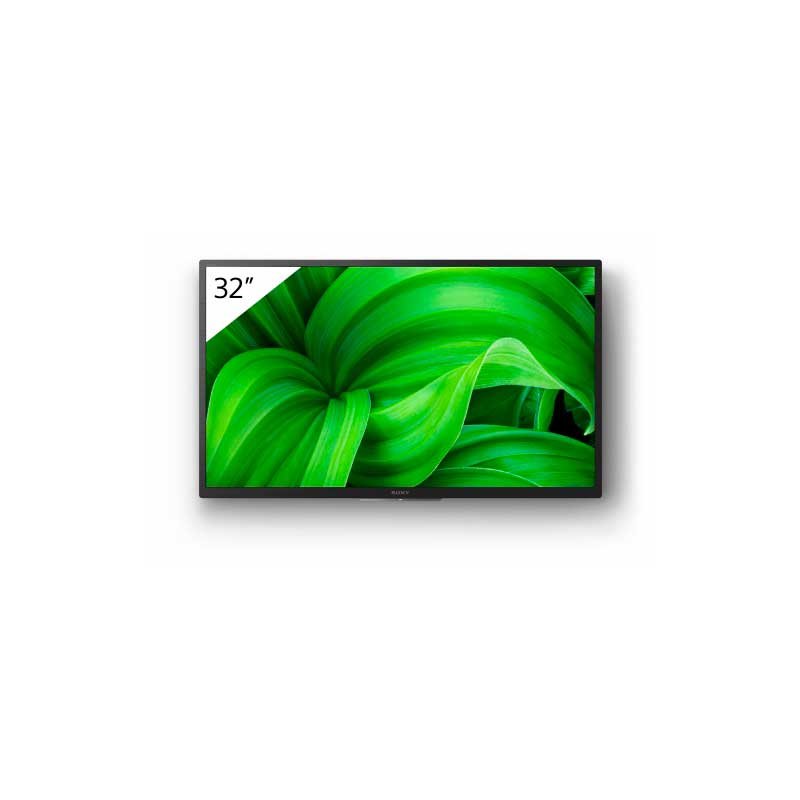
Sony FWD 32W8001 32 Inch HD Smart TV

Sony FWD 32W8001 32 Inch HD Smart TV

£359.68
£313.99
-13%
Ref: SOFWD32W8001
iiyama ProLite XUB3297QSNP-B1 32-inch QHD Monitor

iiyama ProLite XUB3297QSNP-B1 32-inch QHD Monitor

£298.99
£259.99
-13%
Ref: IIYXUB3297
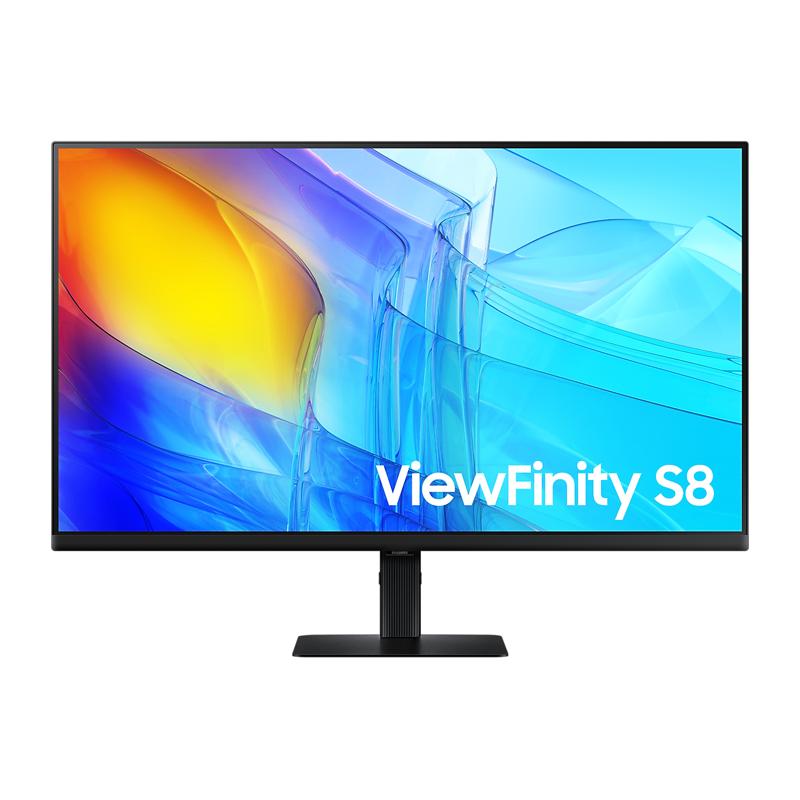
Samsung ViewFinity S8 S32D800EAU 32'' 4K Monitor

Samsung ViewFinity S8 S32D800EAU 32'' 4K Monitor

£339.99
£283.99
-16%
Ref: SALS32D800EAUXXU
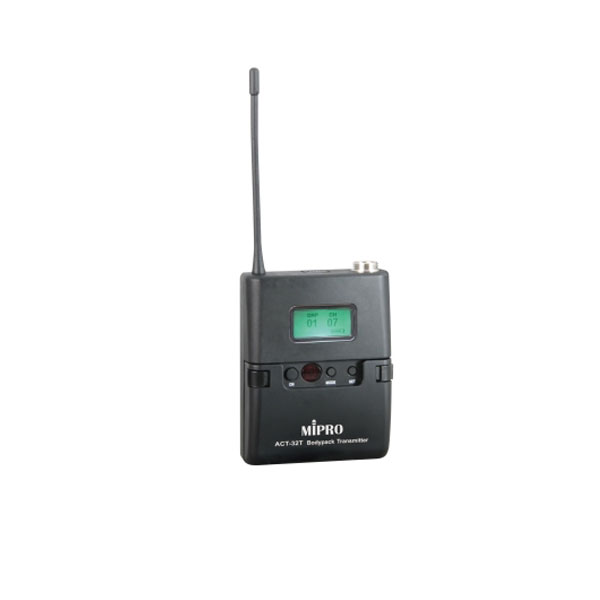
MiPro ACT-32T Compact Transmitter

MiPro ACT-32T Compact Transmitter

£129.99
Ref: MIPACT32T
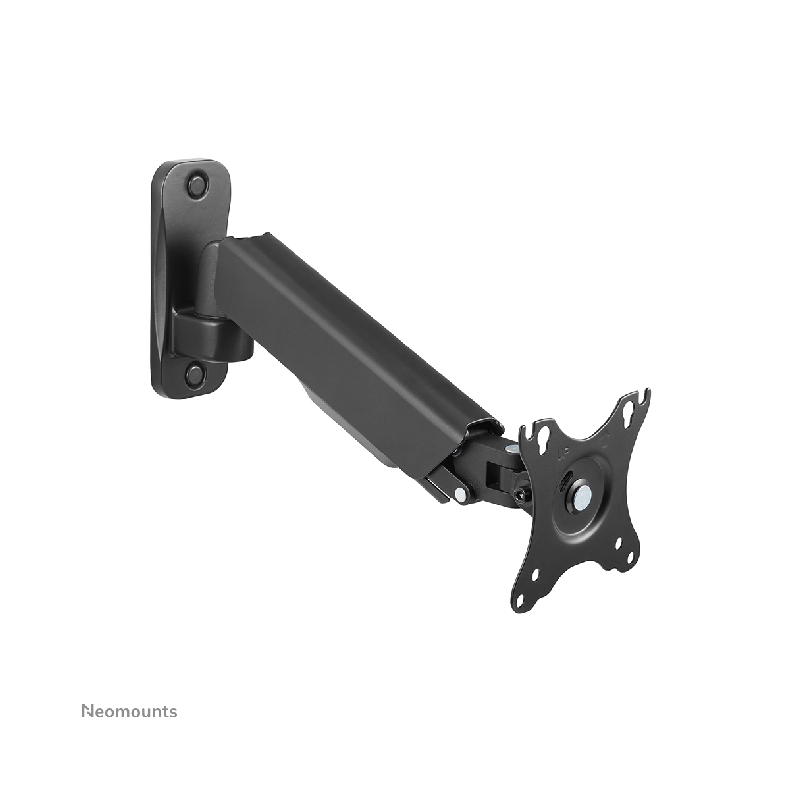
Neomounts WL70-440BL11 Desk Mount 17–32 Inch

Neomounts WL70-440BL11 Desk Mount 17–32 Inch

£69.95
£54.99
-21%
Ref: NEOWL70440BL11
Philips D-Line 32" FHD Monitor Pack + Wall Mount

Philips D-Line 32" FHD Monitor Pack + Wall Mount

£644.18
£466.55
-28%
Ref: PHIL32BDL4511DBTSM
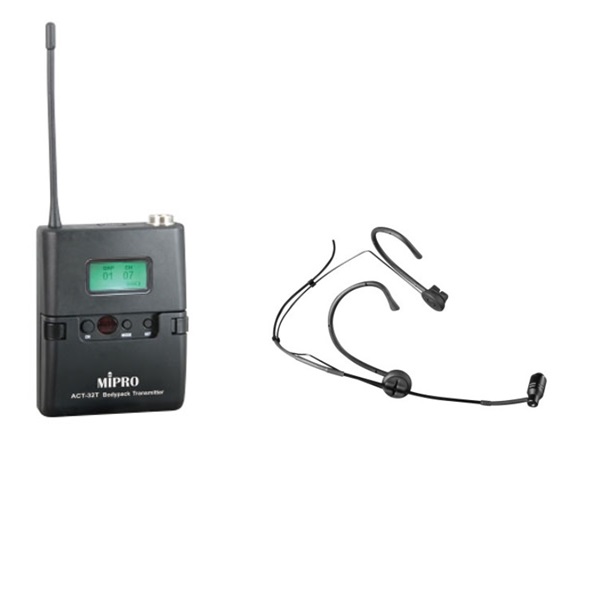
MiPro ACT-32T Transmitter and MU-53HN Microphone

MiPro ACT-32T Transmitter and MU-53HN Microphone

£183.98
£178.46
-3%
Ref: MIACT32TMIC
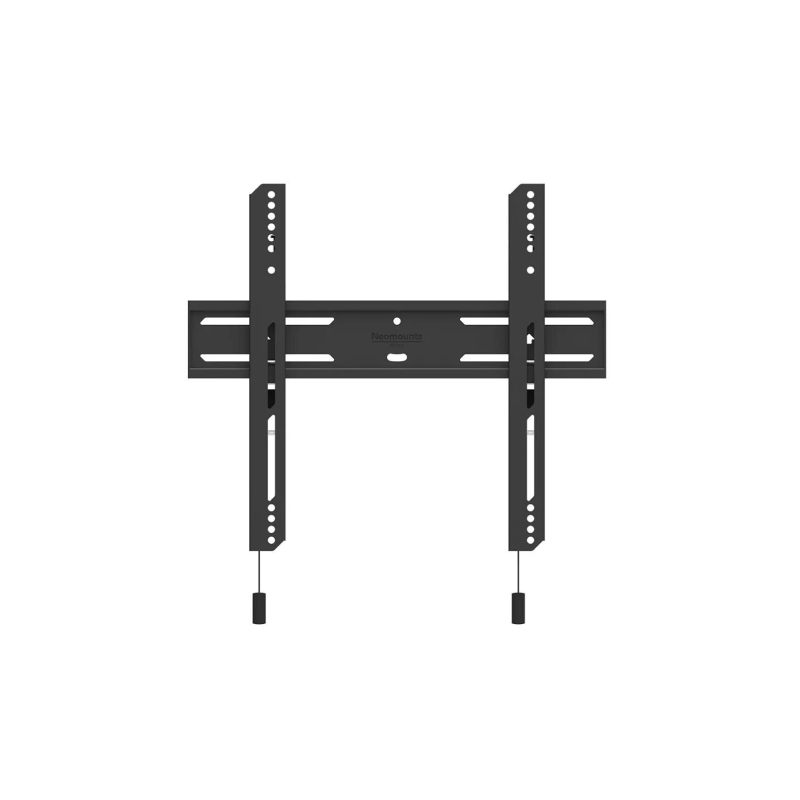
Neomounts WL30S-850BL14 Wall Mount 32–65 Inch

Neomounts WL30S-850BL14 Wall Mount 32–65 Inch

£56.95
£47.99
-16%
Ref: NEOWL30S850BL14
Peerless AV SF660P Universal Wall Mount (32–75 inches)

Peerless AV SF660P Universal Wall Mount (32–75 inches)

£89.99
£70.99
-21%
Ref: PEERLSF660P
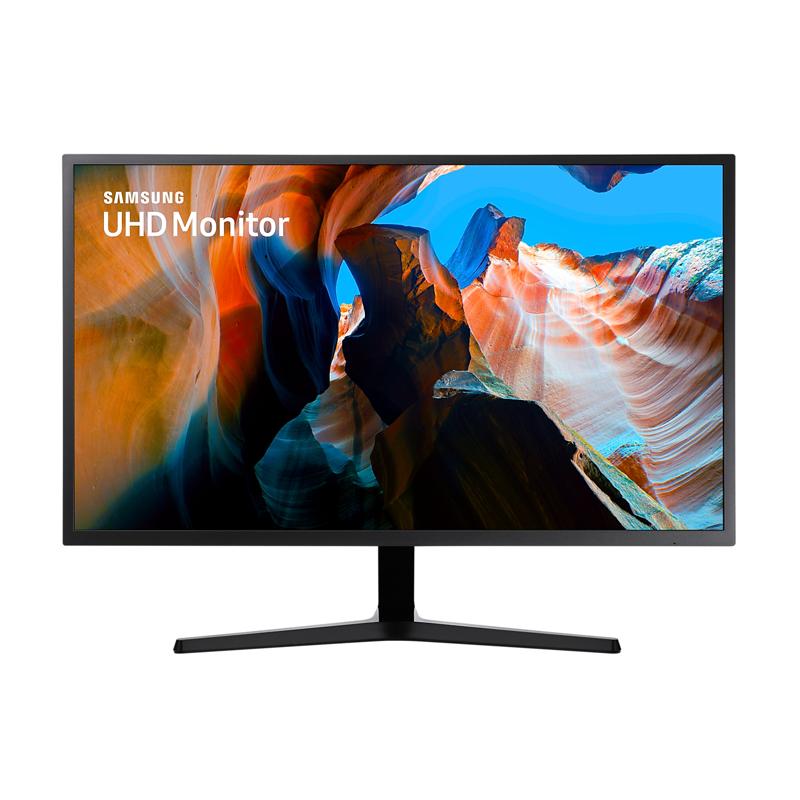
Samsung UJ590 32'' 4K UHD Monitor

Samsung UJ590 32'' 4K UHD Monitor

£289.99
£242.99
-16%
Ref: SALU32J590UQPXXU
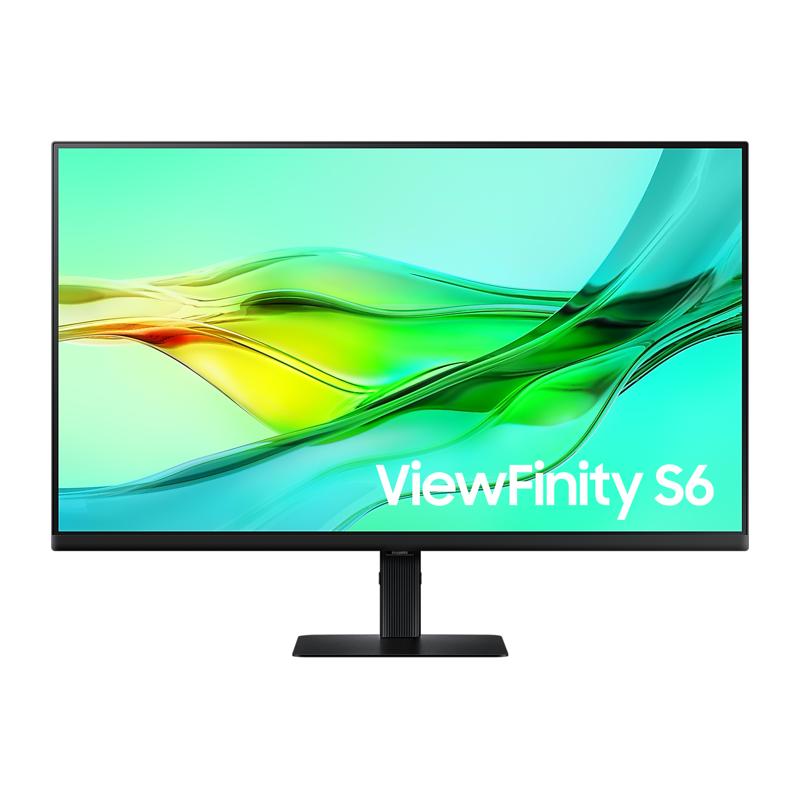
Samsung ViewFinity S60UD 32'' QHD Monitor

Samsung ViewFinity S60UD 32'' QHD Monitor

£319.99
£266.99
-17%
Ref: SALS32D600UAUXXU
Neomounts WL35-550BL14 Wall Mount 32–75 Inch

Neomounts WL35-550BL14 Wall Mount 32–75 Inch

£39.95
£30.99
-22%
Ref: NEWL35550BL14
Neomounts WL35-350BL14 Wall Mount 32–55 Inch

Neomounts WL35-350BL14 Wall Mount 32–55 Inch

£37.95
£28.99
-24%
Ref: NEOWL35350BL14
Neomounts WL35S-850BL14 Wall Mount 32–65 Inch

Neomounts WL35S-850BL14 Wall Mount 32–65 Inch

£71.95
£49.99
-31%
Ref: NEOWL35S850BL14
Philips 5150L 32" ePaper Display Pack + Tilting Wall Mount

Philips 5150L 32" ePaper Display Pack + Tilting Wall Mount

£2130.98
£1696.51
-20%
Ref: PH32BDL5150IBTSM
Samsung ViewFinity S80UD 32'' 4K USB-C Monitor

Samsung ViewFinity S80UD 32'' 4K USB-C Monitor

£369.99
£307.99
-17%
Ref: SALS32D800UAUXXU