Need help?
Professional advice available Monday to Friday, 8.30am-5.30pm Mon. to Fri. 8:30 a.m. – 6:30 p.m. 0333 123 3050 Call us!
PRICE
  • 0
    ,00 
    5 999
    ,00 

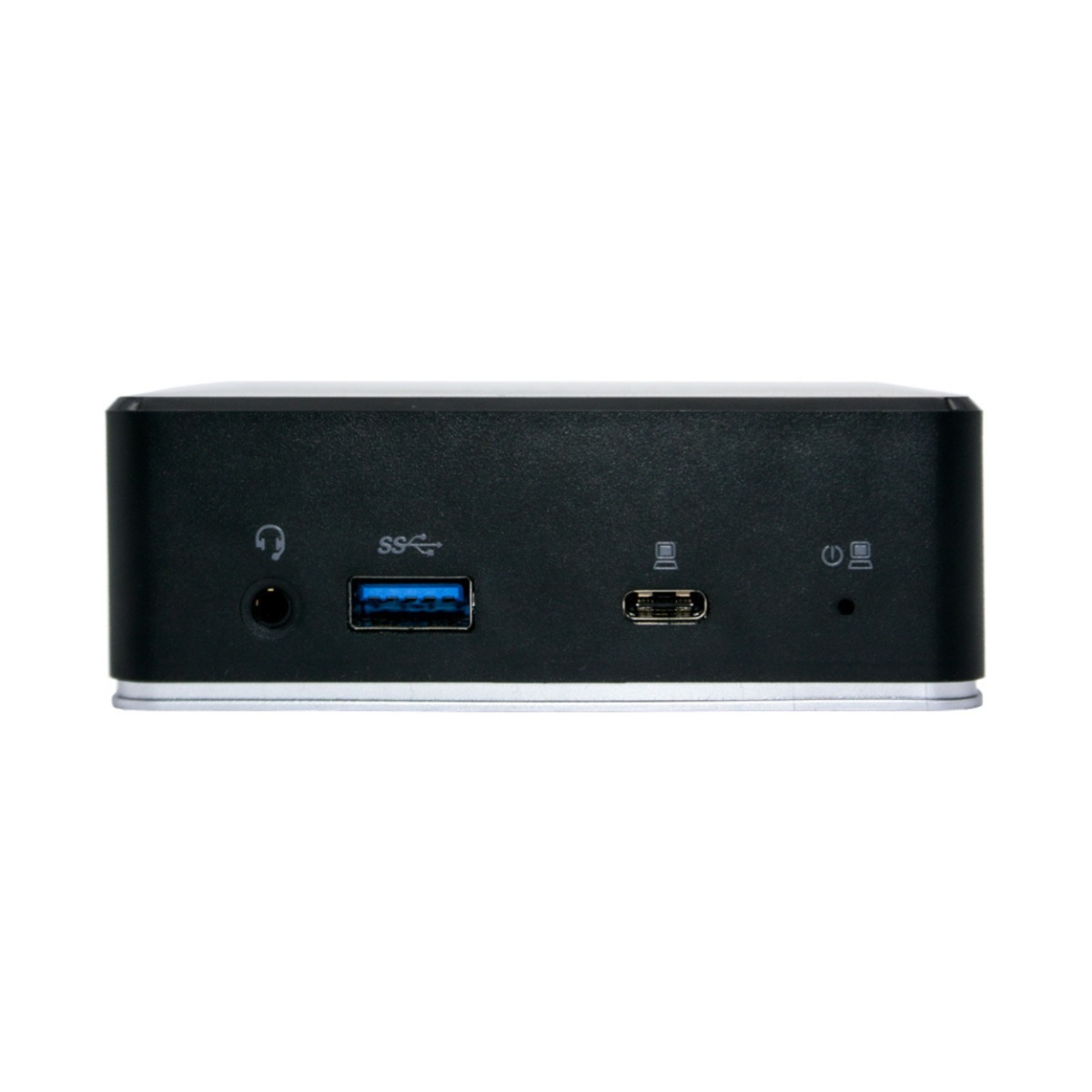
USB station

USB Station for Enhanced Connectivity

The USB station is essential for modern businesses, offering a streamlined solution for connecting multiple devices. This guide will help you understand the core benefits and applications of USB stations in professional settings.

  • Improved Device Management: Centralises connections for easier management across multiple devices.
  • Enhanced Compatibility: Compatible with various operating systems and peripherals, ensuring versatility.
  • Optimised Space Utilisation: Reduces clutter by allowing multiple devices to connect through one hub.

Explore our full range of USB stations to find the perfect fit for your business needs.
1  - 24 of 67 results found
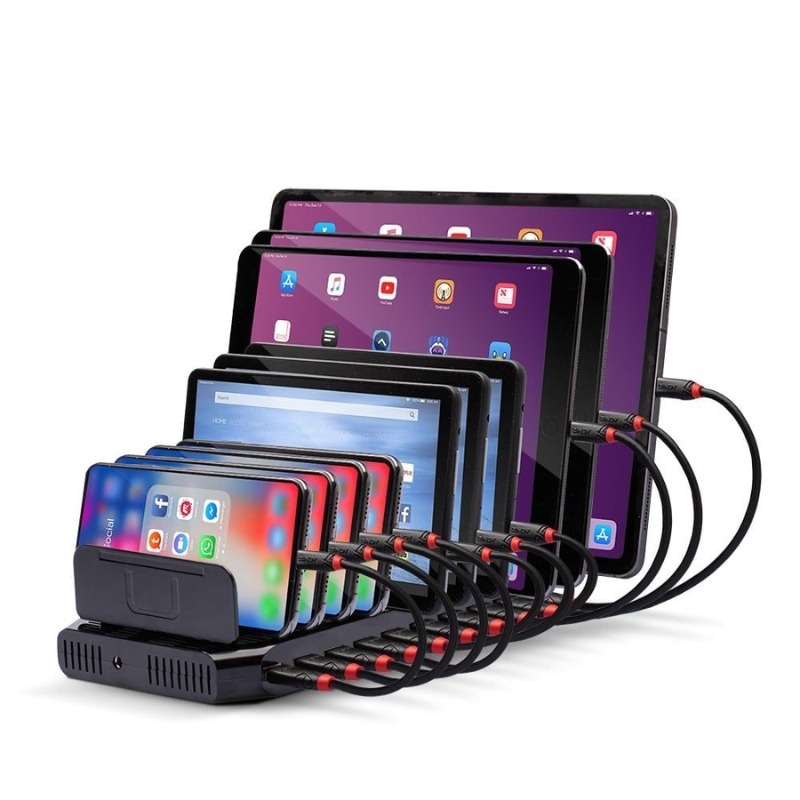
Lindy 96W 10 Port USB Charging Station

Lindy 96W 10 Port USB Charging Station

£69.99
Ref: LINDY73309UK
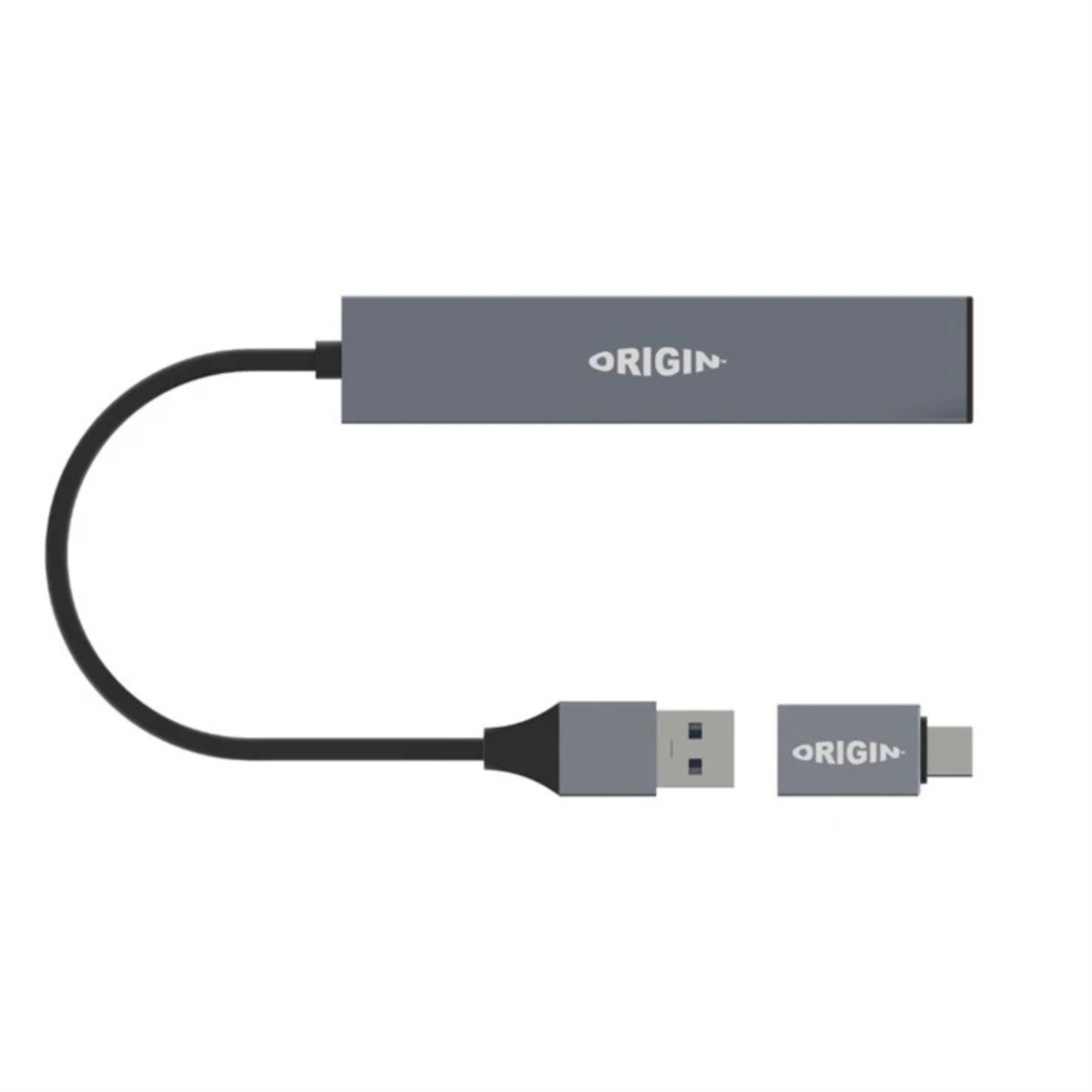
Origin Storage Docking Station USB 3.2 Dual Connector

Origin Storage Docking Station USB 3.2 Dual Connector

£13.99
Ref: ORIHUBUSB3
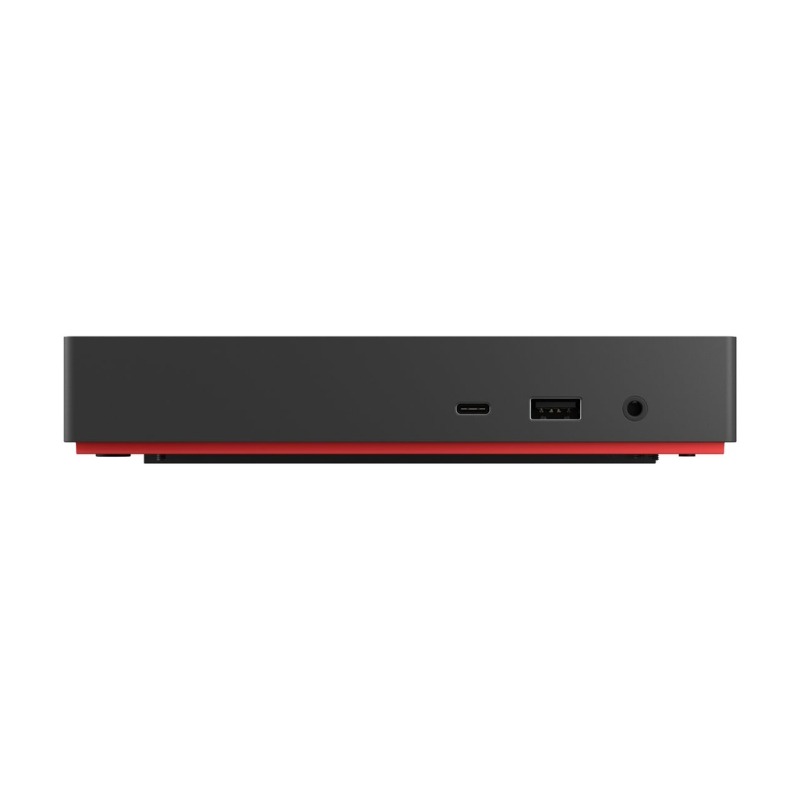
Lenovo ThinkPad Docking Station

Lenovo ThinkPad Docking Station

£399.99
£343.99
-14%
Ref: LEN40BN0135UK
J5Create JCD542-N USB-C Dual Docking Station

J5Create JCD542-N USB-C Dual Docking Station

£77.99
Ref: J5JJD542NUK
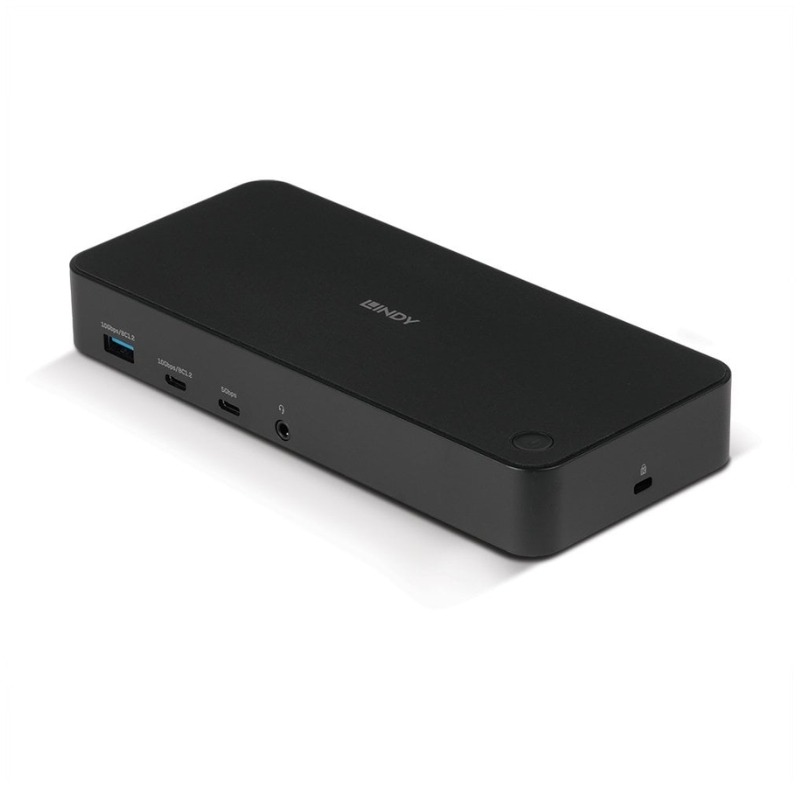
Lindy USB Type C & A Hybrid Laptop Docking Station

Lindy USB Type C & A Hybrid Laptop Docking Station

£214.99
Ref: LINDY43366UK
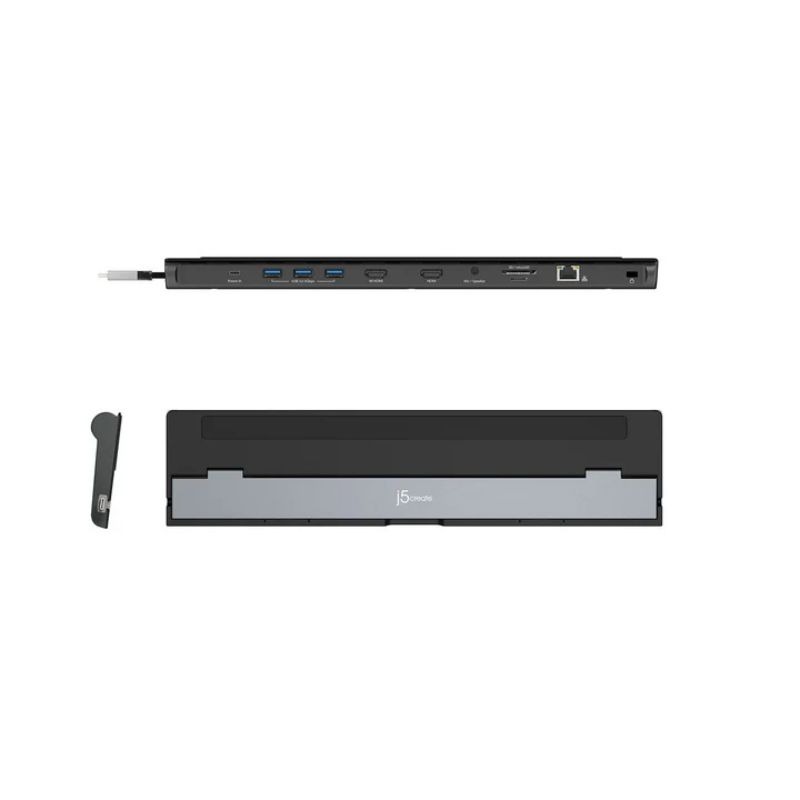
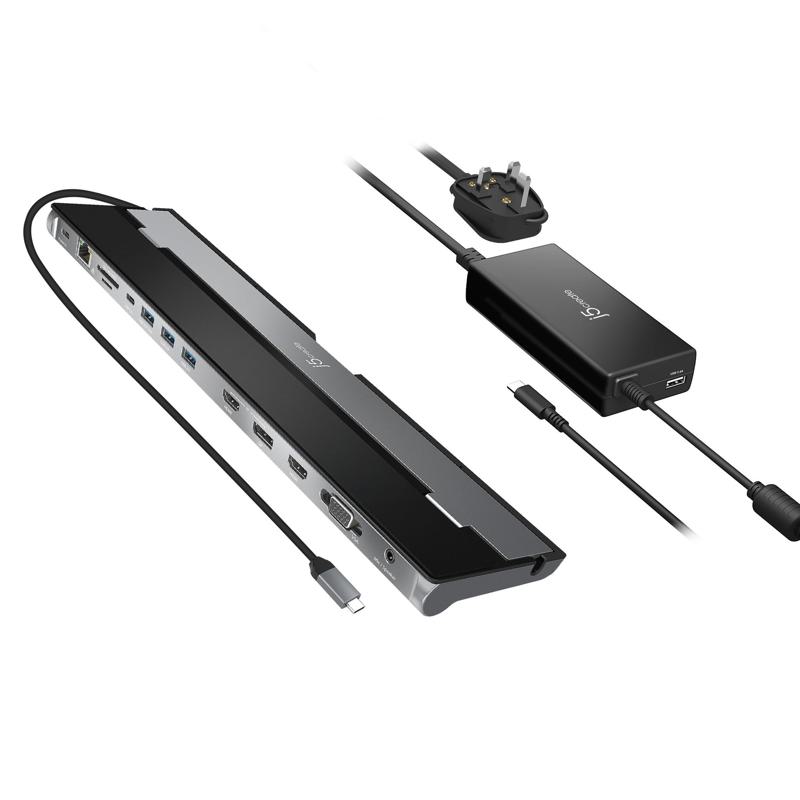
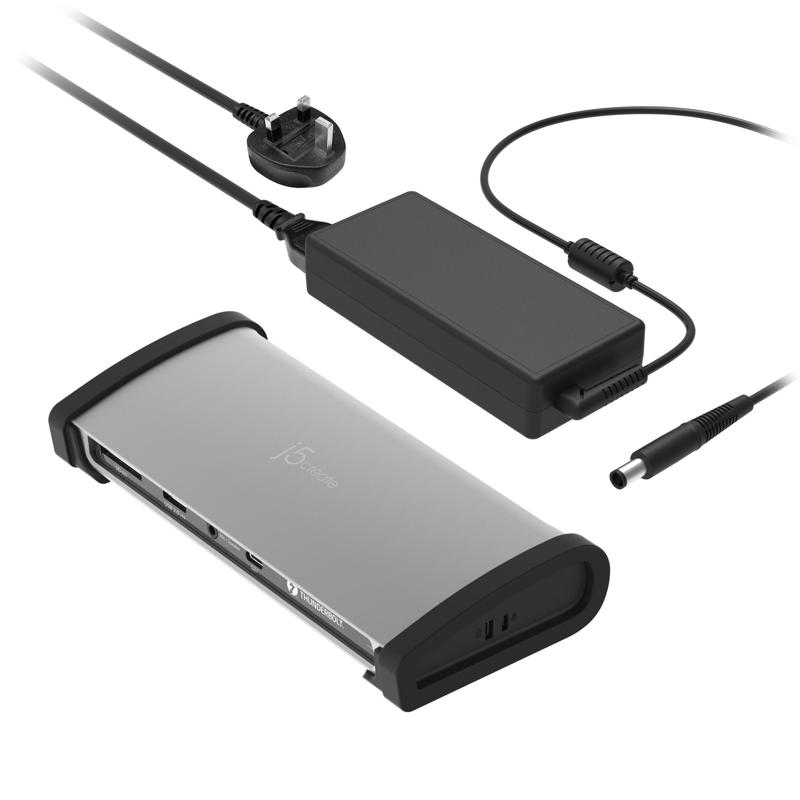
j5create Triple Display Docking Station with 100W PD Adapter

j5create Triple Display Docking Station with 100W PD Adapter

£120.83
£98.99
-18%
Ref: J5JCD543PFN
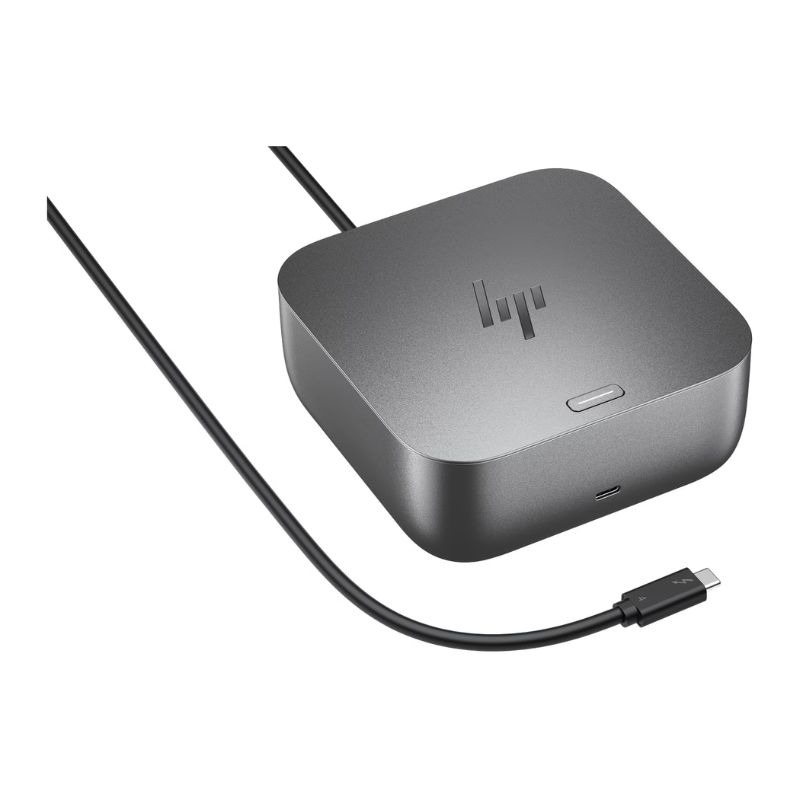
HP Thunderbolt 4 G6 100W Docking Station

HP Thunderbolt 4 G6 100W Docking Station

£314.99
Ref: HPG6100W10AA
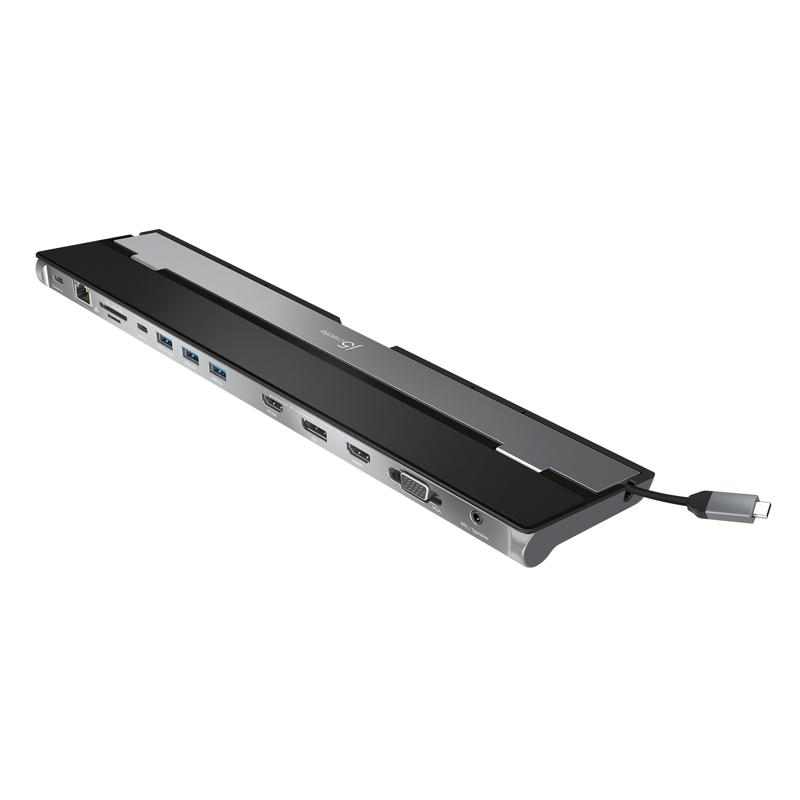
j5create USB-C Triple Display Docking Station

j5create USB-C Triple Display Docking Station

£89.16
£71.99
-19%
Ref: J5JCD543N
Origin Storage USB C 4K Travel Dock 10in1

Origin Storage USB C 4K Travel Dock 10in1

£84.99
Ref: ORIHUBUSB4K
j5create 8K Thunderbolt 4 Docking Station

j5create 8K Thunderbolt 4 Docking Station

£303.59
£227.99
-25%
Ref: J5JTD562FN
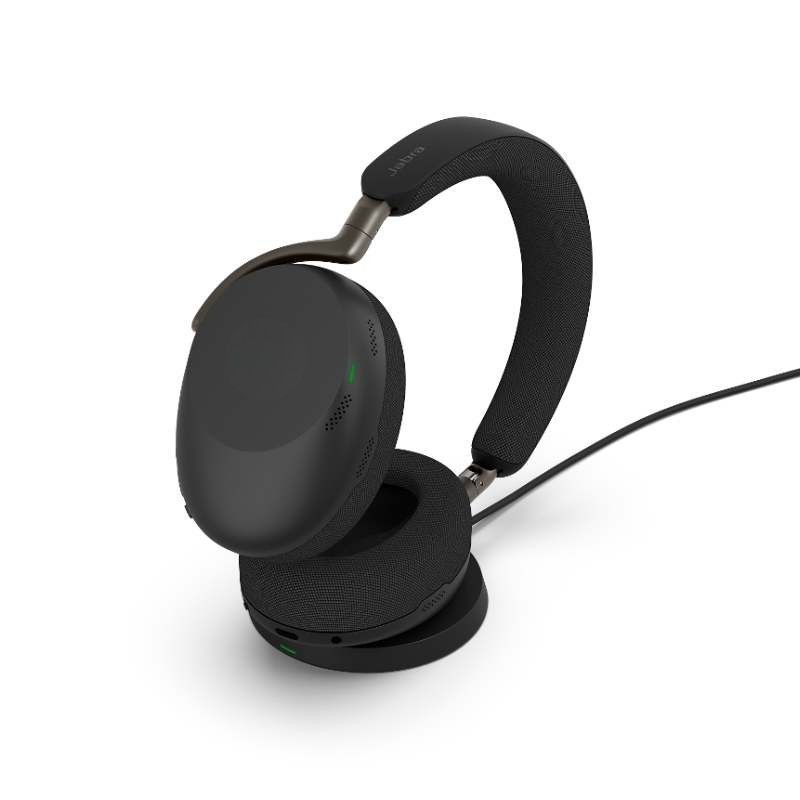
Jabra Evolve3 85 UC USB-A + Charging base

Jabra Evolve3 85 UC USB-A + Charging base

£536.99
£357.99
-33%
Ref: GNEVOL385DAUCP
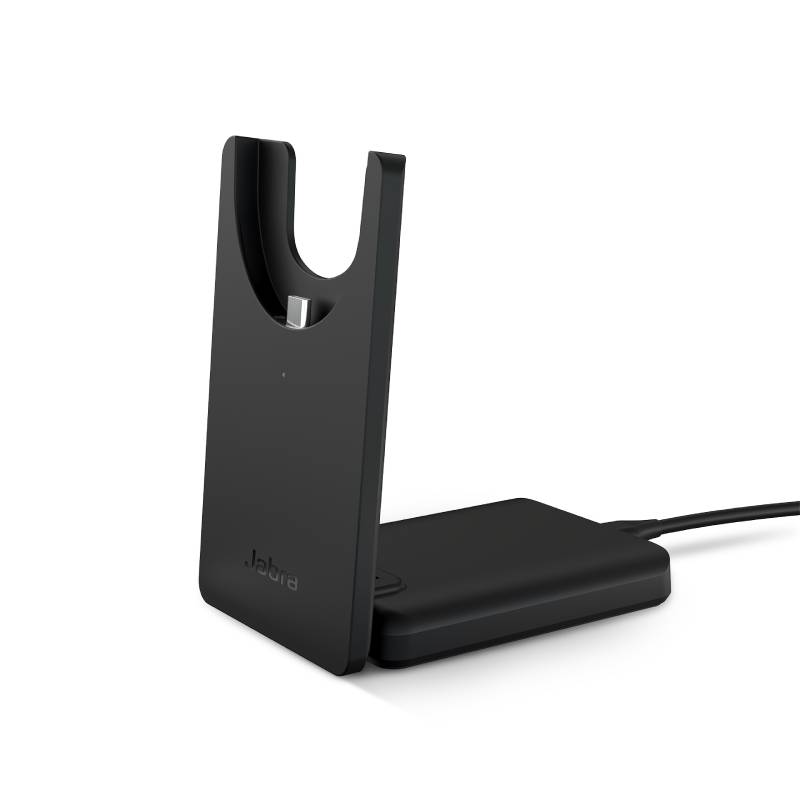
Jabra Evolve2 55 Deskstand USB-C

Jabra Evolve2 55 Deskstand USB-C

£71.49
£60.99
-15%
Ref: GNEVOL255BACHC
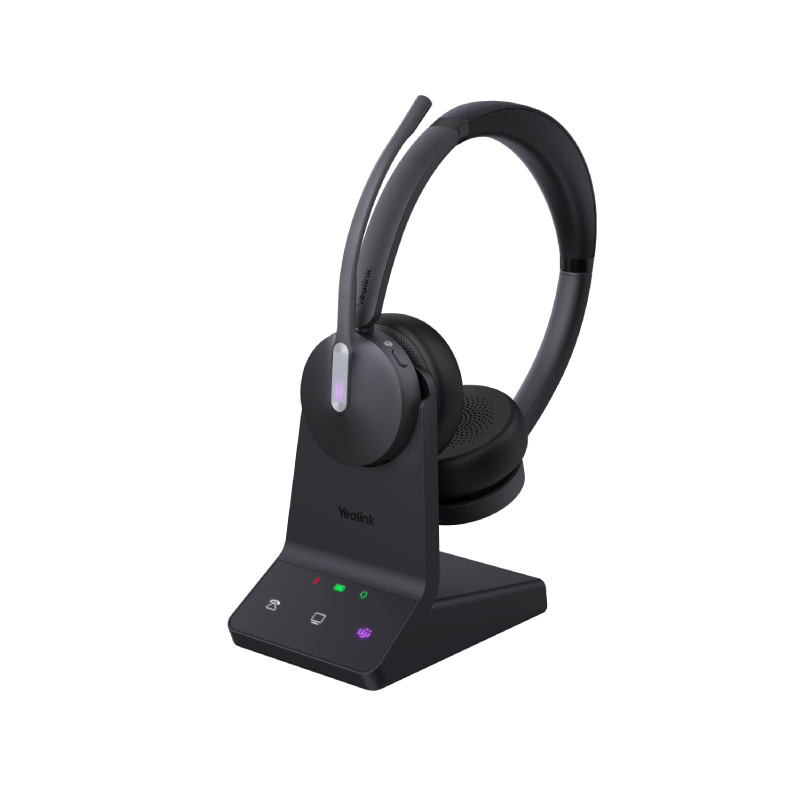
Yealink DECT WH64 Duo UC and Teams with base station

Yealink DECT WH64 Duo UC and Teams with base station

£239.99
£139.99
-42%
Ref: YEAWH64DTSUP
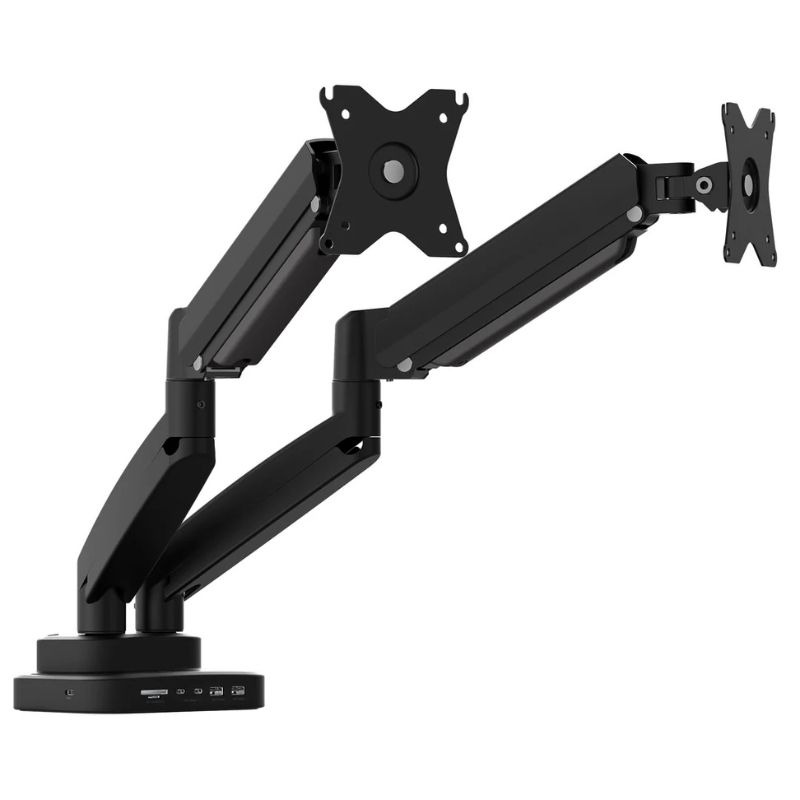
JTSA302 Dual-Monitor Mount with Docking Station

JTSA302 Dual-Monitor Mount with Docking Station

£225.99
Ref: J5JTSA302NUK
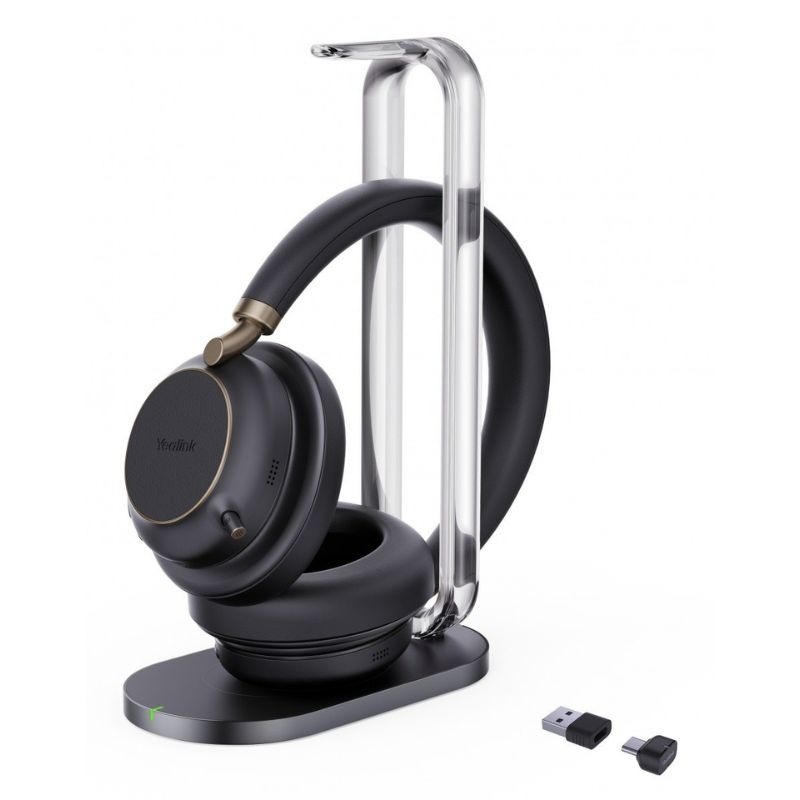
Yealink BH76 PLUS USB A/C Teams with charging base

Yealink BH76 PLUS USB A/C Teams with charging base

£350.99
Ref: YEABH76PLUS
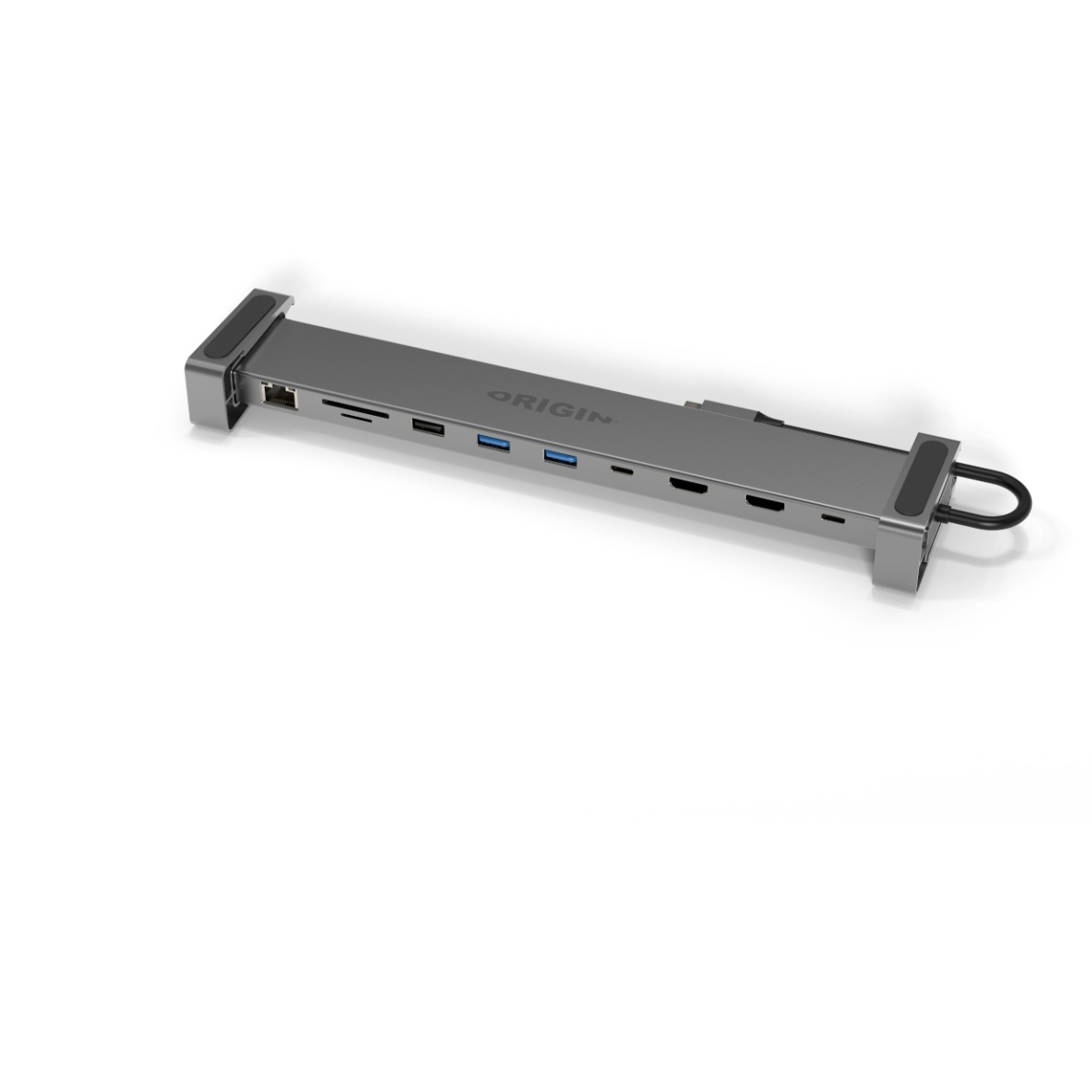
Origin Storage USB C A Multi Mount Dock

Origin Storage USB C A Multi Mount Dock

£98.99
Ref: ORIDOCKUSBCA
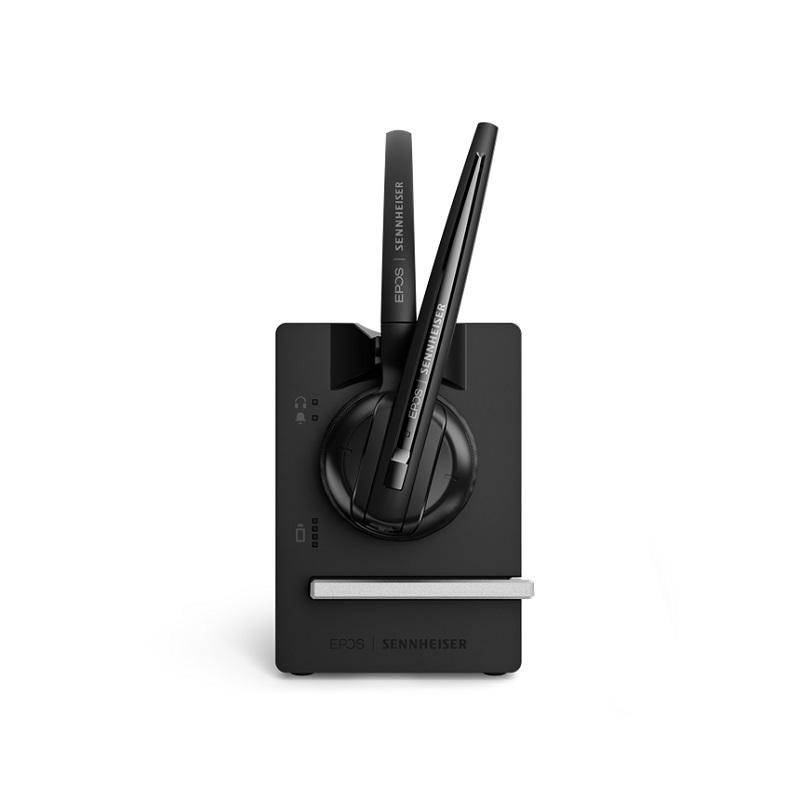
EPOS Impact D10 USB ML II

EPOS Impact D10 USB ML II

£199.00
£133.99
-33%
Ref: SED10USBMII
Jabra Evolve3 85 MS USB-C + Charging base

Jabra Evolve3 85 MS USB-C + Charging base

£536.99
£357.99
-33%
Ref: GNEVOL385DCMSP
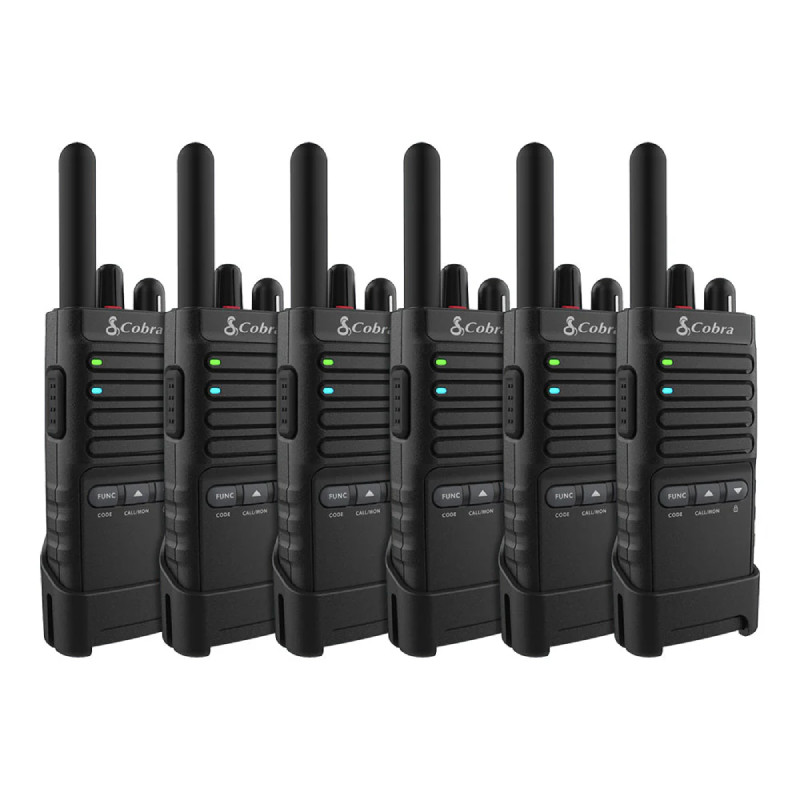
Cobra PX650 Business PMR Radios 6-Pack

Cobra PX650 Business PMR Radios 6-Pack

£283.99
Ref: CBPX650BCH6
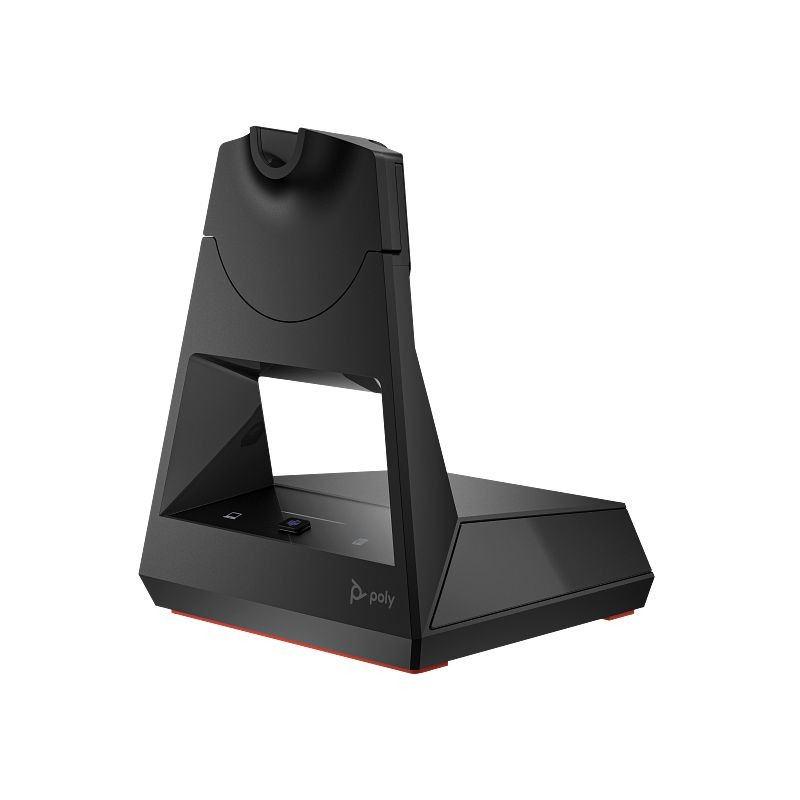
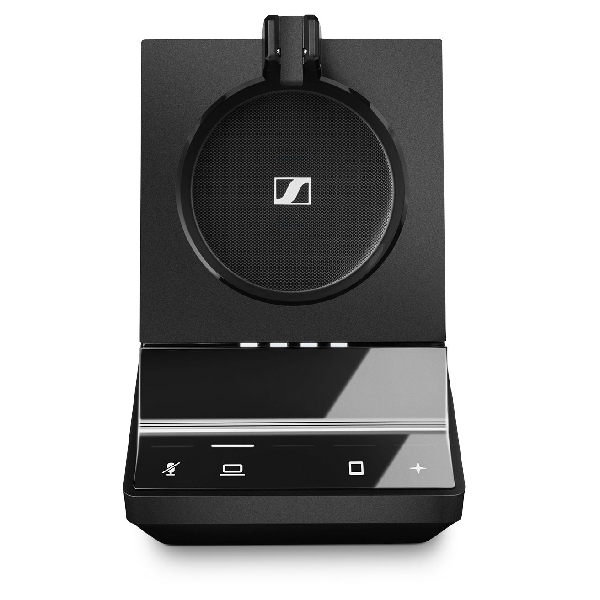
EPOS IMPACT SDW 3 BS

EPOS IMPACT SDW 3 BS

£165.00
£105.99
-36%
Ref: SEDW3BSUK
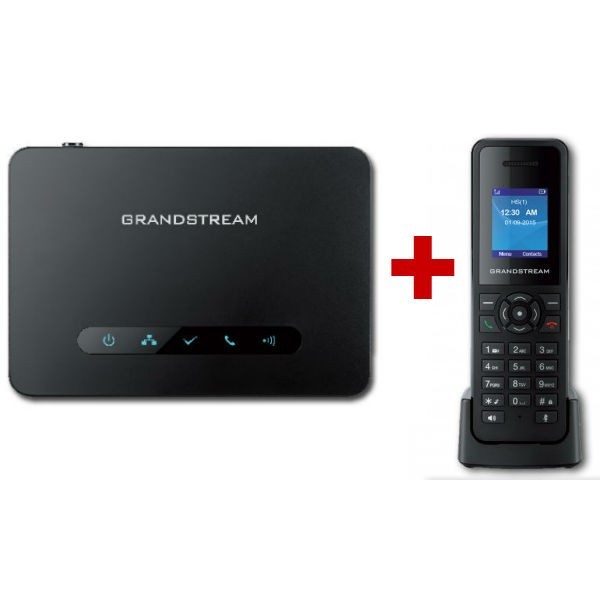
Grandstream DP750 DECT Base + 1 DP720 Handset

Grandstream DP750 DECT Base + 1 DP720 Handset

£97.98
£95.04
-3%
Ref: GRADP750PUK
Jabra Evolve3 85 MS USB-A + Charging base

Jabra Evolve3 85 MS USB-A + Charging base

£536.99
£365.99
-32%
Ref: GNEVOL385DAMSP
EPOS IMPACT 1061T

EPOS IMPACT 1061T

£229.00
£159.99
-30%
Ref: SEIMP1061T
EPOS IMPACT 1061 ANC

EPOS IMPACT 1061 ANC

£315.00
£226.99
-28%
Ref: SEIMP1061ANC

USB Station for Streamlined Business Operations

The USB station, designed primarily for IT managers and procurement teams, serves as a hub to connect various devices effortlessly. This guide delves into how USB stations can facilitate improved connectivity, productivity, and overall efficiency in business environments.

Benefits of Using USB Station

  • Simplified Connectivity: With ports available for multiple devices, users can connect keyboards, mice, printers, and other peripherals easily without needing to plug and unplug each time.
  • Crossover Compatibility: Many USB stations are designed to work across platforms like Windows and MacOS, benefiting teams that utilise varied systems.
  • Diverse Port Options: Offering both USB-A and USB-C connections allows compatibility with a wide range of modern devices while future-proofing investments in new technology.
  • User-Friendly Setup: Most models feature a plug-and-play setup that requires minimal configuration time — ideal for busy workplaces that need to focus on productivity without complex installations.
  • Aesthetic Cohesion: A well-placed USB station enhances workspace organisation by cutting down on visible cables and maintaining a professional appearance during client meetings or video calls.
  • Easier Deployment at Scale: For businesses planning to equip numerous workstations, these hubs allow quick deployment without individual adjustments or comprehensive installations across each setup.

Usage Tips

To maximise the effectiveness of your USB station, consider its placement carefully. Position it centrally on your desk or workspace where all connected devices can reach it easily while avoiding unnecessary strain on cables. Ensure there’s ample space around the hub so air circulation is adequate; this helps prevent overheating. For ongoing maintenance, keep firmware up-to-date by checking manufacturer recommendations regularly. Encourage staff training on the proper use of equipment connected through the USB station. Regularly review your device compatibility and connection status to ensure optimal performance.

1. What products are typically included with a USB station?

A standard package usually includes the USB station itself along with any necessary power adapters or cables needed for setup. Specific models may vary in what's included; be sure to check product details before purchasing.

2. Are there licensing or software requirements?

No specific licenses are generally required just for connecting devices via a USB station; however, certain features may depend on installed software updates from device manufacturers related to specific hardware functionalities.

3. Is cross-platform compatibility guaranteed?

MOST models support both Windows and Mac platforms; however, always confirm compatibility details beforehand as some entry-level options may have limitations based on their build specifications.

4. How easy is it to install my new USB station?

The installation process is typically straightforward due to plug-and-play capabilities; most users can set them up within minutes without needing advanced technical skills unless intricate configurations are involved through specialized software settings depending on user needs.

5. Are they suitable for hybrid work environments?

A well-chosen USB station can indeed support hybrid working setups efficiently by allowing employees seamless transitions between home offices and corporate locations while maintaining reliable connectivity with their essential work tools when switching environments regularly!

Summary

The right choice of a < strong >USB station< / strong > can significantly enhance workplace connectivity levels while reducing clutter at every workstation! Explore our extensive range today to find one that perfectly suits your organisational needs!