Samsung Professional Displays for Effective Communication in Business
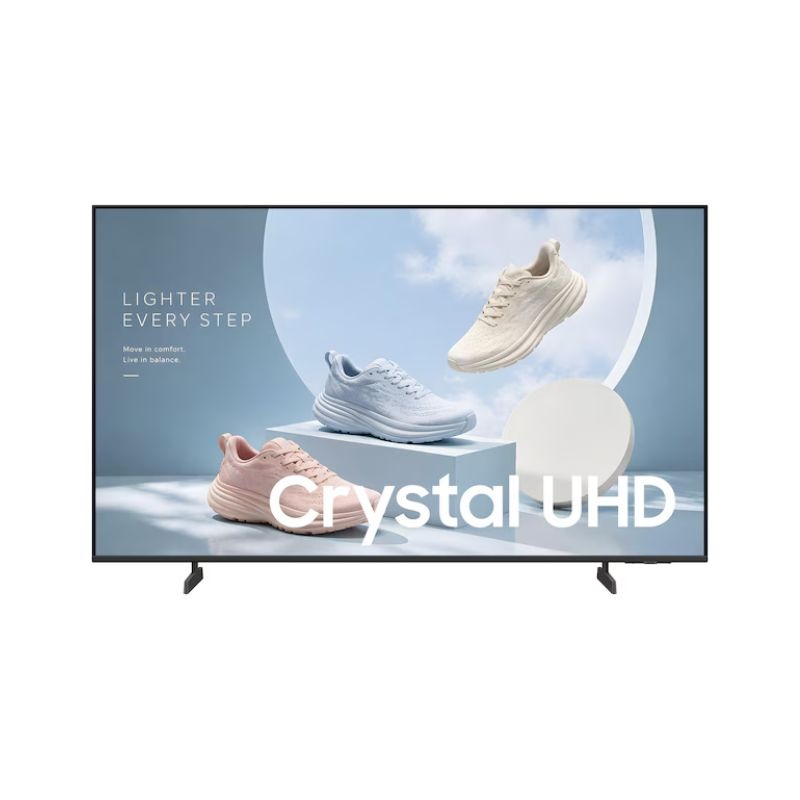
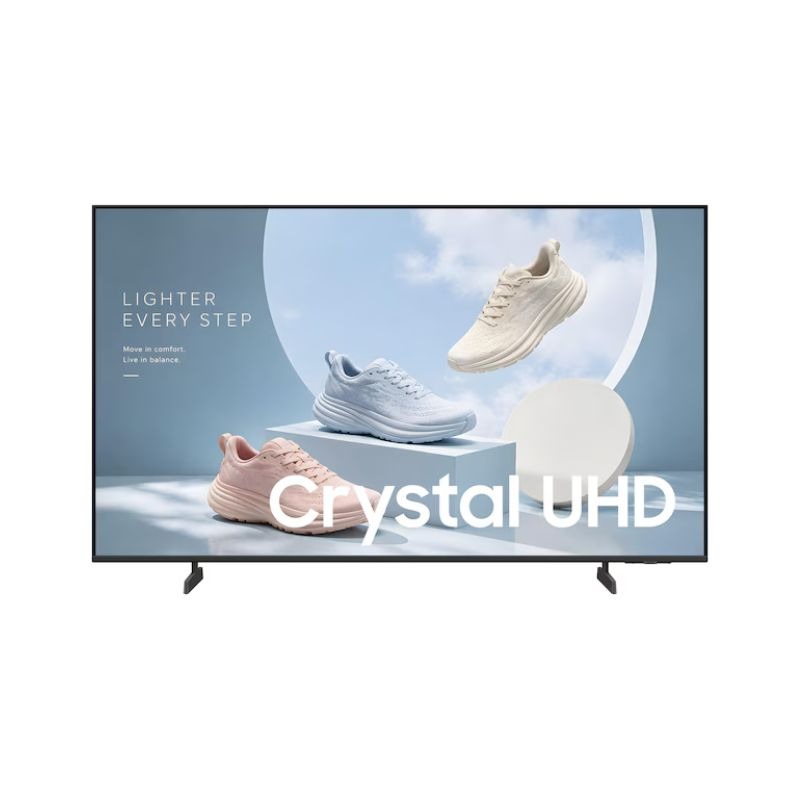
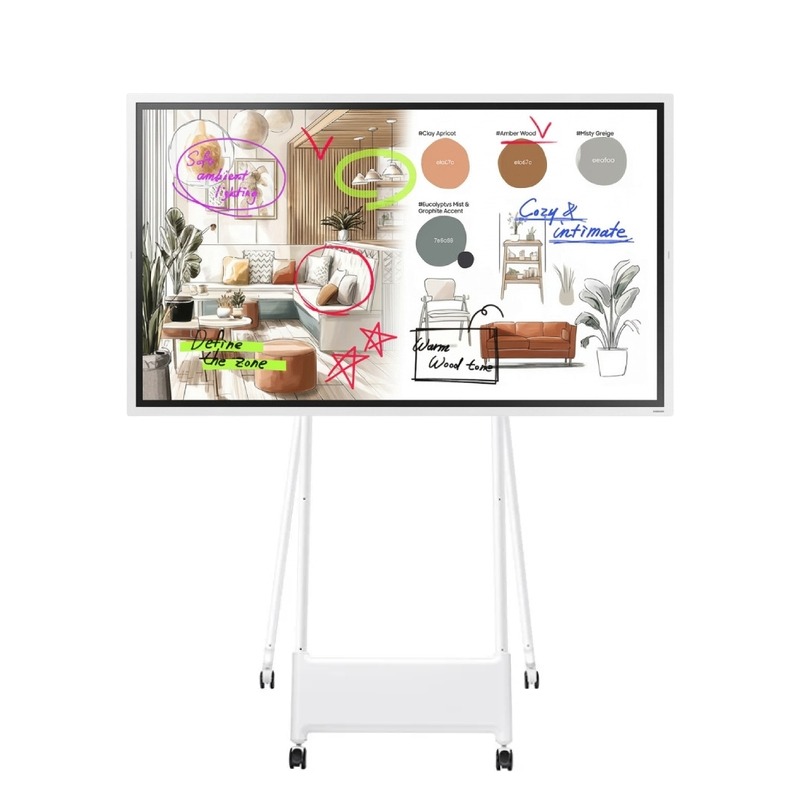
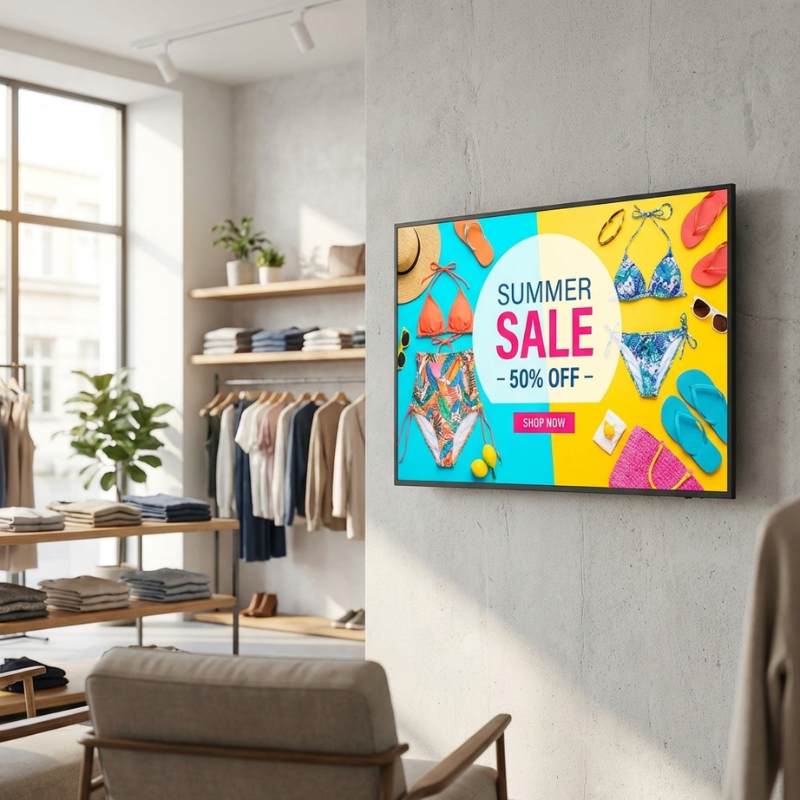
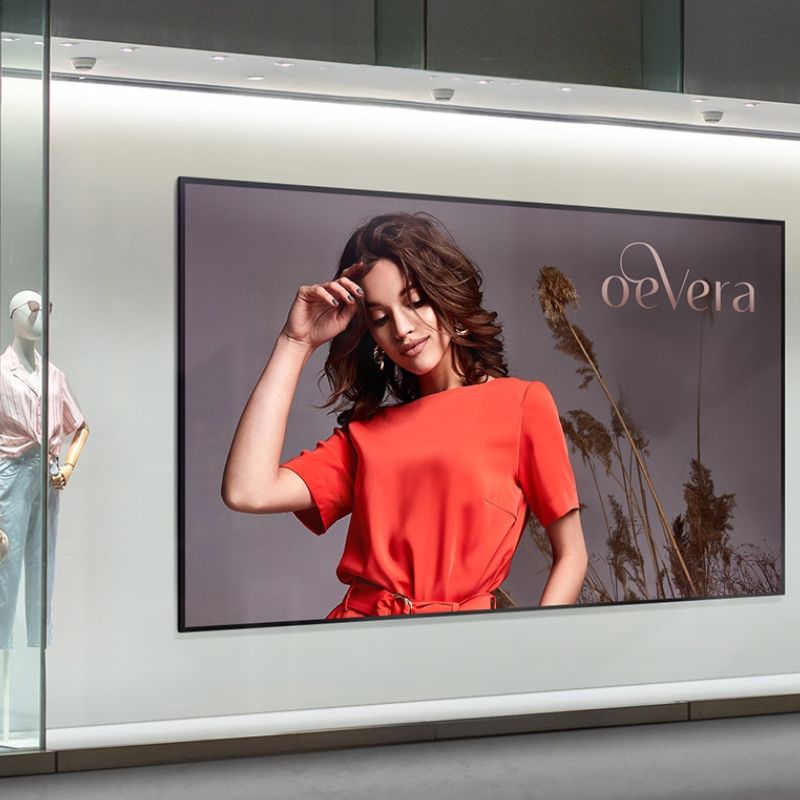
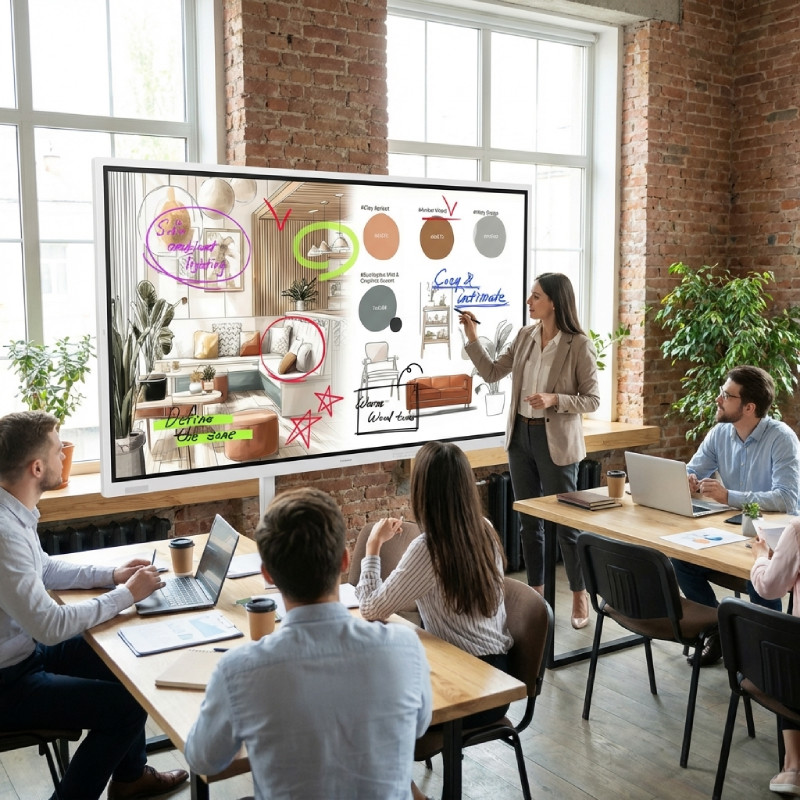
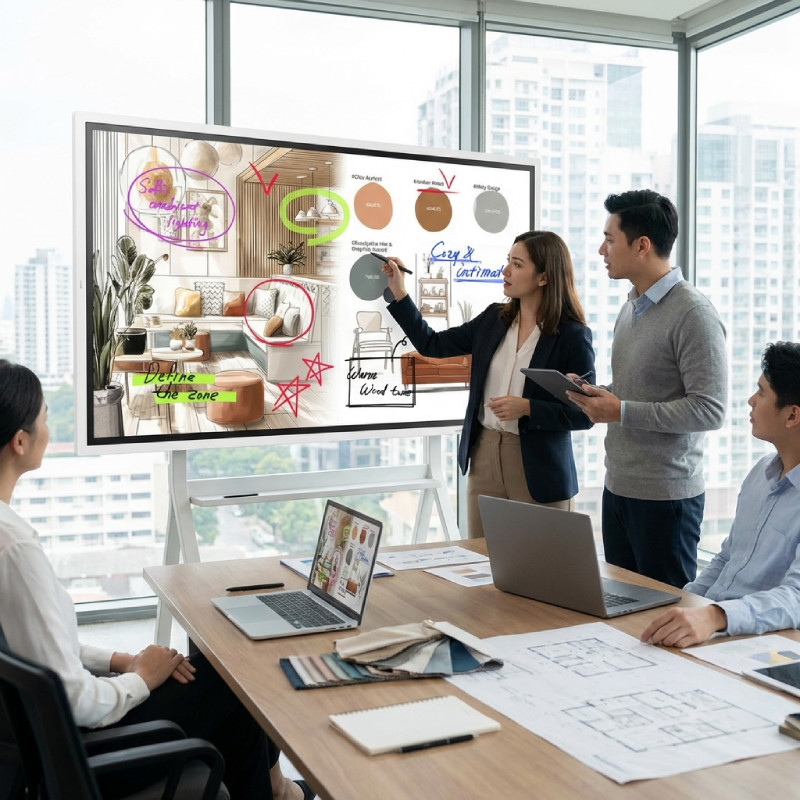
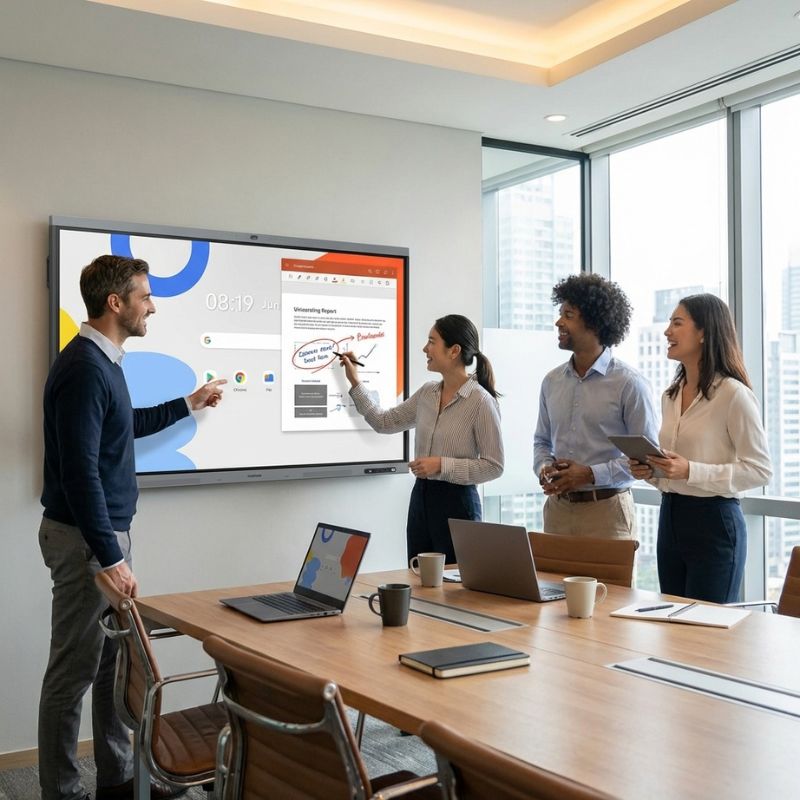
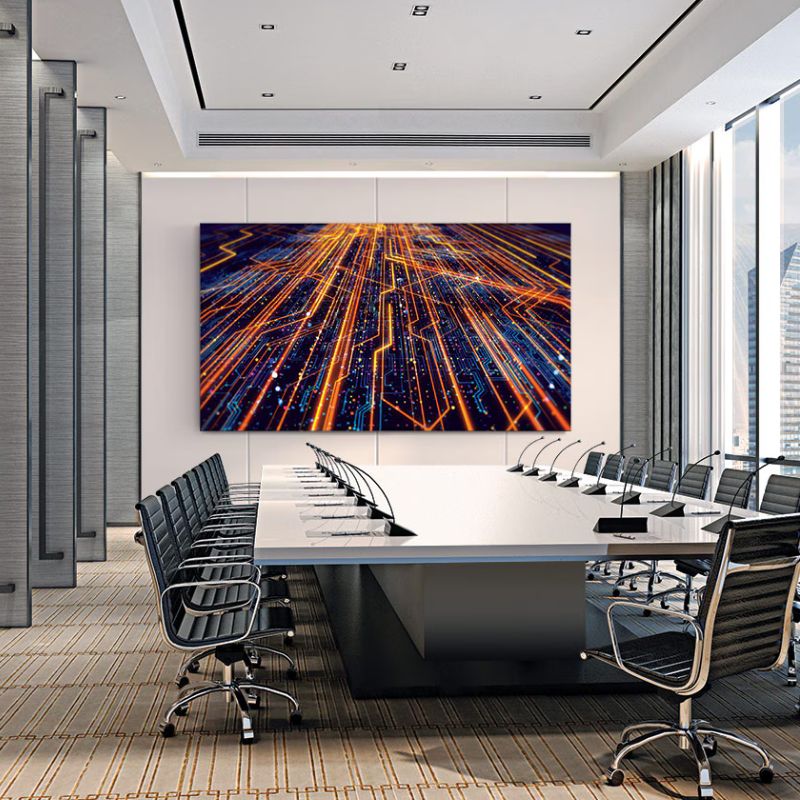
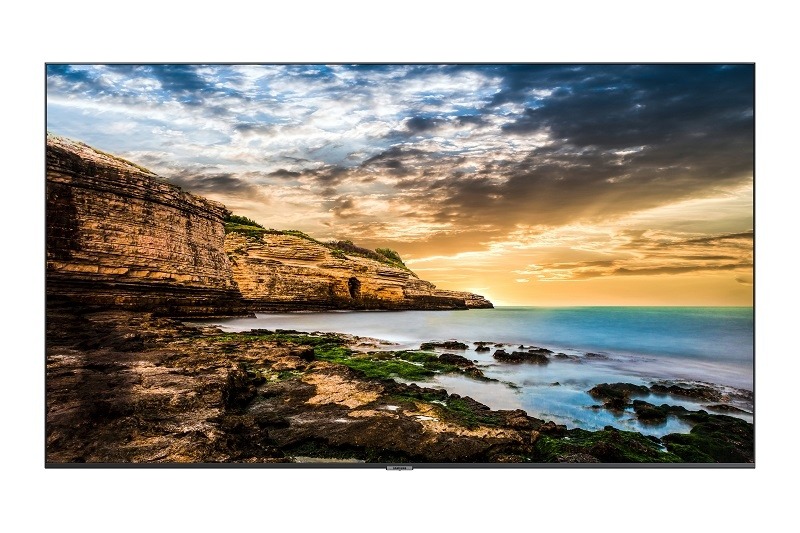
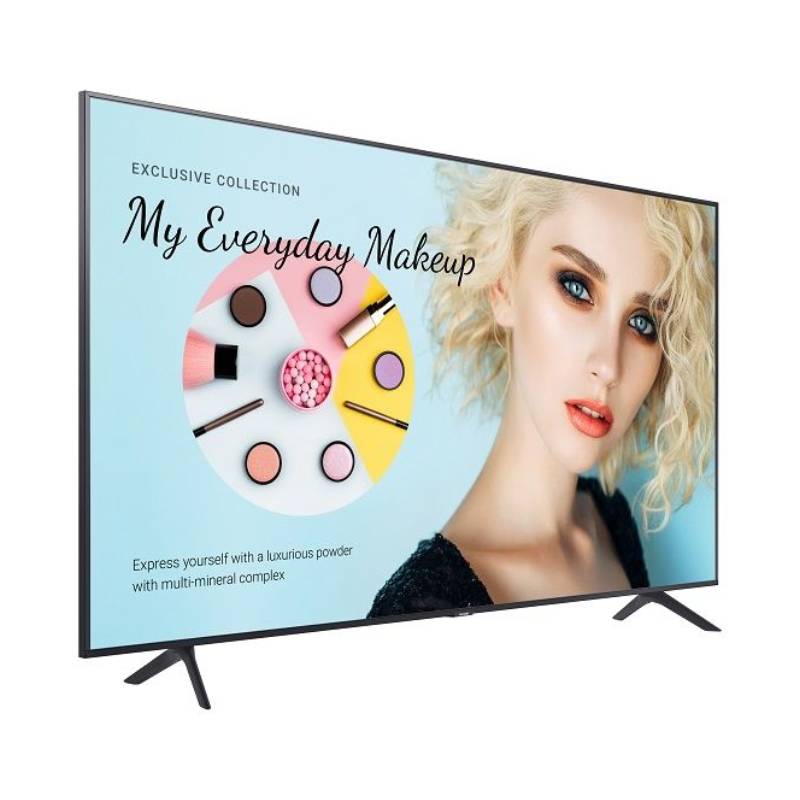
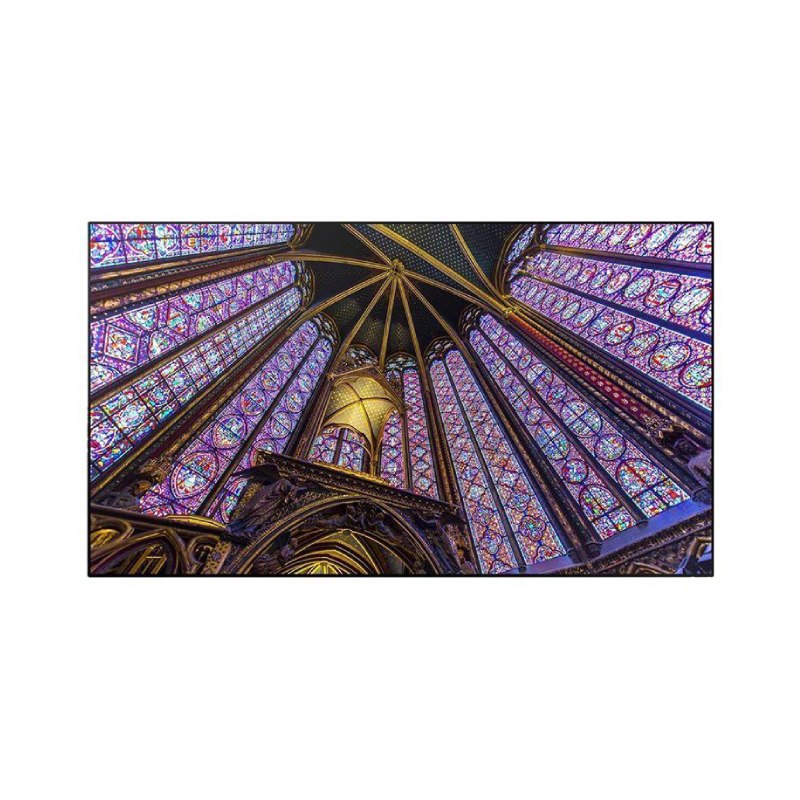
Samsung professional displays are engineered for optimal performance in business environments. Suitable for offices, meeting rooms, and retail spaces, this guide highlights how these displays can enhance your operational efficiency through various features and applications tailored to your needs.
Benefits of Using Samsung Professional Displays
- Diverse Compatibility:The displays support multiple operating systems like Windows and Mac, as well as software platforms such as Microsoft Teams and Zoom. This flexibility makes them an excellent choice for hybrid work setups where team members use different devices.
- Sleek Design:The modern aesthetic of Samsung displays can enhance the professional image of your workspace while ensuring they blend seamlessly into any environment without dominating it visually.
- User-Friendly Smart Features:The integration of smart technology allows users to easily manage content on the displays. This feature reduces reliance on additional hardware or software solutions, simplifying operations significantly.
- Diverse Sizes and Configurations:Sized from small huddle room screens up to large-format displays suitable for conference halls, there is a Samsung display that fits your specific space requirements while ensuring optimal visibility from all angles.
- Easier Deployment at Scale:If you plan on deploying multiple units across different locations, Samsung's management tools streamline configuration updates and firmware installations across numerous devices simultaneously, saving time and reducing administrative overheads.
- Total Cost of Ownership:The long lifespan coupled with energy-efficient performance means that investing in Samsung professional displays can lead to lower total costs over time compared to lesser-quality alternatives.
Usage Tips
When setting up Samsung professional displays, consider positioning them at eye level within the viewing area. Ensure adequate spacing between units if using multiple screens; this maximises visibility while enhancing the overall aesthetic appeal. Wiring should be neatly organised with cable management solutions to prevent clutter.
Regular maintenance is crucial; keep firmware updated through the manufacturer’s software tools to benefit from performance enhancements and security updates. Additionally, providing user training ensures staff are confident using features effectively. Encouraging best practices will aid in maximising display longevity.
Q&A
1. What’s included with my purchase?
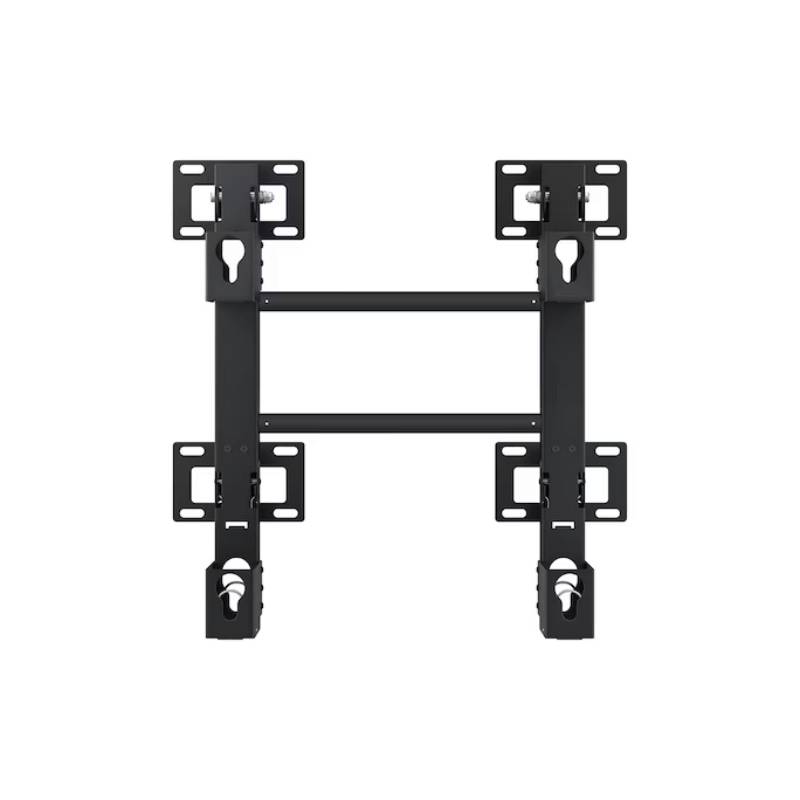
Your purchase typically includes the display unit itself along with necessary cables such as HDMI or power leads depending on the model selected. Additional accessories might be available separately based on specific requirements.
2. Are there any licensing or software requirements?
Certain advanced features may require specific licensing agreements or subscriptions based on usage scenarios (e.g., digital signage). Always check individual product specifications before purchasing to confirm any additional needs.
3. Is cross-platform compatibility supported?
You can expect strong cross-platform compatibility with most models; however, some functionalities may be limited if not within a specific ecosystem like Android or proprietary applications designed by Samsung itself.
4. How easy is installation?
The installation process varies by model but generally involves following straightforward setup instructions provided in the manual. Most models support plug-and-play connectivity which simplifies initial setup significantly.
5. Are these displays suitable for hybrid work environments?
You will find that many Samsung professional displays cater well to hybrid working arrangements due to their versatile connectivity options and user-friendly interface which supports collaboration between remote teams effectively.
One closing paragraph reiterating that samsung professional displays, available now, offer tailored benefits essential for modern business operations; explore our comprehensive range today!