Professional advice available Monday to Friday, 8.30am-5.30pm
Mon. to Fri. 8:30 a.m. – 6:30 p.m.
0333 123 3050
Call us!
Are you looking for a quality headset with microphone for your business or personal calls? The Jabra headset is the ideal choice for your communication needs.
Exceptional sound quality : Enjoy clear, crisp sound for smooth conversations.
Optimal comfort : Designed for extended wear without discomfort, ideal for long meetings or calls.
High-performance built-in microphone : Ensures accurate voice pick-up so your conversation partners can hear you perfectly.
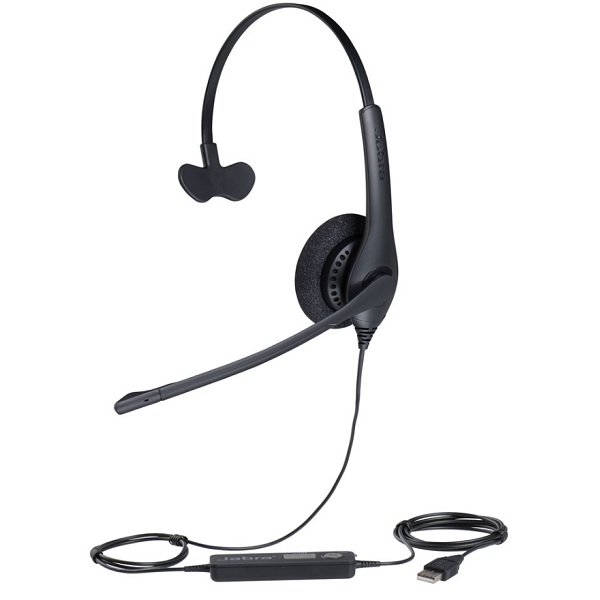
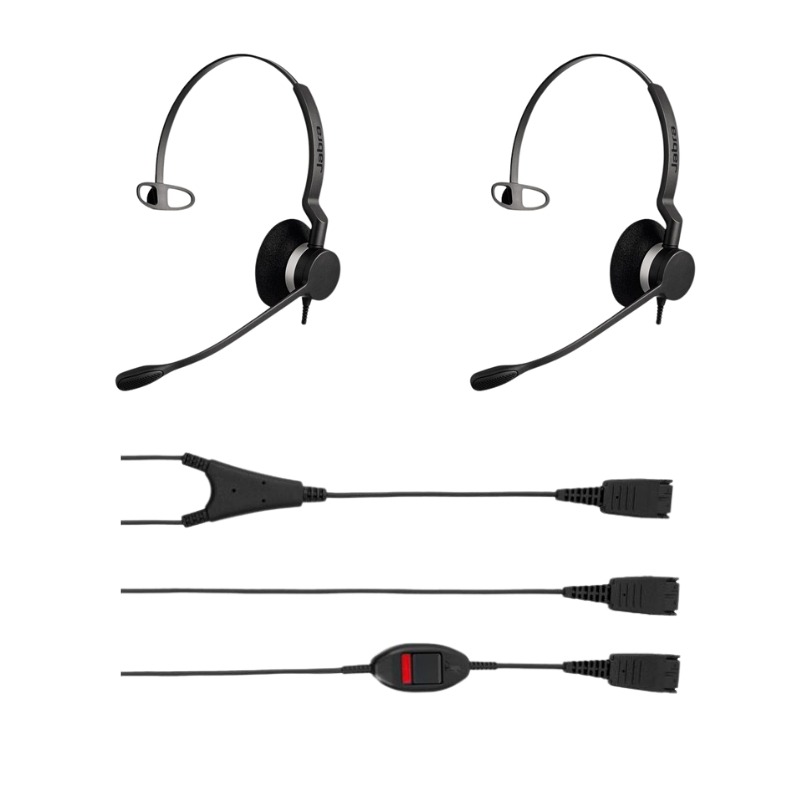
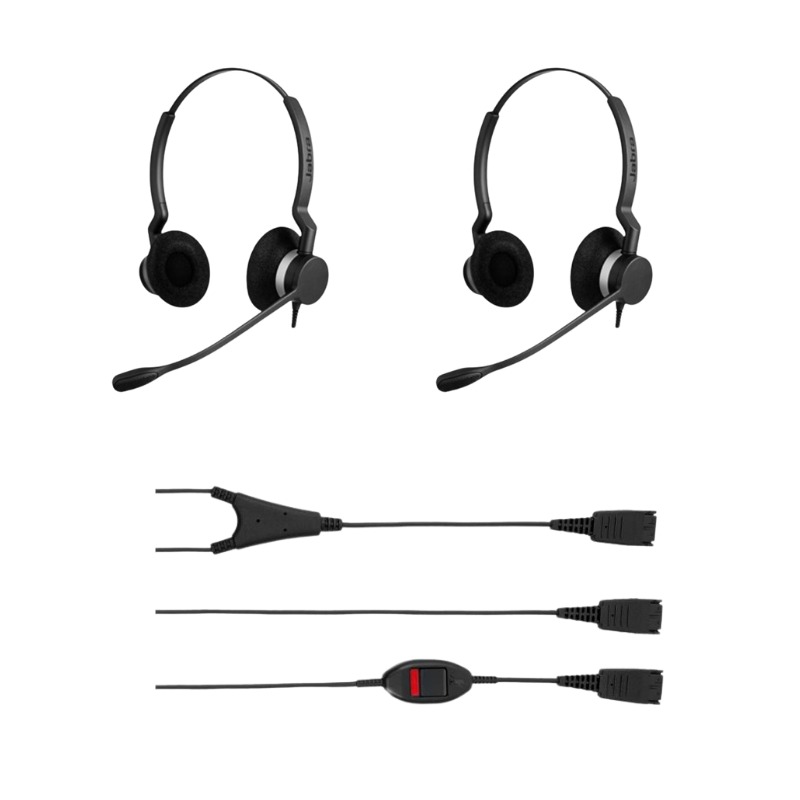
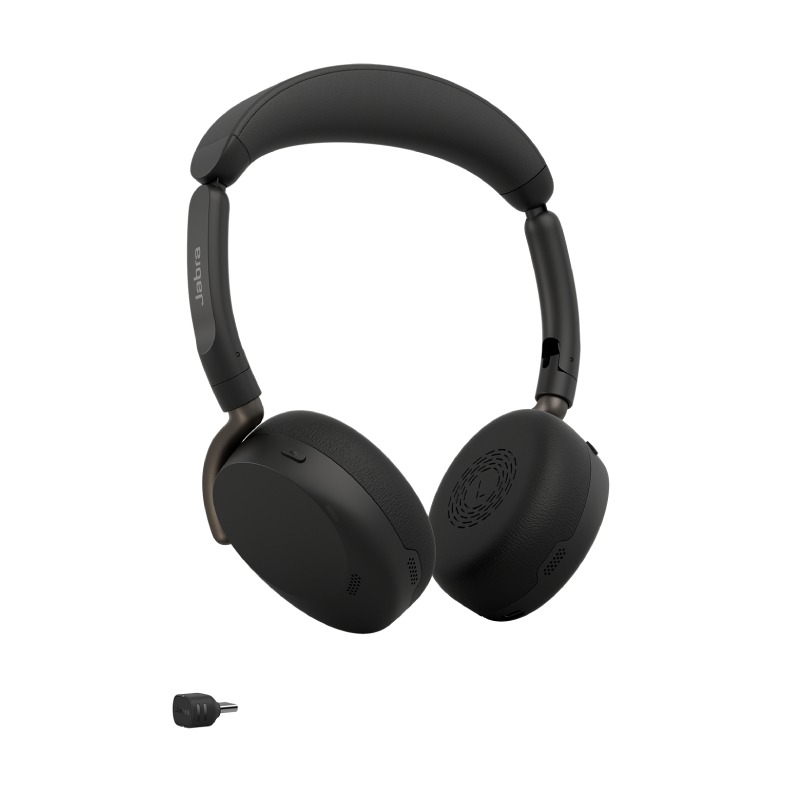
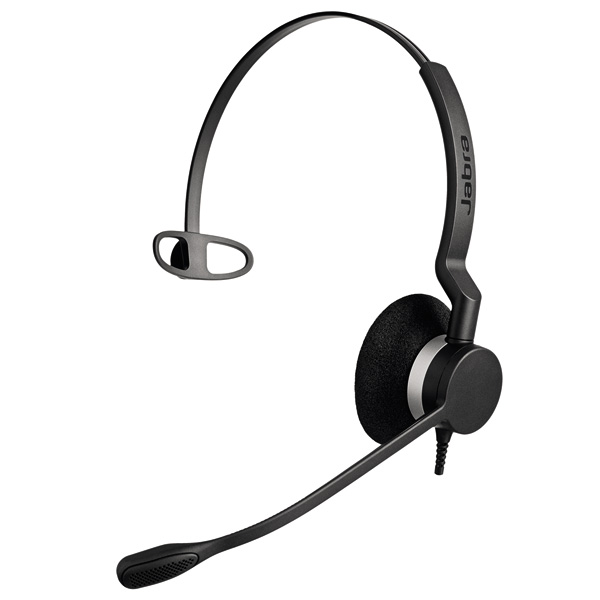
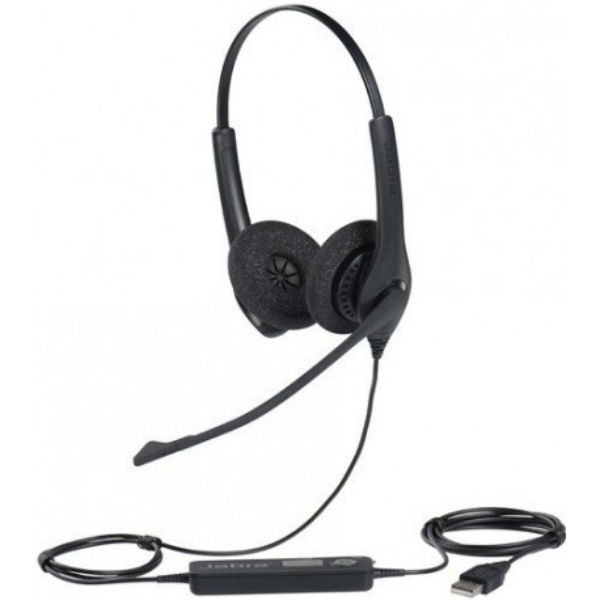
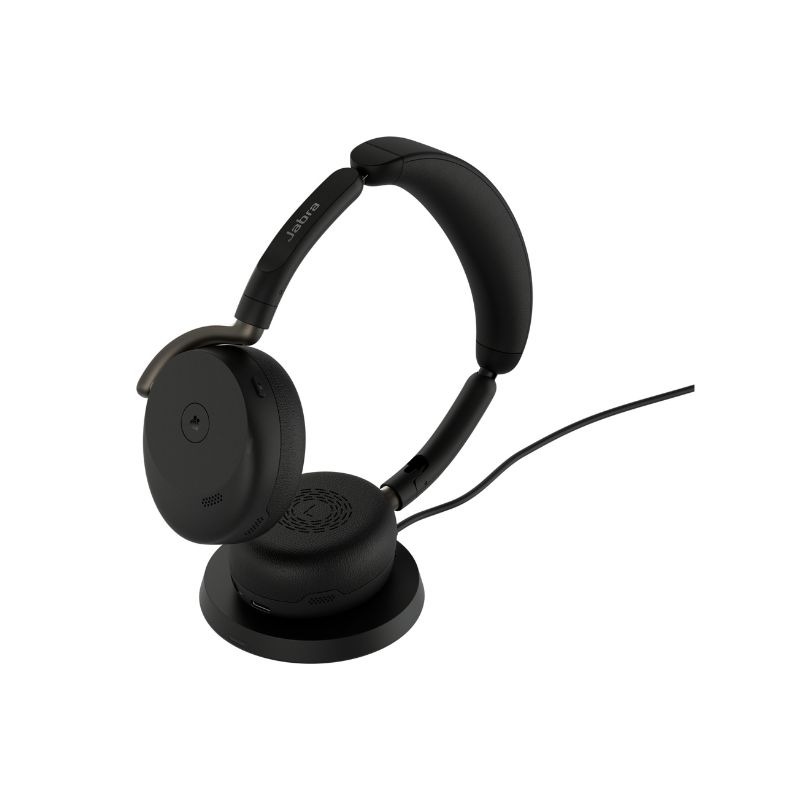
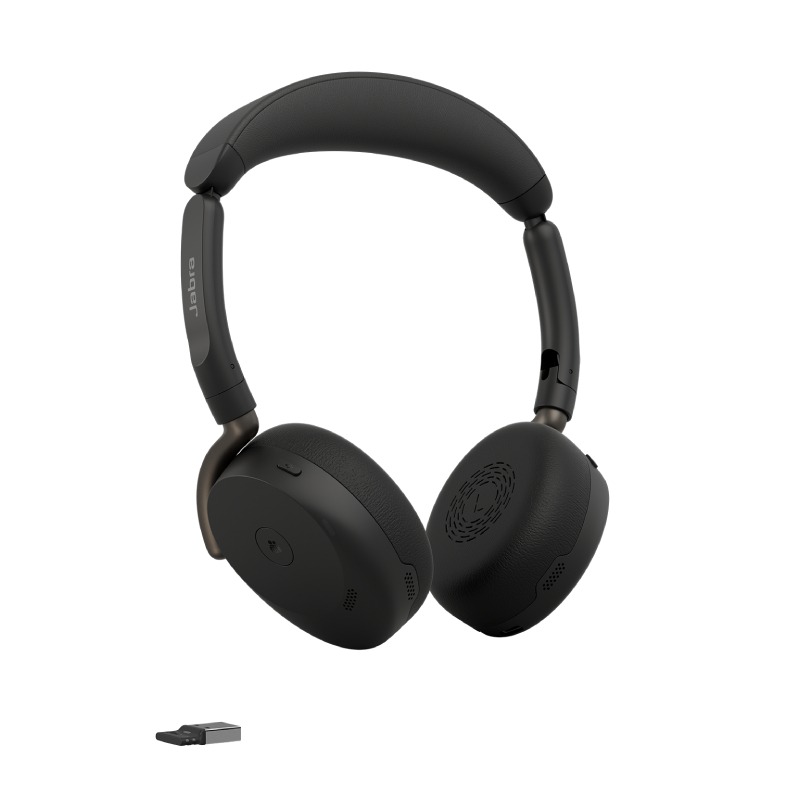
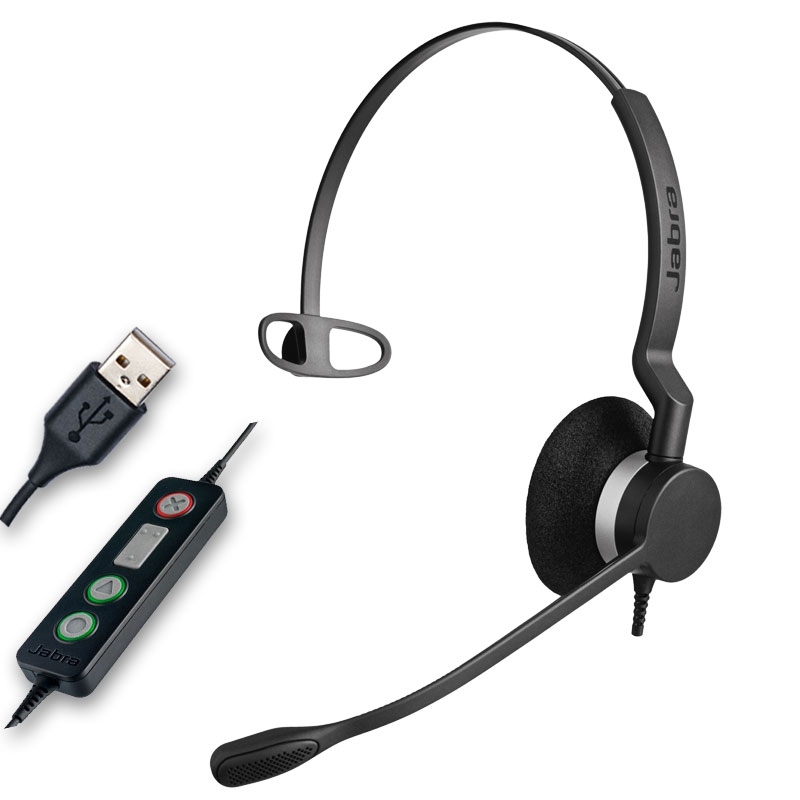


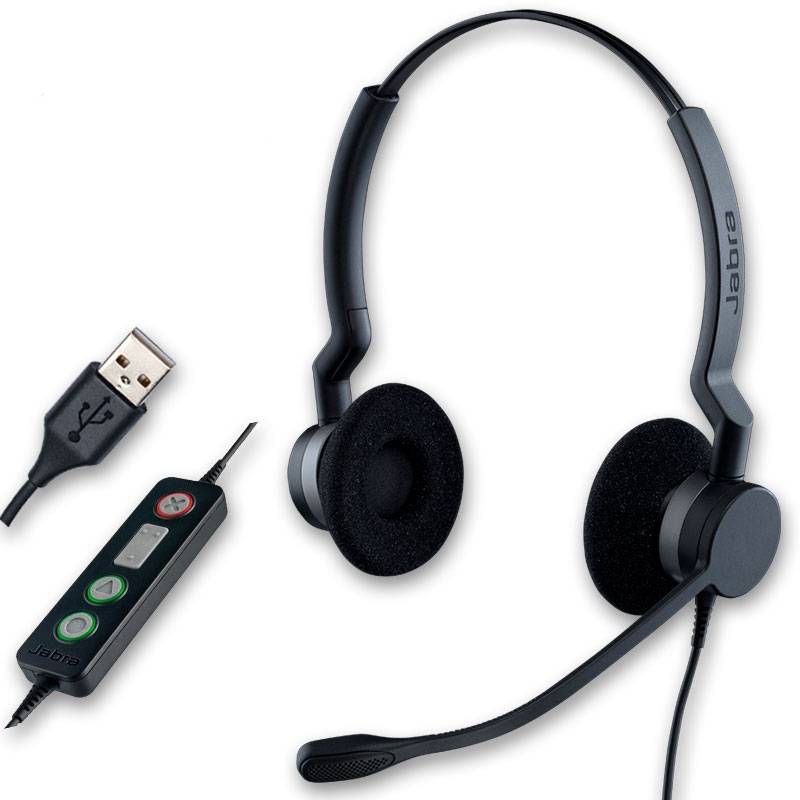
Jabra headsets with microphone are trusted by professionals worldwide for their exceptional audio quality, comfort, and advanced call features. Whether you're in a busy open office, working remotely, or managing customer service teams, Jabra offers a broad range of headsets that are engineered for crystal-clear communication and productivity. In this guide, we’ll walk you through the key benefits of using Jabra headsets, practical usage tips to get the most from your device, common questions users have, and a quick summary to help you make an informed choice.
To get the best performance out of your Jabra headset with microphone, start by identifying the correct model for your working style. For example, the Jabra Evolve2 65 is ideal for wireless flexibility and hybrid working, while the Jabra Engage 50 II is built for contact centres with intense call volumes. Always ensure your headset is properly paired or connected to your device—whether via USB or Bluetooth—and keep the firmware updated using Jabra Direct or Jabra Xpress software to benefit from the latest enhancements.
When using your Jabra headset during calls, position the microphone close to your mouth (about two fingers' width away) for optimal voice pickup. Take advantage of features like busy lights, mute buttons, or sidetone monitoring, depending on your model. To maintain hygiene and comfort, regularly clean the ear cushions and avoid exposing the headset to moisture or high heat. Storing your headset in a protective case can also extend its lifespan, especially if you’re frequently on the move.
What is the difference between mono and stereo Jabra headsets?
Mono headsets cover one ear and are ideal for multitasking or users who need to stay aware of their surroundings. Stereo headsets cover both ears and are better for immersive focus and noise isolation, especially in busy environments.
Are Jabra headsets compatible with Microsoft Teams and Zoom?
Yes, many Jabra headsets are certified for Microsoft Teams and Zoom, offering built-in integration features like dedicated Teams buttons, call control, and optimised audio settings for smooth collaboration.
How long does the battery last on wireless Jabra headsets?
Depending on the model, Jabra wireless headsets can offer up to 37 hours of battery life on a single charge. The Evolve2 series, in particular, is known for its extended usage time and fast-charging capabilities.
Can I connect my Jabra headset to two devices at once?
Yes, many Bluetooth-enabled Jabra models support multi-point connectivity, allowing you to stay connected to both your laptop and smartphone simultaneously for maximum flexibility.
Do Jabra headsets come with warranty and support?
Absolutely. Jabra provides standard warranty coverage (typically 2 years) on most of its professional headsets, along with software support and online resources for troubleshooting and setup.
With Jabra headsets with microphone, you're investing in audio excellence, comfort, and business-grade performance.
Explore our full range today and find the perfect model to enhance your professional communications.