Need help?
Professional advice available Monday to Friday, 8.30am-5.30pm Mon. to Fri. 8:30 a.m. – 6:30 p.m. 0333 123 3050 Call us!
PRICE
  • 0
    ,00 
    5 999
    ,00 

Clickshare cx 30

Clickshare CX 30 for Enhanced Collaboration

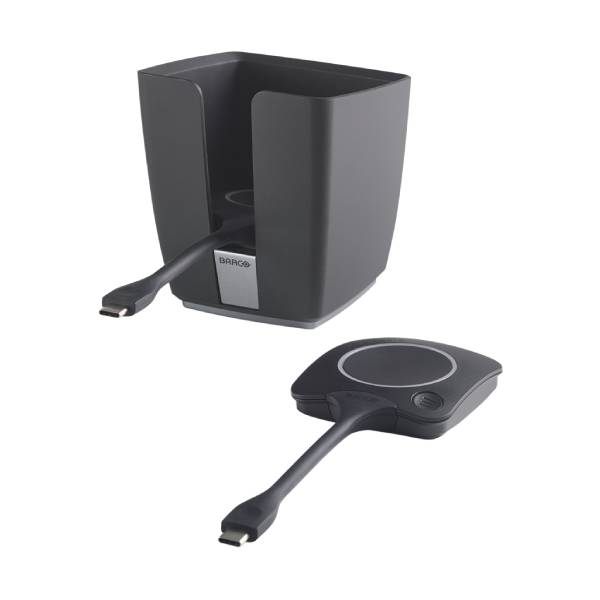
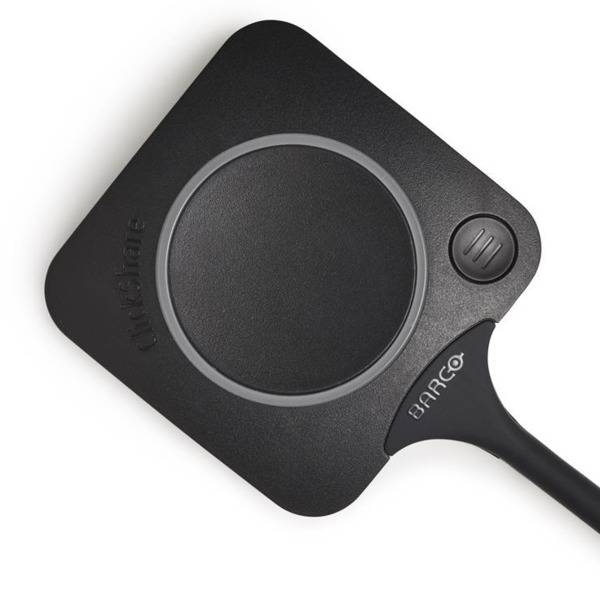
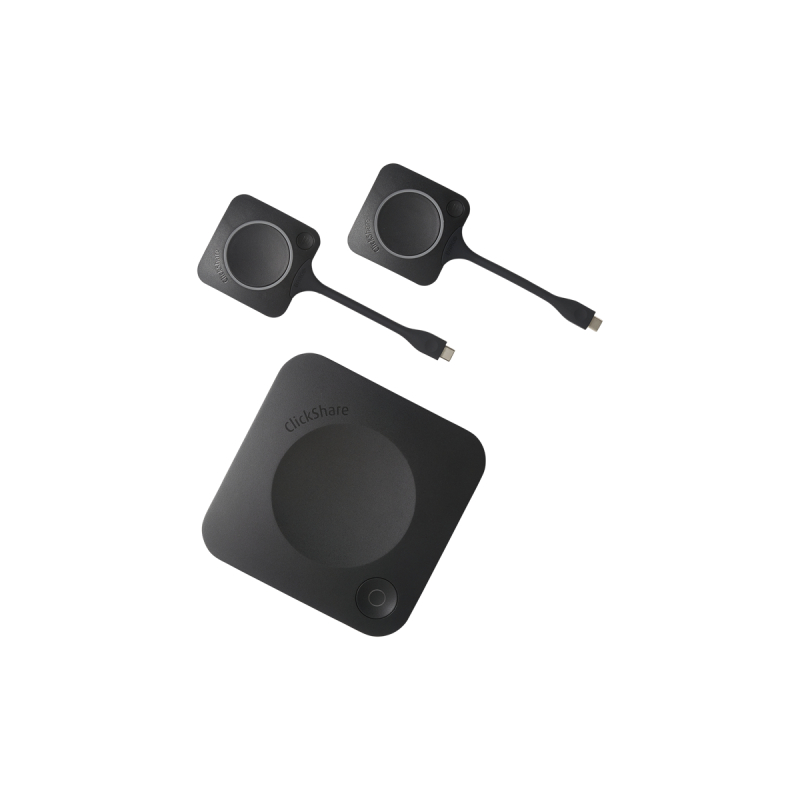
The clickshare cx 30 enhances business meetings and collaboration by simplifying how teams share content in real-time. This wireless presentation system is designed for modern meeting rooms and hybrid work environments.

  • Wireless Freedom: Present without cables, allowing for quick setup and increased mobility during meetings.
  • User-friendly Interface: Intuitive controls make it easy for anyone to share content, reducing the learning curve.
  • Cros-platform Compatibility: Works with various devices, ensuring it fits seamlessly into your existing tech ecosystem.

Explore our full range of products to find the perfect solutions for your business needs.
1  - 8 of 8 results found

Clickshare CX 30 for Improved Meeting Efficiency

The clickshare cx 30, a wireless presentation system, is tailored for businesses looking to enhance their meeting experience. This guide will delve into its features, benefits, and practical usage tips to help you make an informed decision on this technology investment.

Benefits of Using Clickshare CX 30

  • Simplified Connectivity: The clickshare cx 30 allows multiple users to connect wirelessly from laptops or mobile devices without complex setup procedures. This simplifies technology use in meetings.
  • Crossover Compatibility: Compatible with both Windows and Mac systems, this device ensures that all team members can present regardless of their preferred operating system.
  • Adequate Room Coverage: Designed to accommodate various room sizes, the clickshare cx 30 delivers high-quality video output suitable for small conference rooms up to larger spaces.
  • User-friendly Design: Its straightforward interface reduces disruptions by enabling quick access to sharing tools during presentations, promoting a more fluid meeting environment.
  • Easily Manageable Software Updates:The device supports over-the-air firmware updates which ensure that you benefit from the latest features without requiring extensive downtime or manual effort.
  • Sustainability Consideration:The clickshare cx 30 is designed with energy efficiency in mind, contributing positively towards your overall operational costs over time while minimising environmental impact.

Usage Tips

To get the most out of your clickshare cx 30, ensure that you position it centrally within your meeting space. This placement allows optimal coverage for wireless signals and accommodates multiple presenters comfortably. Ensure all devices are properly configured before meetings commence; each participant should have access through either USB-A or USB-C connections as required. Maintaining the clickshare cx 30 involves regular checks on firmware updates provided via its management software. Training staff on best practices when using the system can alleviate potential technical difficulties during presentations. Encourage users to familiarise themselves with its functions beforehand to ensure smooth transitions between speakers.

1. What comes included with the Clickshare CX 30?

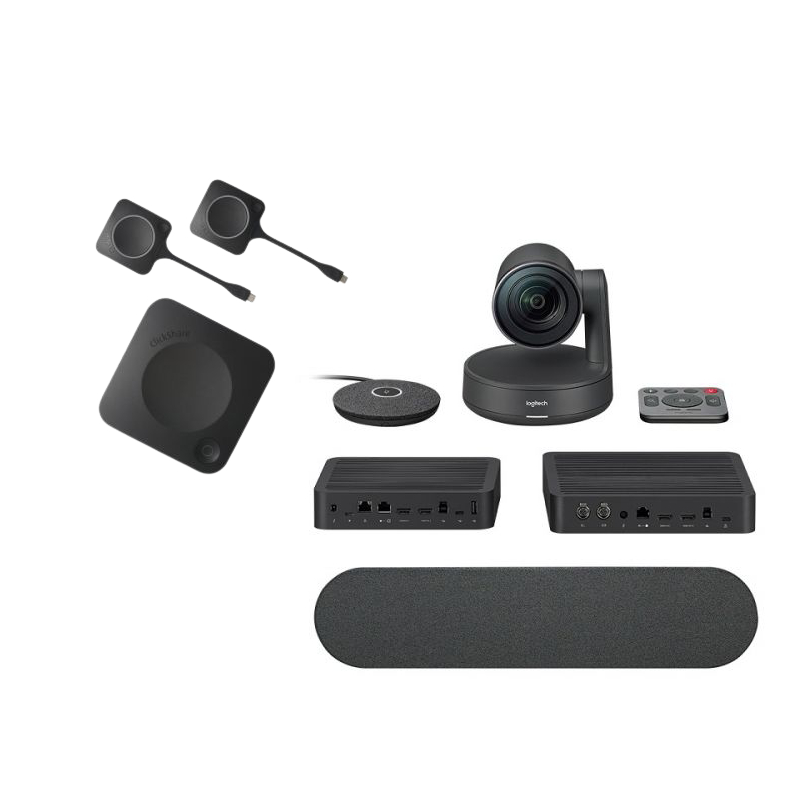
The package typically includes the main unit along with necessary adapters such as USB dongles, which simplify connecting devices. Ensure you check individual product listings as inclusions may vary slightly depending on suppliers.

2. Are there any software requirements?

No specific software installation is necessary since the system operates independently; however, ensuring that current drivers are installed on user devices will enhance performance and compatibility across platforms.

3. Is it suitable for hybrid working environments?

The clickshare cx 30 is well-suited for hybrid working styles as it allows remote participants to join seamlessly through screen-sharing capabilities from various devices while in different locations.

4. How easy is installation?

The installation process is largely plug-and-play; simply connect it to a power source and display unit, then follow on-screen instructions using connected peripherals which makes setup straightforward even for non-technical users.

5. Can I use it with different conferencing applications?

This device supports several popular conferencing tools such as Zoom and Microsoft Teams; however, functionality may be limited outside those specific ecosystems depending on detailed feature sets available per platform integration capabilities.'


Summary

In summary, the clickshare cx 30, designed specifically for effective collaboration in today’s workplaces facilitates improved meeting dynamics through wireless connectivity and ease of use. Explore our range today to discover how this solution can meet your business needs effectively!