Need help?
Professional advice available Monday to Friday, 8.30am-5.30pm Mon. to Fri. 8:30 a.m. – 6:30 p.m. 0333 123 3050 Call us!
PRICE
  • 0
    ,00 
    5 999
    ,00 

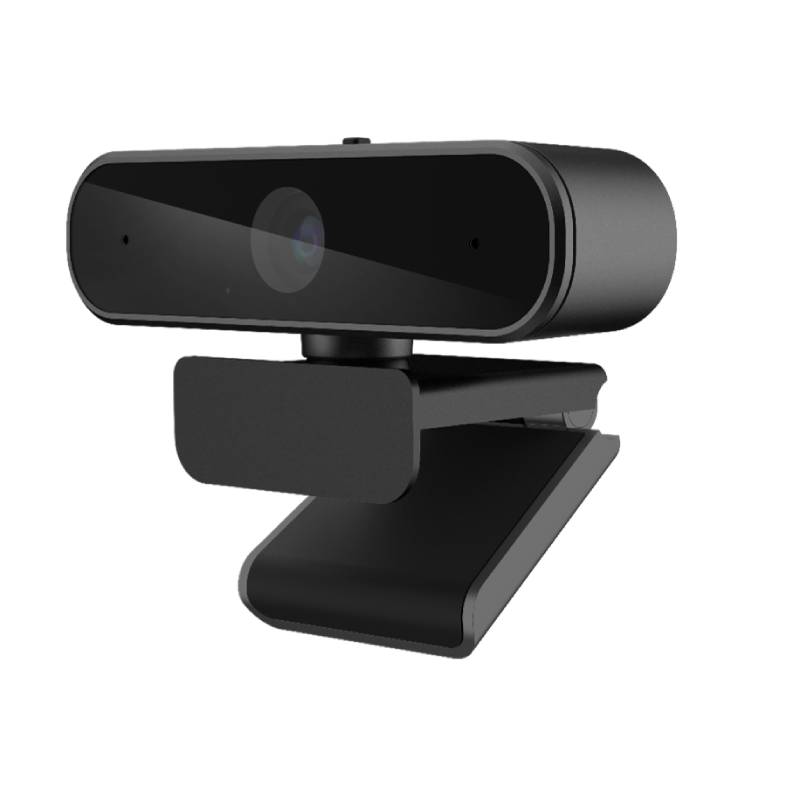
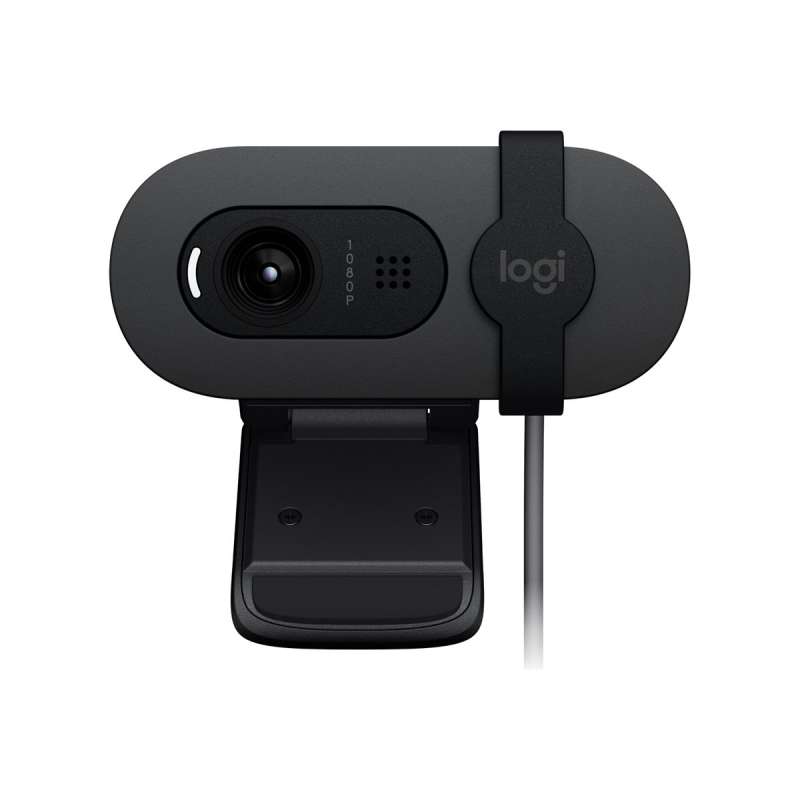
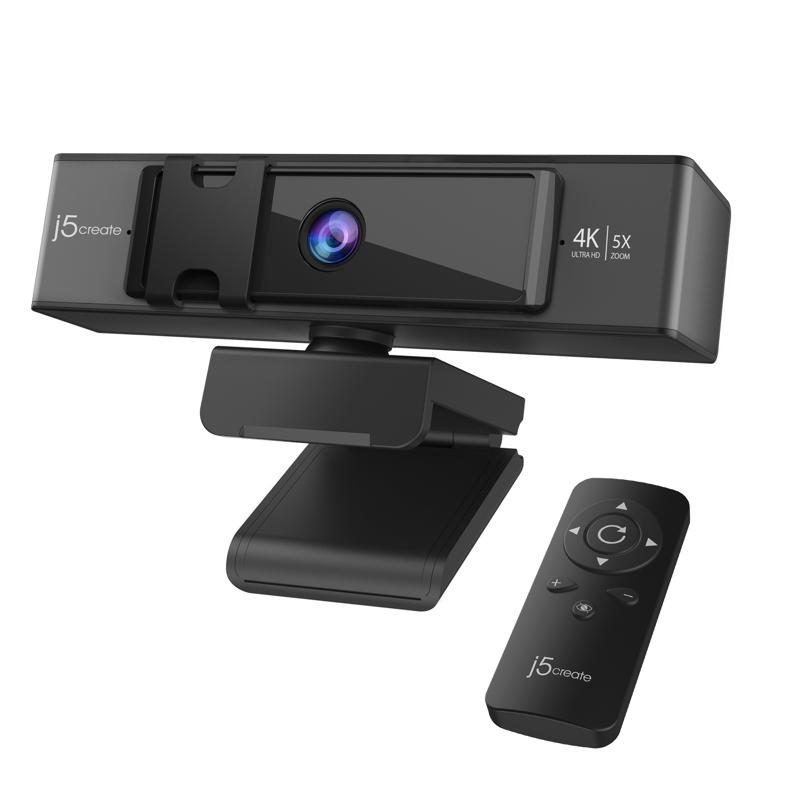
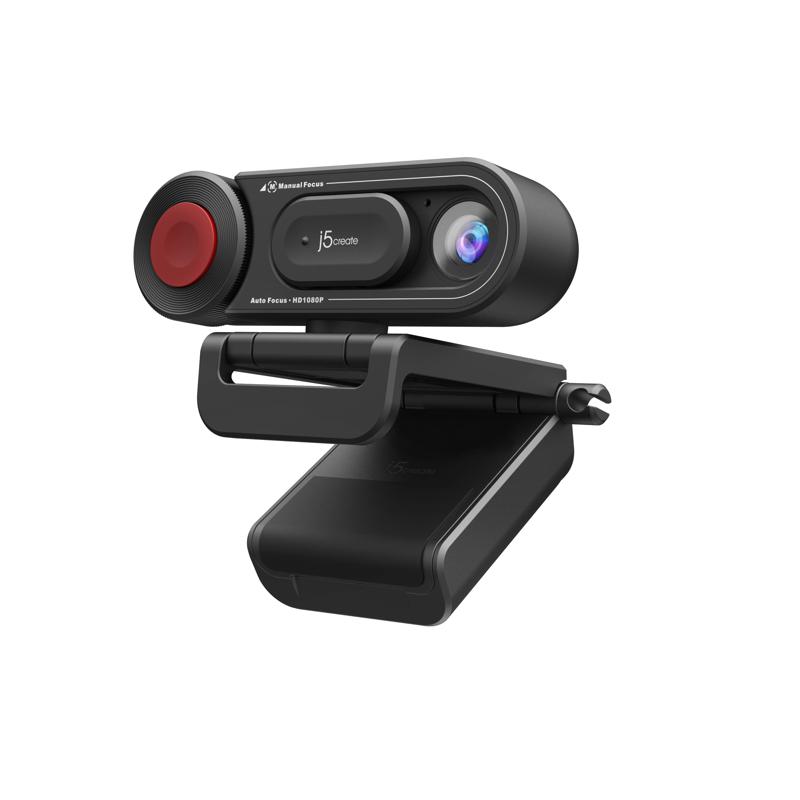
Bluetooth Webcam for PC

Bluetooth Webcam for PC for Enhanced Remote Communication

The Bluetooth Webcam for PC offers businesses a reliable solution for high-quality video conferencing, crucial in today’s remote and hybrid work environments. This guide will assist you in understanding the key benefits and considerations when choosing the right webcam.

  • High-definition video: Ensure clear visibility during meetings, enhancing professional communication.
  • Wireless connectivity: Eliminate cable clutter, providing flexibility in office setups.
  • User-friendly operation: Features designed for easy installation and consistent use across various platforms.

Explore our full range of Bluetooth webcams to find the perfect fit for your business needs.
1  - 2 of 2 results found

Bluetooth Webcam for PC for Professional Video Conferencing

A Bluetooh Webcam for PC is an essential tool for professionals seeking to enhance their virtual communication experience. Ideal for remote workers, team meetings, or client presentations, this guide outlines critical features and considerations to look out for when selecting your webcam.

Benefits of Using Bluetooth Webcam for PC

  • Smooth wireless connection: Enjoy the freedom of movement with Bluetooth connectivity, which reduces desk clutter while maintaining a reliable video feed.
  • Crisp image quality: Many models offer 1080p or higher resolution options that deliver sharp images ideal for professional settings.
  • Easily compatible: Most Bluetooth webcams work seamlessly with popular video conferencing applications such as Zoom and Microsoft Teams on both Windows and Mac systems.
  • User-friendly setup: Plug-and-play functionality allows quick installation without the need for additional software or complicated configurations.
  • Diverse mounting options: Flexible designs enable you to position your webcam at optimal angles across different workspace setups, be it a desk or conference room table.
  • Avoid cable issues: Wireless models eliminate concerns over tangled cords and peripheral limitations during meetings or conferences.

Usage Tips

To achieve the best results from your Bluetooth webcam, positioning is key. Ensure it is placed at eye level to maintain direct eye contact during conversations; this helps foster engagement. Adjust lighting conditions where possible to avoid backlighting effects that could obscure clarity on screen. For optimal performance, consider using an external microphone if audio quality is critical. Maintaining your device is also essential. Regularly check firmware updates provided by manufacturers to ensure compatibility with new software versions and features. Training users on best practices—such as testing sound levels before calls—can significantly enhance their experience. Cleaning the lens periodically with a soft cloth will prevent dust accumulation that can affect image quality.

1. What should I expect in terms of installation process?

The installation process is generally straightforward with most Bluetooth webcams featuring plug-and-play functionality; simply connect via USB if required and follow any on-screen prompts to set up drivers where necessary.

2. Are there any software requirements?

No advanced software is typically necessary; however, compatibility may vary depending on operating systems like Windows or MacOS, so checking manufacturer specs beforehand is advisable.

3. Can these webcams handle multiple users in larger meeting spaces?

Certain models are designed specifically with wide-angle lenses that can accommodate larger groups; however, always verify specifications as not all cameras provide this feature effectively across large spaces.

4. How do I connect the webcam wirelessly?

The connection usually involves pairing your webcam via Bluetooth settings on your computer or device; detailed instructions are often included within product packaging or online support resources from manufacturers!

5. Is there any difference between using a Bluetooth webcam versus a USB one?

Bluetooh webcams offer greater mobility due to wireless functionality but may face limitations in terms of bandwidth compared to wired USB connections which generally assure better video quality where high data transfer rates are crucial!


Bluetooh Webcam for PC provides substantial benefits in enhancing virtual communications while facilitating flexible working arrangements effectively! Discover our extensive selection now!

You may also be interested in
Cleyver HD 90 Pro USB Webcam

Cleyver HD 90 Pro USB Webcam

£59.99
Ref: ODWCAM90
Webcam Full HD FujiKam 812H

Webcam Full HD FujiKam 812H

£44.99
£29.99
-33%
Ref: FUJIK812H
Cleyver HD Webcam USB

Cleyver HD Webcam USB

£24.99
Ref: ODWCAM
Flextool Pack from Cleyver - Corded Videoconferencing solution

Flextool Pack from Cleyver - Corded Videoconferencing solution

£273.99
Ref: ODFLEX65J30USB
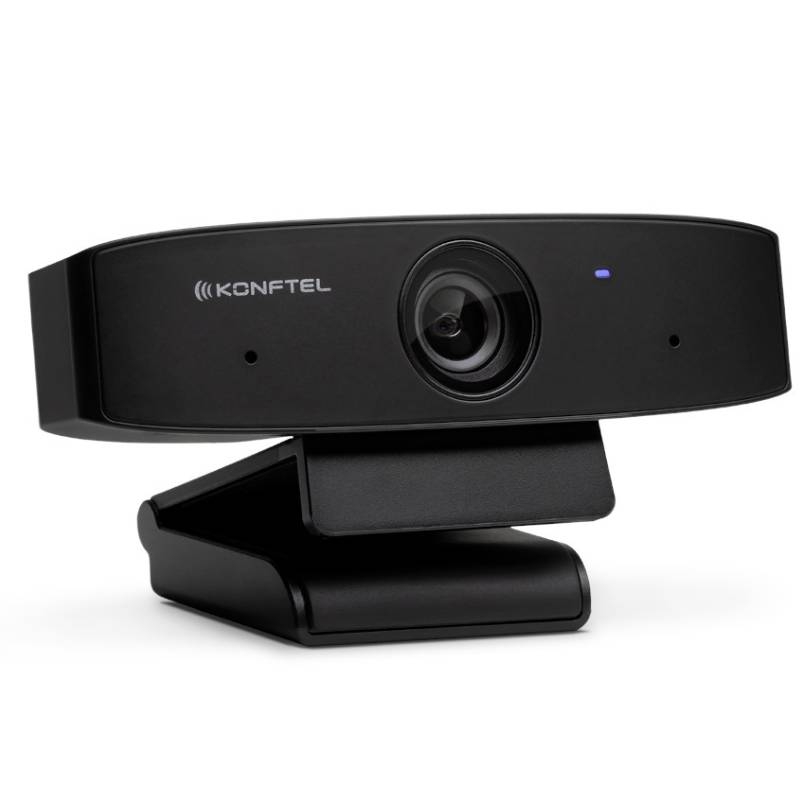
Konftel Cam10

Konftel Cam10

£109.99
£47.99
-56%
Ref: KOCAM10
Midland FOLLOW-U

Midland FOLLOW-U

£120.99
£45.99
-62%
Ref: MIFOLLOW
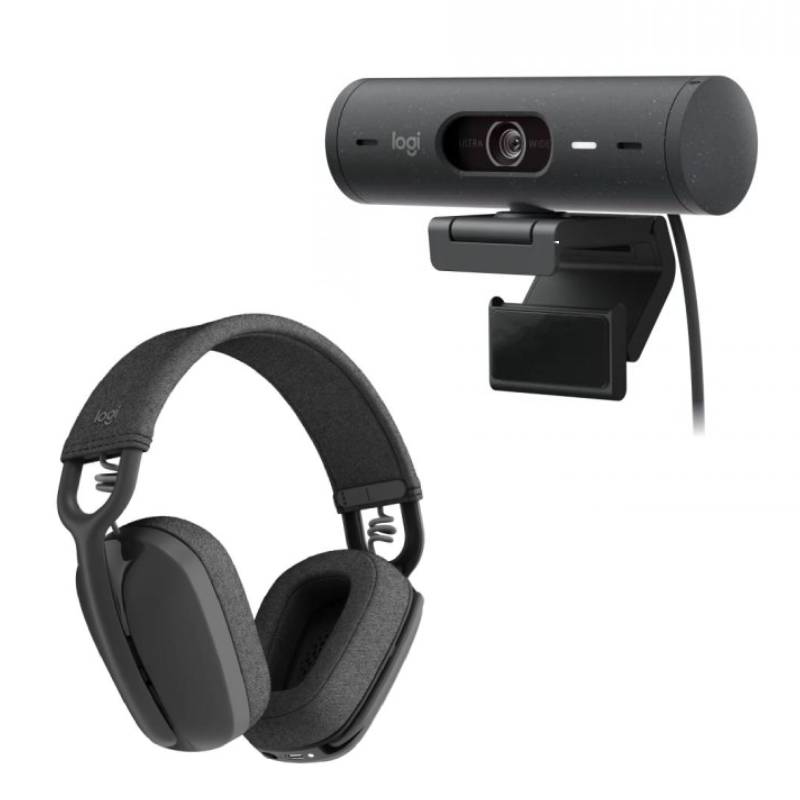
Logitech Brio 505 + Zone Vibe Wireless

Logitech Brio 505 + Zone Vibe Wireless

£250.99
£177.49
-29%
Ref: LOBRIOZONEVIBEMS
Aver VB130

Aver VB130

£729.99
£397.99
-45%
Ref: AVVB130
Jabra PanaCast 20 + Speak2 55 UC

Jabra PanaCast 20 + Speak2 55 UC

£617.22
£405.41
-34%
Ref: GNPAN20SP255
Pack EPOS IMPACT 1060 ANC+ EPOS Expand Vision 1

Pack EPOS IMPACT 1060 ANC+ EPOS Expand Vision 1

£464.00
£338.51
-27%
Ref: SEIMP1060AV1
iiyama ProLite TN6505A 65 inch 4K Touch

iiyama ProLite TN6505A 65 inch 4K Touch

£1372.99
Ref: IIYTN6505AB1AG
Jabra Evolve2 65 Flex USB-A MS Stereo + Jabra PanaCast 20

Jabra Evolve2 65 Flex USB-A MS Stereo + Jabra PanaCast 20

£515.75
£306.50
-41%
Ref: GNEVOL65FPUK
iiyama ProLite TE6515A-B1AG

iiyama ProLite TE6515A-B1AG

£1459.00
£1415.99
-3%
Ref: IIYTE6515AB1AG
iiyama ProLite LH10552UWS-B1AG 105-inch 5K digital signage display

iiyama ProLite LH10552UWS-B1AG 105-inch 5K digital signage display

£6584.99
Ref: IIYLH10552UWSB1AG
iiyama ProLite TE9813A-B1AG 98" Interactive Display

iiyama ProLite TE9813A-B1AG 98" Interactive Display

£3999.00
£3881.99
-3%
Ref: IIYTE9813AB1AG
iiyama ProLite TE8615A-B1AG

iiyama ProLite TE8615A-B1AG

£2159.00
£2094.99
-3%
Ref: IIYTE8615AB1AG
iiyama ProLite TE8615A-B2AG 86-inch EDLA Touchscreen

iiyama ProLite TE8615A-B2AG 86-inch EDLA Touchscreen

£2200.99
Ref: IIYTE8615AB2AG
J5Create USB Webcam with 360° Rotation

J5Create USB Webcam with 360° Rotation

£40.99
Ref: J5JVCU100NUK
Insta360 Link 2C webcam

Insta360 Link 2C webcam

£263.99
£168.99
-36%
Ref: INSTALINK2C
Insta360 Link 2 Webcam

Insta360 Link 2 Webcam

£196.99
Ref: INSTALINK2
j5create 360 All Around Webcam with Speakerphone

j5create 360 All Around Webcam with Speakerphone

£199.16
Ref: J5JVU368N
Origin Storage USB 4K Webcam Full HD

Origin Storage USB 4K Webcam Full HD

£49.99
£39.99
-20%
Ref: ORIUSB4KW