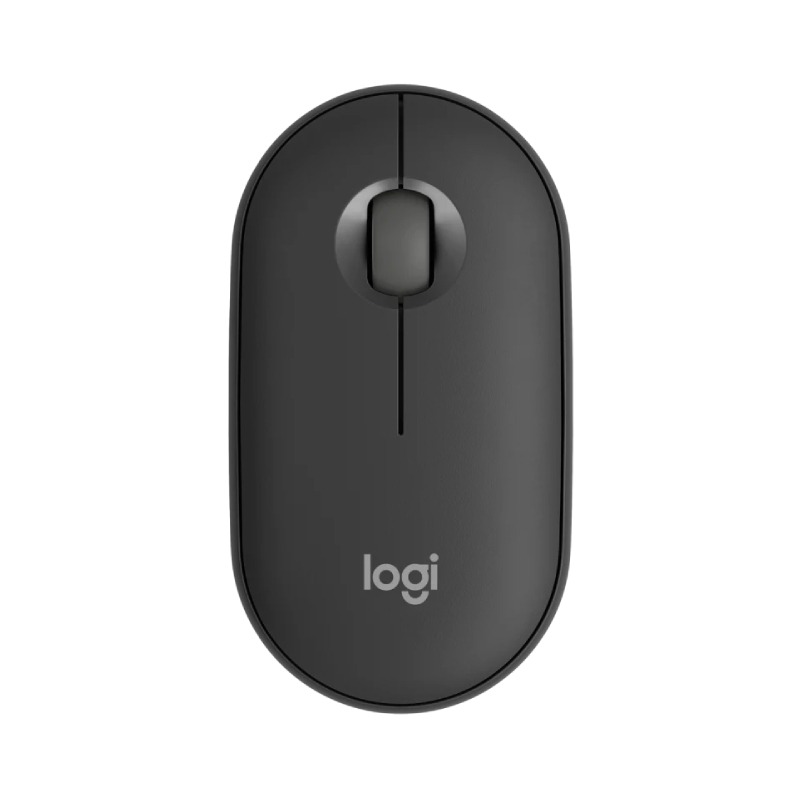
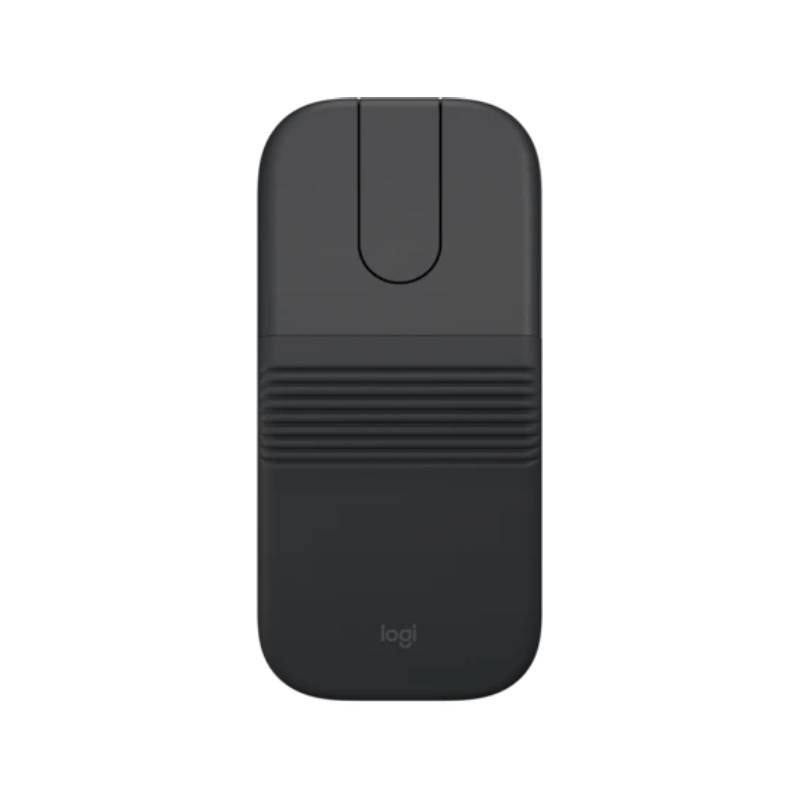
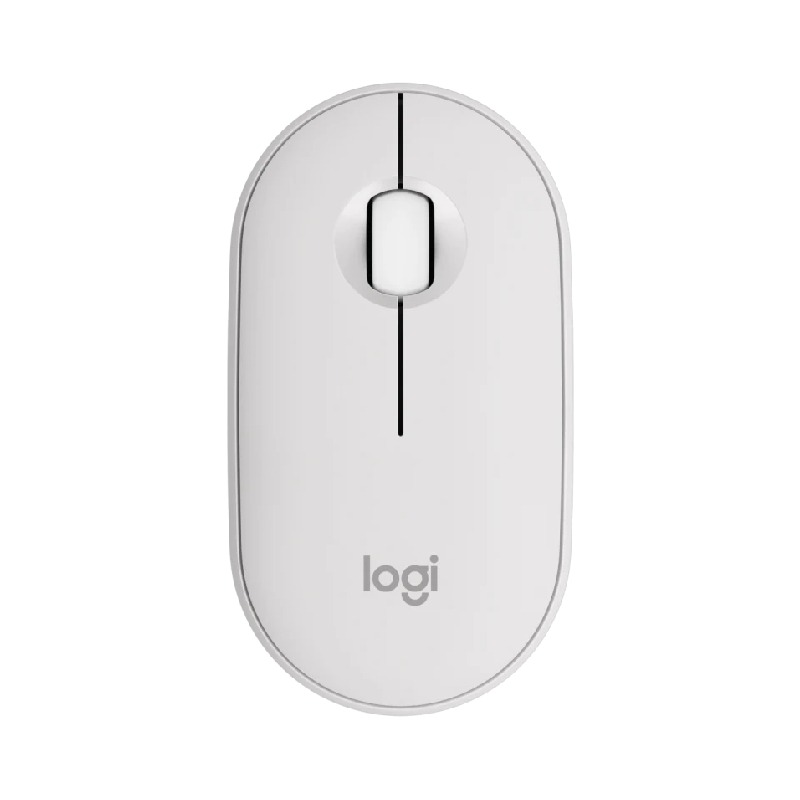
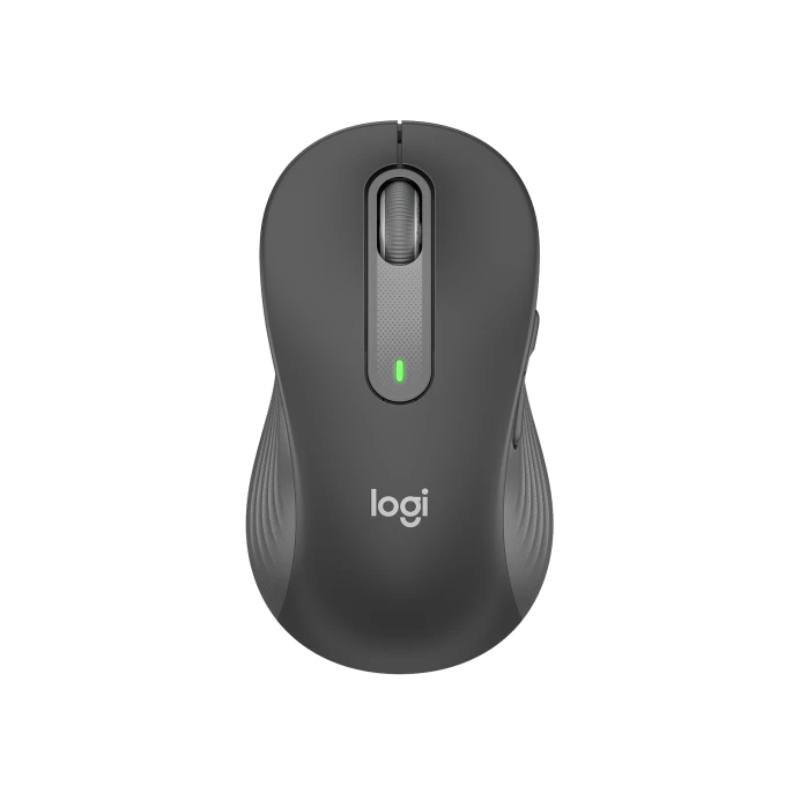
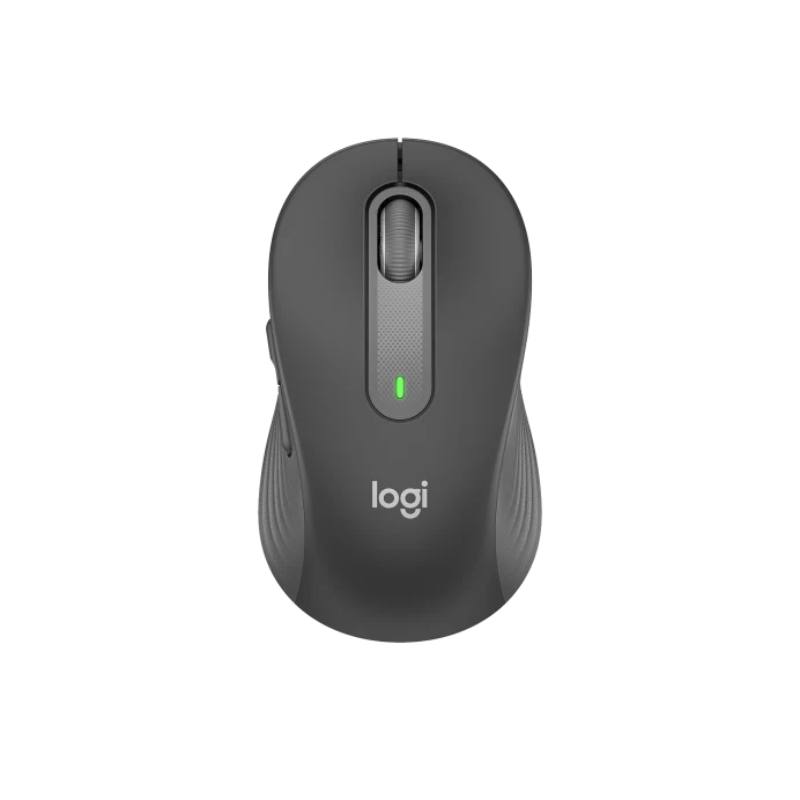
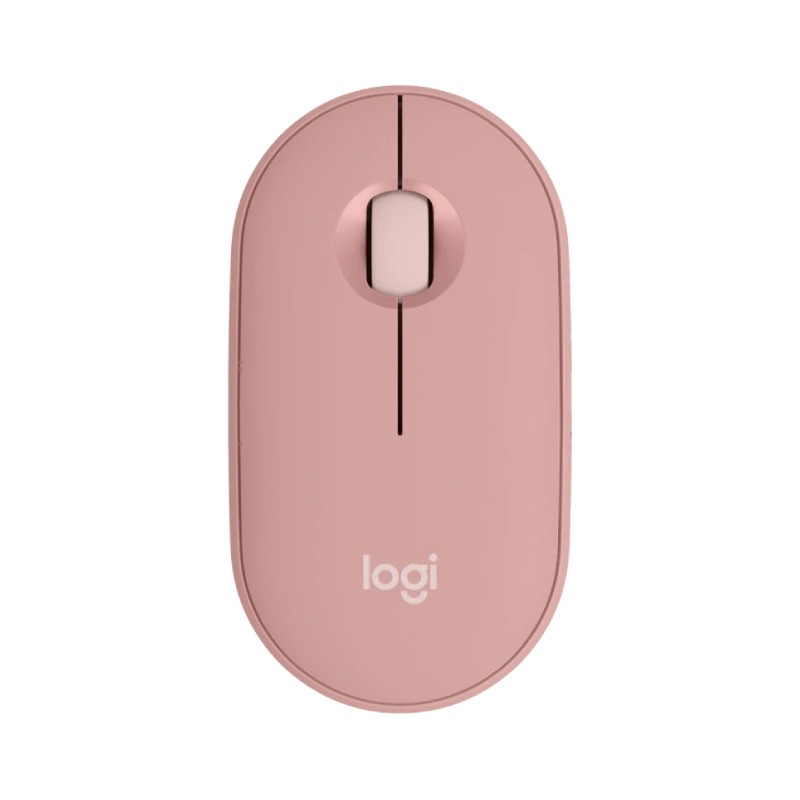
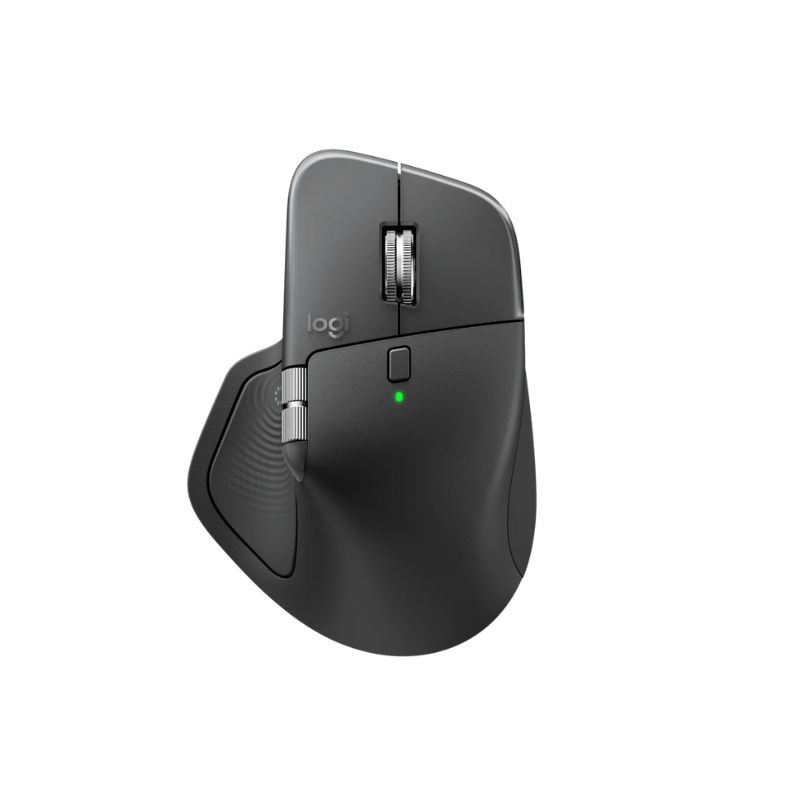
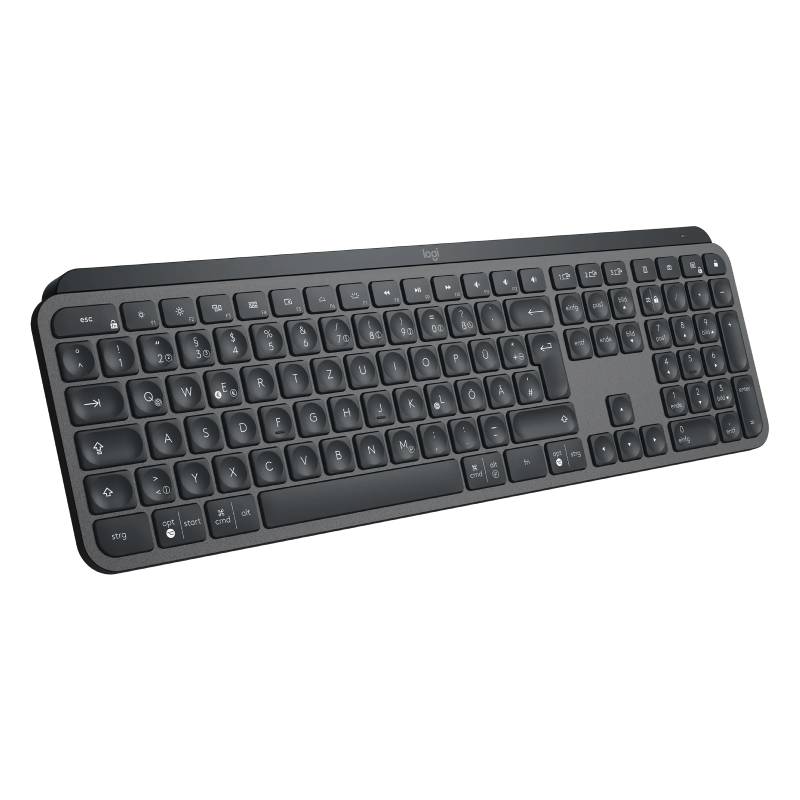
Bluetooth Mouse Logitech for Smooth Workflow Integration
The bluetooth mouse logitech is an excellent choice for businesses aiming to enhance their operational efficiency. Tailored to meet the requirements of IT managers and procurement teams, this guide will provide insights into the advantages and practical applications of these devices in various work environments.
Benefits of Using bluetooth mouse logitech
- Cross-platform compatibility: Most Logitech Bluetooth mice are compatible with both Windows and Mac operating systems, making them versatile additions to any office setup.
- Sleek design: With a professional look and feel, these mice can help enhance your brand’s image in client-facing situations.
- User-friendly features: Many models include programmable buttons that can streamline workflows by providing shortcuts to frequently used functions or applications.
- Diverse product range: Various options are available to fit different user preferences—whether you need a compact model or one with advanced features like scrolling precision or battery life optimisation.
- Easily managed deployment: Their simple pairing process allows quick installation across multiple devices, making them ideal for larger teams needing efficient setup procedures.
- Lag-free performance:Your users can benefit from reliable connectivity, ensuring smooth cursor movement essential for detailed tasks such as graphic design or data analysis.
Usage Tips
When setting up your Bluetooth mouse, ensure it is charged or has fresh batteries before pairing it with your device. Follow the manufacturer's instructions to connect it via Bluetooth settings; most systems allow you to easily find and pair devices. Once connected, position the mouse at a comfortable distance from your keyboard—ideally at elbow level—to promote good ergonomic practices while working.
Regular maintenance is crucial to maximise the lifespan of your Bluetooth mouse. Keep it clean by wiping down surfaces regularly with a soft cloth and ensuring that any sensor openings are free from debris. Updating firmware when prompted can also improve performance and add new functionalities; check Logitech's support site periodically for updates. User training on features such as custom button programming can further enhance productivity within teams.
Q&A
1. What accessories come with a bluetooth mouse logitech?
2. Is software required to use these mice?
3. Can I use my bluetooth mouse logitech on different operating systems?
4. How easy is it to switch between multiple devices?
5. Are there any limitations I should be aware of?
b luetooth mouse logitech can significantly impact productivity in your workplace by enhancing ergonomics while simplifying device management at scale . Be sure explore our diverse offerings tailored specifically towards meeting unique organisational needs .