Professional advice available Monday to Friday, 8.30am-5.30pm
Mon. to Fri. 8:30 a.m. – 6:30 p.m.
0333 123 3050
Call us!
Empower your team with Yealink video conferencing solutions—designed for seamless communication in small huddle rooms or large boardrooms alike.
Explore our full selection of Yealink conferencing devices to find the perfect fit for your hybrid workplace.
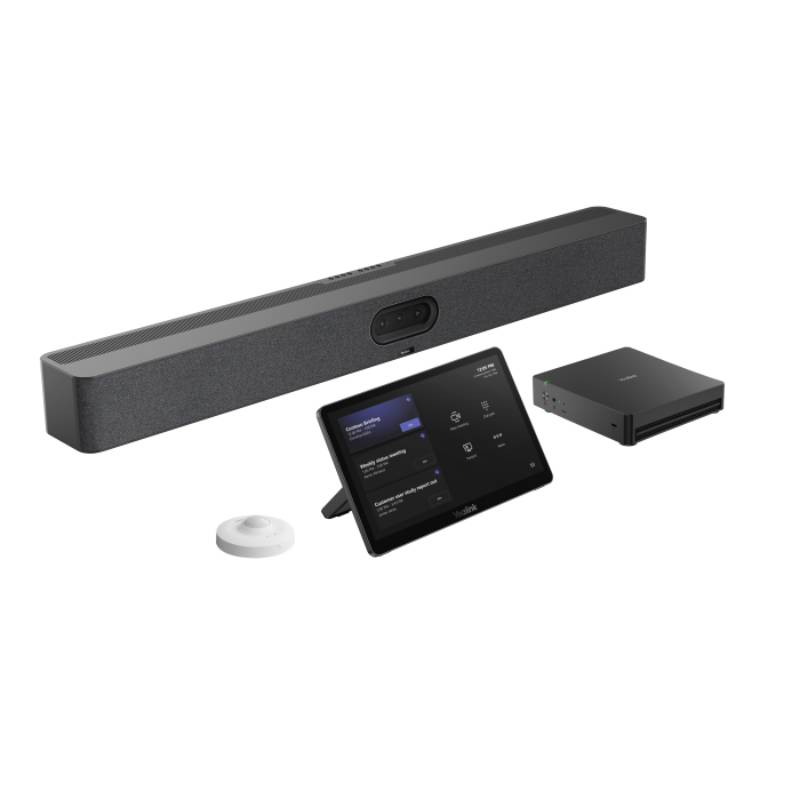
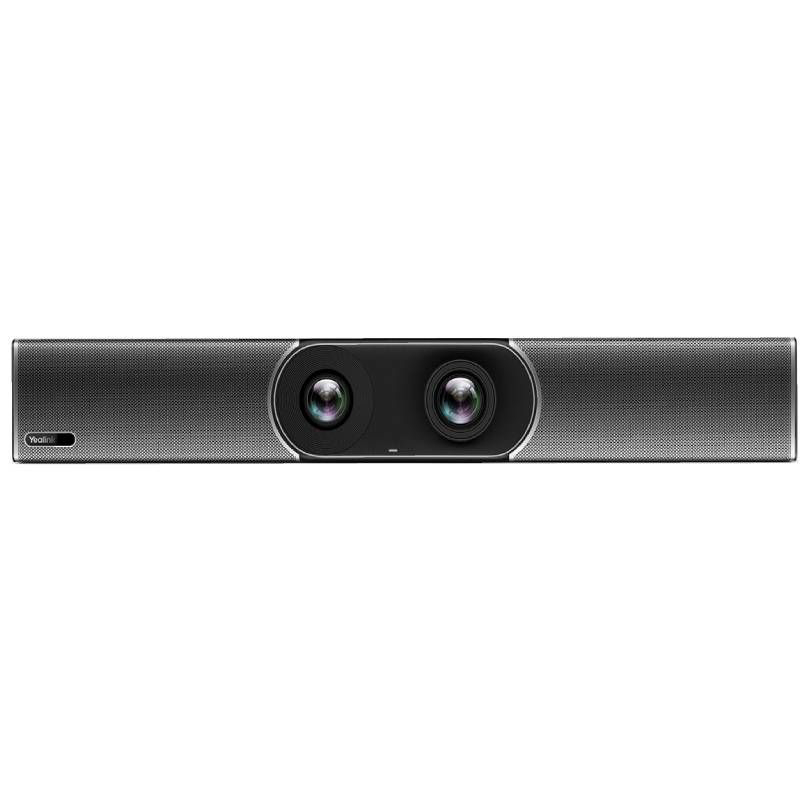
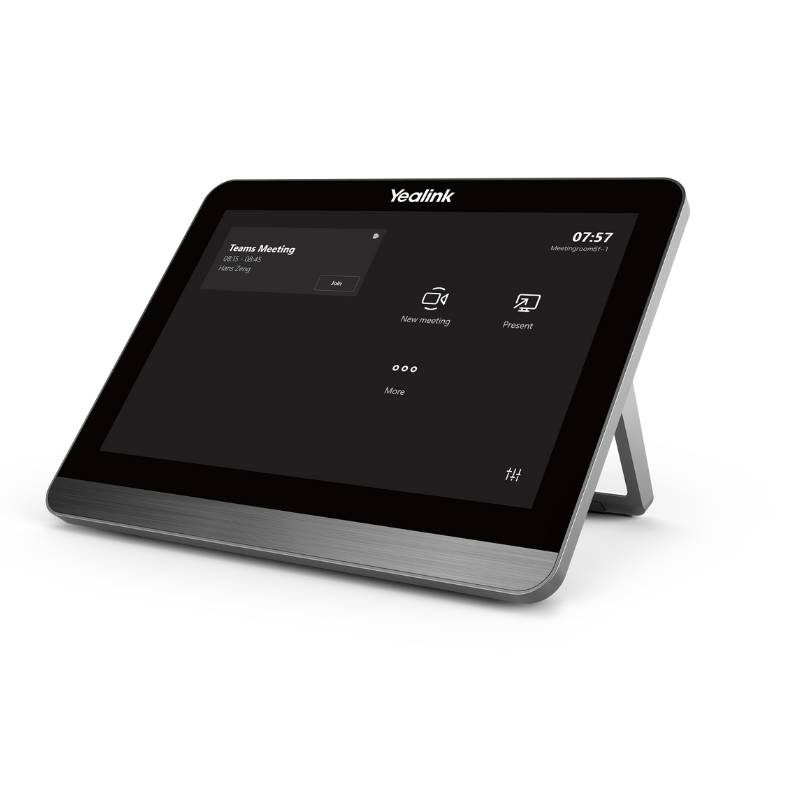
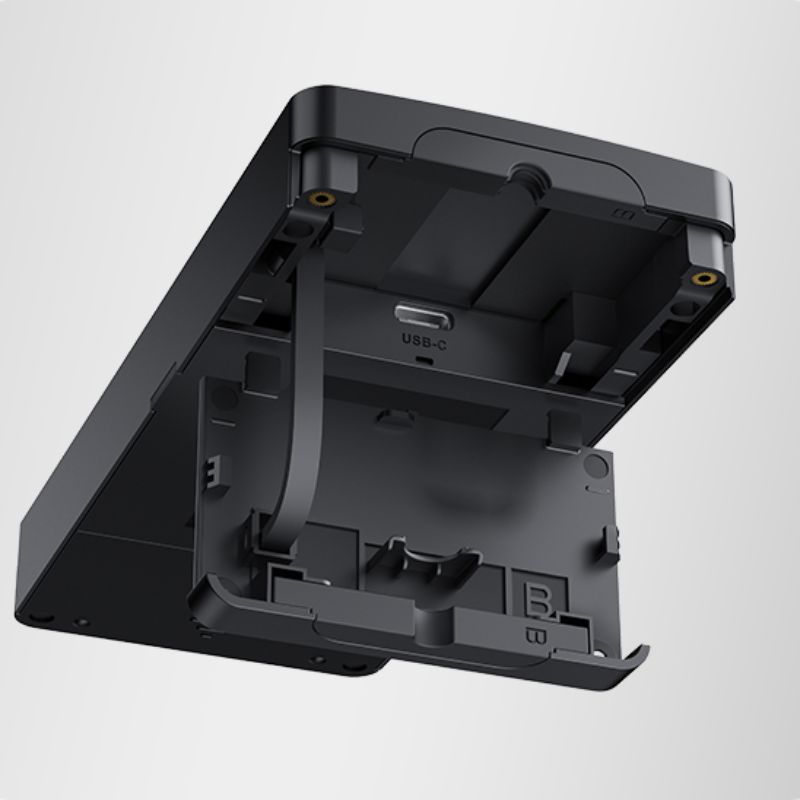
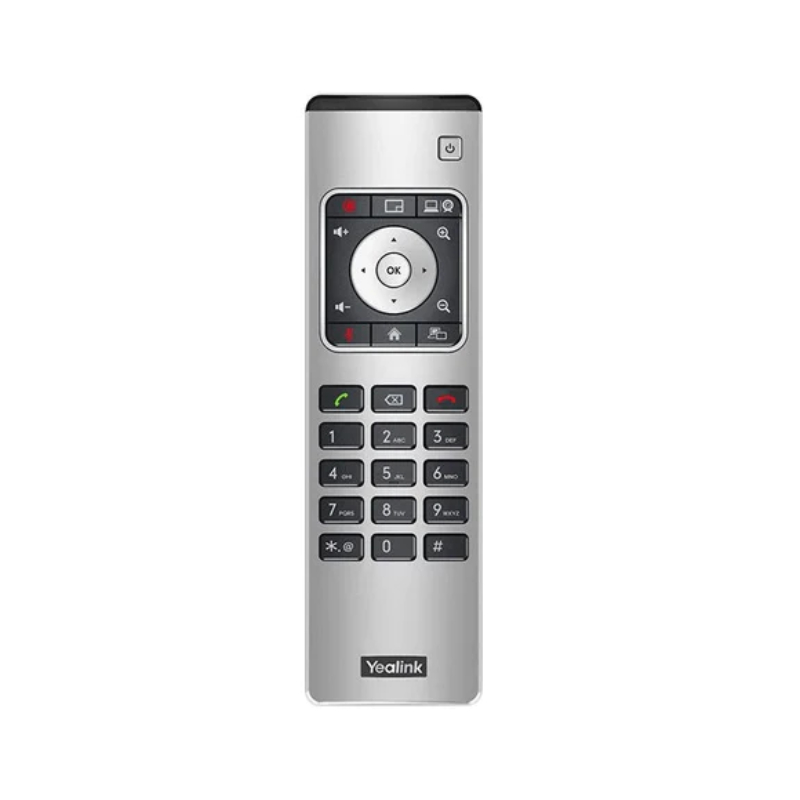
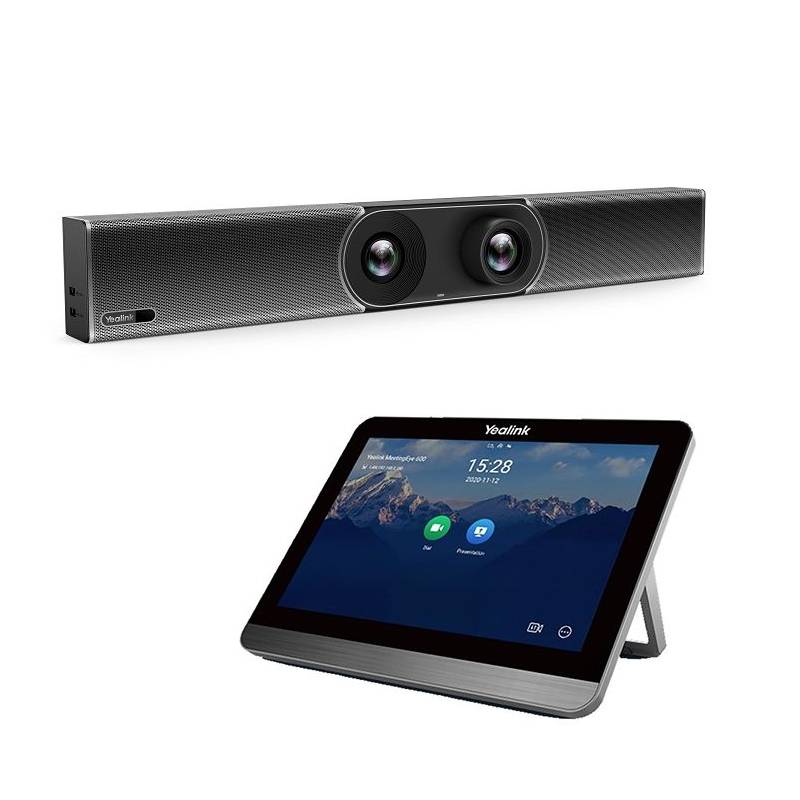
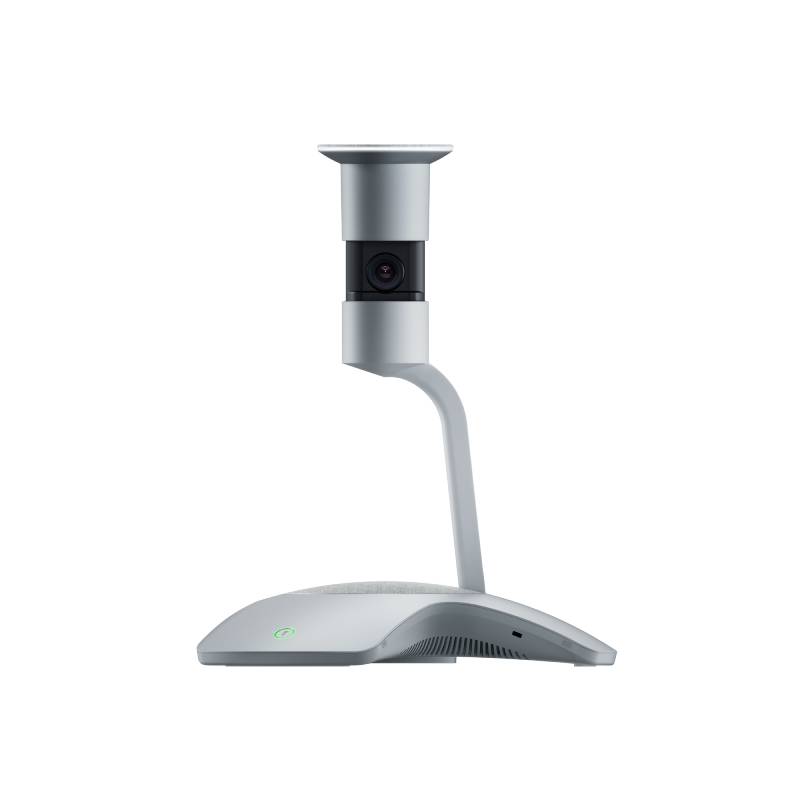
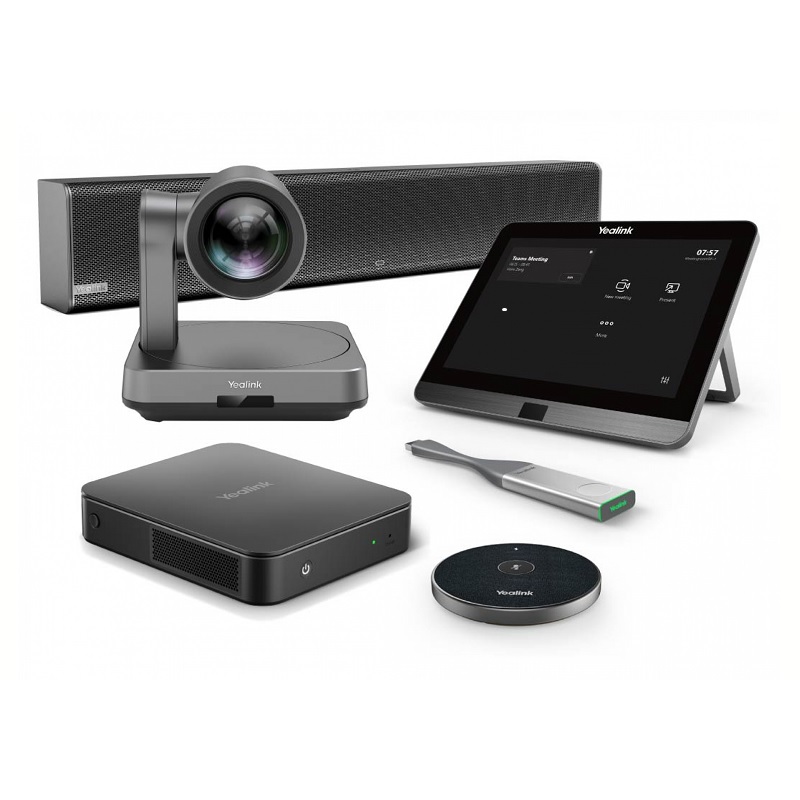
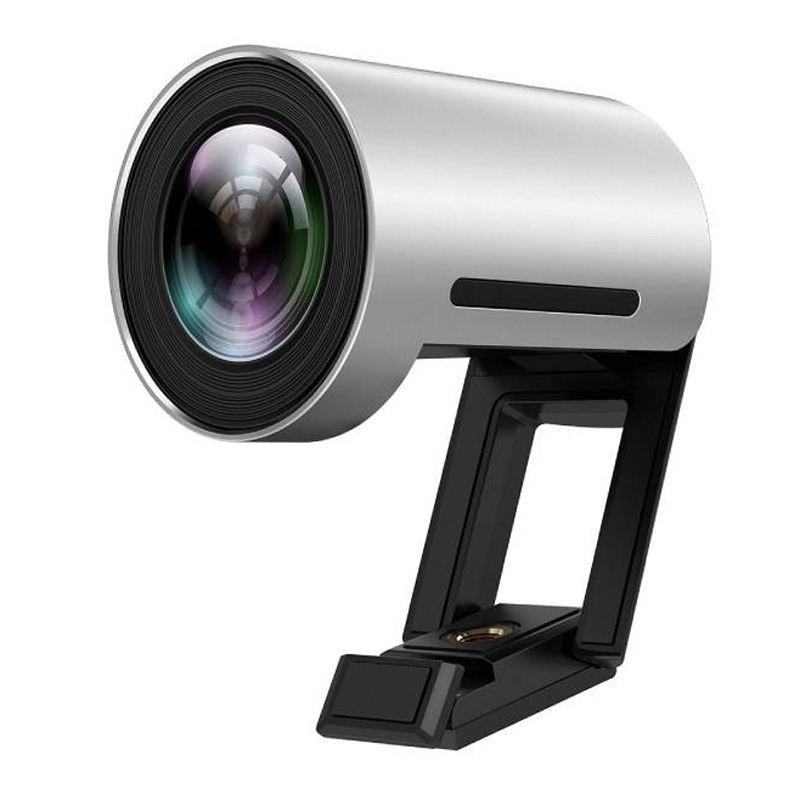
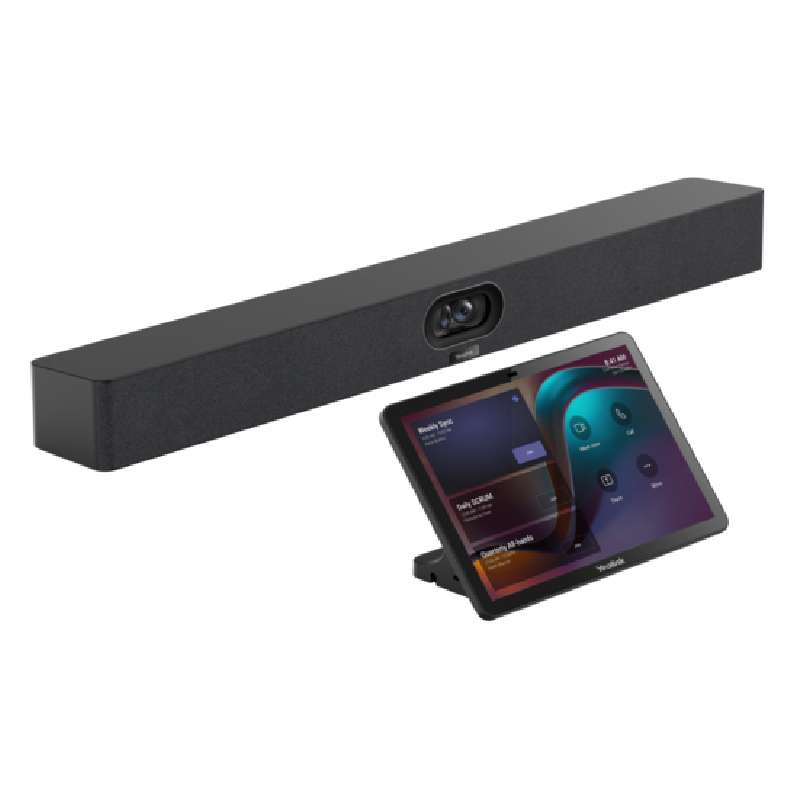
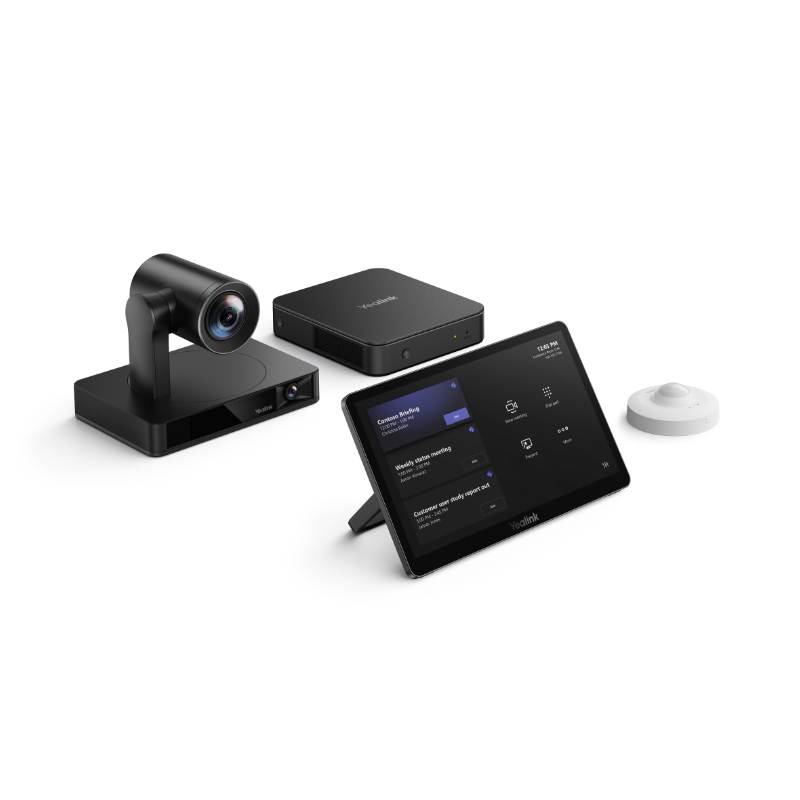
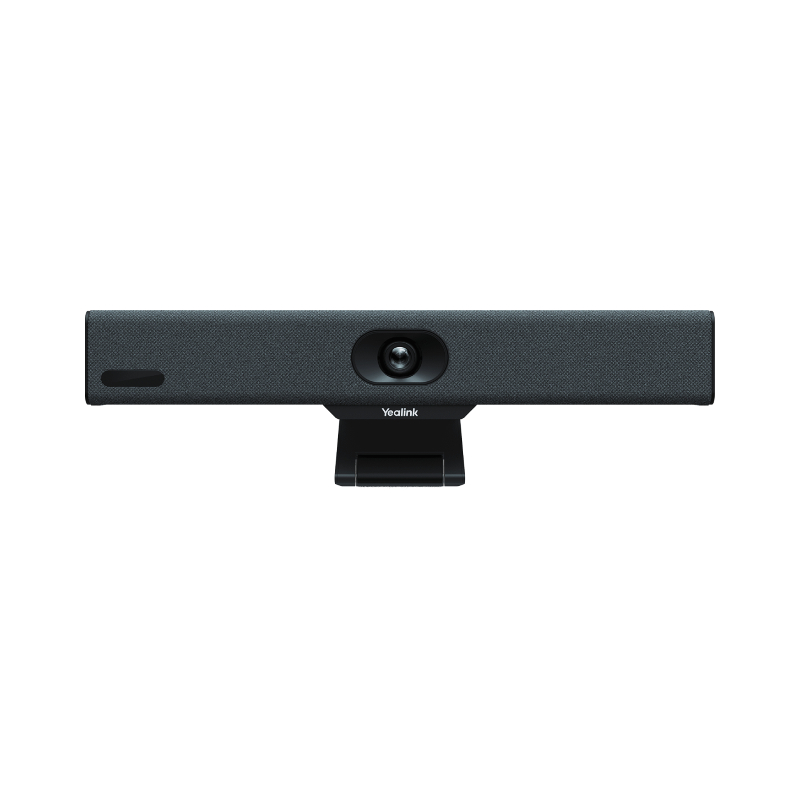
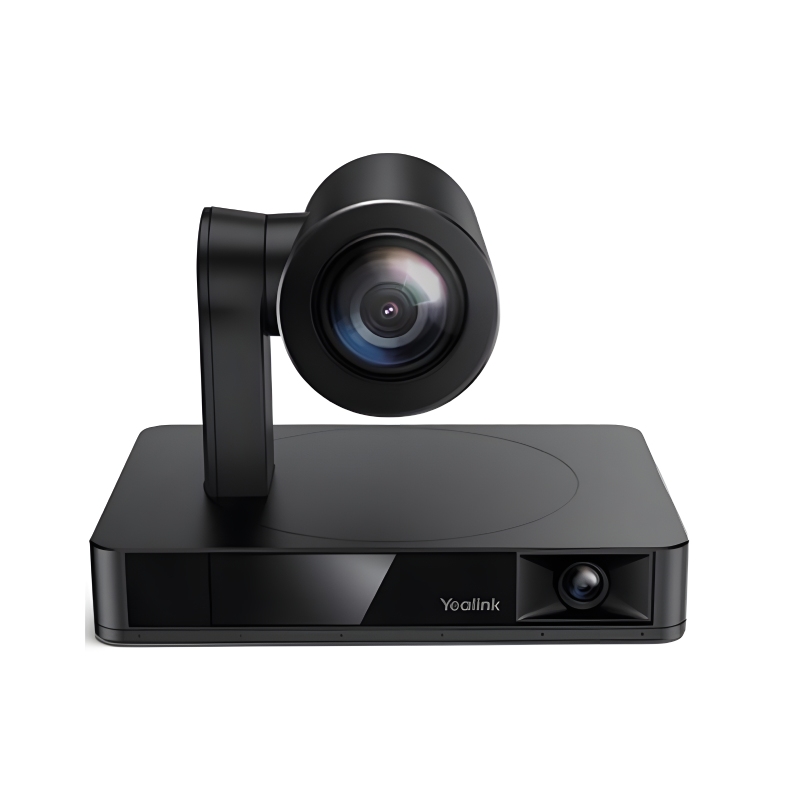
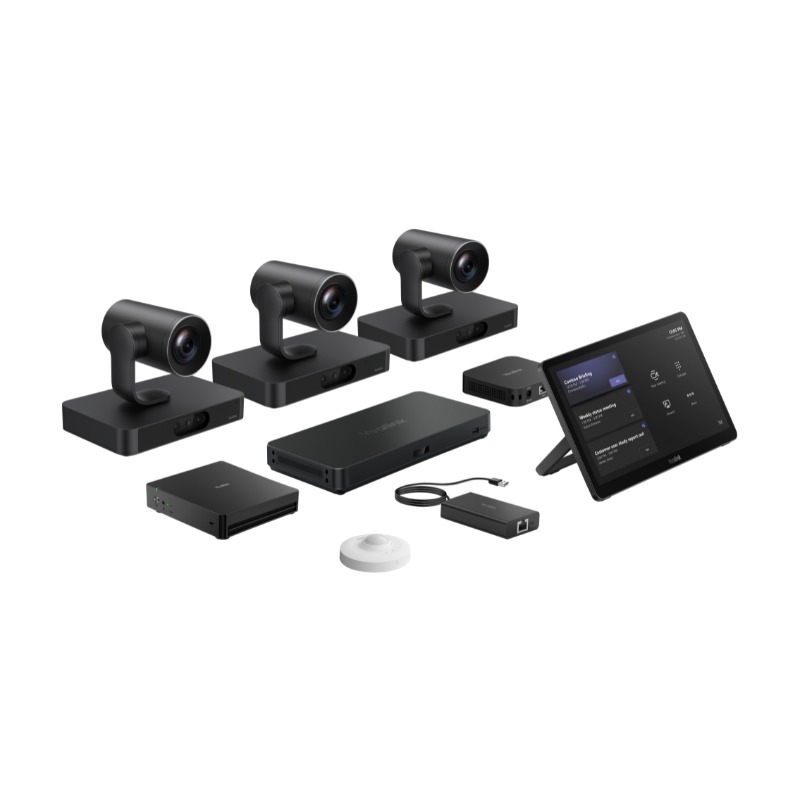
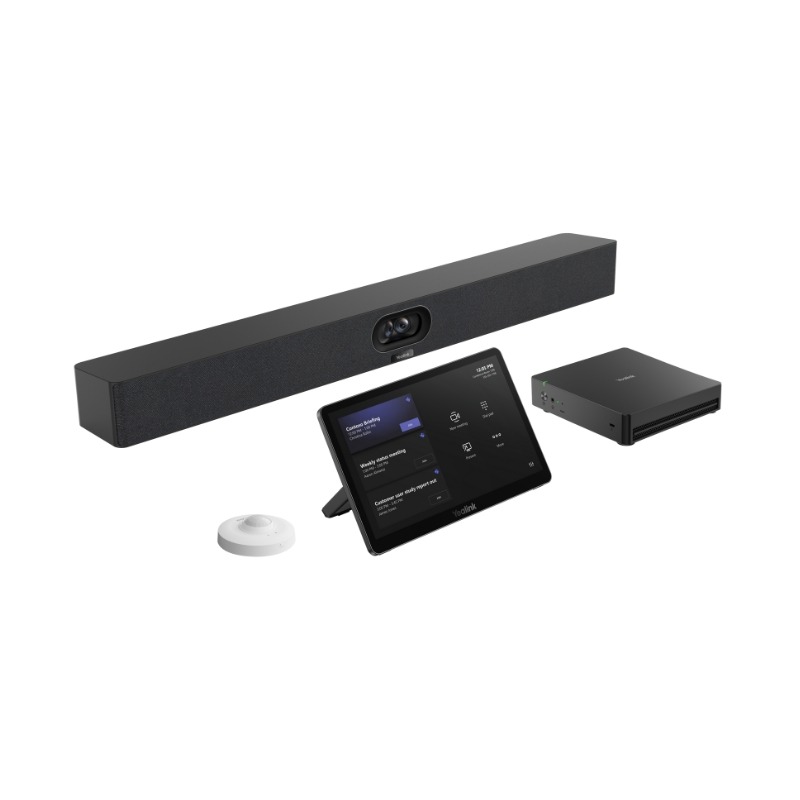
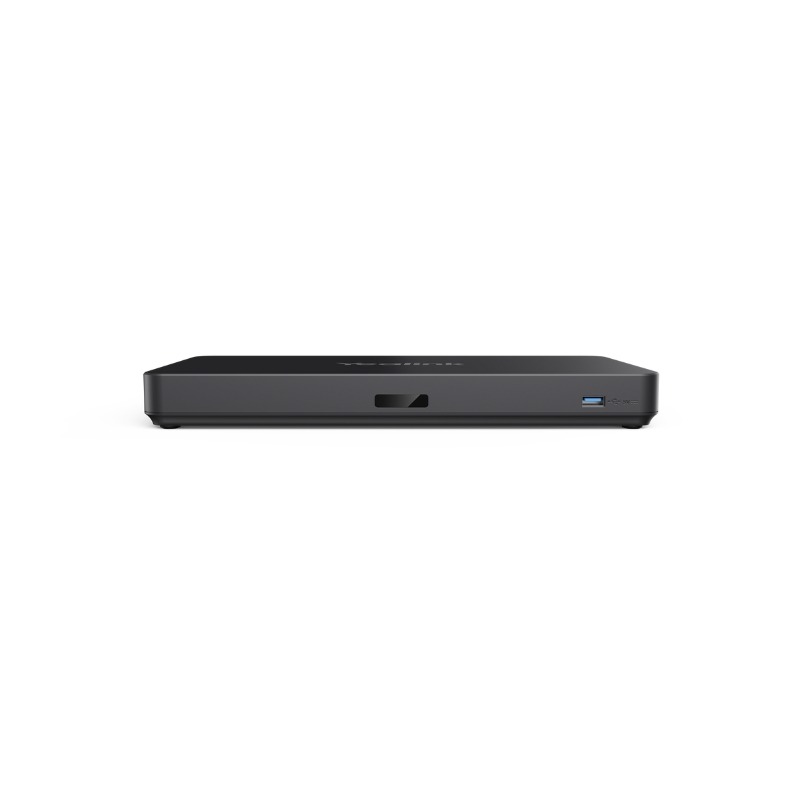
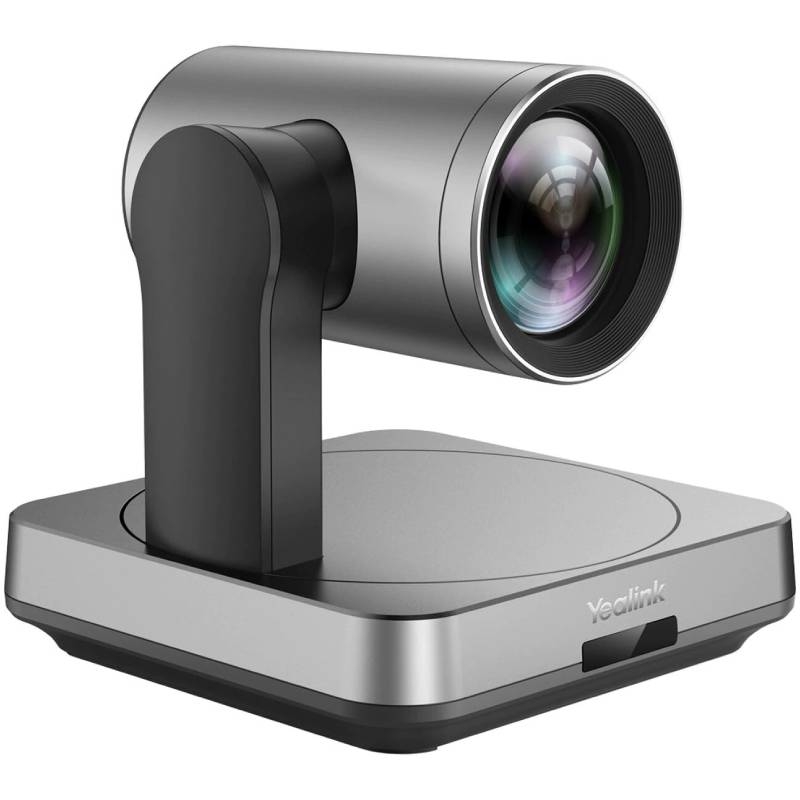
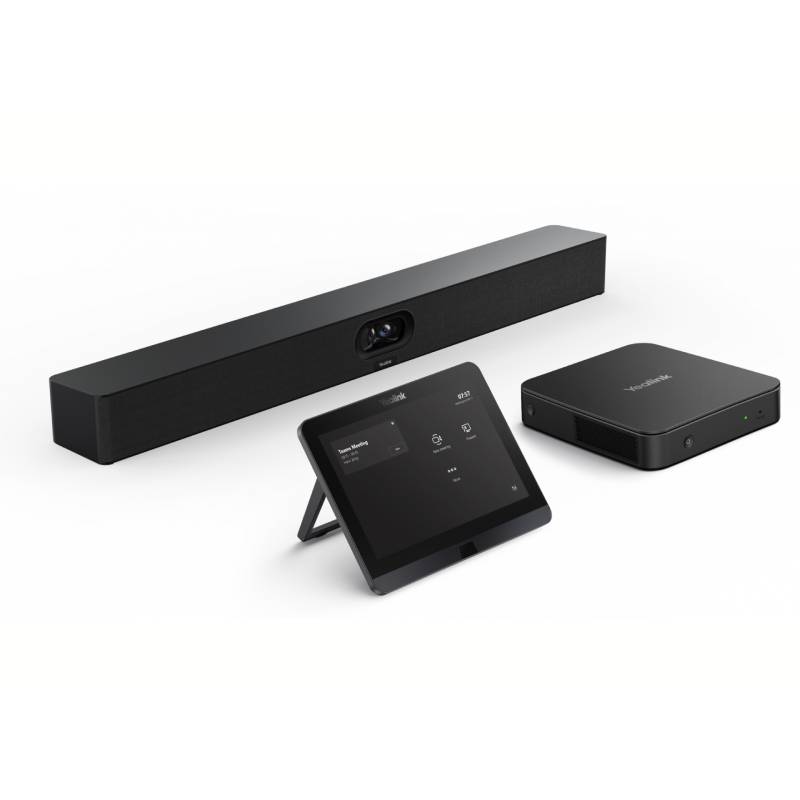
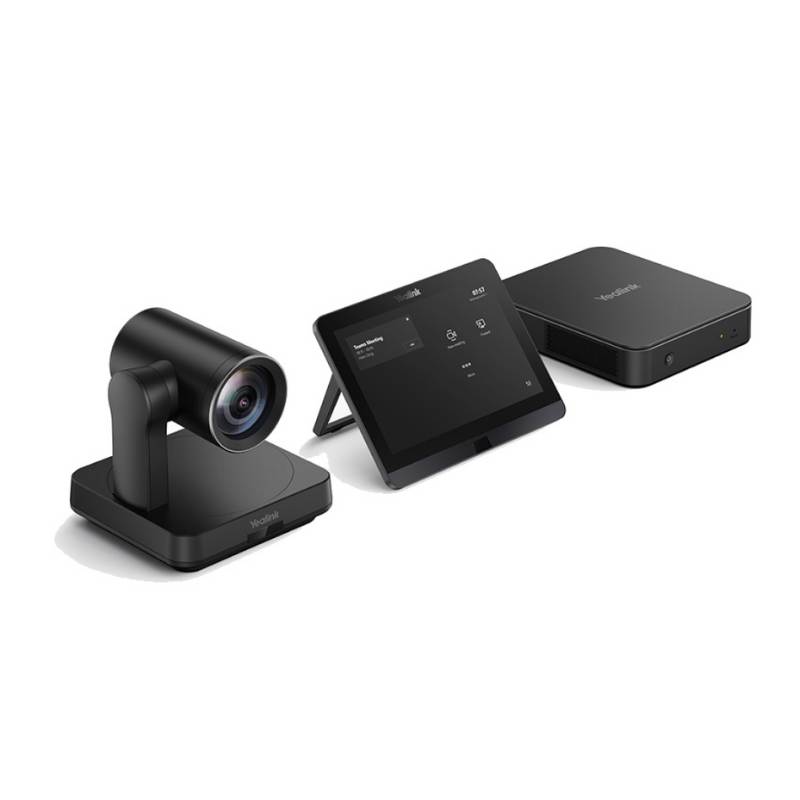
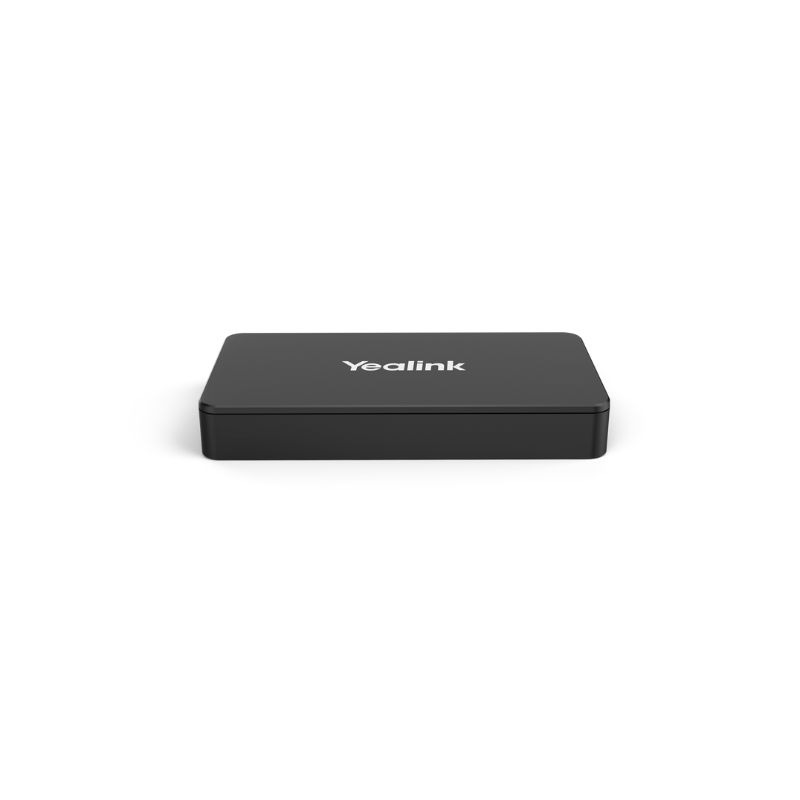
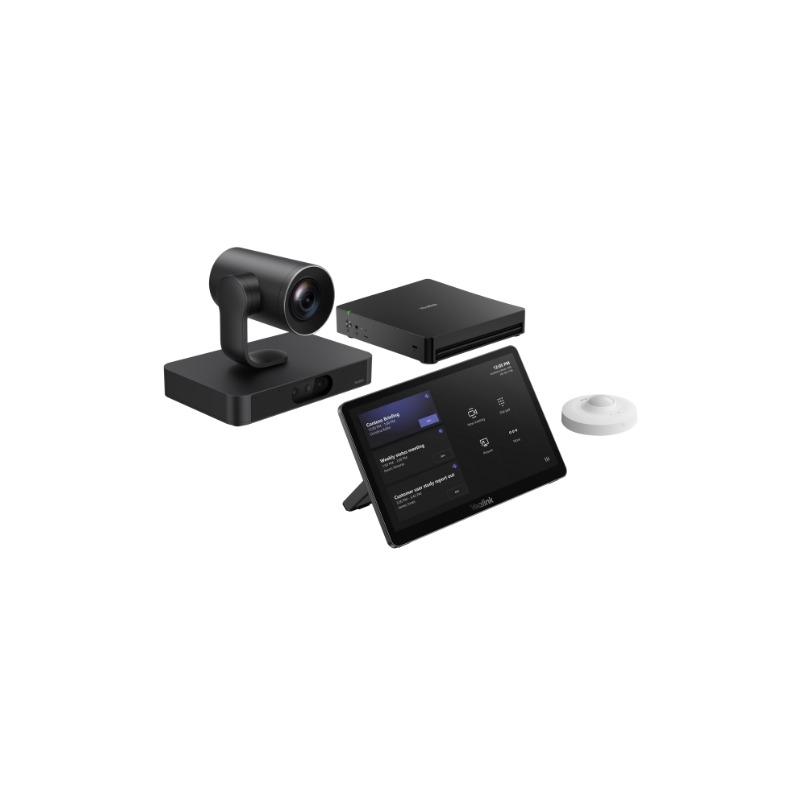
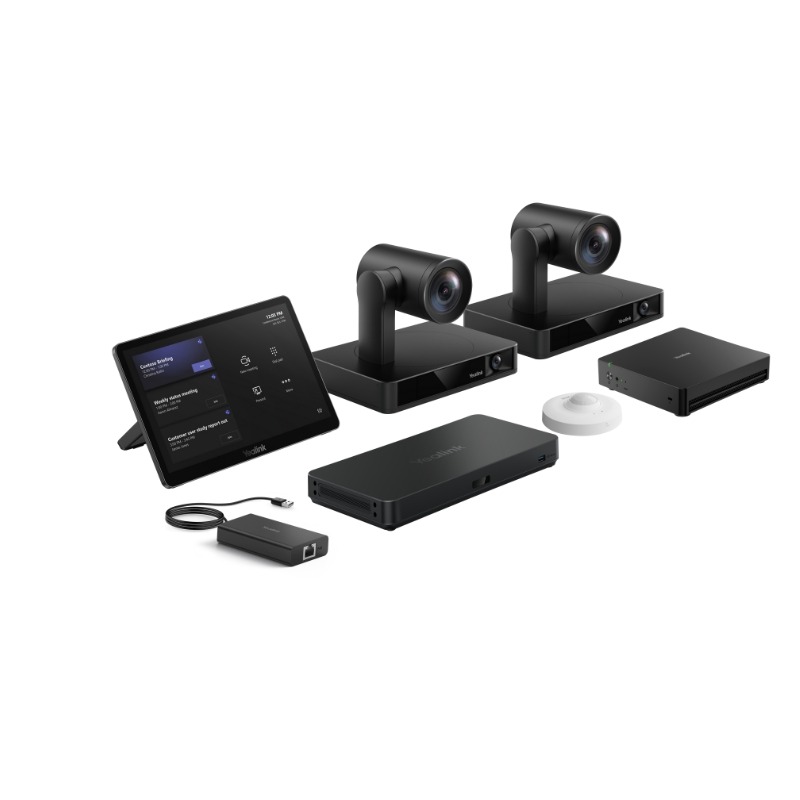
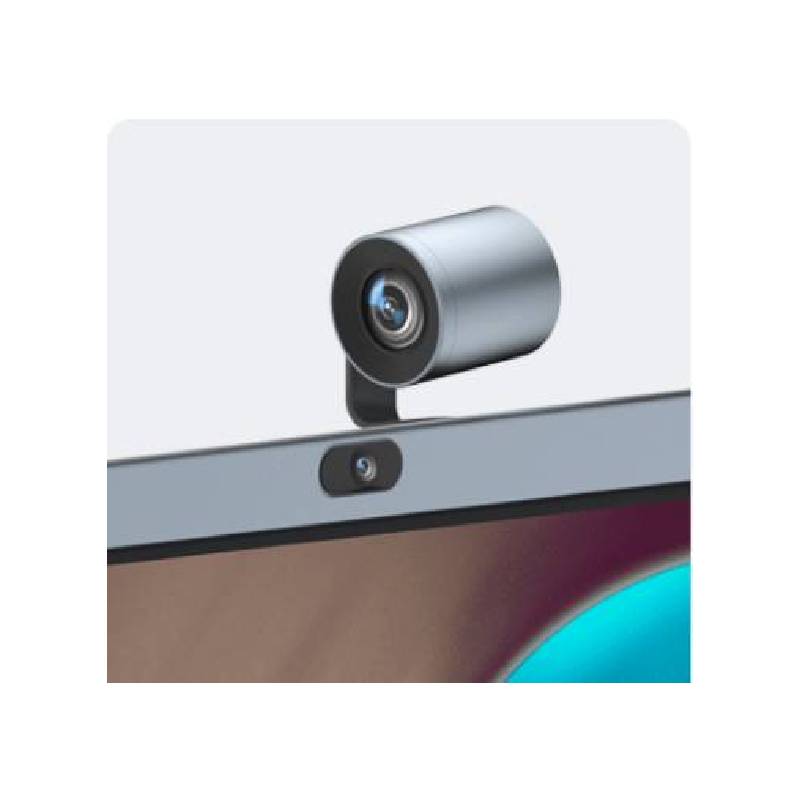
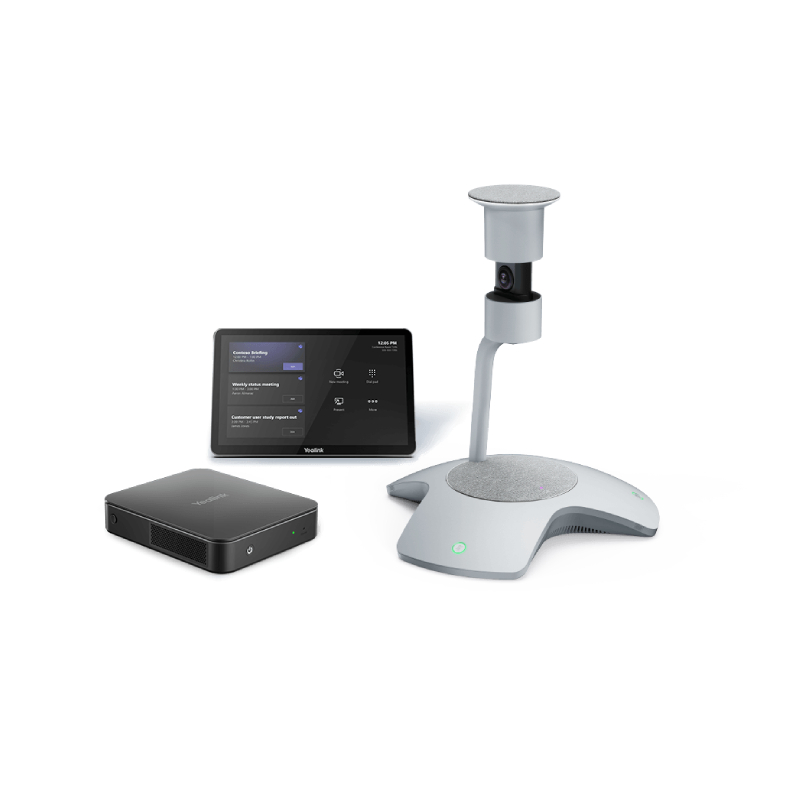
Yealink video conferencing solutions are designed to streamline collaboration across all business environments—whether you're equipping a huddle space, a large boardroom, or a hybrid home office. These systems integrate high-definition video, crystal-clear audio, and user-friendly controls into a single solution. In this guide, we’ll explore the core benefits of Yealink video conferencing equipment, share expert tips to get the most out of your setup, and address frequently asked questions to help you choose the ideal system for your business communication needs.
All-in-one system integration: Yealink video conferencing devices combine cameras, microphones, and speakers into compact units such as the MeetingBar A10, A20 or A30. This simplifies installation, reduces clutter, and delivers a professional setup with minimal effort.
Native platform compatibility: Yealink systems offer native integration with Microsoft Teams and Zoom, allowing you to join meetings directly from the device—no additional computer or software required. It ensures a seamless and secure user experience.
Intelligent AI enhancements: Features like auto-framing, speaker tracking, and noise cancellation enhance meeting clarity. These tools adapt to the conversation in real time, helping remote and in-person participants feel equally involved.
Scalability across room sizes: From small meeting pods to large conference rooms, Yealink offers modular solutions with extendable microphones and camera upgrades. This makes it easy to adapt your system as your needs evolve.
Easy setup and remote management: Thanks to plug-and-play design and cloud-based tools like Yealink Management Cloud Service (YMCS), IT teams can deploy and support devices remotely, reducing downtime and support costs.
Superior audiovisual quality: With up to 4K camera resolution and full-duplex HD audio, Yealink devices deliver an immersive conferencing experience that makes virtual meetings as natural as in-person ones.
Before installing your Yealink video conferencing device, determine the size and layout of your meeting space. For small rooms or home offices, a Yealink A10 may be sufficient, while larger conference rooms might require an A20 or A30 with external microphones. Position the camera at eye level and ensure your lighting is adequate to get the best possible video quality. If you’re integrating with Microsoft Teams or Zoom, log into your platform account directly on the device to enable one-touch meeting join functionality.
Make sure your system is connected to a stable wired network for uninterrupted video calls. Keep the firmware up to date to take advantage of performance enhancements and new features. If you're managing multiple devices across departments, consider activating Yealink’s device management service to handle configurations, updates, and diagnostics from a central dashboard. For added flexibility, pair your video bar with Yealink’s touch console or content sharing accessories for enhanced interactivity during meetings.
Do Yealink video conferencing systems work without a PC?
Yes, Yealink video conferencing systems are standalone units with built-in apps for Teams and Zoom. You only need to connect a display, power the unit, and log in to your account—no external computer required.
Can I use Yealink with Google Meet or Cisco Webex?
While Yealink offers native support for Teams and Zoom, other platforms can be accessed using the BYOD (Bring Your Own Device) mode, where your PC or laptop connects to the device via USB passthrough.
What’s the difference between Yealink A10, A20 and A30?
The A10 is suited for small meeting rooms or personal workspaces, the A20 for medium rooms, and the A30—with dual cameras—for large rooms. Each model scales in performance and functionality based on room size.
Can I share content wirelessly with a Yealink video system?
Yes. Yealink supports wireless content sharing via its WPP20 dongle or integrated platform features. This allows participants to present documents or screens without physical connections.
Are Yealink video conferencing solutions secure?
Absolutely. Yealink devices comply with enterprise security standards and offer encrypted communications. Remote management also allows IT teams to control access, updates, and usage policies securely.
Yealink video conferencing solutions deliver professional-grade collaboration with simplicity, performance, and flexibility. Browse our full selection and choose the right system to elevate your hybrid meetings.