Need help?
Professional advice available Monday to Friday, 8.30am-5.30pm Mon. to Fri. 8:30 a.m. – 6:30 p.m. 0333 123 3050 Call us!
PRICE
  • 0
    ,00 
    5 999
    ,00 

USB mouse

USB Mouse for Enhanced Productivity

USB mouse devices are essential tools designed to improve navigation and efficiency in various business environments. This guide highlights the core benefits and considerations for selecting the right mouse for your professional needs.

  • Versatile compatibility: Works well with both Windows and Mac systems, ensuring flexibility across diverse work setups.
  • User comfort: Ergonomically designed options help reduce strain during long hours of use.
  • Simple connectivity: USB connectivity ensures a plug-and-play experience without the hassle of drivers or installations.

Explore our full range to find the perfect USB mouse tailored to your business requirements.
1  - 23 of 23 results found
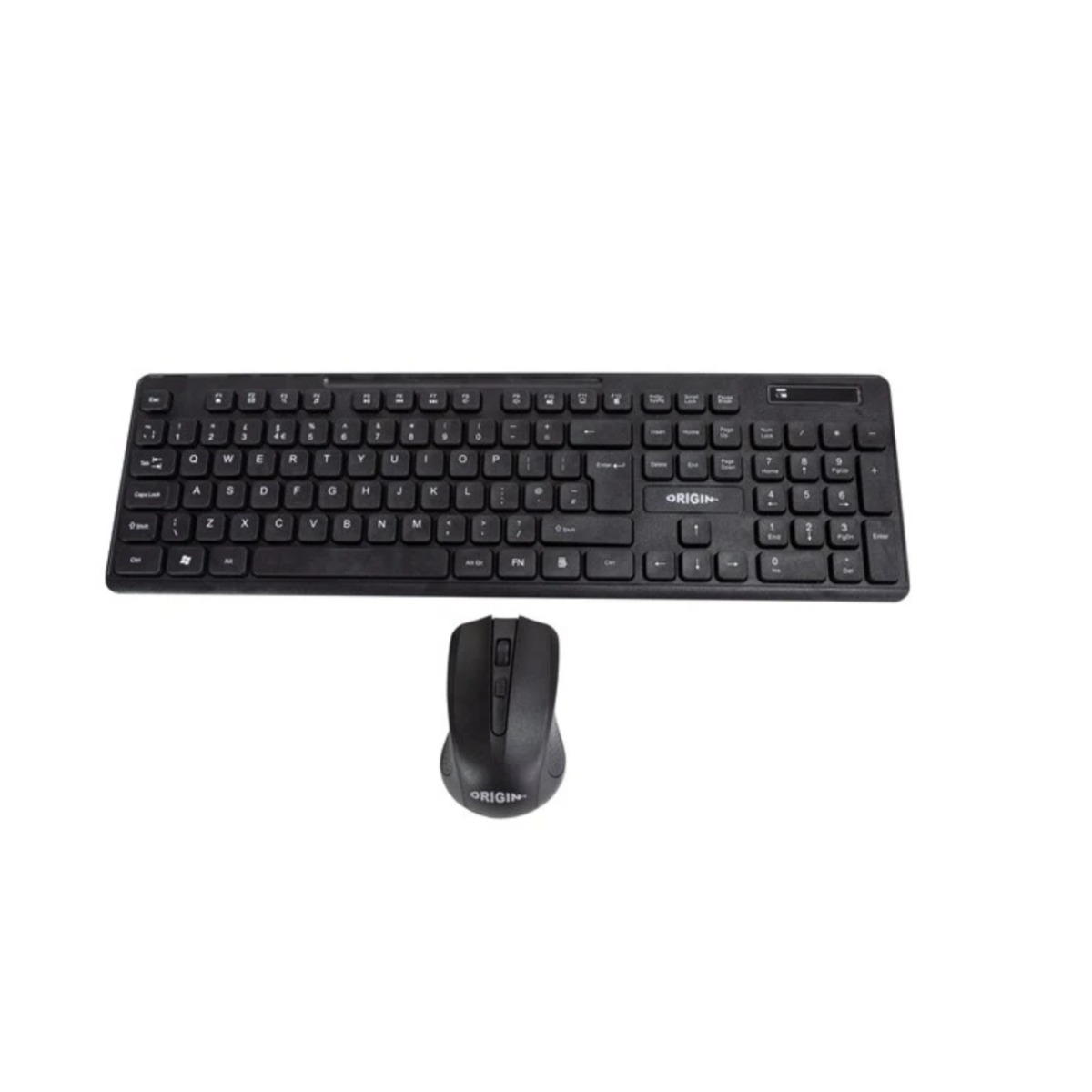
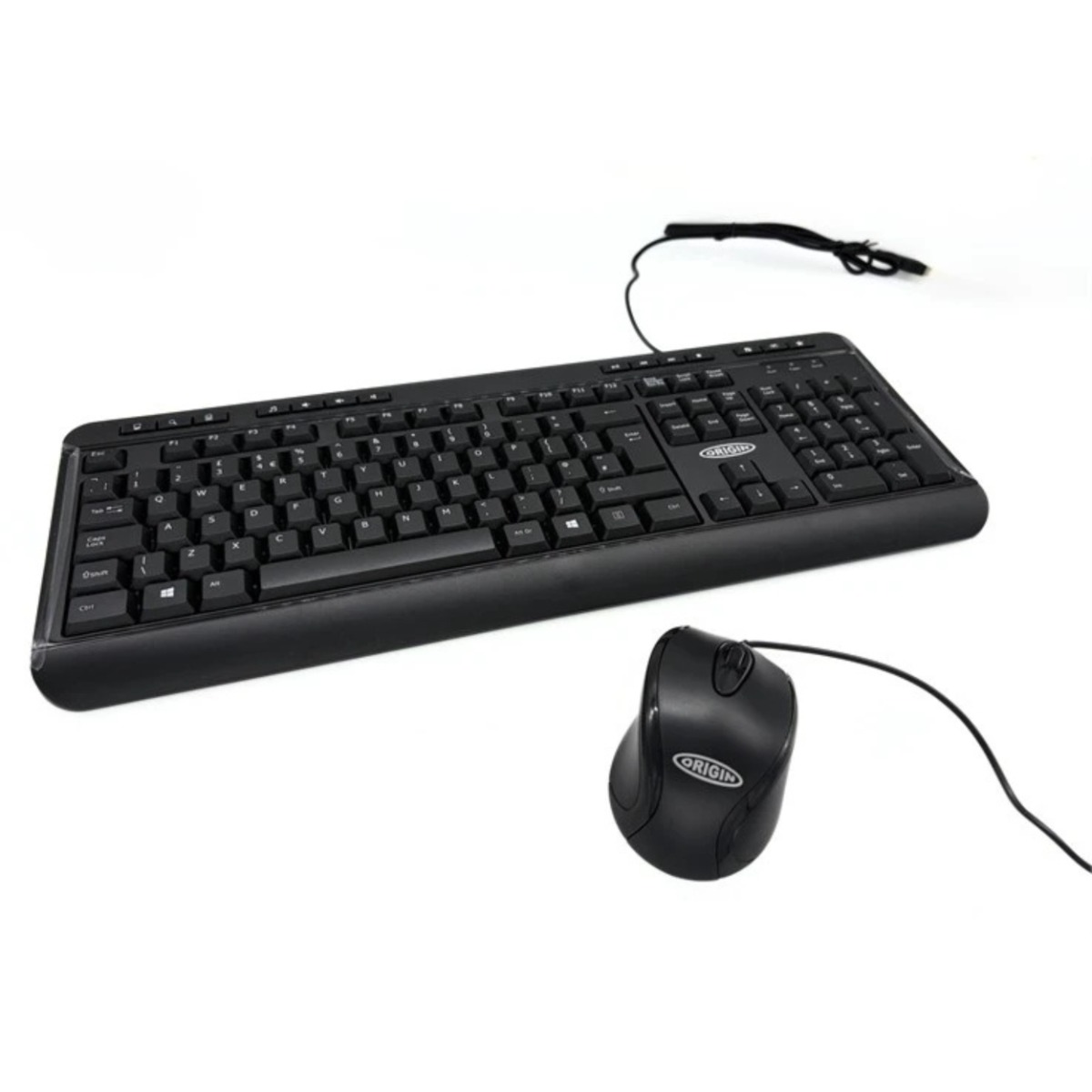
Origin Storage USB Keyboard Mouse Combo

Origin Storage USB Keyboard Mouse Combo

£14.99
Ref: ORIKBDMSUSB
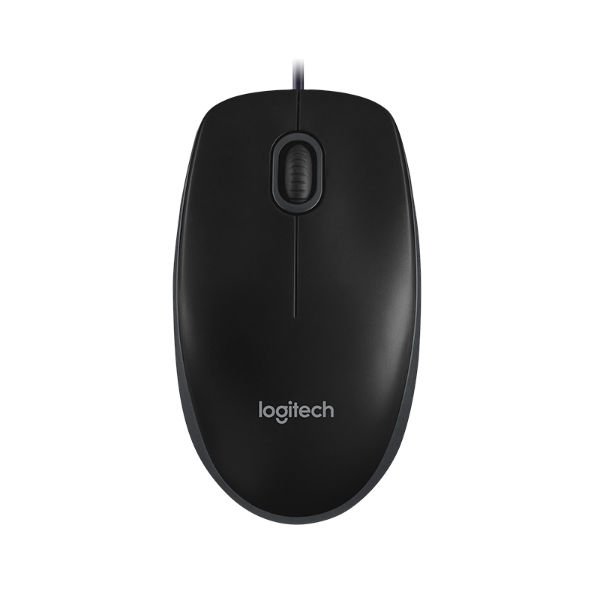
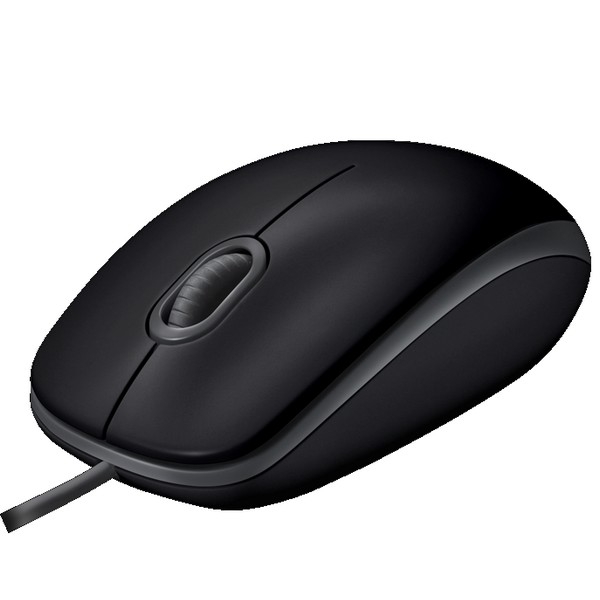
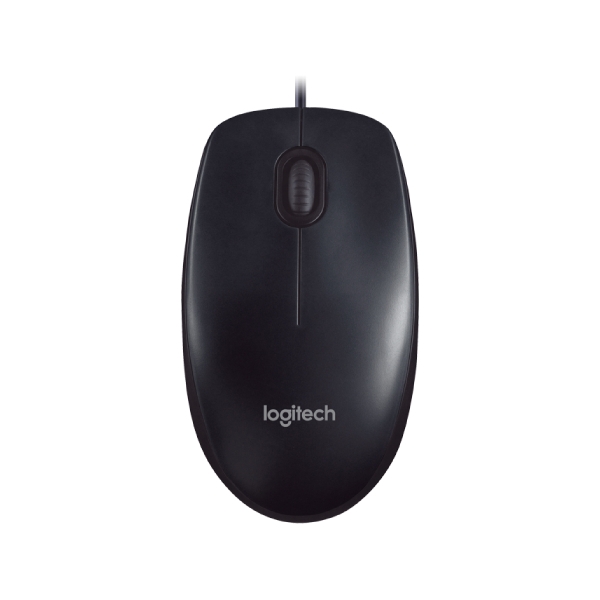
Logitech B100 Mouse

Logitech B100 Mouse

£9.99
£6.99
-30%
Ref: LOB100
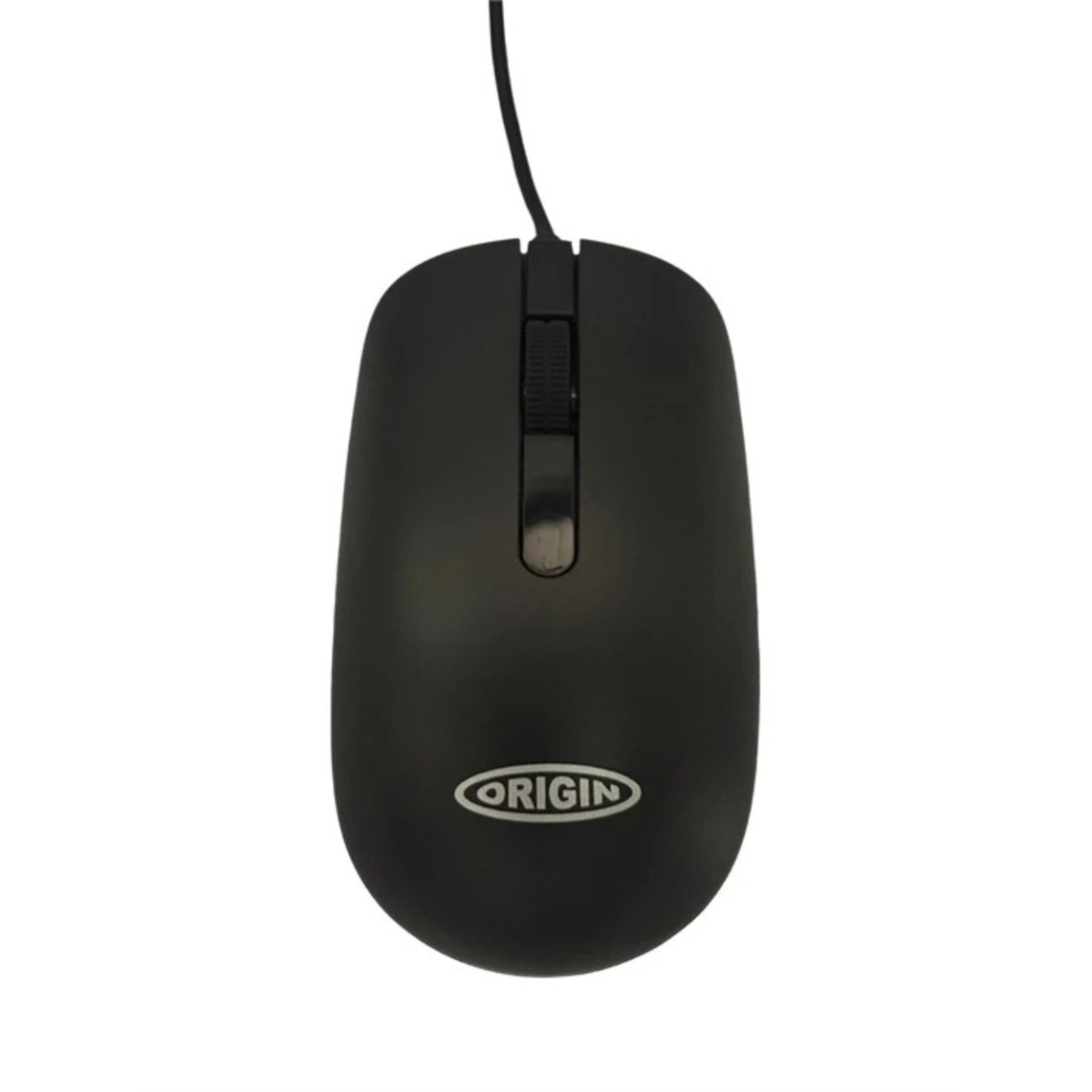
Origin Storage Wired Optical Mouse

Origin Storage Wired Optical Mouse

£9.99
Ref: ORIMWDR
Logitech Silent B110 wired optical mouse

Logitech Silent B110 wired optical mouse

£14.29
£8.99
-37%
Ref: LOB110S
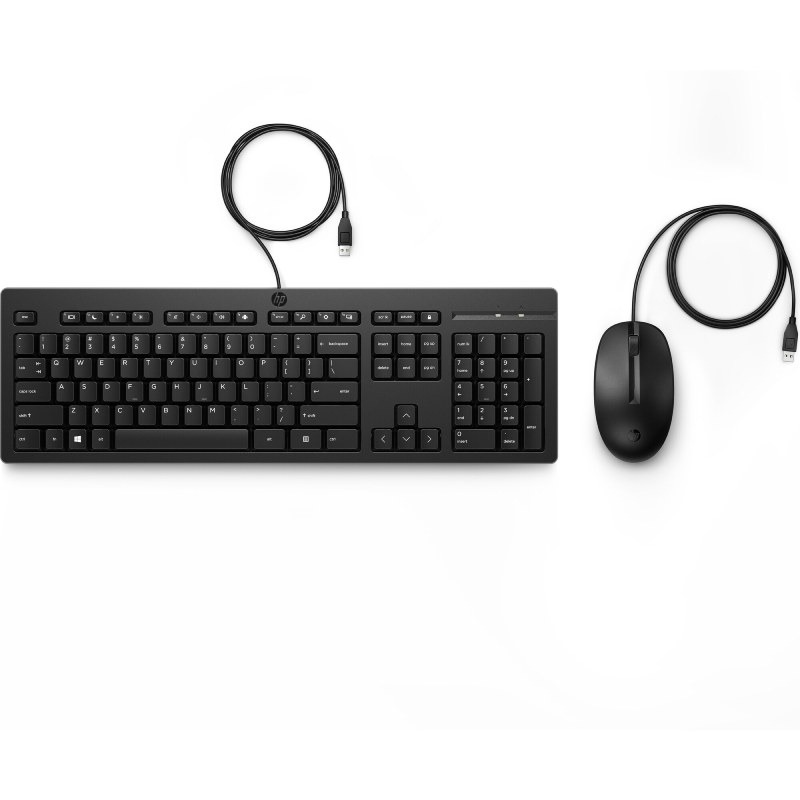
HP 225 Wired Mouse and Keyboard Combo

HP 225 Wired Mouse and Keyboard Combo

£35.00
£24.99
-29%
Ref: HP286J4AAUK
Logitech Mouse M90

Logitech Mouse M90

£9.99
£5.99
-40%
Ref: LOM90
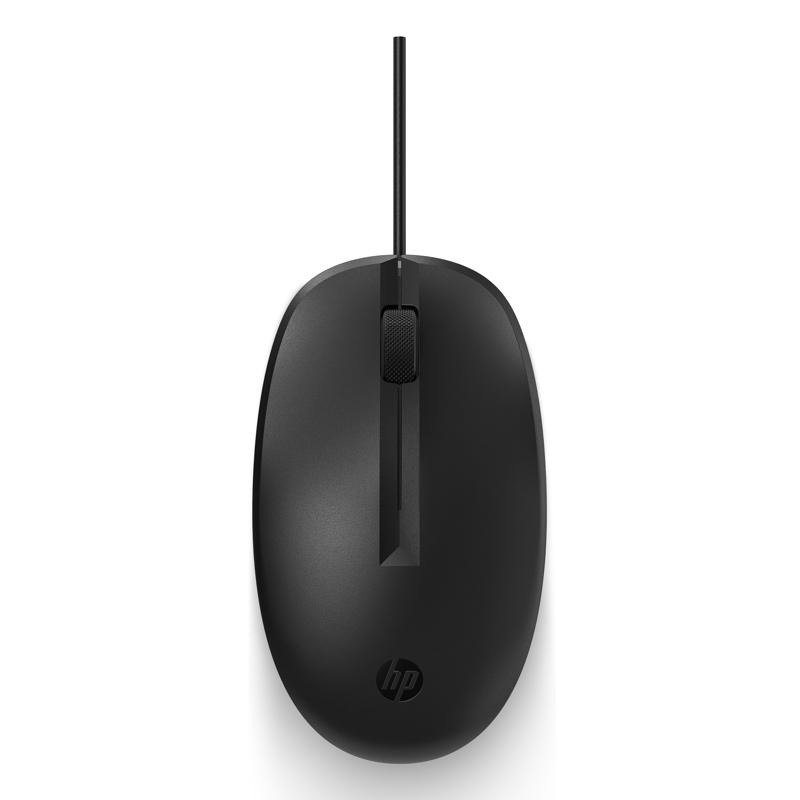
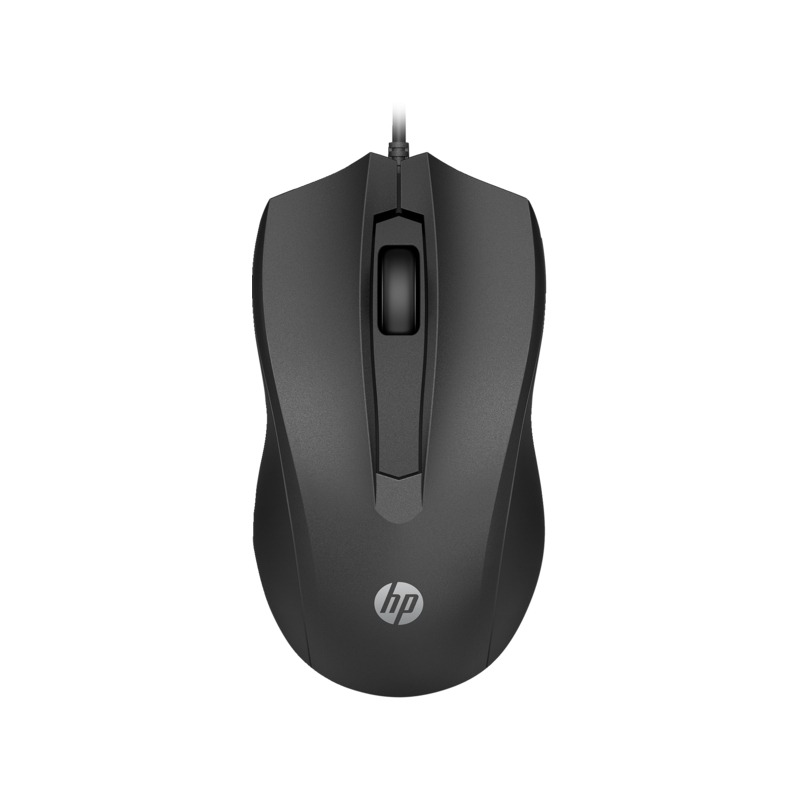
HP 125 Wired Mouse

HP 125 Wired Mouse

£8.99
£4.99
-44%
Ref: HP3125
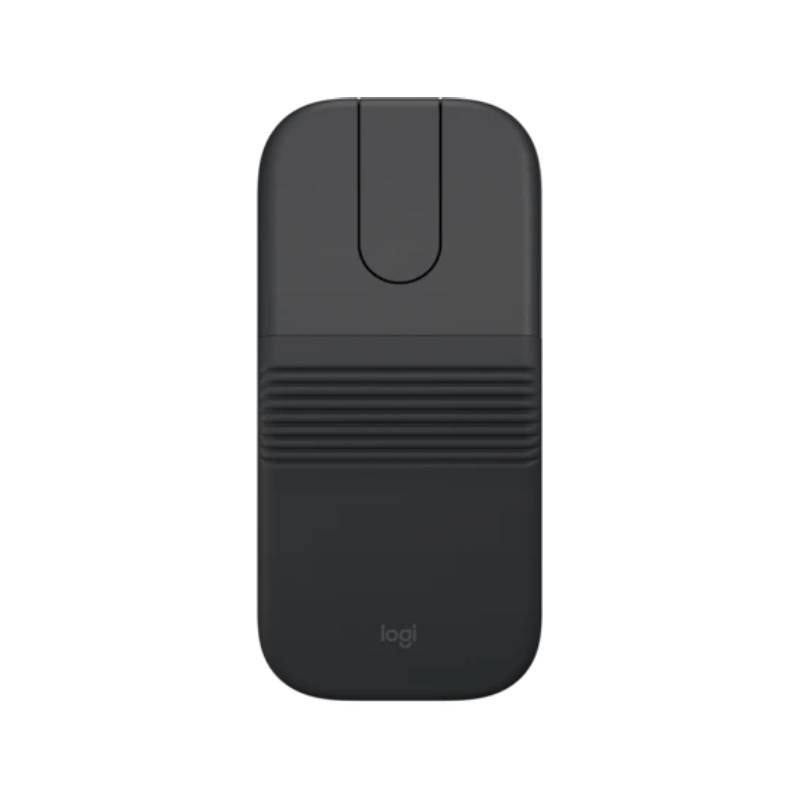
Logitech Mobi Fold for Business Foldable Bluetooth Mouse

Logitech Mobi Fold for Business Foldable Bluetooth Mouse

£73.99
Ref: LOMOBIFOLD
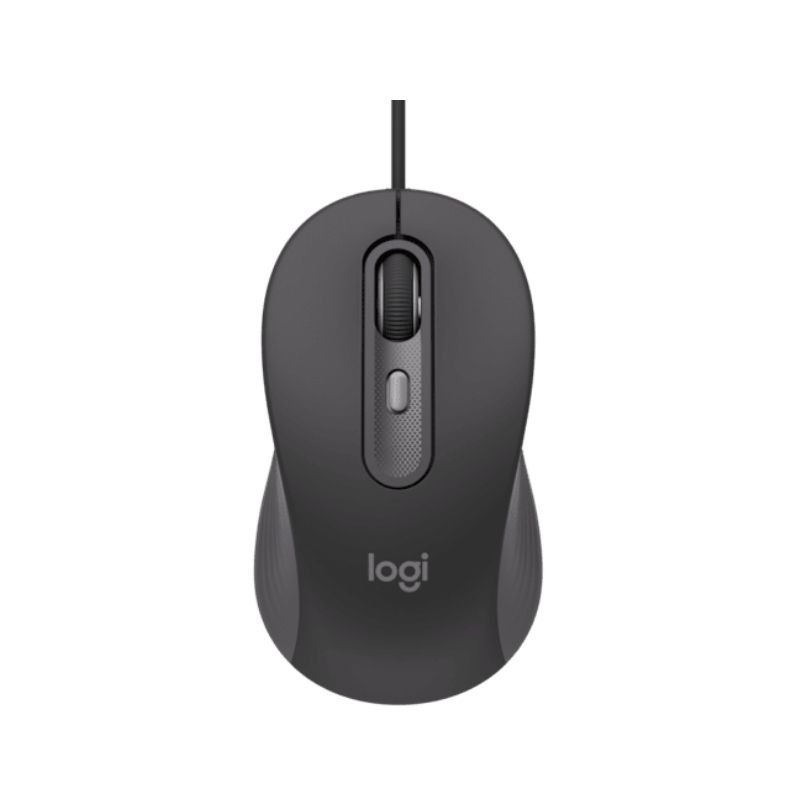
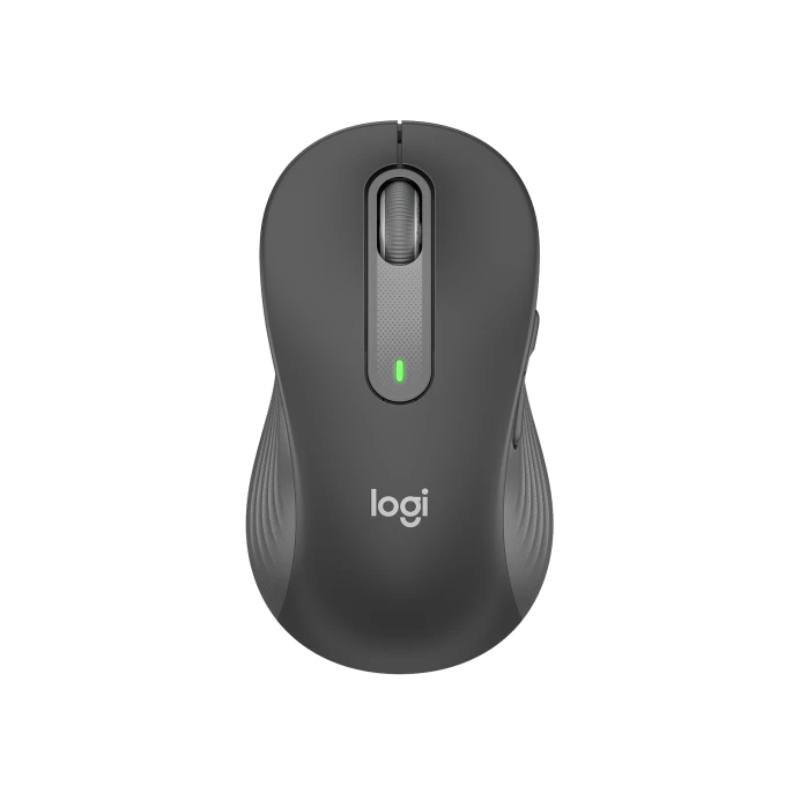
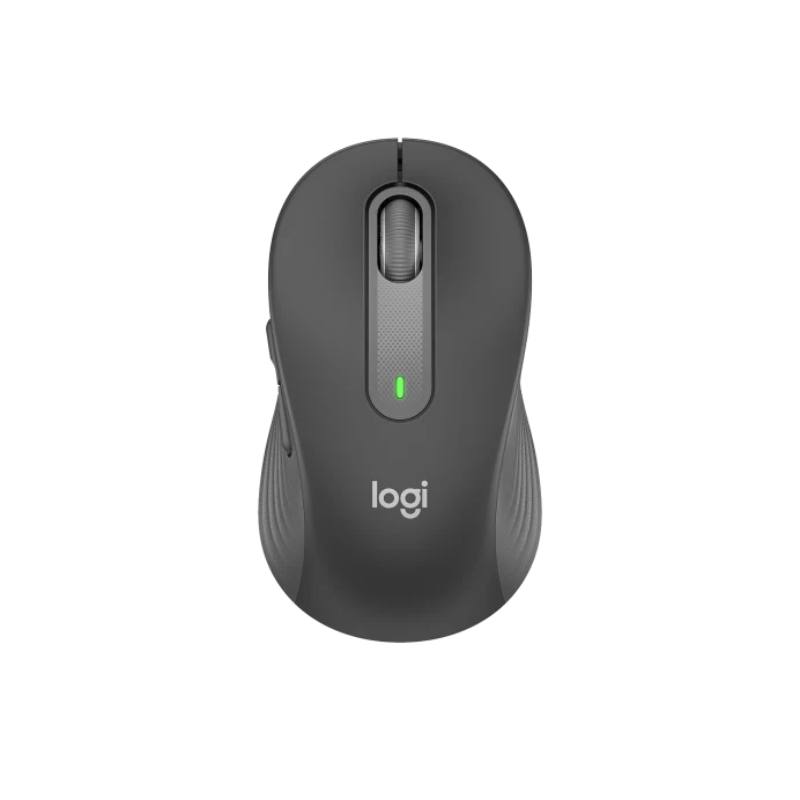
Logitech Mouse Signature M650 (Left)

Logitech Mouse Signature M650 (Left)

£46.99
£36.99
-21%
Ref: LOM650L
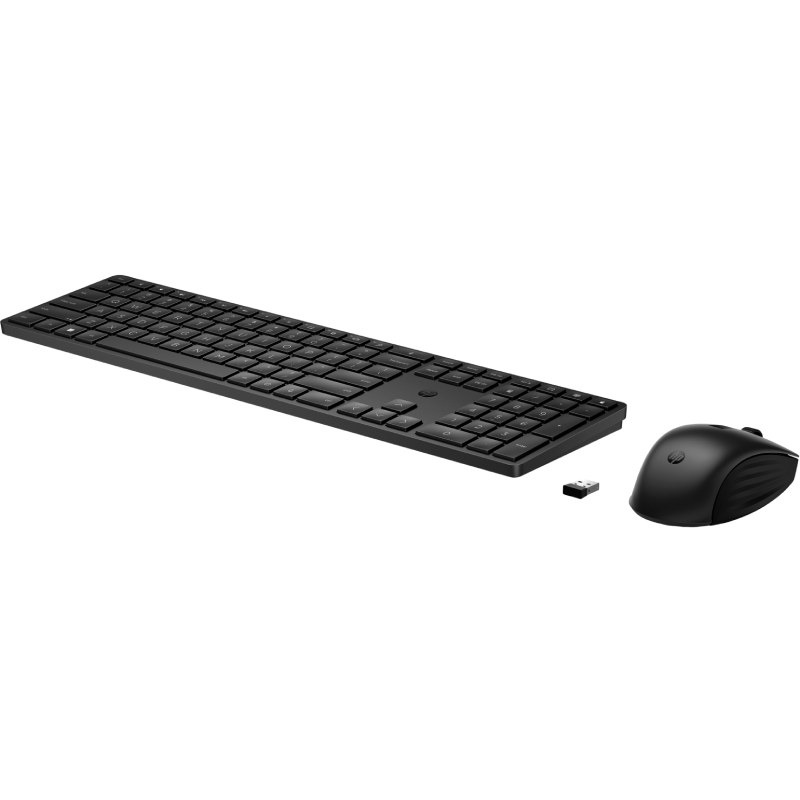
HP 655 Wireless Keyboard and Mouse Combo

HP 655 Wireless Keyboard and Mouse Combo

£74.00
£49.99
-32%
Ref: HP4R009AAUK
Origin Storage Wireless Keyboard Mouse Combo

Origin Storage Wireless Keyboard Mouse Combo

£19.99
Ref: ORIKBDMSW
Logitech Mouse Signature M650 (right)

Logitech Mouse Signature M650 (right)

£46.99
£34.99
-26%
Ref: LOM650R
HP 105 Black Wired Mouse

HP 105 Black Wired Mouse

£7.99
Ref: HPM105B
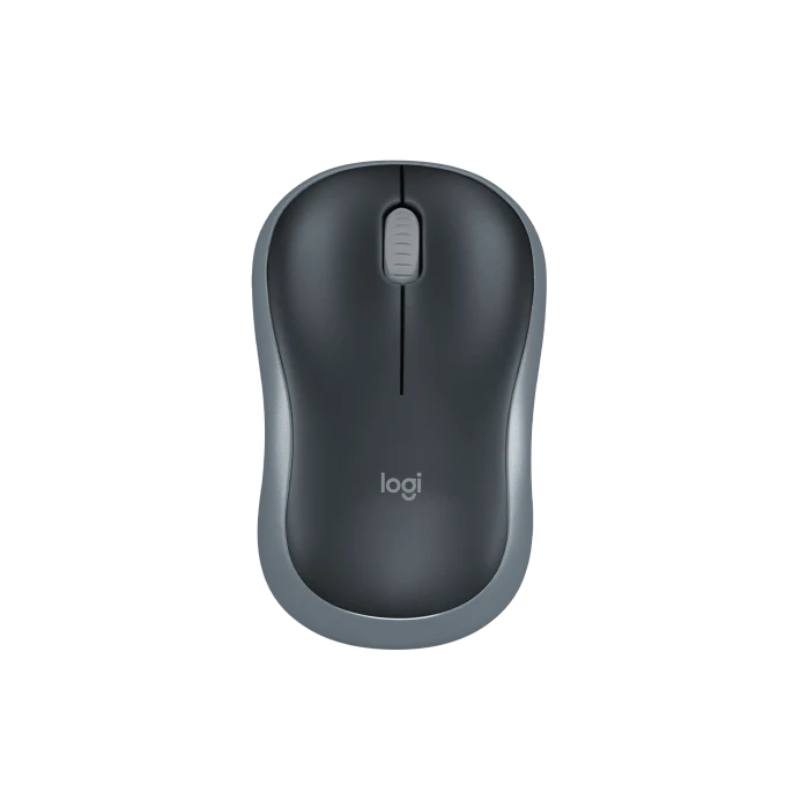
LOGITECH M185 Mouse

LOGITECH M185 Mouse

£17.99
£14.99
-17%
Ref: LOM185G
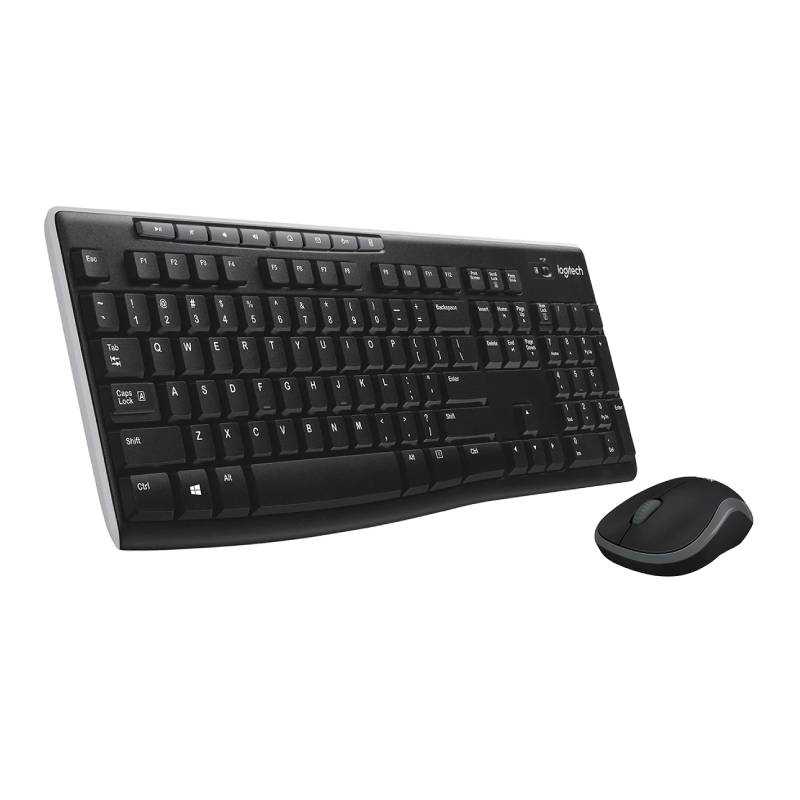
Logitech MK270

Logitech MK270

£34.99
£26.99
-23%
Ref: LOMK270UK
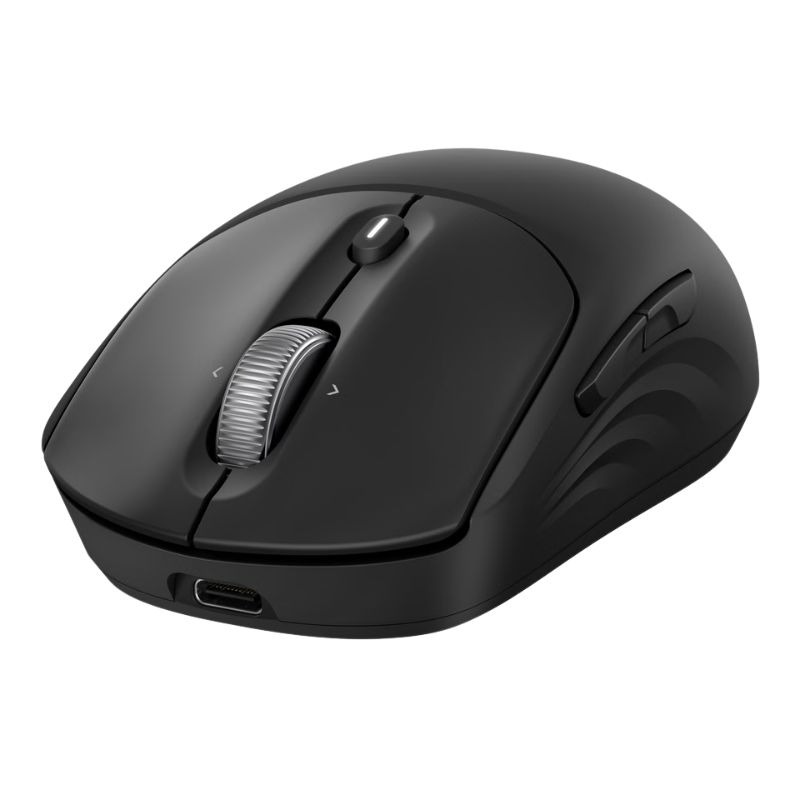
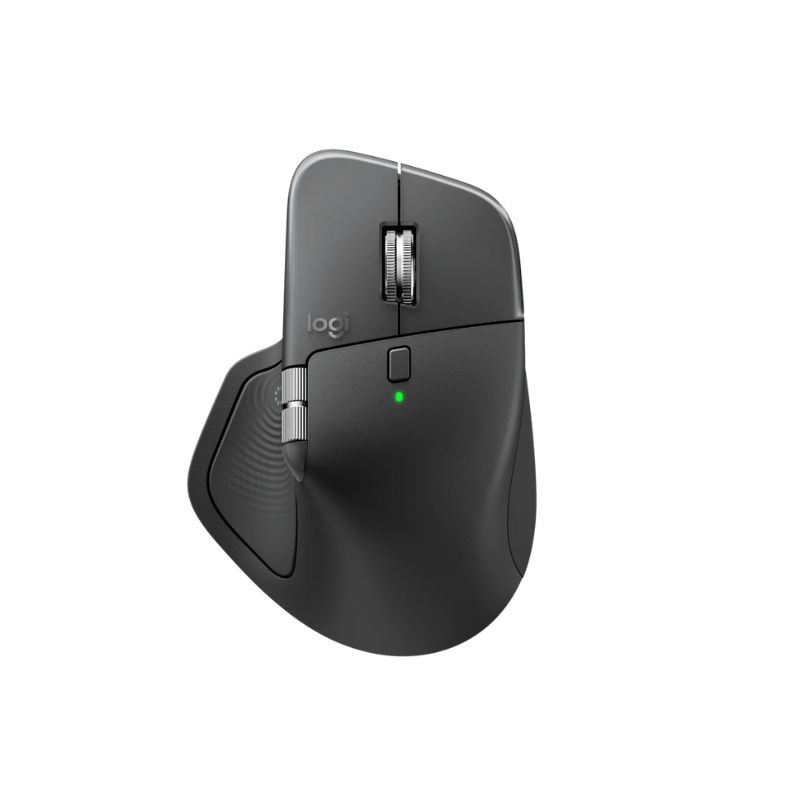
Logitech MX Master 4 Business Mouse

Logitech MX Master 4 Business Mouse

£175.99
£159.99
-9%
Ref: LOSMXM4BUS
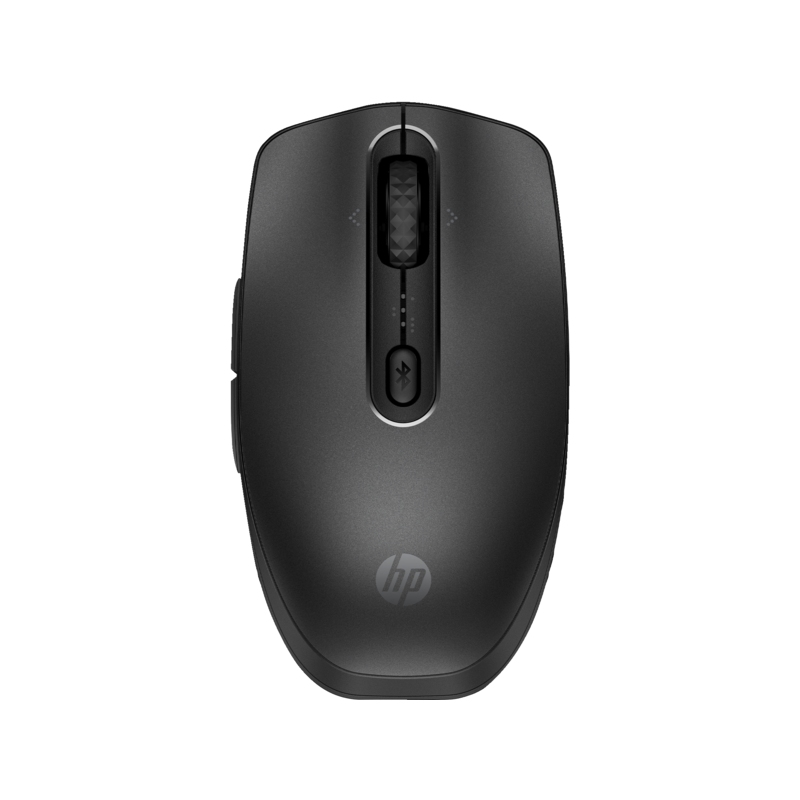
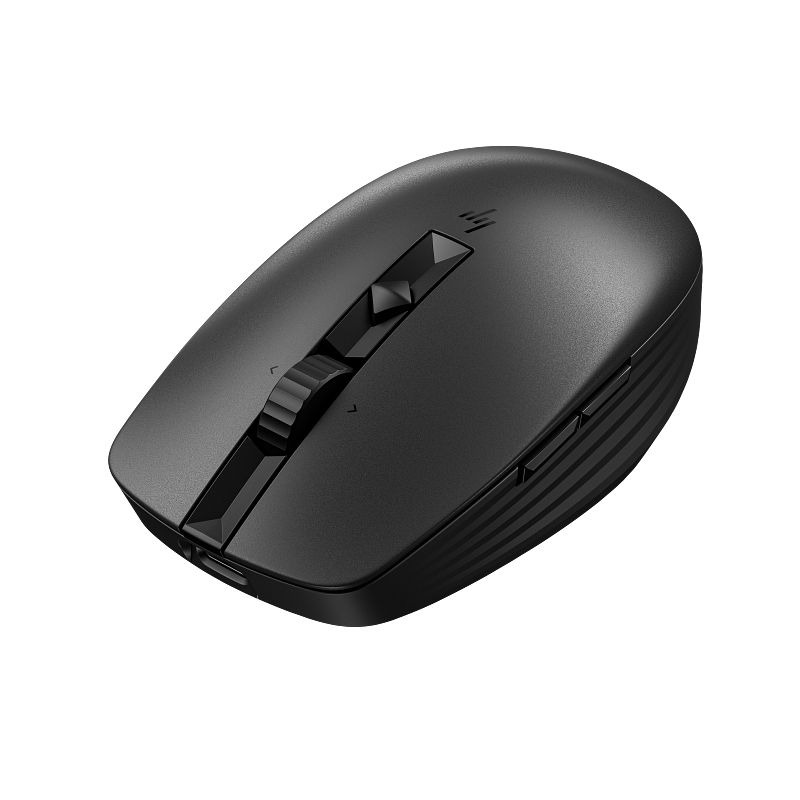
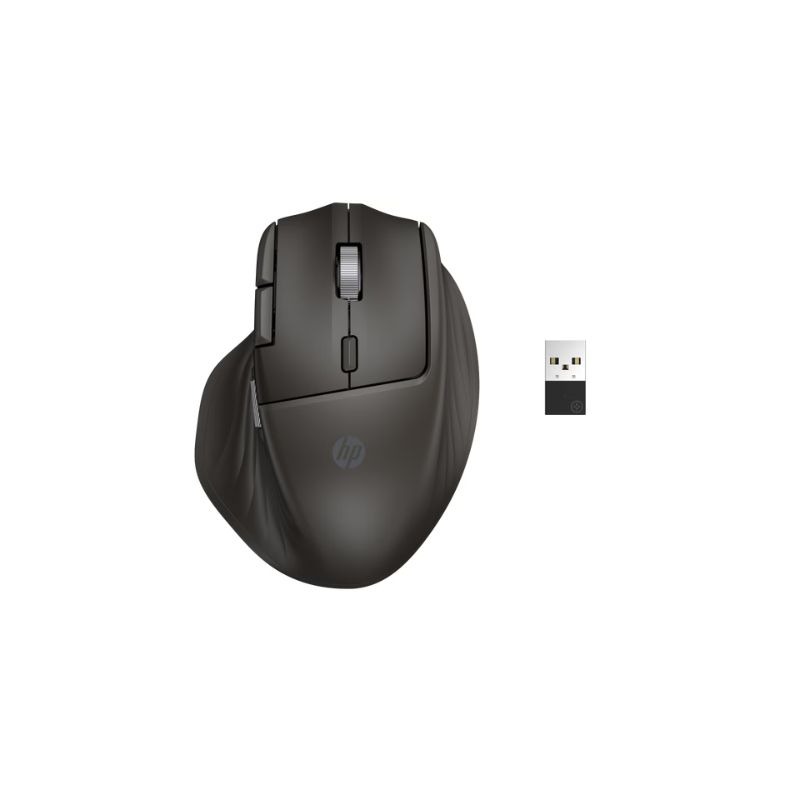
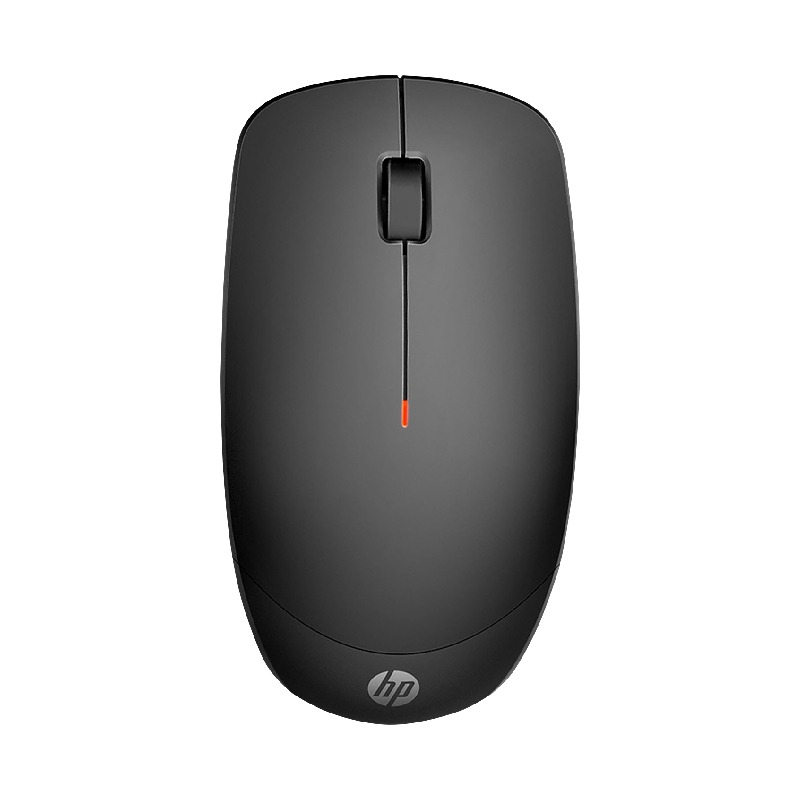
HP 235 Slim Wireless Mouse

HP 235 Slim Wireless Mouse

£14.29
£8.99
-37%
Ref: HPM235
Logitech MX Master 3S

Logitech MX Master 3S

£119.99
Ref: LOSMXM3BUK
Logitech MX Anywhere 3S for Business

Logitech MX Anywhere 3S for Business

£89.99
£81.99
-9%
Ref: LOSMXS3BUS
Logitech MK540 Advanced

Logitech MK540 Advanced

£59.99
£51.99
-13%
Ref: LOMK540UK
Logitech M235

Logitech M235

£25.99
£19.99
-23%
Ref: LOM235
Logitech MX Keys

Logitech MX Keys

£119.99
£99.99
-17%
Ref: LOMXKEYSPOUK
Samsung ViewFinity S80UD 32'' 4K USB-C Monitor

Samsung ViewFinity S80UD 32'' 4K USB-C Monitor

£369.99
£307.99
-17%
Ref: SALS32D800UAUXXU

USB Mouse for Improved Workflow Efficiency

The USB mouse, a staple in modern office equipment, is ideal for IT managers, procurement teams, and business owners seeking reliable input devices that facilitate smoother interactions with digital environments. This guide covers essential insights into choosing a USB mouse that aligns with your operational needs.

Benefits of Using USB Mouse

  • Simplified Setup: Most USB mice offer plug-and-play functionality, enabling immediate use without complex installation procedures or additional software requirements.
  • Diverse Compatibility: Compatible with a wide range of operating systems and platforms, including Windows and Mac, allowing flexibility in multi-device environments.
  • User Comfort: Many models feature ergonomic designs to enhance comfort during extended usage, which can lead to improved productivity levels among employees.
  • Cable Management: Wired options eliminate concerns over battery life or connectivity issues often associated with wireless models; however, wireless variants can reduce desk clutter for more streamlined setups.
  • Diverse Features: Advanced models may include programmable buttons or adjustable DPI settings, enabling customisation suited to specific tasks such as graphic design or data analysis.
  • Total Cost of Ownership: Investing in durable USB mice can lower replacement costs over time compared to cheaper alternatives that may need frequent replacement due to wear and tear.

Usage Tips

For optimal performance with your USB mouse, ensure it is positioned comfortably within reach on your desk. The surface beneath should be smooth yet textured enough to allow reliable tracking of movement; consider using a dedicated mouse pad if necessary. Maintain an ergonomic position by keeping your wrist straight while using the device. Regular maintenance is crucial for prolonging the lifespan of your USB mouse. Keep it clean by wiping down surfaces free from dust and debris that could interfere with performance. Check periodically for firmware updates if applicable; these can enhance functionality and resolve minor issues. Providing user training on best practices can also help staff utilise all features effectively.

Q&A

1. What is included when purchasing a USB mouse?

A standard package typically includes the USB mouse itself along with any necessary connection cables or setup guides. Some models may come with additional software CDs if specific features require installation; however, most are plug-and-play ready.

2. Are there any software requirements for using a USB mouse?

No specific software is generally required as most USB mice will operate immediately once connected to compatible devices through standard drivers. However, some advanced functions may necessitate optional software installation depending on the model selected.

3. Is this type of mouse compatible across different platforms?

The majority of USB mice are compatible across both Windows and Mac operating systems; however, it's wise to check product specifications as some advanced features may only function optimally within certain ecosystems.

4. How easy is it to install a new USB mouse?

The installation process is straightforward: simply connect the device's cable into an available ports on your computer or laptop—most will be immediately recognised without further action required from you.

5. Are wireless mice suitable for hybrid work environments?

A wireless model offers greater freedom of movement which can be beneficial in hybrid work setups where workers might shift between various locations like hot desks at home or in-office spaces; just ensure they have adequate battery life management practices in place as well as charging solutions ready when needed.


Status Update

With so many choices available today, selecting the right **USB mouse** should align well not just with individual preferences but also operational demands—investigate our comprehensive selection now!