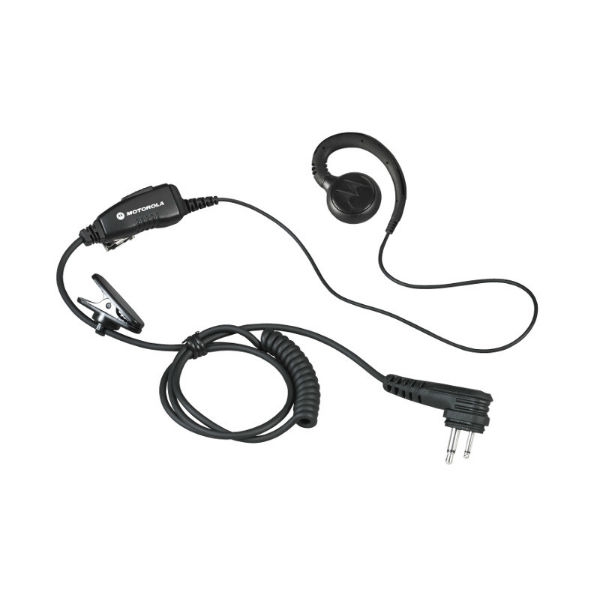
Motorola PTT for Streamlined Team Collaboration
The Motorola PTT, designed primarily for businesses seeking real-time communication, enables instant connectivity among employees. This guide delves into its features, benefits, and practical usage tips tailored for IT managers and procurement teams looking to enhance operational efficiency through effective communication solutions.
Benefits of Using Motorola PTT
- Simplicity of Use: The intuitive design ensures that even those with minimal technical skills can operate the device effectively from day one, reducing training time and costs.
- Cros-platform Compatibility: Many Motorola PTT devices are compatible with various systems like Android and iOS, ensuring integration within existing workflows without significant disruption.
- Diverse Deployment Options: Suitable for various environments—whether offices or remote locations—allowing flexibility in how you choose to utilise the technology based on your business needs.
- Distant Communication Capability:The extended range features allow seamless communication across larger areas without sacrificing audio quality or clarity—ideal for fieldwork scenarios.
- Total Cost Efficiency:The Motorola PTT solution often leads to reduced travel costs as teams can communicate effectively from different locations via their devices.
Usage Tips
When setting up your Motorola PTT devices, ensure they are positioned within optimal range of each other to avoid connectivity issues. Consider any physical barriers such as walls or machinery that may impact signal strength. For desk setups, keeping devices easily accessible will encourage regular use among employees.
Maintaining your Motorola PTT equipment is essential; regularly check for firmware updates to enhance functionality and security. Encourage user training sessions to familiarise staff with all features available on their devices. Establishing best practices around usage will maximise efficiency and ensure everyone is utilising the capabilities fully.
1. What accessories are included with Motorola PTT products?
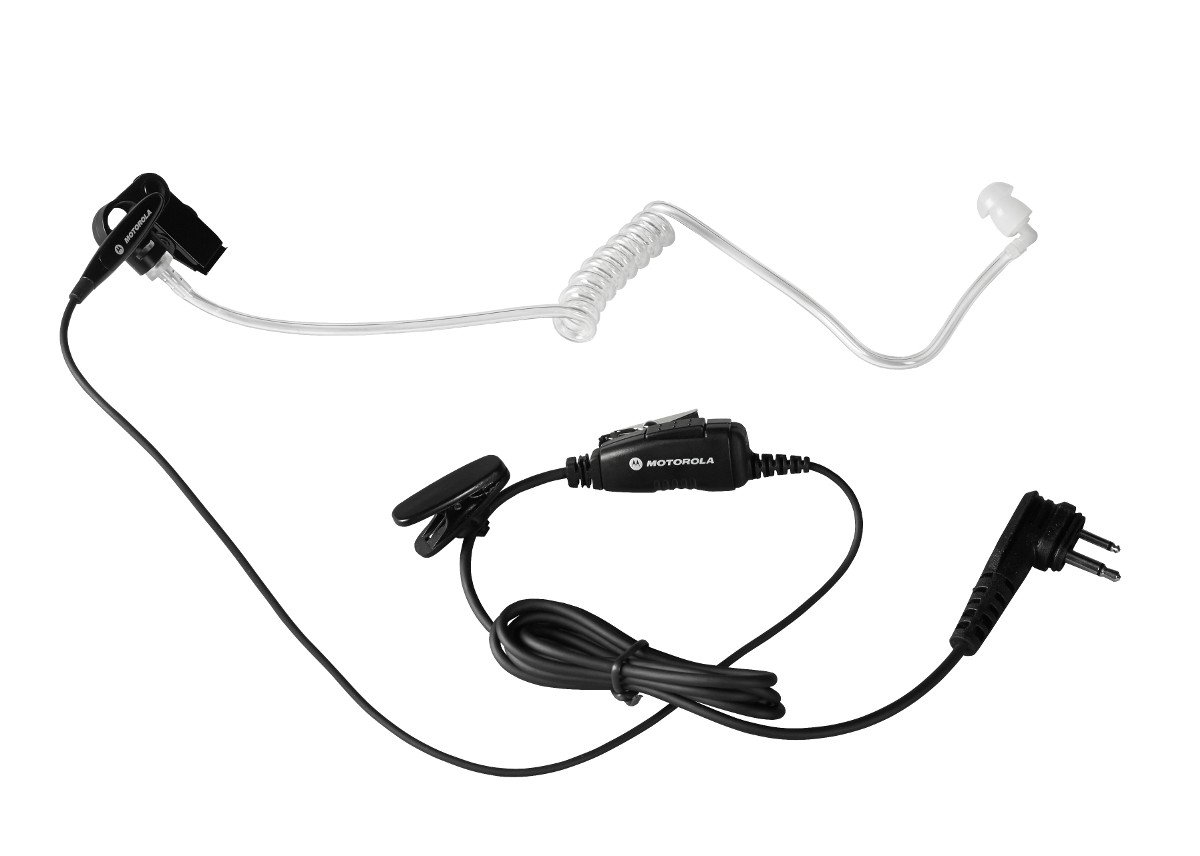
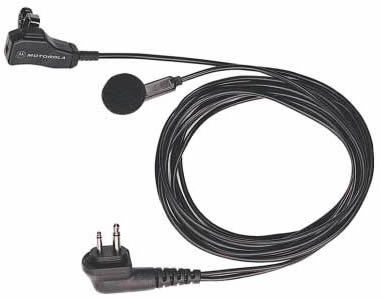
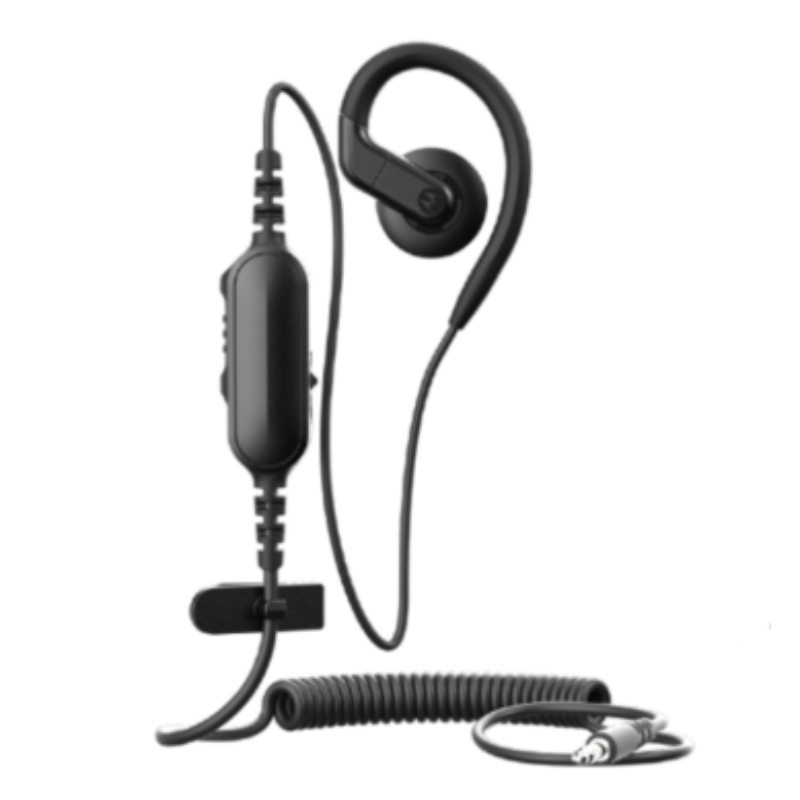
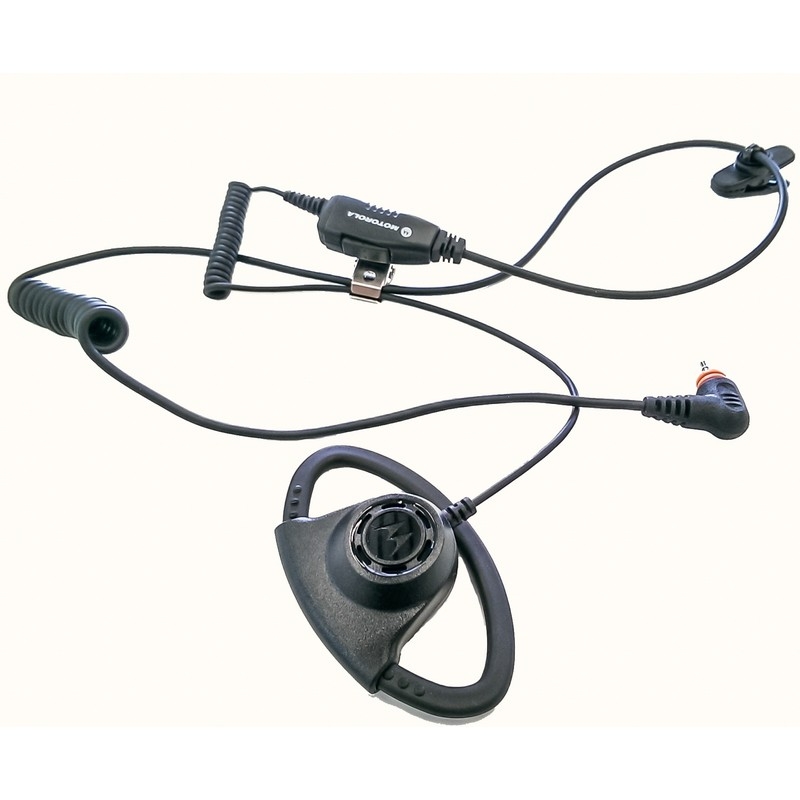
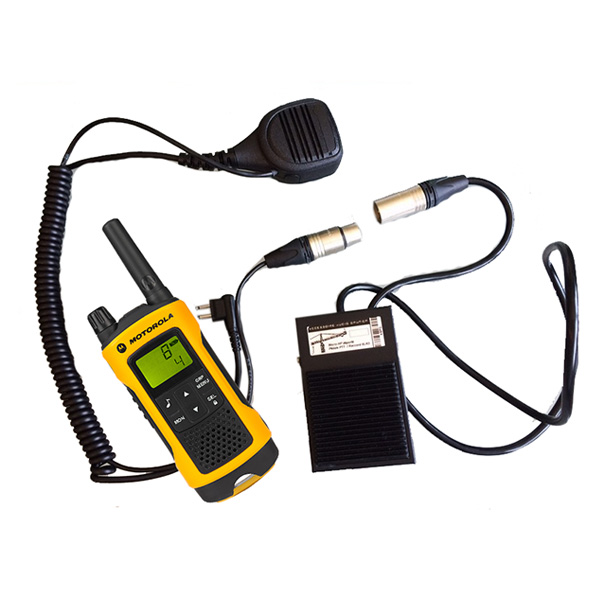
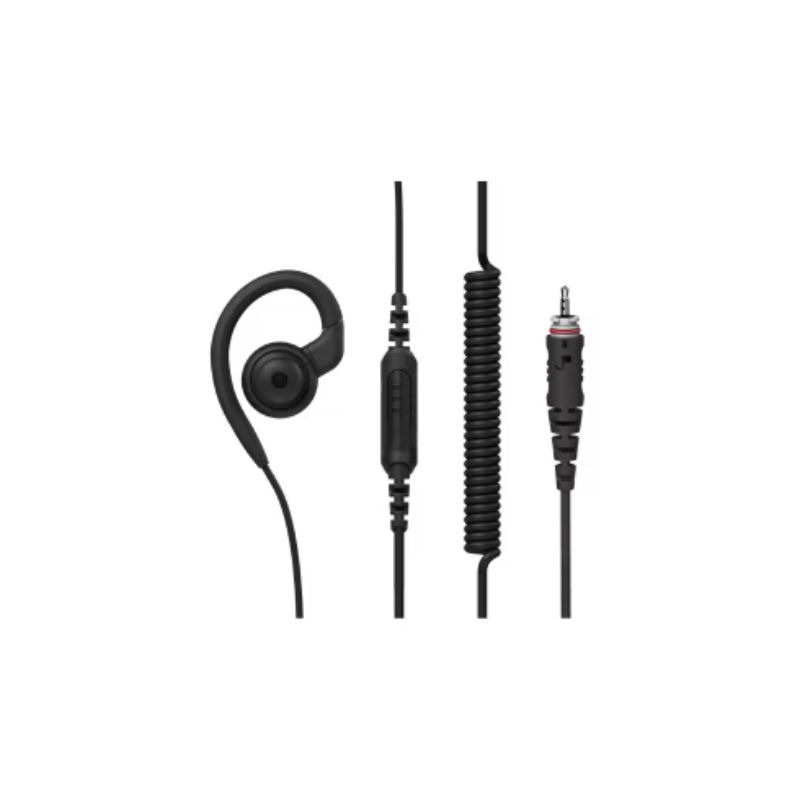
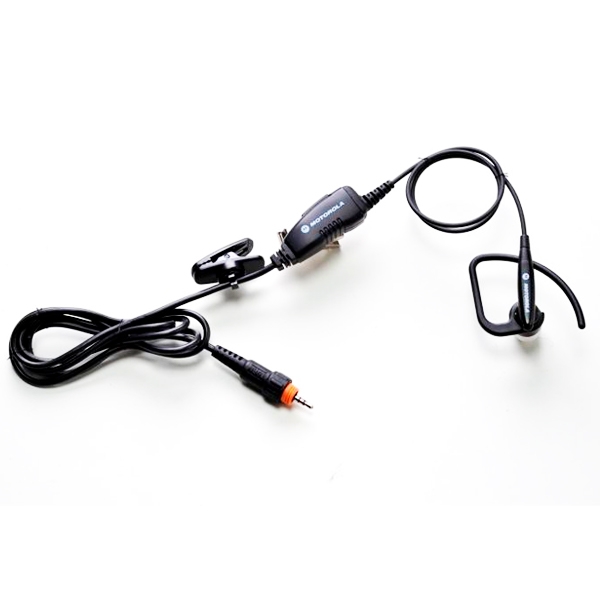
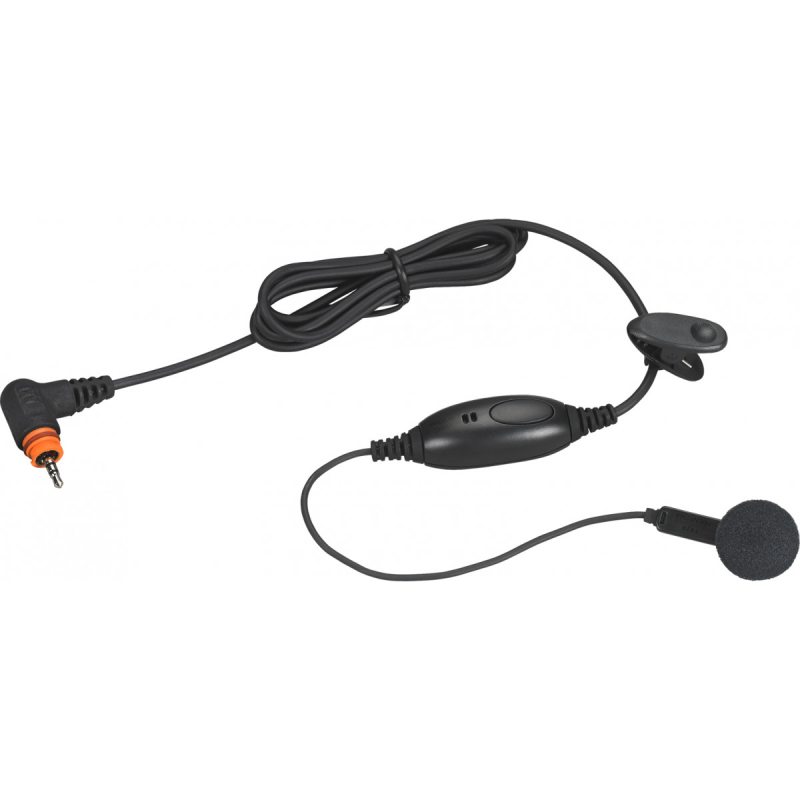
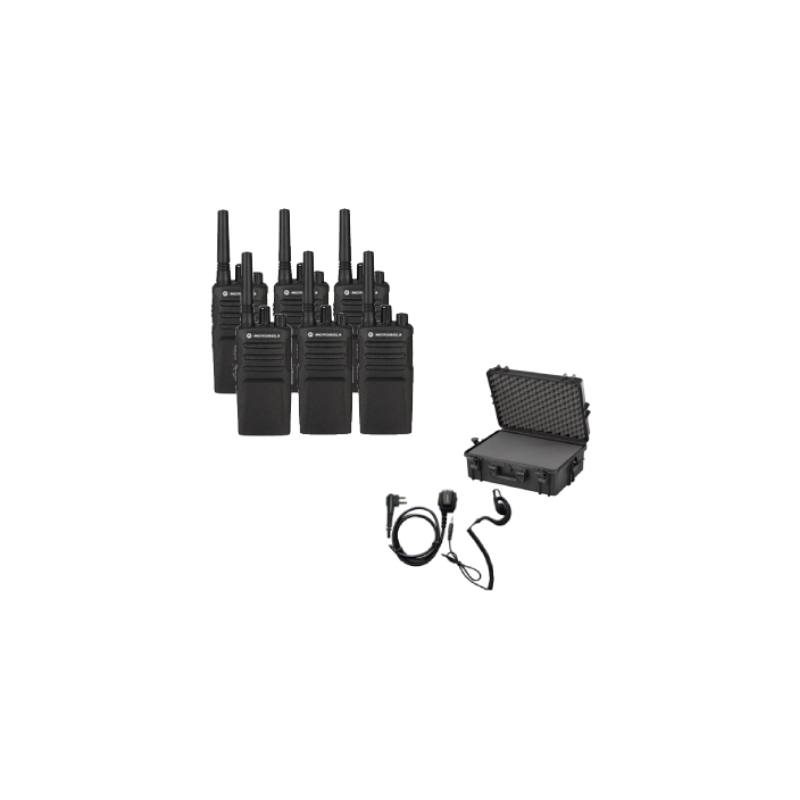
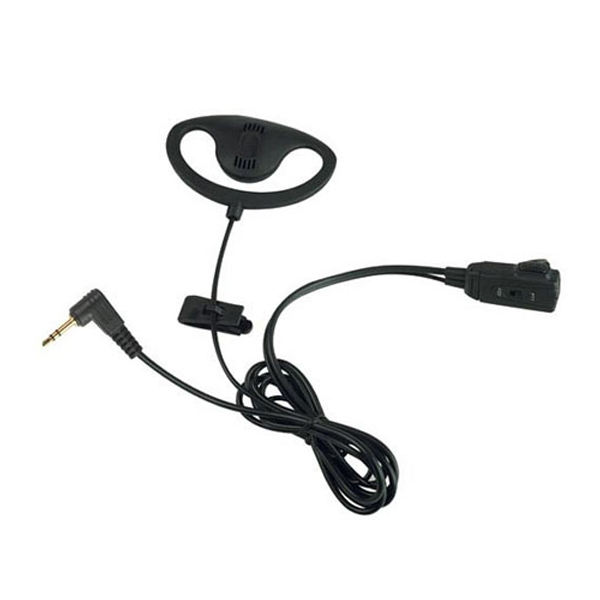
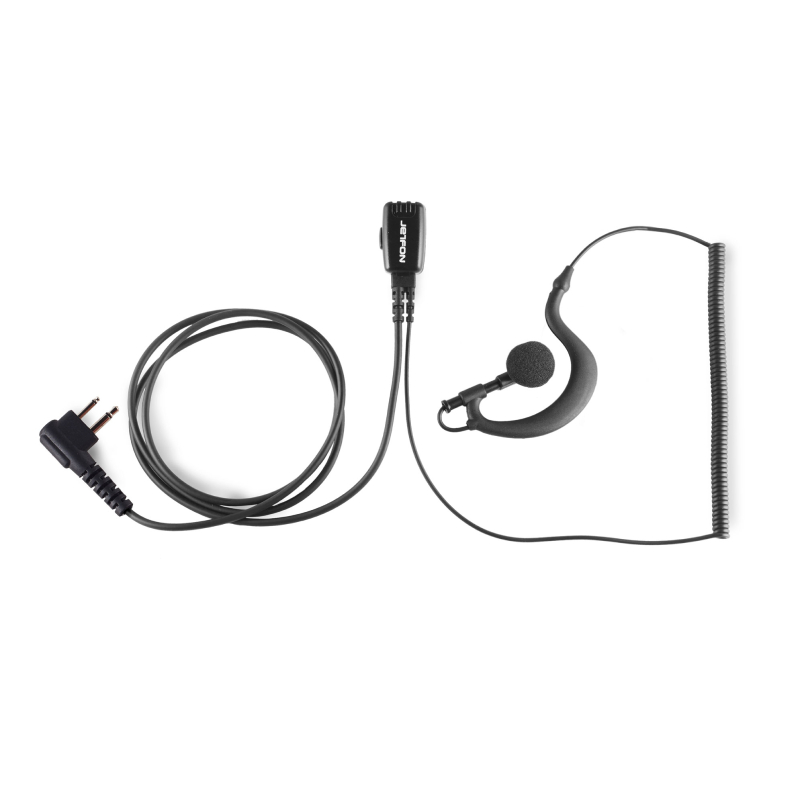
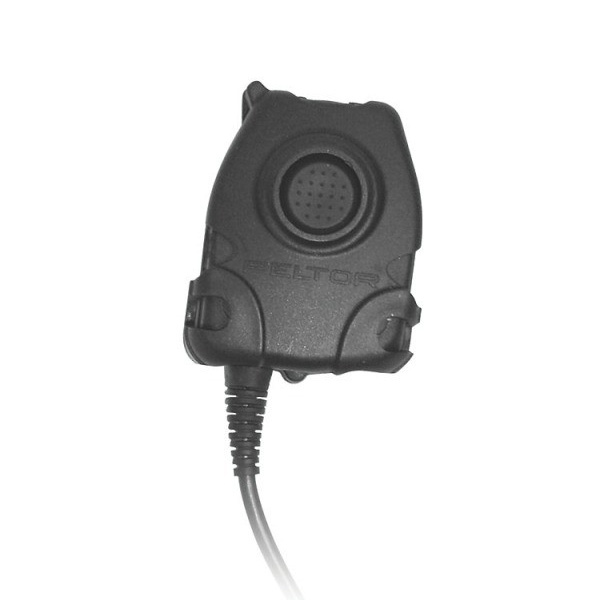
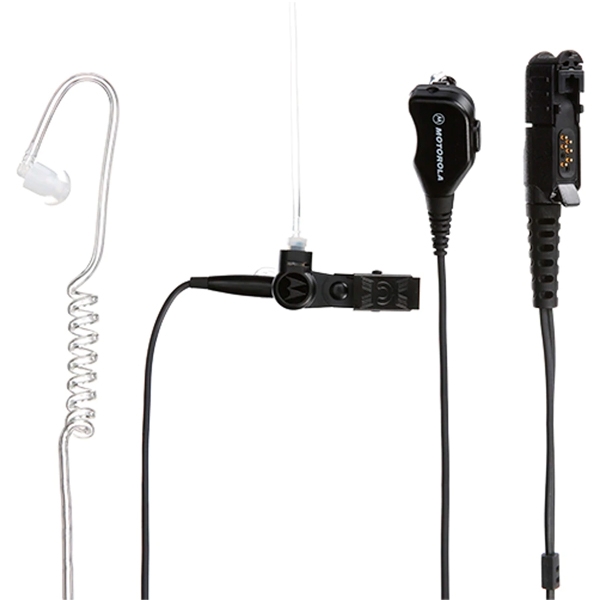
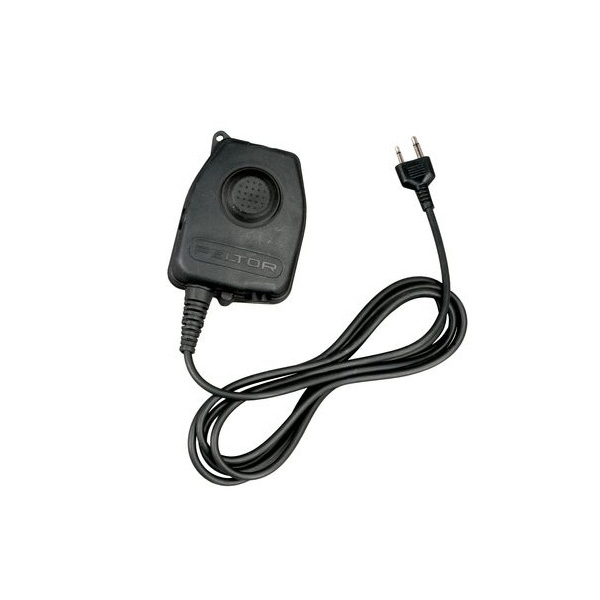
The specific accessories vary by model but generally include a charger and user manual. Some models may come with additional attachments depending on their intended use environment.
2. Are there licensing requirements for using Motorola PTT?
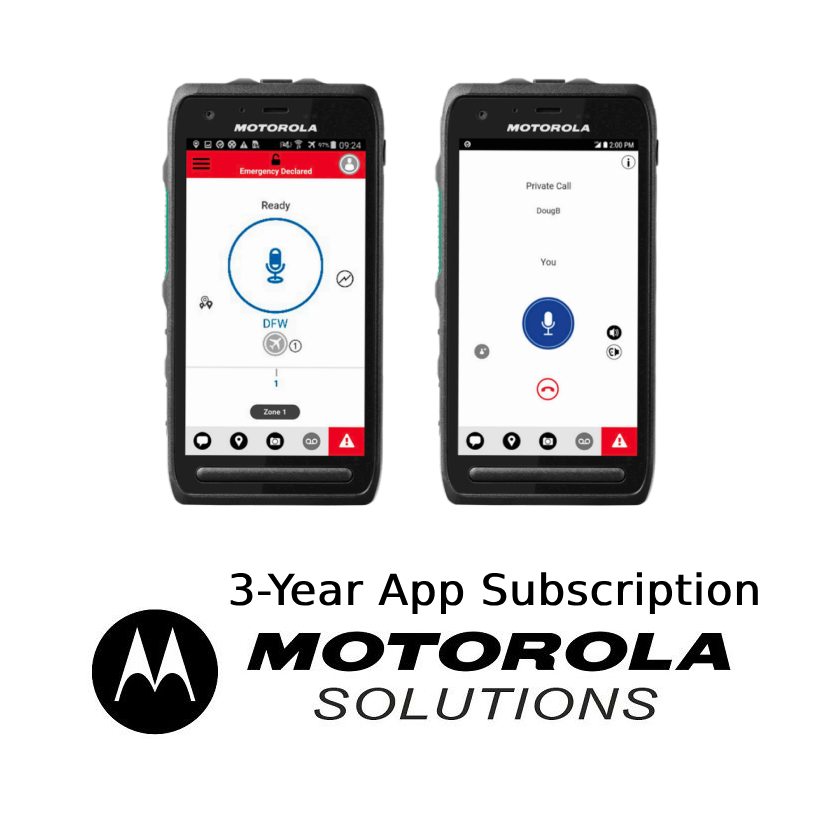
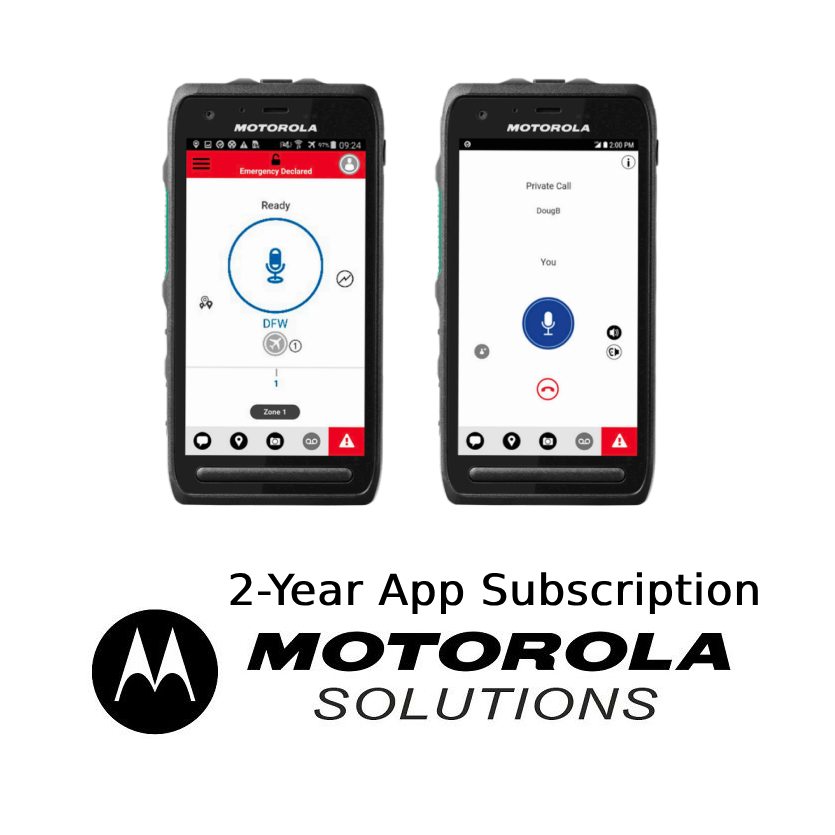
Certain models might require a licence or subscription service depending on software features; be sure to check product specifications before purchasing to confirm any ongoing costs associated with usage.
3. Can I use Motorola PTT across different operating systems?
4. How easy is it to install a Motorola PTT solution?
5. Are these devices suitable for hybrid work environments?
Summary
In conclusion, the Motorola PTT's instant connectivity enhances team collaboration significantly within various business contexts. Explore our complete range today to find the perfect solution tailored specifically to your organisational needs.