Professional advice available Monday to Friday, 8.30am-5.30pm
Mon. to Fri. 8:30 a.m. – 6:30 p.m.
0333 123 3050
Call us!
Transform your meeting spaces with Microsoft Teams Room systems—designed for seamless collaboration and simple setup. These all-in-one conferencing solutions bring consistency, clarity, and control to every business discussion.
Explore our full range of Microsoft Teams Room devices and elevate your business communications today.
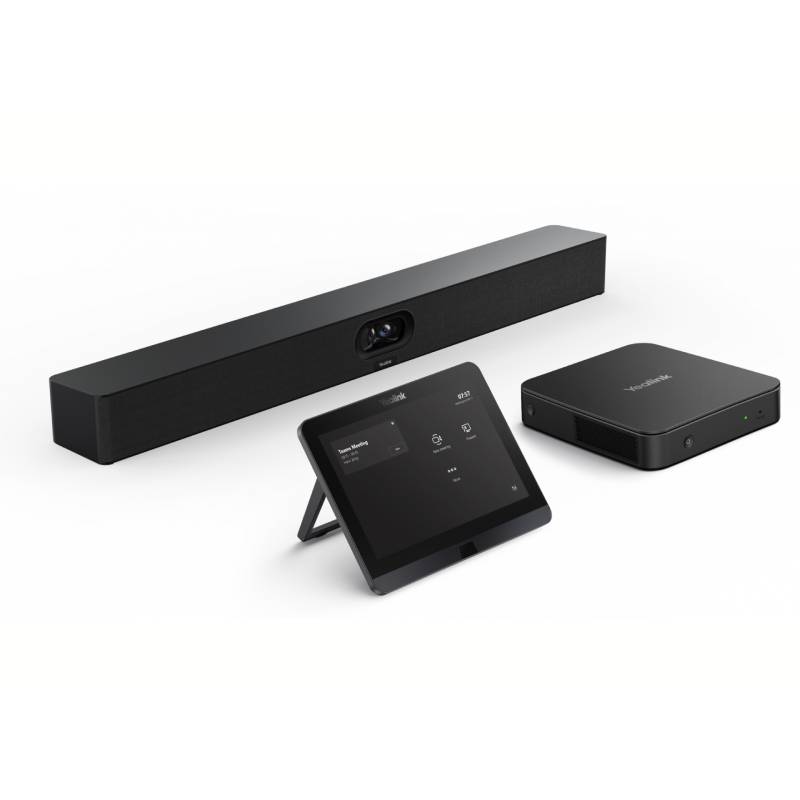
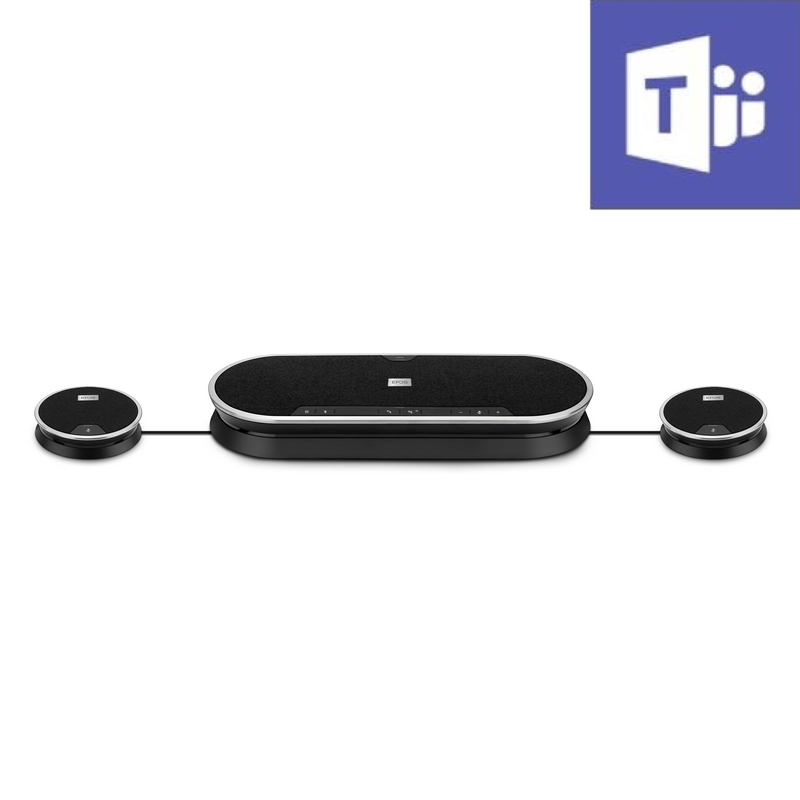
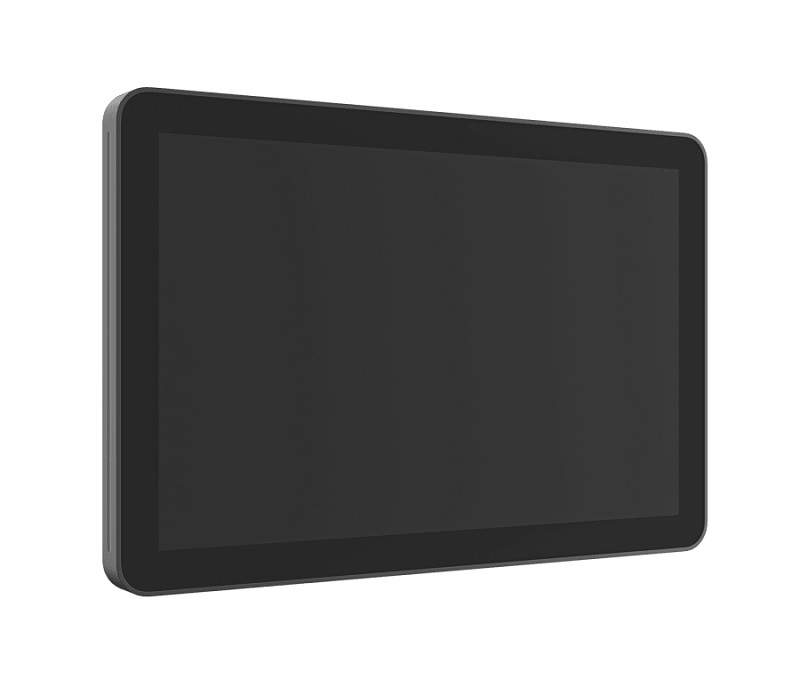
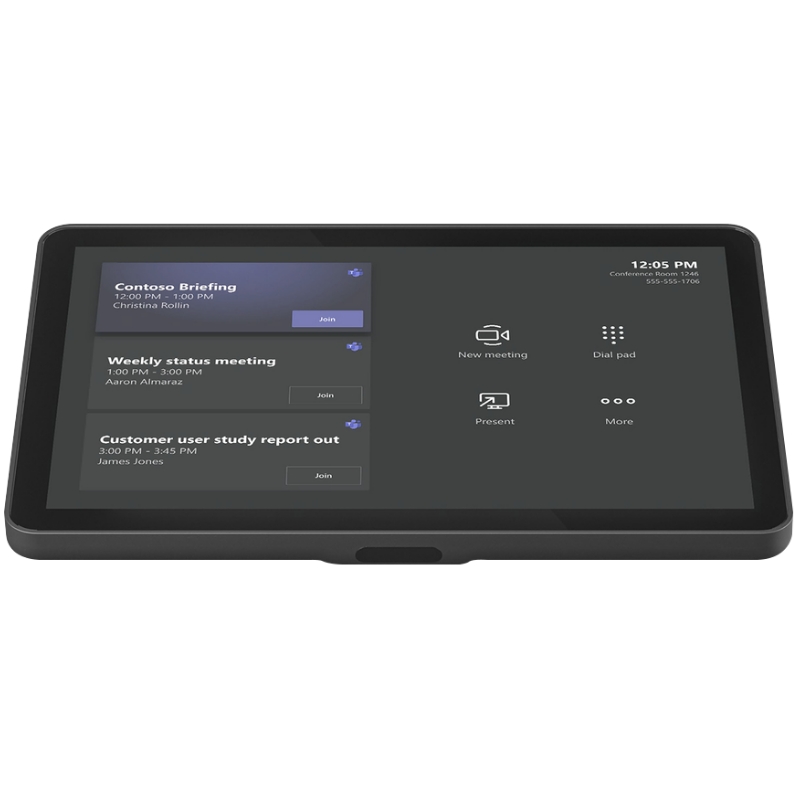
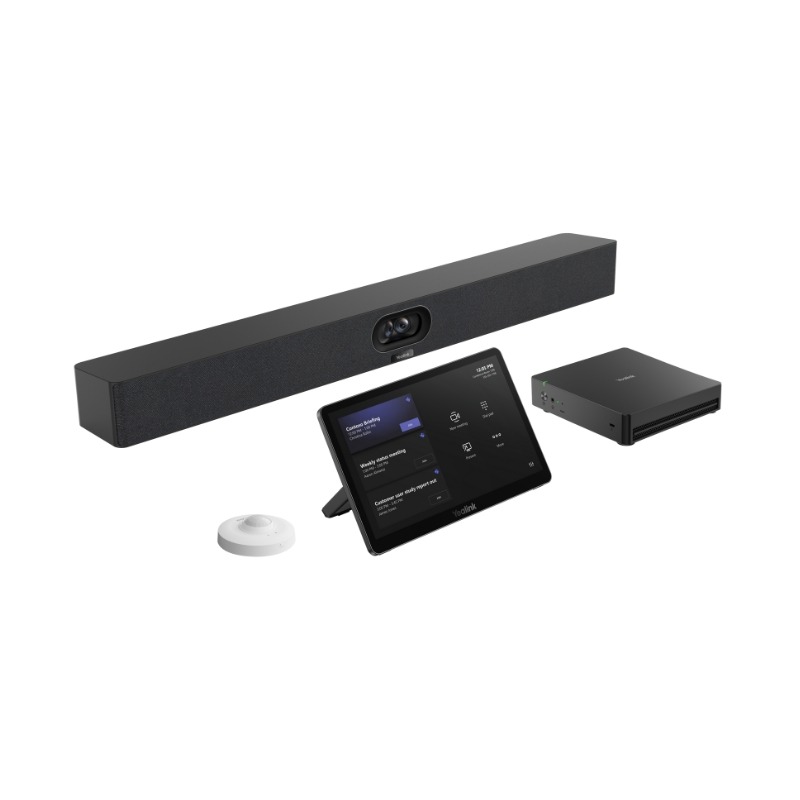
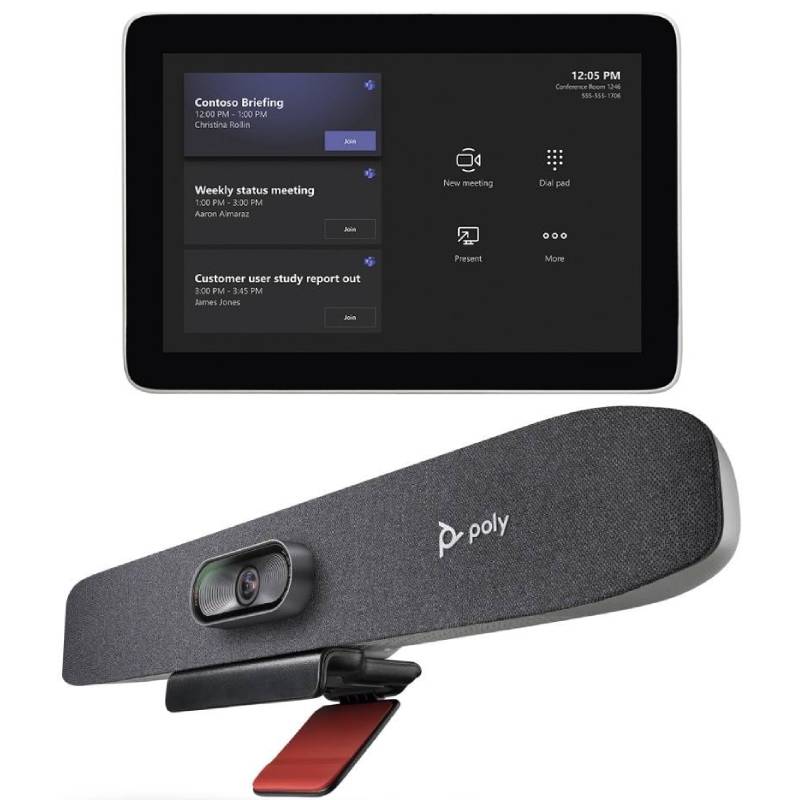
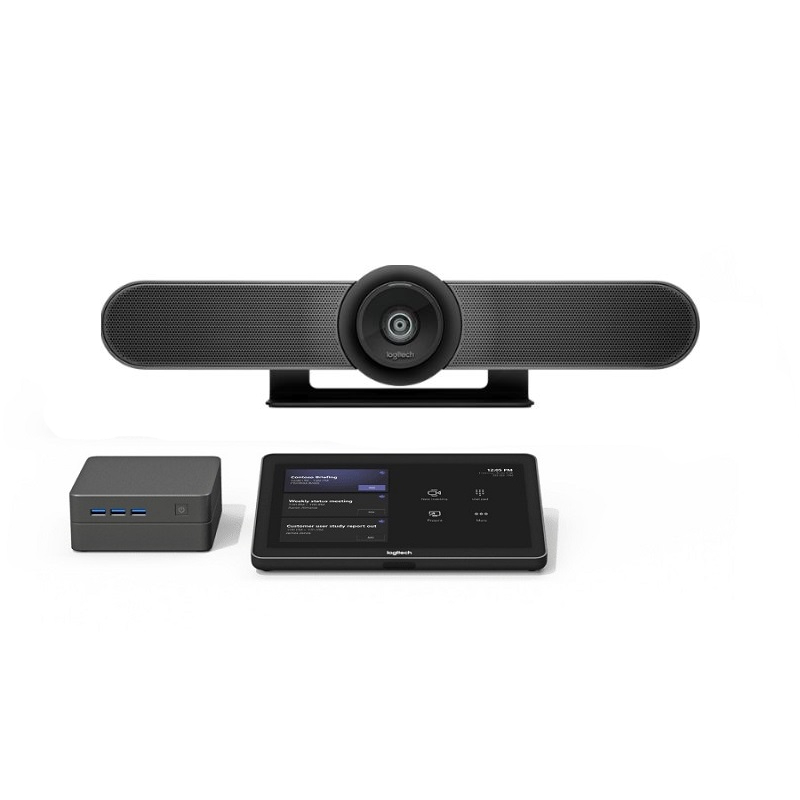
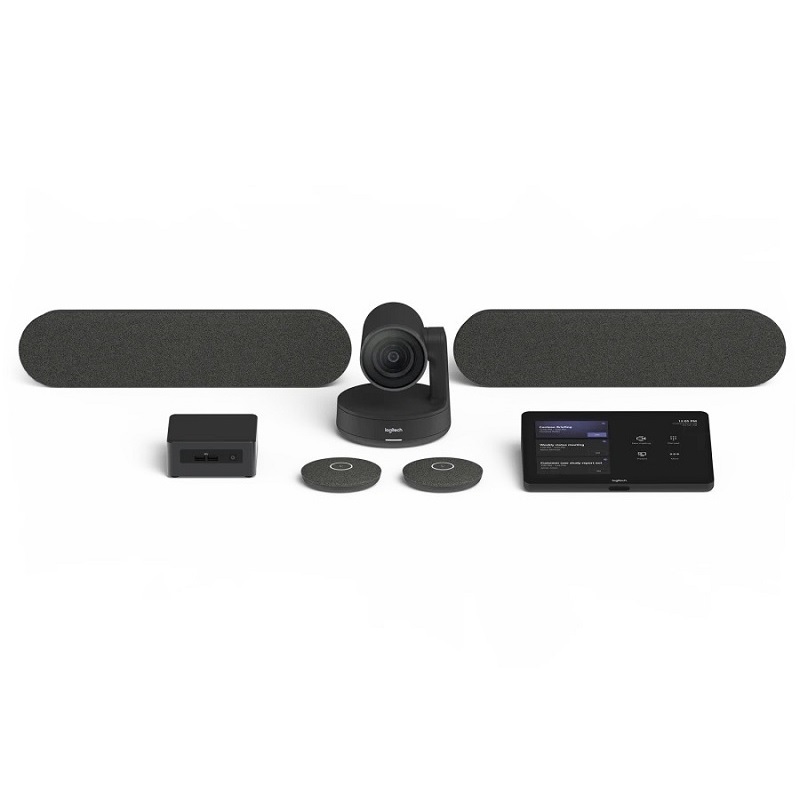
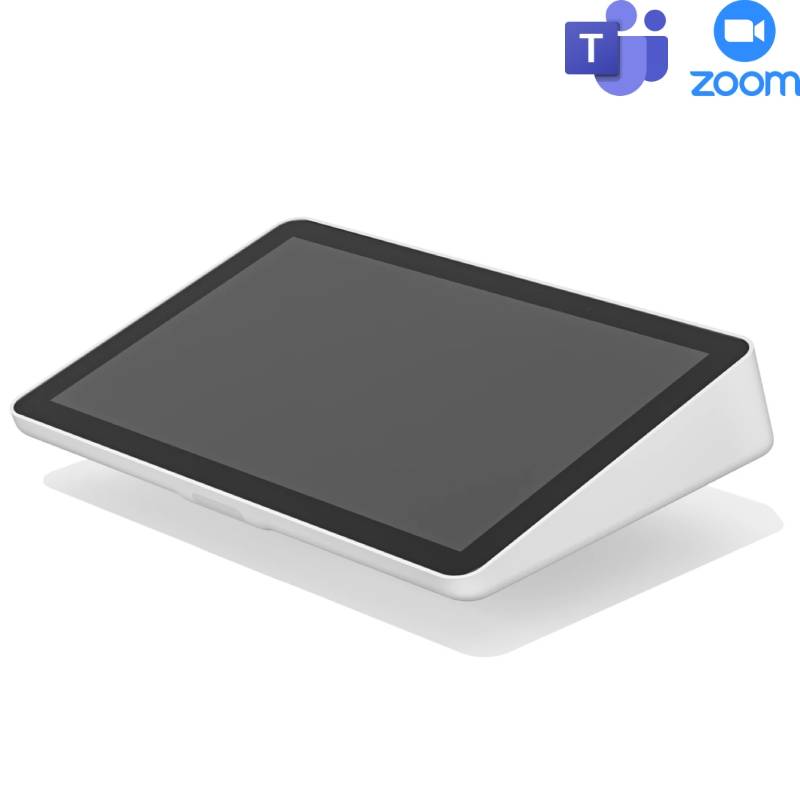
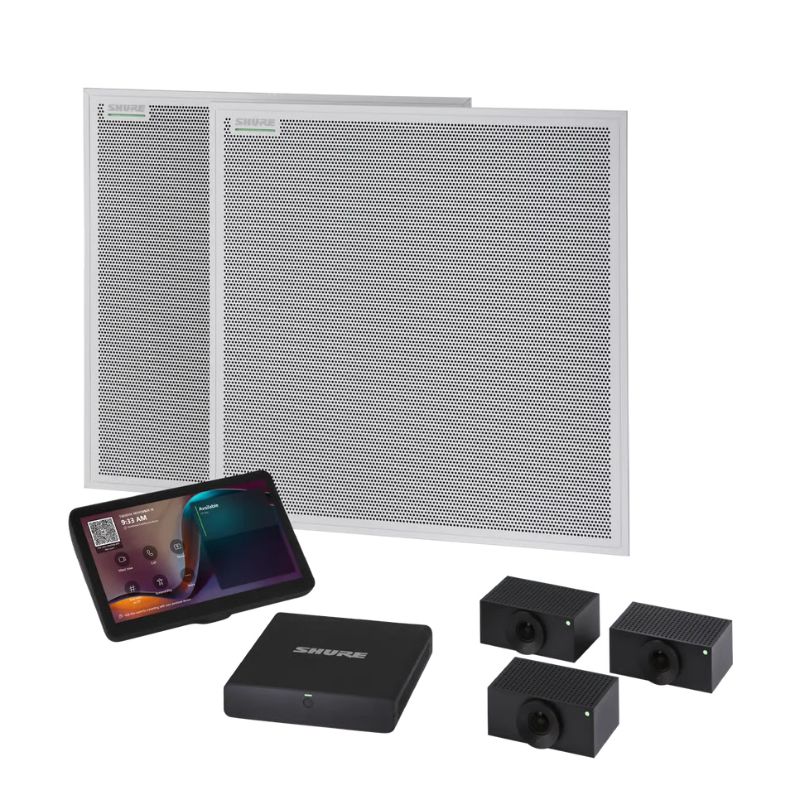
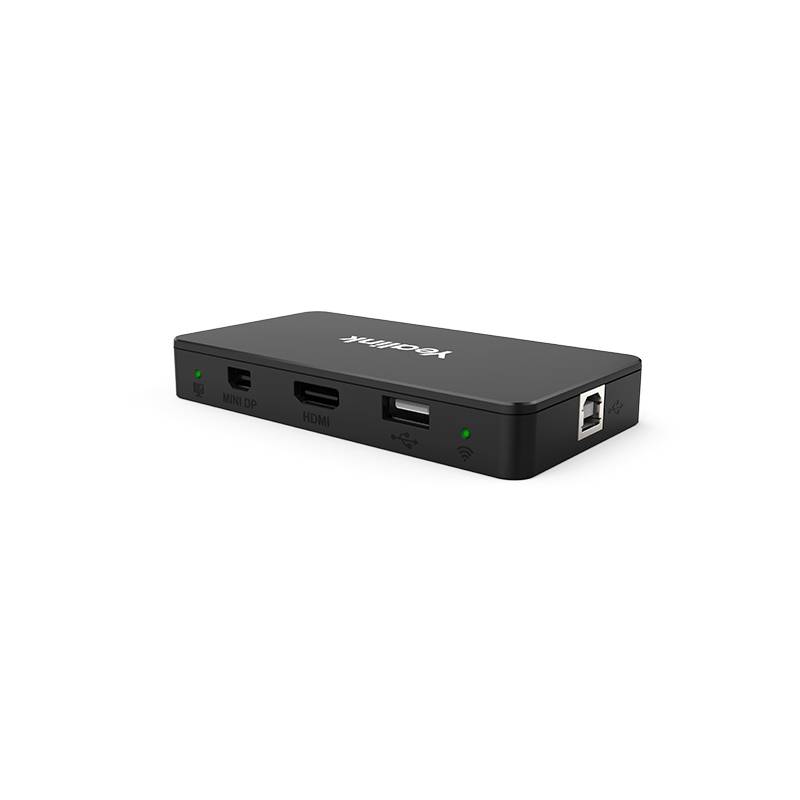
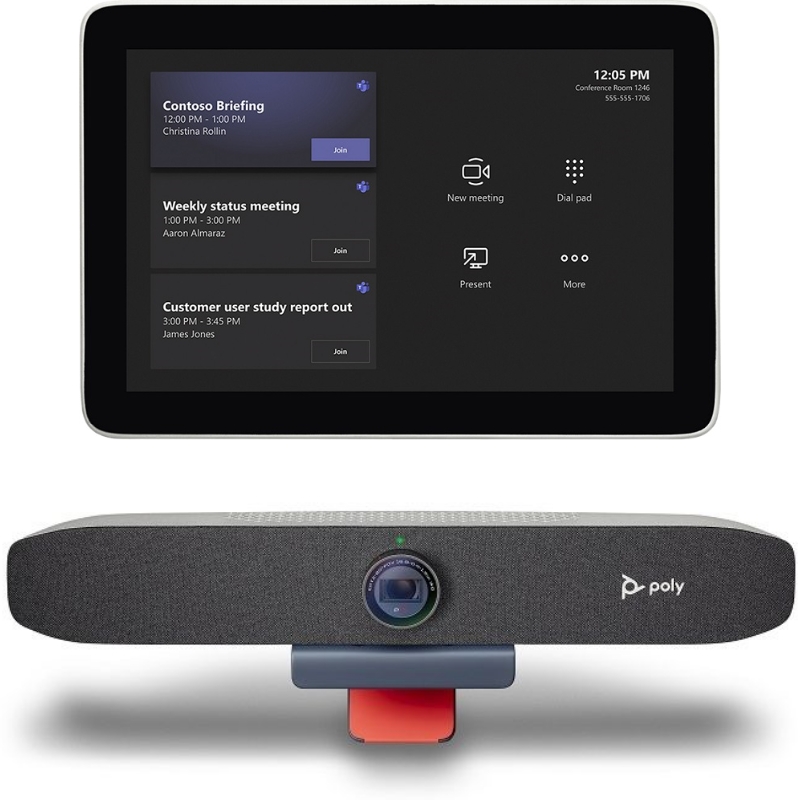
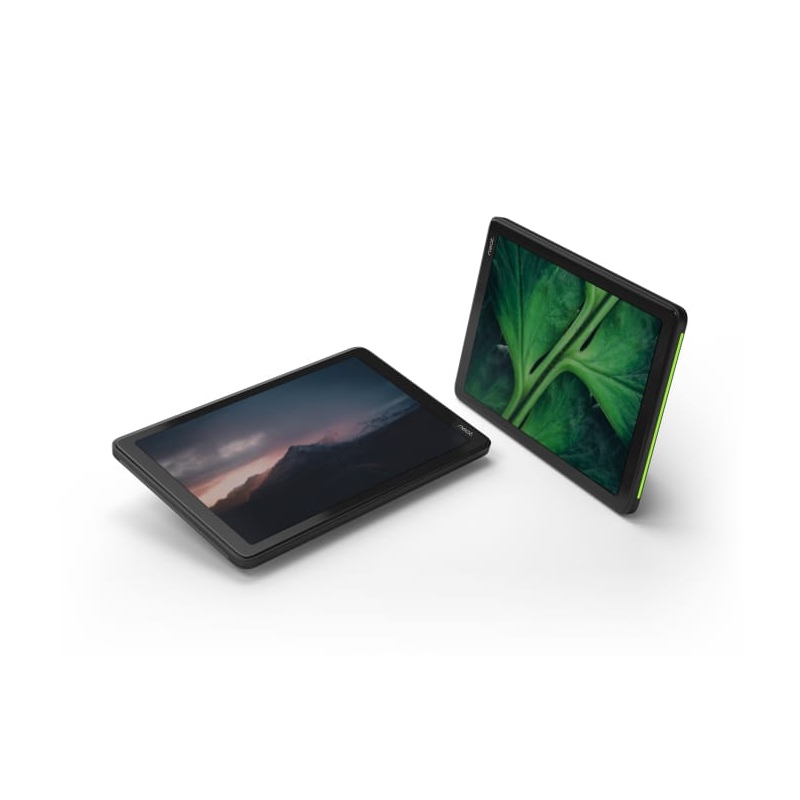
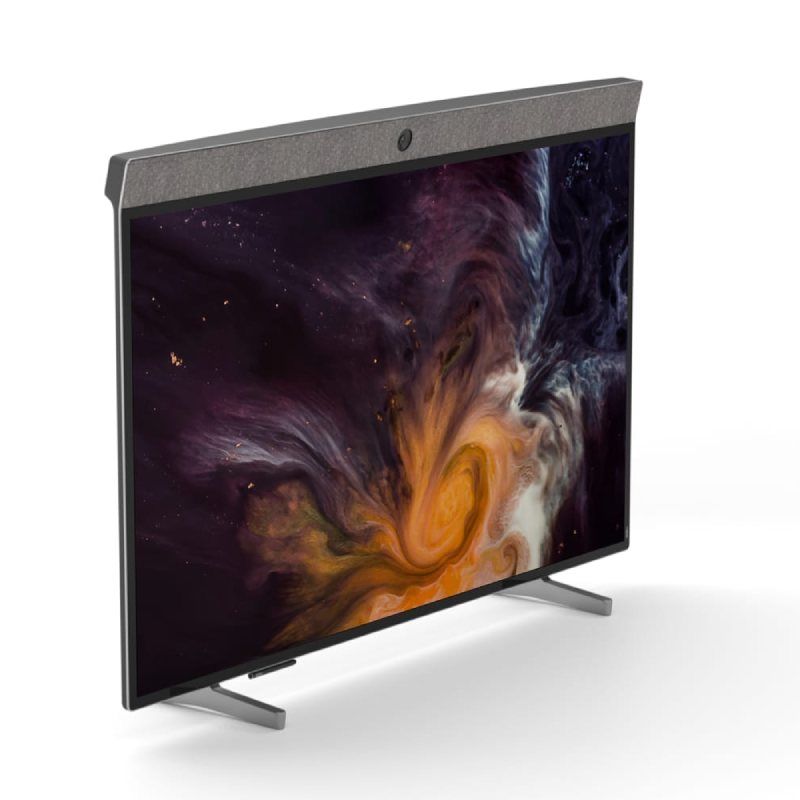
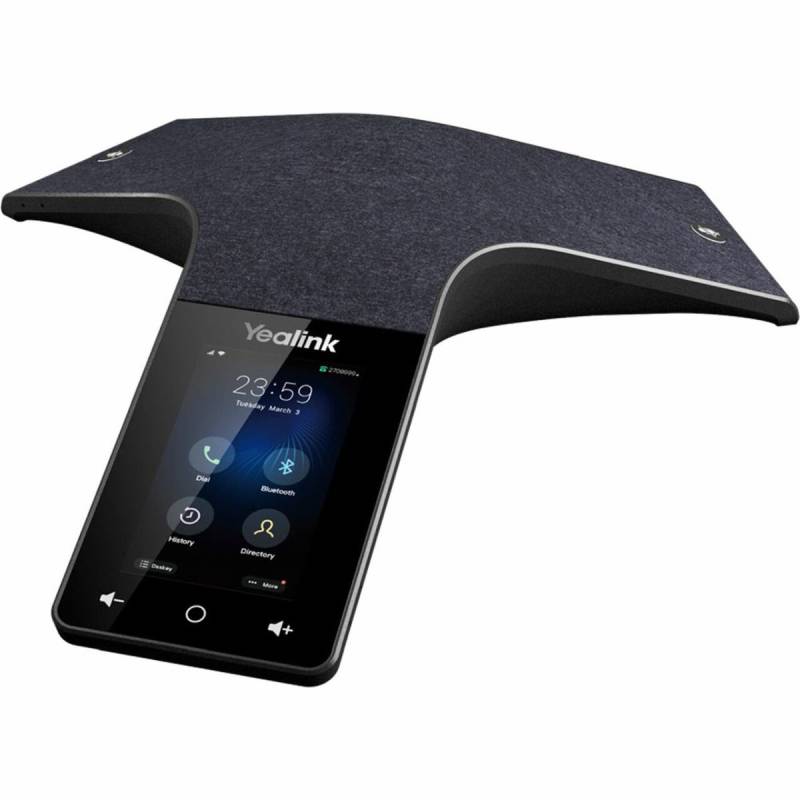
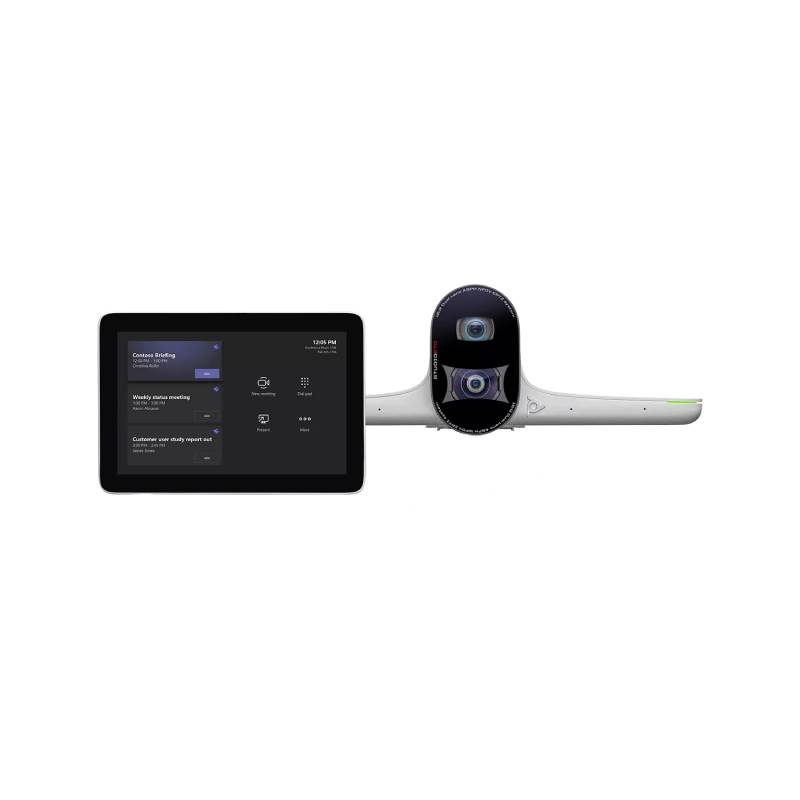
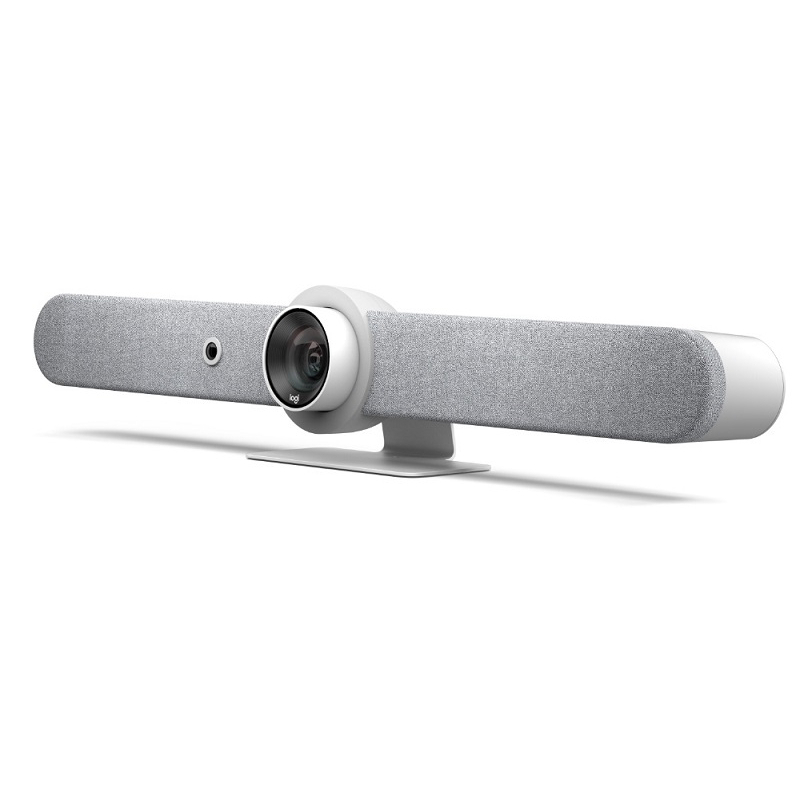
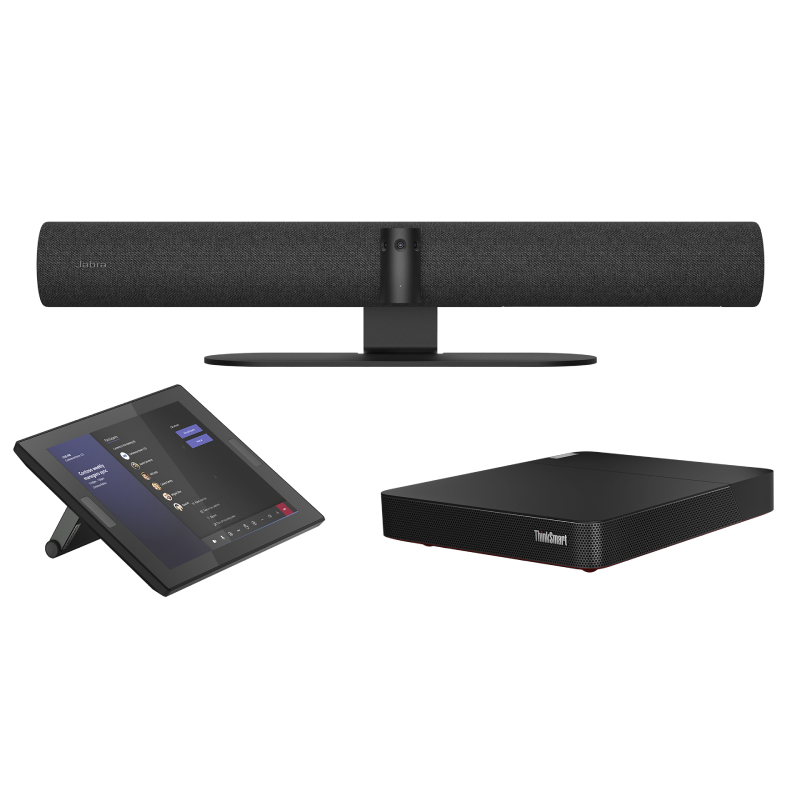
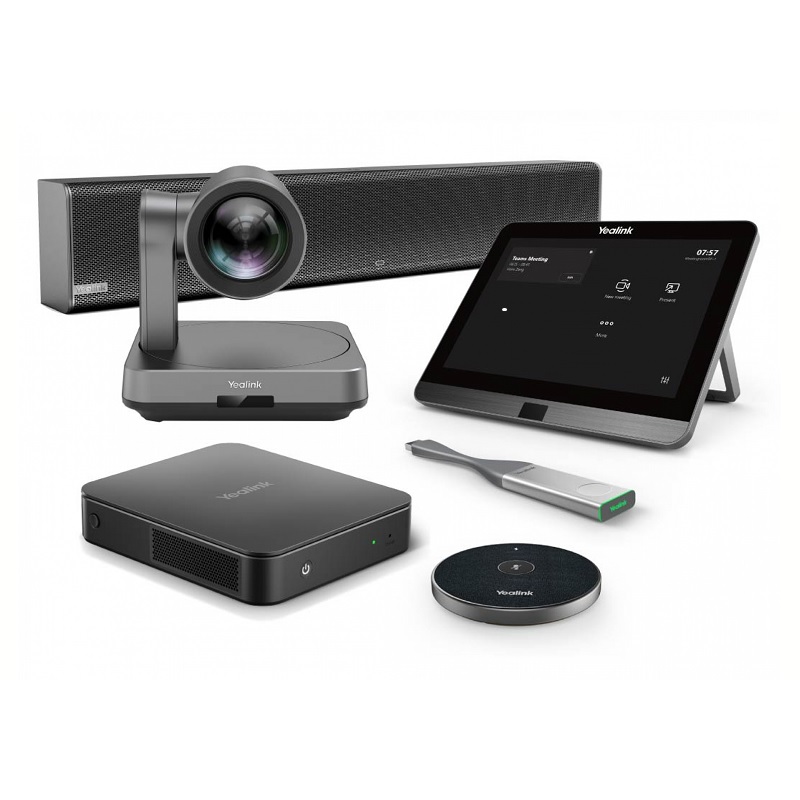
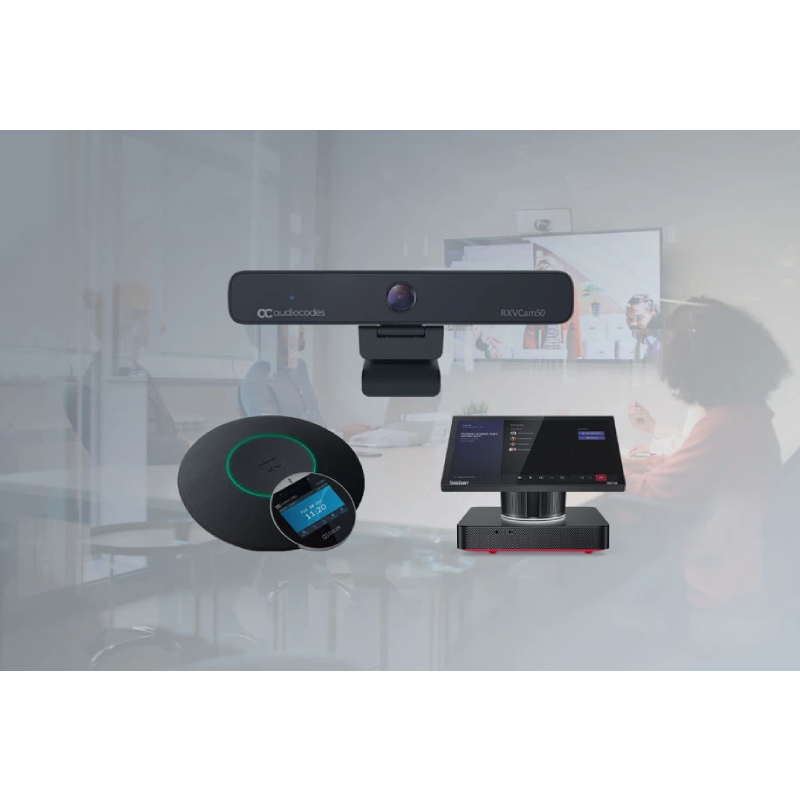
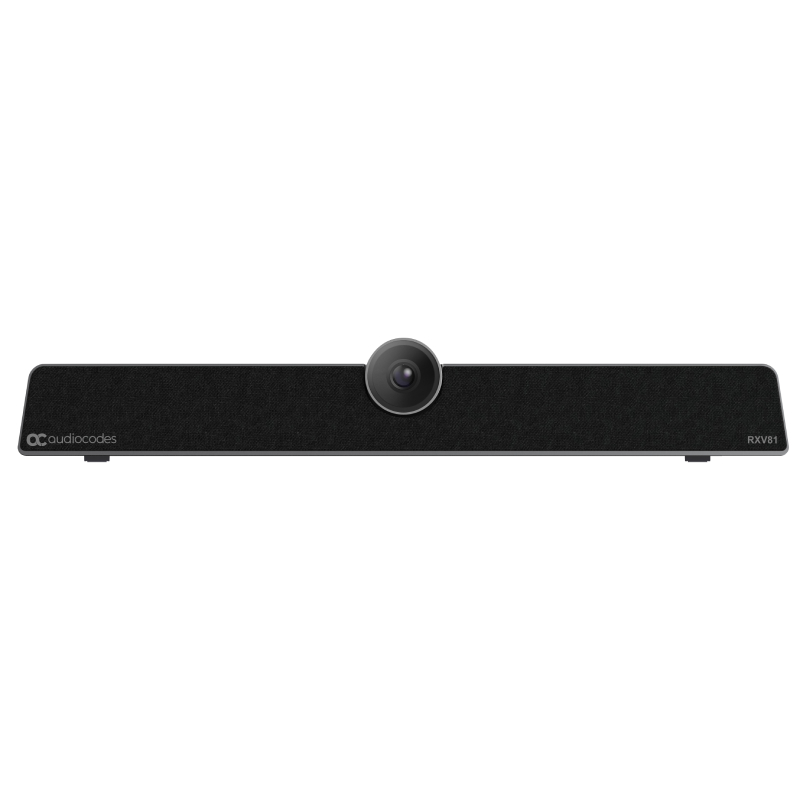
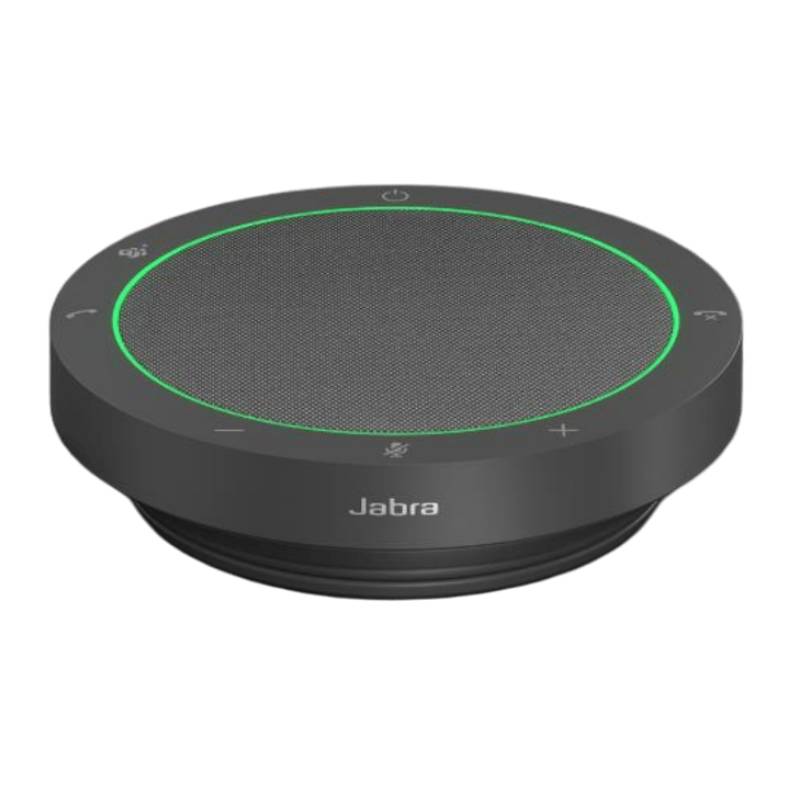
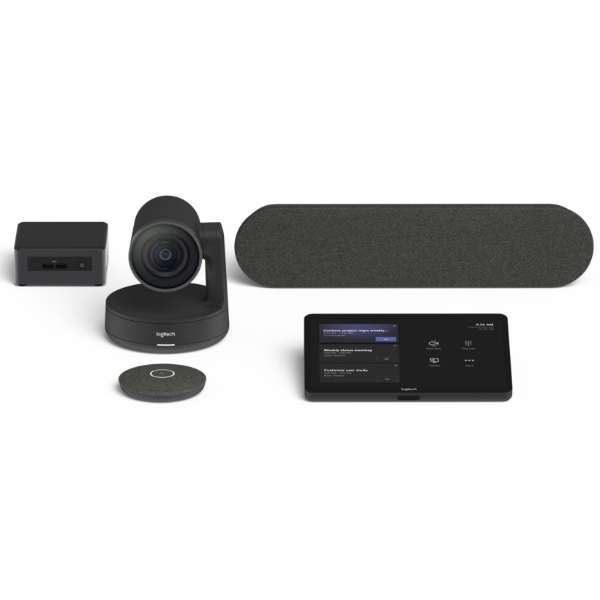
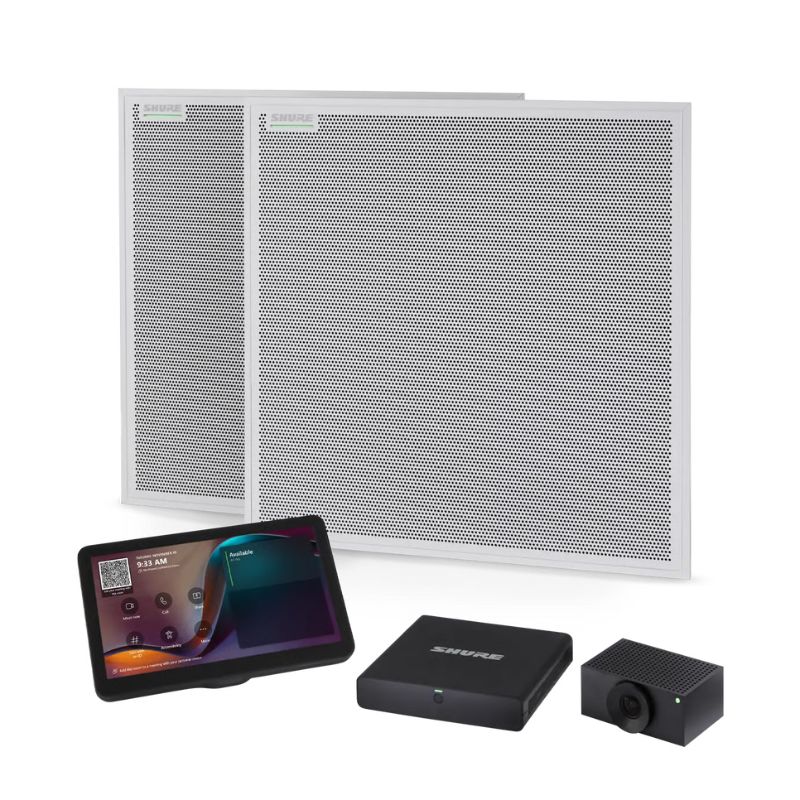
Microsoft Teams Room systems are purpose-built conferencing solutions that transform any space into a fully collaborative, Microsoft-certified meeting room. Designed for businesses seeking high-quality communication, these setups combine intuitive hardware with the robust functionality of Microsoft Teams. In this guide, we'll explore the benefits of Microsoft Teams Room devices, provide usage tips, and answer common questions to help you make the best choice for your meeting environment.
To make the most out of a Microsoft Teams Room system, start by carefully assessing the layout and acoustics of your meeting space. Ensure the camera angle captures all participants equally, and that the microphones are positioned for optimal voice pickup. Many setups allow additional peripherals like ceiling microphones and secondary screens—investing in these can greatly enhance participant experience, particularly in larger rooms.
Regular software updates are key to keeping your system running securely and efficiently. Use Microsoft Teams Admin Center or a compatible device management tool to automate updates and monitor performance. Provide basic user training so your team can take full advantage of features such as whiteboarding or one-touch meeting joins. Finally, establish a standardised process for scheduling meetings and reserving rooms, especially in hybrid work environments, to avoid overlaps and maximise utilisation.
1. What is included in a Microsoft Teams Room bundle?
Most kits include a compute module (mini-PC), camera, speaker or soundbar, microphone array, and a touch controller. Some also offer wall mounts, cable management kits, and optional accessories like presentation dongles.
2. Do I need a license to use a Microsoft Teams Room?
Yes, a Microsoft Teams Room license (Standard or Premium) is required to activate and operate the system. This enables Teams meeting functionality, remote management tools, and continuous updates.
3. Can I use Microsoft Teams Room systems with other platforms like Zoom?
While they are optimised for Teams, many systems support interoperability with Zoom, Webex, and SIP/H.323 platforms via add-ons or bridging services. However, functionality may be limited outside the Teams ecosystem.
4. How easy is it to install a Microsoft Teams Room setup?
These systems are designed for easy deployment. Pre-configured kits, colour-coded cables, and clear instructions make installation straightforward, even for non-specialist IT teams. Some providers also offer installation services for complex spaces.
5. Are Microsoft Teams Rooms suitable for hybrid work?
Absolutely. Teams Rooms are built to support hybrid meetings with both in-person and remote participants. Features like intelligent cameras, noise reduction, and content sharing help bridge the gap and maintain meeting equity.
Microsoft Teams Room systems deliver reliable, professional-grade collaboration for every meeting space. Explore our range to find the setup that fits your business communication needs best.