Need help?
Professional advice available Monday to Friday, 8.30am-5.30pm Mon. to Fri. 8:30 a.m. – 6:30 p.m. 0333 123 3050 Call us!
PRICE
  • 0
    ,00 
    5 999
    ,00 

Logitech ergonomic mouse

Logitech Ergonomic Mouse for Enhanced Workplace Comfort

The logitech ergonomic mouse is designed to provide comfort and support during extended computer use, making it ideal for professionals. This guide outlines key benefits and considerations for integrating this device into your workspace.

  • Improved Comfort: Ergonomically designed to reduce strain on the wrist during prolonged use.
  • Enhanced Productivity: Features that boost efficiency, enabling faster navigation through tasks.
  • Diverse Compatibility: Compatible with various operating systems, ensuring easy integration into existing setups.

Explore our full range of ergonomic mice to find the perfect fit for your workplace needs.
1  - 6 of 6 results found
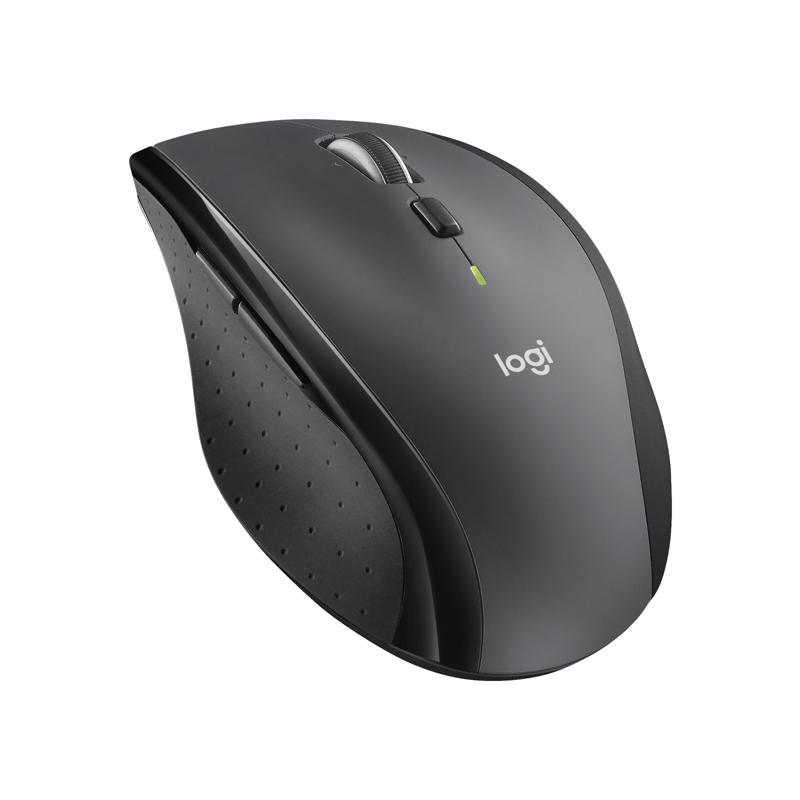
Logitech Marathon Mouse M705

Logitech Marathon Mouse M705

  • Baseline: Experience unparalleled productivity with the M705 Marathon Mouse.
  • Short_description:
    • Impressive battery life ensures you can work for up to three years without interruptions.
    • Advanced scrolling options allow you to switch between precise and fast scrolling as you please.
    • Ergonomic design provides a comfortable fit for extended use, reducing hand fatigue.
    • Reliable wireless connection keeps you connected from up to 10 meters away.
    • Customizable buttons enable you to create shortcuts, boosting your efficiency.
£44.99
£35.99
-20%
Ref: LOM705
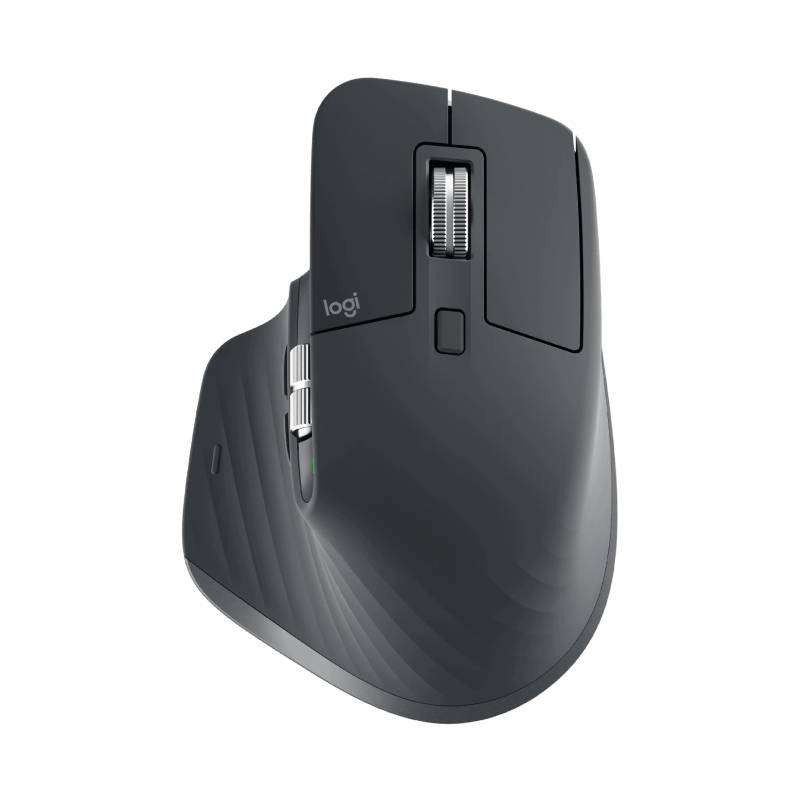
Logitech MX Master 3S

Logitech MX Master 3S

  • Baseline: Ergonomic wireless mouse for professionals
  • Short_description:
    • Ergonomic wireless mouse for professionals
    • High precision 8000DPI darkfield sensor
    • Quiet clicks with soft tactile feedback
    • 7 function buttons : simplified navigation
    • Smart-Shift scroll wheel
    • 500mAh Li-Po battery : 70 days autonomy
    • Logi Options+ software : customization of parameters
    • Wireless range: up to 10 meters
    • Connectivité : dongle USB Unifying
    • Switching from one computer to another possible via Easy-Switch
£119.99
Ref: LOSMXM3BUK
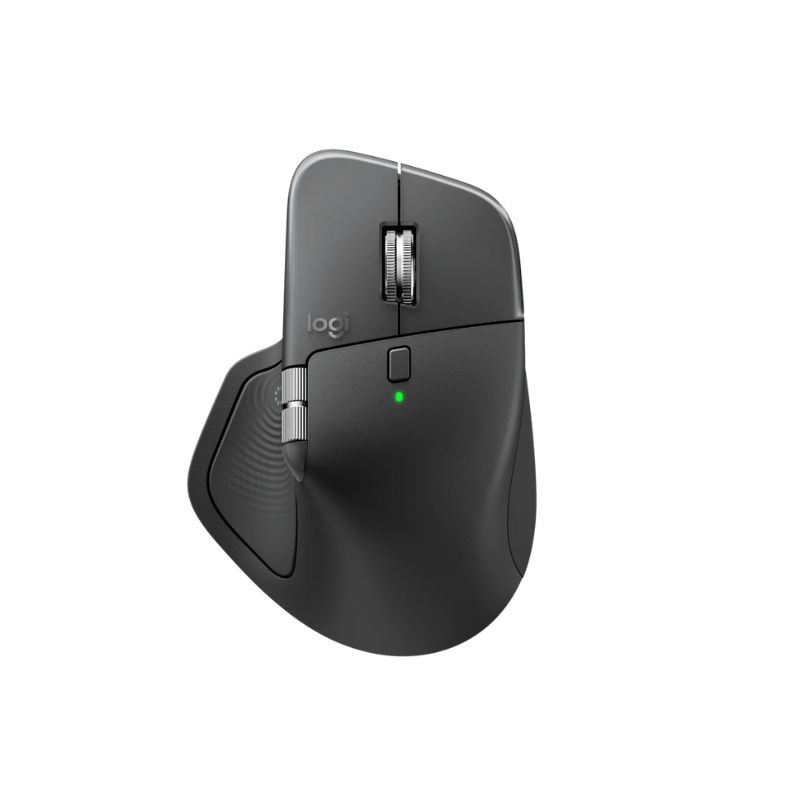
Logitech MX Master 4 Business Mouse

Logitech MX Master 4 Business Mouse

  • Baseline: Ergonomic wireless business mouse with an 8000 DPI Darkfield sensor, MagSpeed scroll wheel and a secure Logi Bolt connection.
  • Short_description:
    • 8000 DPI Darkfield sensor for precise tracking even on glass surfaces.
    • MagSpeed scroll wheel for ultra-fast and precise vertical scrolling.
    • Quiet Click technology reduces clicking noise for focused work.
    • Logi Bolt and Bluetooth provide secure and stable wireless connections.
    • Actions Ring and haptic feedback for personalised workflows and more productive working.
    • Easy-Switch function for quick switching between up to three devices.
    • Ergonomic right-handed design for high comfort during long working days.
£175.99
£105.99
-40%
Ref: LOSMXM4BUS
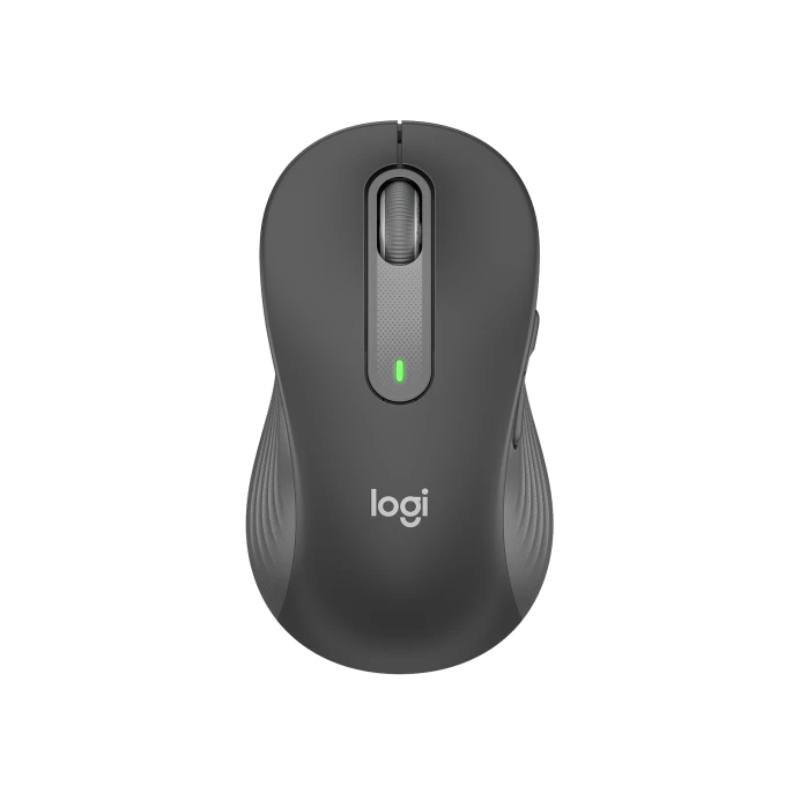
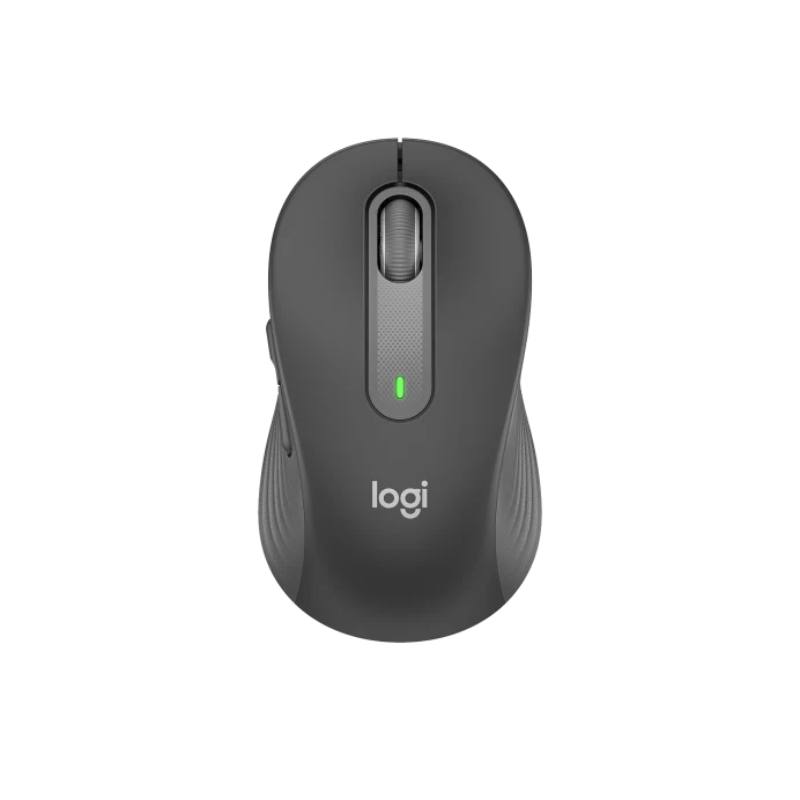
Logitech Mouse Signature M650 (Left)

Logitech Mouse Signature M650 (Left)

  • Baseline: The Logitech Signature M650 is a versatile wireless mouse with intelligent scrolling, ergonomic comfort and SilentTouch technology to reduce click noise. It is suitable for a variety of platforms and offers long battery life.
  • Short_description:


    • Height 108.2 mm, Width 61 mm, Depth 38.8 mm, Weight 101.4 g.
    • For left-handers
    • Advanced optical tracking with nominal DPI value of 400 (maximumup to 2000 DPI).
    • 5 buttons(left/right click, forward/back, clickable centre wheel).
    • Uses 1 AA battery (included) with a battery life of up to 24 months with the Logi Bolt USB receiver or up to 20 months in Bluetooth mode.
    • Compatible with the Logi Bolt USB receiver and Bluetooth low-power technology, with a wireless range of 10 metres.
    • Functions with Windows 7, 10, 11 or later, macOS 10.10 or later, Linux, Chrome OS, iPadOS 13.4 or later and Android 5.0 or later.
    • Contains recycled plastics (64% in the grey and black model, 26% in the white and pink model) and is certified as Carbon Neutral.
£46.99
£36.99
-21%
Ref: LOM650L
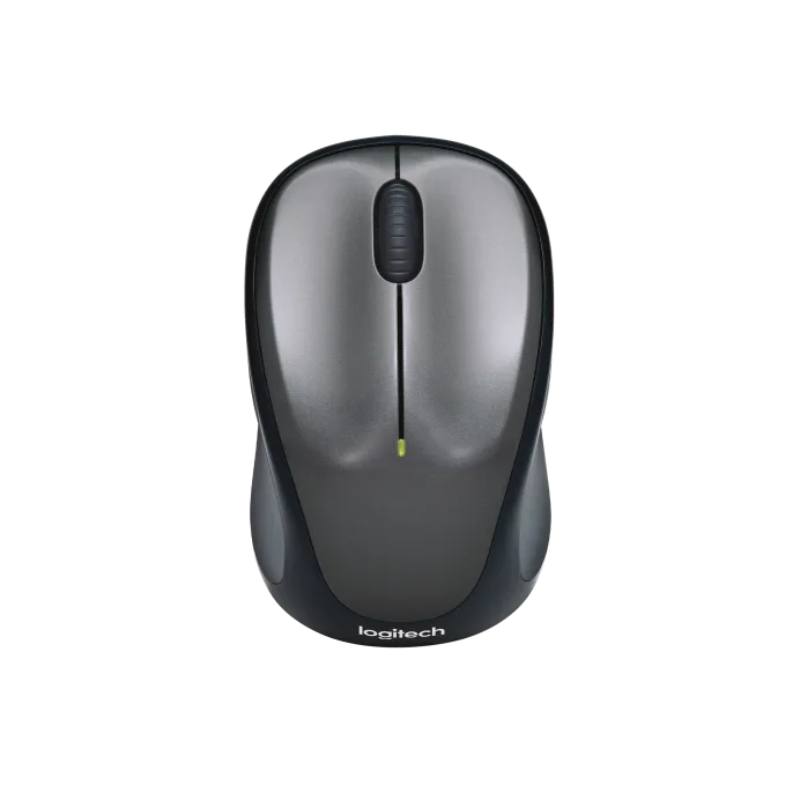
Logitech M235

Logitech M235

  • Baseline: Compact and reliable wireless mouse with ergonomic design and long battery life.
  • Short_description:
    • Windows, macOS and Linux compatibility
    • Ergonomic and lightweight design
    • Optical technology with 1000 DPI
    • 2.4 GHz wireless connection
    • Ambidextrous (suitable for left and right handed users)
    • Long-life AA battery
    • Nano USB receiver
    • Wireless range of 10 metres
    • Three buttons and scroll wheel

£25.99
£18.99
-27%
Ref: LOM235
Logitech Mouse Signature M650 (right)

Logitech Mouse Signature M650 (right)

  • Baseline: The Logitech Signature M650 is a versatile wireless mouse with intelligent scrolling, ergonomic comfort and SilentTouch technology to reduce click noise. It is suitable for a variety of platforms and offers long battery life.
  • Short_description:


    • Height 108.2 mm, Width 61 mm, Depth 38.8 mm, Weight 101.4 g.
    • Advanced optical tracking with nominal DPI value of 400 (maximum up to 2000 DPI).
    • 5 buttons (left/right click, forward/back, clickable centre wheel).
    • Uses 1 AA battery (included) with a battery life of up to 24 months with Logi Bolt USB receiver or up to 20 months in Bluetooth mode.
    • Compatible with the Logi Bolt USB receiver and low-power Bluetooth technology, with a wireless range of 10 metres.
    • Functions with Windows 7, 10, 11 or later, macOS 10.10 or later, Linux, Chrome OS, iPadOS 13.4 or later and Android 5.0 or later.
    • Contains recycled plastics (64% in the grey and black model, 26% in the white and pink model) and is certified as Carbon Neutral.
    • For right-handed
£46.99
£34.99
-26%
Ref: LOM650R

Logitech Ergonomic Mouse for Better User Experience

The logitech ergonomic mouse, crafted for individuals who spend significant time on computers, offers ergonomic benefits that enhance comfort and productivity. This guide covers essential features, advantages, and practical advice regarding the integration of this product into professional environments.

Benefits of Using Logitech Ergonomic Mouse

  • User-Friendly Design: The ergonomically shaped design helps to maintain hand placement and reduces the risk of repetitive strain injuries commonly seen in office workers.
  • Diverse Configuration Options: Available in various sizes and styles, suitable for different hand shapes and grip preferences, ensuring everyone can find a model that fits comfortably.
  • Smooth Navigation:The precision sensors provide accurate tracking on different surfaces, enhancing productivity whether you're in a traditional office or a home setup.
  • Easily Managed Deployment:This mouse often includes software that allows IT departments to manage settings across multiple devices efficiently, simplifying configuration in larger offices.
  • Cable-Free Convenience:A wireless option eliminates cable clutter on desks while providing reliable connection stability—ideal for flexible work environments or hot-desking setups.

Usage Tips

To maximise the comfort and effectiveness of your Logitech ergonomic mouse, consider its positioning relative to your keyboard and screen. Ensure that when using the mouse, your wrist is straight and not bent upwards or downwards; this can be achieved by keeping both peripherals at similar heights. Positioning should facilitate a relaxed arm posture while allowing easy reach without straining. Regular maintenance is also vital to ensure optimal performance. Keep your mouse clean by wiping it down periodically with a soft cloth to remove dust and debris from its surface. Check regularly if firmware updates are available through Logitech's official software; these can improve functionality over time. Additionally, providing training sessions on proper usage practices can help users adapt more quickly while increasing overall productivity.

1. What features make the Logitech ergonomic mouse suitable for long hours of use?

The design focuses on reducing wrist strain with supportive contours that promote natural hand positioning. Many models also feature adjustable sensitivity settings which enhance usability across varying tasks.

2. Is there specific software required to operate the Logitech ergonomic mouse?

No additional software is strictly necessary as most models offer plug-and-play functionality; however, downloading Logitech's configuration tools can unlock advanced features like button customisation which may be beneficial in professional settings.

3. Can I use the Logitech ergonomic mouse with both Windows and Mac systems?

A majority of models are compatible with both Windows and Mac OS environments; however, certain advanced features might only be accessible through specific operating systems or applications.

4. How do I connect my wireless Logitech ergonomic mouse?

The setup typically involves plugging a USB receiver into your computer’s port; follow any prompts provided by your operating system for installation guidance if necessary.

5. Are there limitations when using an ergonomic mouse in hybrid work environments?

The primary limitation may lie in cross-device compatibility—functionality can differ between personal laptops and workplace computers unless a uniform setup is maintained across devices used by employees involved in hybrid working arrangements.


In summary, investing in a quality logitech ergonomic mouse, designed specifically for comfort during lengthy usage periods provides tangible benefits such as improved productivity levels among users—explore our comprehensive range today!