Professional advice available Monday to Friday, 8.30am-5.30pm
Mon. to Fri. 8:30 a.m. – 6:30 p.m.
0333 123 3050
Call us!
An interactive whiteboard revolutionizes teamwork, teaching, and presentations by combining a digital display with real-time collaboration tools. Ideal for classrooms, meeting rooms, or hybrid environments, it enhances participation and productivity with touchscreen input, multimedia integration, and remote access.
Explore our range of interactive whiteboards for schools and businesses, and empower your team or students with smarter engagement tools.
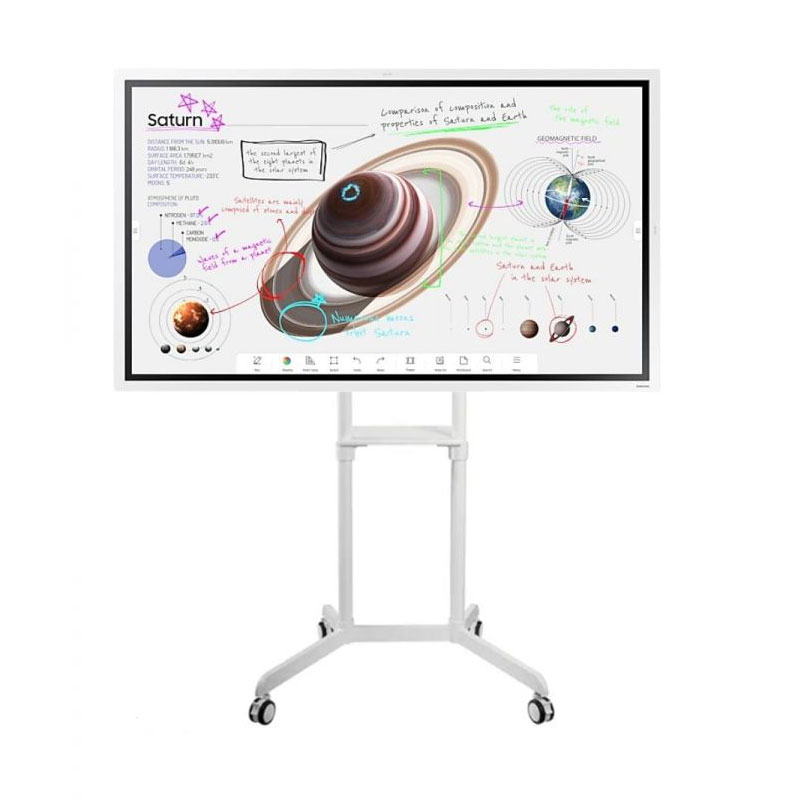
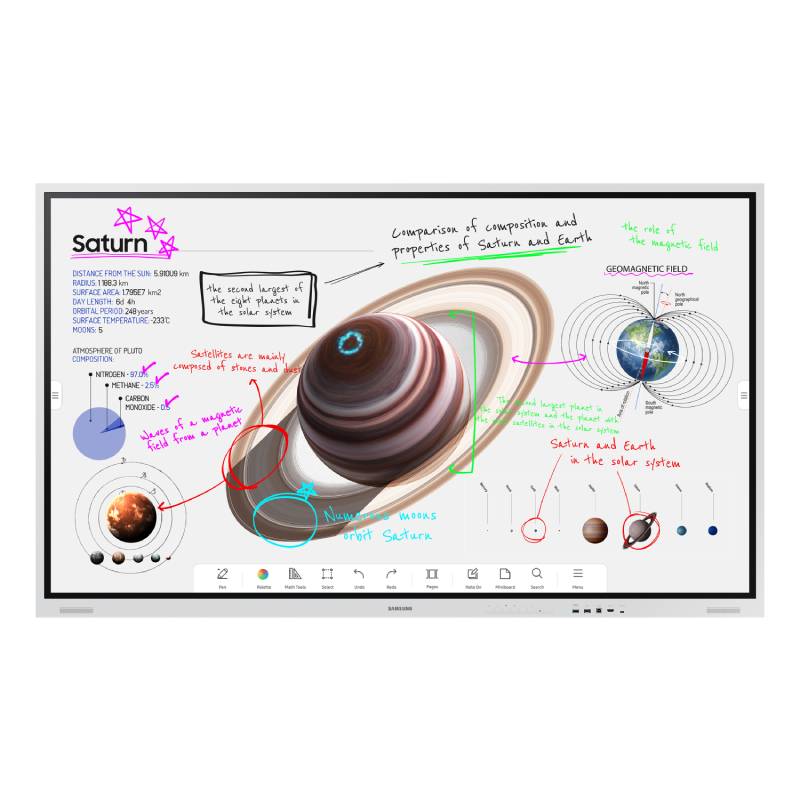

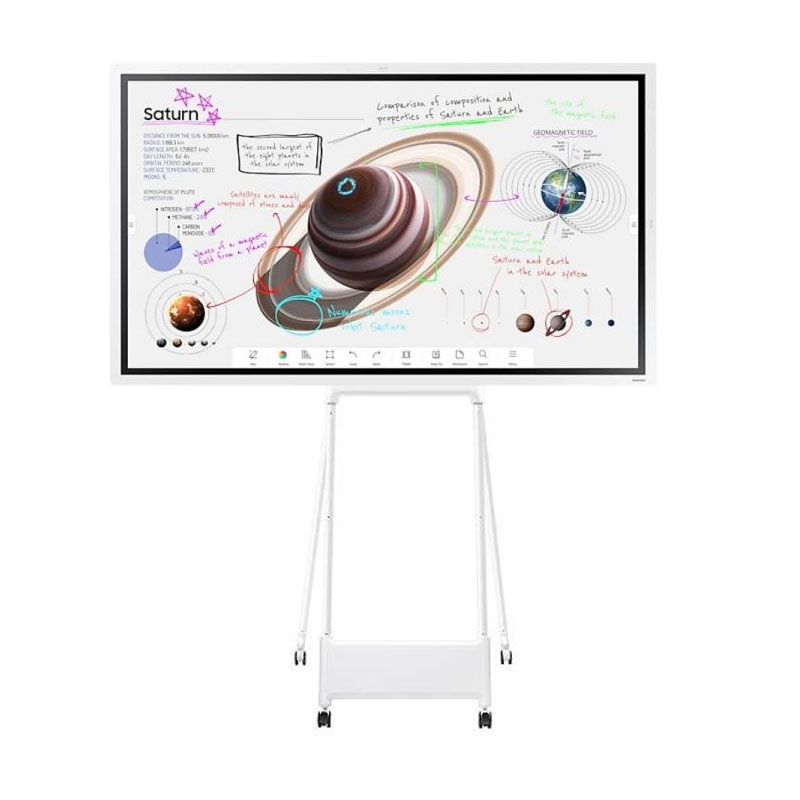

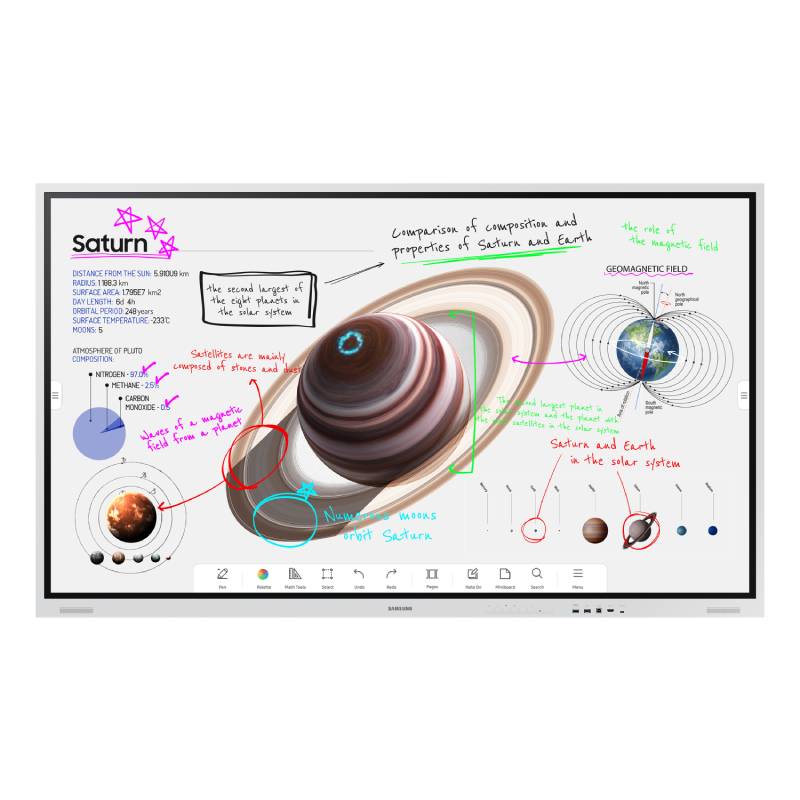
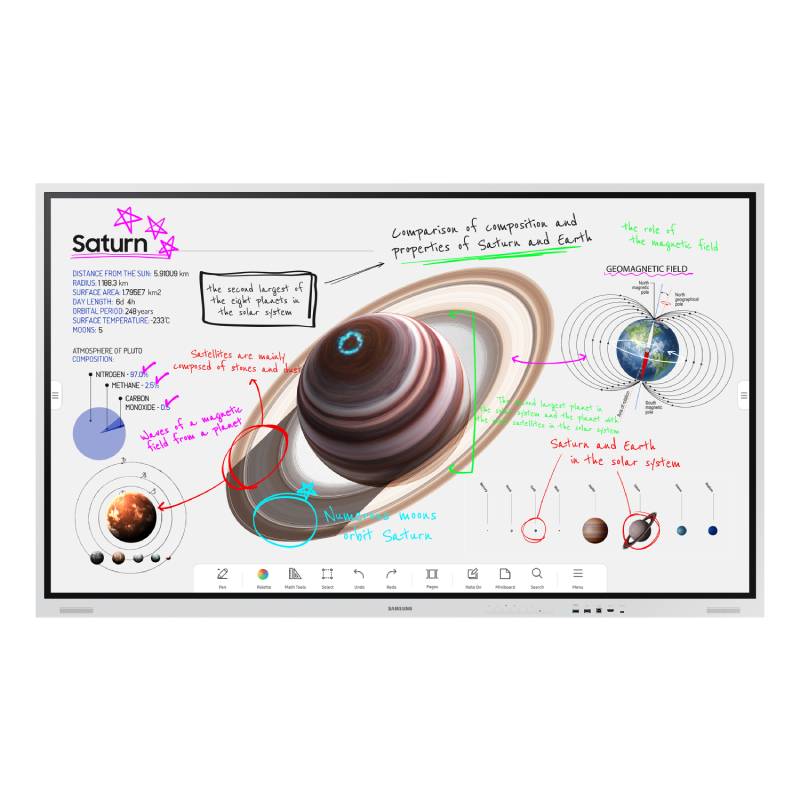
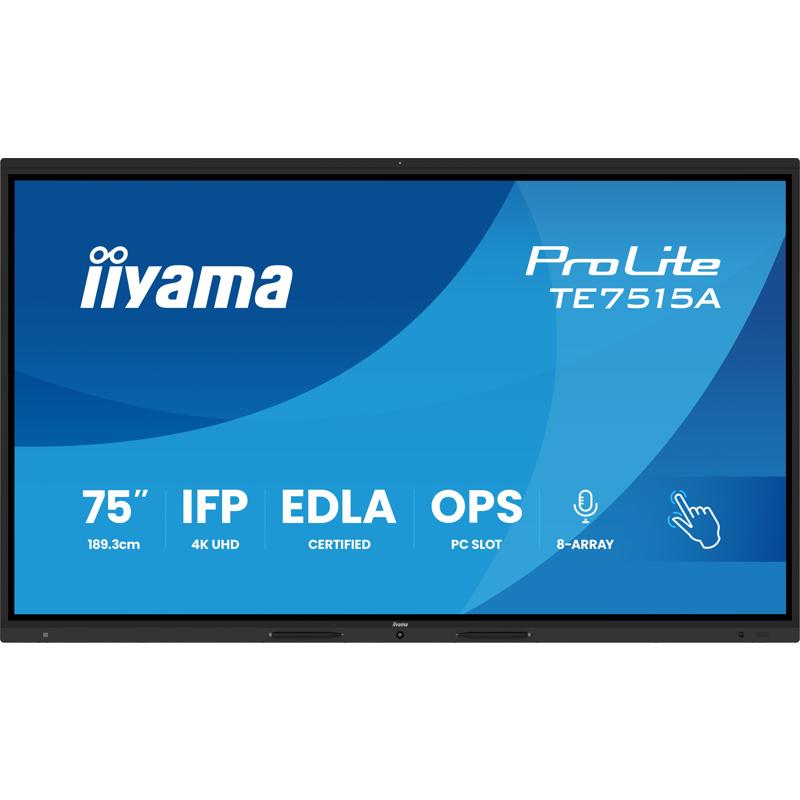
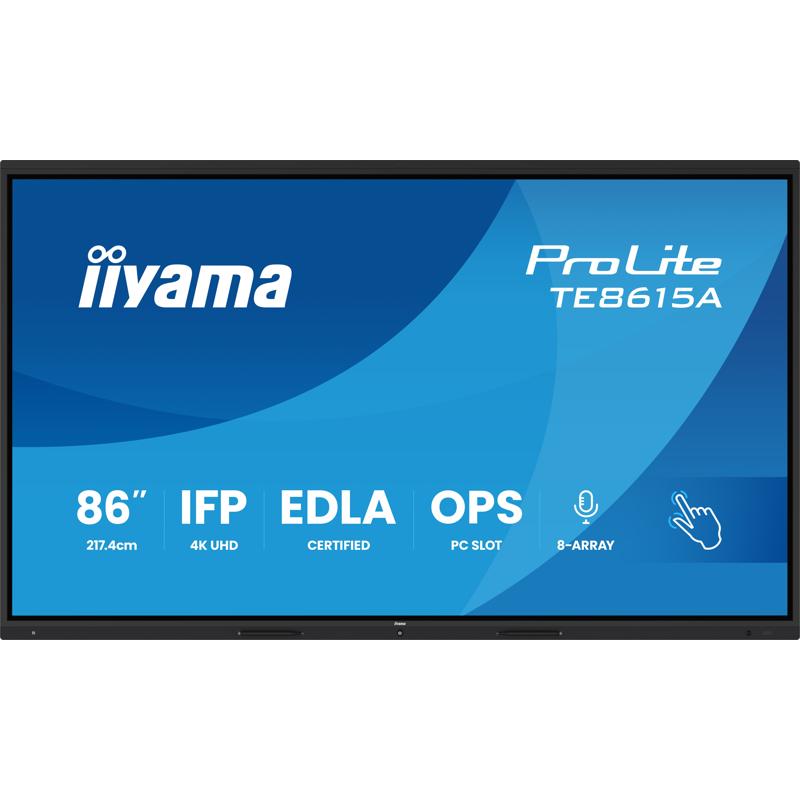
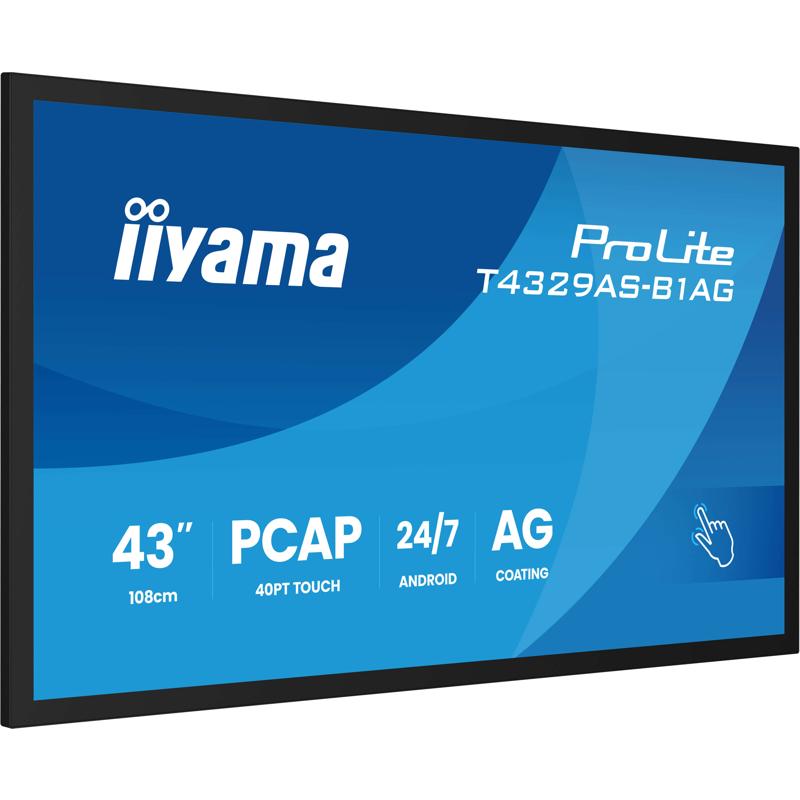
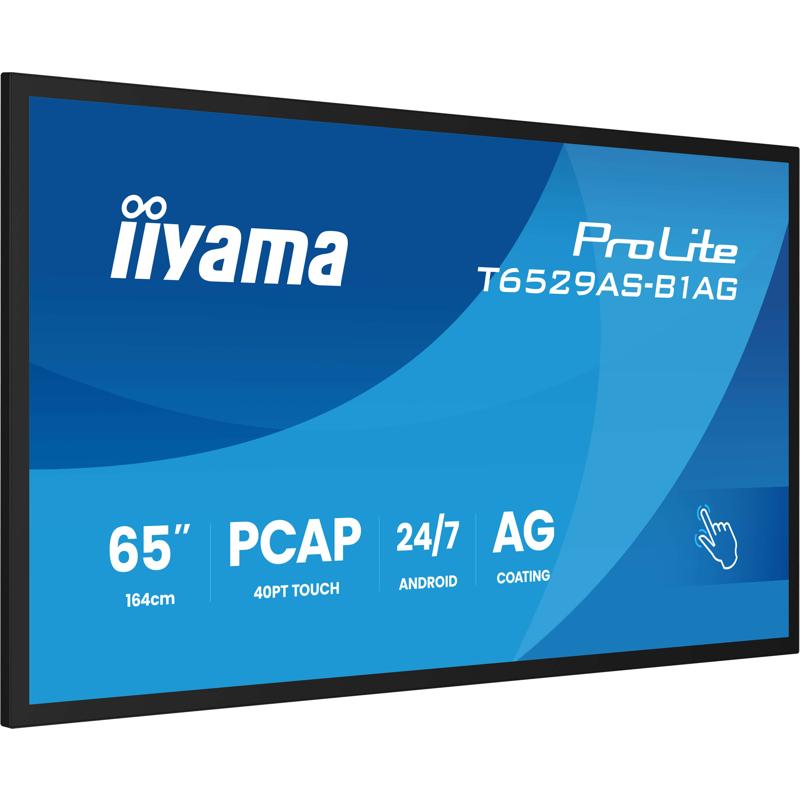
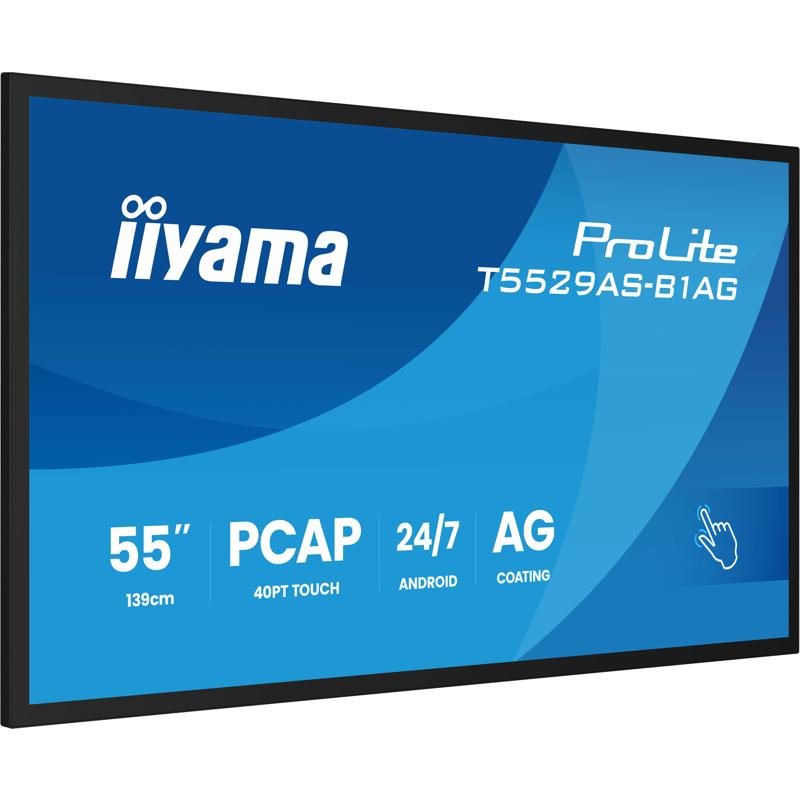
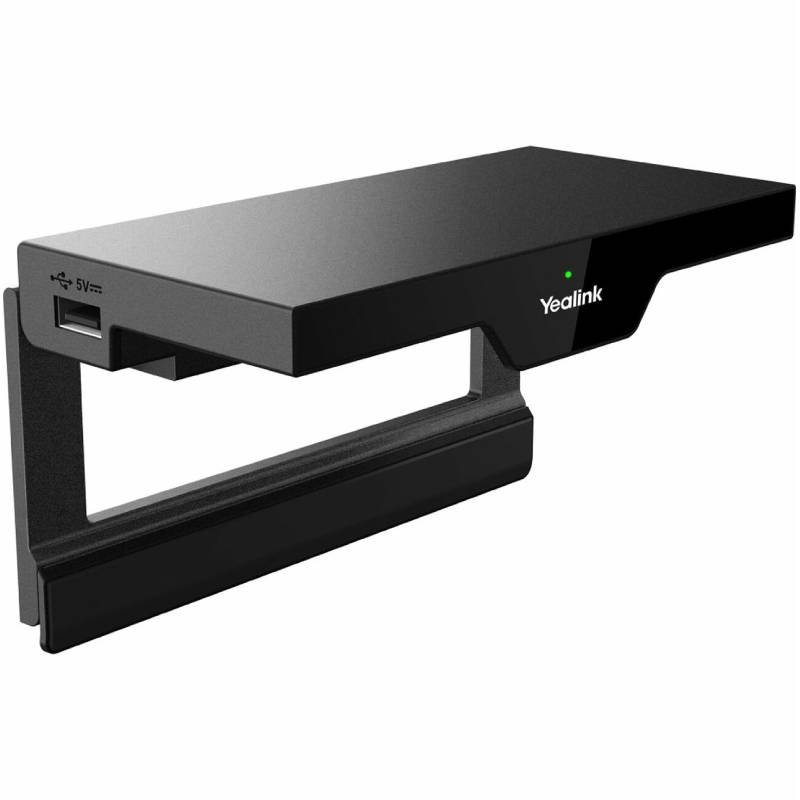

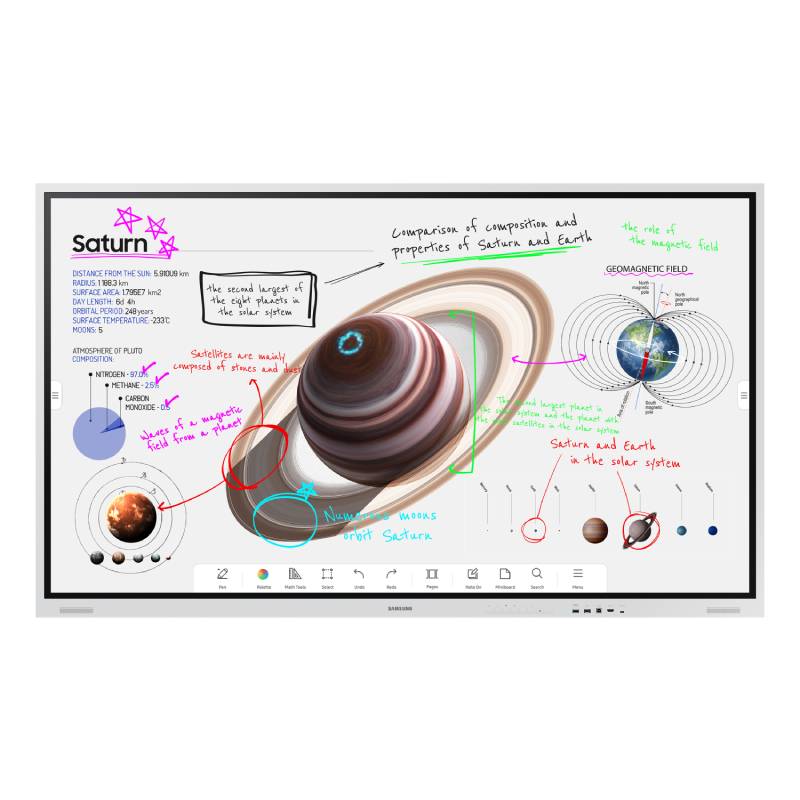
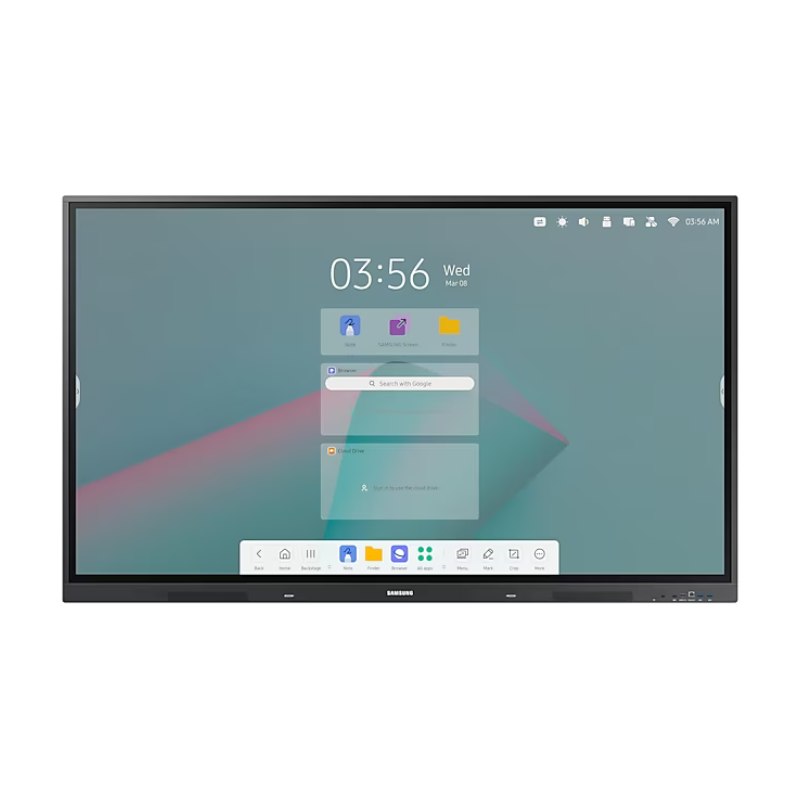
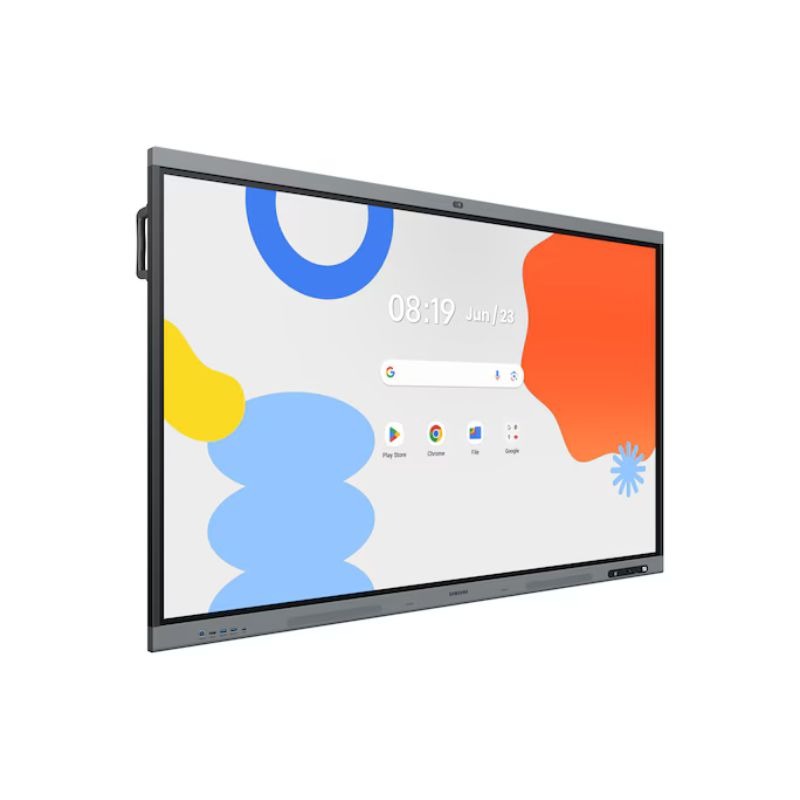

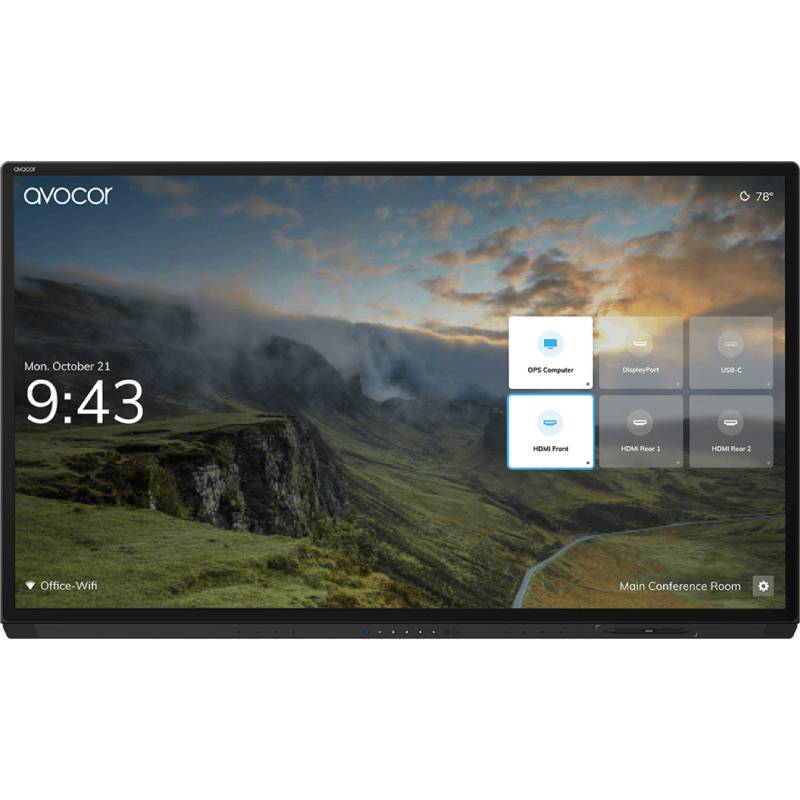


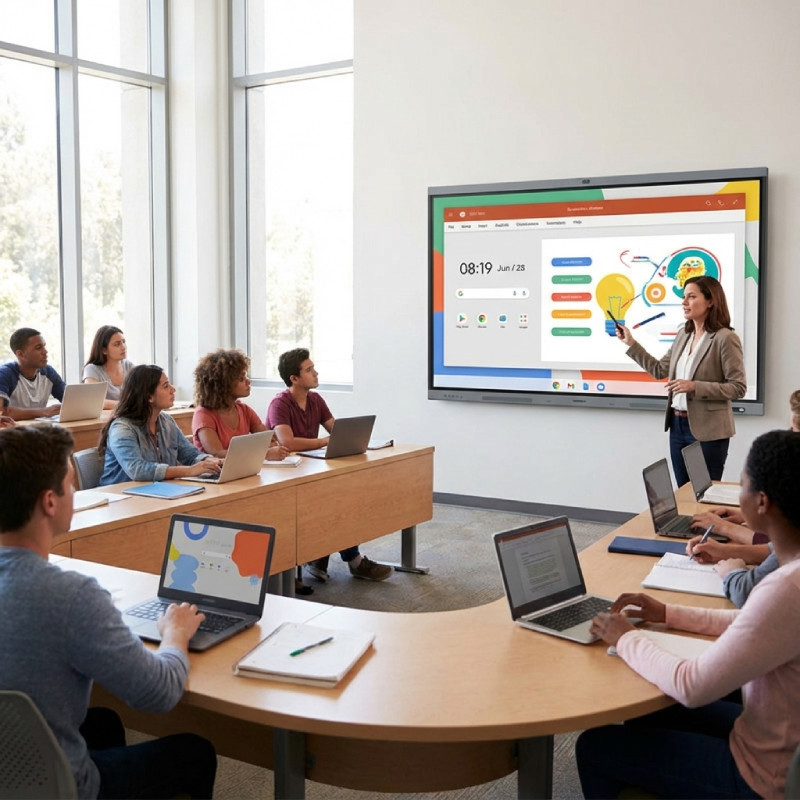

Interactive whiteboards are advanced digital displays that allow users to write, draw, annotate, and present in a fully interactive way. Whether in education or business, they offer an engaging and dynamic way to collaborate. In this guide, we’ll cover their key benefits, usage recommendations, and frequently asked questions to help you select the ideal board for your environment.
Before installing an interactive whiteboard, consider the room layout, lighting conditions, and internet connectivity. Mount the board at eye level for all users, and ensure power and network ports are accessible. For classrooms, models with education-friendly apps and split-screen functions are highly recommended.
Regularly update the board’s firmware to benefit from new features and security patches. Use cloud integration to back up your sessions and share them with students or colleagues. For remote collaboration, activate dual-screen sharing so participants can follow the presentation while interacting live.
An interactive whiteboard makes collaboration smarter and more visual. Discover the right model to enhance your learning or meeting environment today.