Poly Voyager 4310 USB-A - Teams
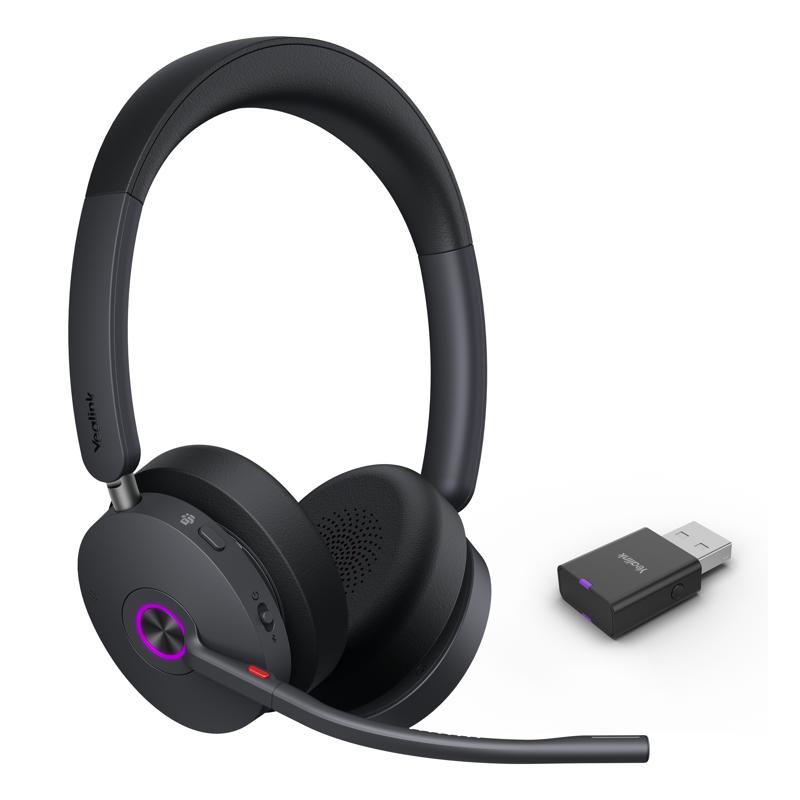
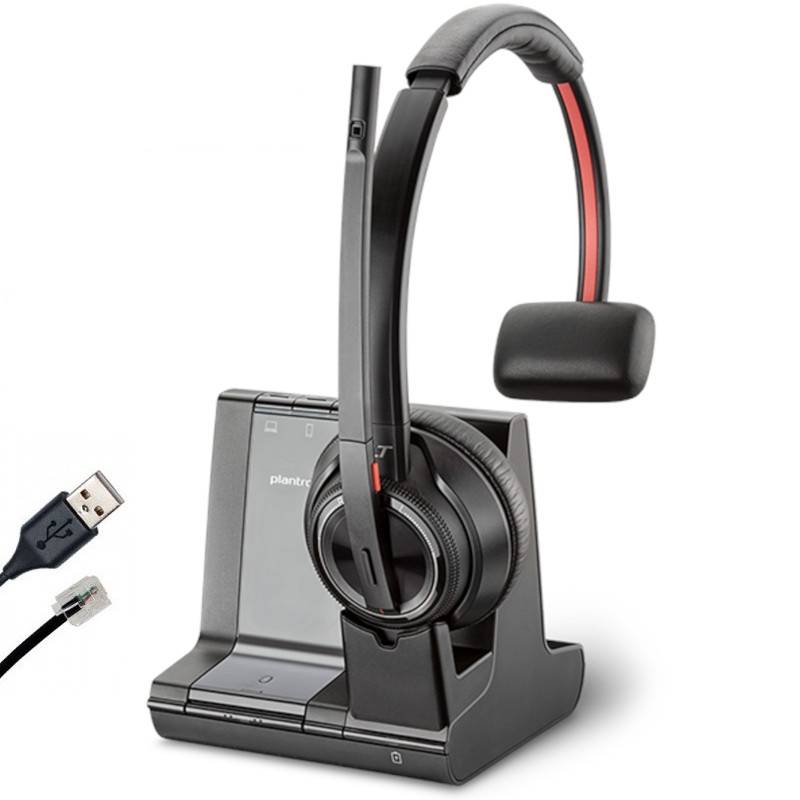
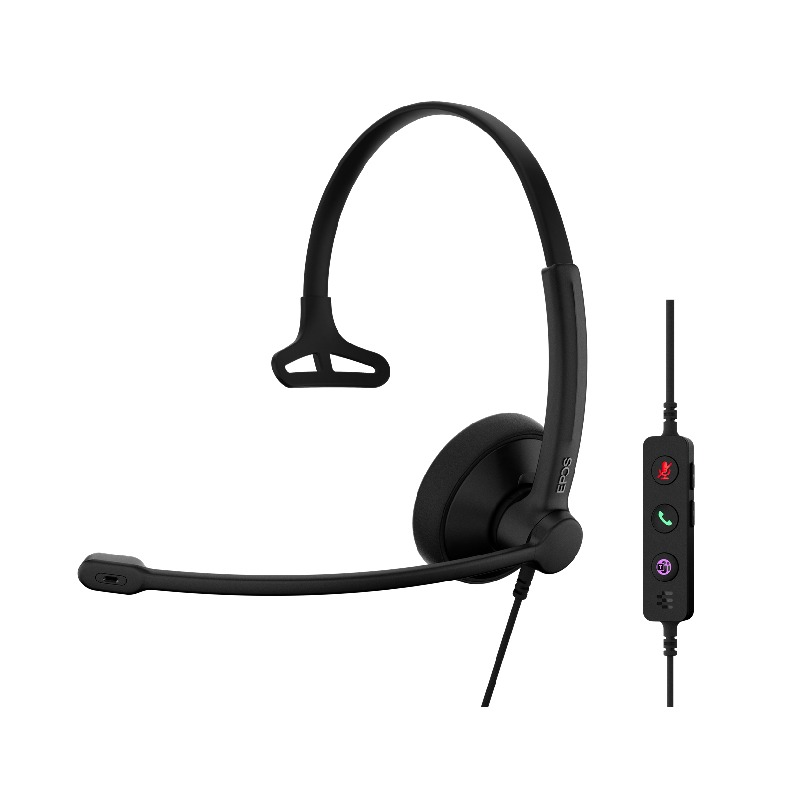
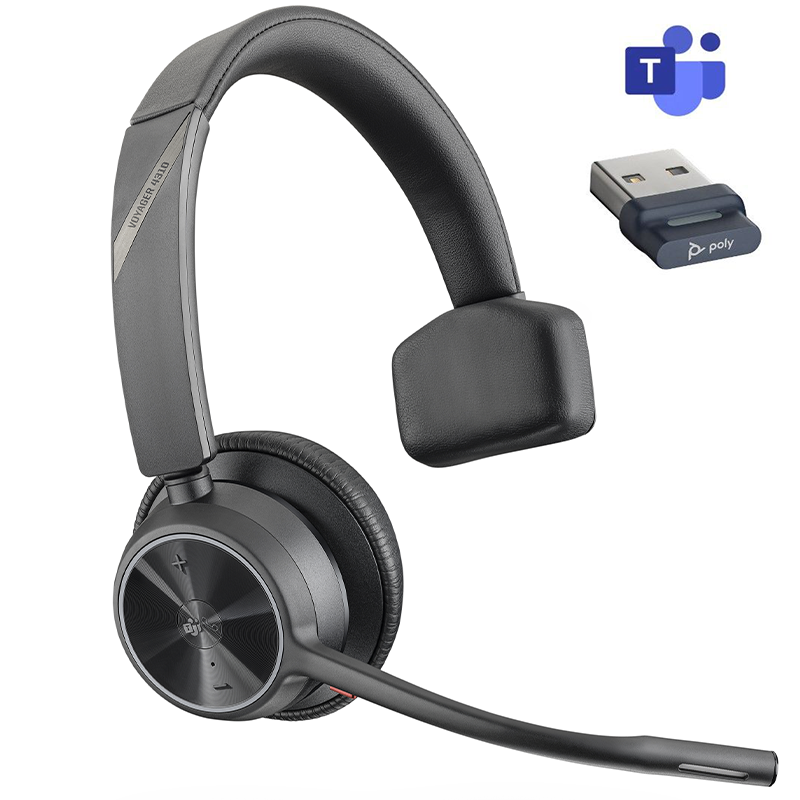
The ideal solution to combine flexibility and comfort in your daily lifeThe American giant Poly is adapting to the global professional evolution and the needs of users by introducing a new range of products: the Voyager 4300. Designed for professionals who want to enjoy freedom and mobility when communicating, the Voyager 4300 series wireless headsets are comfortable, discreet and, above all, flexible solutions that respond to the new global professional method: hybrid work. By choosing a Voyager 4300 Series headset, professionals can talk hands-free wherever they are - in the office, at home or even on the move - without losing efficiency. The Voyager 4300 Series headset can be used for both professional and personal use to stream multimedia content via its Bluetooth connection.Remote meetings while remaining availableThe Voyager 4310 MS USB-A is a monaural headset designed for professionals who want to participate in remote meetings while remaining available to their colleagues in the vicinity when needed. How to connect your Voyager 4310? The headset's dual USB-A + Bluetooth connection allows the headset to be used on a PC/Mac with the included dongle, or a smartphone or tablet via simple Bluetooth pairing. As a multipoint solution, the Voyager 4310 MS USB-A can be used on two devices simultaneously, allowing you to juggle between your PC and mobile for everyday calls.Maximum comfort during your daily exchangesThis Microsoft Teams-certified device will provide you with perfect comfort during your daily exchanges. It features a low-pressure leatherette ear cup, a memory foam headband and a flexible arm, which can be adjusted to your liking.Finally, the headset's powerful 350 mAh lithium-ion battery will keep you connected all day long. The headset has a battery life of up to 24 hours of talk time and up to 47 hours of listening time, so you can communicate effectively without having to worry about the battery status of your communication device.High-definition calls in just a few clicks!The Voyager 4310 MS USB-A headset is a state-of-the-art communication solution, suitable for use in both quiet and noisy environments thanks to its powerful sound characteristics. The speaker with a built-in dynamic equaliser is optimised for full range, which means that the words spoken by your listeners will be received with exceptional clarity, so you will feel as if you are in a face-to-face conversation. Dual microphones and Acoustic Fence technology will allow your speech to be delivered naturally, without background noise or unwanted distractions, so that only your voice is intelligible to your colleagues, who will feel as if they are right next to you.HD audio technology SoundGuard Digital technology acts as an acoustic shield to protect your hearing from noise peaks. To achieve this, this feature, when activated, automatically suppresses all incoming sound above 102dBSPL, so your hearing is not affected by the acoustic shocks that can occur during everyday calls. By the G616 standard, this technology automatically regulates the level of decibels received throughout the day so that the daily average does not exceed 85dBA, the maximum exposure threshold set to prevent hearing damage in the medium to long term.Easy call management So that managing your calls is not a headache, the Poly Voyager 4310 MS USB-A headset is equipped with a series of control buttons, through which you can: answer calls, adjust the volume, mute the microphone or activate Bluetooth pairing, without having to be close to the medium in use. Finally, the Poly Lens application, available on Windows and Mac, will allow you to have an overview of all your Poly devices so that you can easily and quickly manage your headset fleet remotely. With this software, you can customize the settings of your headphones, consult usage statistics or update your peripherals thanks to the centralisation of your devices.This product is also available in a CPU version (ref: 218470-01). Please contact us for more information.By adding a Voyager Office dock (ref. UC: 218472-01 or ref. MS: 218472-02), you benefit from a triple USB + Bluetooth + RJ connectivity solution, usable on all types of media: from PC/Mac to tablet, via smartphones and office telephones.Key Features:Audio settings:Monaural headset with 1 leatherette earpieceDynamic equaliser optimised for PC wideband telephonySpeaker frequency response: 20 Hz - 20 kHzIntegrated dual-microphone: smooth voice transmissionFlexible boom: adjustable to your likingAcoustic Fence Technology: automatically reduces background noise when transmitting speechSoundGuard digital technology: suppresses sounds above 102 dB SPL (according to G616 standard)Sound Limiter to ensure daily exposure does not exceed 85 dBATechnical features:Multipoint headset: allows connection to 2 devices simultaneously (storage of up to 8 devices).Can be used as a wired headset: connect a USB-A cable to your PCHeadset controls: call acceptance, volume control, microphone mute, ON/OFF, Bluetooth pairingPossibility to mute the microphone directly via the boom (dedicated button included)Two LEDs on the headset indicate user readiness status350 mAh lithium-ion battery: 24 hours talk time, 47 hours listening time, and up to 50 days standby timeCharging time: 1.5 hours for a full charge and 15 minutes for 10 hours of useAdditional information:Single wireless headset for PC/Mac, smartphone, and tablet.Microsoft Teams certified and compatible with all softphonesConnectivity: Bluetooth 5.2 + USB-A (via included BT700 dongle)Wireless range up to 50 metresPoly Lens desktop application: remote management of all fleet devicesPackage size: 210 x 185 x 55 mmCharging cable length: 1.5 mHandset weight: 122 gWarranty: extended to 2 years
Ref: PLVOY4310AM