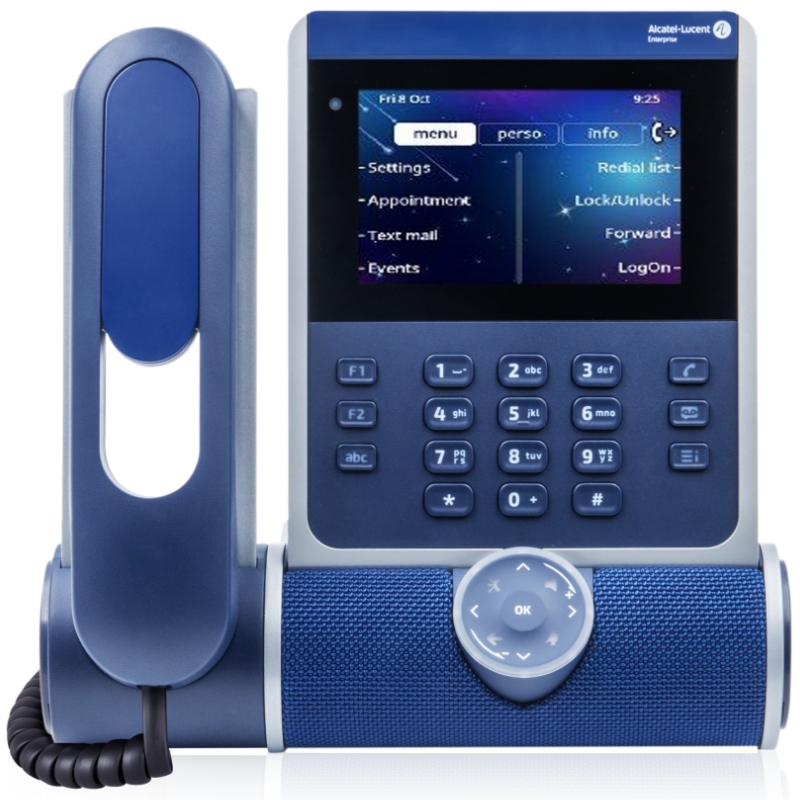
Alcatel Touch Screen Phone for Improved Office Efficiency
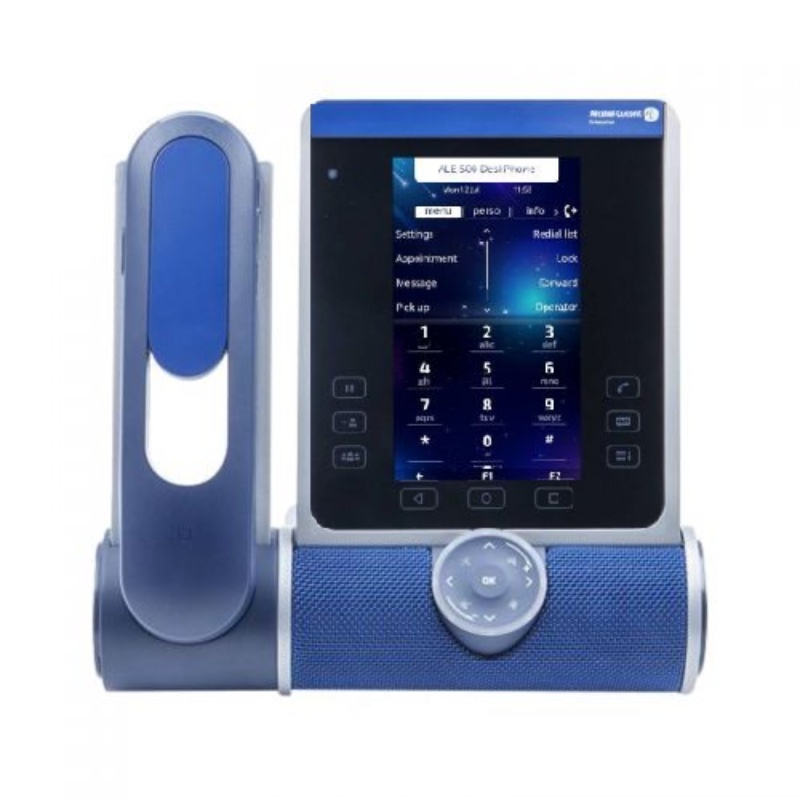
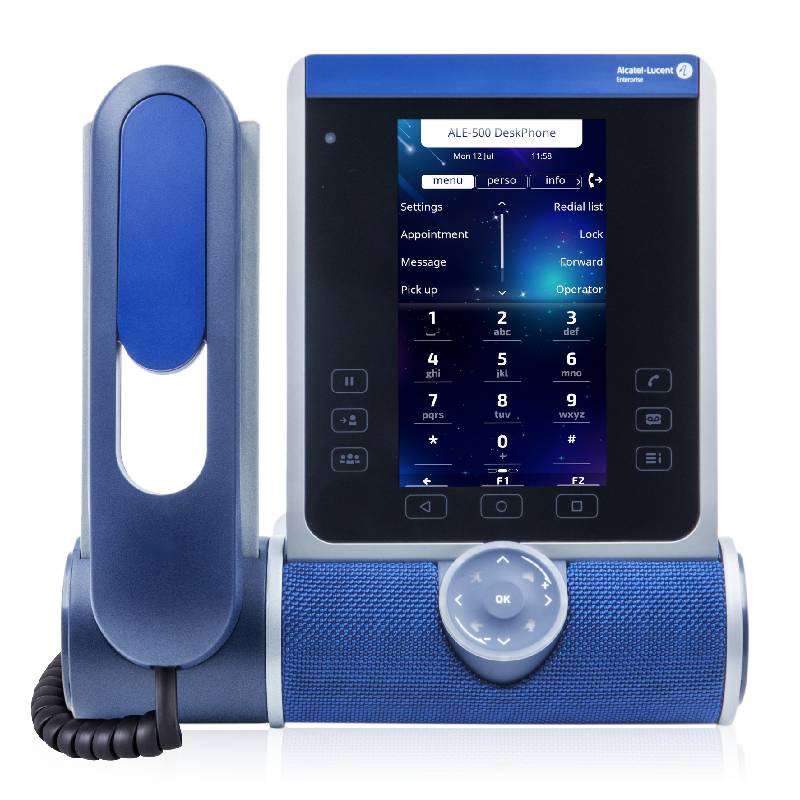
The alcatel touch screen phone, with its intuitive interface and versatile features, is specifically designed for modern office environments. This guide will help you understand its benefits, setup tips, and common questions to ensure you make an informed purchase decision.
Benefits of Using Alcatel Touch Screen Phone
- Simplicity of Use: The responsive touch screen interface simplifies call handling and feature access, reducing the learning curve for new users.
- Certain Compatibility: Many models are compatible with VoIP standards such as SIP, ensuring they integrate well into existing systems without extensive reconfiguration.
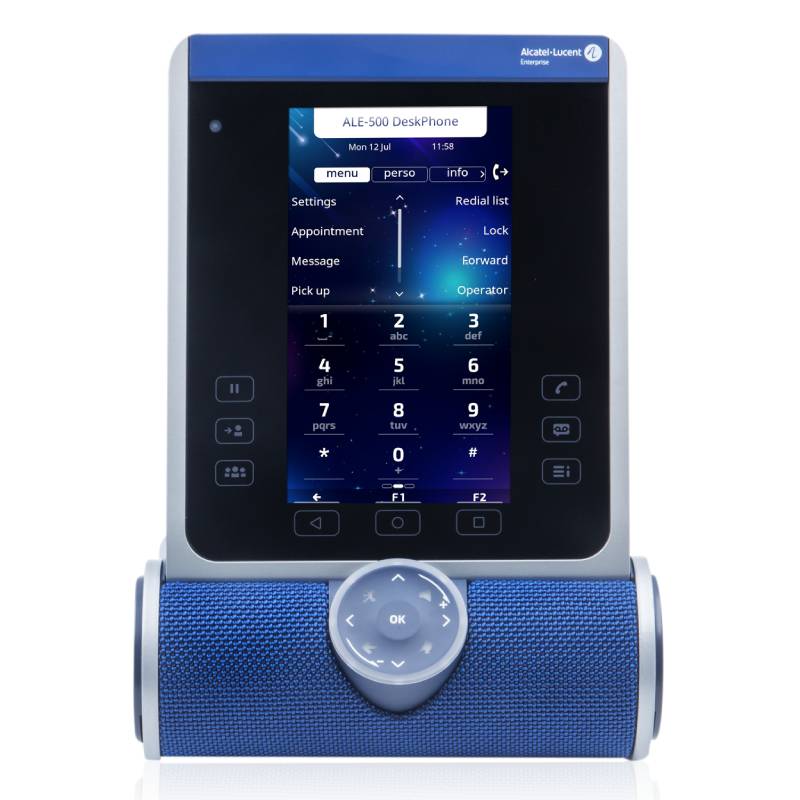
- Sleek Design: The modern aesthetic enhances the professional image of any workspace while integrating seamlessly into various room setups.
- Easily Updatable Firmware:: Regular software updates can be performed remotely or automatically, ensuring the devices benefit from the latest features and security improvements without interrupting workflow.
- IDeal for Hybrid Work Environments:: With features tailored to support remote communication as well as in-office use, these phones effectively bridge gaps between different working styles.
- MULTI-LANGUAGE Support:: Many models provide language options that cater to diverse teams operating in international markets.
Usage Tips
To achieve optimal performance from your alcatel touch screen phone during setup, consider positioning it within reach but away from direct sunlight or heat sources that may interfere with display functionality. Ensure that your network infrastructure supports high-quality VoIP calls by checking bandwidth availability in advance. Additionally, position the phone on a stable surface to reduce noise interference during calls.
Maintenance is crucial for keeping your device functioning correctly; regularly check for firmware updates through your network management tools or manufacturer resources. Train users on basic troubleshooting steps such as restarting the device if issues arise. Encourage staff to utilise any built-in help resources or manuals provided during setup to familiarise themselves with all available features.
1. What’s included with an Alcatel touch screen phone?
Your purchase typically includes the device itself along with a power adapter and a user manual; however, accessories like mounting kits may vary depending on specific models or packages selected.
2. Are there licensing requirements?
No special licensing is generally required specifically for using Alcatel phones; however, ensure compatibility with any VoIP services you plan to use as they may have their own requirements.
3. Is it compatible across platforms?
The Alcatel touch screen phone generally works well within standard SIP-based systems but check individual model specifications as compatibility may vary between systems like Windows and Mac OS environments.
4. How easy is installation?
5. Are these phones suitable for hybrid work settings?
Summary
In summary, the alcatel touch screen phone, equipped with user-friendly interfaces and versatile capabilities makes it an excellent choice for business communication needs now more than ever. Discover our extensive collection today!