Professional advice available Monday to Friday, 8.30am-5.30pm
Mon. to Fri. 8:30 a.m. – 6:30 p.m.
0333 123 3050
Call us!
The 3m Peltor WS Alert XP is a vital communication tool designed for professionals in noisy environments. Its core business value lies in providing clear audio while ensuring safety and awareness of surroundings.
Explore our full range to find the right solution for your business needs.

The 3m Peltor WS Alert XP, a professional-grade headset, is ideal for workers who require reliable communication in loud environments. This guide aims to inform IT managers, procurement teams, and business owners about the headset's features, benefits, and practical applications within various business settings.
Please ensure that you properly position the Peltor WS Alert XP. Align the ear cups snugly over your ears to optimise noise cancellation and clarity. When using the headset outdoors or in dynamic environments, consider securing any loose cables using clips or adhesive ties to prevent tangling or snagging during movement.
Regular maintenance will prolong the life of your headset; clean it periodically with a soft cloth and avoid exposure to extreme temperatures. Keep firmware updated as per manufacturer guidelines—this can enhance performance over time. Additionally, provide training sessions on proper usage among staff members to maximise productivity when deploying this technology across teams operating in challenging environments.
The package typically includes the headset itself along with a USB charging cable and user manual; however, specific contents may vary by retailer.
No specific software is required; however, Bluetooth-enabled devices must support compatible profiles to connect seamlessly with the headset functionality may be limited outside certain ecosystems like iOS or Android platforms.
The Peltor WS Alert XP's robust design can accommodate hybrid work conditions effectively by ensuring clear communication even amidst background noise commonly experienced indoors or outdoors; just ensure connectivity compatibility based on your team's preferred tools such as Microsoft Teams or Zoom.
The installation process is straightforward; turn on Bluetooth on your device, search for available connections from the headset's pairing mode (activated through specific button presses), then select accordingly—specific instructions depend on device type but are generally intuitive enough even for non-technical users.\n
If you experience difficulties connecting multiple devices simultaneously ensure that previous pairings have been removed correctly before establishing new connections since remaining links can cause conflict leading either device disconnecting inadvertently.\n
The Peltor WS Alert XP
You may also be interested in
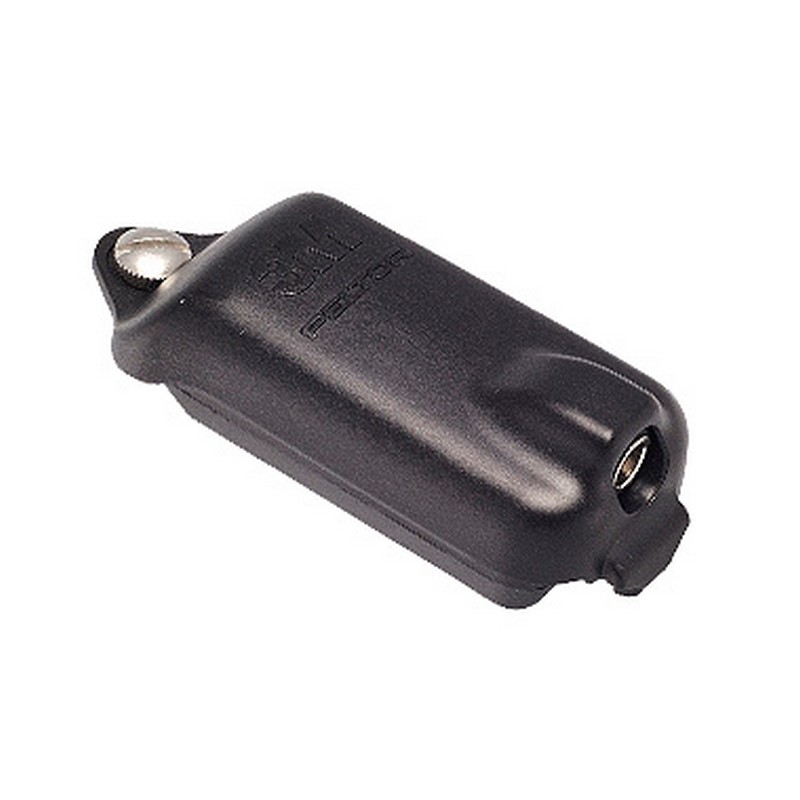
3M Peltor Battery ACK053
£63.79
£54.99
-14%
Ref: PELACK053
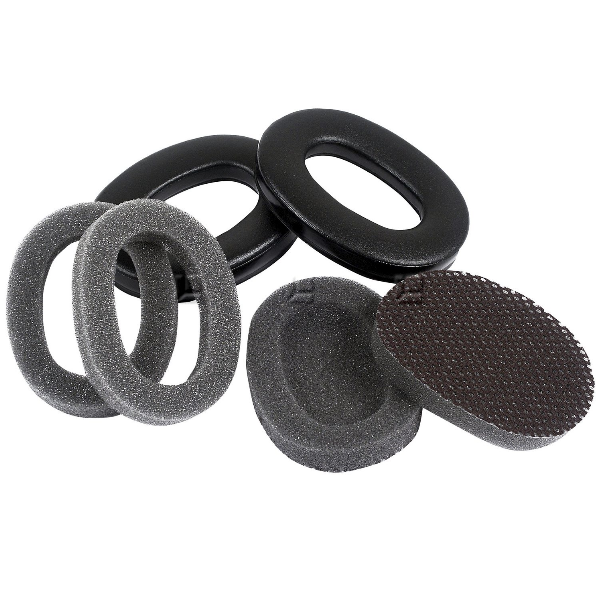
Hygiene Kit for 3M Peltor Flex Headsets
£20.00
£15.99
-20%
Ref: PELTORHY79

3M™ PELTOR™ WS™ LiteCom Pro III
£1080.19
£946.99
-12%
Ref: PELLITECOMWS6

3M Peltor WS Litecom Plus - Headset
£1453.99
£999.99
-31%
Ref: PELLITEPLUSWSH

Peltor ProTac XPI Headset
£670.99
£435.99
-35%
Ref: PELWSPROTACXPI
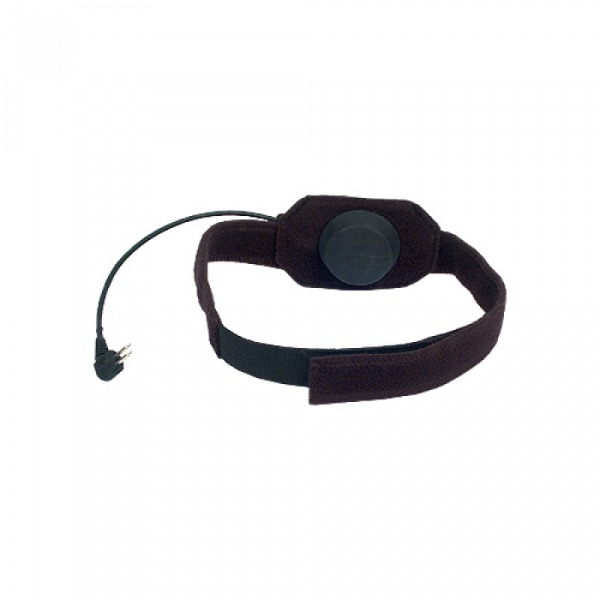
ATEX Throat Microphone for 3M Peltor Headsets
£196.99
Ref: PELMT91MIC

Microphone Covers for 3M Peltor Alert Headsets
£14.99
£12.99
-13%
Ref: PELTORM602

3M helmet Peltor SportTac replacement shells - Orange
£23.09
£20.99
-9%
Ref: PEL478OR
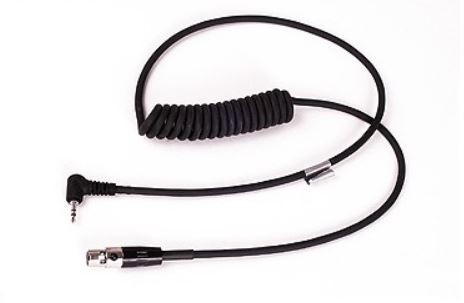
3M Peltor-cable FLX2 - 228
£83.59
£75.99
-9%
Ref: PELFLX228
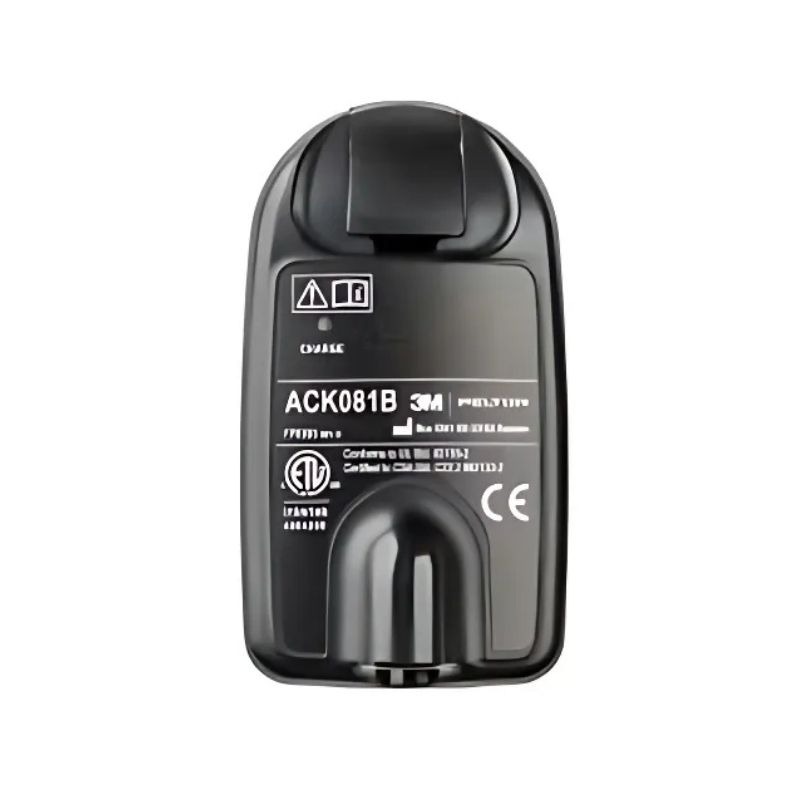
3M™ PELTOR™ ACK081B Li-Ion Replacement Battery
£100.99
Ref: PELACK081B

3M Peltor cable FLX2 - 36 for Kenwood walkie talkies
£81.39
£73.99
-9%
Ref: PELFLX236
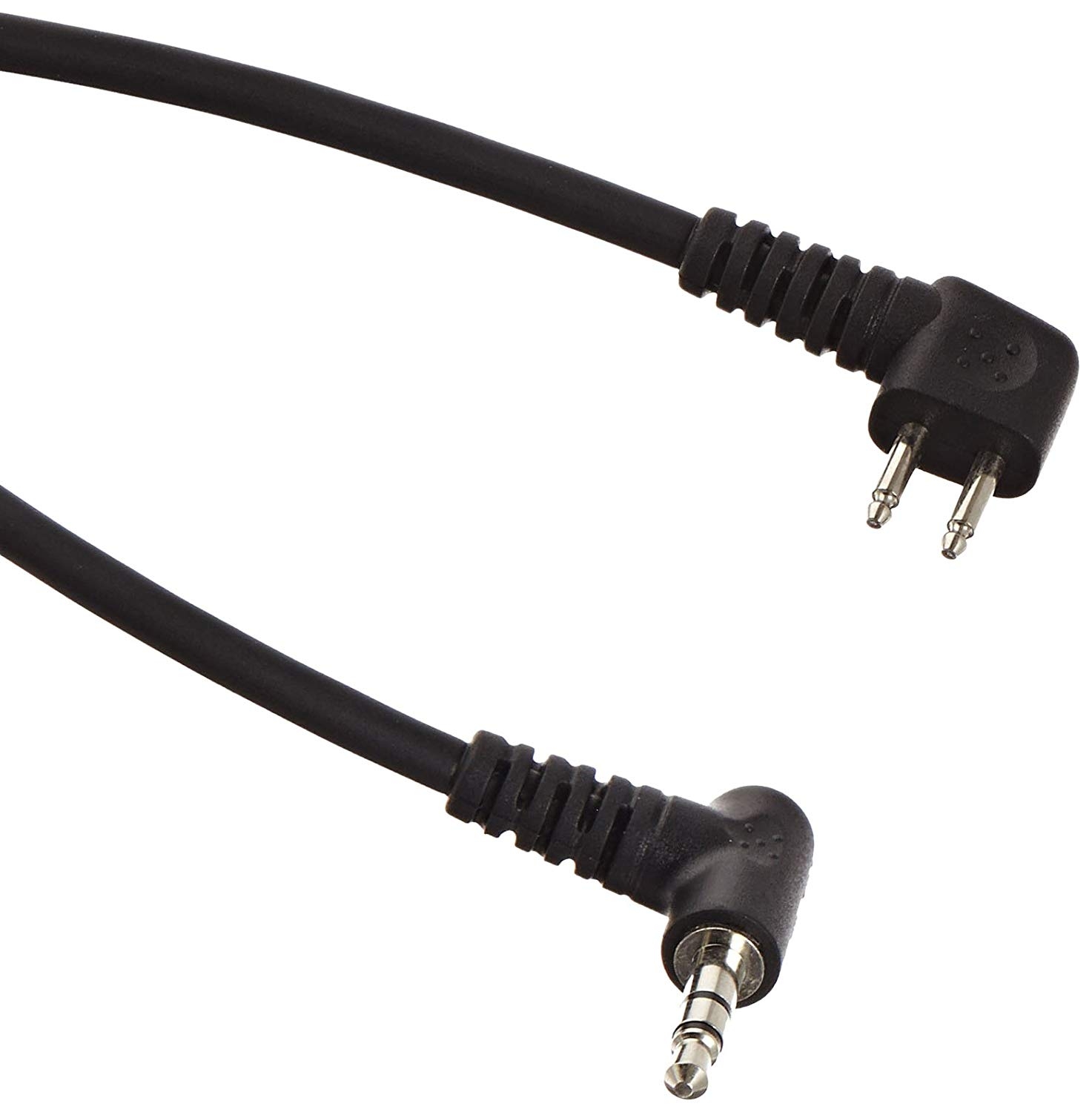
Cable 3.5 mm Jack Stereo for Peltor J22 - FL6N
£23.09
£14.99
-35%
Ref: PELFL6N

Peltor FLEX FLX2-21 cable for Motorola walkie talkie
£83.59
£75.99
-9%
Ref: PELFLX221
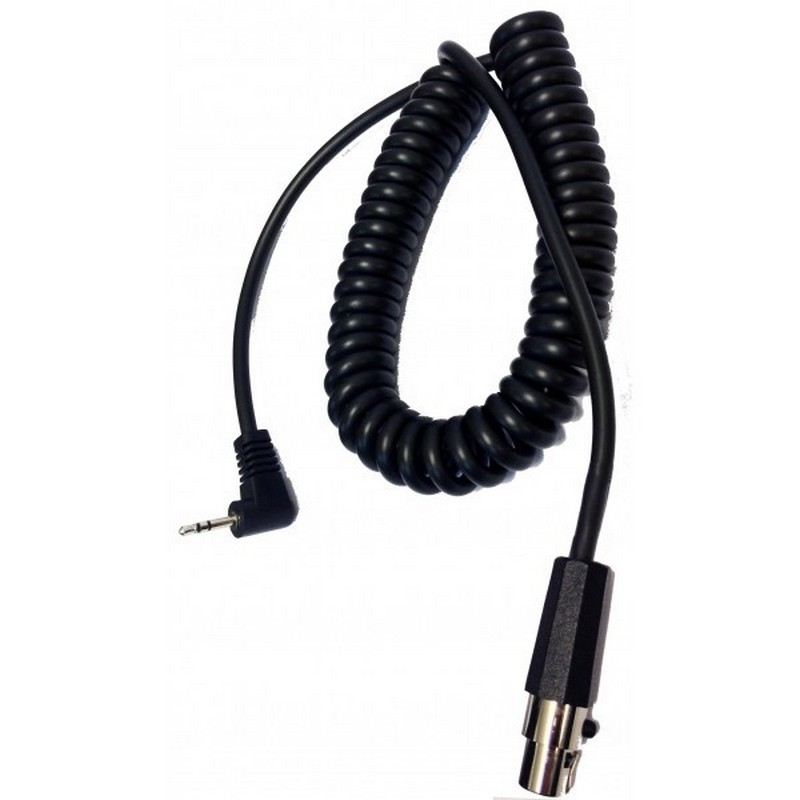
3M Peltor FLX2-ASDM6 Cable
£33.99
Ref: PELFLX2TLKR

Replacement eartips for LEP100 3M Peltor (L)
£4.99
Ref: PELTEPL
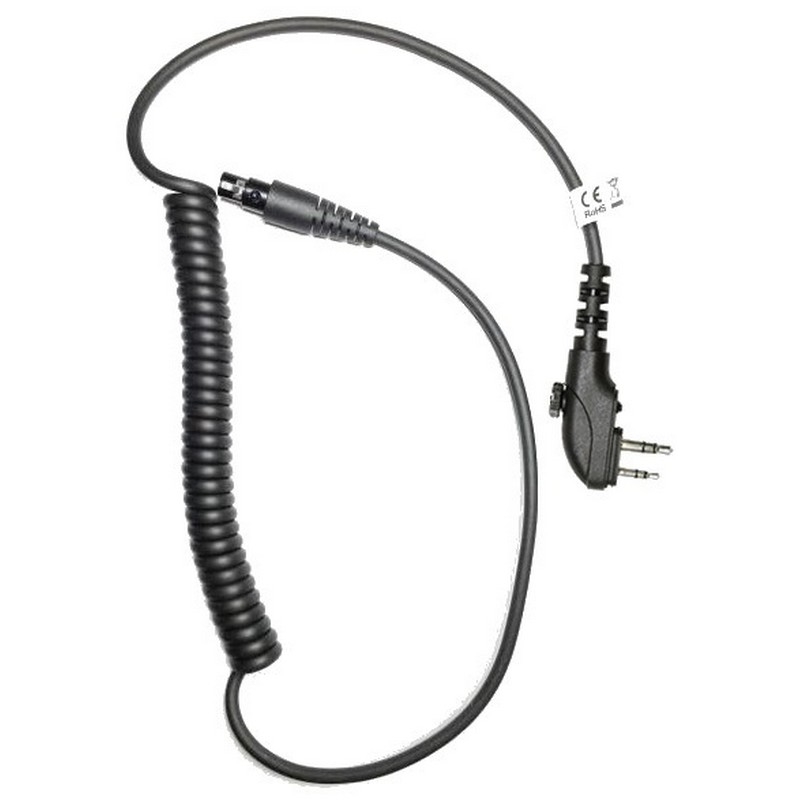
3M Peltor FLX2-ASDH3 Cable
£77.99
Ref: PELFLX2ASDH3
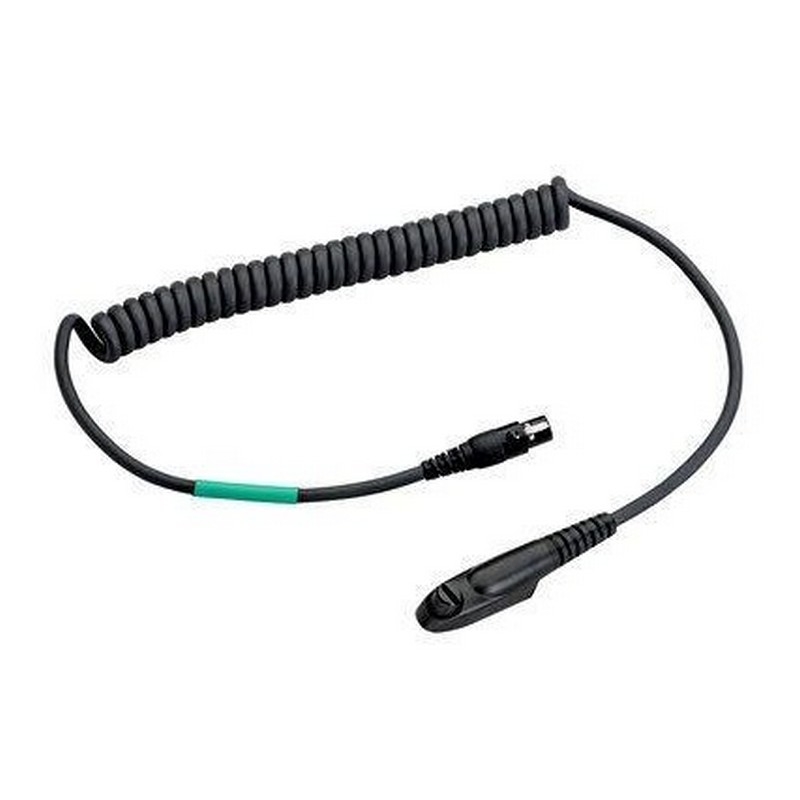
3M Peltor FLX2-65 cable
£75.89
£59.99
-21%
Ref: PELFLX265
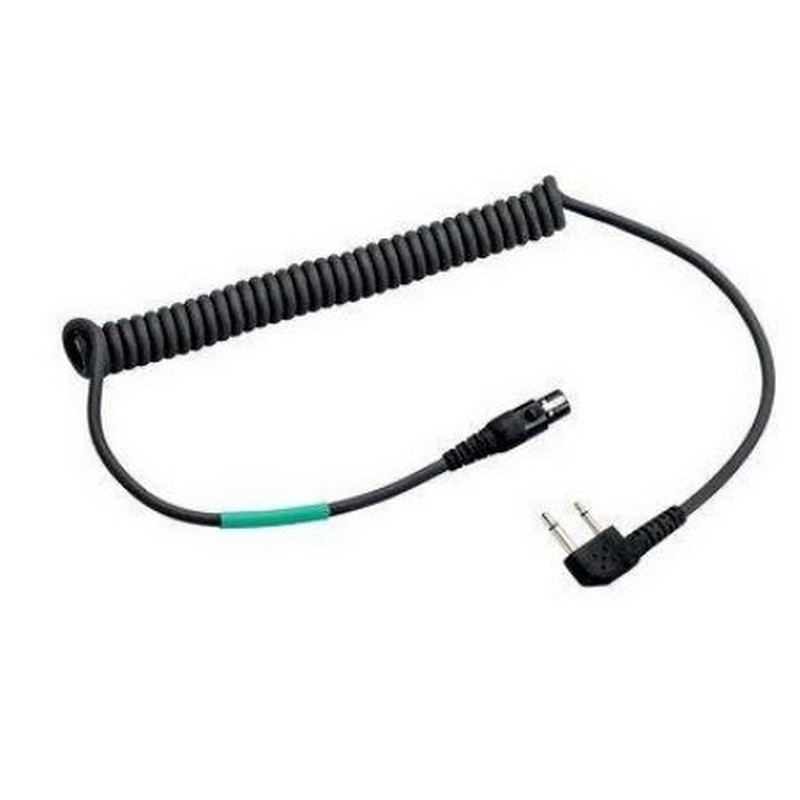
3M Peltor FLX2-35 Cable
£83.59
£75.99
-9%
Ref: PELFLX235
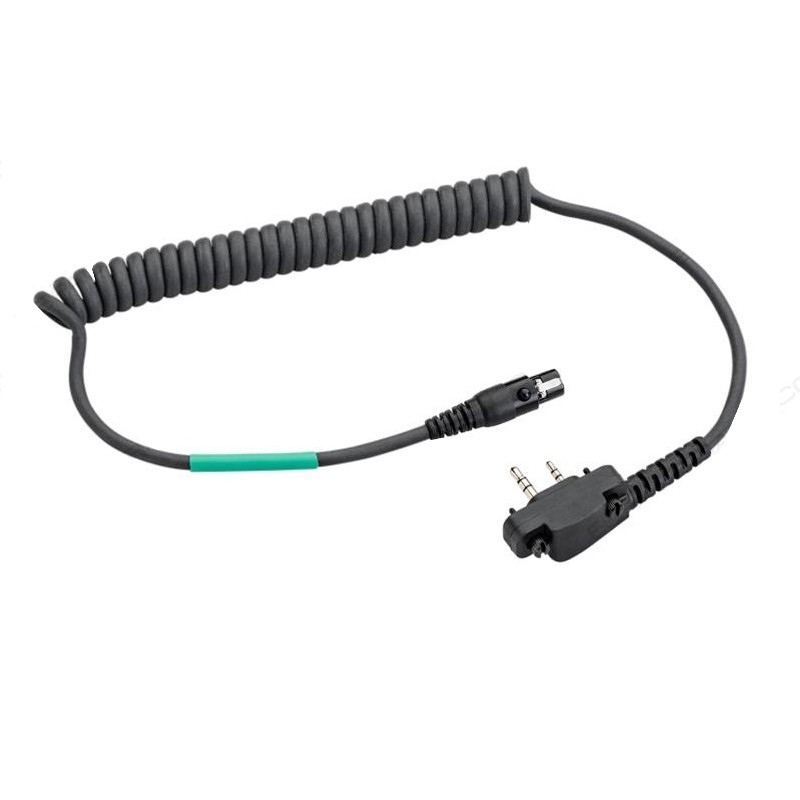
3M Peltor FLX2-64 cable
£105.59
£95.99
-9%
Ref: PELFLX264
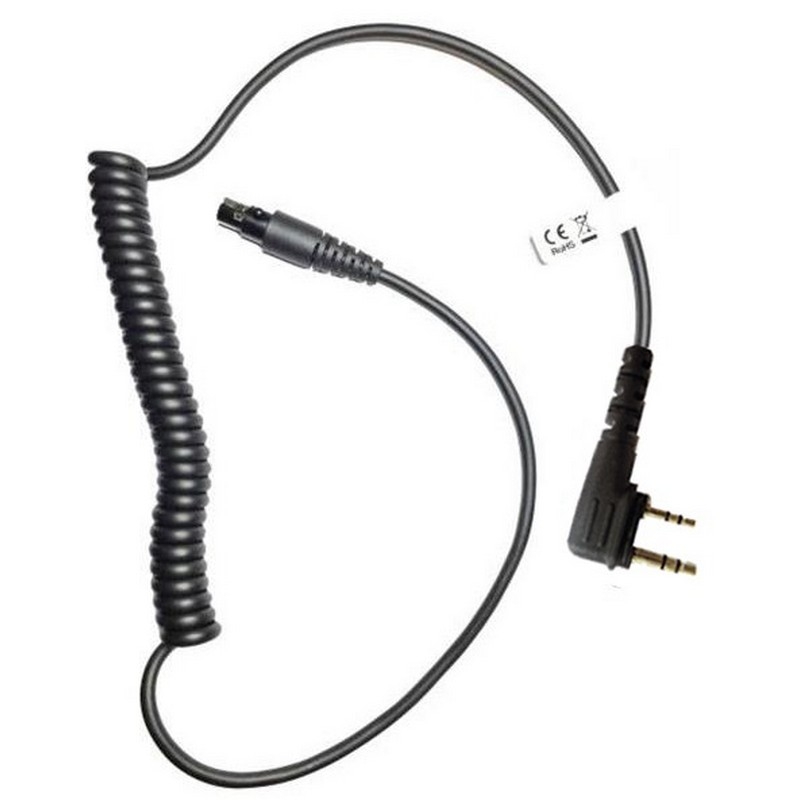
3M Peltor FL6U-ASD46T cable
£60.99
Ref: PELFL6UASD46T
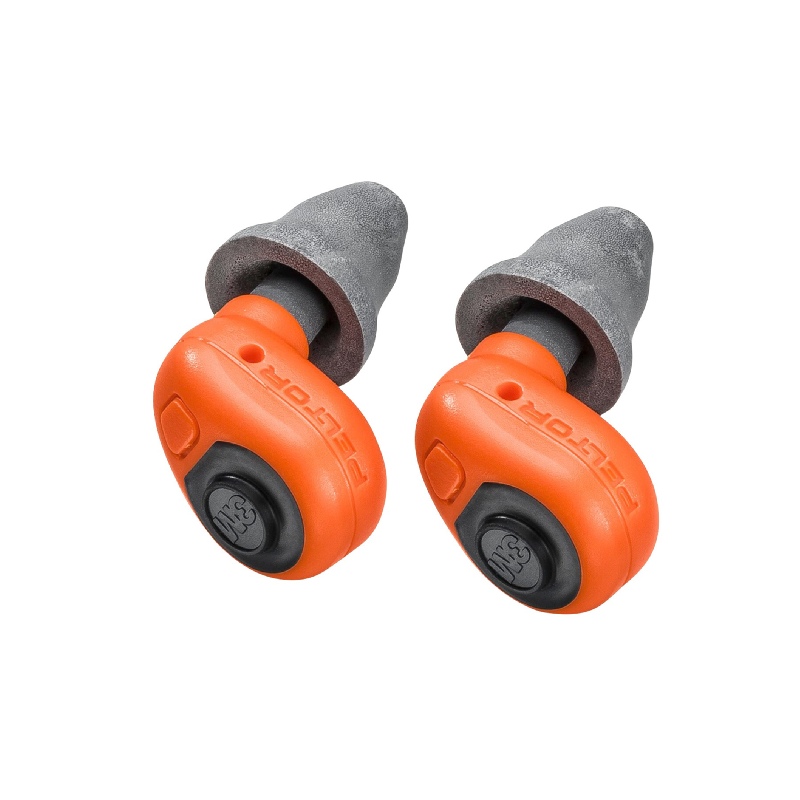
3M™ PELTOR™ EEP-100 Tapones electrónicos naranjas
£325.44
Ref: PELEEP100CH
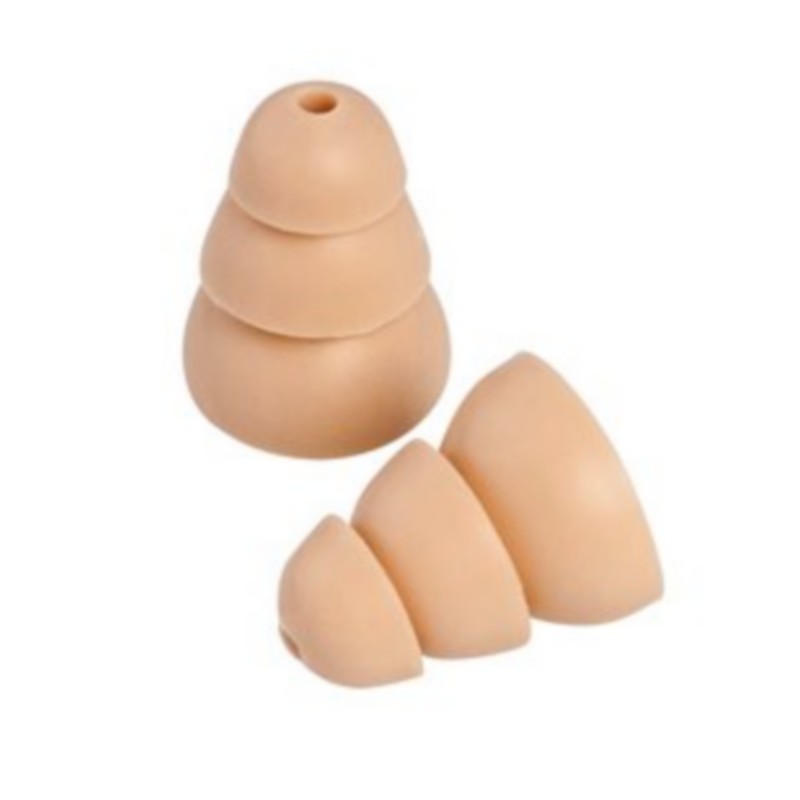
3M Peltor 370-TEPM-25 UltraFit Replacement Ear Tips Pack
£3.99
£2.99
-25%
Ref: PELTEPM

