Need help?
Professional advice available Monday to Friday, 8.30am-5.30pm Mon. to Fri. 8:30 a.m. – 6:30 p.m. 0333 123 3050 Call us!
brand
product-type
subcategory
info
PRICE
  • 0
    ,00 
    5 999
    ,00 

360º video conferencing


Revolutionise Your Meetings with 360º Video Conferencing Systems

Upgrade the way you connect with clients and colleagues using cutting-edge 360-degree video conferencing solutions. Designed to deliver full-room visibility and crystal-clear audio, these systems bring a new level of interaction to your hybrid meetings.

  • All-round visibility – Capture every angle of the room with panoramic video coverage
  • Smart speaker tracking – Automatically follows the active speaker for natural conversations
  • Plug & play simplicity – Easy integration with platforms like Zoom and Teams

Explore our full range of 360º video conferencing products to boost engagement and professionalism in every call.

1  - 4 of 4 results found
Kandao Meeting Pro

Kandao Meeting Pro

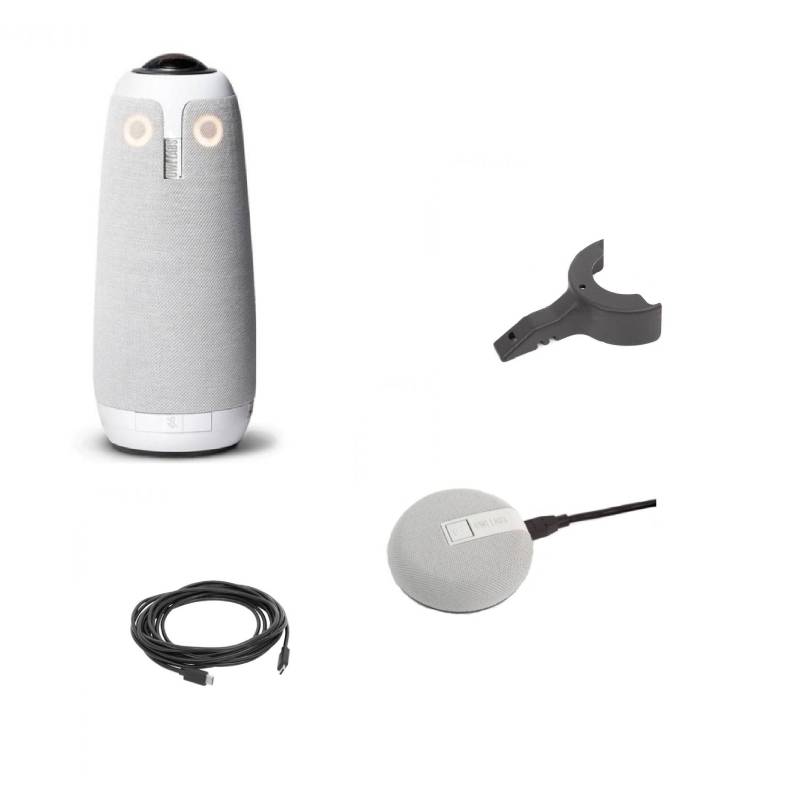
Push the limits with a four-in-one designKandao Meeting Pro is equipped with a 360-degree lens, an Omnidirectional audio system, a Hi-Fi speaker, and an embedded Android system, Kandao Meeting Pro camera has been designed to be the most powerful.Artificial Intelligence 2.0The Kandao Meeting Pro 360 conference camera applies a sophisticated algorithm to achieve efficient recognition, precise location, and tracking. The Kandao 360 Pro offers multiple conference modes to meet different requirements: Discussion mode, Global mode, Presentation mode, and Custom mode.Integrated operating systemWith the embedded Android system, your Kandao video conferencing system can be installed directly on the device. Updates are easy too.Multiple connection methodsKandao Meeting Pro 360 supports 1080P and 720P output and supports H.264 and MJPEG encoding formats. The Kandao 360 camera is flexible and integrates with most conferencing devices. The Kandao Meeting Pro conference can be connected by HDMI directly to the screen or by USB through a PC. The Kandao 360 camera also has a USB-A port to connect an external device and an SD card port to record your lectures.Adapt to any situationKandao Meeting 360 can adapt to any type of conference: business conferences, distance learning, or telemedicine.Features:Video output 1920 * 1080 @ 30fps, 1280 * 720 @ 30fps4K videoResolution 4000 * 2880 @ 30fpsVideo decoding MJPEG / H.264 Video bit rateMicrophone: 8 - Omnidirectional coverage 5.5m radius5W Hi-Fi speakerLight signal2 USB-C ports1 USB-A portBluetooth 4.1SD card slot up to 64GBRJ45 connectionWifi
£790.89
£752.99
-5%
Ref: KANMEEPRO
Yealink MVC S60

Yealink MVC S60

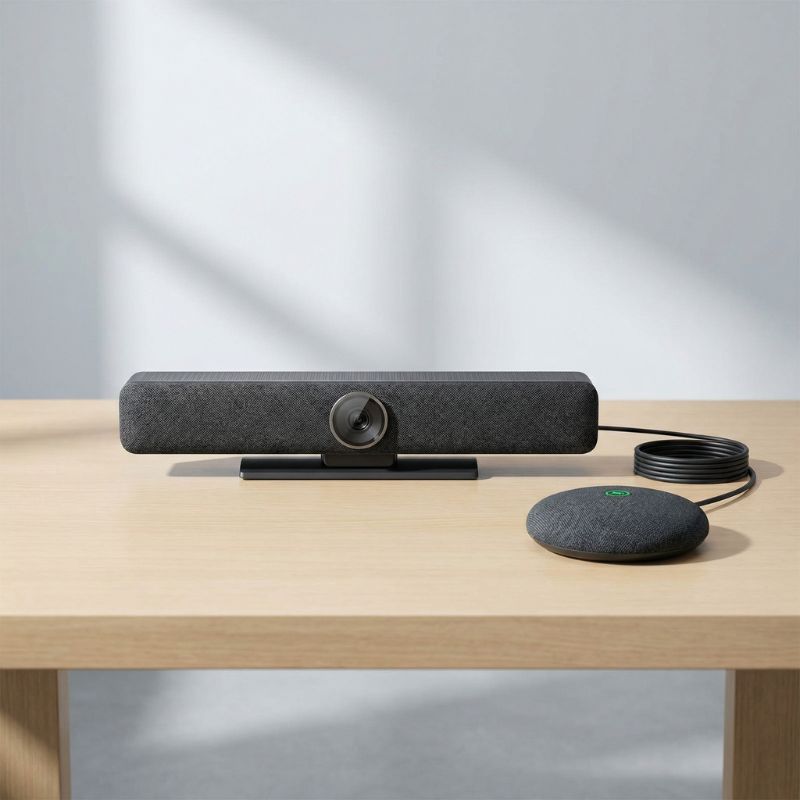
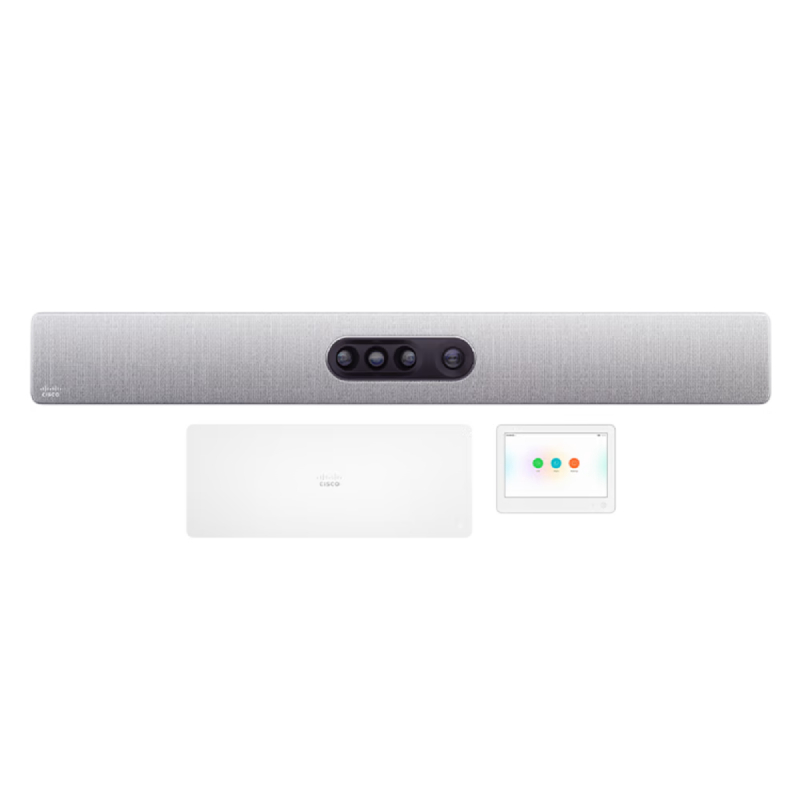
Yealink MVC S60 Microsoft Teams Rooms SystemThe Yealink MVC S60 has 360° image coverage and 10K resolution, so it offers sublime image quality to all participants and makes them feel a much more inclusive meeting experience, even when they are not there. No one will be excluded from the meeting, as the 360° camera frames every participant in the room on the screen.All participants will be heardThanks to its multi-functional microphones, the Yealink MVC S60 picks up audio from all participants within 6 meters at all angles and integrates artificial intelligence to improve sound quality.Cortana and voice note-takingThis all-in-one video conferencing camera from Yealink allows you to control meetings hands-free, you can ask Cortana to join a meeting, send a message, share a file, and more. You can also get quality automatic speech-to-text transcription with speakers identified by name.Total meeting control with Yealink MTouch PlusTake full control of your video conferencing with the Yealink MTouch Plus tablet, join meetings, hang up, set up sound, etc. In addition, by connecting the Yealink WPP30 device you can share 4K content via dongle, Airplay, Miracast, or Google Cast.A professional mini PCSuitable for connecting 3 screens in meeting rooms with a powerful CPU, a fast processor, and advanced AI functions. This compact intel core i5-powered computer has automated display control and signal adaptation via CEC codec and EDID. It is also a perfect space saver, as it has a simple connection with integrated data transmission and power supply in a single CAT5e cable. Connects with Yealink MTouch Plus. The 360º video conferencing system is certified for Microsoft Teams Rooms to simplify meeting room joining. Features:Camera:Camera system: 10K dual-lens 360° camera systemDigital zoom: 5x6+1 microphone arrays for audio with AI6 microphone arrays for meeting audioSpeaker: 7 WTeams multi-stream people feedAutomatic trackingTablet:Resolution: 1920 x 1080Angle adjustment (30º - 70º)Adjustable desktop stand and wall mountingWPP20/WPP30 wireless content-sharing supportHDMI and USB-C HD video inputUsing only a CAT5E cable connect to Yealink mini-PCPC:Intel i5 quad-core 11 generationMemory: 8 GB (2*4 GB)Memory: 128 GB SSD3 HDMI outputs with CEC supportBluetooth and Wi-Fi1 x Yealink VCH port, connect to MTouch Plus4 x USB3.0
£4749.17
£3849.99
-19%
Ref: YEALINKMVCS60UK
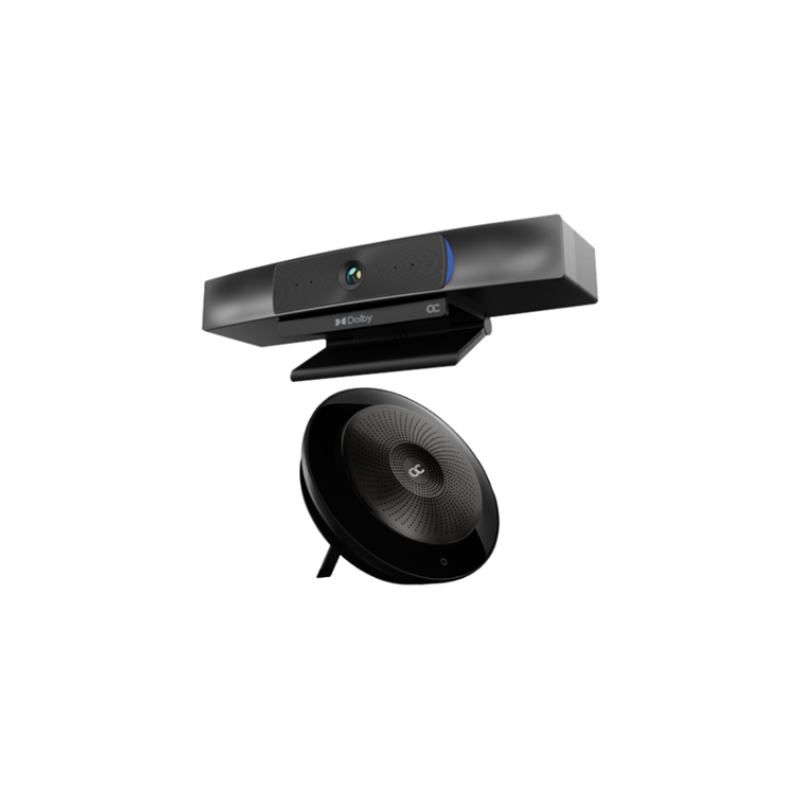
AudioCodes RXV100 Room Bundle for Microsoft Teams Room

AudioCodes RXV100 Room Bundle for Microsoft Teams Room

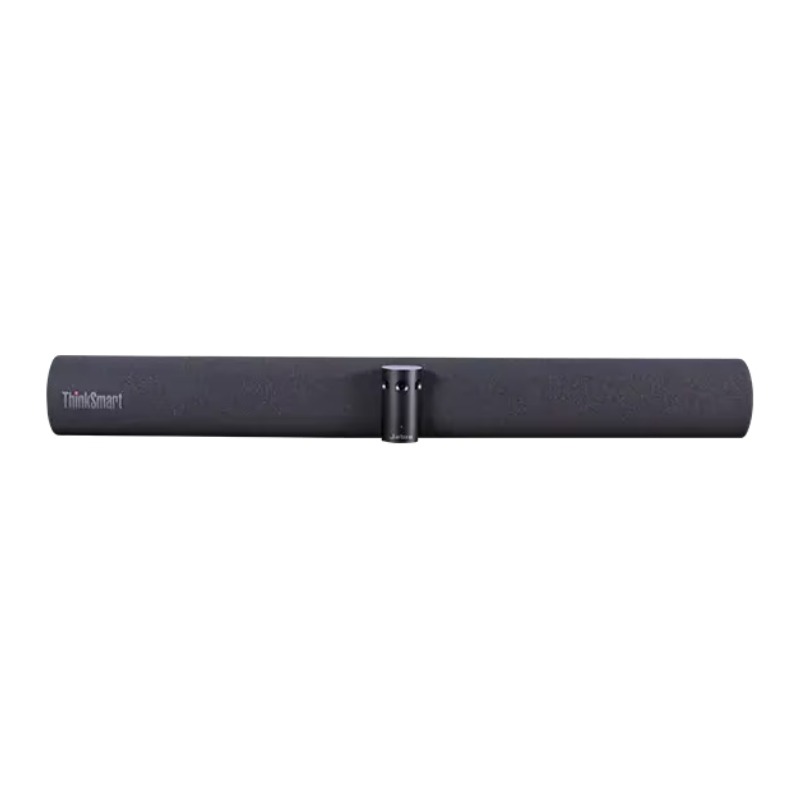
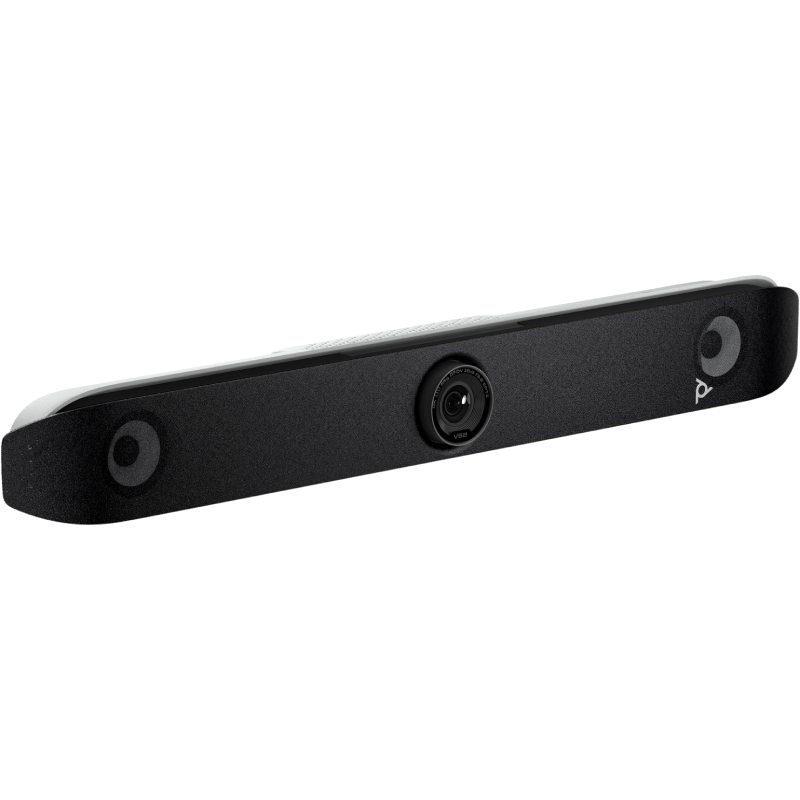
HD video conferencing meetings with touchscreen displayThe RXV100 AudioCodes is a video conferencing solution comprising of the Lenovo ThinkSmart Hub for Teams and the AudioCodes RXVCam50 video bar. This all-in-one video conferencing solution is certified for Teams Rooms on Windows devices to facilitate communication and collaboration for meeting participants.Simplified collaborationDeveloped with the goal of empowering meeting rooms, the Lenovo ThinkSmart Hub is a key component for medium-sized workspaces of 2 to 15 people and is an all-in-one collaboration appliance for bringing intelligence to your self-contained meeting spaces. This scalable solution adapts perfectly to medium-sized meeting rooms, as it has multiple connection ports dedicated to the installation of additional audiovisual modules so that you can enjoy an exceptional quality of exchange, whatever the configuration of your meeting space.The RXV100HUB is a 10.1" touchscreen display running on Teams. The collaboration between Lenovo and AudioCodes intends to simplify users' meeting experience. With one-click-join and meet now, you can join a meeting in no-time on your mobile, PC or tablet running on Microsoft Teams. In addition, the ThinkSmart Hub enables content sharing on the TV screen.Oustanding HD featuresThe RXV100 bundle for midsize meeting rooms comes with the AudioCodes RXV50 video bar. The 4K AudioCodes conference camera will provide high-quality in all your meeting rooms with Auto framing and AI Face enhancement features. In addition, you can control the zoom, desired angle and framing thanks to the included remote control.Crystal clear communicationWith ultra-low noise and volume control for participants, you can enjoy distraction-free communication and superior acoustic design in all your meeting rooms. The RXV100Hub has built-in audio system with exceptional audio quality. With 4 premium-tuned speakers and 4 omidirectional mics integrated, your participants will enjoy a 360º audio capture in the meeting room.Optimized for MS TeamsCertified and dedicated to Microsoft Teams, the ThinkSmart Hub Lenovo offers maximum security for users through a unique, proprietary ThinkShield process. This comprehensive security solution protects BIOS, privacy, and all company data, while the operating system that powers the device, Windows 10 IoT, offers a higher level of security than Android to ensure a secure connection every time. Quick start & easy control Start a Microsoft Teams meeting in minutes with Lenovo ThinkSmart standalone solution and avoid meeting delays. Go to your equipped collaboration space and find the unit already turned on with the IR presence sensor, which automatically turns on when someone enters the room, log in to your Teams session with your credentials, and with a tap of your finger, select the meeting you want to start and it will instantly start, and activate all the equipment in the room. Share your content directly from your PC, simply by connecting your PC to the Hub with an HDMI cable. Manage your hardware settings with a few clicks using ThinkSmart Manager software available on PC and mobile, this application offers the opportunity to deploy, monitor, manage and troubleshoot all Hub devices, all from a central location.Easy installationThe Smart One Cable dock will reduce tabletop clutter in providing a smart cable management system. Keep your collaboration space looking great with Lenovo's unique ThinkSmart OneCable cabling system and reduce the clutter in your room by running all connection cables through a single, sleek, discrete enclosure. Enhance your productivity with a neater office or meeting space.  Features:Lenovo ThinkSmart Hub:All-in-one collaboration deviceIncludes a control tablet with a large 25.65cm 360° rotating touch screenFull HD 1920 x 1080-pixel resolution tablet, anti-glare and dirt resistantIntel UHD Graphics 620Intelligent HD audio technologyIntegration of 4 high-end 3W speakers4 dual 360° digital microphones with a wide operating range of 9 meters in diameterIR sensor presence detection to instantly turn on the ThinkSmart HubIndicators: LED call status indicator located on the column and top of the touch controllerScalable solution: can cover different types of rooms by adding the appropriate accessories10.1" touch screen with 16:10 aspect ration, 360-degree totatable, anti-glare and smudge resistantAll-in-one professional smart collaboration deviceProvides a complete stand-alone meeting spaceDesigned for small to medium sized business spaces (2-15 people)Microsoft Teams certified and dedicated solutionMaximum security: Lenovo ThinkShield for BIOS, privacy and data protectionSecurity Modules: TPM 2.0; I/O Lock; USB Smart Lock; ThinkSmart OneCable system; Kensington MiniSaver security slotThinkSmart Manager application: update management, settings control and device monitoringProcessor: Intel Core i5-8365u 8th generationOperating system: Windows 10 IoT Enterprise SACMemory: 8GB DDR4, 2400MHz + 128GB PCIe TLC SSD storageConnectivity: Wi-Fi 802.11ac 2x2; 802.11 A/B/G/n + Bluetooth Low Energy 5.0Ports and Interfaces: 1 HDMI reception; 1 USB-C 3.2 port; 1 USB-A 3.2 port; 2 HDMI ports; 1 RJ45 port; 1 combo headphone/mic connector; 1 power inputProduct dimensions (H x D x W): 18.5 x 24 x 20cmNet product weight: 2.47kgsExtended manufacturer's warranty (3 years)RXV50Cam Image Sensor 1/2.5 inch high quality 4K CMOS sensorEffective Pixels 8.28MP, 16:9Video Output USB3.0, Type B.Support for audio signal output.Video Resolution Main stream: 3840×2160 @30fps, 1920×1080P @30fps/25fps, 1280×720P@30fps/25fps Sub stream: 1280×720P@30fps/25fps, 640×480P@30fps/25fps, 320×172P@30fps/25fpsAngle of View 126° (D) / 120°(H) / 85°(V)Focal Length f=2.72mmIris F2.5Minimum Illumination 0.1Lux (F1.8, AGC ON)Digital Zoom 4xDNR 2D & 3D DNRUSBOperating System Windows 7 (1080P/720P), Windows 8.1, Windows 10, macOS™ 10.10 and above, Linux (UVC)Video Compression YUY2, MJPG, H.264, H.265USB Protocol UVC, UACInput Current PTZ controlHardware Request 2.4 GHz Intel Core 2 Duo processor or better, 2GB capacity or more, USB 2.0, input (USB3.0 for 4K)Other ParametersInput Voltage DC 5VInput Current 1A (Max)Power Consumption 5W (Max)Store Temperature -10°C~+60°CStore Humidity 20%~90%Working Temperature -10C°~+50°CWorking Humidity 20%~80%Dimensions 220mm x 93.75mm x 56.5mmApplication IndoorAccessories, User manual, USB3.0 cable, remote controller
£3165.82
£3140.99
-1%
Ref: AURX1B20UK
AudioCodes RXV100 Meeting Room Bundle for Microsoft Teams

AudioCodes RXV100 Meeting Room Bundle for Microsoft Teams

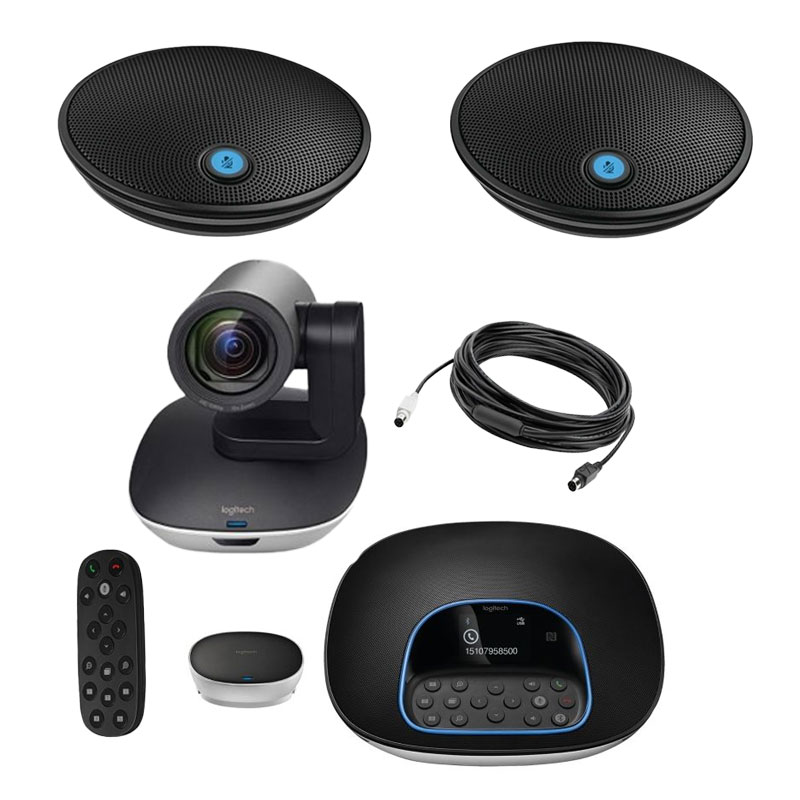
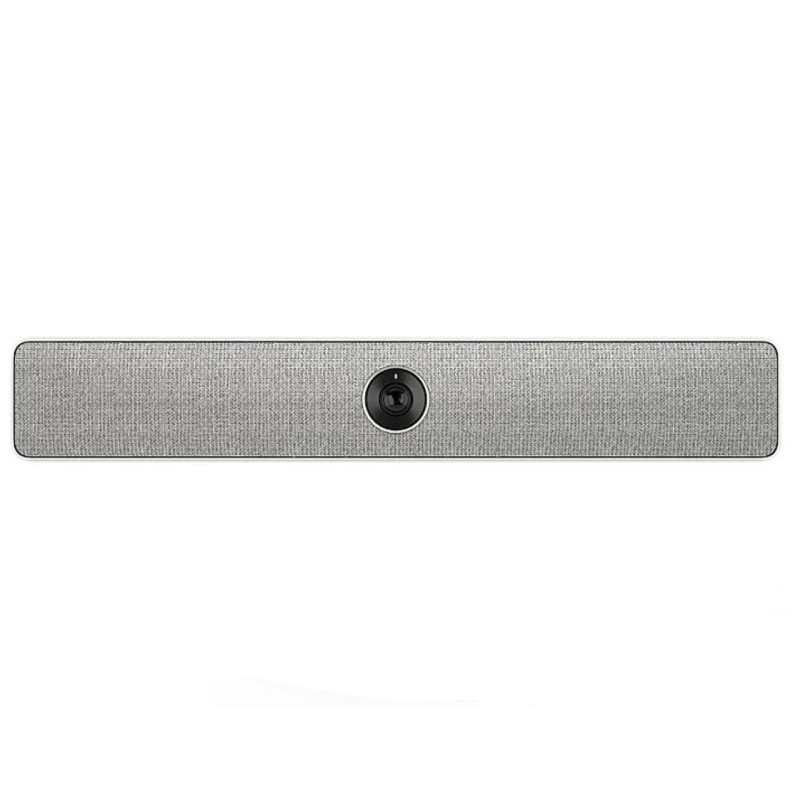
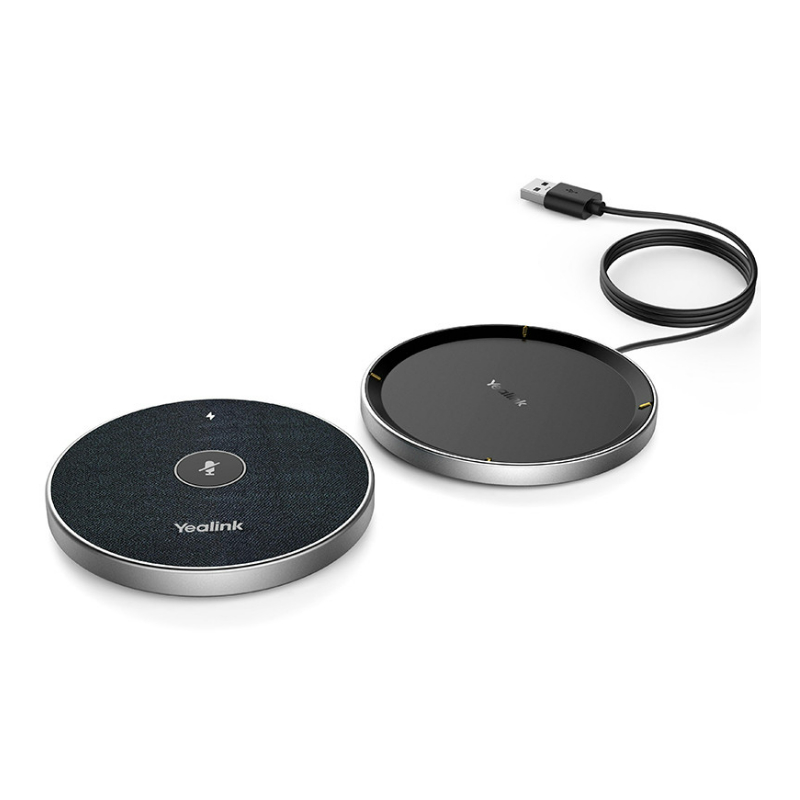
HD video conferencing meetings with touchscreen displayThe RXV100 AudioCodes is a video conferencing solution comprising of the Lenovo ThinkSmart Hub for Teams, the AudioCodes RXVCam50 video bar, and the AudioCodes RXV50 conference phone. This all-in-one video conferencing solution is certified for Teams Rooms on Windows devices to facilitate communication and collaboration for meeting participants.Simplified collaborationDeveloped with the goal of empowering meeting rooms, the Lenovo ThinkSmart Hub is a key component for medium-sized workspaces of 2 to 15 people and is an all-in-one collaboration appliance for bringing intelligence to your self-contained meeting spaces. This scalable solution adapts perfectly to medium-sized meeting rooms, as it has multiple connection ports dedicated to the installation of additional audiovisual modules so that you can enjoy an exceptional quality of exchange, whatever the configuration of your meeting space.The RXV100HUB is a 10.1" touchscreen display running on Teams. The collaboration between Lenovo and AudioCodes intends to simplify users' meeting experience. With one-click-join and meet now, you can join a meeting in no-time on your mobile, PC or tablet running on Microsoft Teams. In addition, the ThinkSmart Hub enables content sharing on the TV screen.Oustanding HD featuresThe RXV100 bundle for midsize meeting rooms comes with the AudioCodes RXV50 video bar. The 4K AudioCodes conference camera will provide high-quality in all your meeting rooms with Auto framing and AI Face enhancement features. In addition, you can control the zoom, desired angle and framing thanks to the included remote control.Crystal clear communicationWith ultra-low noise and volume control for participants, you can enjoy distraction-free communication and superior acoustic design in all your meeting rooms. The RXV100Hub has built-in audio system with exceptional audio quality. With 4 premium-tuned speakers and 4 omidirectional mics integrated, your participants will enjoy a 360º audio capture in the meeting room. Will full-room pickup you can hear and be heard within a 6-metre pickup range. In addition, the RX50 conference phone comes with dynamic leveling allowing to filter discrations with noise reduction. Full duplex and 360º audio capture will provide outstanding audio quality to your meetings.Optimized for MS TeamsCertified and dedicated to Microsoft Teams, the ThinkSmart Hub Lenovo offers maximum security for users through a unique, proprietary ThinkShield process. This comprehensive security solution protects BIOS, privacy, and all company data, while the operating system that powers the device, Windows 10 IoT, offers a higher level of security than Android to ensure a secure connection every time. Quick start & easy control The RX50 Conference Phone's touch screen panel will simplify meeting and device management thanks to the fully integrated AudioCodes Device manager. The integrated Device Manager will centralize management and monitoring by the enterprise IT team.Start a Microsoft Teams meeting in minutes with Lenovo ThinkSmart standalone solution and avoid meeting delays. Go to your equipped collaboration space and find the unit already turned on with the IR presence sensor, which automatically turns on when someone enters the room, log in to your Teams session with your credentials, and with a tap of your finger, select the meeting you want to start and it will instantly start, and activate all the equipment in the room. Share your content directly from your PC, simply by connecting your PC to the Hub with an HDMI cable. Manage your hardware settings with a few clicks using ThinkSmart Manager software available on PC and mobile, this application offers the opportunity to deploy, monitor, manage and troubleshoot all Hub devices, all from a central location.Easy installationThe Smart One Cable dock will reduce tabletop clutter in providing a smart cable management system. Keep your collaboration space looking great with Lenovo's unique ThinkSmart OneCable cabling system and reduce the clutter in your room by running all connection cables through a single, sleek, discrete enclosure. Enhance your productivity with a neater office or meeting space.  Features:Lenovo ThinkSmart Hub:All-in-one collaboration deviceIncludes a control tablet with a large 25.65cm 360° rotating touch screenFull HD 1920 x 1080-pixel resolution tablet, anti-glare and dirt resistantIntel UHD Graphics 620Intelligent HD audio technologyIntegration of 4 high-end 3W speakers4 dual 360° digital microphones with a wide operating range of 9 meters in diameterIR sensor presence detection to instantly turn on the ThinkSmart HubIndicators: LED call status indicator located on the column and top of the touch controllerScalable solution: can cover different types of rooms by adding the appropriate accessories10.1" touch screen with 16:10 aspect ration, 360-degree totatable, anti-glare and smudge resistantAll-in-one professional smart collaboration deviceProvides a complete stand-alone meeting spaceDesigned for small to medium sized business spaces (2-15 people)Microsoft Teams certified and dedicated solutionMaximum security: Lenovo ThinkShield for BIOS, privacy and data protectionSecurity Modules: TPM 2.0; I/O Lock; USB Smart Lock; ThinkSmart OneCable system; Kensington MiniSaver security slotThinkSmart Manager application: update management, settings control and device monitoringProcessor: Intel Core i5-8365u 8th generationOperating system: Windows 10 IoT Enterprise SACMemory: 8GB DDR4, 2400MHz + 128GB PCIe TLC SSD storageConnectivity: Wi-Fi 802.11ac 2x2; 802.11 A/B/G/n + Bluetooth Low Energy 5.0Ports and Interfaces: 1 HDMI reception; 1 USB-C 3.2 port; 1 USB-A 3.2 port; 2 HDMI ports; 1 RJ45 port; 1 combo headphone/mic connector; 1 power inputProduct dimensions (H x D x W): 18.5 x 24 x 20cmNet product weight: 2.47kgsExtended manufacturer's warranty (3 years)RXV50Cam Image Sensor 1/2.5 inch high quality 4K CMOS sensorEffective Pixels 8.28MP, 16:9Video Output USB3.0, Type B.Support for audio signal output.Video Resolution Main stream: 3840×2160 @30fps, 1920×1080P @30fps/25fps, 1280×720P@30fps/25fps Sub stream: 1280×720P@30fps/25fps, 640×480P@30fps/25fps, 320×172P@30fps/25fpsAngle of View 126° (D) / 120°(H) / 85°(V)Focal Length f=2.72mmIris F2.5Minimum Illumination 0.1Lux (F1.8, AGC ON)Digital Zoom 4xDNR 2D & 3D DNRUSBOperating System Windows 7 (1080P/720P), Windows 8.1, Windows 10, macOS™ 10.10 and above, Linux (UVC)Video Compression YUY2, MJPG, H.264, H.265USB Protocol UVC, UACInput Current PTZ controlHardware Request 2.4 GHz Intel Core 2 Duo processor or better, 2GB capacity or more, USB 2.0, input (USB3.0 for 4K)Other ParametersInput Voltage DC 5VInput Current 1A (Max)Power Consumption 5W (Max)Store Temperature -10°C~+60°CStore Humidity 20%~90%Working Temperature -10C°~+50°CWorking Humidity 20%~80%Dimensions 220mm x 93.75mm x 56.5mmApplication IndoorAccessories, User manual, USB3.0 cable, remote controllerRX50 Conference Phone:Supplementary features Call waiting, call hold, call transfer, conference call support, user presence, status changes, call park, Microsoft Exchange integration Audio featuresG.711μ/a, G.729A/B, G.722, AEC, wideband acoustic EC, PLC, silence suppression, VAD, adaptive jitter, 20 ft (6.1m) microphone pickup range,360 degrees audio capture, full duplex, noise suppression, Data protocols IPv4, TCP, UDP, ICMP, ARP, RTP, SRTP, RTCP-XR, 802.1x, static IP/DHCP IP assignment, IEEE 802.1p/Q, QoS/ToS, HTTP/HTTPS/DHCP, NTP, FTP/TFTP, ,CDP/LLDP VLAN configuration, SDES Security 802.1x, HTTPS, SIP over TLS and SRTP/SDES, configuration file encryptionLanguage support English, German, French User interfaceTouch interface, 4.3 inch touch LCD display (480x272), external tactic keys, mute ,volume controlNetwork and power Ethernet 10/100Base-T, IEEE 802.3af PoE (Class 3) EMC and safety UL60950-1, CAN/CSA C22.2, No. 60950- 1, CE Mark, FCC Class B ICES003 Class B, EN55022 Class B, EN300 328, EN55024Environmental Operating temperature: 32-1040 F / 0- 400 C Relative humidity: 20- 85% (noncondensing)Storage temperature: -22-1310 F / -30-550 C PhysicalDimensions and weight HxWxD 2.2x11.8x12.6 inch (5.6x30x32 cm) Net weight: 4 lb (1.8kg) Satellite microphone kit (optional)Pickup range extended by up to 6.5 ft (2m) per mic, 2 microphones per kit
£4666.65
£4183.99
-10%
Ref: AURX1B40UK

Complete Solutions for Immersive 360º Video Conferencing

360º video conferencing cameras are a game-changer for hybrid work environments, offering panoramic video capture and intelligent speaker tracking to recreate the dynamics of in-person meetings. These advanced systems are ideal for small to medium-sized meeting rooms where inclusivity and visual engagement are key. In the sections below, we’ll guide you through the benefits of using 360-degree video conferencing equipment, provide practical usage tips, answer common questions, and summarise why this technology is worth the investment for any forward-thinking business.

Benefits of Using 360º Video Conferencing Cameras

  • Full-room visibility for more engaging collaboration
    Unlike traditional webcams or directional PTZ cameras, 360º video conferencing devices provide a complete panoramic view of the room. This ensures every participant is visible on screen, making the experience more immersive and collaborative—especially useful in roundtable discussions or when multiple people speak.
  • Automatic speaker detection and tracking
    Equipped with AI-driven audio and visual sensors, many 360º cameras automatically highlight the active speaker. This feature creates a natural conversational flow, eliminating the need for manual camera adjustments and helping remote attendees follow discussions effortlessly.
  • Improved meeting equity in hybrid environments
    When some participants are in-person and others remote, 360-degree conferencing levels the playing field by giving everyone a clear, consistent view. No more feeling like a ‘fly on the wall’ for remote colleagues—the technology brings everyone into the room.
  • Easy integration with popular conferencing platforms
    Most 360º video conferencing systems are plug-and-play, compatible with leading UC platforms like Microsoft Teams, Zoom, and Google Meet. This makes them ideal for businesses looking to upgrade their setup without complex installations.
  • Professional-grade audio and noise cancellation
    Alongside advanced video features, many models include high-fidelity microphones and smart noise suppression. This ensures crystal-clear audio even in larger or noisier spaces, minimising misunderstandings during critical discussions.
  • Portable and flexible setups
    Some 360º conferencing cameras are compact and lightweight, perfect for teams that need flexibility. Whether you’re presenting in a huddle room, open workspace or remote site, they adapt quickly to different environments.

Usage Tips

To get the most out of your 360º video conferencing camera, place it at the centre of the meeting room table. This ensures all participants are equidistant from the lens, providing balanced video framing and optimised audio pickup. Make sure to keep the camera's line of sight clear—avoid placing objects or laptops too close, as they can block parts of the panoramic view and affect the user experience.

Regularly update the device’s firmware to benefit from the latest features and performance improvements. Pair your 360º conferencing camera with a high-speed internet connection and a dedicated USB hub for seamless integration. If your team uses multiple conferencing platforms, check the camera settings before each meeting to ensure it’s correctly configured. With these simple practices, you’ll enjoy stable, high-quality meetings every time.

Q&A

  • What’s the difference between a 360º camera and a traditional webcam?
    A 360º conferencing camera offers full-room coverage, capturing all participants at once. Traditional webcams have a fixed field of view and often require manual adjustments to track different speakers. The 360º solution enhances immersion and meeting equity, especially in group settings.
  • Do I need special software to use a 360º video conferencing camera?
    Most models are plug-and-play and do not require proprietary software. However, some advanced features like firmware updates, AI controls or camera modes may be managed through a companion app provided by the manufacturer.
  • Are 360º cameras suitable for large boardrooms?
    While they perform best in small to mid-sized rooms, certain models can support larger setups when paired with external mics and displays. For larger rooms, ensure your chosen device includes noise cancellation and high-range microphone arrays.
  • How secure are these devices for business use?
    Most reputable brands implement security protocols such as encrypted firmware, secure boot, and user authentication. For sensitive environments, it's advisable to check the manufacturer’s security documentation before purchase.
  • Can I record meetings with a 360º video conferencing system?
    Yes, many devices support local or cloud-based recording through your video conferencing platform. Check your provider's settings (Zoom, Teams, etc.) to enable recordings and manage permissions.

Summary

360º video conferencing solutions transform virtual meetings into natural, engaging conversations. Browse our range to find the right model for your team’s collaboration needs.

You may also be interested in