Need help?
Professional advice available Monday to Friday, 8.30am-5.30pm Mon. to Fri. 8:30 a.m. – 6:30 p.m. 0333 123 3050 Call us!
PRICE
  • 0
    ,00 
    5 999
    ,00 

Samsung screens

Samsung Screens for Enhanced Business Productivity

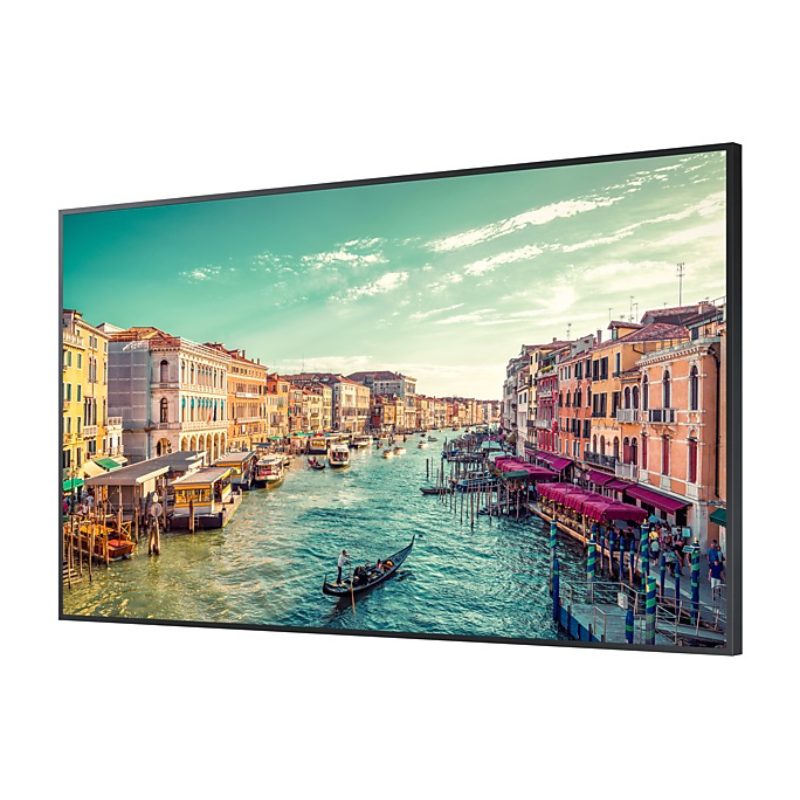
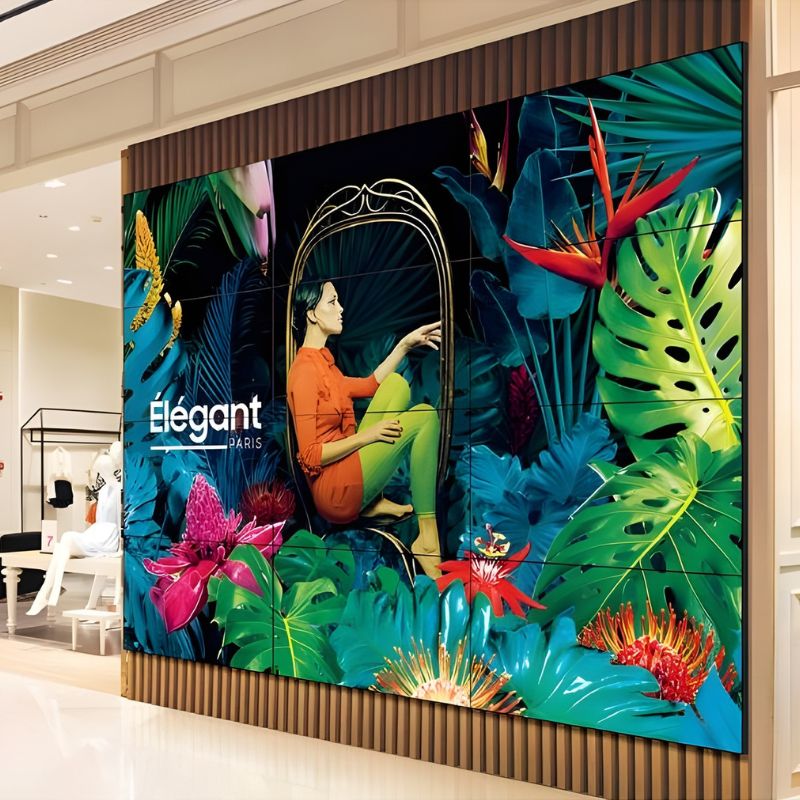
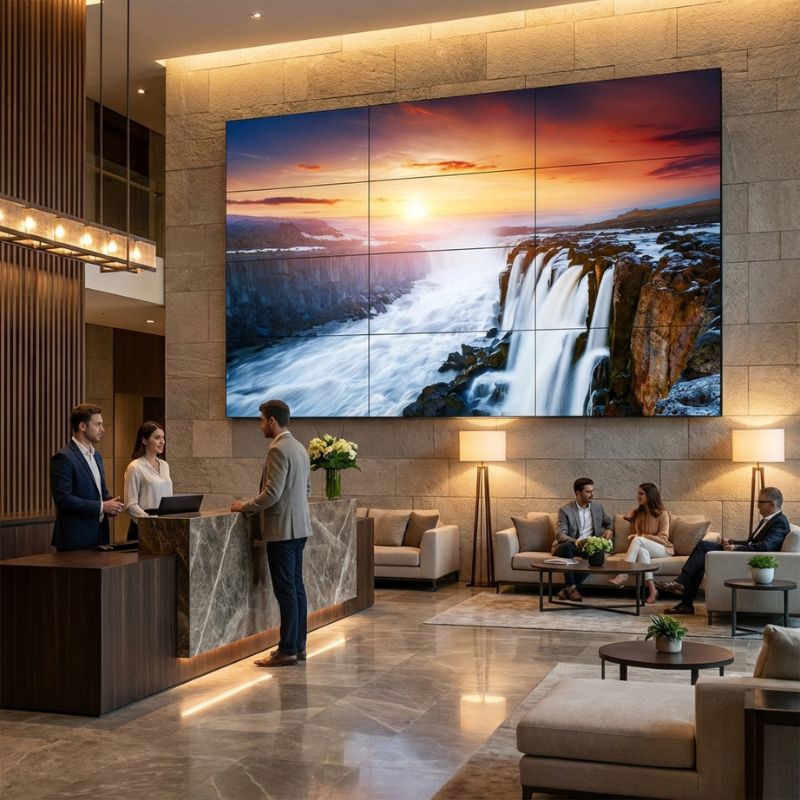
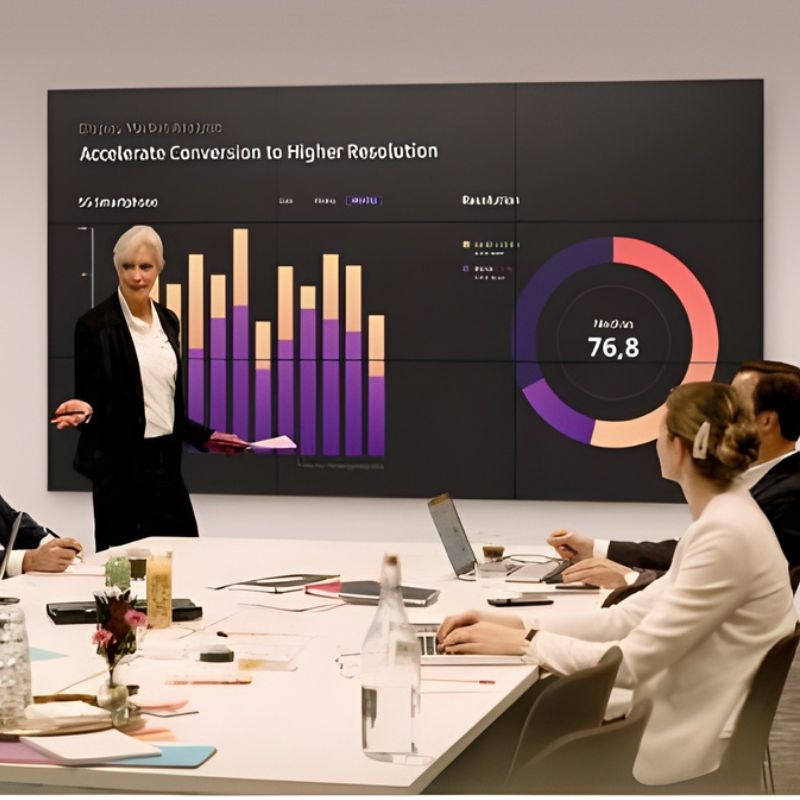
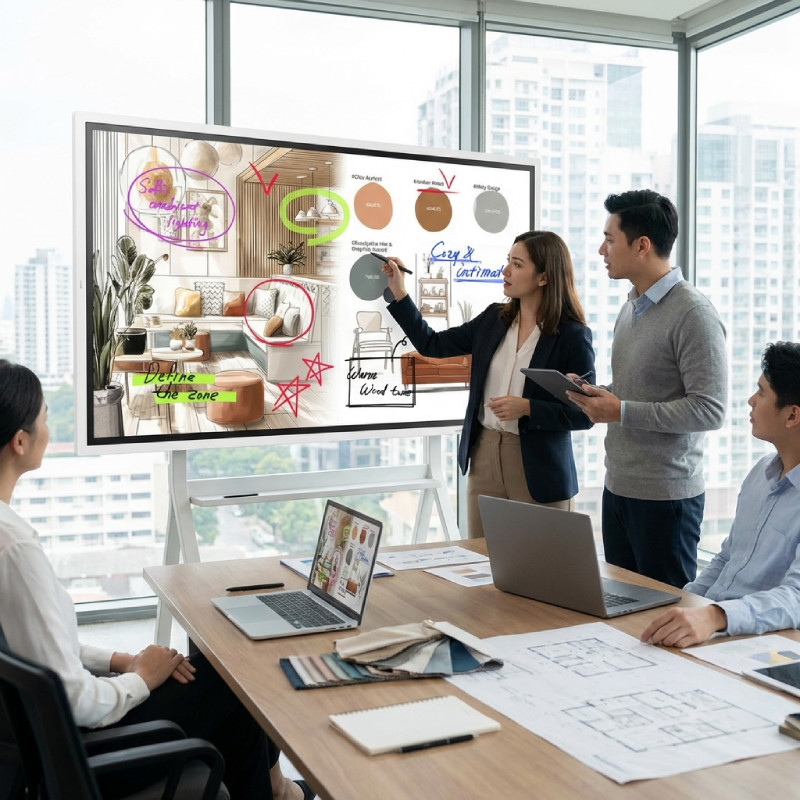
Samsung screens deliver sharp visuals and reliable performance, essential for modern workplaces. This guide highlights their core business benefits and features that cater to professionals across various sectors.

  • Improved Clarity: High-resolution displays ensure that all details are crisp and clear, enhancing overall productivity.
  • Versatile Connectivity: Multiple input options support compatibility with a range of devices, making setup easier across different workstations.
  • User-Friendly Features: Smart technologies simplify usage, providing an efficient experience during meetings or presentations.

Explore our full range to find the perfect Samsung screen for your business needs.
1  - 24 of 109 results found
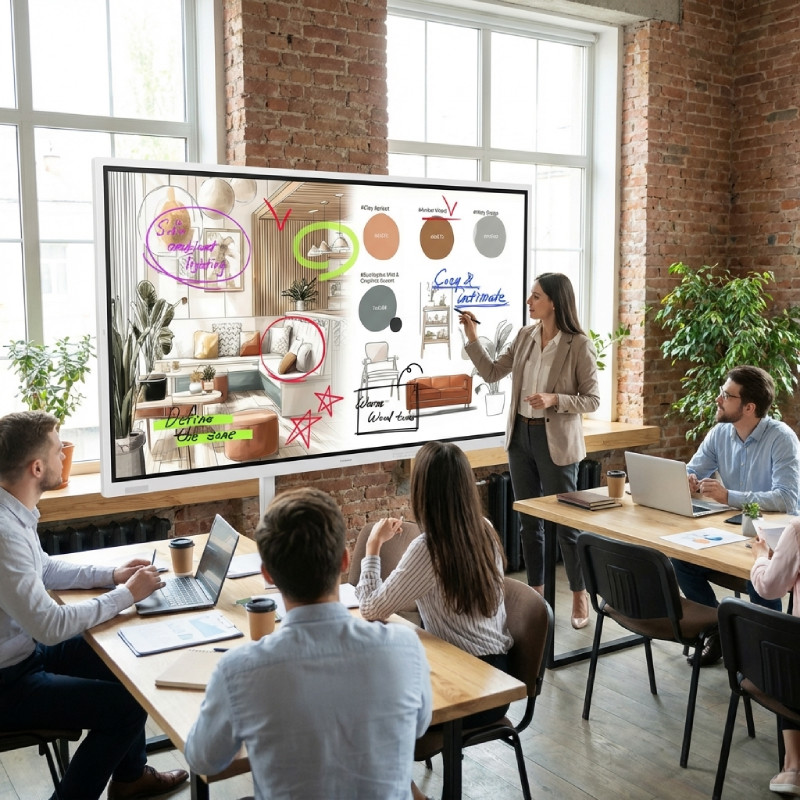
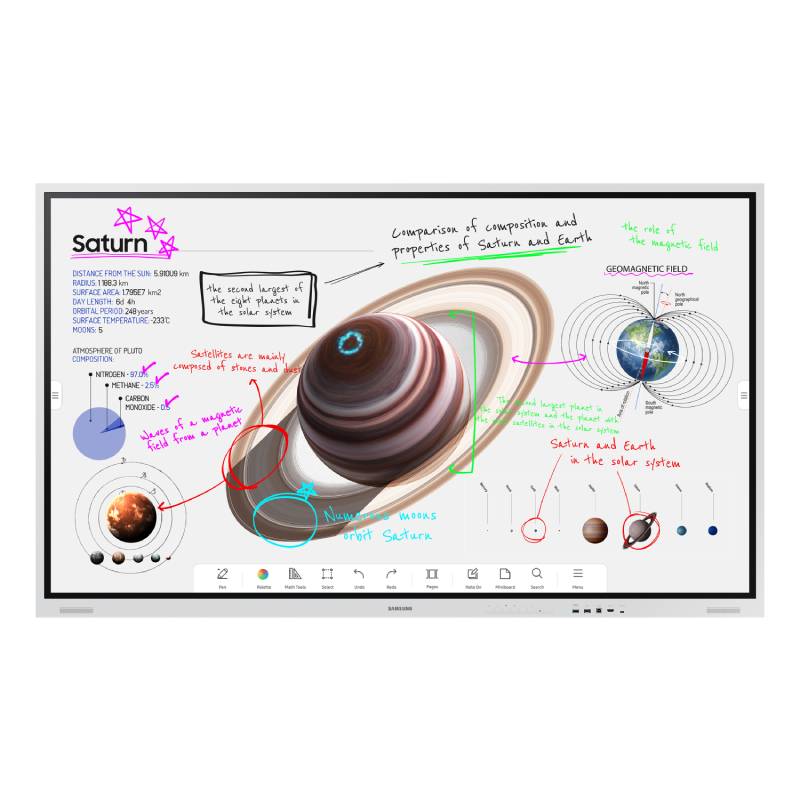
Samsung Flip Pro WMFX 55'' 4K interactive display

Samsung Flip Pro WMFX 55'' 4K interactive display

£1755.99
£1293.99
-26%
Ref: SA55WMFX
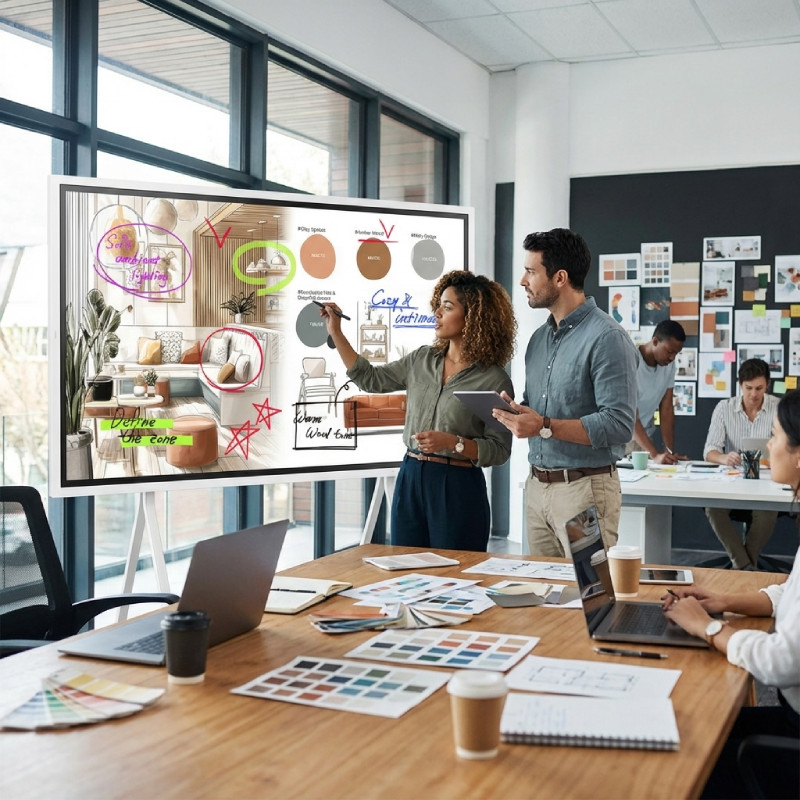
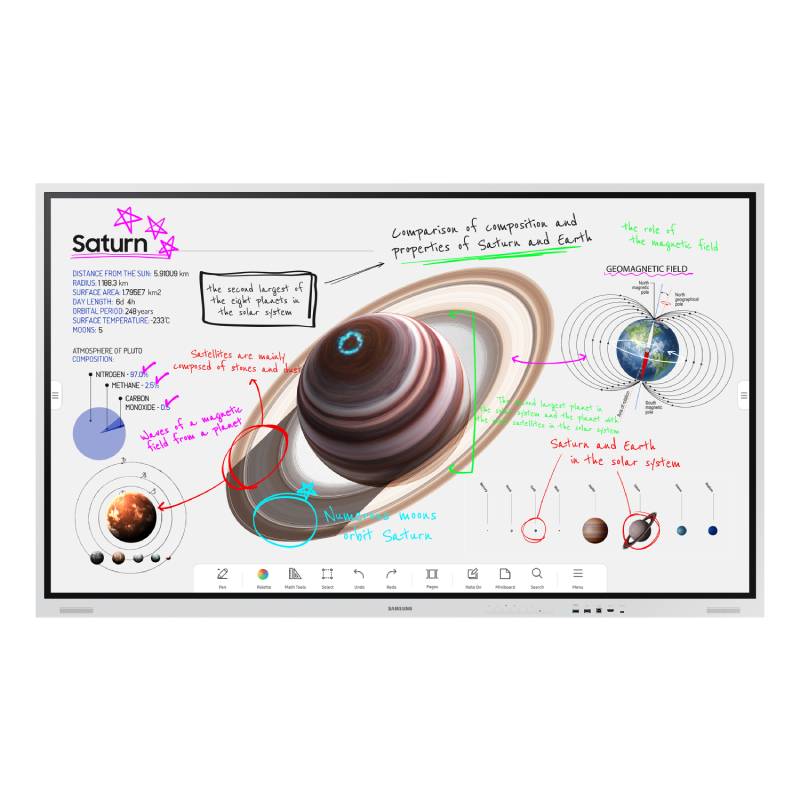
Samsung Flip Pro WMFX 65'' 4K interactive display

Samsung Flip Pro WMFX 65'' 4K interactive display

£2015.19
£1816.99
-10%
Ref: SA65WMFX
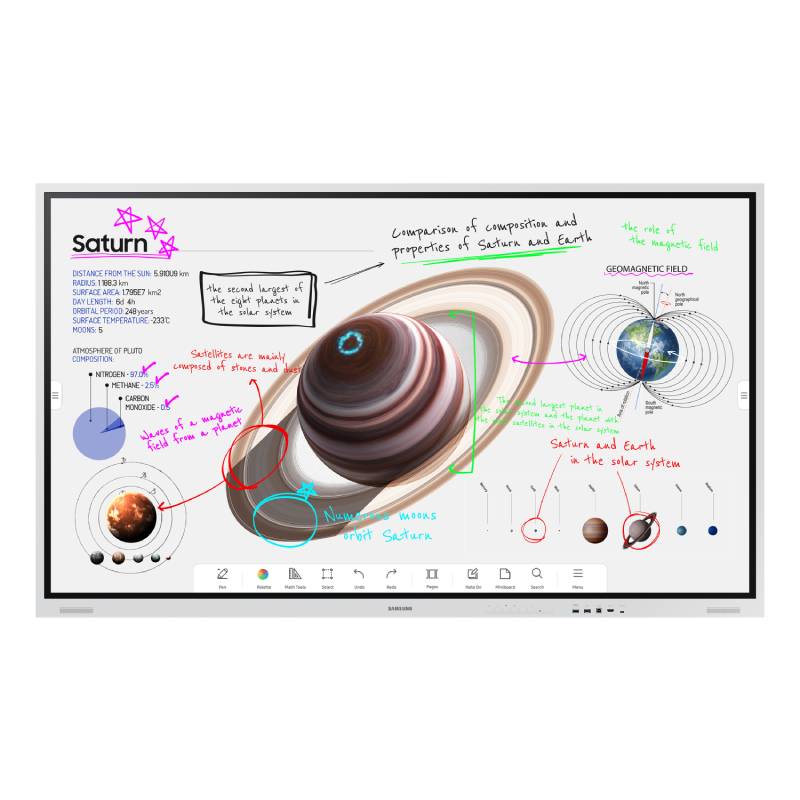
Samsung Flip Pro WMFX 85'' 4K interactive display

Samsung Flip Pro WMFX 85'' 4K interactive display

£3786.19
£3379.99
-11%
Ref: SA85WMFX
Samsung Flip Pro WMFX 75'' 4K interactive display

Samsung Flip Pro WMFX 75'' 4K interactive display

£2989.79
£2353.99
-21%
Ref: SA75WMFX
Samsung QBC 65''

Samsung QBC 65''

£1999.99
£1114.99
-44%
Ref: SAMQB65C
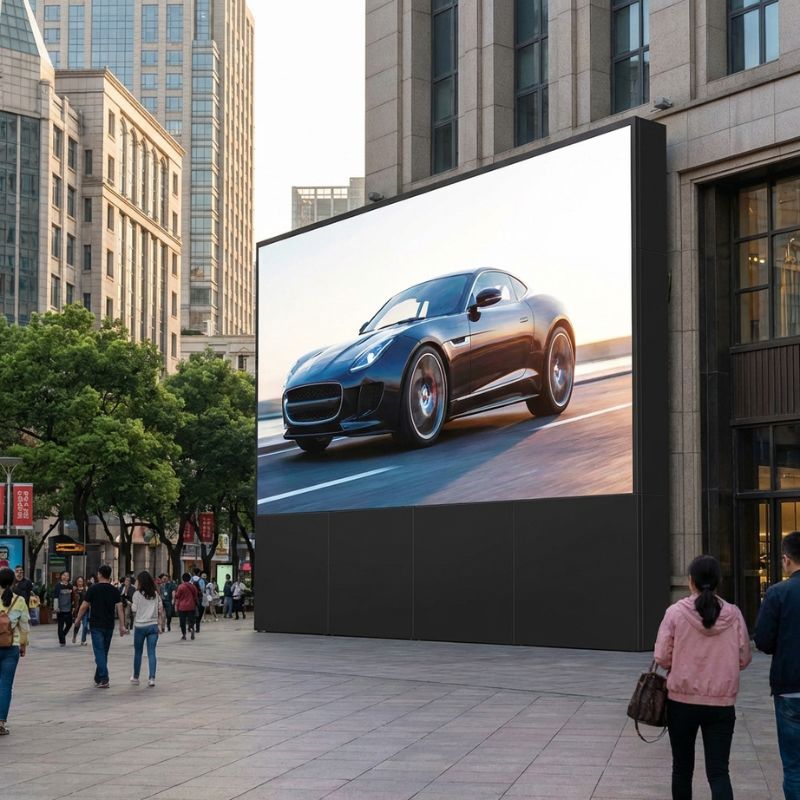
Samsung VMR-O Outdoor LED P3.9

Samsung VMR-O Outdoor LED P3.9

£4377.99
Ref: SAVM039RO
Samsung QH115F 115 Zoll 4K Signage Display

Samsung QH115F 115 Zoll 4K Signage Display

£15999.99
£14263.99
-11%
Ref: SALH115QHFEBGXEN
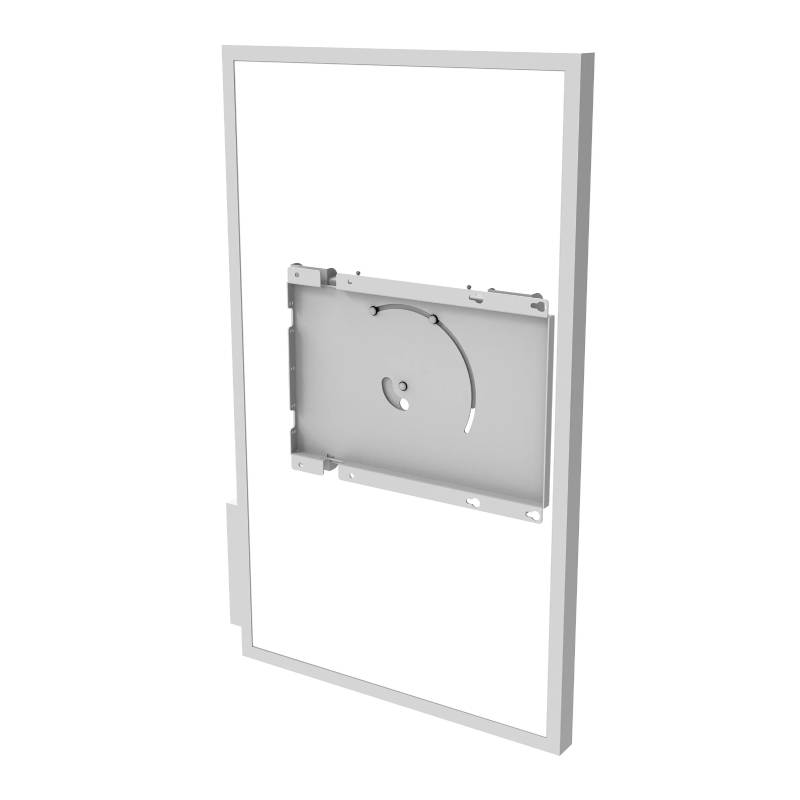
Rotating stand for Samsung Flip 55'' and 65''

Rotating stand for Samsung Flip 55'' and 65''

£469.69
£376.99
-20%
Ref: PEERLRMI3FL
Samsung BE43C-H

Samsung BE43C-H

£720.00
£534.99
-26%
Ref: SABE43CHUK
Samsung BE65C-H

Samsung BE65C-H

£1260.00
£853.99
-32%
Ref: SABE65CHUK
Samsung BE50C-H

Samsung BE50C-H

£900.00
£727.19
-19%
Ref: SABE50CHUK
Samsung QET 75'' Digital signage

Samsung QET 75'' Digital signage

£1863.00
£1421.99
-24%
Ref: SAQE75TUK
Samsung 65" Flip Pro WMB

Samsung 65" Flip Pro WMB

£2076.12
£1638.99
-21%
Ref: SAWM65BUK
Samsung 75" Flip Pro WMB

Samsung 75" Flip Pro WMB

£3294.12
£2472.99
-25%
Ref: SAWM75BUK
Samsung 85" Flip Pro WMB

Samsung 85" Flip Pro WMB

£4968.86
£3702.99
-25%
Ref: SAWM85BUK
Samsung QBC 55'' Digital Signage Display

Samsung QBC 55'' Digital Signage Display

£1101.54
£789.99
-28%
Ref: SAMQB55C
Samsung QBC 75 Inch 4K UHD Signage Display

Samsung QBC 75 Inch 4K UHD Signage Display

£1999.99
£1699.99
-15%
Ref: SAMQB75C
Samsung The Wall IA012B 110" FHD

Samsung The Wall IA012B 110" FHD

£78649.95
£32775.99
-58%
Ref: SAMLH012IABMHS
Samsung professional monitor Series QET - 43'' version

Samsung professional monitor Series QET - 43'' version

£582.99
Ref: SAQE43TUK
Samsung professional monitor Series QET - 65'' version

Samsung professional monitor Series QET - 65'' version

£1159.99
£1099.99
-5%
Ref: SAQE65TUK
Samsung QB98T-B

Samsung QB98T-B

£7770.39
£5774.99
-26%
Ref: SAQB98TBUK
SAMSUNG VM46BU Videowall

SAMSUNG VM46BU Videowall

£1320.99
Ref: SAVM46BU
Samsung Video Wall VHR-R 55''

Samsung Video Wall VHR-R 55''

£2974.99
£2716.99
-9%
Ref: SAVH55RR
SAMSUNG VM55BU Videowall

SAMSUNG VM55BU Videowall

£1787.99
Ref: SAVM55BU

Samsung Screens for Optimised Collaboration

Samsung screens, designed for business environments, are crucial tools that enhance both collaboration and individual productivity. In this guide, we will discuss their key features, advantages, and usage tips tailored specifically for IT managers and procurement teams looking to invest wisely in technology solutions.

Benefits of Using Samsung Screens

  • Compatibility: Samsung screens typically support both Windows and Mac systems. This flexibility allows easy integration into diverse IT ecosystems without requiring extensive setup or additional software.
  • Build Quality: Designed for long-term use, these monitors often feature robust construction that withstands daily wear in busy office settings. Their durability can reduce long-term replacement costs.
  • Diverse Size Options: Whether you're outfitting a large conference room or small huddle spaces, Samsung offers various sizes to fit any requirement while maintaining high-quality visuals across setups.
  • Energising Visuals: Many models include vibrant colour reproduction and high refresh rates which improve engagement during presentations or video conferences, ensuring your team stays focused on the task at hand.
  • User-Friendly Smart Features: Models equipped with smart capabilities allow users to access applications directly from the screen without needing an additional PC. This can streamline meetings by reducing reliance on various devices.
  • Easily Manageable: Centralised management features allow IT departments to handle firmware updates and settings adjustments across multiple devices effortlessly—beneficial in larger deployments aimed at maintaining consistency within the organisation.

Usage Tips

When setting up your Samsung screen, consider its positioning relative to natural light sources to avoid glare. Ideally, place it at eye level about 20 inches away from where you’ll be working. Ensuring adequate desk space can facilitate better ergonomics while also keeping wires managed neatly through cable management solutions. Maintenance is vital in preserving the performance of your display over time. Regularly check for firmware updates that may enhance functionality or security features; these often can be scheduled during off-peak hours. Providing training sessions for users will help them maximise all available smart functions efficiently—ensuring everyone benefits fully from their investment.

Q&A

1. What’s included with my purchase of a Samsung screen?

Your purchase typically includes a power cable, HDMI/VGA cables (depending on the model), a user manual, and warranty information; however, accessories may vary by model so check specifications carefully beforehand.

2. Are there any software requirements?

No specific software is required as most models are plug-and-play compatible with popular operating systems like Windows or macOS; however, some advanced features may need additional applications depending on intended use cases such as smart functionalities or collaboration tools integration.

3. Can I use this monitor with different operating systems?

You can indeed use Samsung screens with various operating systems like Windows or Mac—just ensure you have appropriate cables (HDMI/DVI) available; some advanced functions might only be fully supported within certain ecosystems (e.g., specific smart features).

4. How easy is installation?

The installation process is generally straightforward: mount it securely using provided brackets if wall-mounted or set it upright on a desk using its stand; connecting cables is also intuitive since they follow standard ports typically found on most devices today.

5. Are these displays suitable for hybrid work environments?

Samsung screens provide excellent clarity which makes them well-suited for hybrid work setups involving remote presentations as they handle video conferencing efficiently but ensure bandwidth limitations are considered when streaming high-resolution content simultaneously from different locations if needed!

The comprehensive analysis of howSamsung screensendure scrutiny in diverse professional settings supports informed decisions about technology investments for businesses seeking reliable equipment tailored towards productivity enhancement—consider exploring our complete selection today!