poly bt600 for Effective Remote Collaboration
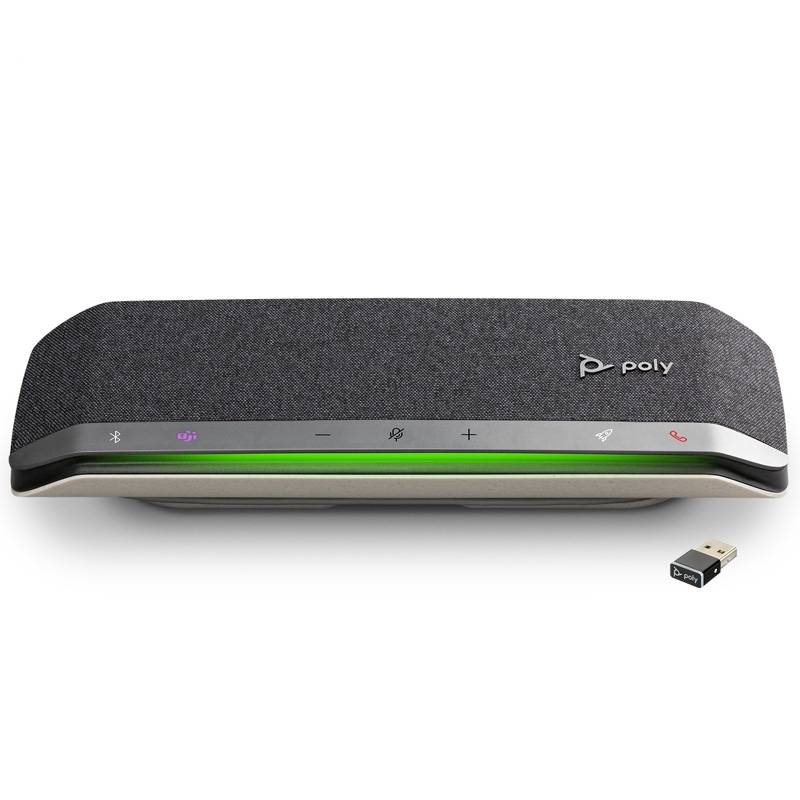
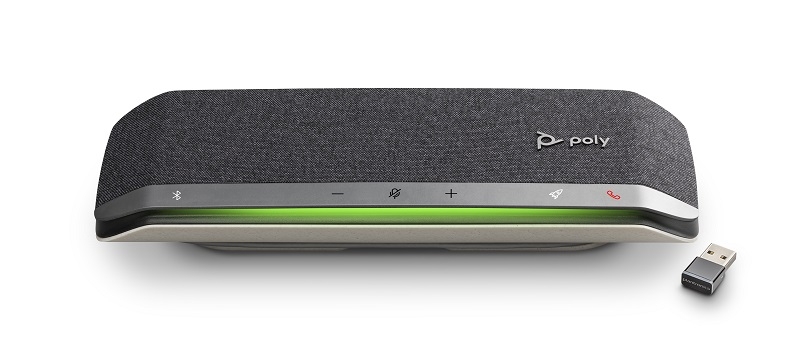
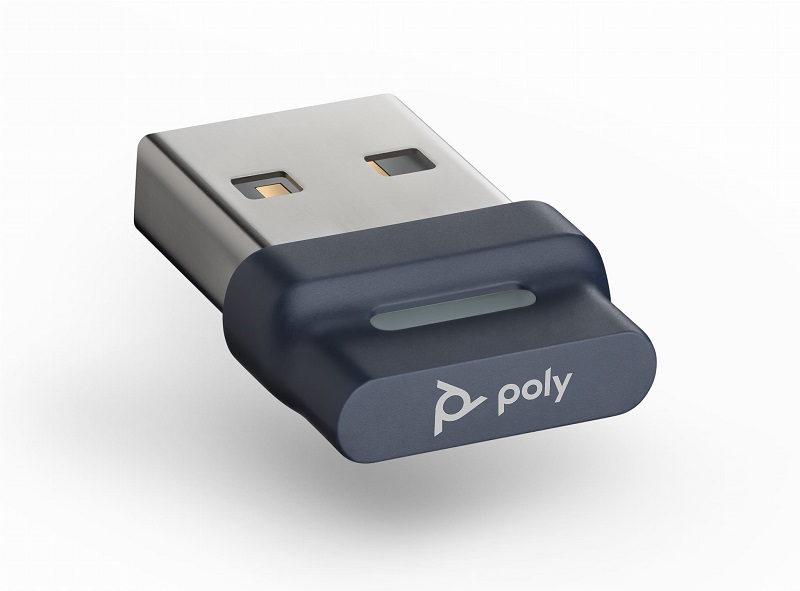
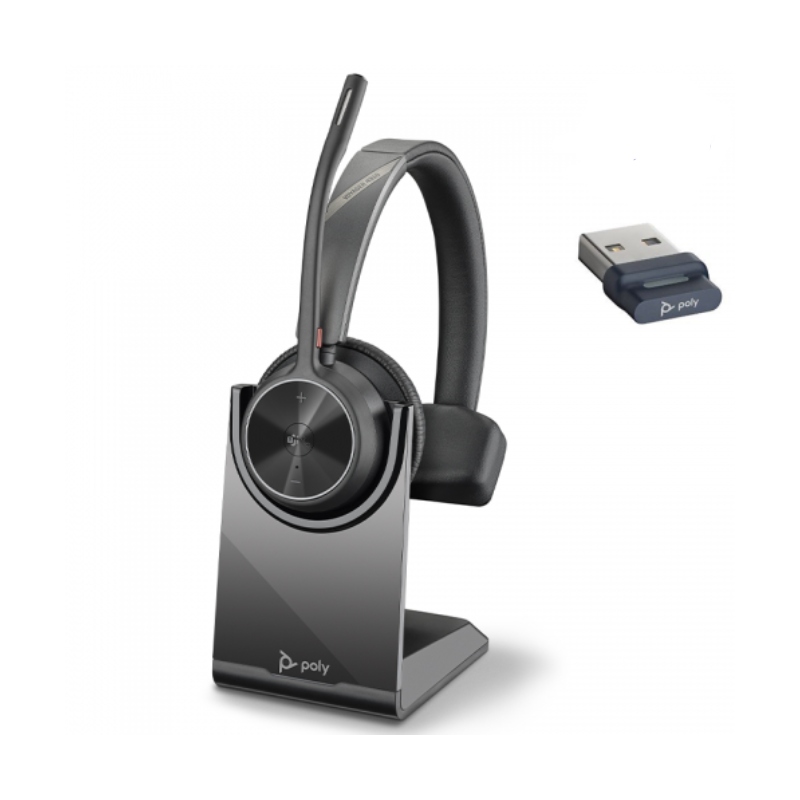
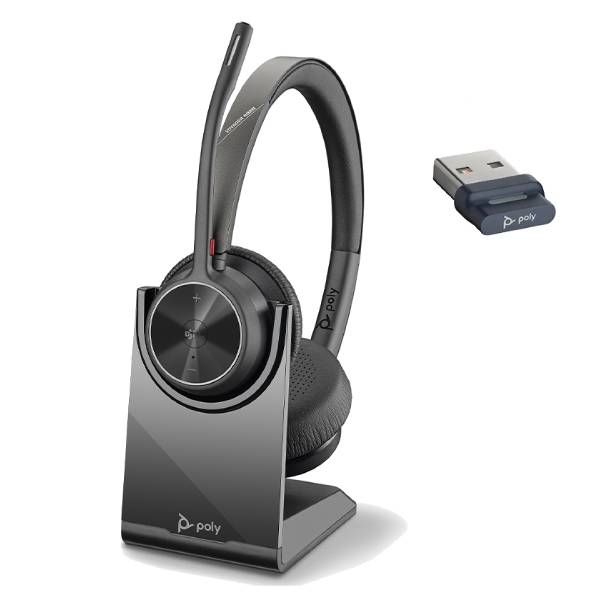
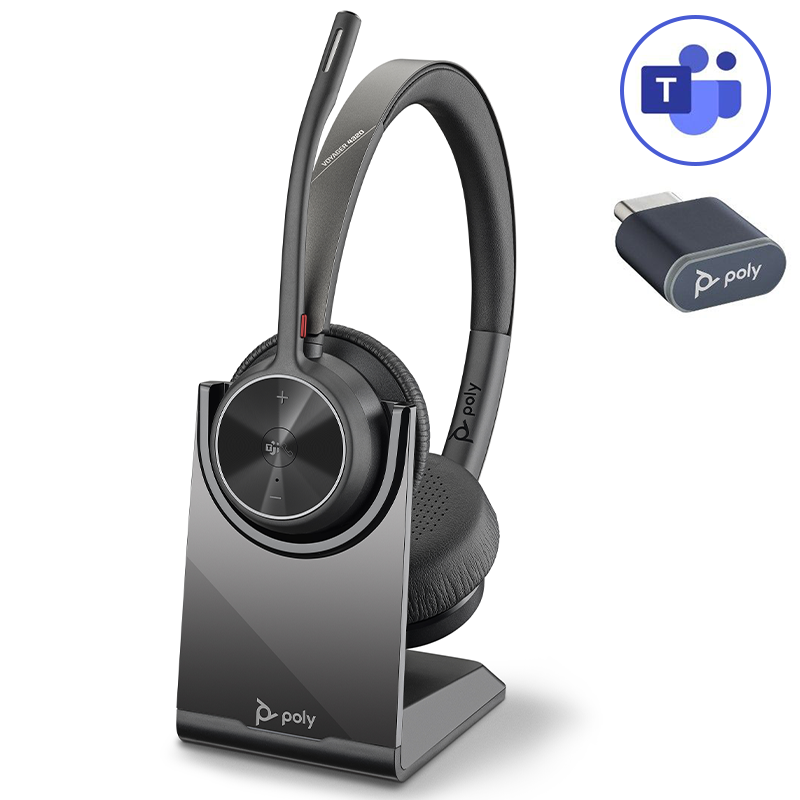
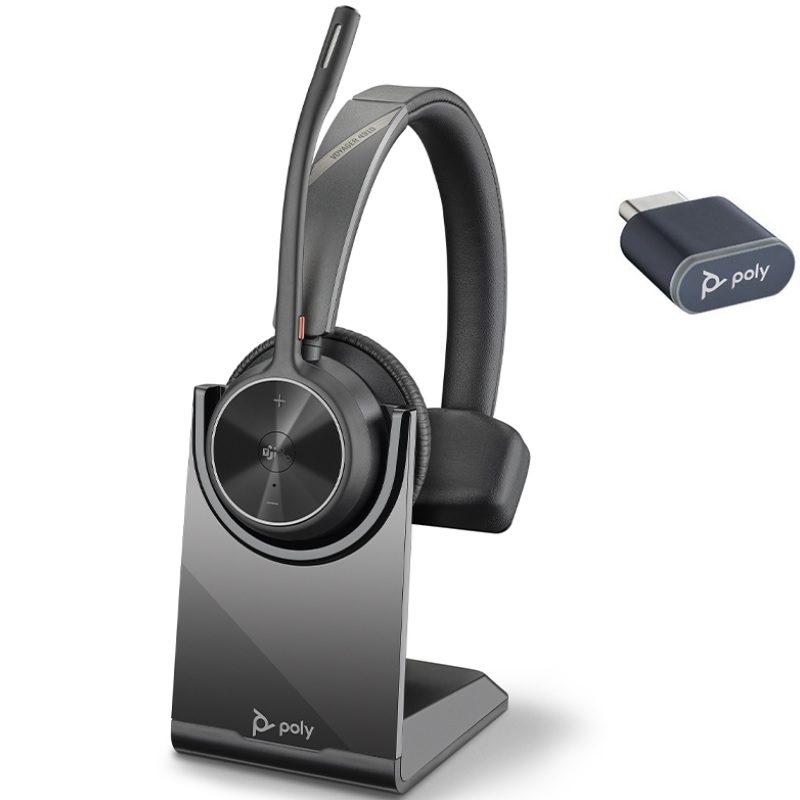
The poly bt600, a Bluetooth adapter tailored for professional use, enables businesses to optimise audio quality in their communication systems. This guide aims to provide insights into its benefits, usage tips, and answers to common queries regarding deployment and compatibility.
Benefits of Using poly bt600
- Crisp Audio Quality: The poly bt600 delivers exceptional sound clarity that makes conversations more productive. This feature is particularly beneficial in busy office environments where background noise can be distracting.
- Broad Platform Compatibility: It supports leading communication platforms like Microsoft Teams and Zoom. This ease of integration reduces the need for multiple devices, simplifying your setup while maintaining professional standards.
- Sleek Design: With its compact form factor, the poly bt600 can easily fit into various office setups without taking up too much desk space or becoming an eyesore during video meetings.
- User-Friendly Installation:The plug-and-play nature means that you can quickly set it up without extensive technical knowledge. This ease of deployment is vital when scaling across larger teams or departments.
- Easily Manageable:You can centrally manage settings if deploying at scale, ensuring that all team members have access to the same quality features and capabilities without individual configuration hassles.
- A Professional Image:The clear audio provided by the poly bt600 enhances your professionalism during calls. A clear connection reassures clients and colleagues alike of your commitment to effective communication practices.
Usage Tips
To get the most out of your poly bt600, ensure that you position it optimally within your workspace. Place it on a stable surface close to your primary devices but away from potential sources of interference such as microwaves or other Bluetooth devices. Keep in mind the distance; while the poly bt600 has significant range capabilities, maintaining proximity helps achieve optimum sound quality.
Regular maintenance is key to longevity; keep firmware updated by checking Poly's official website periodically. Encouraging user training on best practices—like adjusting settings in the associated software—can also enhance overall performance. Ensure that all users are familiar with troubleshooting common issues which may arise.
K&A
1. What’s included with the purchase of a poly bt600?
Your purchase typically includes the poly bt600 device along with a USB cable for connection purposes; specific bundles may vary based on retailer offerings.
2. Are there any software requirements?
The device generally does not require additional software unless you wish to use specific features offered through Poly's dedicated applications—check compatibility details based on your operating system.
3. Is it compatible with both Windows and Mac systems?
The poly bt600 supports both Windows and Mac devices; however, it's advisable to verify driver availability depending on system updates or versions installed on each device before full deployment.
4. How easy is it to install?
The installation process is straightforward; simply connect via USB port (USB-A or USB-C depending on model) and follow prompts if necessary—no complex setup required!
5. Is this suitable for hybrid working environments?
This device excels in hybrid work scenarios where flexibility is key—audio quality remains consistent whether you're working from home or transitioning back into an office setting thereby enhancing continuous collaboration among team members regardless of location.
Summary
In conclusion, the
tagged keyword: "poly bt600", stands out as a reliable solution for businesses aiming to enhance their communication systems efficiently. Explore our selection today!