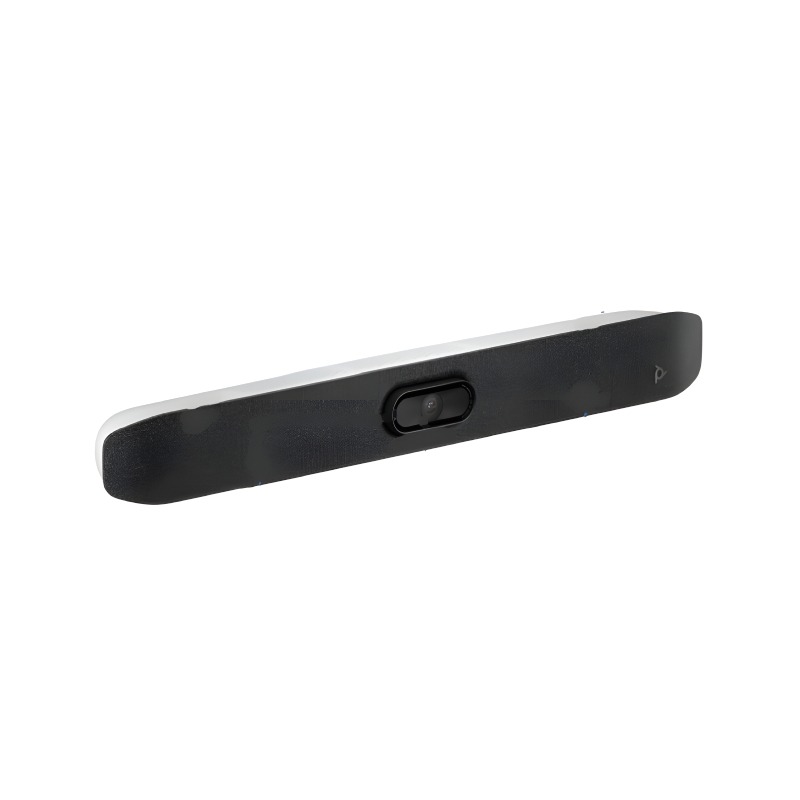
PC Monitor with Speaker for Improved Collaboration
A PC Monitor with Speaker, designed primarily for business use, provides an integrated solution that combines visual and audio elements essential for effective communication. This guide will help IT managers and procurement teams evaluate key features that enhance productivity in both remote and office environments.
Benefits of Using PC Monitor with Speaker
- Simplicity of Setup: Most models feature plug-and-play capability, reducing the time needed to set up your workstation, which is ideal for both temporary and permanent installations.
- Cros-platform Compatibility:
- Aesthetic Appeal:
- Bespoke Adjustability:
- Total Cost of Ownership Efficiency:
Usage Tips
When setting up your PC Monitor with Speaker, ensure that it is positioned at eye level—this reduces strain on the neck during extended use—and place it at least an arm's length away from where you work. Consider the lighting in your space; avoid glare from windows or overhead lights by adjusting the monitor’s angle accordingly. A tidy cable management system can further improve your desk's usability.
Regular maintenance of the monitor is crucial for optimal performance; keep the screen clean using appropriate cleaners designed specifically for electronics. Stay updated on firmware upgrades provided by manufacturers as these can enhance functionalities over time. Additionally, consider providing user training sessions to ensure all employees are familiar with features such as volume control settings or input selections.
1. What’s included when I purchase a PC Monitor with Speaker?
Typically, purchases include the monitor itself along with power cables, display cables (HDMI or DisplayPort), quick-start guides, and any necessary drivers if applicable. Always check specifications per model as inclusions may vary.
2. Are there any software requirements?
Most models do not require additional software beyond standard drivers; however, some might need specific applications based on manufacturer preferences or advanced features.
3. Is this compatible across different platforms?
Yes, most PC Monitors with Speakers are compatible across platforms like Windows and MacOS but confirm each model’s specifics before purchase to avoid any compatibility issues.
4. How easy is installation?
Installation is generally straightforward—many monitors come equipped with user-friendly manuals guiding you through set-up without technical knowledge needed.
5. Are these suitable for hybrid work environments?
Absolutely! They are ideal for hybrid work setups due to their ability to facilitate clear communication in virtual meetings while occupying minimal physical space on desks.
In summary, a reliable
PC Monitor with Speaker, equipped with essential features tailored for business applications enhances collaboration efficiency in any working environment. Explore our range today to discover options suited specifically to your organisational needs!