Need help?
Professional advice available Monday to Friday, 8.30am-5.30pm Mon. to Fri. 8:30 a.m. – 6:30 p.m. 0333 123 3050 Call us!
PRICE
  • 0
    ,00 
    5 999
    ,00 

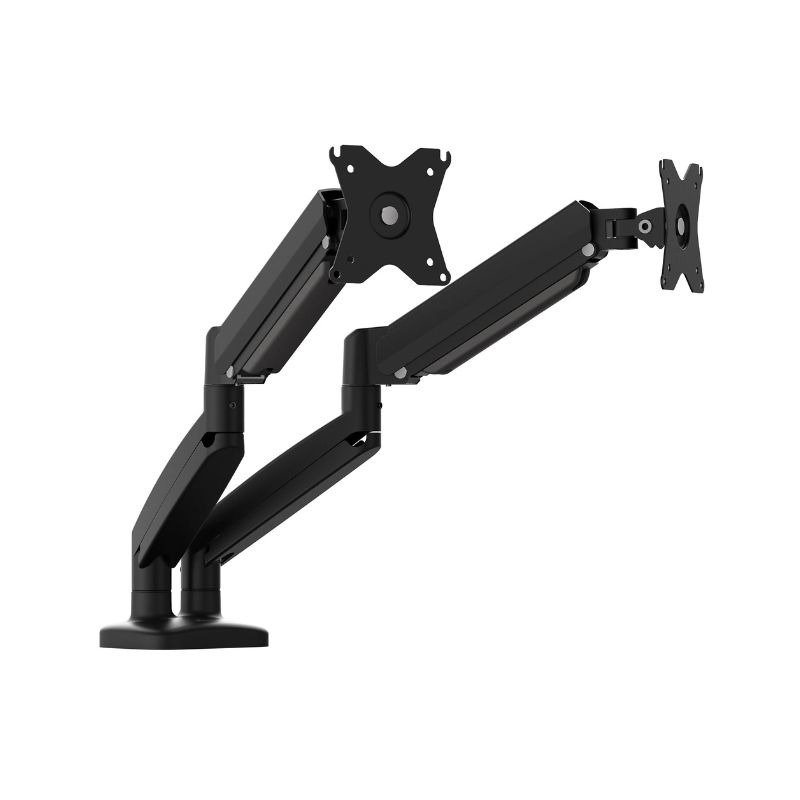
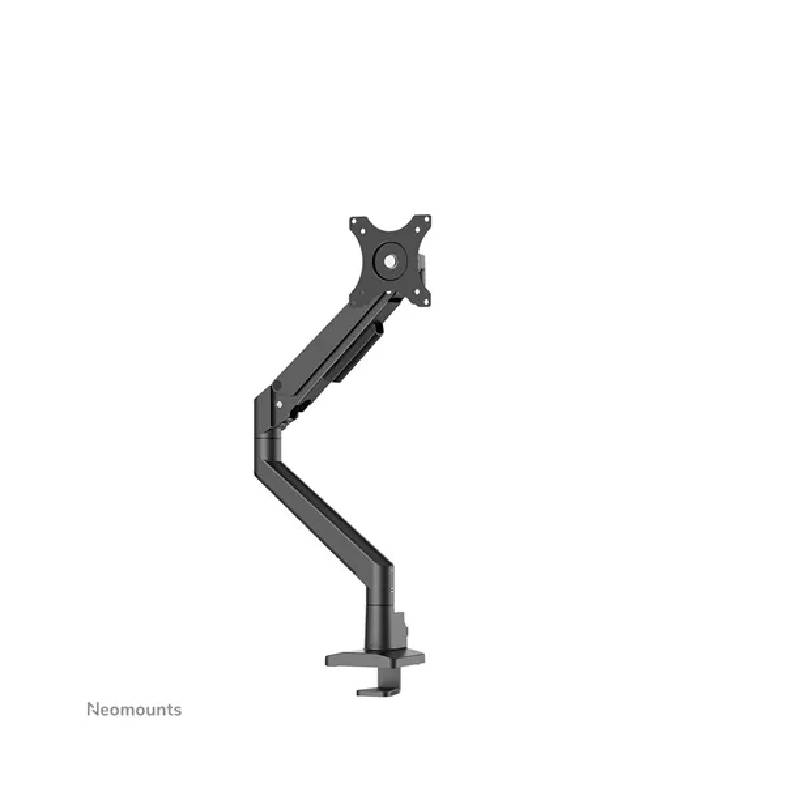
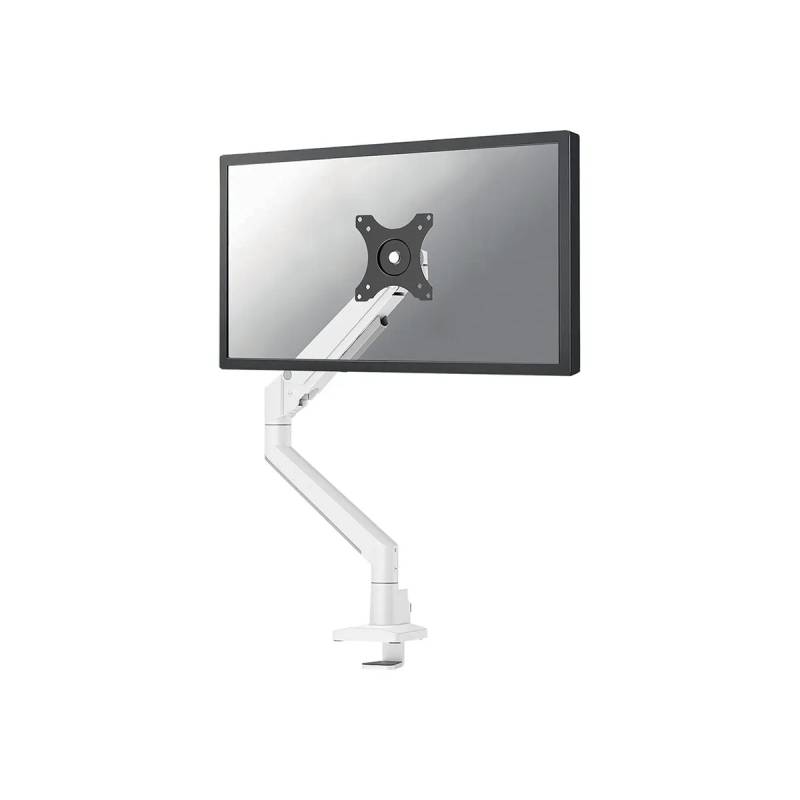
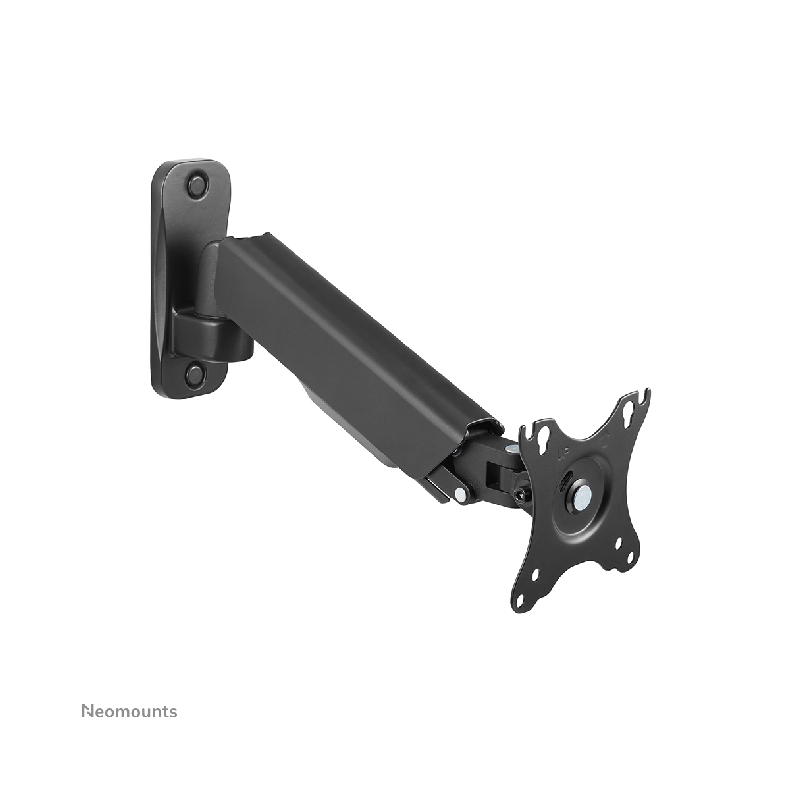
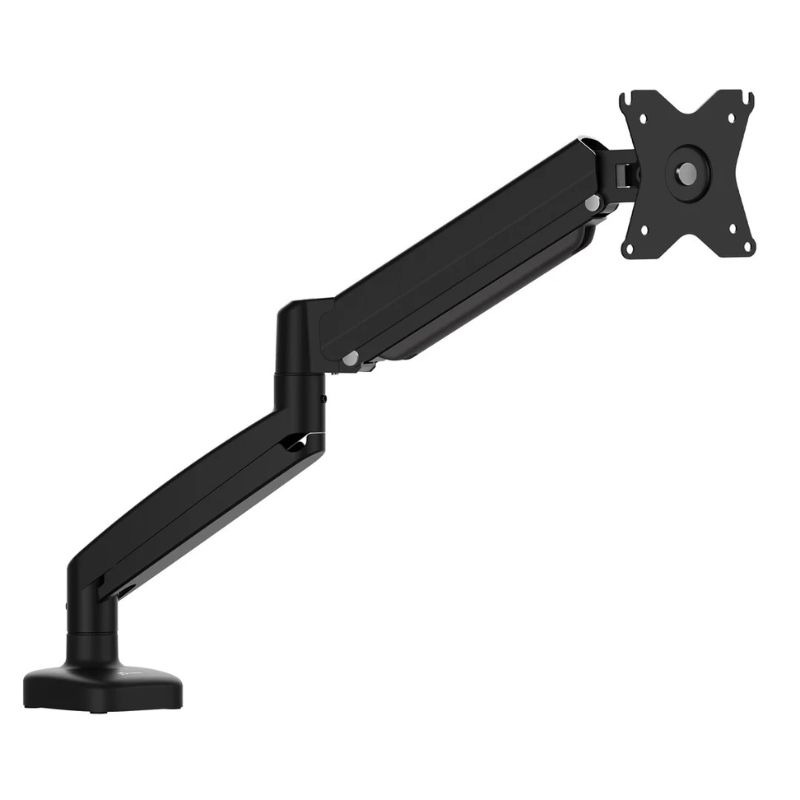
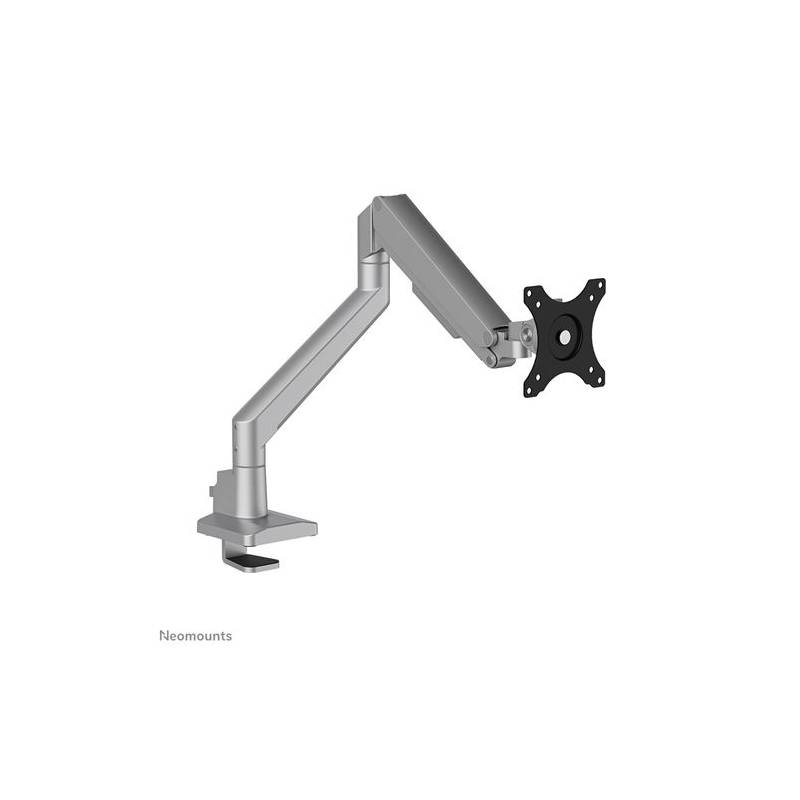
Monitor arm

Monitor Arm for Improved Workspace Ergonomics

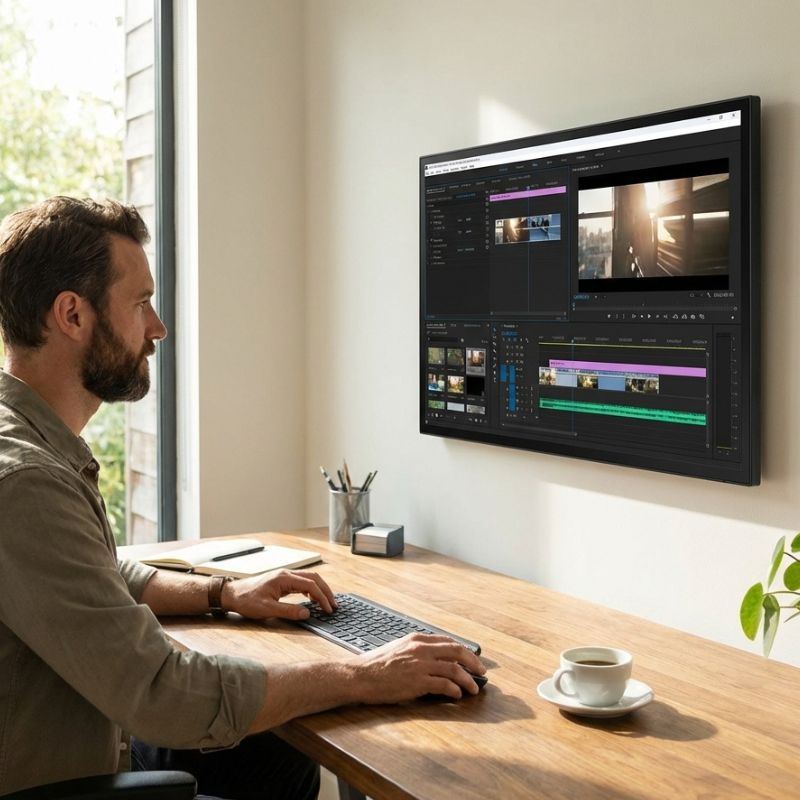
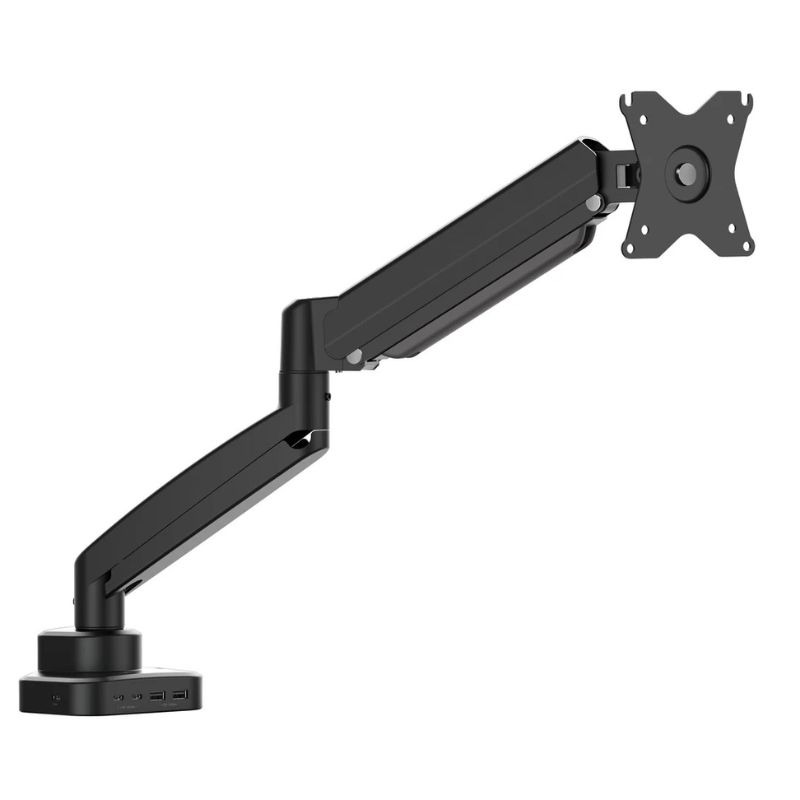
Monitor arm solutions are essential for enhancing workspace ergonomics, providing optimal viewing angles and reducing neck strain. They are ideal for businesses looking to improve employee comfort and productivity.

  • Adjustable Height: Easily customise monitor height to meet individual user needs.
  • Space-Saving Design: Free up valuable desk space by elevating the monitor above the work surface.
  • Cable Management: Keep cables organised and out of sight, promoting a tidy workspace.

Explore our full range of monitor arms to find the perfect fit for your business needs.
1  - 15 of 15 results found

Monitor Arm for Optimised Viewing and Comfort

The monitor arm, designed for professionals, is an essential addition to any workspace aiming to enhance comfort and efficiency. This guide will explore the benefits and practical considerations when choosing a monitor arm, including compatibility with various setups and configurations within diverse working environments.

Benefits of Using Monitor Arm

  • User Comfort: Properly positioned monitors reduce neck and eye strain, which can significantly enhance productivity during long hours of work.
  • Adequate Compatibility: Monitor arms usually support various size monitors with VESA mounts (typically 75mm or 100mm), ensuring they fit most displays on the market today.
  • Diverse Setups: Monitor arms can be mounted in multiple configurations (clamp or grommet), accommodating different desk types, whether in an office or home setting.
  • Sleek Professional Appearance: A clean workspace without dangling cables or clutter presents a more professional image to clients and visitors alike.
  • Easier Collaboration: In hybrid work environments, having adjustable monitors fosters better interaction during meetings by adjusting screens as needed for visibility among participants.
  • Cable Management Features:

Usage Tips

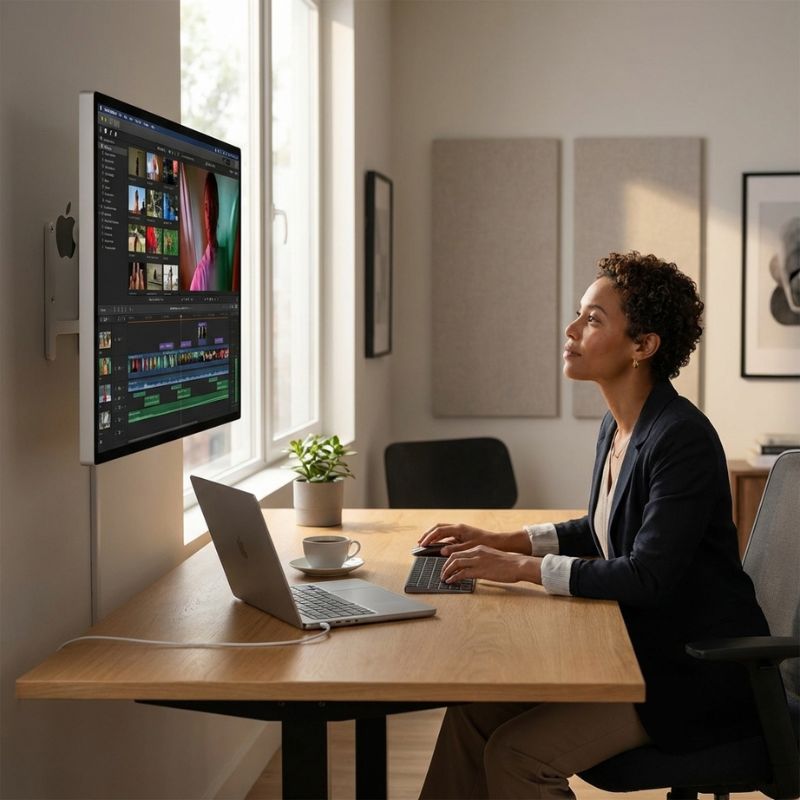
When setting up your monitor arm, ensure it is securely attached according to manufacturer instructions. The ideal height should allow you to keep your eyes level with the top of the screen while seated comfortably. Positioning your monitor about an arm’s length away will also help reduce eye strain. For those using dual-monitor setups, try angling them slightly towards each other; this can enhance focus on both displays. Maintenance is key to extending the life of your monitor arm. Regularly check all fasteners and joints for tightness; loose components could affect performance over time. Perform firmware updates if applicable—this ensures optimal functionality with new devices or operating systems. Training employees on best practices regarding height adjustments can lead to better ergonomic adherence across teams.

1. What is included with a standard monitor arm purchase?

A typical purchase usually includes the monitor arm itself, mounting hardware, installation instructions, and sometimes cable clips for management purposes. Always verify product details as inclusions may vary by model.

2. Are there any software requirements or licensing needed?

No specific software is required to operate most monitor arms since they function purely as mechanical supports rather than smart devices; however, ensure compatibility with existing hardware setups before purchasing.

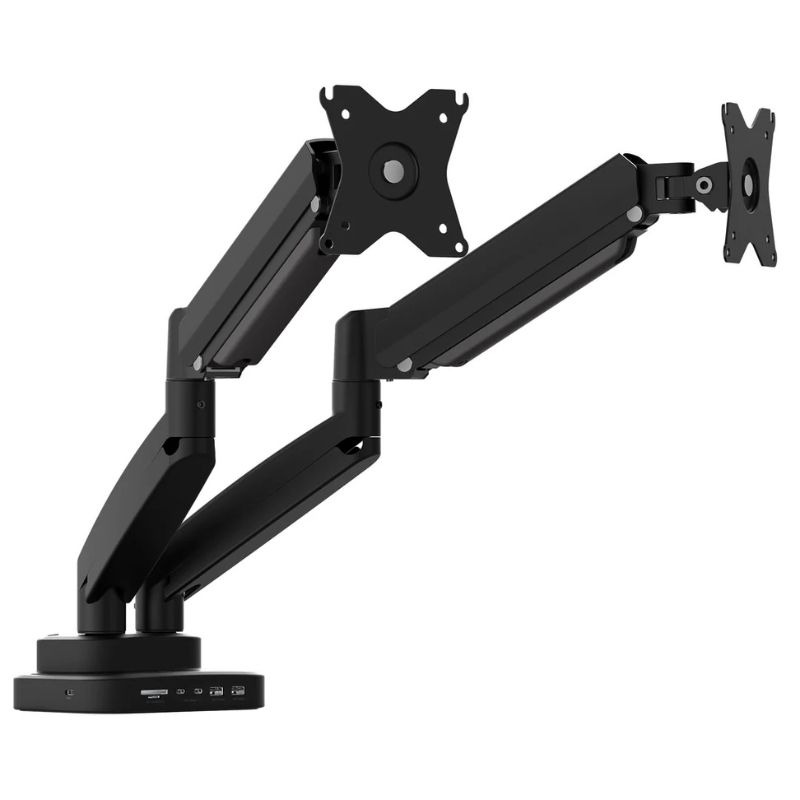
3. Can these arms support multiple monitors?

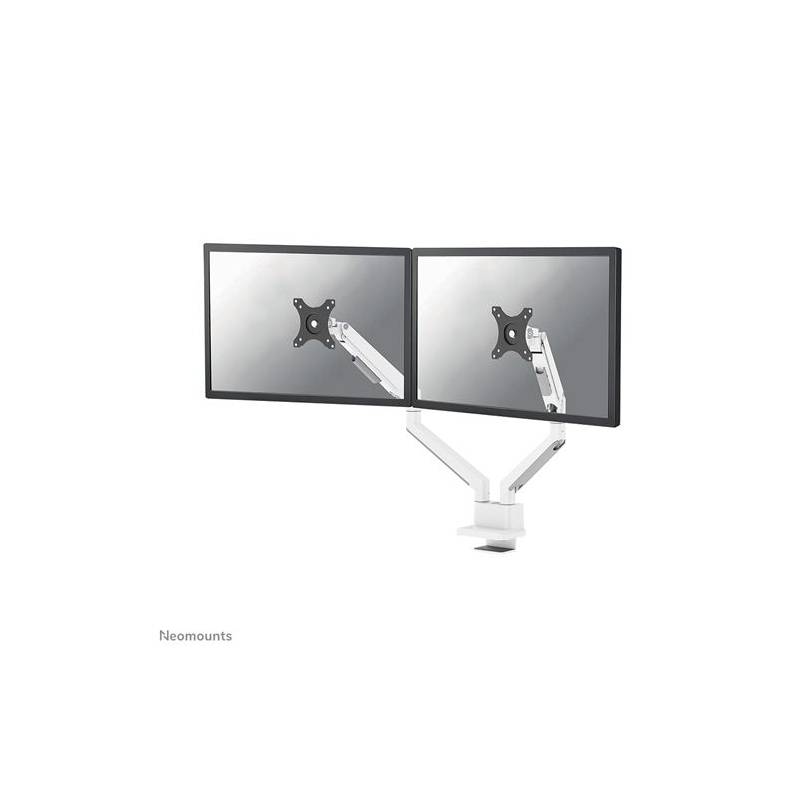
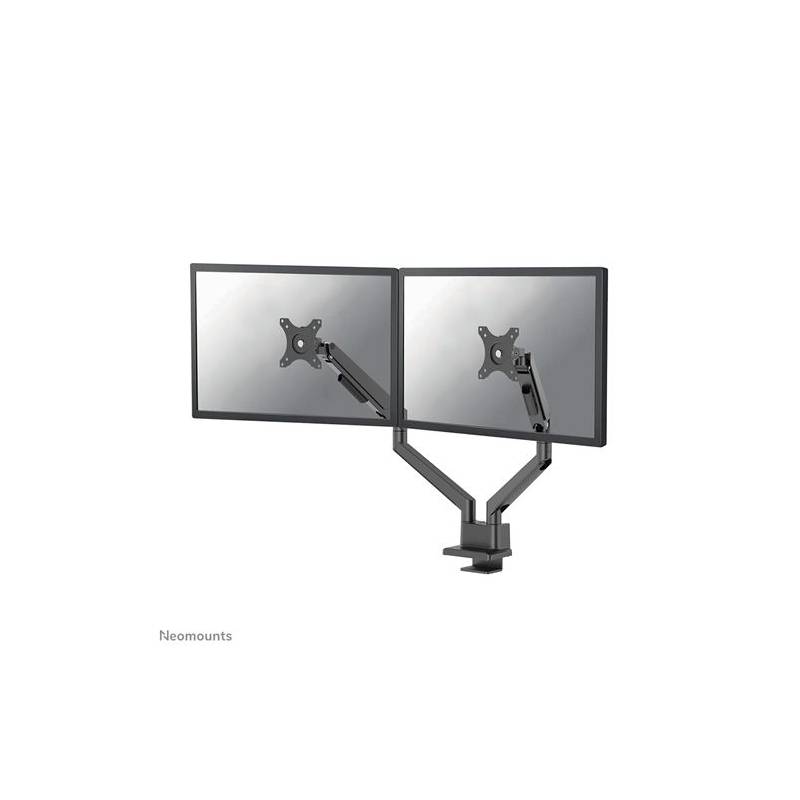
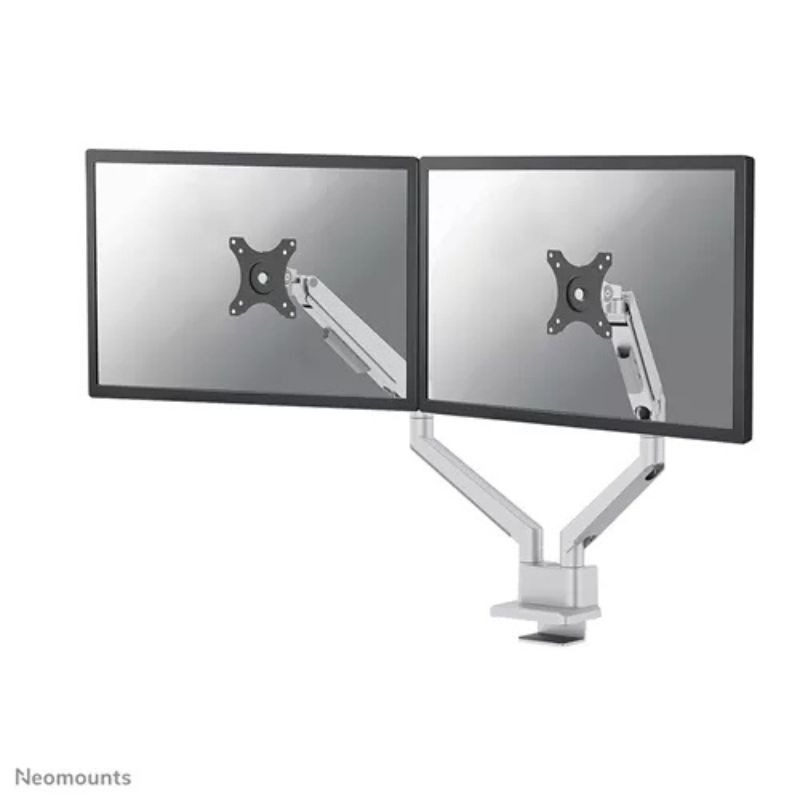
Certain models are designed specifically for dual-monitor setups but always check weight limits as well as size specifications before installation to ensure stability and safety during use.

4. Is installation easy? Do I need tools?

The installation process typically requires basic tools like a screwdriver; many models come with all necessary hardware making it straightforward even for those less experienced in DIY assembly tasks.

5. How suitable are these products for hybrid work environments?

A flexible solution like a monitor arm enhances hybrid work settings by allowing users easily adjust their screens based on individual needs or collaborative activities while maintaining proper ergonomic standards across varying locations within an office space or home office setup.

Summary

A monitor arm, when chosen wisely, can significantly improve workplace ergonomics while supporting productivity goals within any business environment. Consider exploring our extensive range today!

%