Need help?
Professional advice available Monday to Friday, 8.30am-5.30pm Mon. to Fri. 8:30 a.m. – 6:30 p.m. 0333 123 3050 Call us!
PRICE
  • 0
    ,00 
    5 999
    ,00 

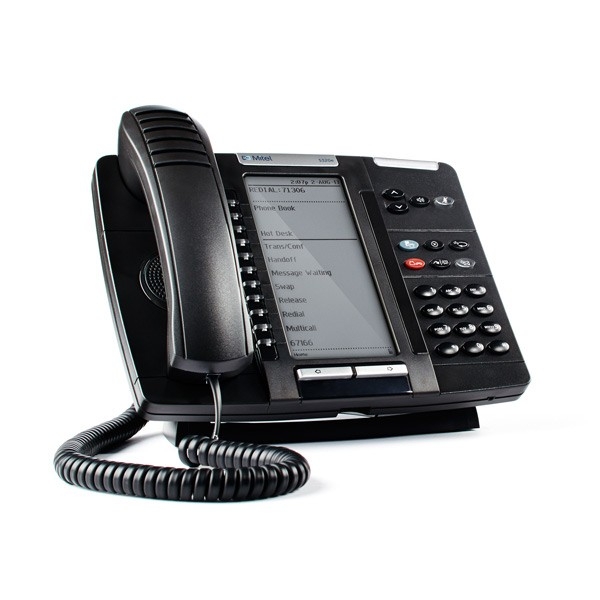
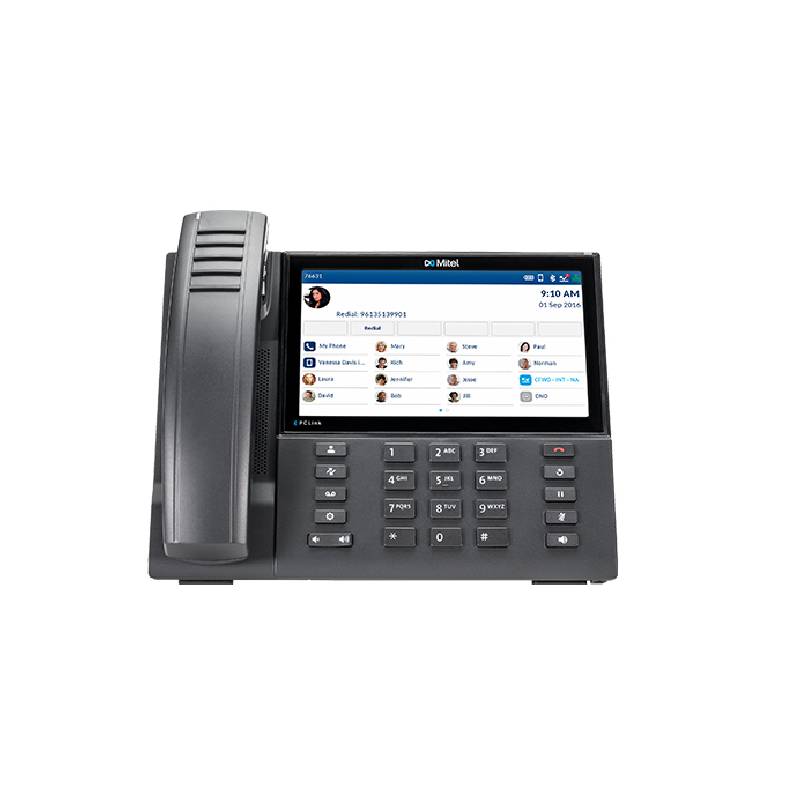
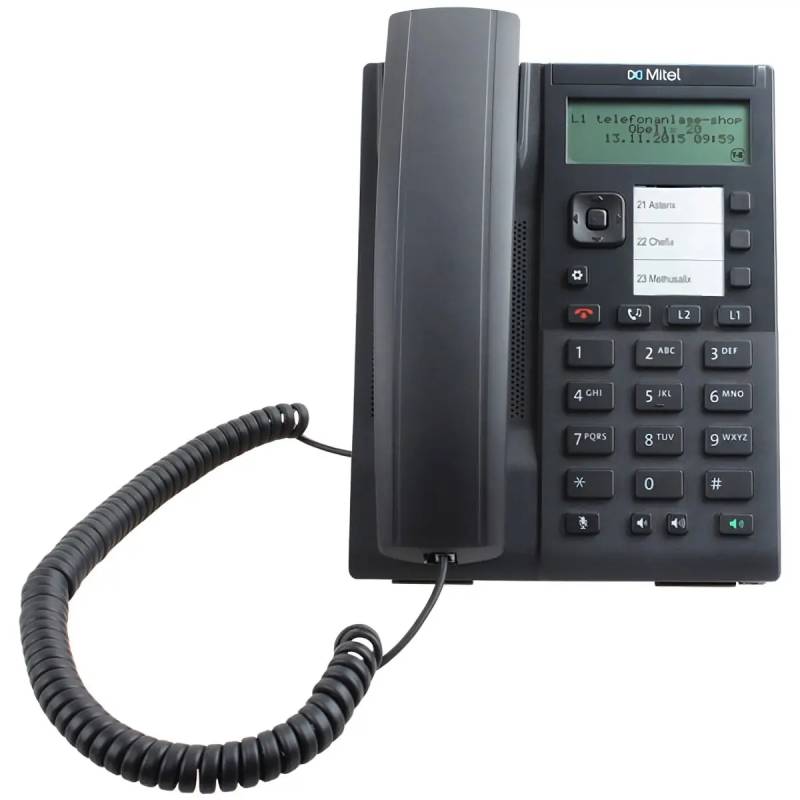
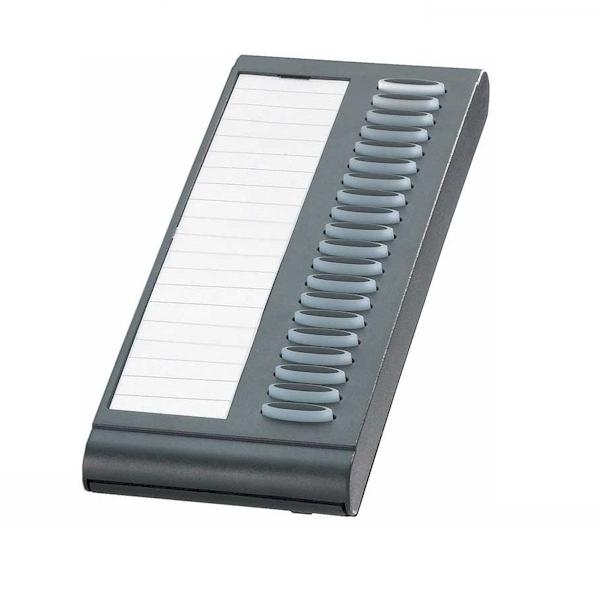
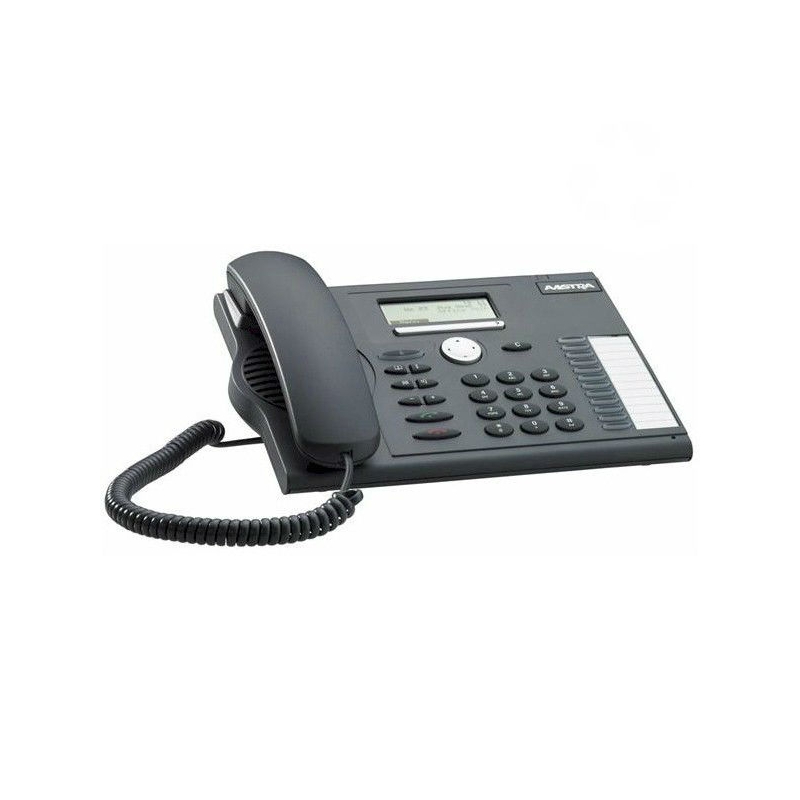
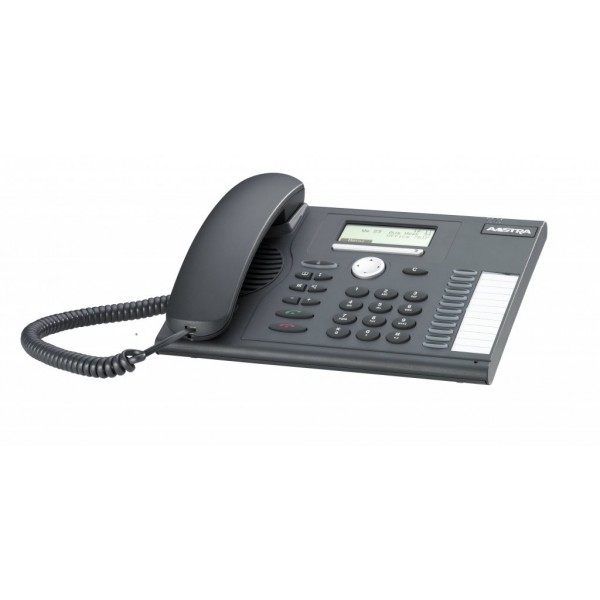
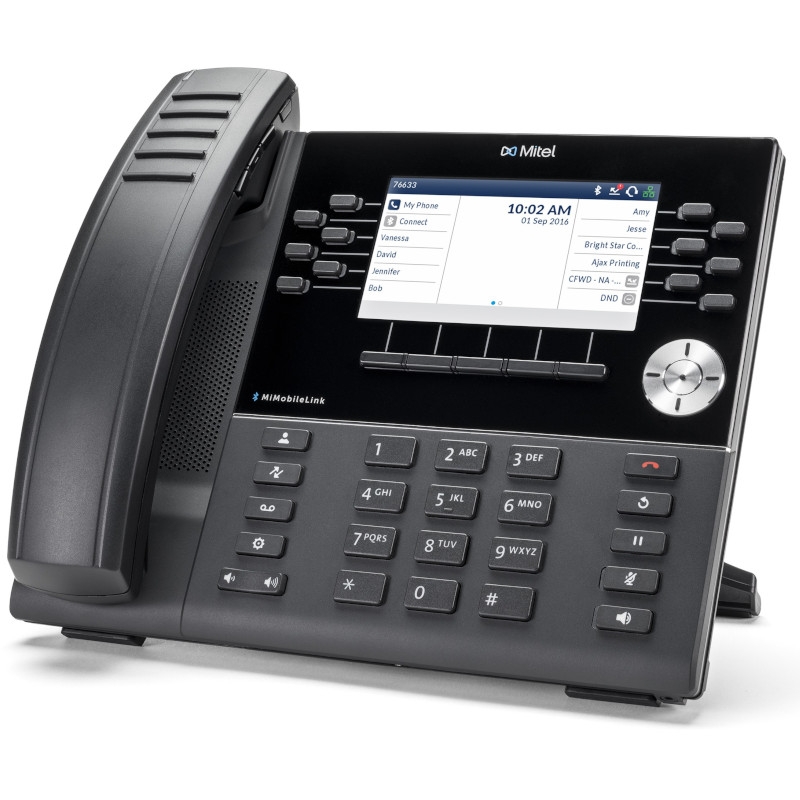
Mitel desk phones

mitel desk phones for Enhanced Communication

The mitel desk phones are designed to improve voice clarity and reliability for businesses. This guide will help you understand their key features and benefits in a professional environment.

  • Clear audio quality: Experience crisp sound that enhances communication across teams and clients.
  • User-friendly interface: Navigate features easily, reducing downtime during calls.
  • Suitable for various environments: Perfectly adaptable for both open-plan offices and private workspaces.

Explore our full range of Mitel desk phones to find the perfect fit for your business needs.
1  - 10 of 10 results found

Mitel Desk Phones for Improved Team Collaboration

The mitel desk phones are essential tools for any modern workplace, especially in environments that prioritise effective communication. Designed primarily for business use, this guide covers the key functionalities, benefits, and considerations when selecting Mitel desk phones tailored to your organisation's requirements.

Benefits of Using mitel desk phones

  • Compatibility with major platforms: Mitel desk phones often support VoIP technologies and can integrate with systems like Microsoft Teams, ensuring consistent usability across diverse operating systems such as Windows or Mac.
  • Diverse model options: Whether you need basic functionality or advanced features like programmable keys and built-in conferencing capabilities, there is a range of models to suit varying business needs.
  • Sleek design: With a professional appearance, these phones enhance workplace aesthetics while being functional enough to support demanding office environments.
  • User management ease: Centralised management tools allow IT teams to configure settings remotely, making it simpler to deploy updates or troubleshoot issues across multiple devices simultaneously.
  • Adequate audio performance: High-quality speakers and microphones deliver clarity in conversation, which is particularly beneficial during client calls or team meetings where clear communication is paramount.
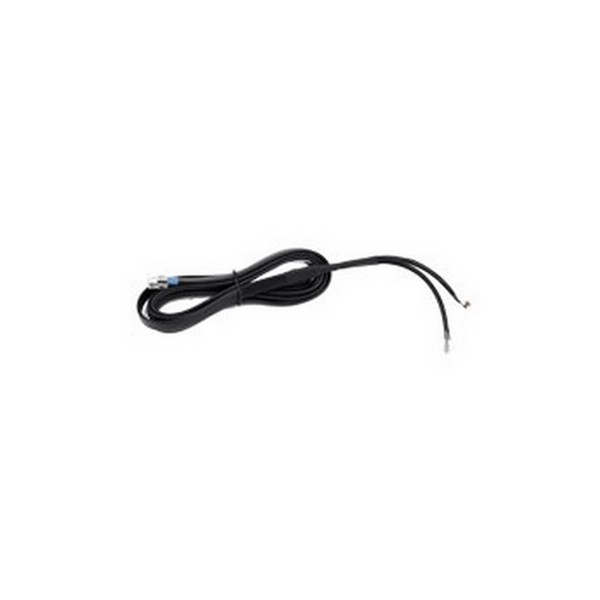
  • Cabling flexibility:A choice between wired connections or wireless options provides flexibility in device placement while accommodating various office layouts without cluttering spaces with cables.

Usage Tips

When setting up Mitel desk phones, consider their positioning carefully. Ideally, they should be located on stable surfaces away from direct sunlight or excessive noise to ensure optimal function. Ensure that all necessary cables are appropriately connected before powering on the unit. Additionally, familiarise users with its key features by providing simple guides or training sessions. Regular maintenance of your Mitel desk phone system is crucial. Keep firmware up-to-date by checking manufacturer guidelines periodically; this ensures access to the latest features and security updates. Train staff on best practices such as proper handling techniques and understanding basic troubleshooting steps which can help minimise downtime.

Q&A

1. What’s included with the Mitel desk phone purchase?

Your purchase typically includes the Mitel desk phone unit itself along with necessary power adapters and user documentation; however, accessories like headsets may be sold separately depending on the model chosen.

2. Are there licensing requirements for using these phones?

Mitel systems often require specific licensing based on the model used; therefore it's important to verify compatibility with existing telephony infrastructure before making a decision.

3. Is cross-platform compatibility guaranteed?

Certain models of Mitel desk phones are designed to work seamlessly within specific ecosystems; thus functionality may be limited outside those environments – especially if integrated into software solutions not endorsed by Mitel.

4. How easy is it to install a Mitel desk phone?

The installation process can vary depending on network setup but generally involves simple plug-and-play connectivity; user manuals provide detailed instructions that facilitate straightforward deployment even without extensive technical knowledge.

5. Are these desks suitable for hybrid working setups?

Mitel desks can accommodate hybrid work situations effectively thanks to their robust audio capabilities and compatibility with various collaboration platforms such as Zoom or Teams; ensuring team members remain connected regardless of location enhances productivity during remote operations as well as physical office days.


Please explore our range of Mitel Desk Phones, tailored specifically for enhancing business communications today!