Need help?
Professional advice available Monday to Friday, 8.30am-5.30pm Mon. to Fri. 8:30 a.m. – 6:30 p.m. 0333 123 3050 Call us!
PRICE
  • 0
    ,00 
    5 999
    ,00 

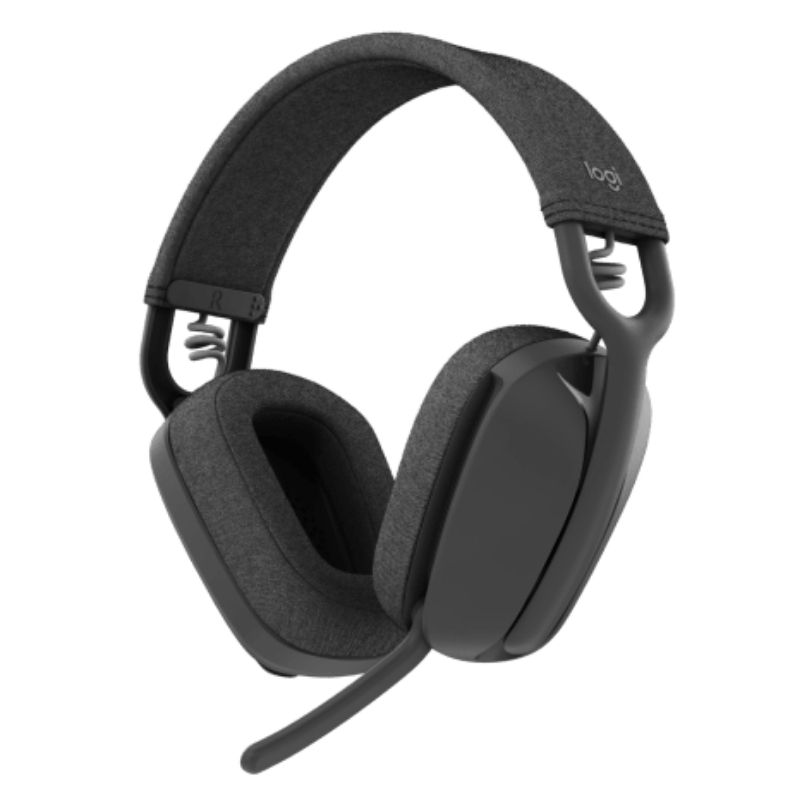
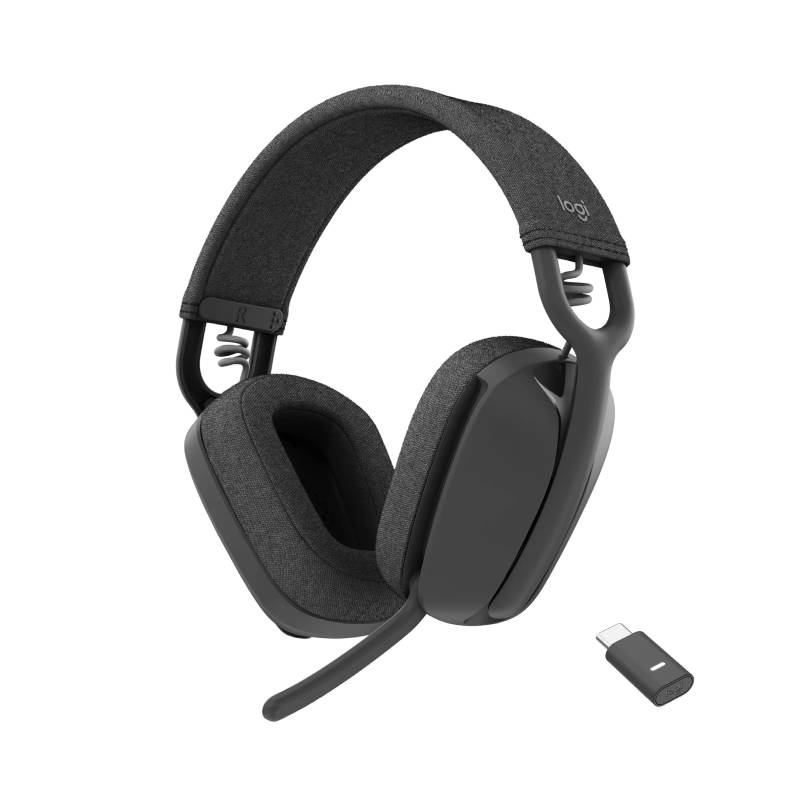
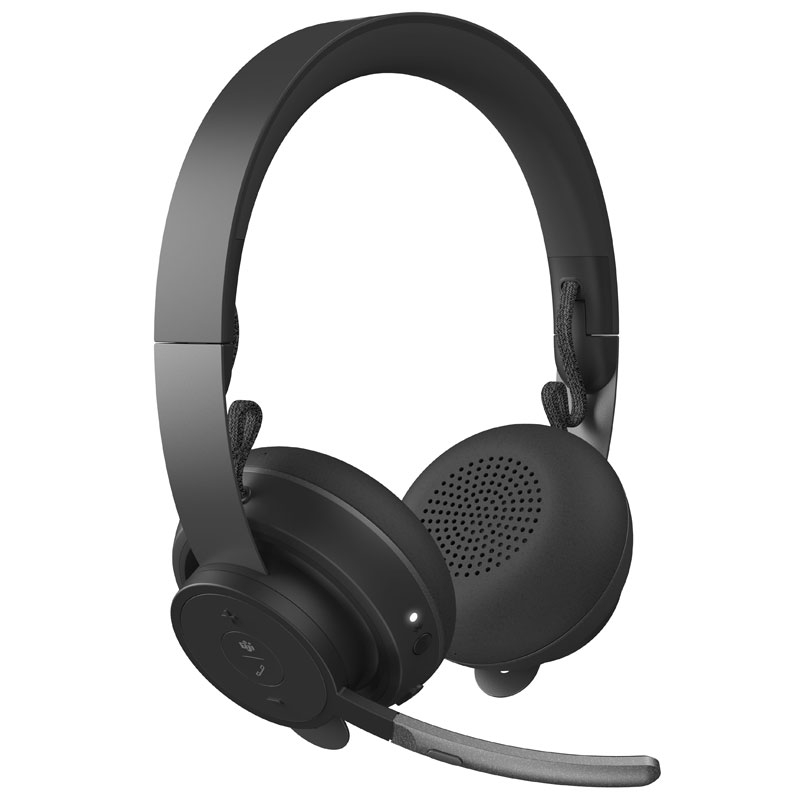
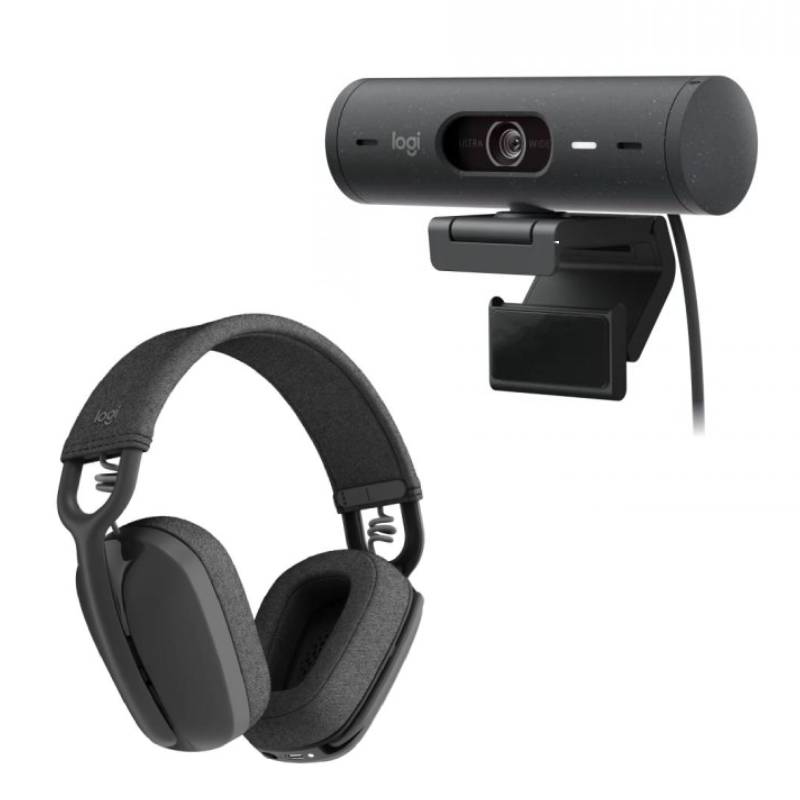
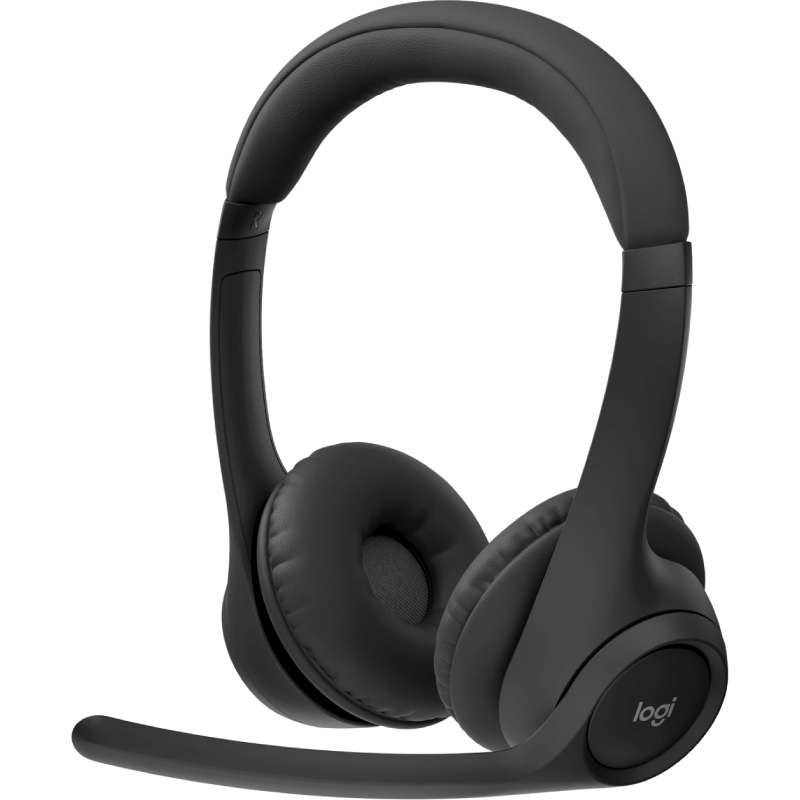
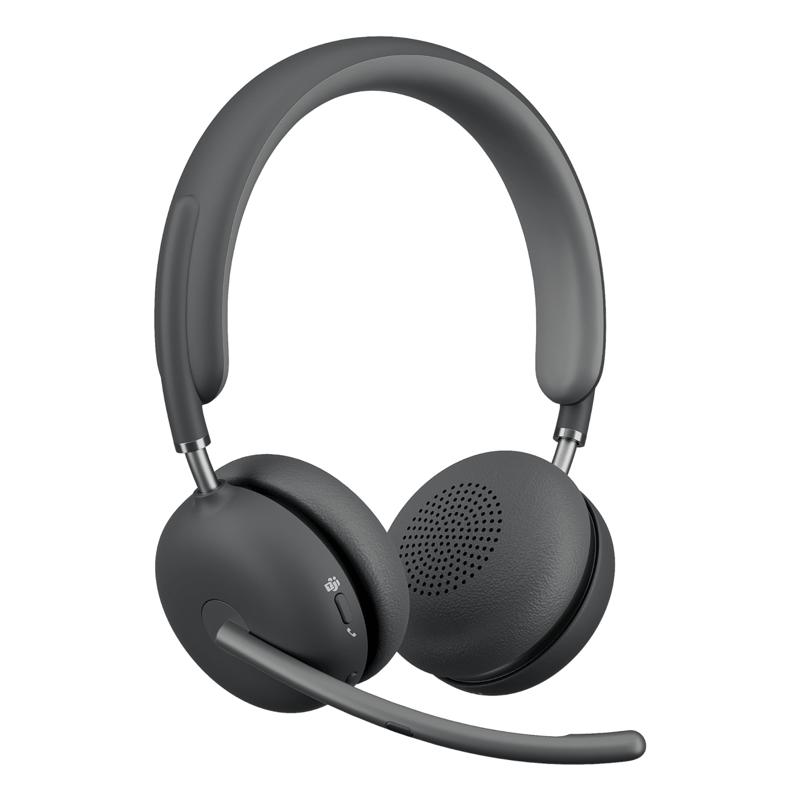
Logitech bluetooth headset

logitech bluetooth headset for Enhanced Communication

Logitech Bluetooth Headset delivers exceptional audio quality and comfort, making them ideal for professionals engaged in remote work or video conferencing. With advanced features tailored for business use, these headsets help foster clearer communication and improved productivity.

  • Superior audio quality: Experience clear sound whether you're on calls or attending virtual meetings.
  • Comfortable design: Enjoy long hours of wearing comfort, essential for extended conference calls.
  • Multi-device connectivity: Easily switch between devices to stay connected at all times.

Explore our full range of Logitech Bluetooth headsets to find the perfect fit for your business needs.
1  - 6 of 6 results found

logitech bluetooth headset for Professional Collaboration

The Logitech Bluetooth Headset is designed specifically for professionals seeking a reliable solution to enhance their communication needs. In this guide, we will explore key benefits, usage tips, and address common queries regarding the integration of these headsets into various business environments.

Benefits of Using logitech bluetooth headset

  • Broad compatibility: Most Logitech Bluetooth headsets are compatible with major operating systems like Windows and MacOS as well as communication platforms such as Teams and Zoom, ensuring that they can easily integrate into your existing setup.
  • Diverse models available: Choose from a range of models tailored to specific needs; whether you require a basic model or something with advanced noise-cancellation features, you have options available that suit varying office sizes and setups.
  • User-friendly controls: Many Logitech Bluetooth headsets come equipped with intuitive controls for managing calls and audio settings without needing considerable technical knowledge, which enhances productivity during busy workdays.
  • Dust-resistant materials: Designed with durability in mind, these headsets can withstand daily wear and tear in bustling office environments while maintaining professional appearance during client interactions.
  • Adequate battery life: Depending on the model, you can expect extended usage time between charges, making them suitable for long days where continuous connectivity is crucial without frequent recharging interruptions.

Usage Tips

When setting up your Logitech Bluetooth headset, ensure that it is paired correctly with the intended device. Most devices require you to enter pairing mode by pressing a specific button; consult user manuals if unsure. For optimal audio experience during calls or meetings, position the microphone properly—ideally about an inch away from your mouth—to avoid distortion while ensuring clarity. Regular maintenance is essential to keep your headset functioning effectively. Update firmware whenever prompted to benefit from improvements or new features released by Logitech. Additionally, consider providing user training sessions focused on best practices such as optimal positioning during use and switching devices efficiently—this will help maximise workplace efficiency across teams.

Q&A

1. What’s included with my logitech bluetooth headset purchase?

Your purchase typically includes the headset itself along with necessary cables (like charging cables), documentation on setup instructions, warranty information, and occasionally additional ear cushions depending on the model chosen.

2. Are there any software requirements?

No specific software is required; however, installing software like Logitech Options may enhance functionality such as customising button assignments based on preferences if supported by your model.

3. Will this headset work across different platforms?

The majority of Logitech Bluetooth headsets feature cross-platform compatibility; however, some functionalities may be limited when used outside their ecosystem—always check compatibility details before purchase to ensure it meets your requirements.

4. Is it easy to install?

You’ll find installation straightforward since most models offer a plug-and-play experience; simply charge them before first use and follow prompts when connecting via Bluetooth on your device—no technical expertise needed!

5. Are these suitable for hybrid work environments?

Certainly! Their wireless design allows flexibility in movement while participating in remote meetings from home or office spaces alike—ideal when transitioning between locations regularly within hybrid working setups.

Summary

The Logitech Bluetooth Headset, recognised for its versatility in communication applications makes it an excellent choice for both individual professionals and teams alike looking to improve workplace interactions effectively. Discover more by browsing our extensive product range today!