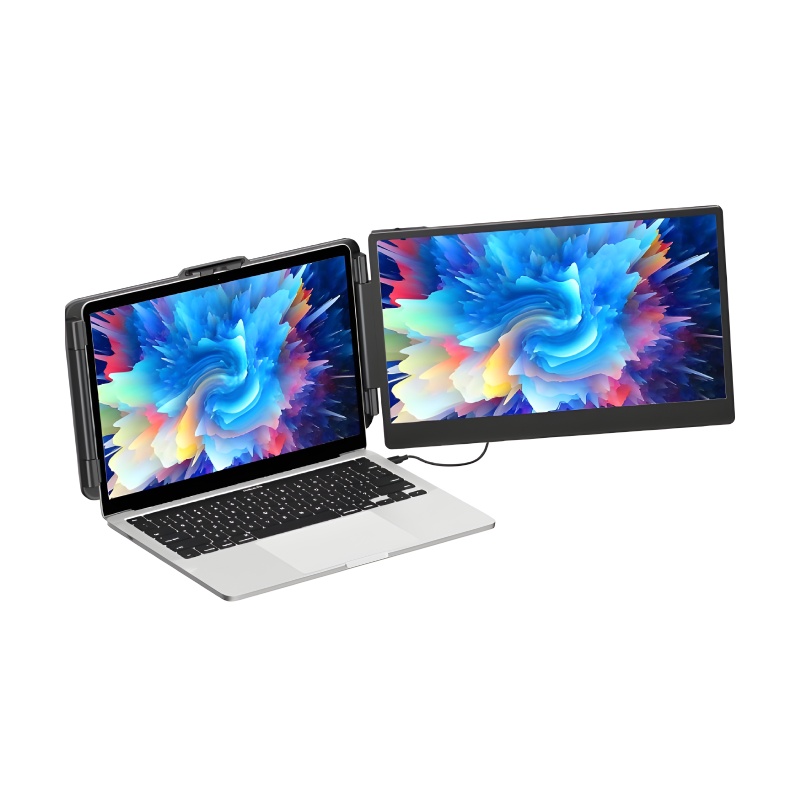
Laptop Stand for Enhanced Productivity
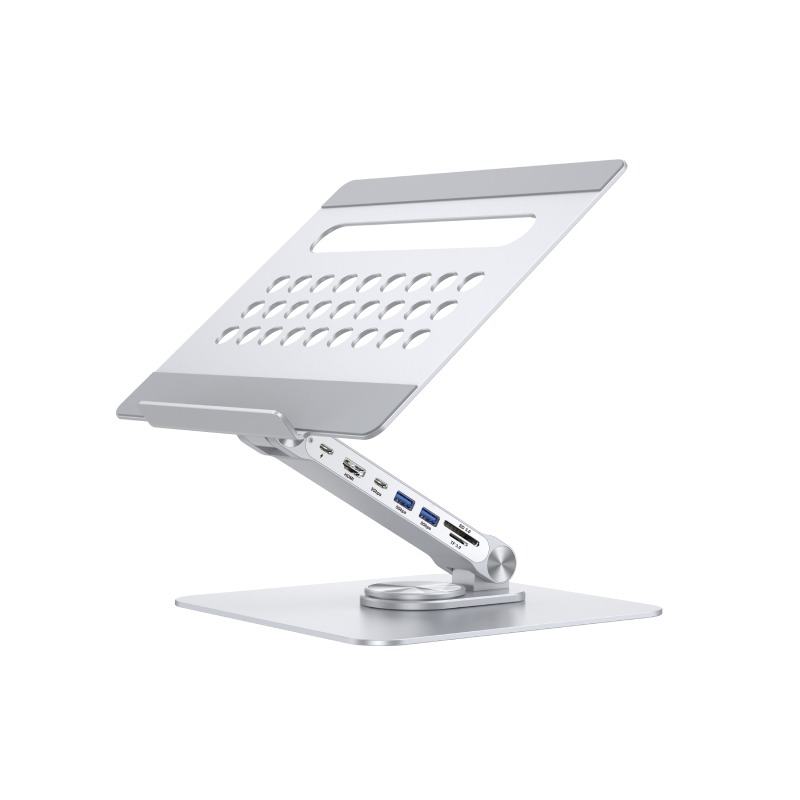
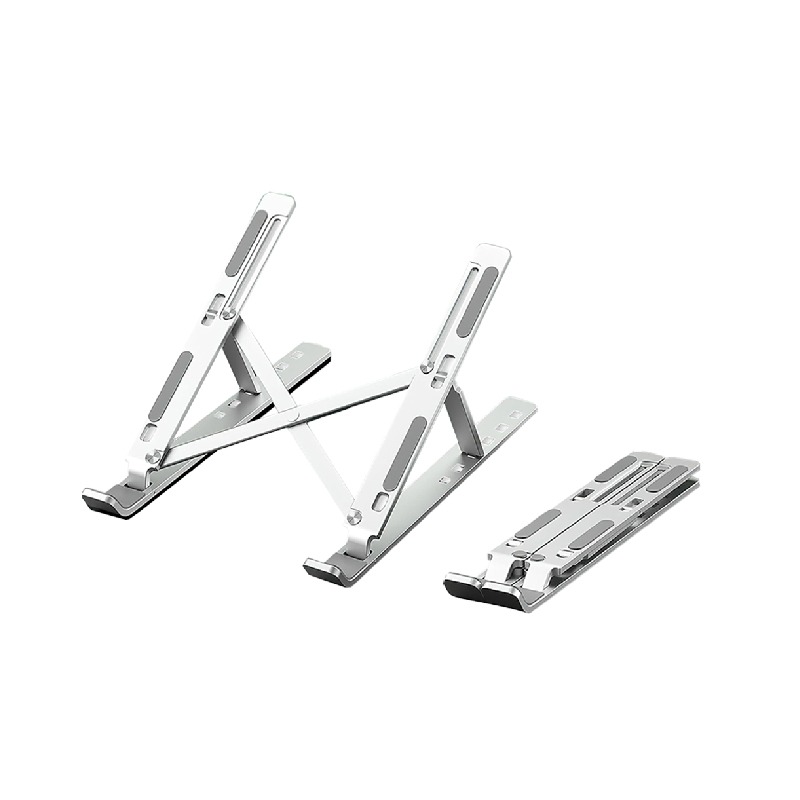
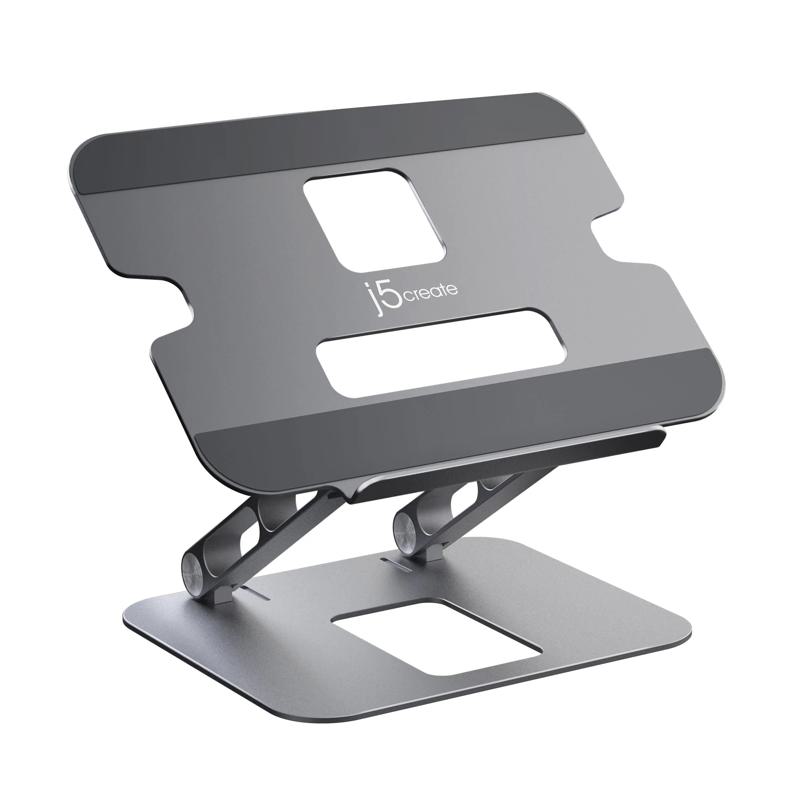
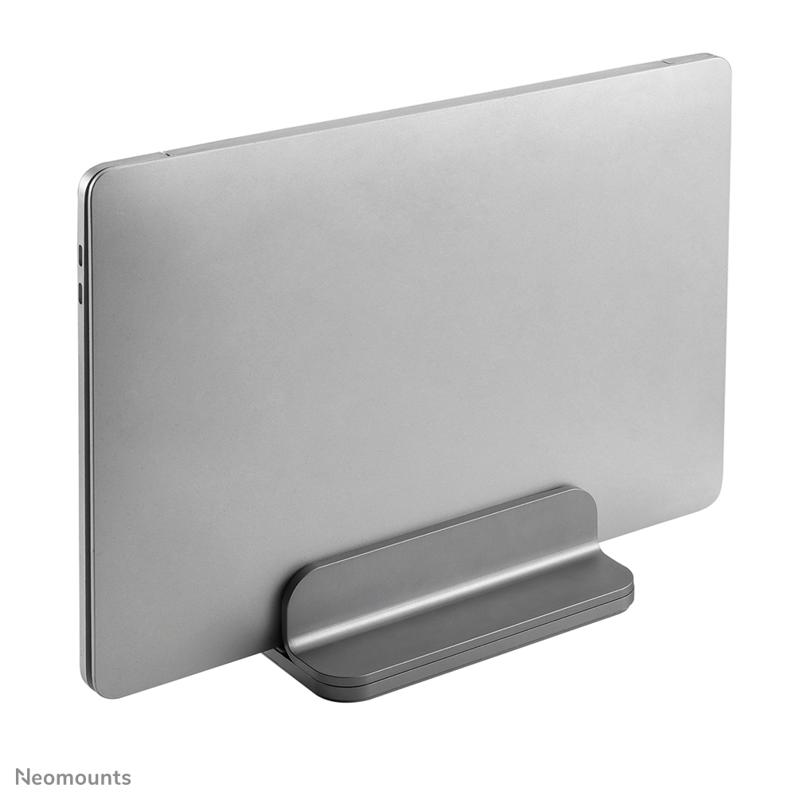
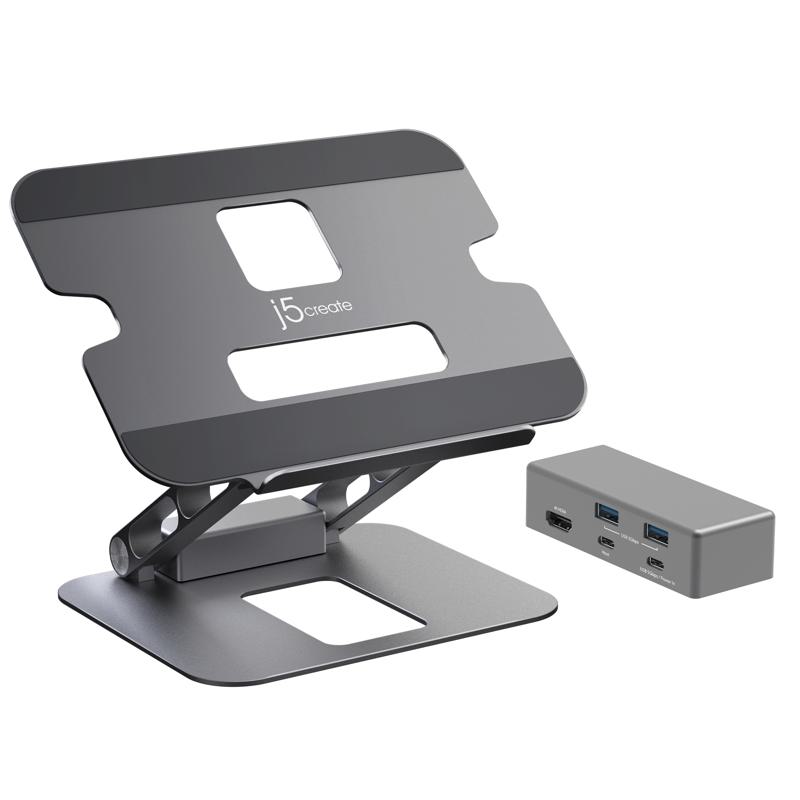
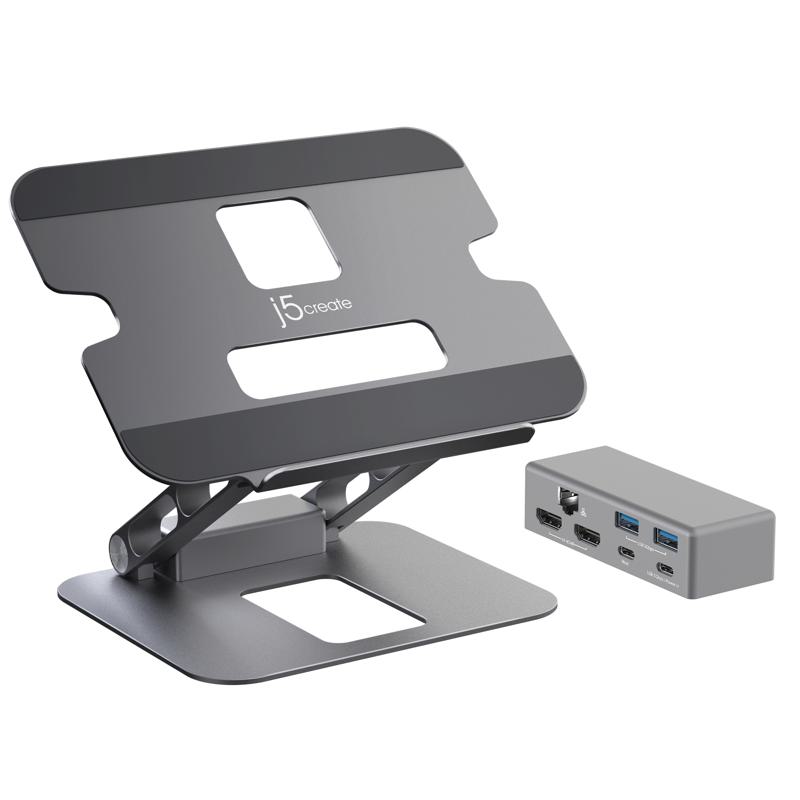
The laptop stand, designed primarily for professionals who work with laptops, allows users to position their devices at optimal viewing angles. This guide will discuss the benefits, setup tips, and common questions related to selecting the right stand to enhance productivity in any workspace.
Benefits of Using Laptop Stand
- Error Reduction: By elevating your screen, a laptop stand helps minimise eye strain and headaches, potentially increasing overall work efficiency.
- Suits All Environments: Compatible with various desk sizes and setups, making it suitable for both home offices and larger corporate spaces.
- Diverse Adjustability: Many models offer adjustable heights and angles to cater to individual user preferences and requirements.
- Dust Management: By raising laptops off surfaces, stands can help prevent dust accumulation on devices—beneficial for long-term maintenance.
- Aesthetic Appeal: A well-designed laptop stand contributes positively to professional environments, adding a touch of sophistication while also being functional.
Usage Tips
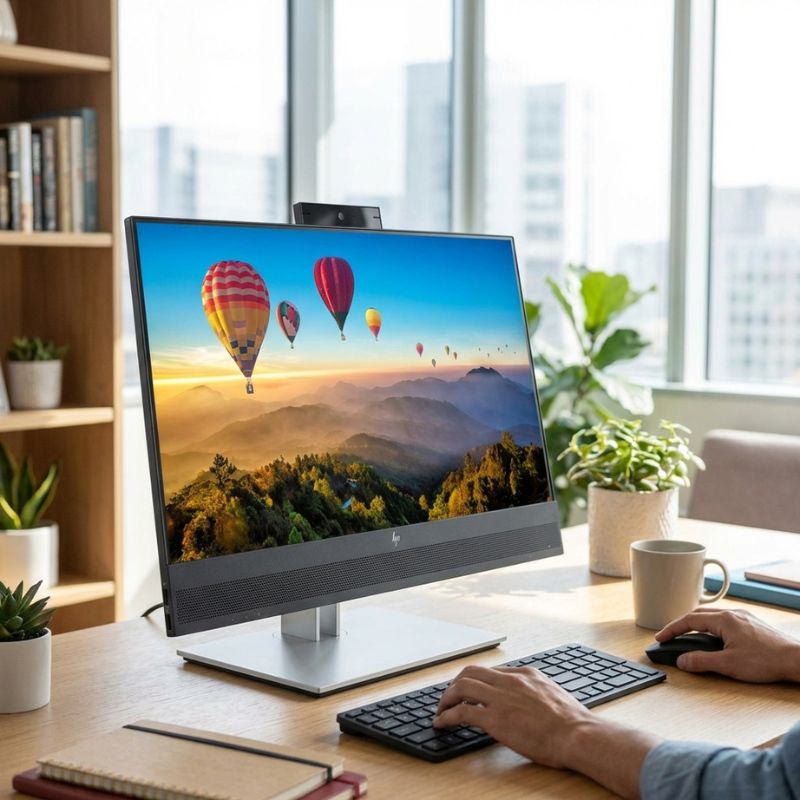
When setting up your laptop stand, ensure that it is positioned at eye level or slightly below. This prevents excessive strain on your neck. If you are using an external keyboard or mouse with a laptop stand, keep them within easy reach to maintain comfort during extended sessions.
Regular maintenance is also vital; keep the surface clean where the stand sits as well as your device. If applicable software updates are offered by manufacturers (for models that include smart features), ensure they are performed promptly. User training may be beneficial when introducing new staff members to ergonomic practices associated with using a laptop stand effectively.
Q&A
1. What’s included with a typical laptop stand purchase?
2. Is there any software requirement for using a laptop stand?
3. Can I use this with different brands of laptops?
4. How easy is it to install a laptop stand?
5. Are these suitable for hybrid workspaces?
would enhance user comfort while promoting better productivity in any working environment. Explore our range today!