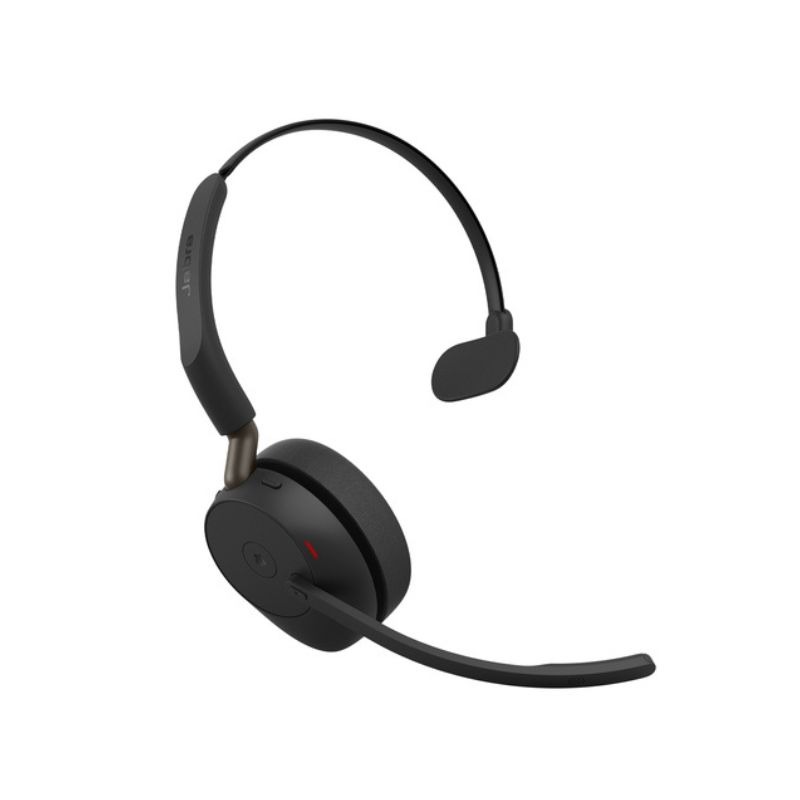
Jabra Talk 65 for Improved Collaboration Efficiency
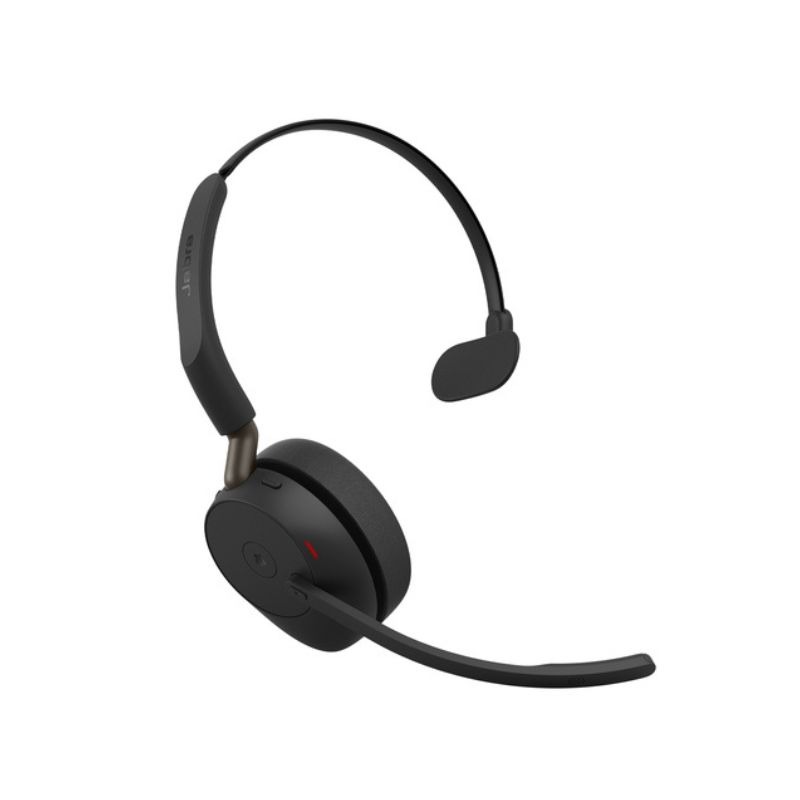
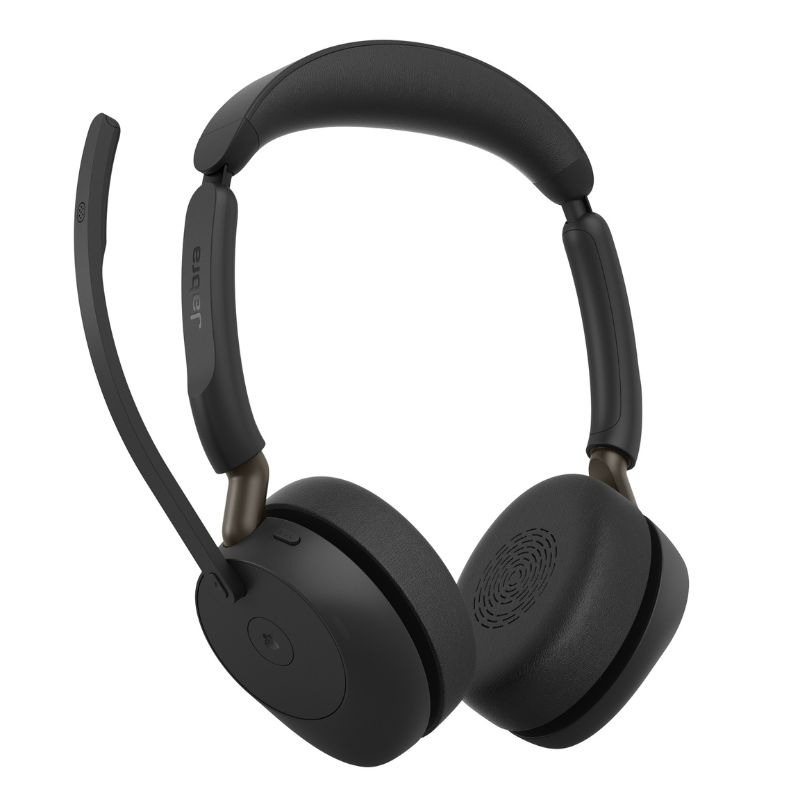
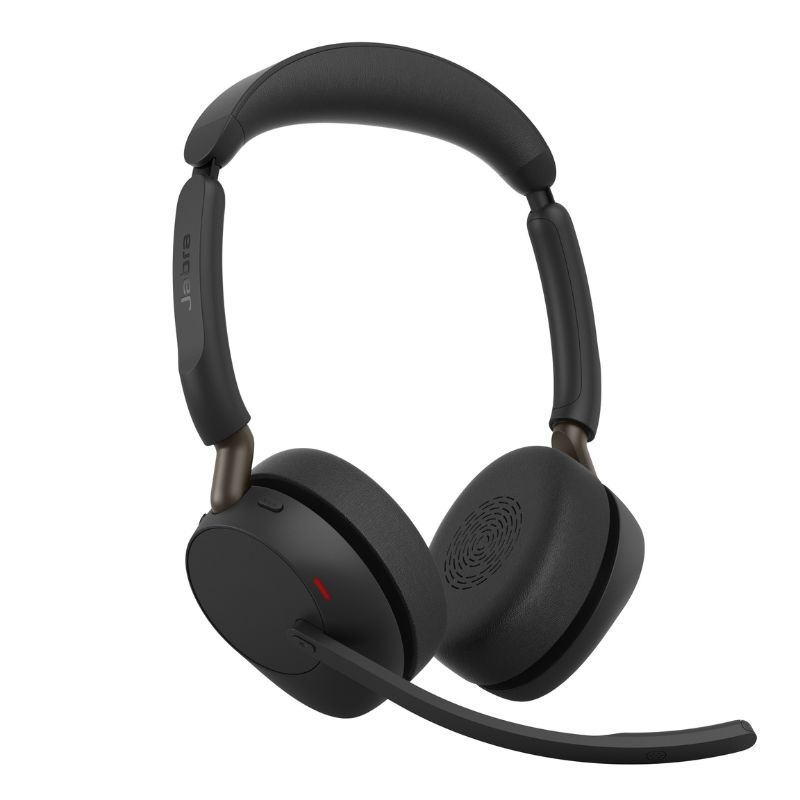
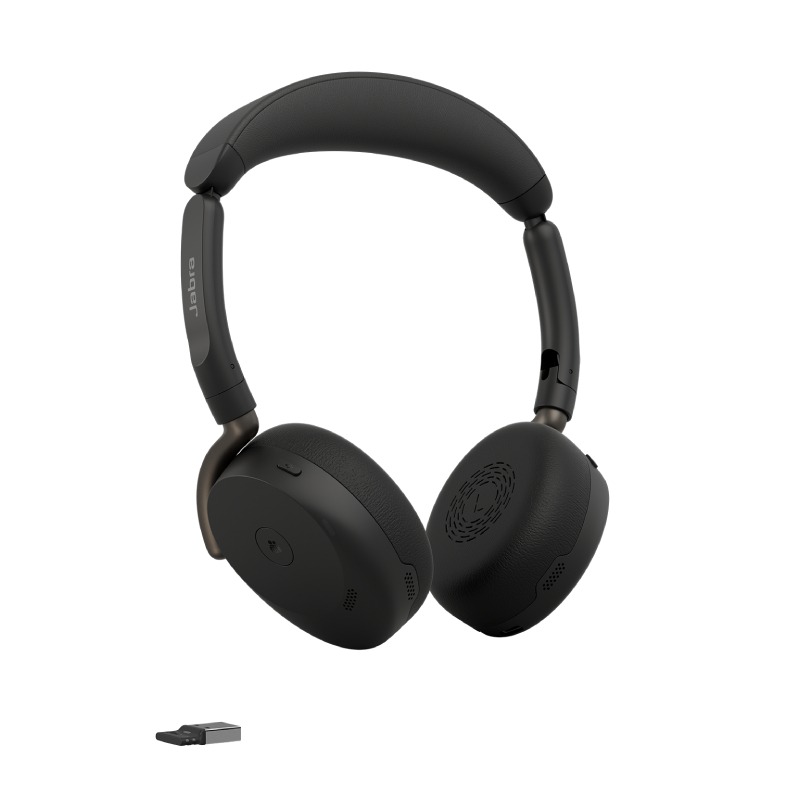
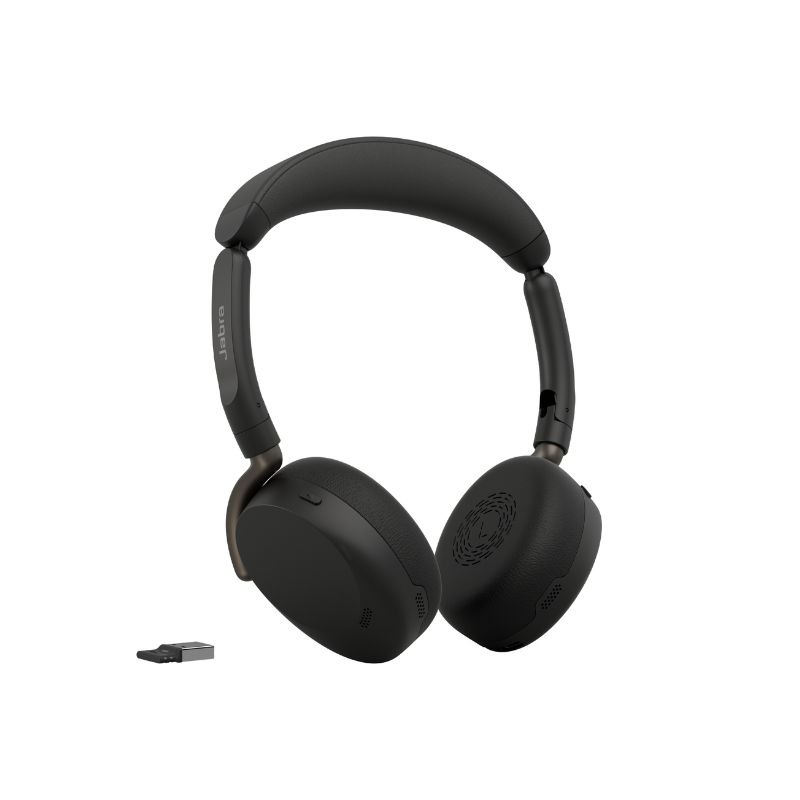
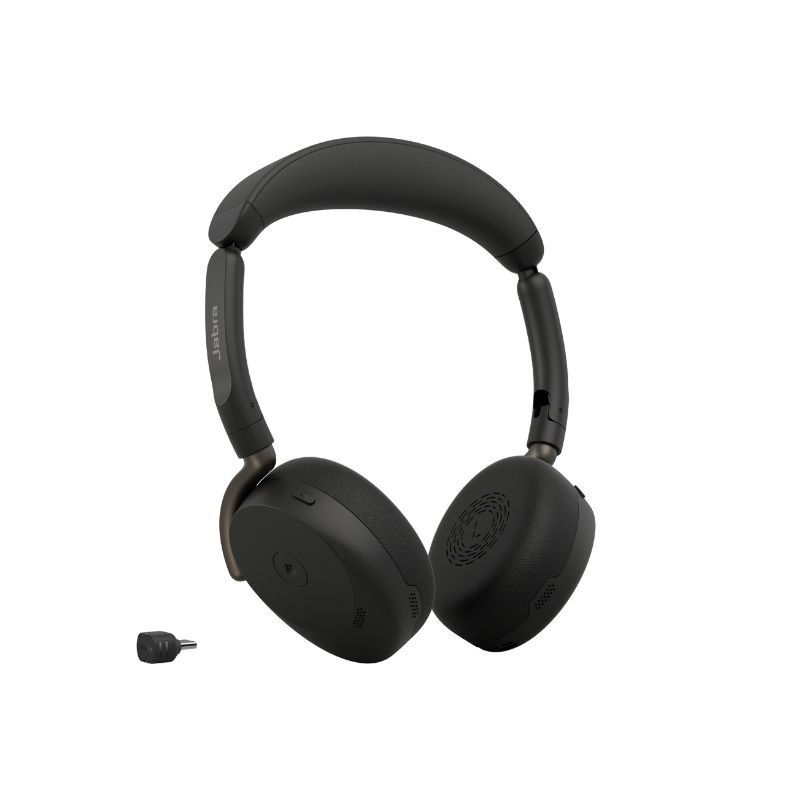
The Jabra Talk 65 is a versatile headset tailored for professionals seeking reliable audio solutions. This guide provides insight into its features, compatibility, and how it can enhance communication in diverse work environments.
Benefits of Using Jabra Talk 65
- Crisp Audio Performance: The Jabra Talk 65 utilises advanced microphone technology to ensure conversations remain clear, even in busy office settings or during outdoor meetings.
- Noiseless Meetings: Equipped with effective noise-cancelling capabilities, this headset minimizes background distractions allowing you to focus on important discussions without interruptions.
- Broad Device Compatibility: The headset is compatible with a variety of devices and platforms including Teams and Zoom, ensuring ease of use across different operating systems such as Windows and Mac.
- User-Centric Design: Its lightweight structure ensures comfort during prolonged use, making it suitable not only for desk setups but also mobile professionals who need flexibility.
- Simplicity in Deployment: Designed with plug-and-play functionality in mind, the Jabra Talk 65 facilitates quick installation across multiple users in businesses looking to scale up communication tools easily.
- Aesthetic Professional Image: strong>This sleek design complements any professional attire while maintaining an air of professionalism during conference calls or client meetings. li >
Usage Tips
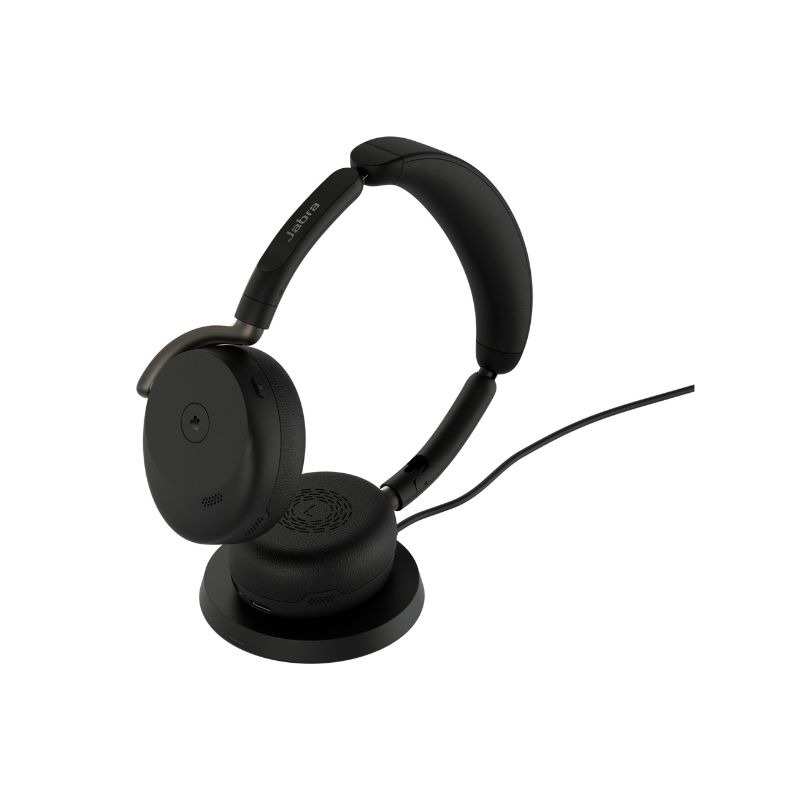
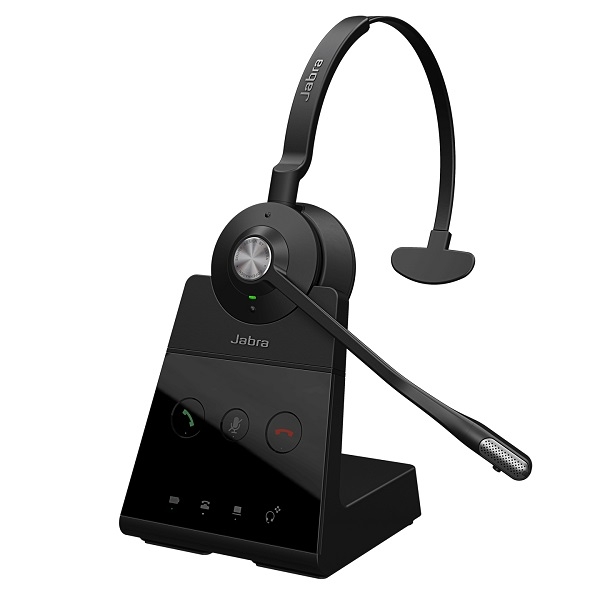
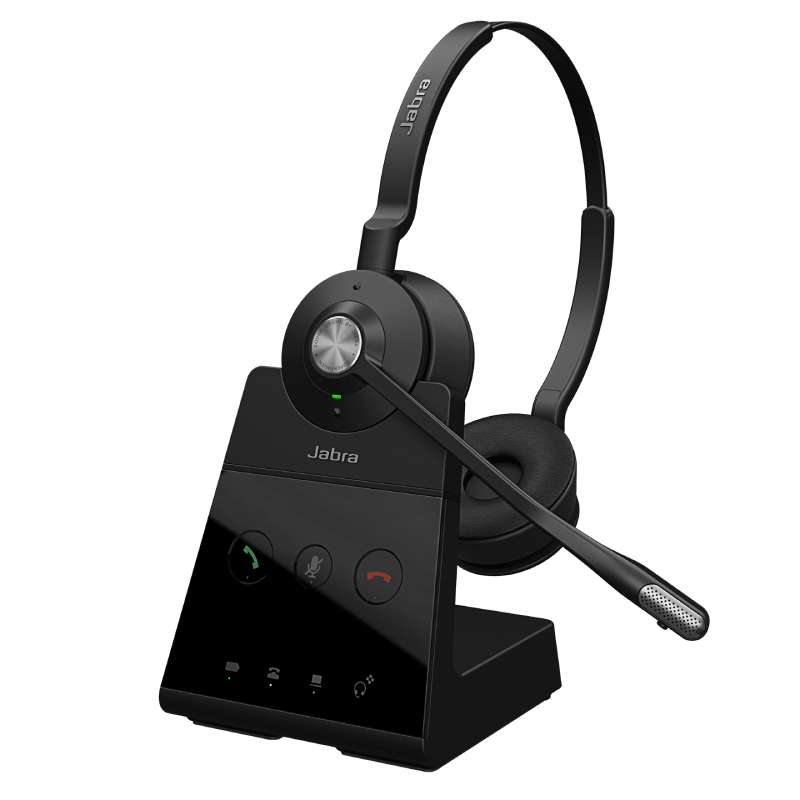
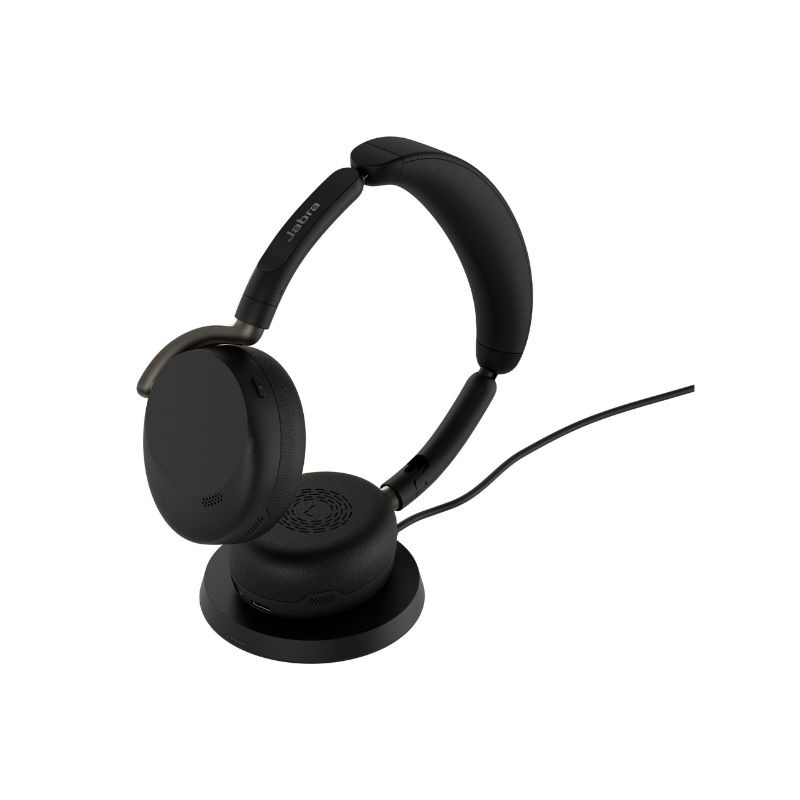
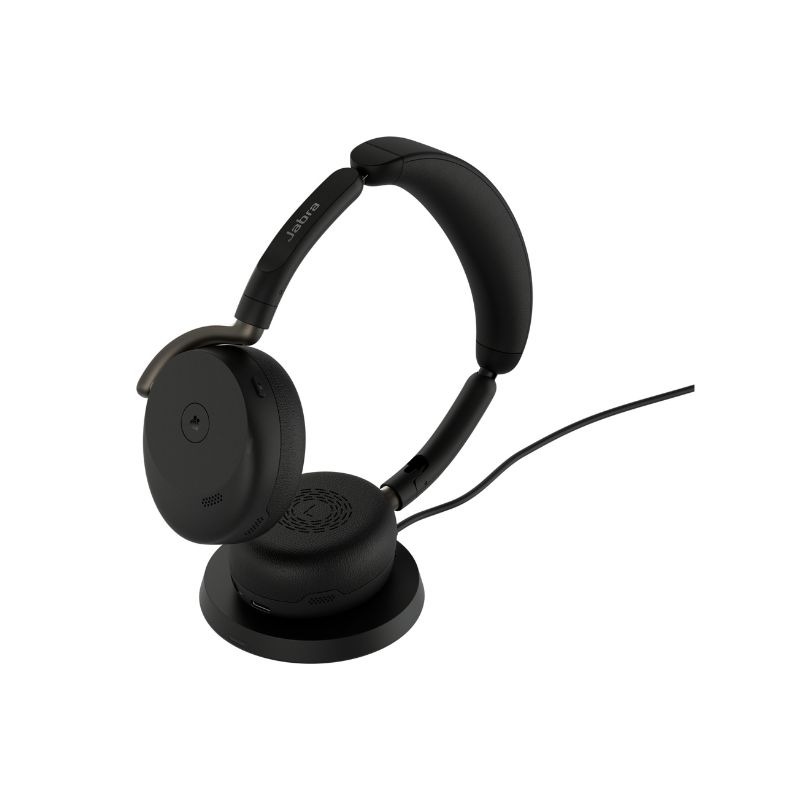
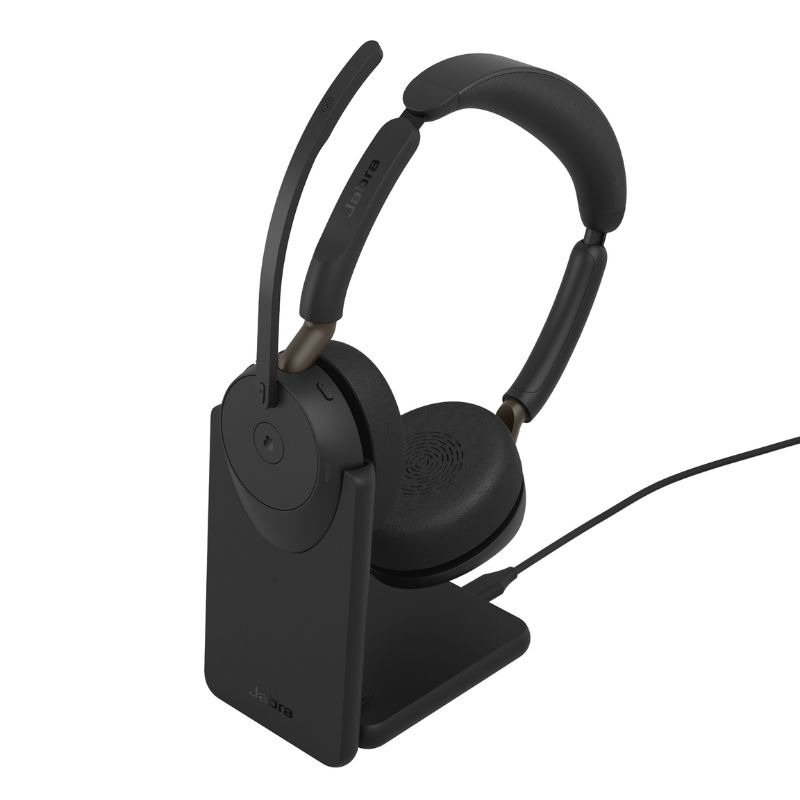
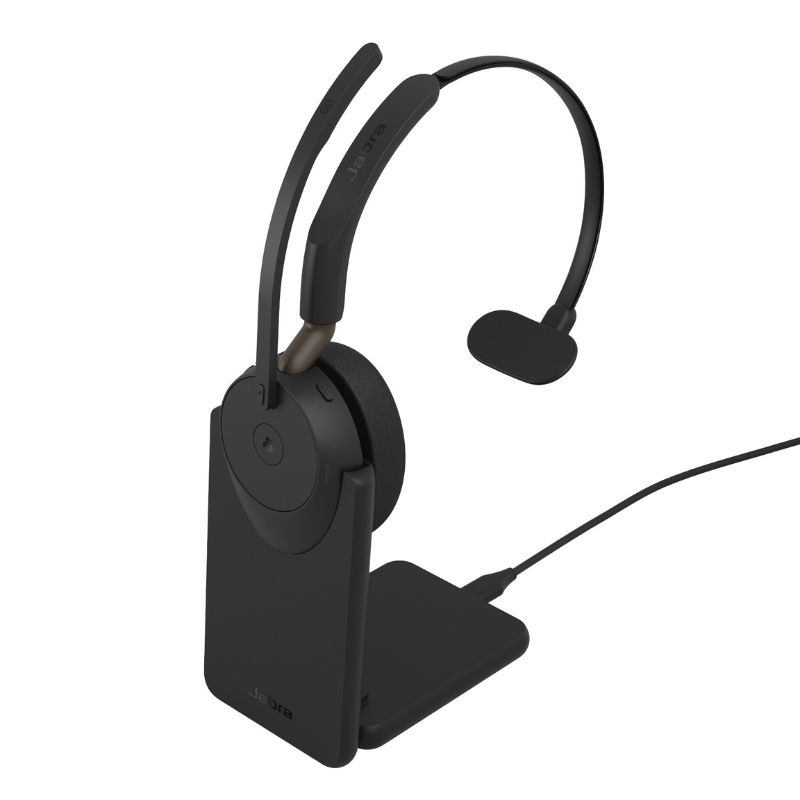
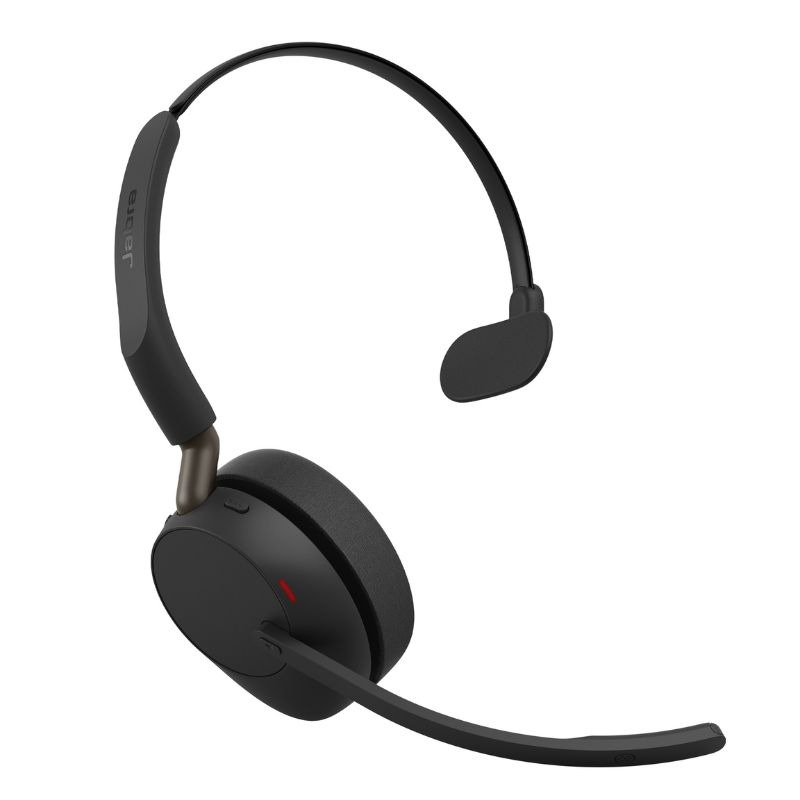
For optimal performance of your Jabra Talk 65 headset, proper setup and positioning are essential. Ensure that the microphone is positioned close to your mouth without touching it; this helps capture your voice clearly while reducing ambient noise. Additionally, consider using the dedicated charging stand to maintain battery life between uses—this practice can keep your device ready at a moment's notice.
Regular maintenance is key to extending the life of your headset. Keep the device clean by wiping down surfaces with a soft cloth regularly. Don't forget about firmware updates; these can often improve performance or introduce new features. Training staff on basic functions such as adjusting volume or taking calls can enhance their user experience significantly.
Your Questions Answered
1. What’s included in the box?
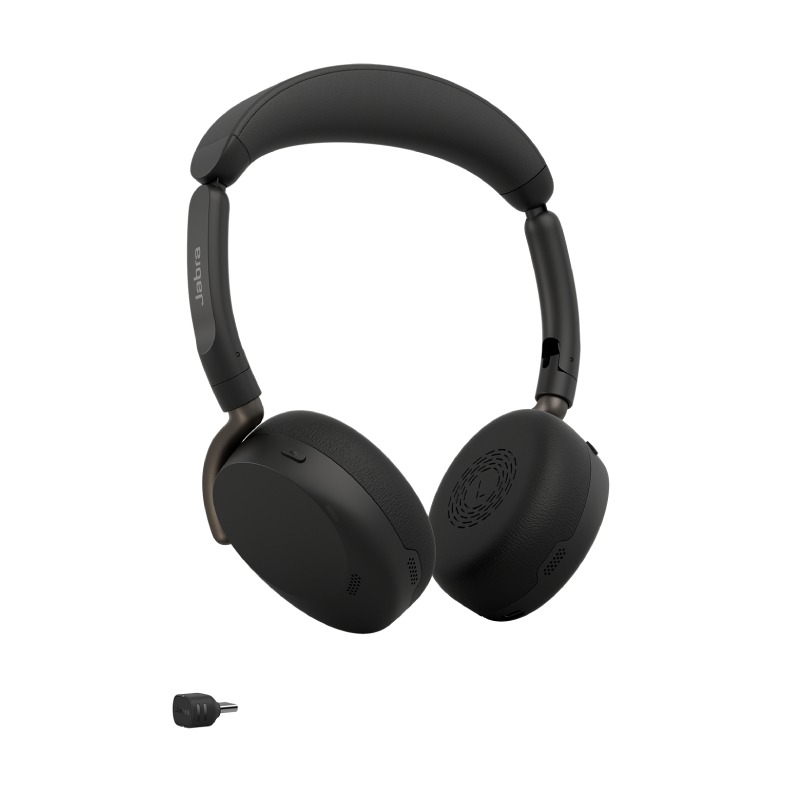
The package generally includes the Jabra Talk 65 headset itself along with a USB charging cable and user documentation. Some models may also include additional ear tips for improved fit.
2. Are there any software requirements?
No specific software is required to operate the Jabra Talk 65; however, using it alongside compatible applications like Teams or Zoom may enhance its functionality depending on user needs.
3. Is it compatible with both Mac and Windows?
The Jabra Talk 65 offers broad compatibility across various platforms including both Windows and Mac systems, making it easy to integrate into existing workflows regardless of your operating system preference.
4. How easy is installation?
The installation process is straightforward due to its plug-and-play nature; simply connect via Bluetooth or USB depending on your setup needs without any complex configurations required.
5. Is it suitable for hybrid work environments?
This headset fits well within hybrid work models due to its comfortable design and effective noise cancellation features that help maintain productivity whether working from home or at the office.< / p >
Summary
The
Jabra Talk 65 strong > provides an excellent solution for businesses aiming to improve communication efficiency through high-quality audio experiences. Consider exploring our complete range today!