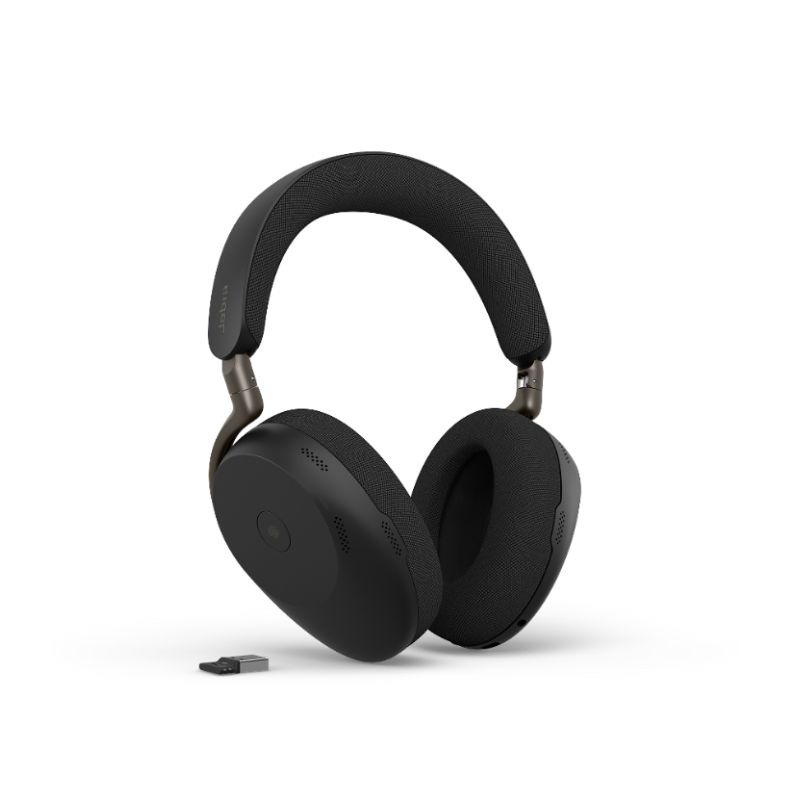
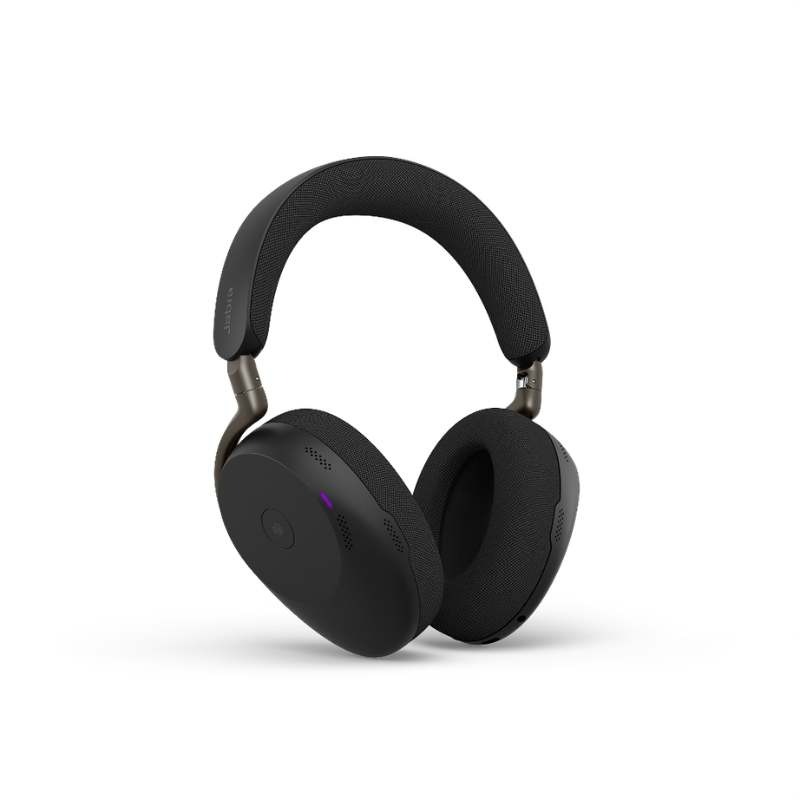
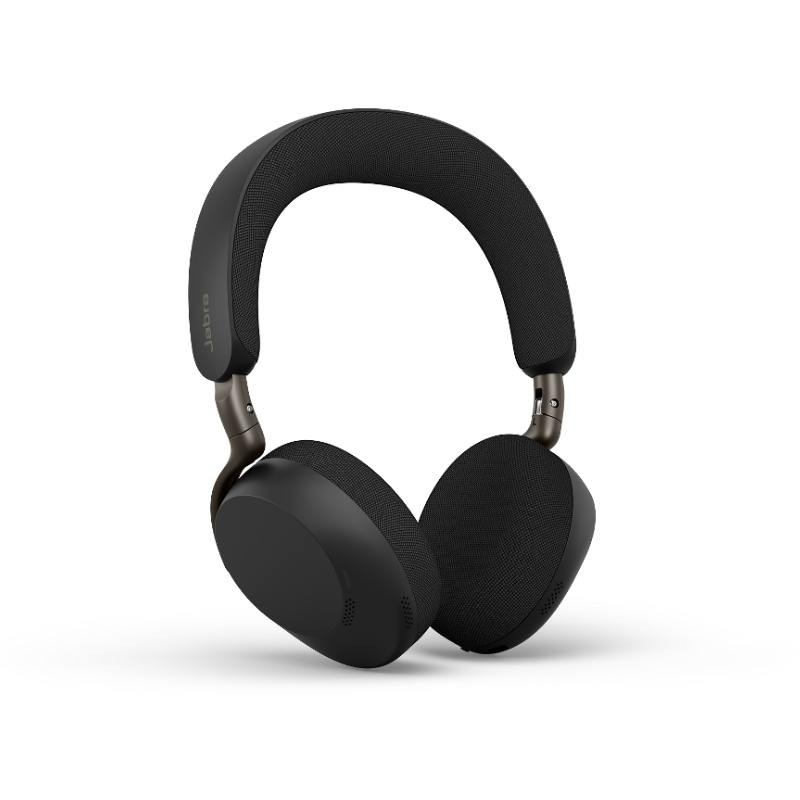
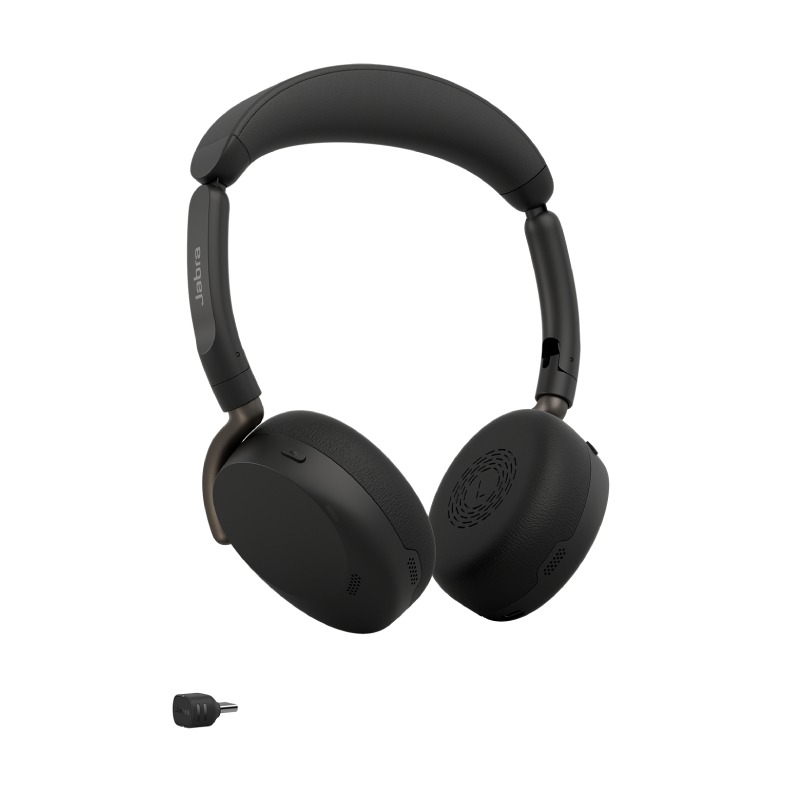
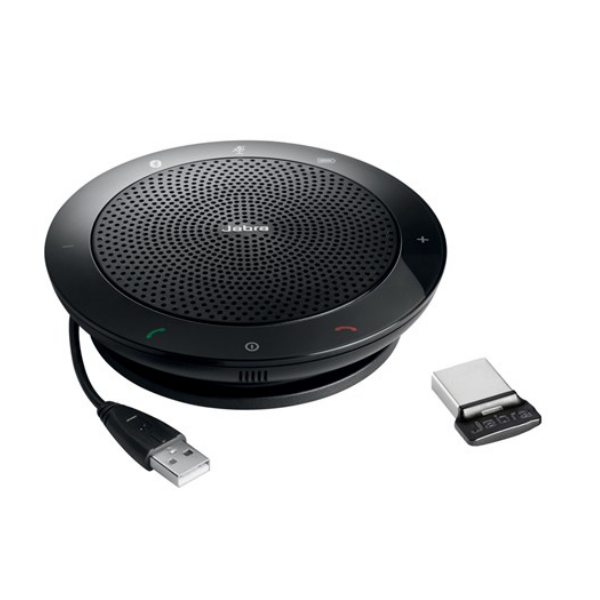
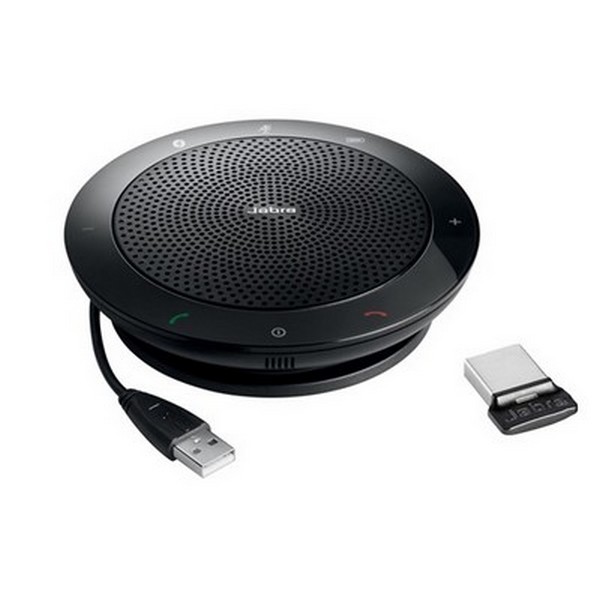
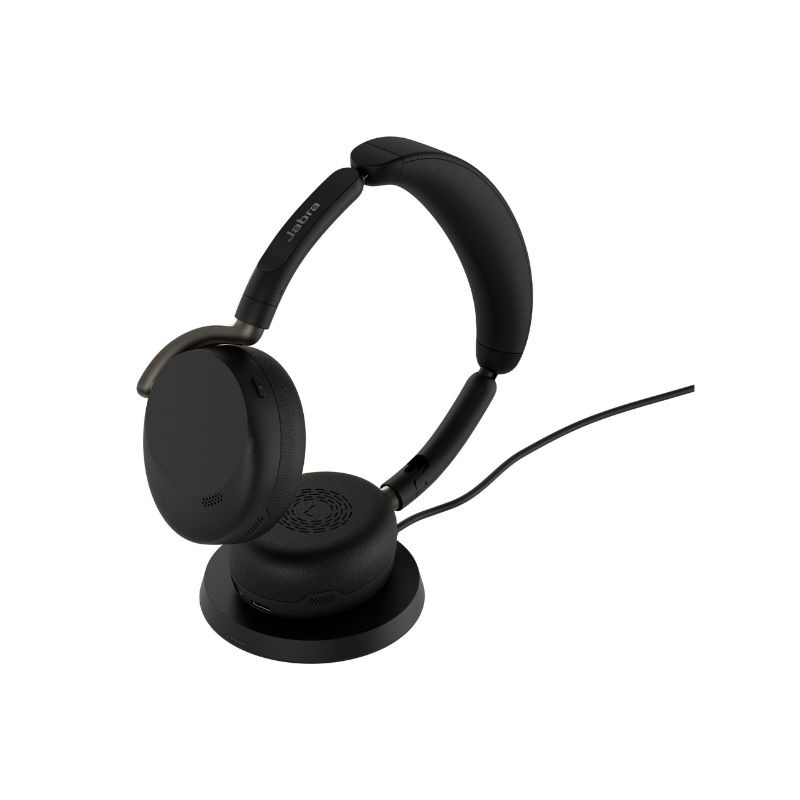
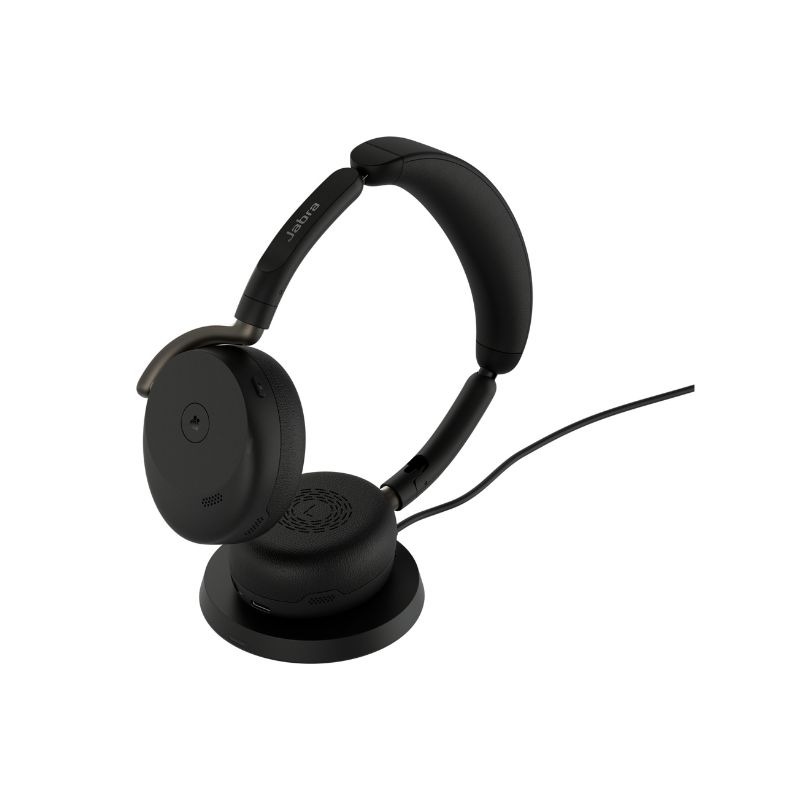
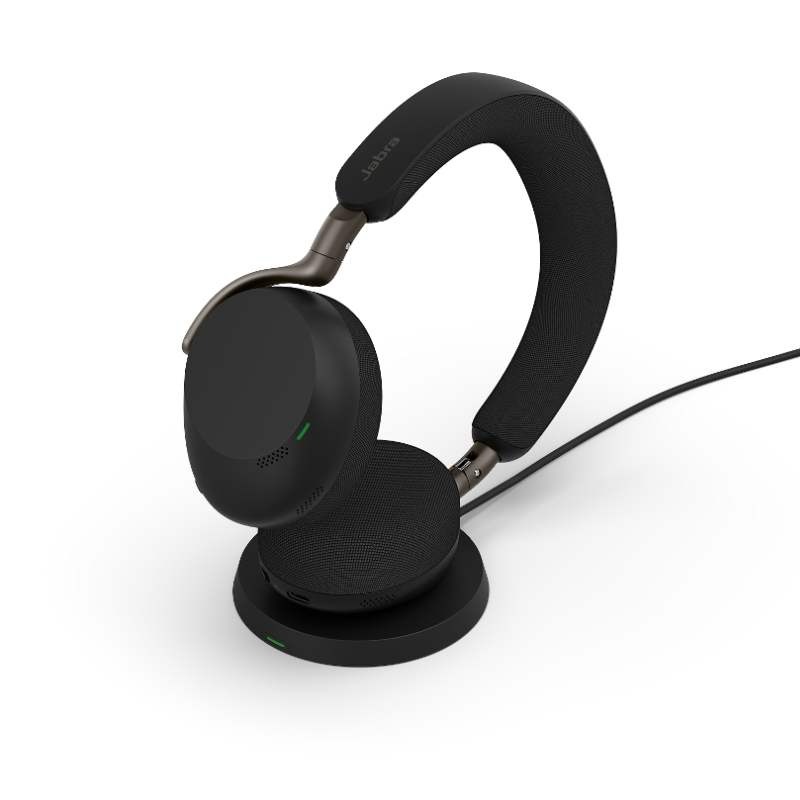
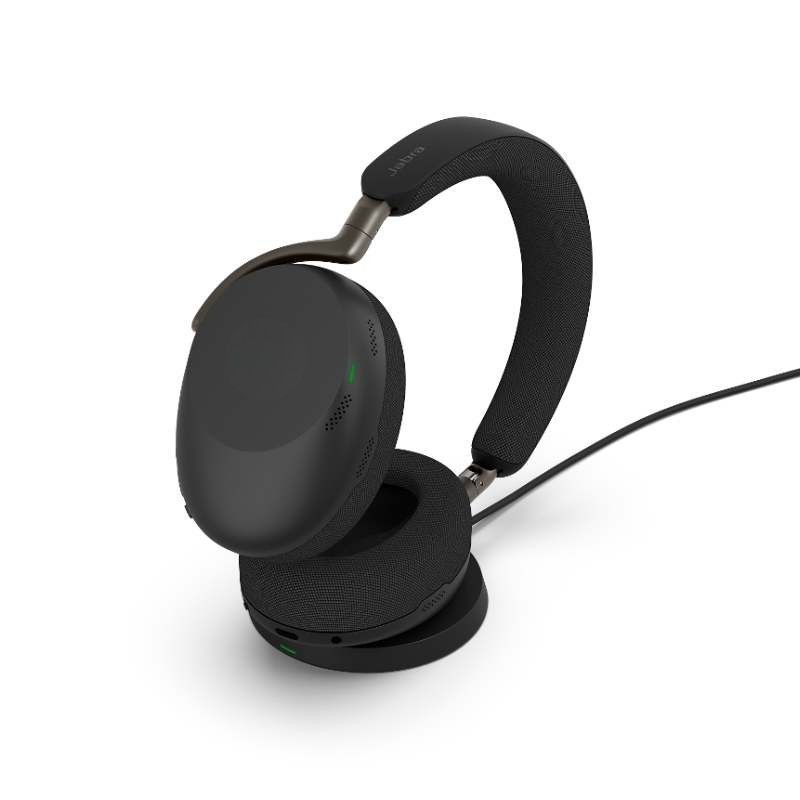
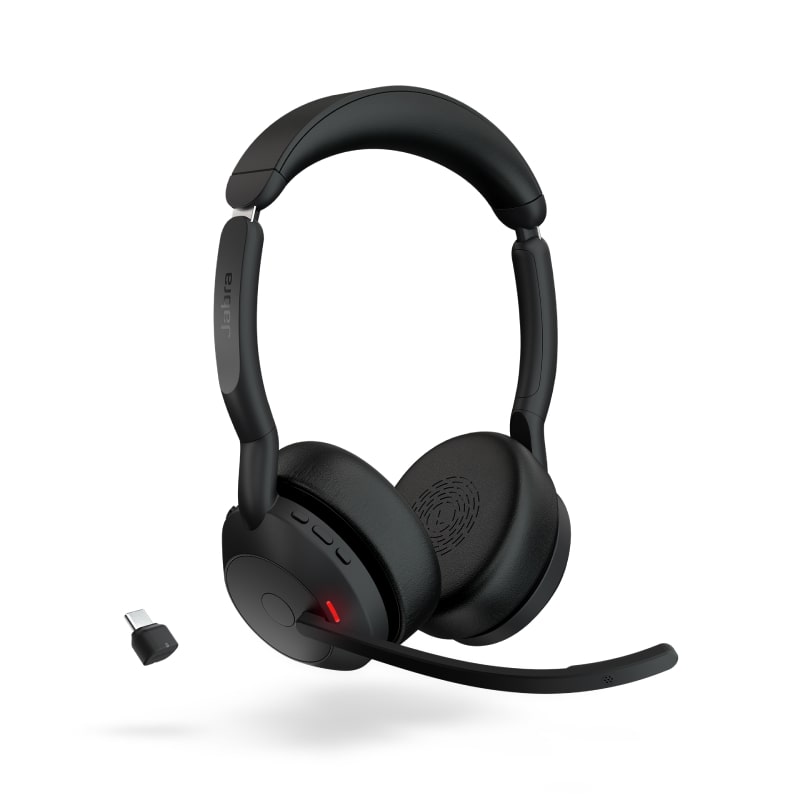
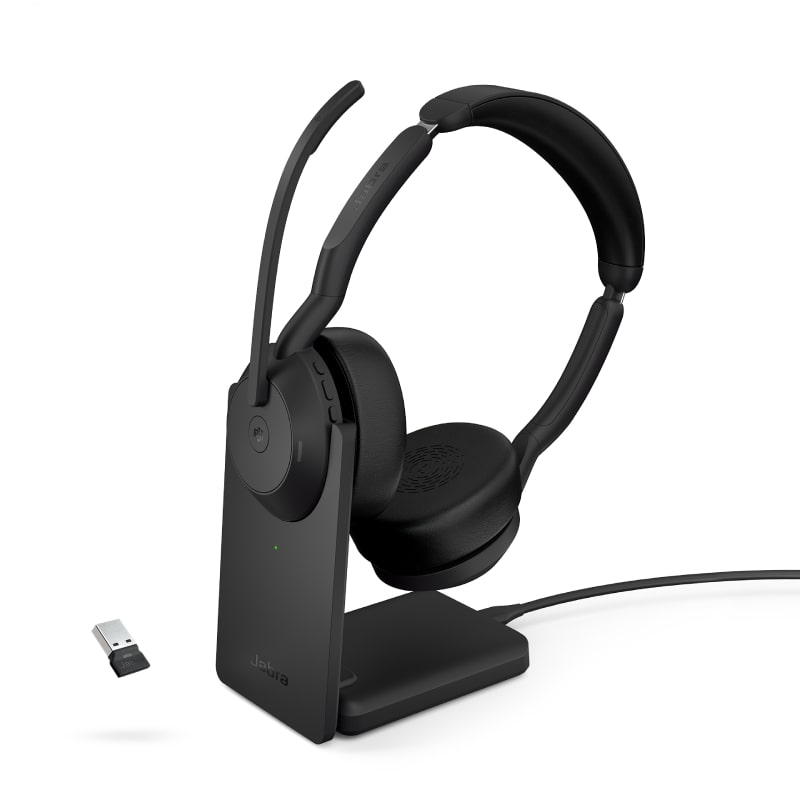
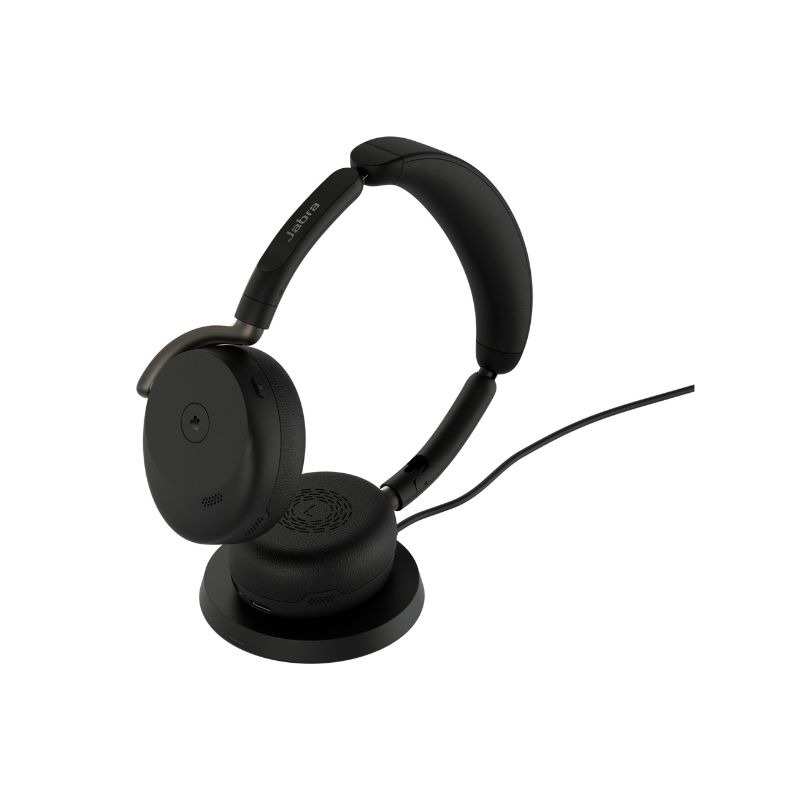
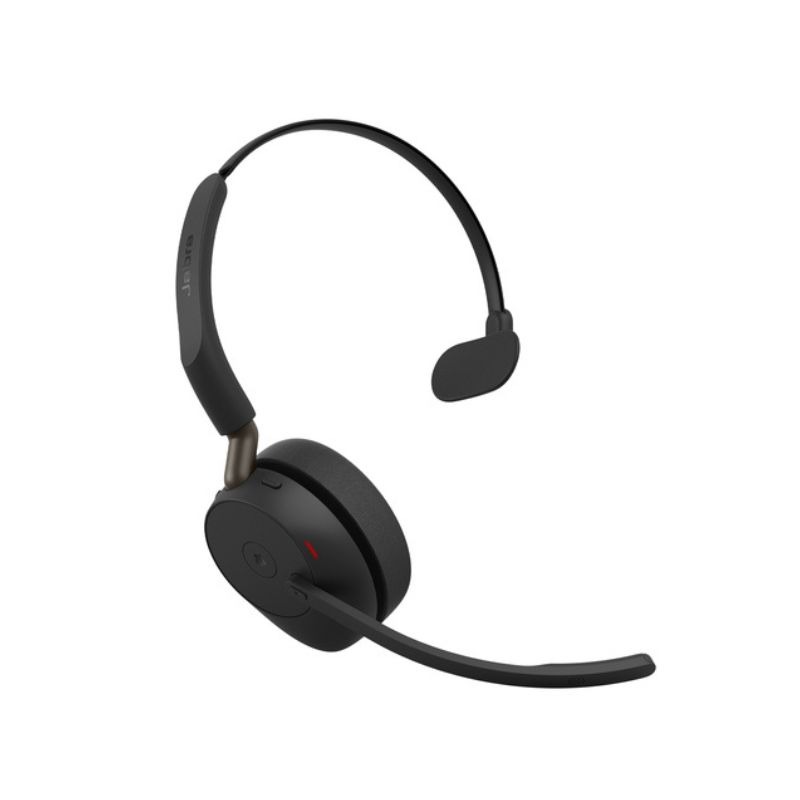
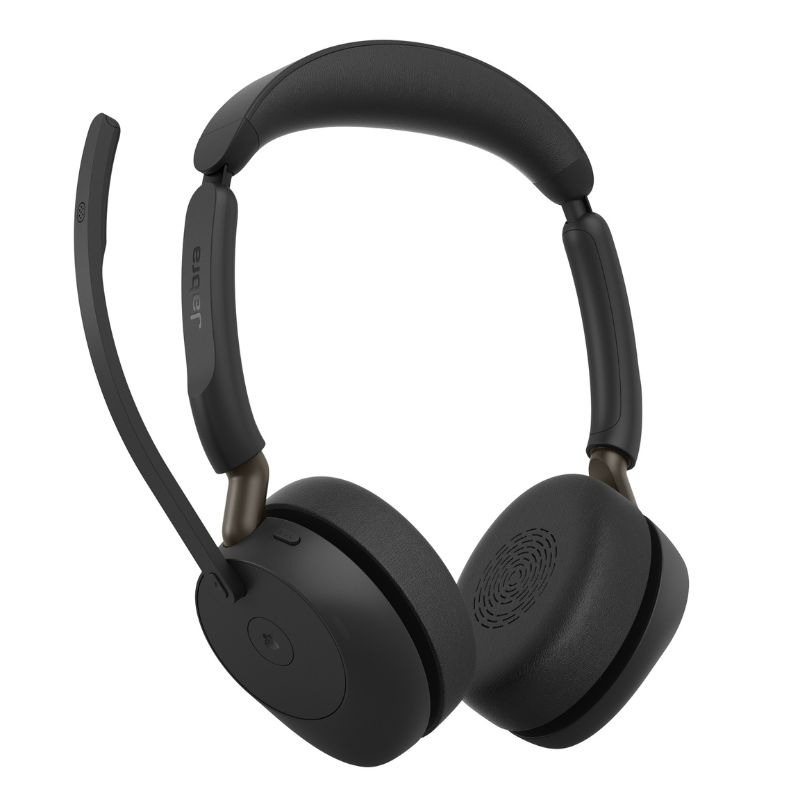
Jabra Dongle for Streamlined Audio Solutions
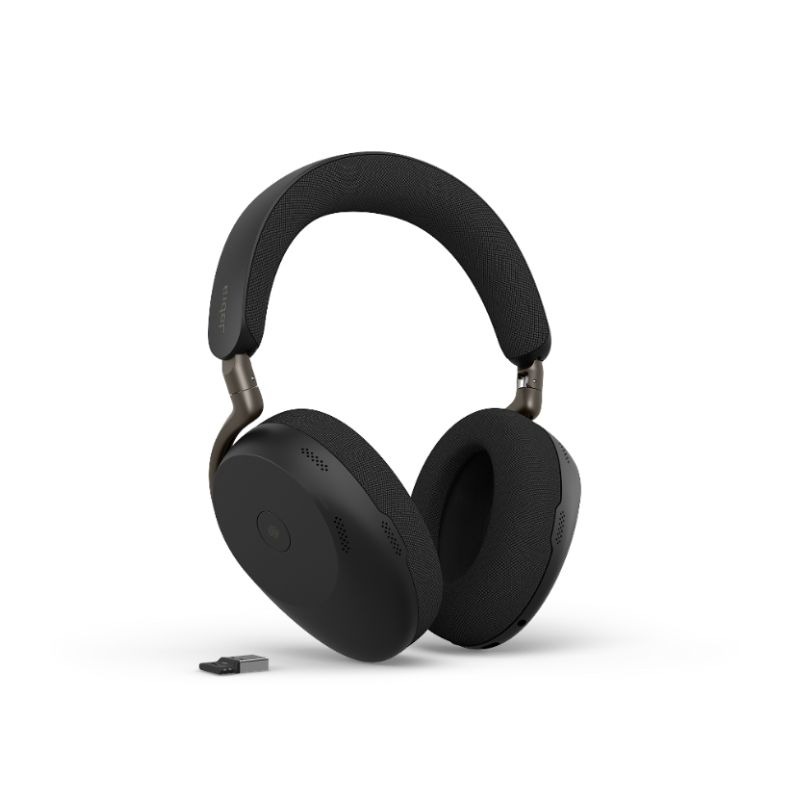
The jabra dongle, designed primarily for enhancing audio clarity in professional settings, is ideal for IT managers, procurement teams, and business owners. This guide covers key features, benefits, and usage tips relevant to selecting the right dongle for your organisation.
Benefits of Using Jabra Dongle
- Diverse Compatibility: The jabra dongle supports a wide range of devices including USB-A and USB-C connections, making it suitable for various configurations in both Windows and Mac environments.
- Cisco Certified: Many models are certified for use with platforms such as Microsoft Teams or Zoom, ensuring high-quality performance during virtual meetings.
- DURABLE Build Quality: Designed with professionals in mind, the jabra dongle features robust materials that withstand daily use in busy office environments.
- Adequate Range: Depending on the model, some jabra dongles offer extended wireless ranges which are beneficial in hybrid work setups where mobility is essential.
- EASE OF MANAGEMENT: Centralised management options allow IT teams to monitor the performance of multiple devices seamlessly from one platform.
- PROMOTES PROFESSIONALISM: strong > Using high-quality audio solutions like those offered by jabra can enhance your team's productivity and improve overall communication effectiveness within your organisation.
Usage Tips
For effective setup of your jabra dongle, ensure that you follow the manufacturer’s instructions carefully. Typically, you would connect the dongle to an available USB port on your PC or laptop before pairing it with compatible headsets or speakers. Positioning also plays a key role; keep the dongle within close proximity to connected devices to maintain a strong connection.
Regular maintenance is crucial for optimal performance. Ensure that firmware updates are installed as they become available; this will also help protect against potential vulnerabilities. User training can significantly enhance how effectively team members utilise their equipment — consider hosting short training sessions or providing instructional resources.
1. What comes included with the Jabra Dongle?
The package typically includes the jabra dongle itself along with a quick start guide. Some models may come with additional cables depending on compatibility requirements.
2. Are there any software requirements?
Most jabra dongles do not require specific software installations beyond standard driver updates from either Windows or macOS systems; however, check compatibility based on your device's operating system before purchasing.< /p >
3. Is it compatible with all headsets?
While many jabra headsets are designed specifically for optimal compatibility with jabra dongles, it's important to verify specific model compatibility as features may vary between different headset types.< /p >
4. How easy is installation?
Installation tends to be simple; plug the jabra dongle into an available USB port and follow any on-screen prompts if required — making it accessible even without extensive technical knowledge.< /p >
5. Can I use it in hybrid work environments?
Yes! The jabra dongle is well-suited for hybrid work settings as it supports wireless connections that facilitate remote communication while providing excellent audio quality during video calls.< /p >
In summary, investing in a jabra dongle, ensures enhanced connectivity and superior communication quality across various platforms tailored for business needs. Explore our range today to find solutions that fit your organisational requirements perfectly!