Need help?
Professional advice available Monday to Friday, 8.30am-5.30pm Mon. to Fri. 8:30 a.m. – 6:30 p.m. 0333 123 3050 Call us!
PRICE
  • 0
    ,00 
    5 999
    ,00 

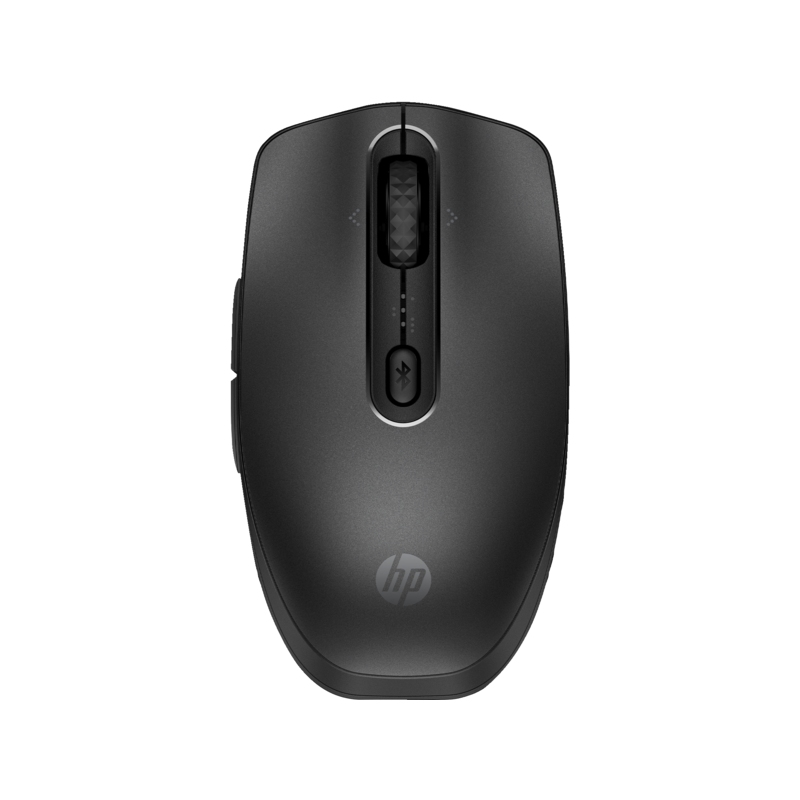
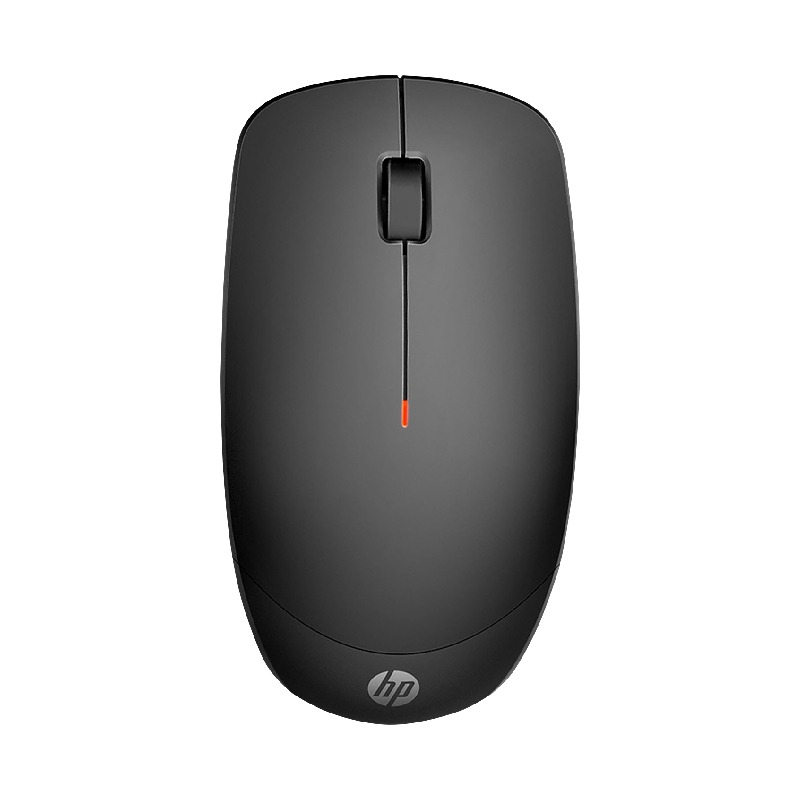
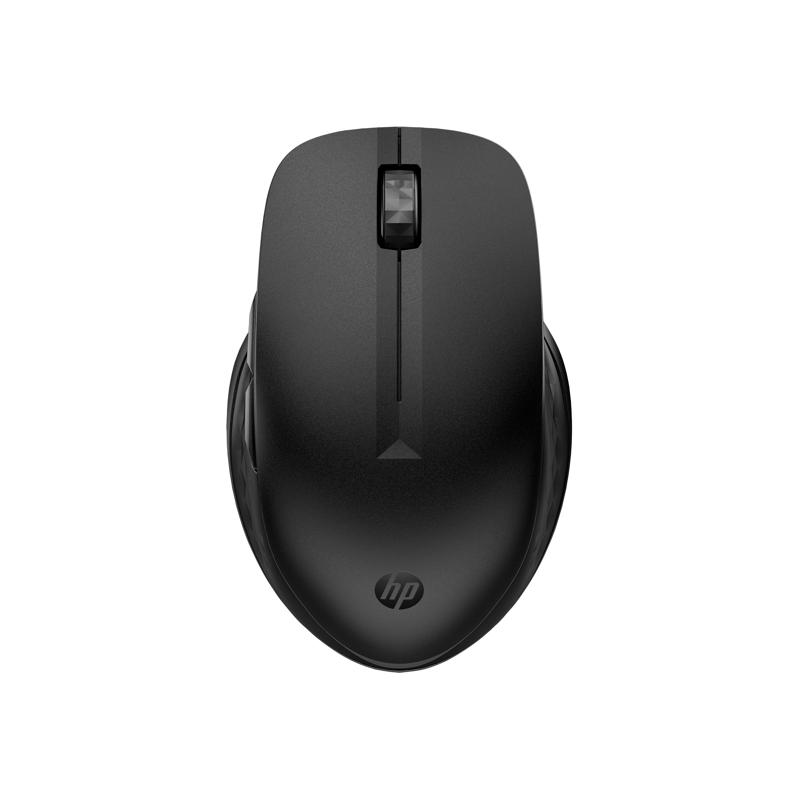
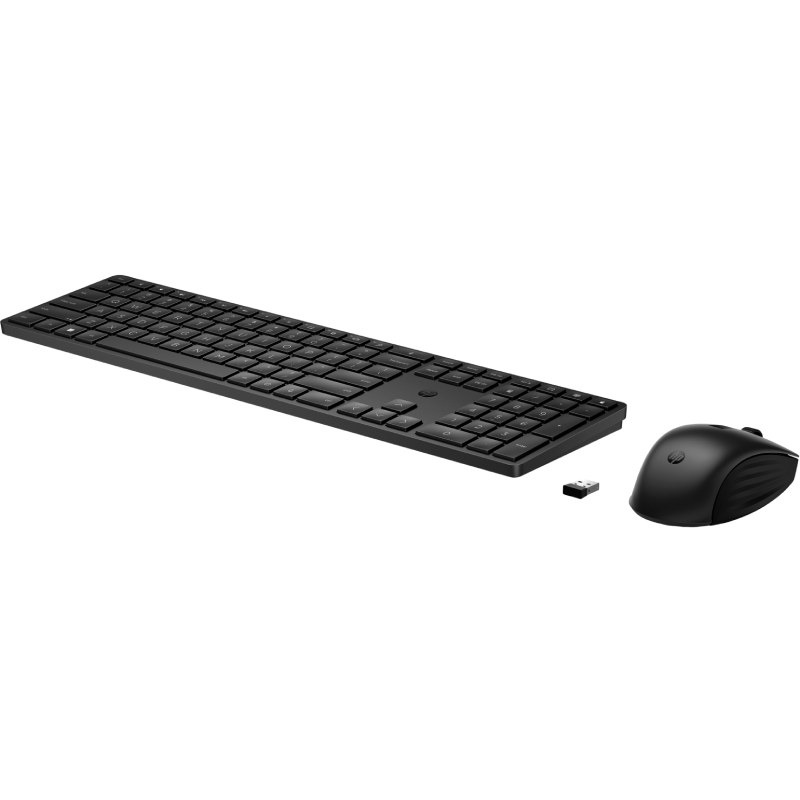
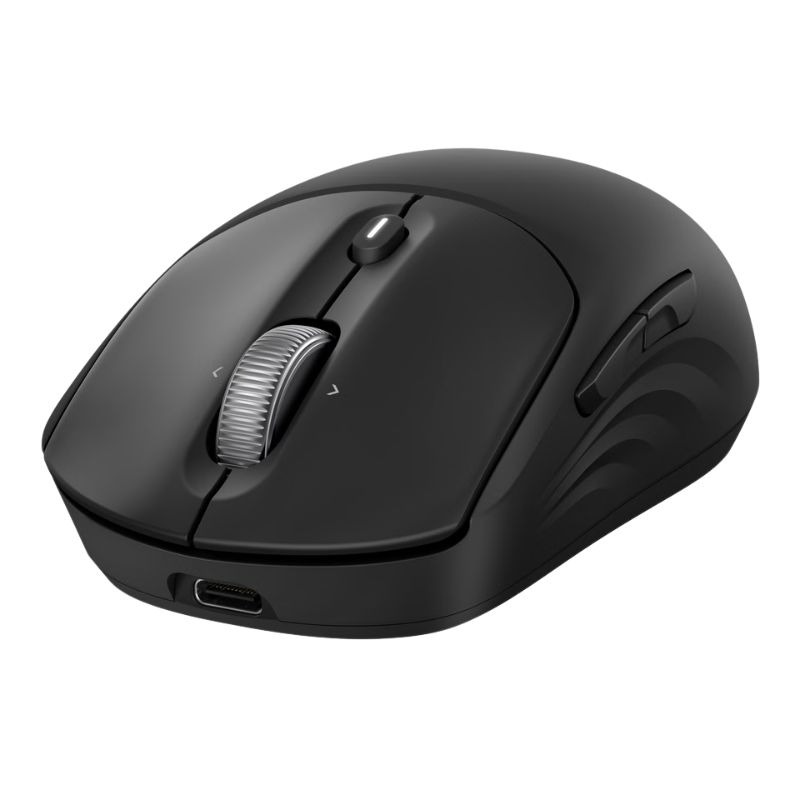
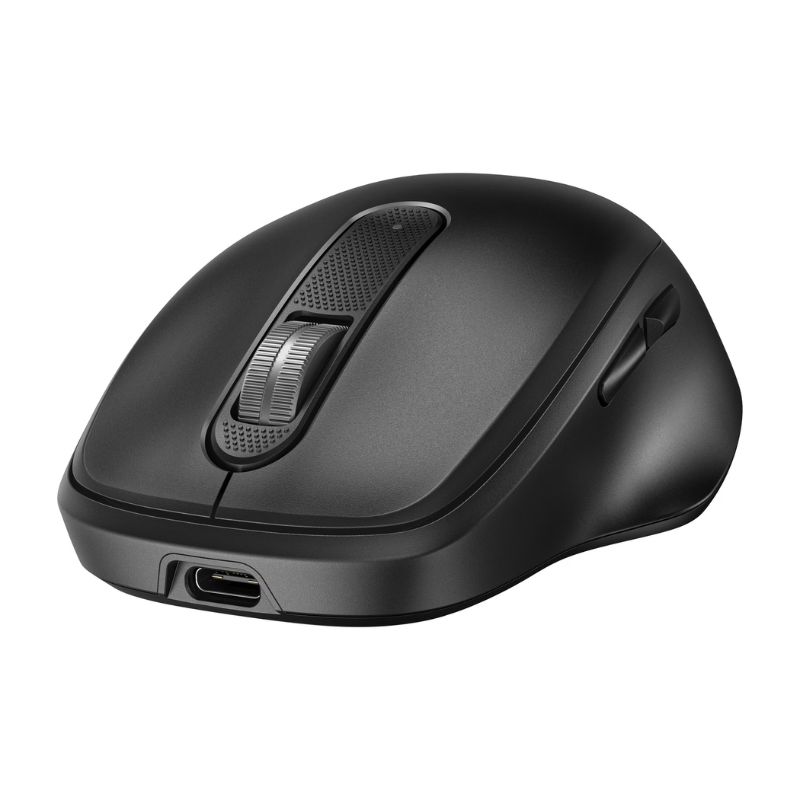
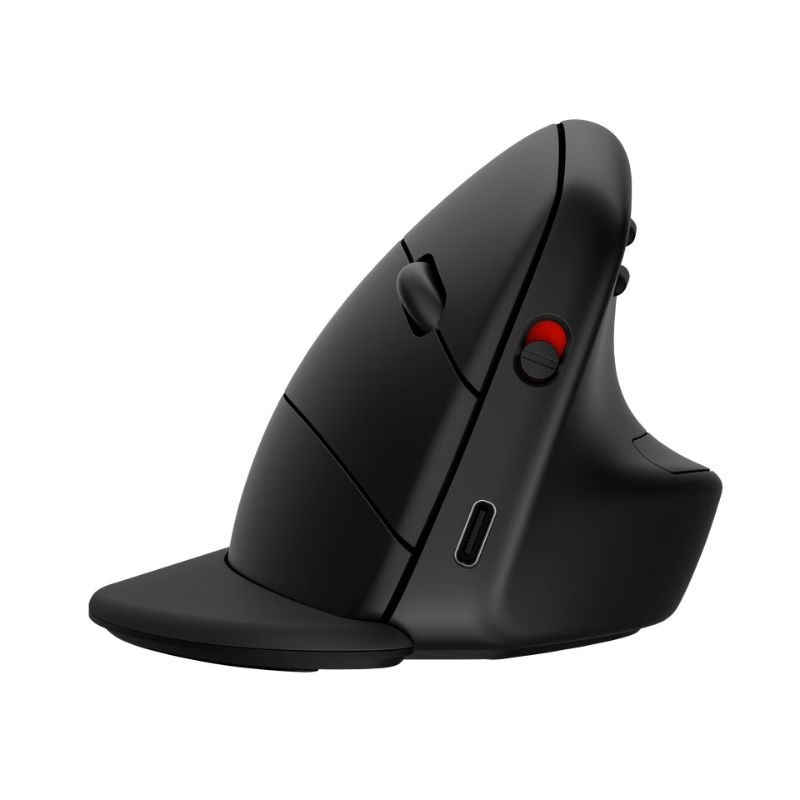
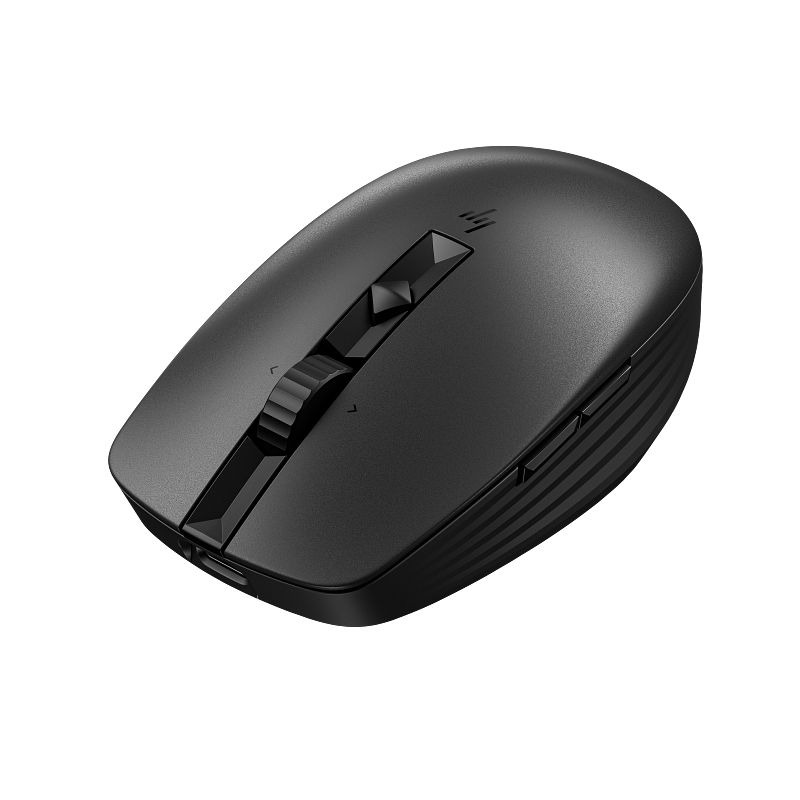
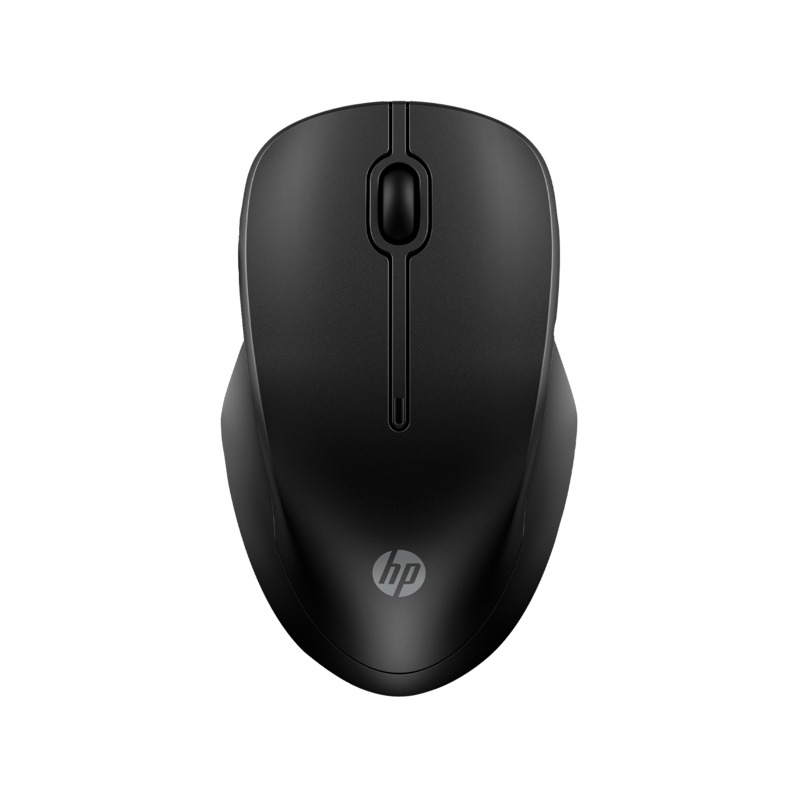
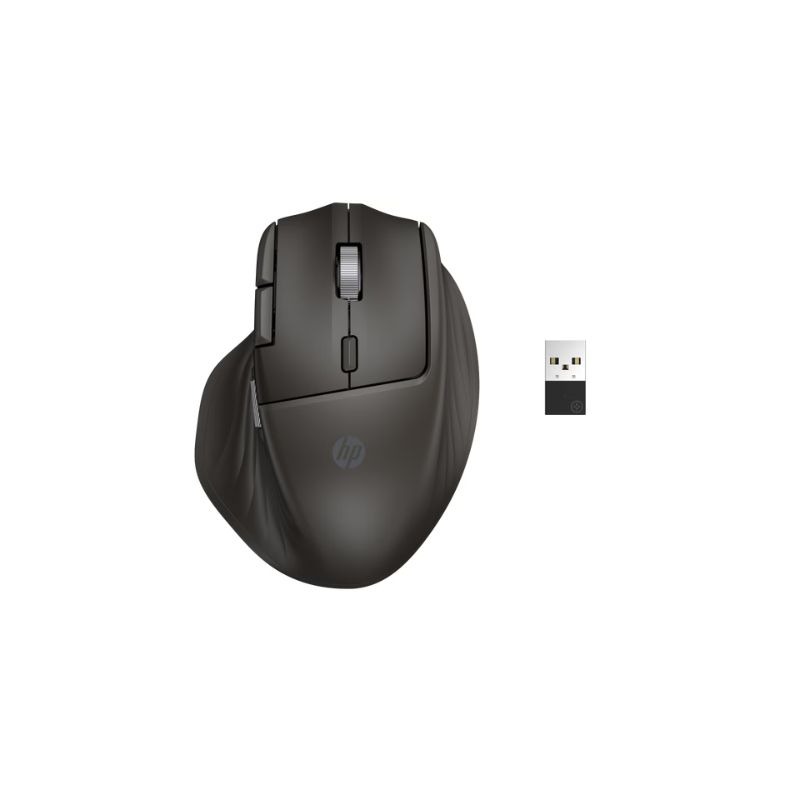
Hp wireless mouse

hp wireless mouse for Enhanced Workplace Productivity

The hp wireless mouse is designed to improve efficiency and comfort in professional settings. This guide highlights the core business value of utilising this versatile device in your workplace.

  • Wireless Convenience: Eliminate clutter with a cordless design, allowing for flexible desk arrangements.
  • Increased Comfort: Ergonomic designs help reduce strain during long working hours, enhancing employee well-being.
  • Smooth Connectivity: Experience reliable performance with quick pairing options for different devices.

Please explore our full range of HP Wireless Mice to find the perfect fit for your business needs.
1  - 5 of 5 results found

hp wireless mouse for Improved Business Efficiency

The hp wireless mouse, ideal for IT managers and procurement teams, enhances productivity across various work environments. This guide explains its benefits, suitable setups, and essential user tips to ensure you make an informed decision when purchasing this device.

Benefits of Using hp wireless mouse

  • Cable-Free Operation: The wireless functionality eliminates tangled cords, providing a cleaner workspace and reducing the risk of accidents during busy operations.
  • Diverse Compatibility: Designed to work seamlessly with multiple operating systems including Windows and Mac, ensuring it meets diverse needs within hybrid working models.
  • User-Centric Design: Features like ergonomic shapes support prolonged use without discomfort, significantly boosting productivity during lengthy tasks or meetings.
  • Adequate Battery Life: Many models come with efficient battery management systems that prolong usage time between charges, thus minimising downtime due to power issues.
  • Simplicity in Deployment: Most HP Wireless Mice offer plug-and-play functionality which allows hassle-free installation across numerous devices without requiring extensive technical knowledge or software installations.
  • Aesthetic Appeal:. A modern design adds a professional touch to any desk setup, contributing positively to your corporate image when meeting clients or stakeholders remotely or in person.

Usage Tips

To maximise the benefits of your hp wireless mouse, consider optimal positioning on your desk. Ensure there is enough space for free movement while using the mouse. Position it at elbow height to prevent wrist strain and enhance comfort during extended use. A dedicated surface such as a mouse pad can also improve tracking accuracy. Regular maintenance is crucial; keep the sensor clean from dust and debris by gently wiping it with a soft cloth. Check regularly for firmware updates through HP's official site to ensure you have access to new features and improvements. Additionally, provide user training on how best to utilise programmable buttons (if available) for common tasks—this can greatly enhance workflow efficiency.

K&A

1. What’s included with my hp wireless mouse purchase?

Your purchase typically includes the hp wireless mouse itself along with a USB receiver (often stored within the device), basic documentation, and sometimes batteries depending on the model chosen.

2. Is there any software required for installation?

No special software is usually needed; most hp wireless mice are plug-and-play compatible across various operating systems which makes setup straightforward without additional downloads required.

3. How does cross-platform compatibility work?

The hp wireless mouse is generally compatible with both Windows and Mac operating systems; however, some advanced features may only be available on specific platforms or require proprietary applications from HP.

4. Can I use this mouse in a hybrid working environment?

This type of wireless technology is well-suited for hybrid work as it offers convenience across multiple devices whether at home or in an office setting; just remember that some functionalities may vary by OS compatibility when switching between environments.

5. Are there limitations regarding range or connectivity?

The effective range typically extends up to 10 metres from its receiver; however optimal performance can depend on environmental factors such as interference from other electronic devices or physical obstructions between them.


In summary, the