Professional advice available Monday to Friday, 8.30am-5.30pm
Mon. to Fri. 8:30 a.m. – 6:30 p.m.
0333 123 3050
Call us!
A Teams Desk Phone is purpose-built for Microsoft Teams, offering a dedicated communication experience with one-touch access to meetings, contacts, and voicemail. Perfect for hybrid workplaces, these phones combine professional audio with smart functionality in a familiar desktop form.
Browse our collection of Teams desk phones to find the ideal model for your office setup.
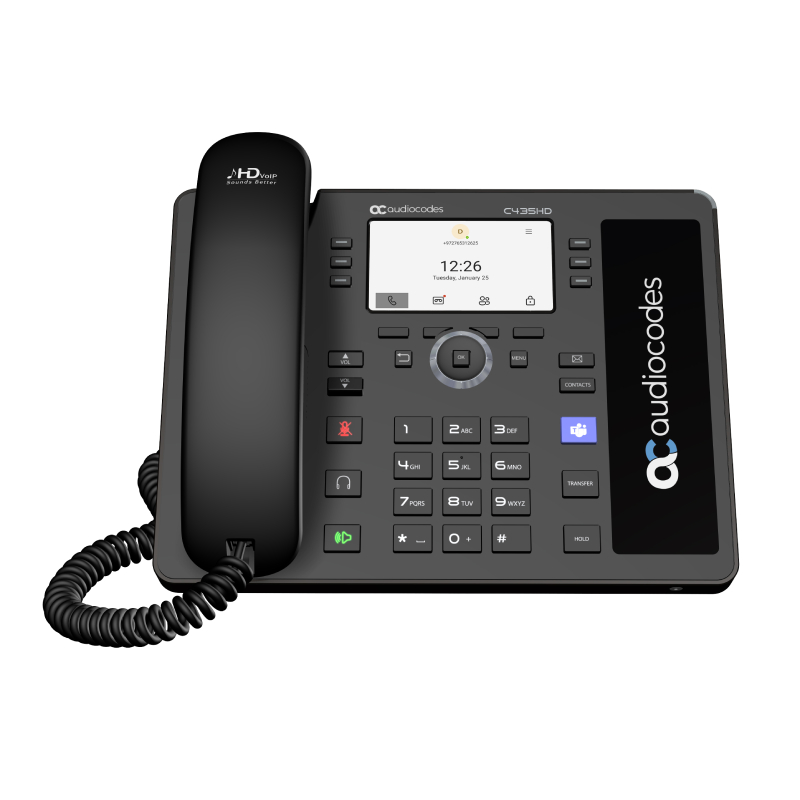
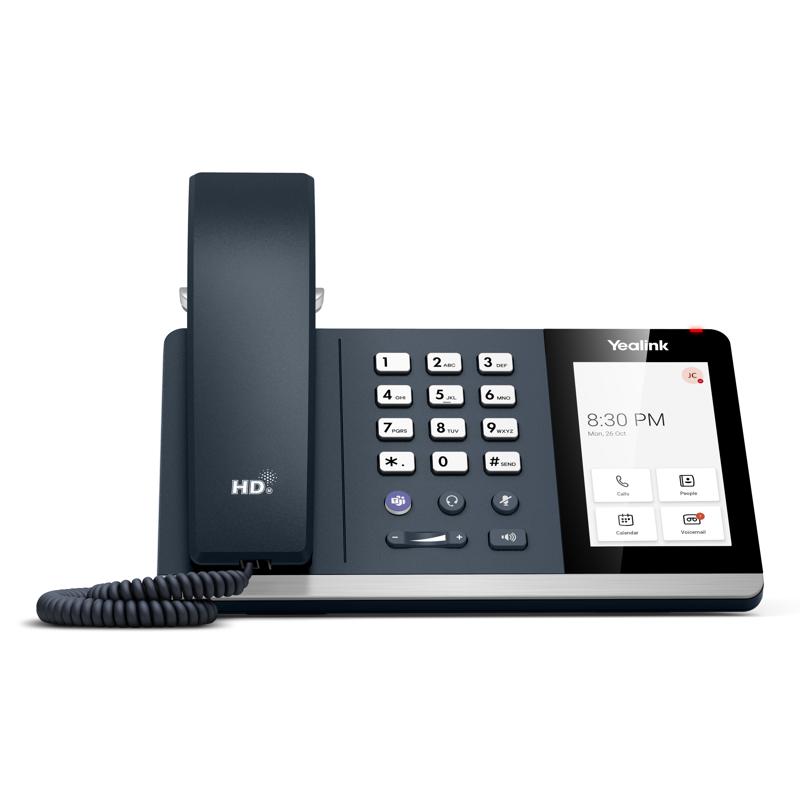
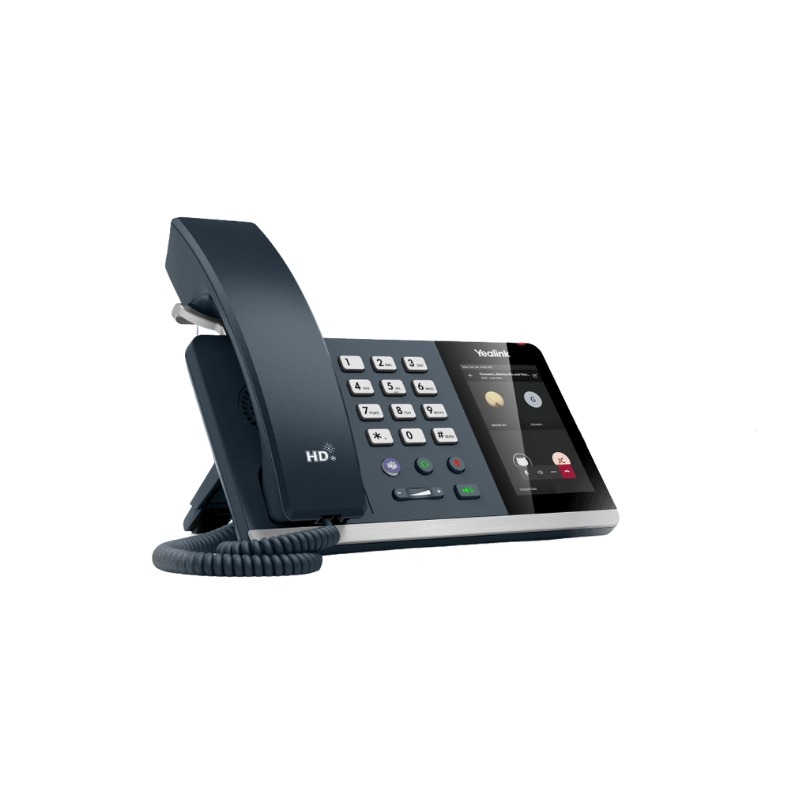
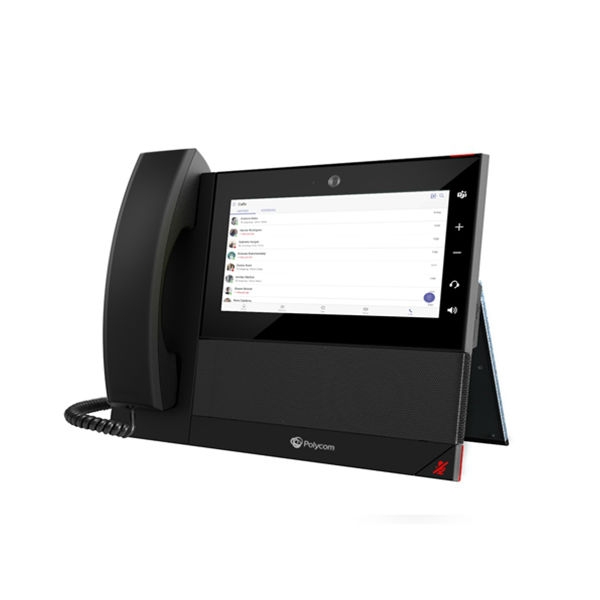
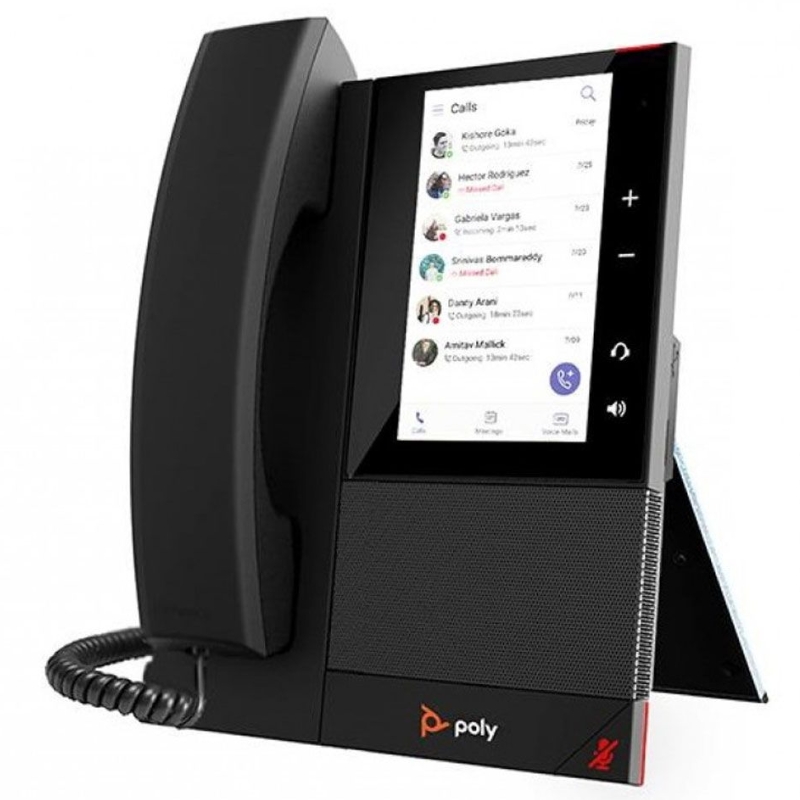
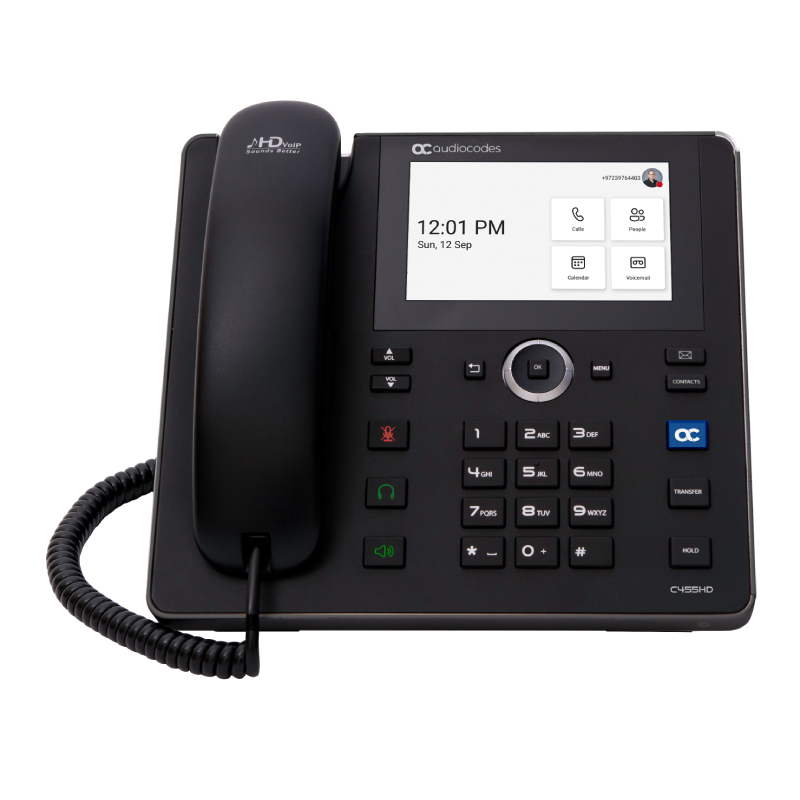
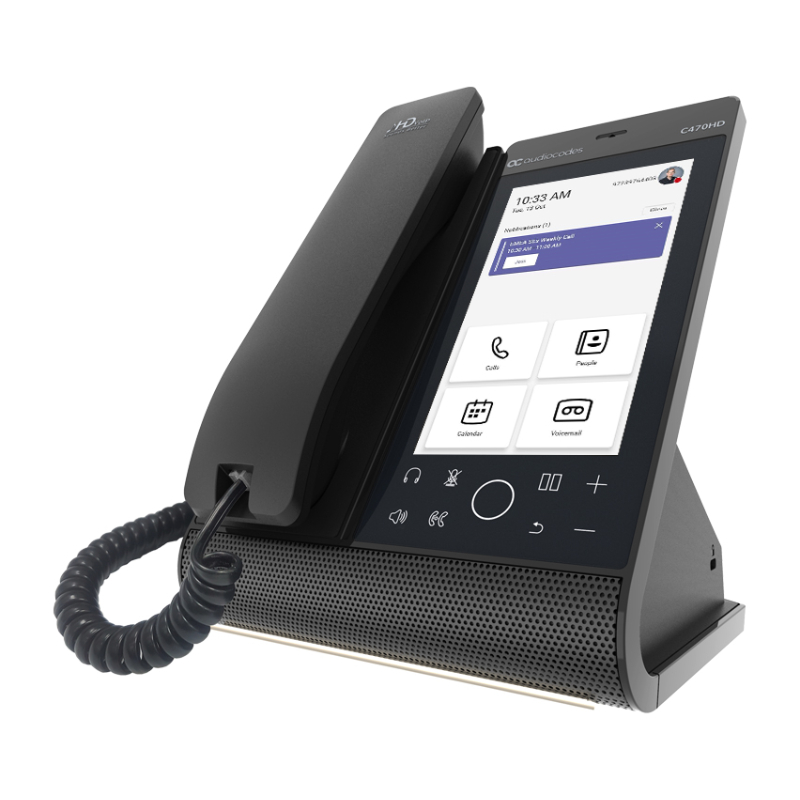
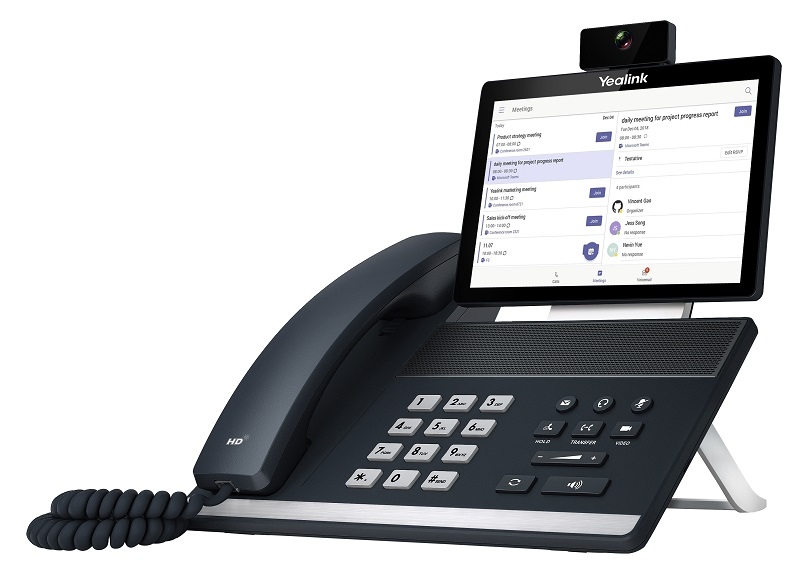
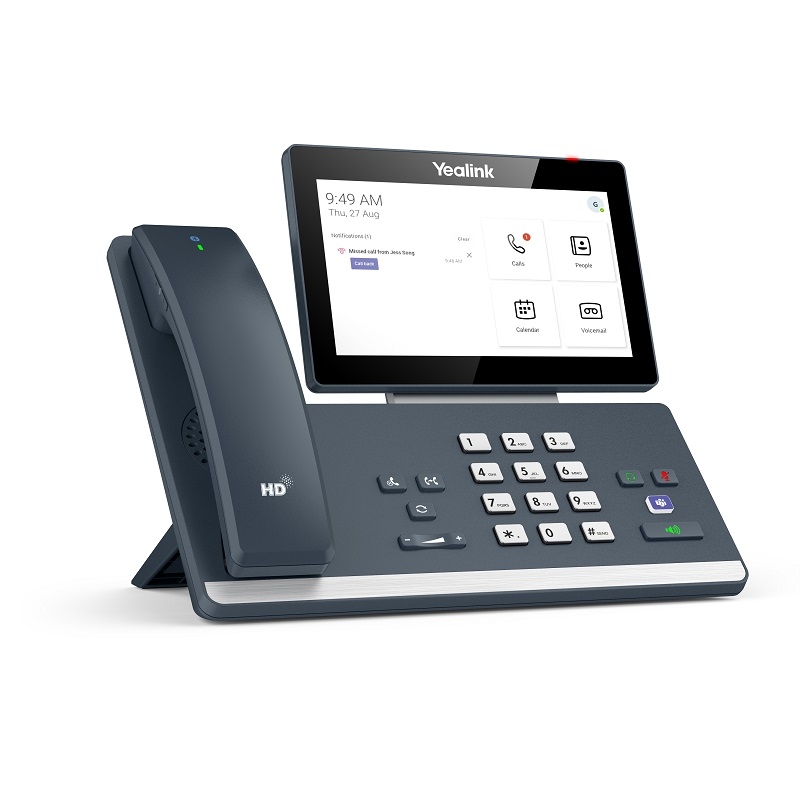
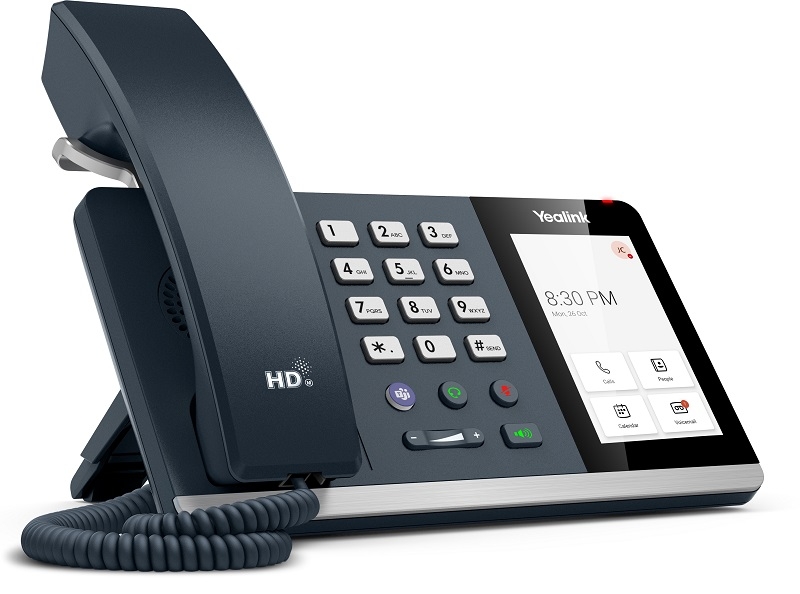
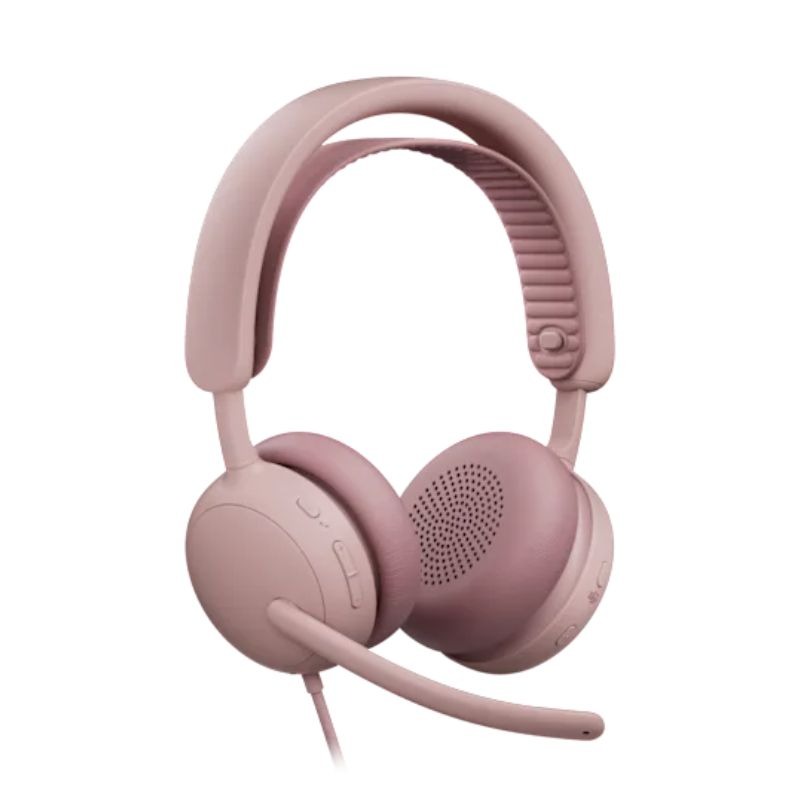
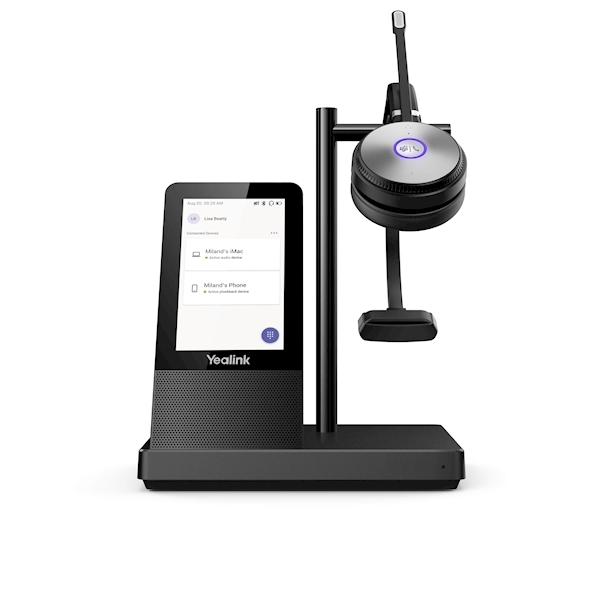
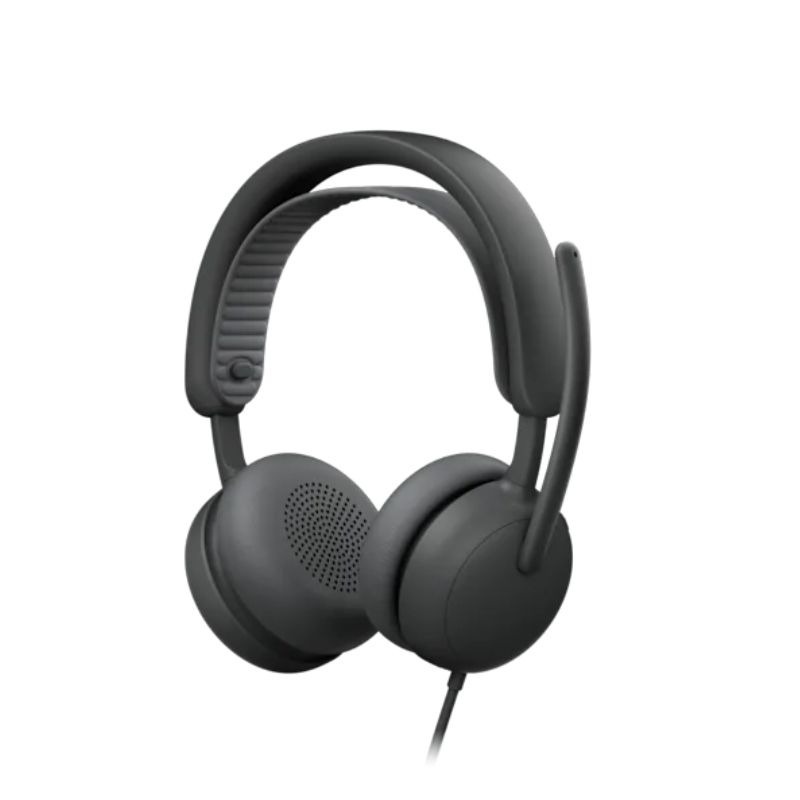
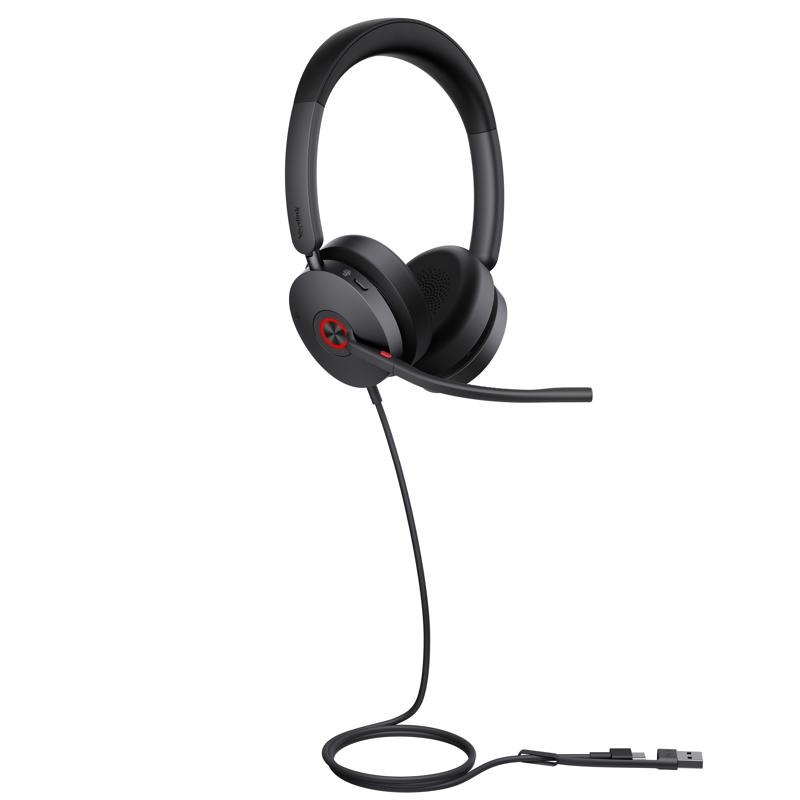
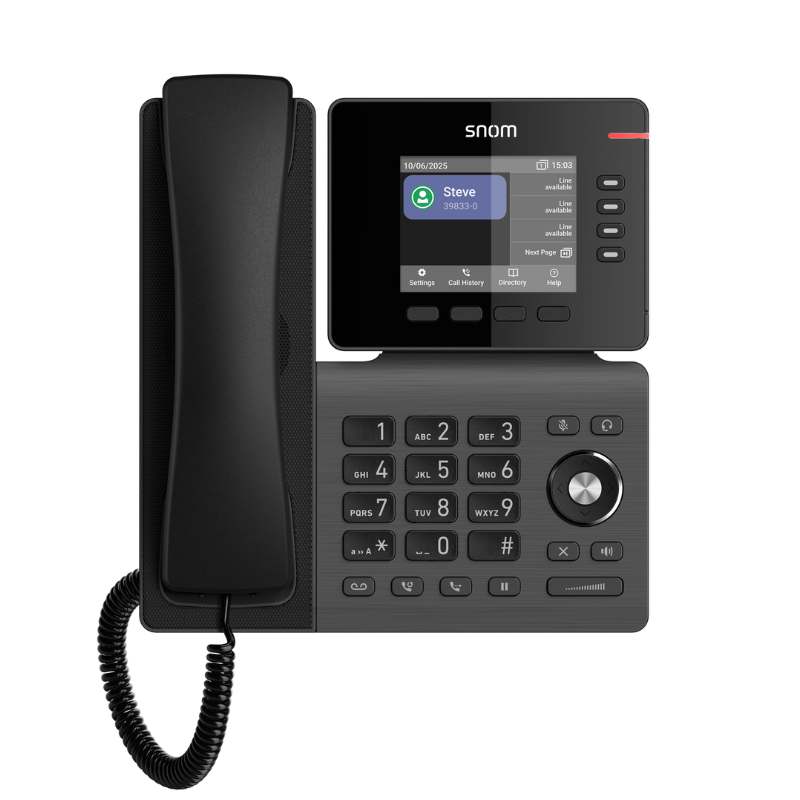
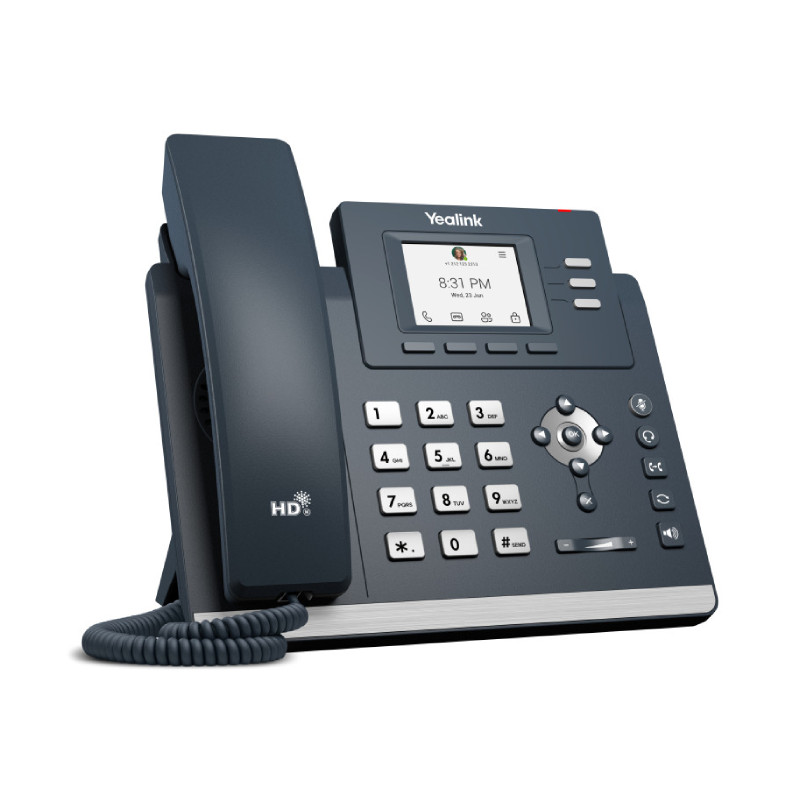

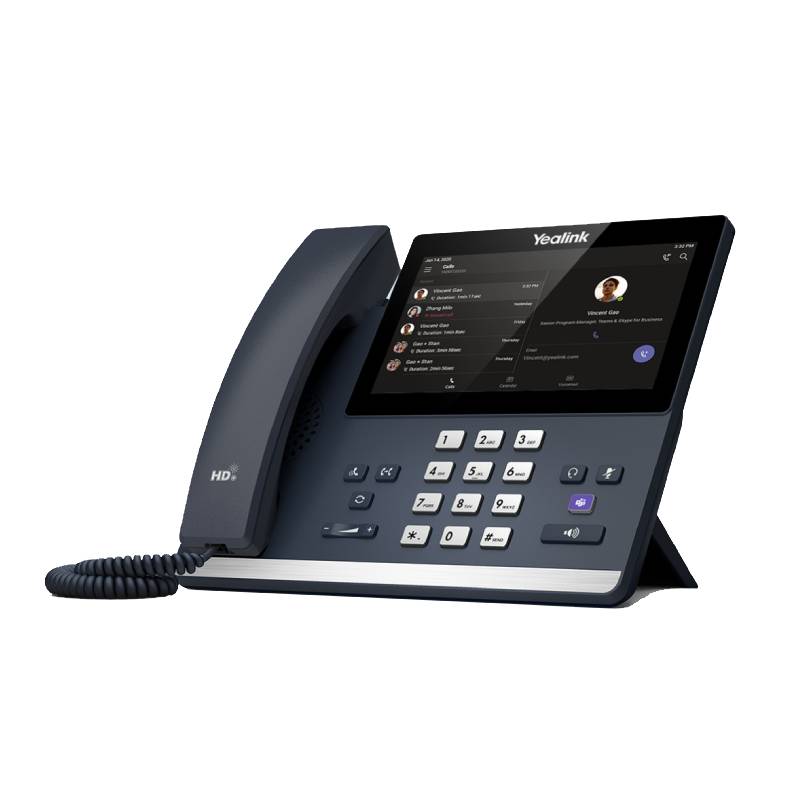
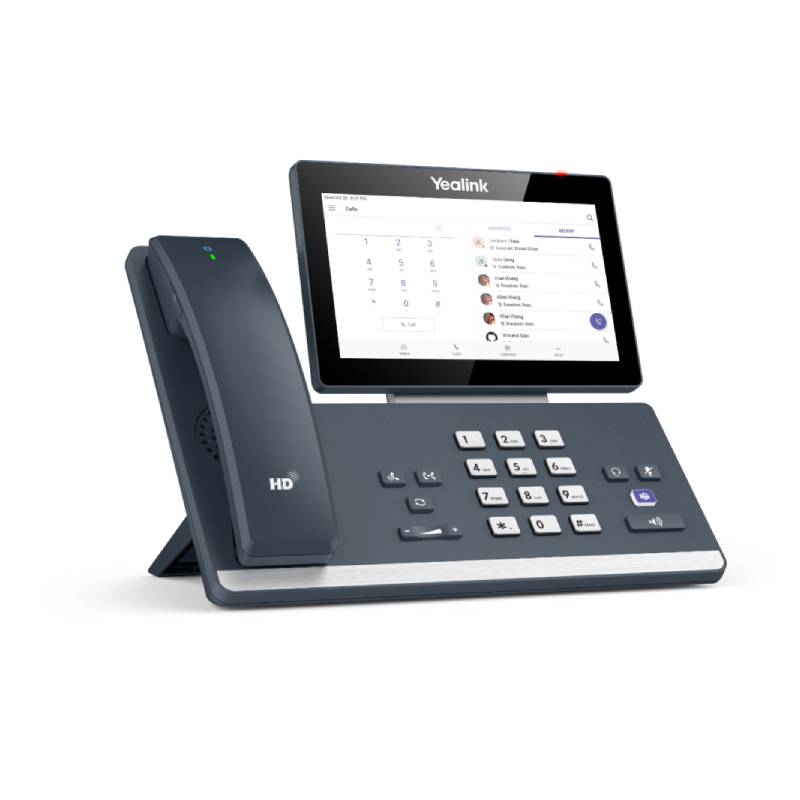
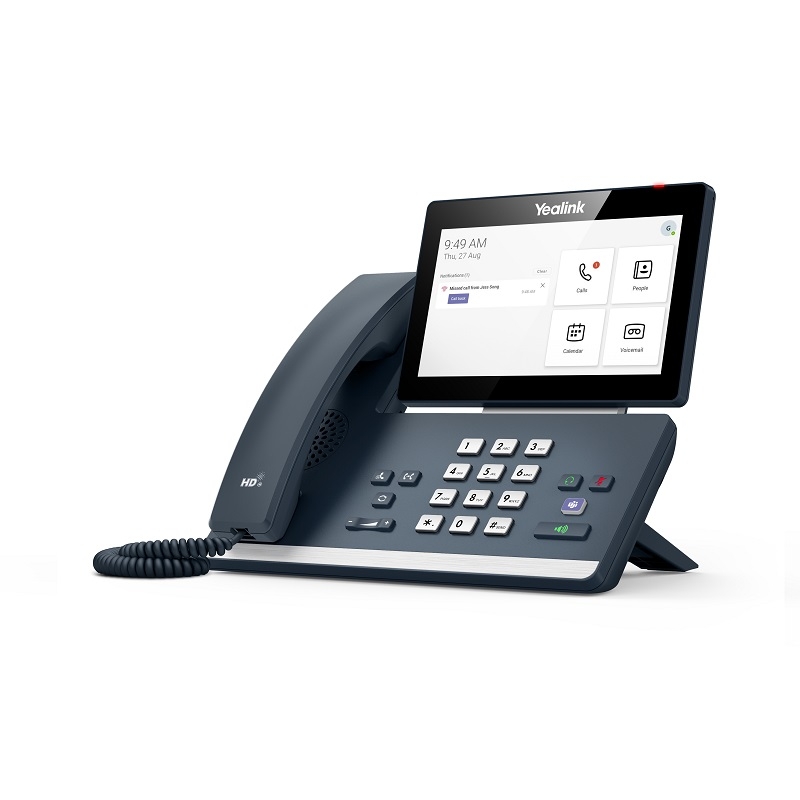
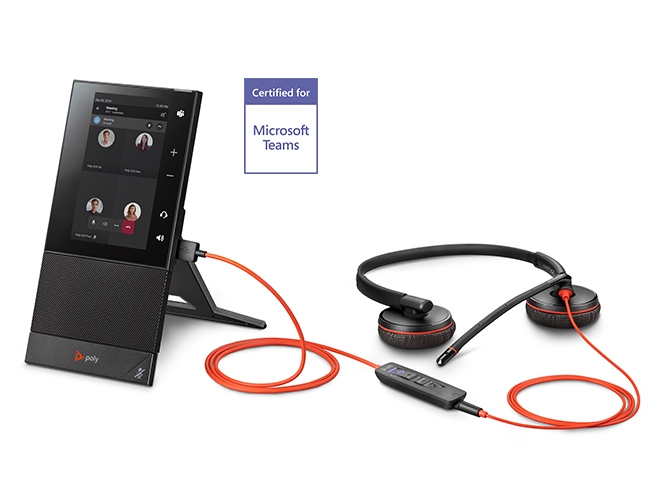
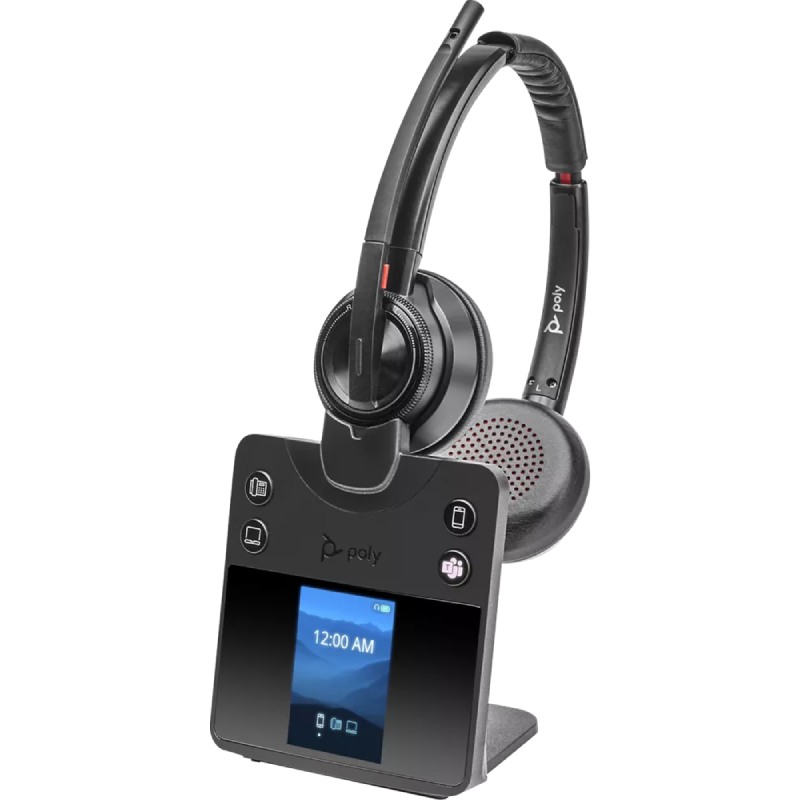
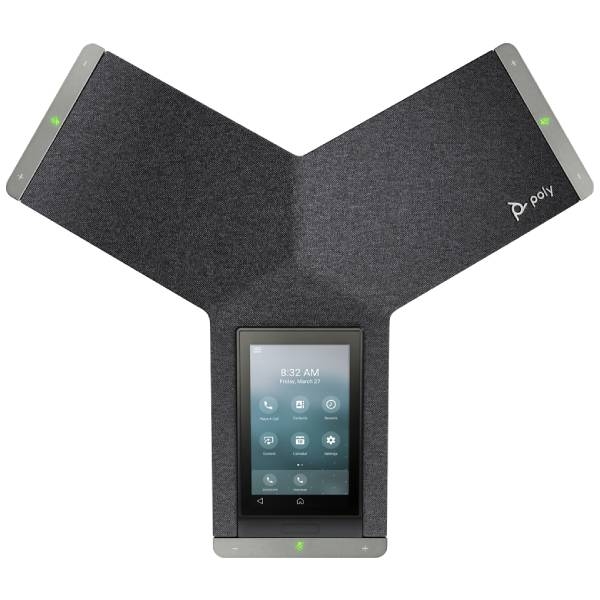
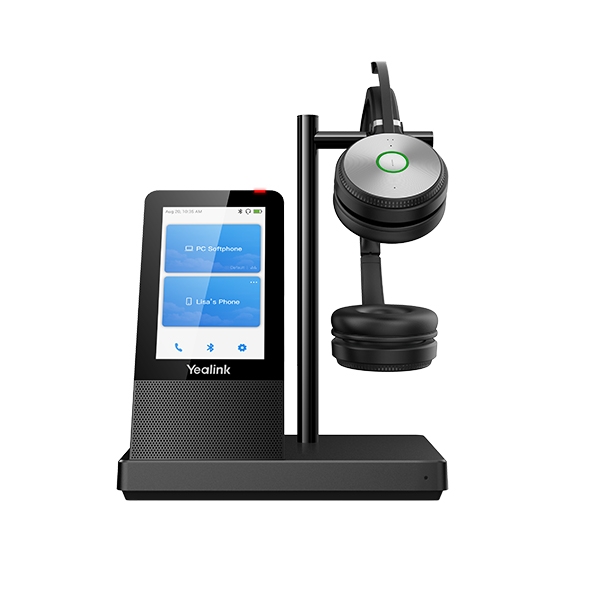
Teams desk phones are designed to simplify professional communication by bringing the full Microsoft Teams experience to a physical device. Whether you're working in the office, from home, or in a shared space, these phones ensure instant connectivity, advanced collaboration, and reliable call quality. This page will explore their key benefits, give usage advice, and answer common questions to help you make the right choice.
Before setting up your Teams desk phone, ensure that your Microsoft 365 license includes Teams Phone features. Most devices are plug-and-play, but you'll get the best results by connecting them via Ethernet for consistent performance. Enable auto sign-in or QR code login to make the onboarding process smoother for new users.
For busy executives or receptionists, look for models with additional programmable keys or expansion modules. These features allow quick access to team members, speed dials, or call queues. Always keep firmware up to date via the Teams Admin Center to benefit from the latest features and security updates.
A Teams desk phone brings simplicity, reliability, and productivity to your business communication. Discover our top picks to empower your hybrid workspace.